Here is the privacy vs security tussle. Privacy and security are intertwined in the digital world. Despite the fact that privacy and anonymity may improve security, they are not the same thing. For some, privacy and security are synonymous concepts.
That’s because, in a global world, there are instances when the two overlap. However, they aren’t the same, and understanding the differences might help you stay safe in an increasingly intertwined society.
In this article, we will discuss what is the significant differences between security and privacy, why do you need both, and what can you do to make your online experience more secure?
Let’s get started!
Table of Contents
Privacy Vs Security: Difference
Privacy refers to the extent to which you have authority over your private details and how it is used. Any details that can identify your identity are considered personal information. In contrast, security refers to how your personal information is safeguarded.
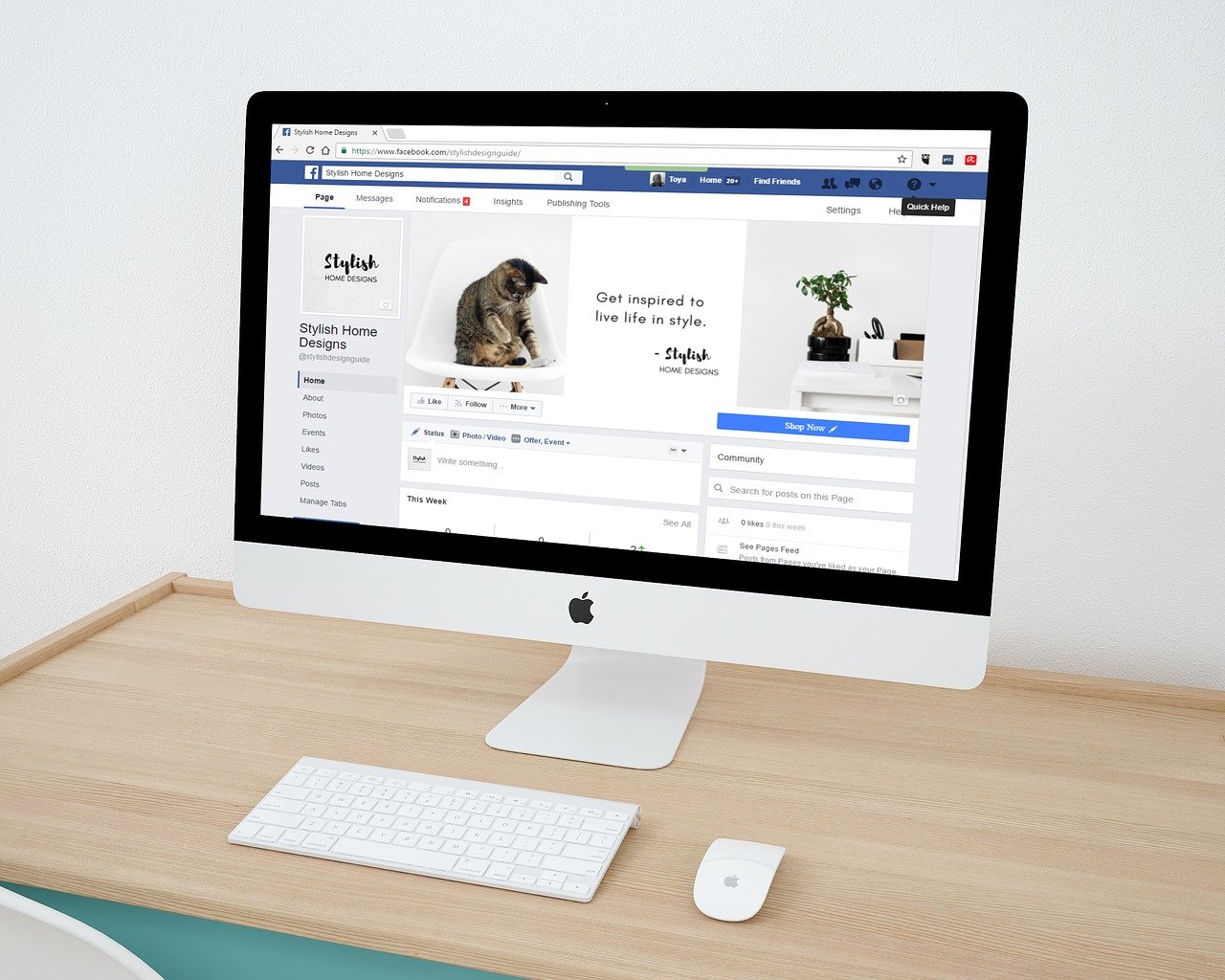
Whichever facts you choose to disclose on your social media page, for example, is a question of personal privacy. The degree to which a platform, such as Facebook, safeguards the information you are required to submit to utilize the platform is a security question.
Here’s an example. You might share personal information with your bank when you open a checking account. What happens after that? Here are three possible outcomes related to your personal data (not to the money you may have deposited in the checking account).
It’s safe to say that your privacy and security are safe and secure. The bank utilizes the information you supply to open your account and offer you goods and services. This data is then safeguarded.
Your safety and privacy are not jeopardized. The bank sells some of your personal data to a marketing firm. It’s possible that you consented to this in the bank’s privacy statement. The outcome? More people than you might expect to have access to your private information.
Your privacy and safety have been jeopardized. A data breach occurs at the bank. Cybercriminals breached a bank database. There is a risk that your personal data will be sold on the dark web for profit. Your right to privacy has been violated. You could be the victim of theft and cyber fraud.
What You Can Do To Improve Your Online Security And Privacy
Fortunately, even if you don’t have a lot of money to spend, you can gain some level of anonymity and security online. Safer browsing can be as simple as using an anonymous web browser, turning off cookies, or setting up a virtual private network (VPN). You can also use a VPN for cheaper tickets.
What is the difference between security and privacy?
Security is about protecting information and data from unauthorized access, use, disclosure, disruption, modification, or destruction. Think of it as a shield that guards your information.
Privacy, on the other hand, is about your right to control your personal information. It’s about who can access it, how it’s used, and when it’s shared. Privacy is more about your control over the information, while security is about keeping it safe.
Can you have privacy without security?
No, strong privacy usually relies on good security. If your information isn’t secure, then someone could access it without your permission, violating your privacy. For example, if your social media account is hacked, someone could post on your behalf or steal your personal details.
What is the difference between safety, security, and privacy?
Safety is a broad concept that encompasses both security and privacy. It’s about being protected from harm, which can include protecting your information and your physical well-being. Security focuses on safeguarding information, while privacy focuses on controlling your information.
What is the difference between privacy and protection?
Privacy is a specific right related to controlling your personal information. Protection has a broader meaning and can encompass things like security (protecting information), safety (protecting from harm), and even environmental protection.
What is the difference between security and privacy with examples?
Security: Using a strong password to protect your bank account information.
Privacy: Choosing not to share your birthday on a social media platform.
In the security example, you’re using a password to create a barrier that prevents unauthorized access to your financial information. In the privacy example, you’re exercising control over your personal information by deciding not to share it publicly.
What is the most significant difference between security and privacy?
The most significant difference is that security is about the protection of information, while privacy is about the control of information. Security is like a shield, while privacy is like deciding who gets to see what’s behind the shield.
Final Words
Virtual private networks (VPNs) are a popular means of internet safety at the moment, especially when utilizing an insecure or vulnerable connection, such as the one at your neighbourhood coffee shop.
VPNs actually prevent websites and internet service providers (ISPs) from recording your browsing activity, and many of them include some level of anti-attack security. However, they do have several flaws that you should be cautious of.
This post will show you the top 5 antivirus platforms for your computer.
In 2022, most people have a computer of some description, whether it be a desktop, laptop, or even a tablet. People rely on their devices to study, attend their place of work, and much more, so maintaining security is important.
One of the best ways to make sure your computer is kept secure is by installing antivirus software, which will help to keep the cybercriminals at bay; you will find the top antivirus platforms below.
Table of Contents
Top 5 Antivirus Platforms For Your Computer
1. Microsoft Defender
If you have a computer that uses the Windows operating system, such as these great laptops for nurses from Lenovo, the chances are that you already have Microsoft Defender installed as default.
If you’re on a budget and can’t afford premium services, Microsoft Defender is the best option for your laptop, as long as you keep away from suspicious links and files.
Norton 360 is an enormous and trusted name within the computer security space and will take care of all of your defense needs. The paid version of Norton will give you access to dark web monitoring, VPN, antivirus protection, password management, and much more.
On top of the great features for security, Norton 360 will give you access to 100GB of cloud storage, which means that your device will always be backed up.
If you’ve got a computer, the chances are that you’ve heard of McAfee because it seems to install itself with everything.
That being said, McAfee is a brilliant security platform with an extensive database of antivirus and malware to search for. The paid subscriptions are relatively cheap, with the plans allowing up to 5 devices at only $40 for one year.
4. Bullguard
Bullguard is an all-around security suite that has a great focus on performance. As well as checking your computer for viruses and malware, it can boost your game performance and tune your PC. When the gaming mode is activated, it will keep you online by keeping those annoying pop-ups from getting in the way.
In addition, Bullguard will analyze your gameplay to optimize your PC’s performance for each game. All of these features will ensure that you have the greatest computer experience possible.
Malwarebytes is an incredible platform that can be downloaded on pretty much all devices. It has an extensive security arsenal at its disposal and will even search your computer for issues on the free plan.
When you first sign up with Malwarebytes, you can get your hands on a 14-day free trial, which will give you access to in-depth features and real-time protection. Once your trial is up, you can pay for the services for just $3.33 per month for 1 device – billed annually.
Choosing the Right Antivirus: Frequently Asked Questions
What are the different types of antivirus software?
There are various antivirus solutions available, each with its strengths and weaknesses. Here’s a basic overview:
Freemium Antivirus: Provides basic protection for free, often with limited features. May show ads or upsell to paid plans.
Paid Antivirus: Offers comprehensive protection against malware, viruses, and other threats. It often includes additional features like firewalls, password managers, and parental controls.
Internet Security Suite: Combines antivirus protection with additional features like anti-phishing, web filtering, and identity theft protection.
What factors should I consider when choosing antivirus software?
Here are some key factors to consider:
Protection Level: The software’s ability to detect and block malware, viruses, and other threats.
System Performance: How much the software impacts your computer’s speed and resource usage.
Features: Additional features offered, such as firewalls, password managers, or parental controls.
Ease of Use: How user-friendly the software is, including installation, configuration, and daily use.
Price: Freemium vs. paid subscriptions and their respective feature sets.
Do I need a paid antivirus if I have one that is free?
Free antivirus software can offer basic protection, but paid versions often provide additional features and better overall security. Here’s when a paid option might be worth considering:
You need advanced features like firewalls, parental controls, or identity theft protection.
You want stronger malware detection and real-time protection.
You value customer support and technical assistance.
Is Windows Defender good enough?
Windows Defender, the built-in antivirus on Windows 10 and 11, has improved significantly in recent years. It offers essential protection against common threats. However, it may lack some advanced features found in paid antivirus software.
How can I stay updated on the latest antivirus threats?
Reputable antivirus companies will often provide updates and alerts about new threats. You can also stay informed by following cybersecurity news websites and blogs.
What are some best practices for staying safe online?
Here are some additional tips to keep your computer secure:
Keep your software up to date, including your operating system, antivirus software, and web browser.
Be cautious about clicking on links or opening attachments in emails, especially from unknown senders.
Use strong, unique passwords for all your online accounts.
Avoid downloading software or files from untrusted sources.
Be mindful of phishing scams that try to trick you into revealing personal information.
Conclusion
The majority of people use some computers these days, and it’s essential to make sure they’re kept safe. With a Windows computer, you can use the in-built security suite and likely get on just fine.
However, if you choose to pay for a third-party security suite, you will have access to much more, including protections against identity theft.
In this post, we will show you the worst data breaches in history to date.
In recent years, there has been a surge in data breaches among organizations. As data becomes more valuable than ever, hackers are constantly looking for ways to steal it. Because of this, there has been an increase in data breaches. However, not all of them are as serious as others.
Some of them are relatively minor, while others are massive breaches that pose a serious threat to society. To help you keep track of the data breaches in history, we’ll be discussing the worst breaches in history.
Most internet organizations face data breaches once in their history; the rate of cyber-crime and threats increases every day, making individuals lose confidence in keeping their details on the internet. In this age, even our personal information or private documents that are stored online can be breached by cybercriminals.
Because of this, our private information is vulnerable to cyber threats. However, in this article, we will be showing some of the data infringements that have happened in recent years. We have listed them below from the oldest to the latest.
Table of Contents
Worst Data Breaches In History
Heartland Payment Systems
The Heartland payment system is an old company that processes and takes care of about a hundred million credit and debit card transactions every month. They processed these transactions for more than one hundred and seventy-five thousand clients.
Unfortunately, in 2008, cybercriminals, also known as hackers, broke into the credit card computer processor. This leads to the loss of money owned by individuals and companies.
According to CNN, Heartland payment systems were required to settle these companies with over one hundred and ten million dollars.
Sony
Sony is one of the leading gaming console and movie industries in the present world today. However, in 2011, Sony suffered a data breach from cybercriminals.
These hackers were said to have compromised the accounts of over seventy-seven million users who possessed a gaming console. This gave hackers the personal details of those users. It was a very severe case for Sony that year.
Target shopping was one of those online stores that was used for shopping. During the Thanksgiving holiday spree in 2013, cybercriminals breached the company, compromising over forty million debit and credit cards.
The hackers gained access to customers’ card numbers, CVVs, and even expiration dates. With this secret information, hackers can create a clone of that debit or credit card. In 2015, Target paid ten million dollars to customers who were affected by the breach.
Yahoo
One of the leading email sites in history, Yahoo didn’t only offer email services but also news and so on.
However, this leading mail site had a terrible data violation in history, losing about three billion email accounts, which were compromised in 2013. This information was kept hidden until 2017. Unfortunately, the breach affected Yahoo’s selling price.
eBay
eBay is a site similar to Amazon in terms of services rendered. In 2014, around May, eBay had an enormous data breach.
It was reported that the cybercriminals gained access to over one hundred and forty-five million customers’ names, passwords, email addresses, and phone numbers after the hacking process.
However, the eBay security team fought back, leaving the hackers with that information alone. eBay thereby advised all customers to change their passwords because of the breach.
In 2014, from April to September, customers who acquired goods from Home Depot using their self-checkout facility and paid with their credit cards did not know the company would be hacked later that month.
When the data breach happened, it affected over fifty million Home Depot customers who used credit cards at the self-checkout stations.
Anthem, a company that operates in health insurance, was involved in a substantial data breach in 2015, around February.
Later, the press found out that cybercriminals stole personal information, including names, birth dates, home addresses, email addresses, and other details. Over seventy-nine million records were compromised.
JPMorgan Chase was a financial institution that made history when it was breached in 2015.
The hackers had access to the personal information of households and small businesses, and this affected them greatly. However, some of the cybercriminals were later convicted in November 2015.
MySpace
MySpace, which was a social network site similar to Facebook, was hacked around 2016. Cybercriminals who hacked the site’s database gained access to three hundred and sixty million user accounts.
According to the press, the hackers stole users’ passwords and emails. It could be named the most massive data breach in history.
Alteryx
This firm was not all that popular like other firms; it was an analytic firm.
In 2017, around December, its database was breached and hackers gained access to the private information of households and individuals, it was reported that one hundred and twenty-three million household information was vulnerable to any persons.
Equifax
In September 2017, Equifax reported a data breach that affected almost half of the country’s population. The hackers gained access to one hundred and forty-five million customers’ SSNs, birth dates, and other useful information.
The cybercriminals also stole the bank card information of over 200,000customers. The announcement of the breach didn’t do well in the news, as individuals and companies were in shock.
Capital One
This is the most recent data breach, which happened last year, in 2019, around July. Capital One announced that a cyber-criminal had gained access to the private information of all individuals who possess a Capital One credit card.
The company also revealed that the infringement of data affected a hundred million citizens in the United States of America and six million individuals in Canada.
However, luckily, ninety-nine per cent of SSN and credit card account numbers were not compromised. Only names, email addresses, home addresses, and phone numbers were breached. It was later reported that the FBI captured the culprit.
Breaches of Epic Proportions: Worst Data Breaches FAQs
Data breaches are a serious threat in our digital age. Here’s a breakdown of some of the worst data breaches ever recorded, highlighting the evolving landscape of cyber threats:
Largest Data Breach on Record (Contenders):
There are strong contenders for the “largest” title, depending on how you measure it. Here are two frontrunners:
Yahoo (2013-2016): This mega-breach affected a staggering 3 billion user accounts, exposing names, email addresses, phone numbers, and even some security questions and answers.
First American Financial Corporation (2019): This breach leaked a mind-numbing 885 million data records, including Social Security numbers and other sensitive financial information.
Other Notable Data Breaches:
Facebook (2018): A breach involving Cambridge Analytica compromised the personal data of over 530 million Facebook users.
Collection #1, #2, #3, & #4 (2019-2020): These collections of leaked databases, sometimes referred to as the “Mother of all Breaches,” contain billions of records compiled from various sources over time. The exact scope and origin remain unclear.
Equifax (2017): This breach exposed the personal information of 147 million Americans, including Social Security numbers, addresses, and birth dates.
Has Google Been Hacked?
Google has robust security measures in place, but data breaches can still occur. While there haven’t been any public reports of breaches on the scale of those mentioned above, smaller incidents have targeted Google products like Gmail.
Which Country Has the Most Data Breaches?
It’s difficult to pinpoint a single country as data breaches are a global issue. Factors like data privacy regulations and reporting practices can influence how breaches are tracked and reported.
The Impact of Data Breaches
Data breaches can have severe consequences for individuals and businesses, leading to:
Identity Theft: Stolen data can be used for fraudulent purposes.
Financial Loss: Financial information breaches can result in financial losses.
Reputational Damage: Breaches can damage the reputation of businesses and organizations.
Staying Safe in the Digital Age
Here are some steps you can take to protect yourself:
Use Strong Passwords and Enable Two-Factor Authentication: Make it harder for unauthorized access.
Beware of Phishing Scams: Don’t click on suspicious links or attachments.
Be Mindful of What Data You Share Online: Limit the amount of personal information you share on public platforms.
Stay Informed: Keep your software updated and be aware of current cyber threats.
By understanding the magnitude of data breaches and taking steps to protect yourself, you can navigate the digital world more safely.
Bottom Line
There you go! Our list of the worst data breaches in history.
A data breach has become one of the most prominent cybercrime in history, companies and large online stores are trying hard every day to keep their security strong and tight at all times.
However, cybercriminals or hackers are not resting until they get what they want; that’s why companies have to strengthen their security systems and employ trustworthy IT personnel. Breached data can cause significant damage to the company; it can even tarnish its image.
This post will show you 6 cybersecurity myths busted…
Cybersecurity is one of the top priorities for modern organizations. Data breaches are affecting companies ranging from small, unknown start-ups to infamous conglomerates. But what are some of the cybersecurity myths?
Instead of spreading awareness with respect to cybersecurity for beginners, lots of myths are spread. These misunderstandings can be an effective security stumbling block. The first step in keeping your business safe is to separate false information, myths, and rumors from the truth.
Despite growing interest in protecting business security, some cybersecurity misconceptions and myths often prevent the right level of protection from the technology your organization needs.
Here we dispel some common cybersecurity myths. Read on to find the one that you think is correct.
Table of Contents
Some Cybersecurity Myths
1. You never browse the wrong sites
It’s a basic misunderstanding that you have to step into a more illegal place to put yourself in danger on the Internet. However, cybercriminals use variations of tactics to spread malware and steal data.
A cyber attack called phishing is often used to send emails disguised as legitimate organizations such as banks and payment services. They use social engineering to persuade you that they have a genuine email, and you are asked to click the link in the message.
Hackers can create fake hotspots disguised as legitimate Wi-Fi providers (such as a nearby coffee shop). When you sign up, they can see all your traffic and steal the personal information you give them. If you use public WiFi, use a VPN to encrypt your traffic. Criminals may create online advertisements to lure victims into traps. This is known as malvertising.
In recent years, these ads have been smuggled to reputable websites such as Spotify and The New York Times. The Great Learning cybersecurity progamsfor beginners can help you correct your misconceptions regarding cyber security and understand more the need for the same.
2. No need for cybersecurity as you have never been attacked
If you have never experienced a cyberattack or data breach, you may not be aware of the damage they can do. Also, since it has never been attacked, it can be assumed that the current security regime is strong enough to keep out malicious individuals. However, cyber threats and hacking tools are constantly evolving and becoming more sophisticated and untraceable day by day.
Sensitive data is also a potential target for security breaches. You can easily become the next target. Develop strong security strategies to help identify existing vulnerabilities and block attack attempts before serious damage occurs.
3. Only large businesses are attacked by Cybercriminals
Most small and medium-sized enterprises (SMBs) often think that they are not affected by cyberattacks or data breaches because “we are too small” or “no one wants our data.” This is one of the biggest cybersecurity myths that can’t be far from the truth and needs to be uncovered right now.
Small businesses often have the false impression that data is of no value to hackers. However, small businesses are one of the main targets of hackers. Small businesses often lack advanced security software and skilled security teams and are often targeted by cybercriminals.
Hackers do not discriminate against victims. Therefore, make sure that the size of your business does not determine the value of your data or the security of your assets.
4. There is only a need for a strong password
Companies often believe that regular passwords are strong enough to protect their business. However, strong password practices are just the beginning. A robust security system comes with defence in depth.
Enterprises should use at least two-factor authentication and data access control. Strong passwords are essential, but finding (and remembering) strong enough passwords can be difficult.
Hackers use credential-stuffing software to look up all the words and strings of common numbers in the dictionary until they match the password. A strong password is not enough. If you reuse strong passwords on multiple websites and violate only one of them, all accounts could be fully exposed.
5. No need to worry if you have anti-virus software
It’s true that antivirus software protects computers and smartphones from viruses. But that’s not enough. Hackers are constantly trying to find new vulnerabilities, and antivirus programs cannot detect evolving threats.
Also, antivirus does not protect users from more subtle operations. Instead of using a virus, many hackers try to trick you into revealing your personal information and passwords voluntarily.
Hackers may have actually created a fake website that looks exactly like the real thing, just to steal sensitive information. These scams are more common than you think. Be careful when shopping online, using banking services, and making payments. If you are not careful, antivirus protection will only be enforced so far.
6. Cybersecurity is so expensive
Even if malicious cyberattacks continue to gain headlines and cost organizations millions, companies are wondering if investing in cybersecurity is worth it. Data security is often overlooked and is only a side issue for many companies.
The average cost of a data breach in 2021 is $ 4.24 million, the highest in 17 years. And that number doesn’t include the catastrophic loss of reputation and the damage associated with the loss of customers due to data breaches.
Invest in the latest security solution that can protect you from the latest threats. In addition, many precautions can be taken for your business at no additional cost, including B. Strong passwords, multi-factor authentication, access control, and employee training.
Top 5 Major Cybersecurity Threats (as of 2024)
Phishing Attacks: Deceptive emails or messages tricking users into revealing personal information or downloading malware.
Ransomware: Malicious software that encrypts a victim’s files, demanding a ransom payment to unlock them.
Supply Chain Attacks: Targeting vulnerabilities in software or services used by multiple organizations to gain access to a wider network.
Cloud Security Threats: Exploiting weaknesses in cloud-based systems to steal data or disrupt operations.
Social Engineering: Manipulating people into giving up sensitive information or clicking on malicious links.
10 Most Common Categories of Cyber Attacks
Phishing Attacks (mentioned above)
Malware Attacks (installation of malicious software)
Password Attacks (cracking or guessing passwords)
Denial-of-Service (DoS) Attacks (overwhelming a system with traffic to make it inaccessible)
Man-in-the-Middle (MitM) Attacks (intercepting communication between two parties)
SQL Injection Attacks (exploiting vulnerabilities in databases)
Watering Hole Attacks (targeting websites frequented by specific victims)
Botnet Attacks (networks of compromised devices used for malicious purposes)
Insider Threats (malicious activity by someone with authorized access)
Must-Knows of Cybersecurity
Use strong passwords and enable MFA.
Beware of phishing scams – don’t click suspicious links or attachments.
Keep your software updated (operating system, applications).
Be cautious on public Wi-Fi.
Back up your data regularly.
Learn to recognize social engineering tactics.
Report suspicious activity to the appropriate authorities.
By understanding these cybersecurity myths and essential practices, you can significantly reduce your risk of falling victim to cyberattacks.
Conclusion
The myths and negative thoughts surrounding cybersecurity pose a real threat to businesses facing a variety of cyber threats every day. False information can give hackers more opportunities to break into the network.
Stay on top of the latest security best practices to keep your business and customers safe. Knowing that the cybersecurity myth is just an illusion is the first step in developing the right cybersecurity maturity level needed to protect the organization to the required level ultimately.
You can enable VPN to protect your device from WiFi spies and man-in-the-middle attacks. This technology, by combining common sense with a security-oriented approach, can greatly help mitigate the risks faced by everyone online today.
Apart from this, to learn about the reality of cybersecurity, you can also opt for the Great Learning Standford cybersecurity online course.
Here, you will learn why a cybersecurity Master’s Degree is a winning option.
Getting an undergraduate degree used to be the required benchmark. As time passed, more organizations needed a master’s degree. This requirement helps to filter the best candidates for a job. Additionally, popular, in-demand, and well-paid fields today mostly revolve around IT. As such, a cybersecurity master’s degree has many advantages.
While cybersecurity can be learned in various ways, a lot of which exclude formal education, the increase in the activities of hackers necessitates the need for having specialists with a higher certificate. Therefore, in this article, you will learn why getting a cybersecurity master’s degree is a winning option for your future.
Table of Contents
How You Can Benefit From a Mater’s Degree in Cybersecurity
1. Higher Remuneration
In general, a cybersecurity expert makes a decent living. An average engineer makes about $90,000 annually.
This figure is mainly for those who have an undergraduate degree. This remuneration significantly increases once you get a master’s degree. You can easily make over $200k per year by working in the field with a master’s.
2. Job Security
There are several roles a cybersecurity expert can take on. Some positions include:
A well-trained cybersecurity expert with a master’s degree can confidently apply for any of these positions.
Therefore, security specialists who look to obtain higher qualifications significantly increase their job selection and security.
3. More Employment Opportunities
Obtaining a cybersecurity undergraduate certificate can quickly get you a job. However, getting a higher degree expands your horizons by giving you more employment opportunities.
In particular, having a background in computer science or a similar course can be beneficial. Programs that help with learning cyber security for students are abundant and varying, so you can definitely find something that speaks to you.
Likewise, getting a higher degree makes it easy to obtain other professional certificates. These qualifications are essential for managerial positions. You can quickly get work as an executive within the internet security industry.
4. Flexible Learning Options
Obtaining any degree used to be a one-way approach. You needed to enroll in a full-time program, which could be challenging, especially for working individuals. Now, you can quickly and effortlessly get any certificate online.
Such flexibility gives you the ability to work, study, and have a vibrant personal life without sacrificing your education.
In addition, you get to combine your experience and education to succeed in your profession. Similarly, you can use GrabMyEssay for your academic writing and not waste any extra time on tedious assignments.
Instead, you can focus on pursuing something you enjoy and will benefit from, like cybersecurity.
5. Improved Job Satisfaction
Having lower-level certificates may get you a job, but it may not grant you the job satisfaction you deserve. However, having a master’s in cybersecurity can put you in a better position against your competition.
The job satisfaction you may get can come from being promoted from one position to another in a workplace faster, as well as superior better job conditions or bonuses as a more experienced and valuable worker.
In addition, you can get a better job offer in another firm. Earning a master’s degree can also help you become self-employed if that is what you prefer.
6. Investment in your future
Getting a master’s certificate can be expensive. However, such an investment is mostly worth it. Most people who opt for a graduate program in cybersecurity eventually get the required remuneration to pay off any debt they incur.
Similarly, there are scholarship programs you can access to reduce the money you have to pay for the program. In any case, cybersecurity is certainly a field that will stay relevant for decades, so you do not have to worry much about future job options.
Level Up Your Cyber Defense: FAQs on Why a Master’s in Cybersecurity Wins
A Master’s in Cybersecurity can elevate your career prospects in this high-demand field. This FAQ explores the reasons why it might be a winning option for you.
Why Pursue a Master’s in Cybersecurity?
Here are some compelling reasons to consider a Master’s degree:
Advanced Knowledge and Skills: A Master’s program equips you with in-depth knowledge of complex cybersecurity topics, ethical hacking techniques, and the latest security practices.
Career Advancement: A Master’s degree can open doors to senior-level cybersecurity positions, leadership roles, and specialized areas like digital forensics or incident response.
Increased Earning Potential: Master’s degree holders in cybersecurity often command higher salaries compared to those with bachelor’s degrees alone.
Networking Opportunities: Master’s programs connect you with professors, industry professionals, and fellow students, building a valuable network for career advancement.
Specialization: Many programs offer specializations in specific areas like cloud security, network security, or cyberwarfare, allowing you to tailor your expertise.
Master’s vs. Bootcamp?
While bootcamps offer faster entry into the field, a Master’s degree provides a deeper understanding of the subject matter. Here’s a breakdown to help you decide:
Master’s: More in-depth knowledge, broader career options, the potential for higher salaries, take longer to complete (typically 1-2 years).
Bootcamp: Faster completion time (weeks or months), specific skill-focused training, may not qualify you for all cybersecurity jobs.
Is a Master’s in Cybersecurity Worth It (UK)?
The answer depends on your career goals and current experience. In the UK, a Master’s can be valuable for:
Career Changers: Individuals looking to transition into cybersecurity from a different field.
Upskilling for Advancement: Professionals seeking to move into senior cybersecurity roles.
Specialization: Those wanting to specialize in a particular cybersecurity domain.
The cybersecurity job market in the UK is growing, and a Master’s degree can make you a strong candidate for these positions.
Here are some additional factors to consider:
Cost of Attendance: Research tuition fees, scholarship opportunities, and the potential return on investment.
Program Reputation: Choose a program with a strong reputation and experienced faculty.
Alignment with Your Goals: Ensure the program curriculum aligns with your specific career aspirations.
By carefully considering these factors, you can determine if a Master’s in Cybersecurity is the winning option for your future in this dynamic field.
Conclusion
Getting a master’s degree in cybersecurity is highly beneficial to any tech-savvy student. It allows you to get higher income within the industry, improves job security, and gives you access to more opportunities.
The learning process is flexible, which lets you work and study simultaneously. If it is a path for you, hesitate no more and start working towards getting your cybersecurity degree right away!
This post will show you 4 unique reasons to pursue a career in cyber security.
Cyber security has never been more relevant than it is today. There are so many reasons that cyber security is critical to businesses in the post-pandemic world.
The rise in cyber threats, combined with increasingly complex attacks that are harder to beat, make it essential that every business, big or small, has a good cyber security protocol in place.
If you have been thinking about pursuing a career in cyber security, this is the time to commit to that plan. There will never be any shortage of jobs for you to apply for in this field, and you will enjoy interesting workdays doing a wide degree of tasks.
The fast-paced and challenging work reality of this career path makes it a great fit for people who get bored with routine work. Cyber security experts will also have a lot of opportunities to grow in their careers when compared to other IT jobs.
Unique Reasons To Pursue A Career In Cyber Security
1. Growth
There is almost unlimited growth offered to those who hold a degree in cyber security. This is a career path that offers access to all kinds of cybersecurity certifications and ongoing education programs, as well as lots of hands-on experience that can lead you to management or niche areas of this industry.
Cyber security is critical to businesses of all sizes these days, and that means that you will be able to use your skills in this field to work for many different kinds of companies.
The flexibility and the growth opportunities that are available using your experience in cyber security can allow you to craft a career that grows and changes shape along with your plans and your interests.
There are not many IT fields that are so learning-intensive, which means that those who want to grow in their jobs will love this choice for a career focus.
2. High Demand
As cyber security becomes more critical to businesses of all shapes and sizes, people are always needed to fill these roles. This means that cyber security pros will be in demand no matter where they go. You could easily move to anywhere in the US and find a job with experience in cyber security.
There are so many jobs within this field that also come with built-in training and ongoing development opportunities that are employer-funded. There are a few other career paths that come with free training that will increase your skills and make you more marketable in the future.
Focusing on cyber security for your career path can craft a career that continues to evolve and grow with the market and the changing times. You will not have to struggle to be relevant when you choose cyber security for your job, and you will be able to enjoy a long list of job opportunities in many industries throughout the life of your career.
3. Problem Solving
People who love problem-solving almost always gravitate toward IT jobs. Cyber security is the most intensely focused of all the career paths on problem-solving. You will be involved in support for your company against threats that are always evolving and require that you evolve with them.
Problem-solving is a daily requirement in this career, and you will love being able to create solutions for issues that are critical to business operations and safety.
For people who get bored with routine tasks or who want to make an impact every day while they are at work, this is the right career path to focus on. There are so many ways to exercise your problem-solving skills inside the cyber security career reality that you will never get bored.
Problem-solving skills are a key requirement for this job, and you will get lots of chances to use this skill set if you enjoy this kind of work.
4. Ability to Focus
If you love to work on a task from start to finish and it matters to you that you are able to be very focused on a solution for days and weeks at a time, this is the right career path for your work style. Cyber security is not a task-based work reality like a call center job or a basic entry-level IT job.
You will often be asked to work on a problem from identification to resolution, largely on your own. This means that people who have the drive to work with intensity on a project for many days at a time will thrive in this work reality.
There are so many jobs in the modern workforce that require people to repeat the same small part of a process over and over. This is not the case with cyber security jobs, and you will get all the focused time that you need to drill down into an issue and resolve it on your own or with help from a team. This is a focused and intense worker’s dream job.
Cyber Security Is A Rewarding Career Path
If you want to enjoy challenging workdays where you solve problems and provide solutions for your customers or your bosses, cyber security is the right job for you. This is a career that allows you to grow each year, and you can easily advance or move into niche aspects of this job path if you wish.
Cyber security professionals have never been in such high demand, and you will be able to pick and choose where you work when you elect to focus on this career path as well.
If you have been on the fence about the choice to become a cyber security pro, this guide should have convinced you of the many benefits of making this choice.
You will have job security for years in the cyber security field, and you will enjoy access to exciting workdays and continuous chances to grow and improve. Picking a cyber security career will allow you to work a job that you love every day while making a big impact on customers.
Dive into the Digital Defense: Unique Reasons to Go Cyber
Cybersecurity offers a thrilling and intellectually stimulating career path. Here are some unique reasons why you might consider joining the fight against cybercrime:
Be a Champion for the Digital Age: The world relies on secure online infrastructure. In cybersecurity, you’ll be a protector, safeguarding businesses, individuals, and even critical infrastructure from cyberattacks.
Become a Puzzle Master: Cybersecurity is a constant battle of wits against cunning attackers. You’ll develop analytical skills to identify vulnerabilities, solve problems creatively, and stay ahead of the ever-evolving threats.
Embrace the Challenge: Cybersecurity is a dynamic field. New threats emerge all the time, keeping you on your toes and requiring you to learn and adapt continuously.
Make a Real-World Impact: Cyberattacks can have devastating consequences. Your work can prevent data breaches, protect privacy, and stop financial crimes, making a tangible difference in the world.
Variety is the Spice of Life: Cybersecurity offers a diverse range of specializations. You can delve into network security, cloud security, digital forensics, or even cyber warfare – there’s something for everyone.
High Demand, High Reward: The cybersecurity job market is booming, with a growing demand for skilled professionals. This translates to excellent career prospects and competitive salaries.
Never Stop Learning: The cybersecurity landscape is constantly evolving. This field is ideal for those who enjoy continuous learning and staying at the forefront of technological advancements.
Work with a Team of Code Warriors: Cybersecurity professionals often collaborate in fast-paced environments. You’ll build camaraderie with like-minded individuals who share your passion for digital security.
A Final Word
Considering a career in cybersecurity? Research the field further, explore different specializations, and see if these unique reasons resonate with you. This exciting realm awaits those who are ready to be digital defenders!
The need to improve your privacy and online security keeps increasing by the day. Therefore, using one of the best VPN for 2022 becomes important.
VPN is a gateway to endless possibilities on the internet. It will ensure your digital privacy from the government, internet service providers, and hackers while accessing restricted content.
Today, you will be getting the latest ranking of the best VPNs on this page.
This ranking is based on certain factors like additional features, technical specs, and reliability, among others.
So let’s dive in;
Table of Contents
Best VPN For 2022 [Tested, Reviewed & Ranked]
After a lot of background research and reviews made by our tech team, we were able to compile this list of the best VPN for 2022. We have a list of the best VPN services, you can check them out.
Here’s a summary of the best VPN services for 2022.
Therefore, you be should rest assured that any VPN recommended on this today, is of great quality.
Without further ado, let’s show you the description of each VPN service that you can use in the year 2022.
1. CyberGhost VPN
Pricing:
1 month plan – $12.99/month
6 months Plan – $6.39/month
2 Years Plan – $2.25/month
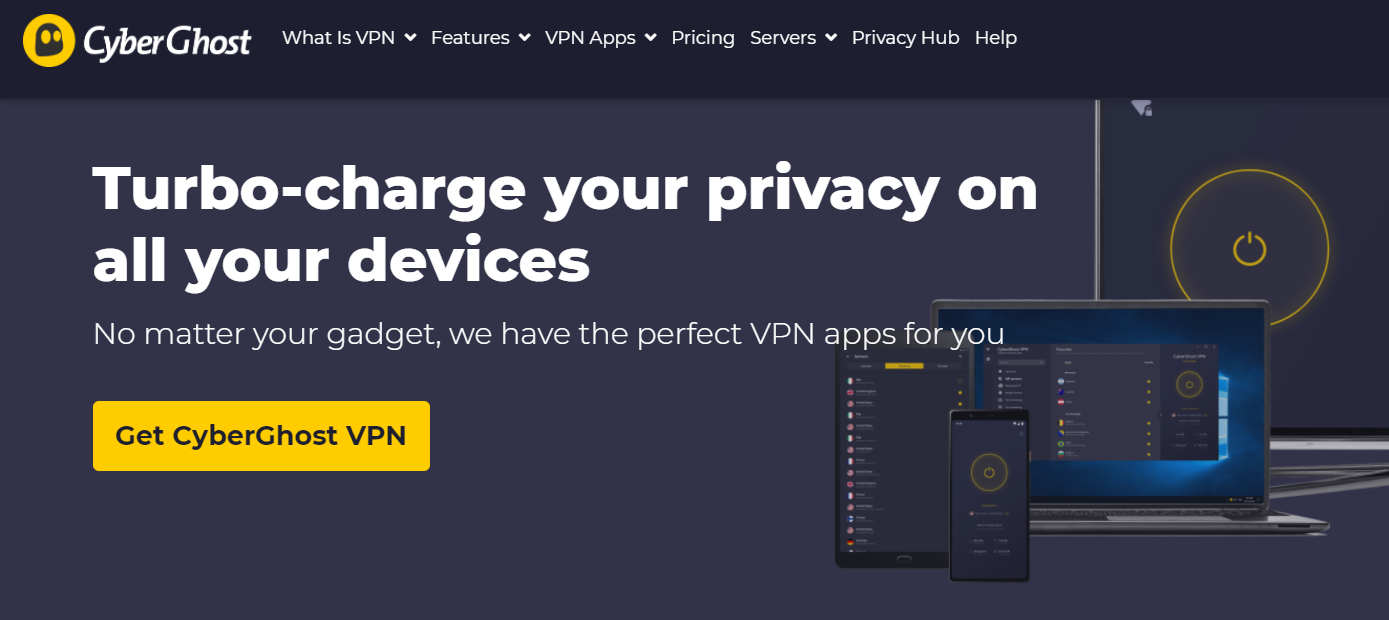
CyberGhost VPN stands out from the competition as one of the best VPN services for 2022. Notably, its Android app has a dedicated streaming tab to allow you to access over 30 different streaming services, including US Netflix and YouTube, and BBC iPlayer in the United Kingdom.
Another useful feature is the availability of sliders to block malicious ads and websites.
There is also an option to enable data compression, which is useful when you have a limited mobile data plan.
SurfShark VPN is one of the best VPN for 2022 that has security features.
It is located in the British Virgin Islands, which have no data retention or sharing laws, unlike some of the other VPNs on this list.
You can use them with any digital device you like, even with Fire TV. In fact, you can switch to your preferred VPN protocol to access any app or website.
It also has one of the affordable long-term plans among the VPNs we’ve tested. A 24-month plan will cost you $59.76, which works out to just $2.49 per month.
This VPN does not store any logs related to traffic, session, DNS, or user metadata.
In other words, there is no monitoring of what the user does online. This means that anyone who opts for the service can download and browse without worrying that they’re being watched or judged for what they’re doing.
In addition, the company offers more than 3,200 data centers in 46 different countries, including Brazil, the United States, Russia, and the United Kingdom.
ZenMate VPN is one of the fastest on this list and also one of the best for 2022.
It is a VPN that is suitable for streaming and torrenting. It is also used to unblock unblocks Netflix US, Amazon Prime Video, Disney Plus, BBC iPlayer, Hulu, and other geo-restricted channels.
Therefore, if you love movies so much, then you should consider the ZenMate VPN.
Millions of customers have testified to the quality of this VPN. So you can’t go wrong choosing it. Besides, it is an affordable VPN.
NordVPN has a sweet spot when it comes to great speed, features, or affordability. Also, there is good global coverage in 62 countries.
The short-range VPN speeds are excellent, and even long-distance connections are respectable fast.
You can use NordVPN on up to six simultaneous connections from PCs, Macs, Android phones, Fire TV, and iOS devices, making it an ideal VPN for shopping and sharing with family or a group of friends.
Finally, it is one of the best VPNs for 2022 that you can use to unblock any streaming service.
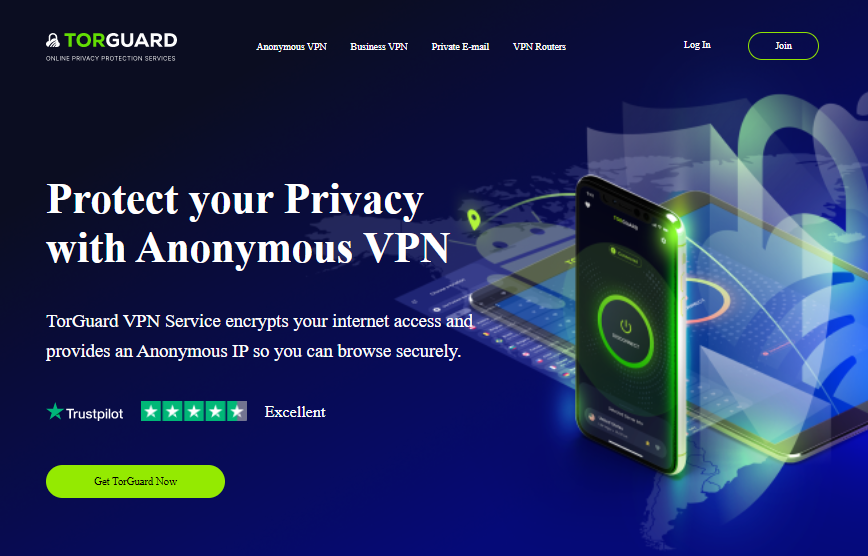
TorGuard VPN is an excellent service provider that offers the encryption of your internet access, and also provides an anonymous IP so that you can browse securely.
Meanwhile, it’s worthy of note that you could actually secure up to 12 devices at once with just one Torguard account.
Asides from maximum security, some mouthwatering benefits of TorGuard VPN include:
Unlimited Speeds
Fast 24/7/365 customer service
Unlimited Bandwidth
100% private: No logs, no leaks
Compatibility with Windows, Mac OS, Linux
Supports iOS, Android
The categories of TorGuard VPN services are identified as Anonymous VPN, Business VPN, Private VPN, VPN Routers.
Nonetheless, TorGuard has thousands of global VPN servers in many countries worldwide. Getting unlimited bandwidth and minimal latency is one reason to consider Torguard VPN. Hence, you can deploy any of the TorGuard VPN server to spoof your virtual location.
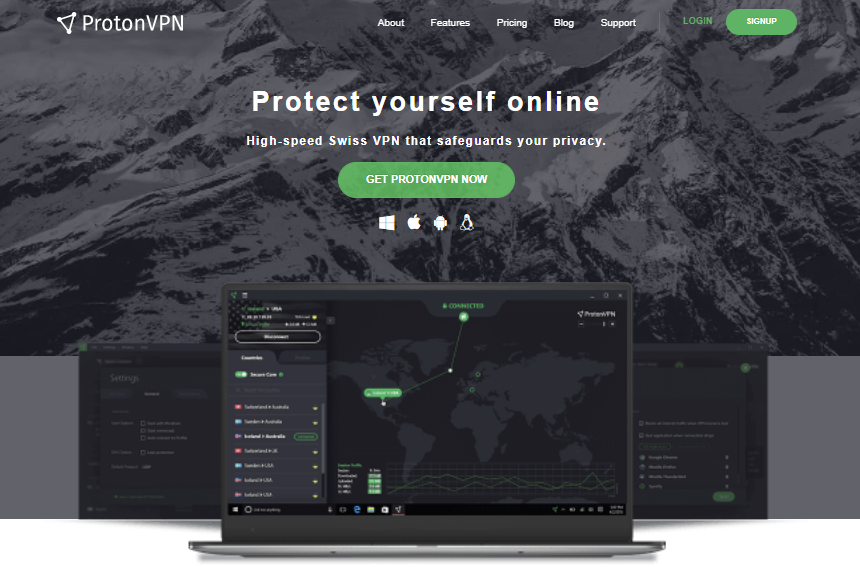
ProtonVPN is yet another VPN service provider that focuses on making online privacy as something that’s readily available to all. In order to achieve this, it has zeroed in on making the high-level security innovation in ProtonVPN easy to utilize, and openly accessible.
Plus, they are notable for offering one of the best free VPN services. Likewise, you can apply it as your business VPN because it supports multiple devices and connections.
It is one of the few VPN companies that is straightforward about who actually runs the service; hence, it has nothing to hide. That makes it easier for clients to access its security, and have confidence in the fact that their data is safe and secure always.
ProtonVPN has previously built ProtonMail, which is considered to be the world’s largest encrypted email service.
Among other benefits, ProtonVPN guides against unintentional DNS spills. Therefore, all browsing histories are safe and secure from any sort of secret monitoring.
With ProtonVPN, you need not compromise your privacy online as itassures safety!
36 months Plan – $2.00 per month (with a 30-day money-back guarantee)
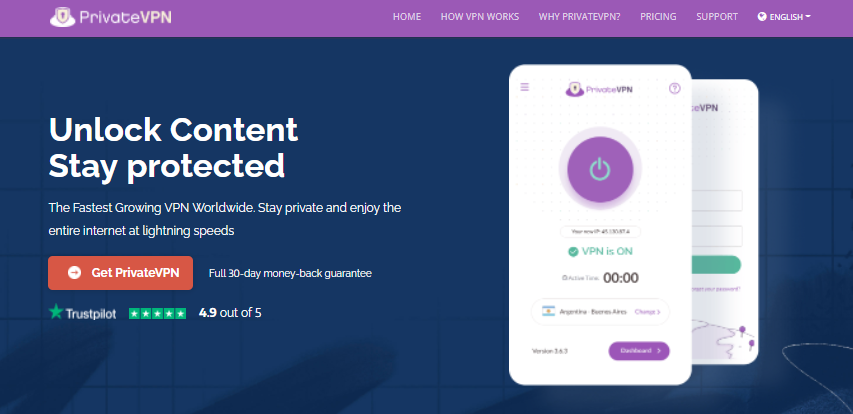
PrivateVPN is also considered one of the fastest VPN service providers.
It strives to provide fantastically ultra fast speed connections with lower latency. When it comes to getting a VPN service provider that assures security, privacy, and competitive pricing, PrivateVPN is certainly the right choice for you.
Additionally, PrivateVPN has the ability to bypass censorship and access blocked content with ease. It ensures that your personal details are safe and never shared with anyone.
In the case of its compatibility, it’s essentially compatible with Windows, Mac, iOS, Android, and Linux. Ease of installation of any of their VPN app and general use are other benefits to enjoy with the use of PrivateVPN.
Basically, PrivateVPN upholds various VPN protocols; hence, to select the one that best suits your network, you would need to set it to automatically select the VPN protocol of your choice on the app.
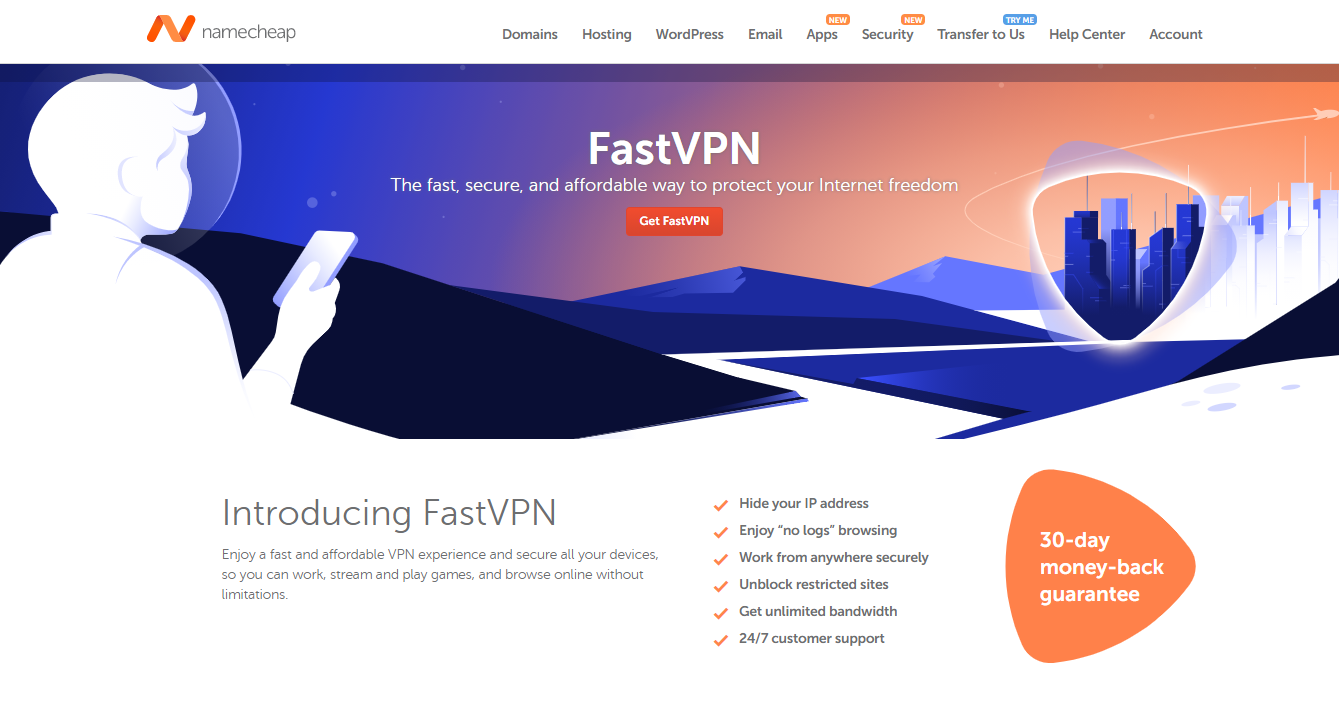
I would have said that this VPN doesn’t need an introduction but not everyone is aware that Namecheap provides a VPN Service because they are more popular as a domain name registrar. Upon testing, I discovered that it has a fast VPN connection speed and can virtually change your IP address.
So, now that you are aware, you should hesitate to give them a trial. Besides, it is the only VPN service on our list that can unblock American Netflix for a low fee of $1 per month and a free first month. They have VPN software for Apple (iPhone, iPad, and Mac), Windows, Linux, Android, and Router.
Namecheap VPN also comes with a lot of features that are expected of a solid VPN.
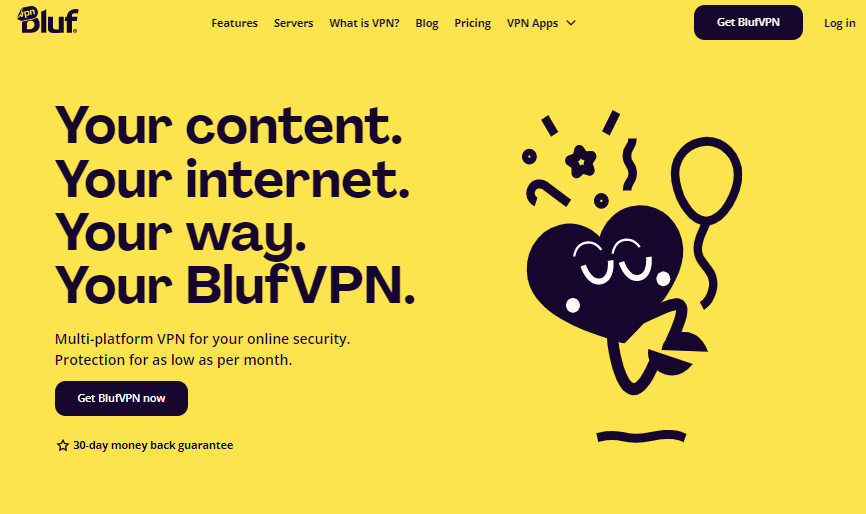
BlufVPN is another service provider that guarantees safe browsing without bothering about security issues. It assures faster internet connection, world-best prices, data protection, 24/7 support, etc.
Like the best VPN services we earlier mentioned, you can be sure of its compatibility with Windows and Mac. Especially for those who constantly like to switch between laptops and other digital devices, changing VPN won’t be required in the process.
BlufVPN also allows for the possibility of creating a list of one’s favorite server locations, so you can easily see the VPN server locations that you always connect to. It has VPN servers in countries across the world, with many of those locations having multiple servers.
In addition, this VPN provider assures great savings with their VPN plans which are rather competitive, but not the cheapest for quality reasons. They accept different kinds of payment methods including cryptocurrency—in the case of anonymity.
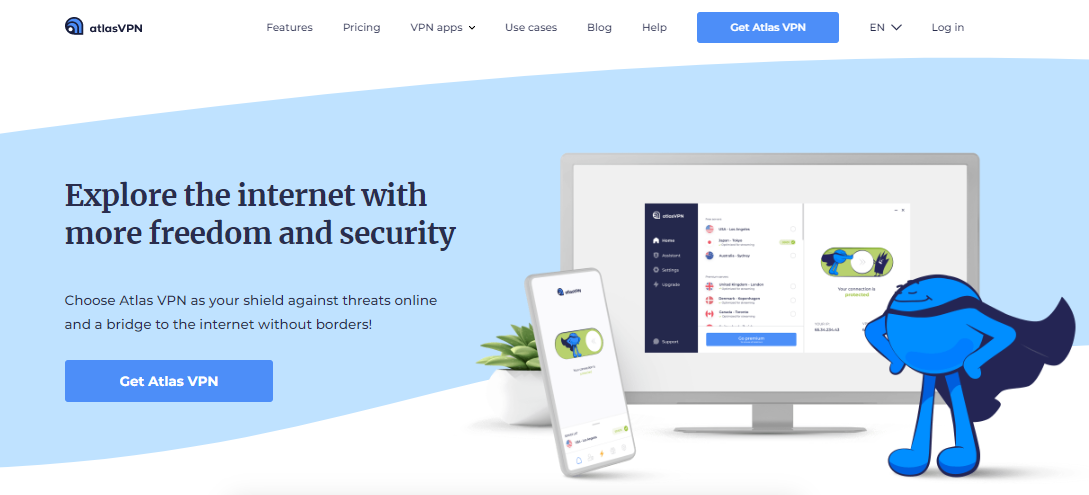
Atlas VPN service provider has optimized servers that allow users to enjoy fast and limitless streaming platforms. You can choose among its many high-speed VPN servers, and as well avail yourself of its fast and reliable network connection anywhere.
In addition, Atlas VPN is the best VPN service for cross-platform devices such as Windows, macOS, Android, and iOS. It assures services without any financial risks. Not to mention, they are among the best free VPN service.
You could get a refund within 30 days if you aren’t satisfied with the service. Atlas VPN also assures users of unrestricted access regardless of their location.
Hence, in the case of problems with censorship, geo-blocks, and other possible internet restrictions using specific services, apps, or websites, you won’t have any issues by using Atlas VPN.
Some really fascinating features of Atlas VPN include privacy protection, private DNS, etc. It offers many VPN servers which can actually help you avoid differential pricing.
15 Months plan: $5.33 per month (charged at $ 79.99 every 15 months)
24 Months plan: $ 3.75 per month (charged at $ 89.99 every 24 months)
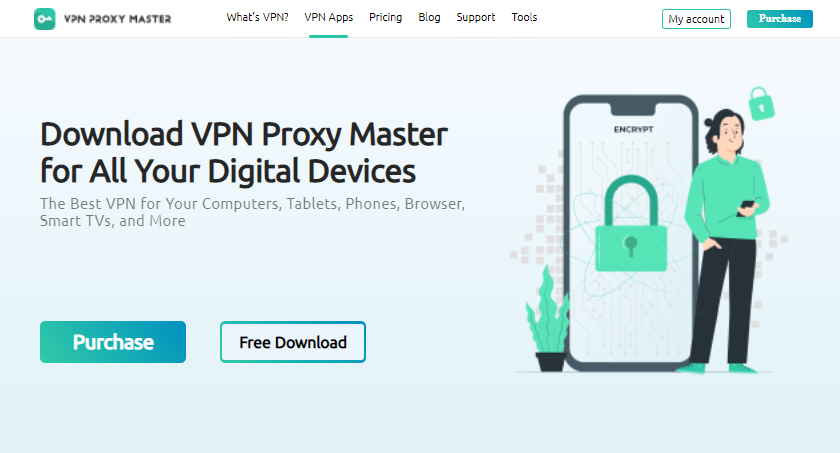
Last but not the least, on this huge list of the best VPN for 2022 is VPN Proxy Master.
VPN Proxy Master is an excellent VPN service provider that can help you perform your regular tasks online, and at the same time help keep the network private. It assures you can go online anonymously; access websites and apps privately; and watch online videos flawlessly!
With VPN Proxy Master, you can enjoy its exceptionally fast and secure connection anywhere you are: at home, school, or at your workplace. You could secure several devices such as iOS, Android, Mac, and Windows—all with one subscription account.
Interestingly, like some others, VPN Proxy Master also offers a 30-day money-back guarantee. So you can get a full refund within 30 days if you aren’t totally satisfied.
Below are the answers to some of the frequently asked questions related to the best VPN for 2022.
What Is A VPN?
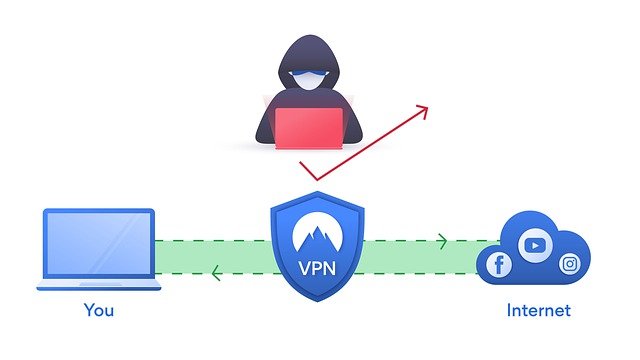
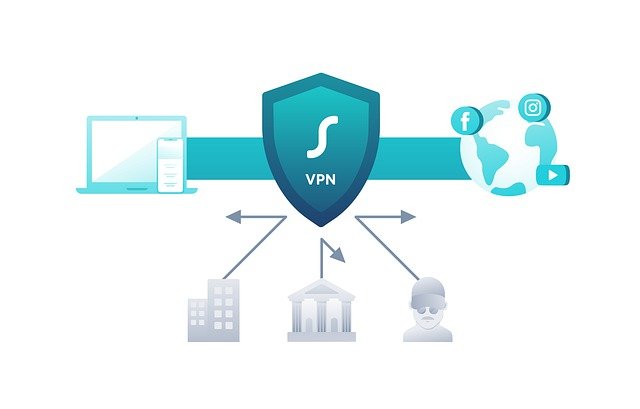
A VPN is a virtual private network that allows users to maintain their privacy, anonymity, and security.
It allows you to create a private network connection through a public network connection.
With VPNs, your Internet protocol (IP) address is masked, making it almost impossible to track your online activities.
Additionally, VPNs provide better privacy protection by securing and encrypting connections. It is a must-have tool for anyone who cares about their online security and privacy.
Generally yes, but the legal status of VPN services depends on country laws and other contextual factors. For example, using VPN is completely illegal and punishable by law in Saudi Arabia, North Korea, and Belarus.
Elsewhere, VPN services are somewhat restricted – China and Russia are prime examples of this.
Most countries allow the use of VPN. However, some actions that people use these tools for may be illegal. Copyright violations or hackers, for example, cause problems, regardless of the country.
If you’re not sure if VPNs are legal in your country, check out our global VPN legality guide and find out if your country is on the VPN ban list.
Is There A 100% Free VPN?
There are some completely free VPNs with amazing features. However, you need to go for their paid plans if you need to unlock additional features.
Yes, you should pay for a VPN because it is worth it.
Meanwhile, you should ensure that you are paying for a trusted VPN. Paying for a VPN gives you access to a lot of great features aside from the hiding of your IP address.
The amount you are paying for a VPN depends on the provider and your chosen subscription plan
How Much Does A VPN Cost?
VPNs do not come with a fixed price because there are different brands to choose from and also different plans depending on your budget.
Free VPNs are not bad but they do come with a lot of limitations that may not satisfy your security needs.
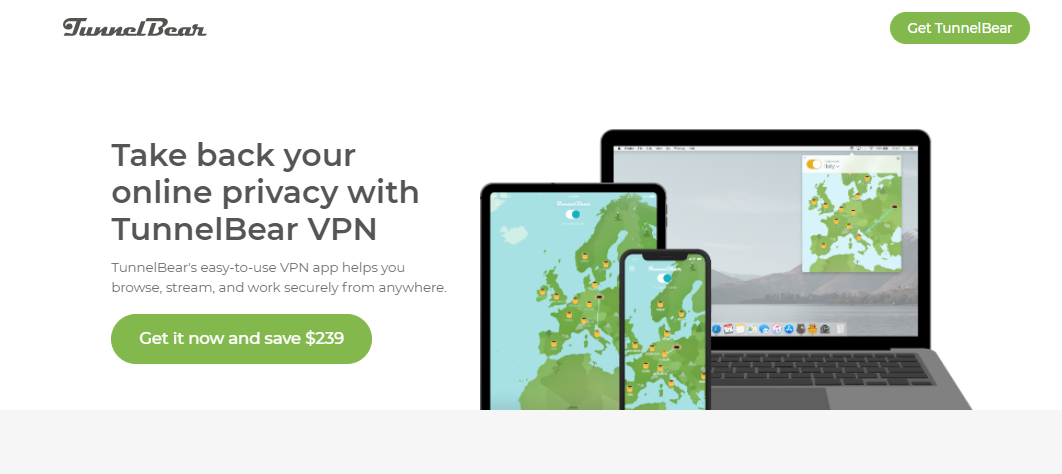
Meanwhile, there are some very good VPNs you can try and some of them include; Windscribe, ProtonVPN, Pravido VPN, TunnelBear, among others.
Can Free VPN Services Be Trusted?
Free VPNs can’t be trusted because the maintenance of the VPNs costs a lot of money.
Therefore, if you are not paying for your VPN, then the VPN provider must be making it through another means which most likely be through the display of adverts on your software and application.
Be careful because you cannot trust all VPN services!
The VPN market is all about trust – we can never be fully aware of what’s happening in data centers around the world.
As such, you should rely on available facts to determine who is trustworthy and who is not.
Plus, make sure you stay up to date with the evolution of the VPN market. Sometimes popular VPN providers get involved in privacy scandals or are taken over by less reliable companies.
Independent audits, “no-records” policy tests, and independent research are valuable sources of information for making an informed decision.
Can You Be Tracked If You Use A VPN?
It can be very difficult to be tracked while you are using a VPN because your IP address is masked and your data transfer online will be encrypted.
Although some Internet Service Providers may be aware that your VPN is turned but they cannot monitor your online activity.
What Is The Best Country To Set Your VPN To?
The best countries to set your VPN are the countries where your data will be best protected.
Also, another way to know the best country to set your VPN to is identifying the goal of turning on the VPN.
For instance, if you need to watch USA Netflix, then you need to turn set your country to the USA.
But in general, some countries where your data will be best protected include; Switzerland, Iceland, Malaysia, Romania, and Spain.
Which VPN Is The Fastest VPN?
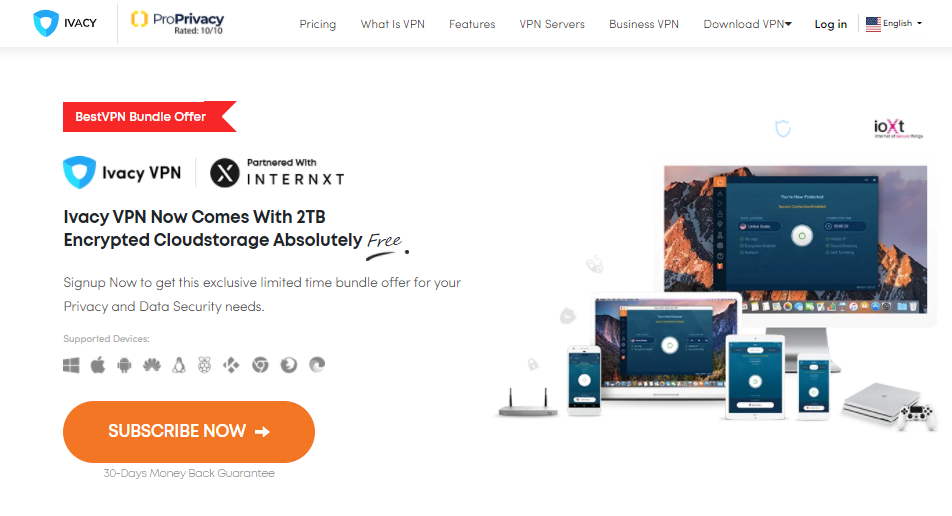
Ivacy VPN has been confirmed to be the fastest VPN for streaming and torrenting judging from the speed test carried out by our team.
It has an average download speed of 45.89Mbps and an average speed of 56.74 Mbps with just a 3% drop from starting speed.
Conclusion
The overall best VPN for 2022 is CyberGhost VPN as it has been confirmed by several cybersecurity experts in the industry.
Meanwhile, you should ensure that you share this article with your colleagues online who might also be searching for the best VPN for 2022.
NOTE: SecureBlitz is reader-supported. When you buy through links on our site, we may earn an affiliate commission. For more information, check out Our Affiliate Disclosure Page.
Do I need an Antivirus app on my iPhone? Read on for the answer.
To protect your files and data, getting an antivirus app on any device is mainly recommended.
If you use your iPhone to check social media or email, make bank transactions on websites or mobile apps, send texts, store contacts, or take selfies. Then, it is okay to worry about security. If this data gets into the wrong hands of cyber crooks, it could cause a lot of damage to you and your loved ones.
Asking the question, “Do I need an Antivirus App on my iPhone?” Is undoubtedly a question iPhone users need to ask at some point.
The answer to this question will be provided in this article.
Table of Contents
Do I Need Antivirus App On iPhone?
The answer is no; you do not need to install antivirus on your iPhone. You need to stick to the Apple Store when it comes to getting files such as apps and games, then you are secured.
Also, for a virus to spread, the virus must communicate with other programs that make up that system.
However, the iPhone operates in a way that allows each app to run on its own. This implies that there is no interaction between apps, which makes it more difficult for viruses to invade.
If you need an antivirus app for your iPhone, we have a list of the best antivirus for 2023 that you will find helpful in making a decision.
What Is An Antivirus App?
Antivirus Apps are software designed to detect and remove viruses, spyware, unsafe apps, settings, and other forms of nasty threats.
Antivirus apps primarily run secretly in the background while protecting your devices and evicting any form of threats on your phone safely.
One of the most significant advantages of the iPhone is that it has extreme security that shields its users from virus invasion. Regardless, there are cases where they are ‘jailbroken’.
‘Jailbroken’ on an iPhone means the removal of all restrictions imposed on an iOS device. This allows root access to the device files that can be used to manipulate the installation of files that Apple does not support and, therefore, allows the virus into the device.
There have been cases of iPhone users jailbreaking their smartphones to be able to get access to files that are not supported by Apple, which can lead to security.
How To Ensure Safe Browsing On iPhone
The App Store ensures the proper vetting of potential threats, which makes it safe for iOS to be free from any intruder. However, there are still certain things you can do to ensure safe browsing on your iPhone. Which are;
You need to keep it updated and try to take reminders for a new version of iOS seriously.
Only allow apps that you trust permission to access things such as camera, photos, location, and contacts.
Be vigilant and pay attention to warnings on your iPhone when you visit unsafe sites.
Do not jailbreak your iPhone. Resist the temptation of doing it at all costs because the risk involved is more significant than what you get.
iPhones are generally well-protected against traditional viruses, but security awareness is still essential. This FAQ addresses the need for antivirus apps on iPhones.
Do I Need an Antivirus App for My iPhone?
Traditionally, iPhones are less susceptible to viruses compared to Windows PCs due to Apple’s robust App Store security measures and the iOS operating system. However, security threats do exist:
Malware: Malicious software can steal data, track your activity, or bombard you with ads.
Phishing scams: Deceptive emails or websites can trick you into revealing personal information or downloading malware.
Unsecured Wi-Fi networks: Using public Wi-Fi without a VPN can expose your device to vulnerabilities.
An antivirus app might offer some additional protection, but it’s generally not essential for basic use.
Does Apple Recommend Antivirus Apps?
Apple doesn’t recommend specific antivirus apps, and they’re not pre-installed on iPhones. Apple emphasizes App Store security and built-in iOS features.
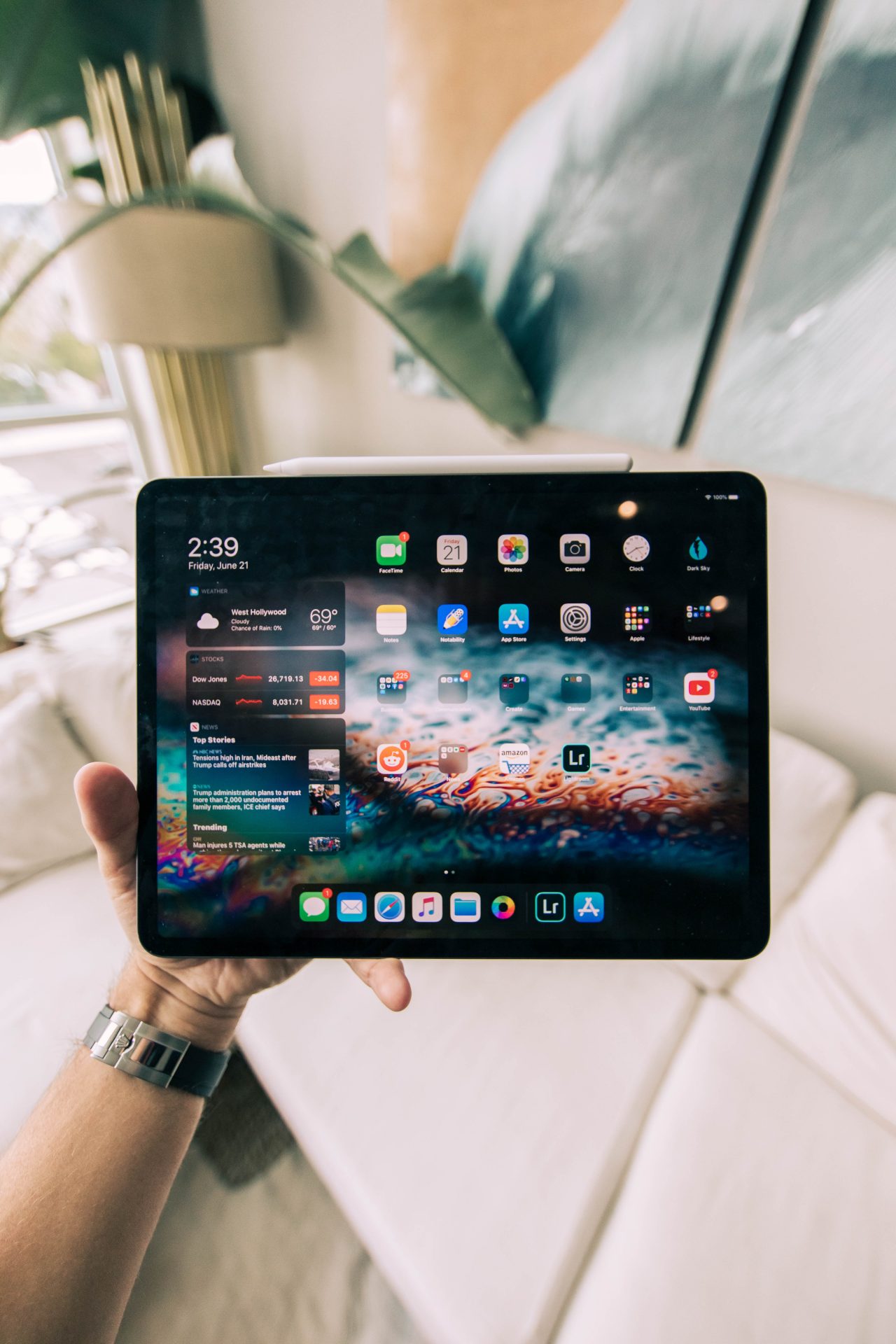
Do I need an Antivirus app on my iPad? Read on as I answer the question.
The iPad has a lot of features that make it unique, and it is perfect for just about any task, which makes it desirable to a lot of people.
It can be used for a lot of tasks that involve you using your data and information, which makes you step back and think, ‘Do I need an Antivirus App on iPad’?
Simply put, Antivirus App is software that acts as a shield to protect your iPad from being infected with a virus and other types of threats.
This ensures that your data and files are properly secured and you do not have to worry about such things all the time.
Can iPad Get Virus?
It will be tough to get a virus on your iPad because Apple iOS is structured with security in mind. They restrict harmful files from invading your iPad.
There are cases where the iPad got jailbroken. This means permitting your iPad to unlock all the restrictions placed on it.
When this happens, the attack surface has already been dramatically widened, which puts the device in a compromised state.
People jailbreak to have access to files that are not permitted by the Apple store, like games and apps, which in turn cause more harm to their device than good.
Ways To Ensure Safe Browsing On iPad
There are ways to ensure safe browsing on your iPad and thereby fully utilize the advantage of the security and privacy features of the iPad. They go as follows;
Put a strong passcode for your accounts
Always try to make sure your iOS is up to date
Use Touch ID or Face ID
Protect your Apple ID
Always try to sign in with your Apple account
Do not jailbreak your iPad
Keeping Your iPad Safe: Antivirus FAQs
While iPads are generally less susceptible to viruses compared to Windows PCs, security is still essential. This FAQ addresses common questions about iPad antivirus apps.
Do I Need an Antivirus App for My iPad?
Apple’s robust App Store security measures and the iOS operating system make iPads a less attractive target for traditional viruses. However, there are still potential threats to consider:
Malware: Malicious software can steal data, track your activity, or bombard you with ads.
Phishing scams: Deceptive emails or websites can trick you into revealing personal information or downloading malware.
Unsecured Wi-Fi networks: Using public Wi-Fi without a VPN can expose your device to vulnerabilities.
An antivirus app might offer some additional protection, but it’s not essential for basic use.
Does Apple Offer Built-in Antivirus?
Apple doesn’t include a traditional antivirus app on iPads. However, iOS has built-in security features like:
App Sandboxing: Apps run in a restricted environment, limiting their ability to access other parts of your system or steal data.
Software Updates: Regular updates often include security patches to address vulnerabilities.
Secure Boot Process: Verifies the software used to boot your iPad is legitimate before it starts up.
Can a Virus Damage My iPad?
While uncommon, iPads are not entirely immune to security risks. Malicious apps or websites could compromise your device:
Data Theft: Personal information like passwords or financial details could be stolen.
Privacy Issues: Your browsing habits or online activity could be tracked.
Performance Slowdown: Malware can consume resources and slow down your iPad.
How to Keep Your iPad Safe?
Here are some essential security practices:
Download Apps Only from the App Store: Avoid installing apps from untrusted sources.
Be Wary of Phishing Scams: Don’t click on suspicious links or attachments in emails or messages.
Use Strong Passwords and Enable Two-Factor Authentication: Make it harder for unauthorized access.
Keep Your Software Updated: Install the latest iOS updates for security patches.
Consider a VPN When Using Public Wi-Fi: A VPN encrypts your internet traffic for added security on public networks.
Conclusion
The decision to use an antivirus app is ultimately yours. Weigh the potential benefits against the added cost and complexity.
By following these security practices, you can significantly reduce the risk of threats to your iPad.
The chances of your iPad getting affected by a virus are very slim. So, why get a shield if nothing is going to attack you?
Stick to the files iPad approves, and the security of your files and data will be safe.
So, you can undoubtedly rely on Apple iOS security.
Ensure you share this article with your colleagues online, who might also find it.










![Best VPN For 2022 [Tested, Reviewed & Ranked]](https://secureblitz.com/wp-content/uploads/2021/09/Best-VPN-For-2022-768x402.png "Best VPN For 2022 [Tested, Reviewed & Ranked]")

![Do I Need Antivirus App On iPhone? [Here’s The ANSWER]](https://secureblitz.com/wp-content/uploads/2022/04/Do-I-need-1-768x345.png "Do I Need Antivirus App On iPhone? [Here’s The ANSWER]")

![Do I Need Antivirus App On iPad? [Here’s The ANSWER]](https://secureblitz.com/wp-content/uploads/2022/04/Do-I-need-2-768x345.png "Do I Need Antivirus App On iPad? [Here’s The ANSWER]")