This article will show you the best paid Antivirus Reddit users like and brief information about them. Yes, these online security programs will help you improve the protection of your computer.
Even if the claim is debatable, most customers have testified that they stand out.
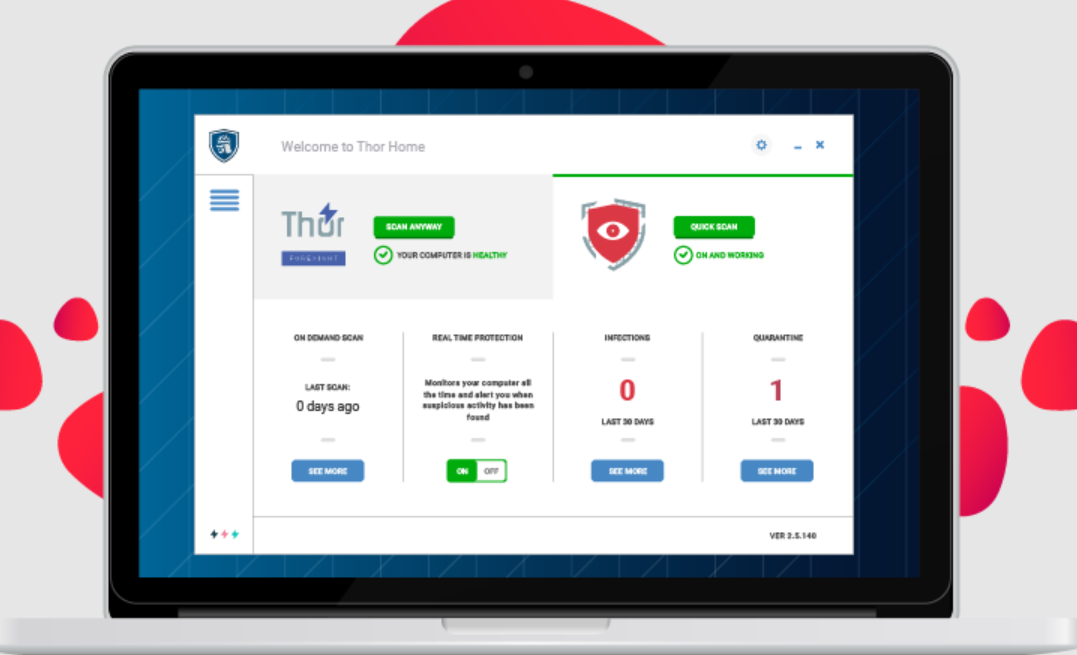
Heimdal Security has features like DarkLayer Guard, which helps monitor all HTTP, HTTPS, and DNS packets.
This feature helps to prevent the transmission of infected packets. In addition to this, you will find other unique features after you have installed it.
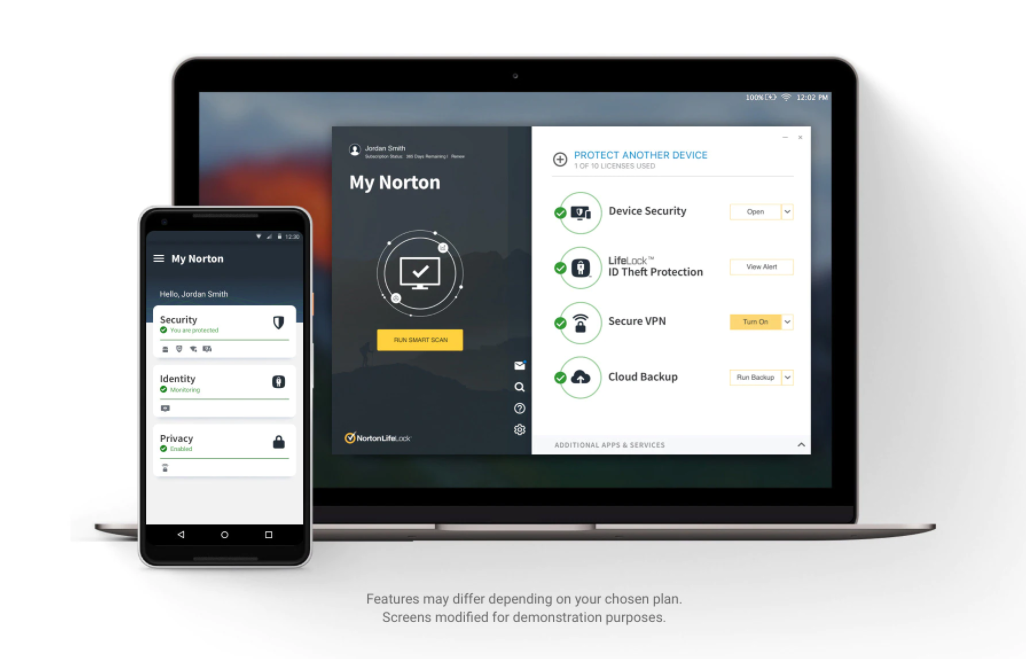
Norton 360 Antivirus is one the most efficient when it comes to data and file protection. It is also considered ideal for all types of operating systems.
This antivirus can protect your system against all types of malware and viruses. It works great for computers, cell phones, and iPads, showing its versatility.
With Norton 360 Antivirus, your data, information, and files will always be protected.
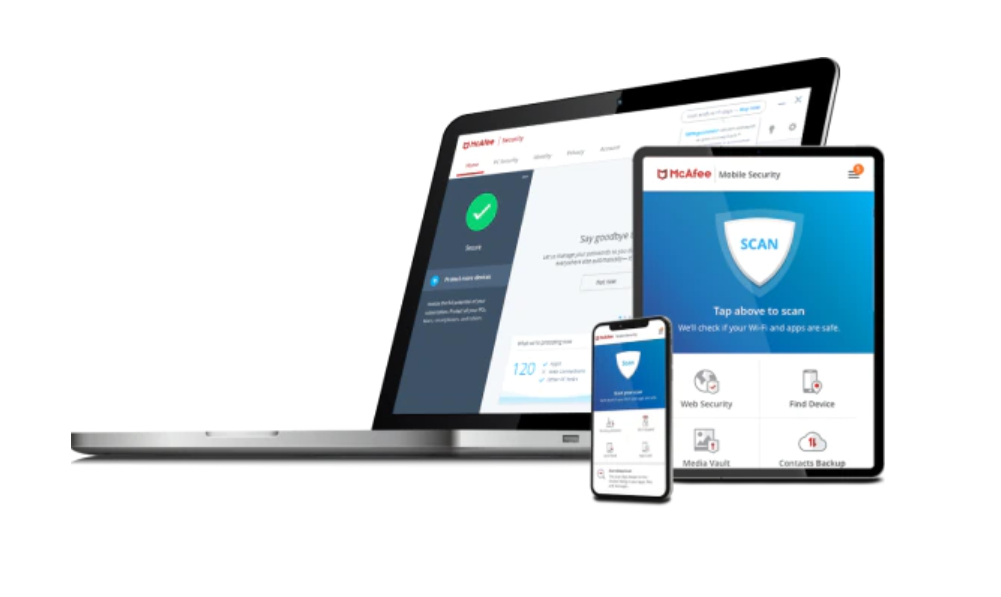
McAfee Antivirus is an antivirus known for providing complete protection features. It has 100% action against malware and ensures safe browsing with encrypted storage.
It also has a password and VPN manager, which increases your protection. Therefore, McAfee Antivirus making this list today should not surprise you.
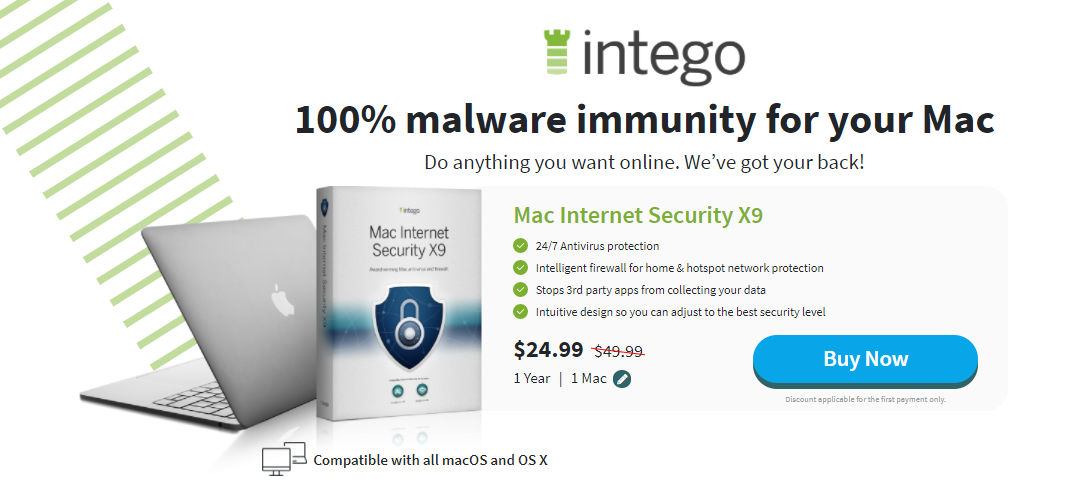
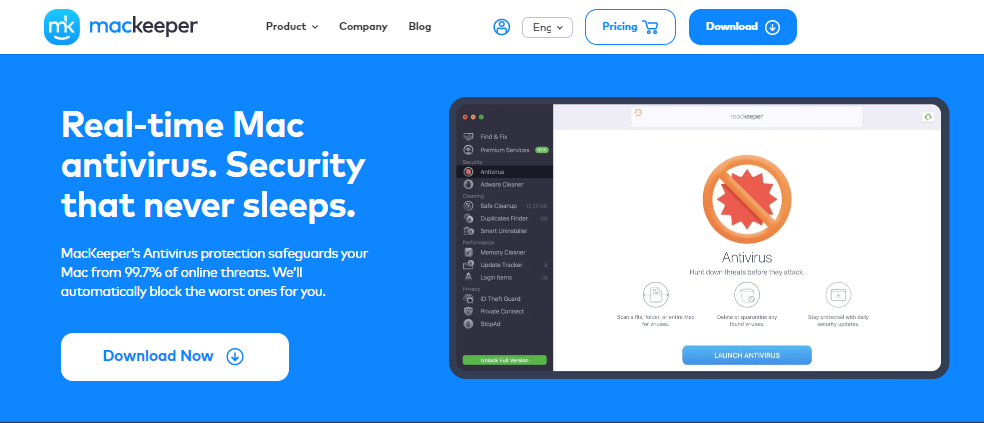
When selecting the best Antivirus for Mac, you will always find Intego Antivirus in the discussion.
Intego Antivirus is one of the few antiviruses mainly made for Mac OS, even if it has other features for Windows.
It has features like parental control, Mac performance enhancement, firewall, and backup. You can’t go wrong with Intego Antivirus because many users are happy.
Key Features of Intego Antivirus
System optimization
They are primarily made for the Mac Operating System
Acronis True Image is an advanced antivirus that combines reliable backup with advanced security features to provide maximum protection against threats.
It has also made it to the best paid Antivirus Reddit on this list today because of its multiple features.
It works on IOS, macOS, Android OS, and Windows operating systems. Versatility, you might end up finding it to be your favourite.
Key Features of Acronis True Image
It has reliable backup and advanced antimalware protection in a single solution.
Having G Data Total Security on your system should keep your mind at peace regarding the fear of your system being infected with a virus.
This antivirus is one of the best paid Antivirus Reddit. You can ensure your computer is secure with artificial intelligence and behavioural analysis to detect viruses.
It allows data to be backed up and saved in your system storage or the cloud. In addition to that, it has a password manager that remembers your passwords.
G Data Total Security is compatible with Android, IOS, Windows, and Mac
The Avira Antivirus Pro has a password manager, unlimited VPN, and premium packages for Android and iOS.
It also has several layers of advanced ransomware protection.
Thus, it detects the virus and prevents your essential data from being encrypted. It comes with an anti-phishing browser to ensure your internet security.
It also helps your device to perform better because it frees up hard disk space.
Key Features of Avira Antivirus Pro
It provides excellent protection against all types of malware
Best Paid Antivirus Reddit: Frequently Asked Questions
What is the best paid antivirus?
When it comes to paid antivirus solutions, Heimdal Security is often highlighted for its robust protection against malware, phishing attacks, and ransomware. It distinguishes itself with proactive, AI-powered threat detection and a user-friendly interface. Users appreciate its effectiveness in safeguarding their devices without compromising performance.
Is it worth to pay for antivirus on Reddit?
Opinions on Reddit vary regarding whether paid antivirus is worth it. Many users argue that paid antivirus offers more comprehensive protection, including advanced features like real-time threat detection and additional layers of security. Others suggest that free antivirus options can be just as effective for basic protection, depending on individual needs and usage habits.
What is the top 1 antivirus?
Determining the “top” antivirus can be subjective and often depends on specific needs. However, antivirus solutions like Bitdefender, Kaspersky, and Norton consistently rank among the top in independent tests for their malware detection rates, performance impact, and additional features offered.
Do I really need a paid antivirus?
Whether you need a paid antivirus depends on your usage habits and security concerns. Paid antivirus typically offers more features, including advanced malware protection, ransomware detection, and customer support. If you engage in online banking, handle sensitive data, or want peace of mind with enhanced security features, a paid antivirus may be worth the investment.
Is Norton or McAfee better?
The debate between Norton and McAfee often concerns personal preference and specific needs. Both Norton and McAfee are reputable antivirus providers with similar core features, including malware protection, phishing detection, and device optimization tools. Users’ experiences may vary based on system compatibility, user interface preferences, and additional features offered in each package.
Why is paid antivirus better than free?
Paid antivirus solutions typically offer several advantages over free alternatives:
Comprehensive Protection: Paid antivirus often includes advanced features like real-time scanning, firewall protection, and ransomware detection.
Customer Support: Paid plans usually have access to dedicated customer support, which can be crucial for resolving issues quickly.
Additional Features: Paid versions may offer extra security layers, such as VPNs, password managers, and identity theft protection, enhancing overall security.
What is the strongest antivirus app?
Several antivirus apps are recognized for their strong performance and robust security features. Bitdefender, Kaspersky, and Norton consistently rank high in tests for their malware detection capabilities, low system impact, and extensive feature sets.
What is the most used antivirus in the world?
According to market share data and user surveys, the most widely used antivirus solutions globally include:
Windows Defender (Microsoft Security Essentials): Pre-installed on Windows systems.
Avast: Known for its free antivirus offering and paid premium versions.
Norton: Popular for its comprehensive security suites and longevity in the market.
Which antivirus doesn’t slow down PC?
Antivirus software that minimizes system impact and maintains performance include:
Bitdefender: Known for its low resource usage and effective malware protection.
Kaspersky: Offers efficient scanning and optimization features to minimize slowdowns.
Norton: Focuses on performance optimization to ensure minimal impact on system speed.
Wrapping Up – What Is The Best Paid Antivirus On Reddit?
Heimdal Security is number one on this list of the best paid Antivirus Reddit.
We chose Heimdal Security as the best antivirus because it provides an all-around security service covering both VPN and Antivirus.
Aside from that, they have spent many years in Cybersecurity and have been awarded for best performance by av-test.org in 2023.
Choosing the best paid antivirus depends on your specific needs, budget, and desired level of protection.
While paid antivirus Reddit users recommended, generally offer more features and comprehensive protection, free alternatives can also provide adequate security for casual users.
Consider factors such as malware detection rates, system impact, additional features, and customer support when selecting the right antivirus software for your devices.
However, if you know any other Antivirus you feel is better than Heimdal Security, share it with us in the comment section. Also, don’t forget to state your reasons.
Here, we will take a look at the best proxy service for 2026.
If you want to protect your online privacy, one of the easiest ways to do this is to use a proxy server.
In fact, it serves as a gateway between you and the Internet, so information about the websites you visit is obfuscated. This provides a certain degree of anonymity.
Best Proxies Deals
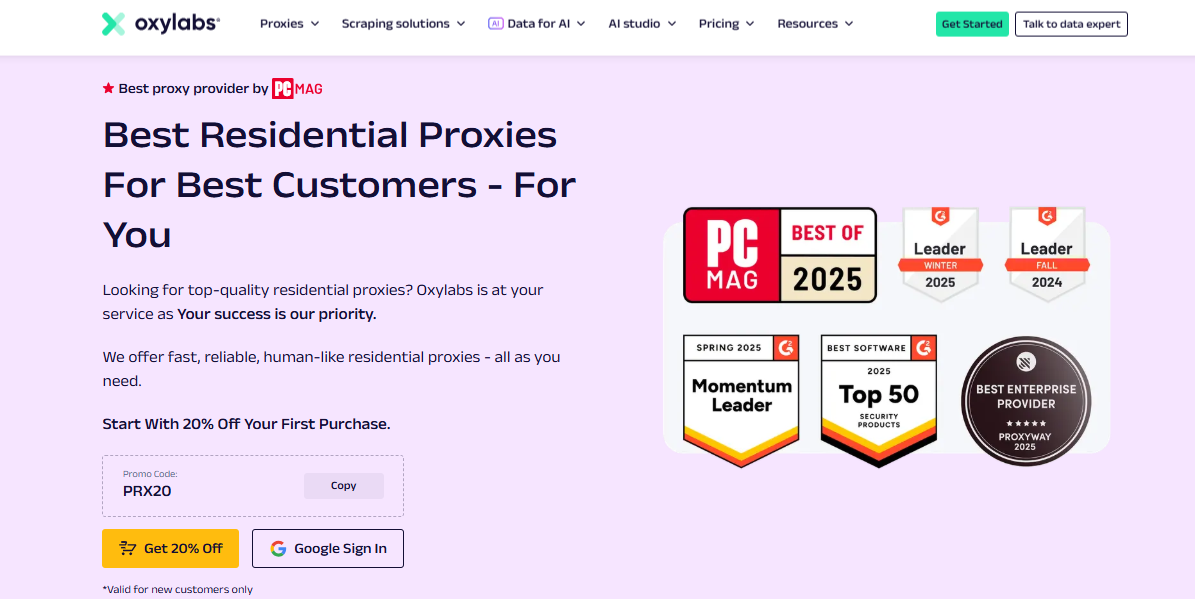
Oxylabs Proxies
Oxylabs Proxies offer enterprise-grade, AI-powered proxy solutions with a massive 175M+ IP pool, ensuring unmatched...Show More
Oxylabs Proxies offer enterprise-grade, AI-powered proxy solutions with a massive 175M+ IP pool, ensuring unmatched reliability, speed, and anonymity for large-scale web scraping and data collection. Show Less
Decodo (formerly Smartproxy)
Decodo (formerly Smartproxy) offers high-quality, affordable, and easy-to-use proxies with a vast global network...Show More
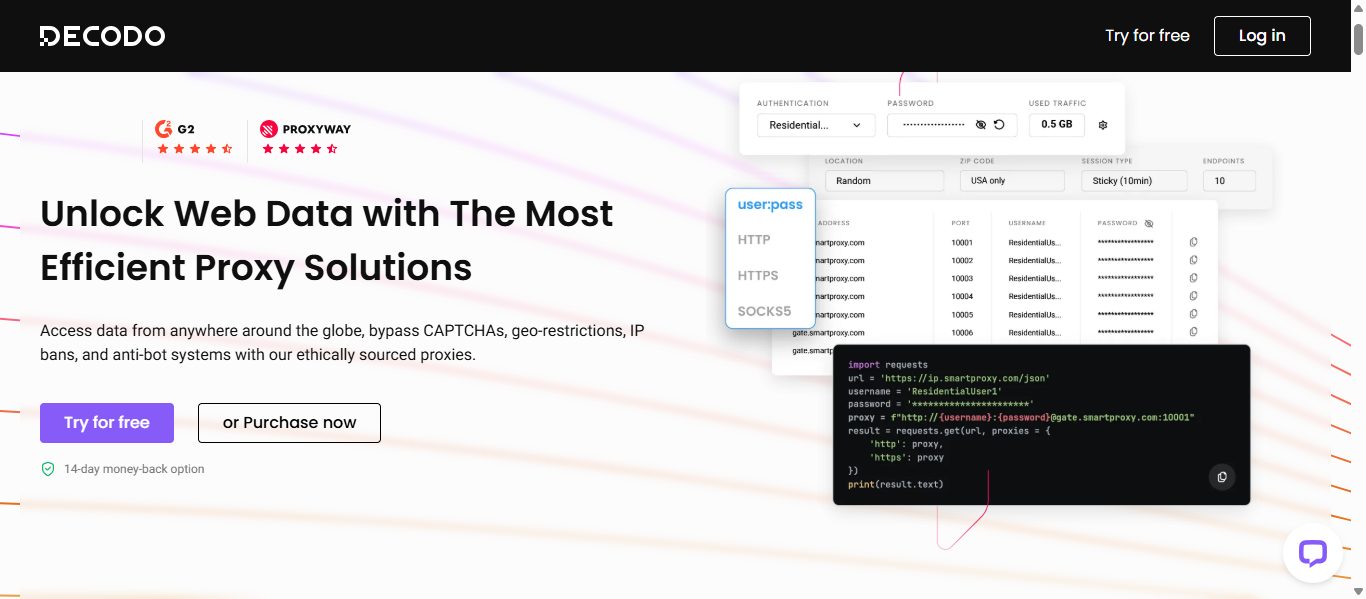
Decodo (formerly Smartproxy) offers high-quality, affordable, and easy-to-use proxies with a vast global network, ensuring seamless web scraping, automation, and data collection without IP bans or restrictions. Show Less
Webshare Proxies
Webshare Proxies offers high-speed, customizable, and budget-friendly proxy solutions with flexible pricing, ensuring...Show More
Webshare Proxies offers high-speed, customizable, and budget-friendly proxy solutions with flexible pricing, ensuring seamless web scraping, automation, and online anonymity for businesses and individuals. Show Less
Live Proxies
Live Proxies is a proxy service that provides high-speed, reliable, and secure residential and datacenter proxy services...Show More
Live Proxies is a proxy service that provides high-speed, reliable, and secure residential and datacenter proxy services for web scraping, automation, and anonymity. Show Less
IPRoyal
IPRoyal is a leading proxy provider offering reliable, high-speed proxies for various needs, including data scraping...Show More
IPRoyal is a leading proxy provider offering reliable, high-speed proxies for various needs, including data scraping, social media automation, and sneaker botting. Show Less
Mars Proxies
Mars Proxies is the go-to provider for sneaker coppers, offering unbanned IPs, blazing-fast speeds, and a massive pool...Show More
Mars Proxies is the go-to provider for sneaker coppers, offering unbanned IPs, blazing-fast speeds, and a massive pool of residential proxies. Show Less
NetNut
NetNut is the world's fastest residential proxy network, providing high-speed, reliable connections and a vast pool of...Show More
NetNut is the world's fastest residential proxy network, providing high-speed, reliable connections and a vast pool of IPs for seamless data scraping and automation. Show Less
DigiProxy
DigiProxy offers proxy services, including residential, datacenter, and sneaker proxies, aimed at providing secure and...Show More
DigiProxy offers proxy services, including residential, datacenter, and sneaker proxies, aimed at providing secure and reliable internet access. Show Less
Nodemaven
NodeMaven is a premium proxy provider that delivers high-quality IPs, super sticky sessions, and unmatched customer...Show More
NodeMaven is a premium proxy provider that delivers high-quality IPs, super sticky sessions, and unmatched customer support. Show Less
Infatica
Infatica provides a robust proxy network with ethical sourcing, reliable performance, and a comprehensive suite of data...Show More
Infatica provides a robust proxy network with ethical sourcing, reliable performance, and a comprehensive suite of data collection tools. Show Less
So, let’s dive into some of the best proxy services for 2026;
Best Featured Proxy Service Providers – EDITOR’S CHOICES
Before diving into our ranked list, here are three top-tier proxy service providers that excel in specific categories. Whether you need enterprise-grade performance, a balance of affordability and features, or an easy-to-use solution, these providers have you covered.
1. Oxylabs – Best for Enterprise-Grade Proxy Solutions
Oxylabs stands out as the number one proxy service provider for 2026, thanks to its robust combination of Residential and Datacenter proxies, along with advanced tools like WebUnlocker and Web Scraper API.
Residential Proxies: With access to over 175 million IPs across the globe, Oxylabs’ residential proxy network ensures that users can gather data from even the most challenging websites without being blocked or detected. These proxies offer high success rates, unlimited concurrent sessions, and precise geo-targeting, making them ideal for data scraping, market research, and competitor analysis.
Datacenter Proxies: Oxylabs also boasts an expansive pool of datacenter proxies, perfect for tasks that require fast and consistent performance. Their datacenter proxies are optimized for web scraping, SEO monitoring, and managing multiple accounts, offering users blazing speeds and unmatched reliability.
WebUnlocker: One of Oxylabs’ key innovations is the WebUnlocker tool, designed to bypass even the most advanced anti-bot measures. Whether dealing with CAPTCHAs, JavaScript rendering, or other obstacles, WebUnlocker automatically handles the complexities, ensuring uninterrupted access to data.
Web Scraper API: For those who need a full-fledged data extraction solution, Oxylabs’ Web Scraper API offers a powerful, easy-to-use tool. It can automatically extract data from even the most complex websites, without needing to manage proxy servers or solve technical challenges manually. This tool simplifies the data scraping process, providing clean and structured data quickly.
Oxylabs is a comprehensive solution for businesses looking for scalable proxy services with advanced features, which sets it apart as the leading proxy service for 2026.
Whether you need global coverage, fast datacenter connections, or tools to handle complex data extraction tasks, Oxylabs has you covered.
With an extensive IP pool and high success rates, Oxylabs is ideal for businesses that require large-scale data extraction, brand protection, and market intelligence.
Key Features:
175M+ ethically sourced residential and datacenter proxies
AI-enhanced web scraping tools
Advanced session management and geo-targeting
24/7 customer support with dedicated account managers
Best For:
Large-scale data scraping and web crawling
Enterprise-level security and compliance
Market research and price monitoring
Oxylabs Proxies
Oxylabs Proxies offer enterprise-grade, AI-powered proxy solutions with a massive 175M+ IP pool, ensuring unmatched...Show More
Oxylabs Proxies offer enterprise-grade, AI-powered proxy solutions with a massive 175M+ IP pool, ensuring unmatched reliability, speed, and anonymity for large-scale web scraping and data collection. Show Less
Decodo (formerly Smartproxy) perfectly balances affordability, speed, and reliability. Whether you’re an individual user or a growing business, Decodo offers powerful residential, datacenter, and mobile proxies with seamless integration and flexible pricing.
Decodo is a leading proxy service provider designed for users who prioritize speed, security, and ease of use. With over 65 million IPs across 195+ locations, it provides a high-quality proxy network suitable for various online tasks, including web scraping, social media management, and market research.
Its standout features are the <0.3s average response time and 99.99% uptime, ensuring flawless performance. With Decodo, you can gain access to any geo-restricted platform.
Additionally, Decodo offers a free trial for all its products, allowing users to test the service risk-free.
Key Features of Decodo:
Residential Proxies – 55M+ high-quality IPs
All Products Have Free Trials – Test before committing.
Easy to Set Up, Flawless to Use – User-friendly dashboard and API.
Supports HTTP(s) and SOCKS5 Protocols – Secure and flexible connectivity.
Country-Level Targeting – Access geo-restricted content with ease.
<0.3s Avg Speed, 99.99% Uptime – Reliable and fast performance.
Customer Support in 40s on Average – Industry-leading response time.
Best For:
Social media automation and ad verification
Sneaker botting and e-commerce intelligence
Affordable yet powerful web scraping
Meanwhile, you should be aware that the IP addresses in Decodo change to a different one every 30 minutes.
Decodo (formerly Smartproxy)
Decodo (formerly Smartproxy) offers high-quality, affordable, and easy-to-use proxies with a vast global network...Show More
Decodo (formerly Smartproxy) offers high-quality, affordable, and easy-to-use proxies with a vast global network, ensuring seamless web scraping, automation, and data collection without IP bans or restrictions. Show Less
3. Webshare – Best for Budget-Friendly Proxy Solutions
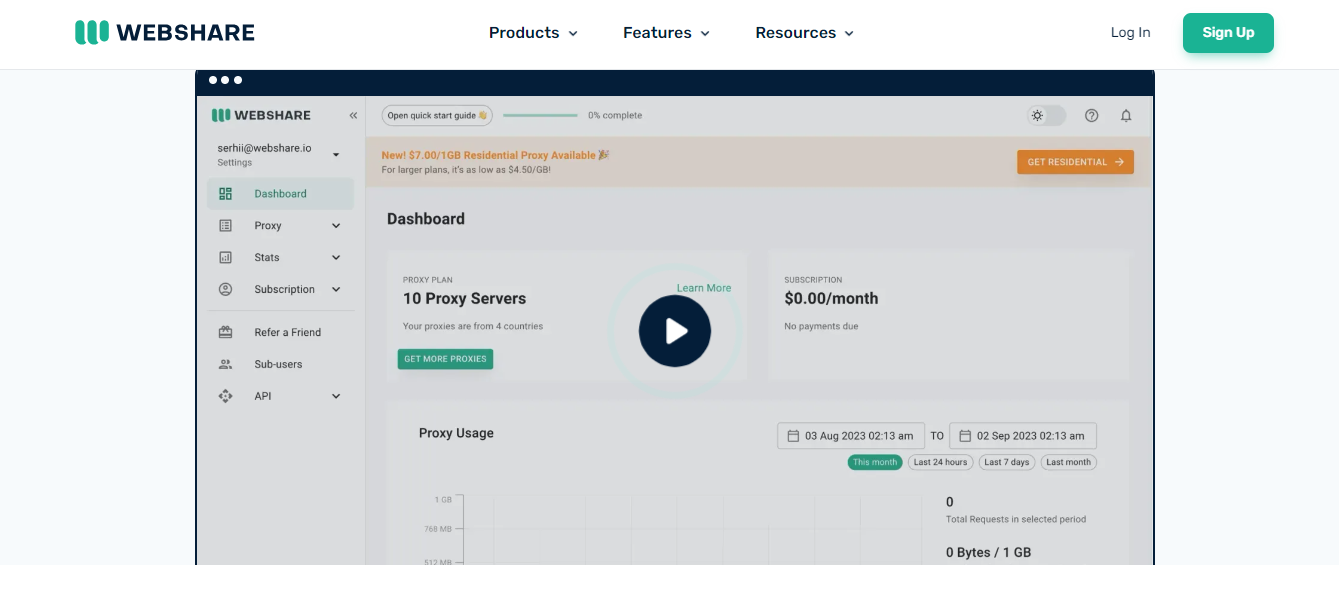
Webshare is the go-to choice for users seeking high-quality proxies without breaking the bank. Offering free and premium proxy plans, Webshare provides flexible solutions for businesses and individuals looking for secure, high-speed connections.
Webshare is a leading proxy service provider known for its affordability, high-speed connections, and user-friendly interface. It offers a variety of proxy types, including residential, datacenter, and rotating proxies, making it a versatile solution for businesses and individuals looking for secure and anonymous browsing.
With a global network of proxies, Webshare ensures fast and reliable connections while maintaining a strong focus on privacy and performance. Its flexible pricing plans, including a free tier, make it an attractive option for users of all levels.
Key Features of Webshare Proxy Service:
Diverse Proxy Options – Offers residential, datacenter, and rotating proxies to suit different needs.
Affordable Plans – Pricing starts as low as $2.99/month, making it one of the most budget-friendly proxy services.
Global IP Coverage – Access proxies from multiple countries for geo-targeted browsing.
API Integration – Automate proxy management with a powerful API.
Whether you’re a marketer conducting competitor research, a developer working on web scraping, or just someone looking for anonymous browsing, Webshare provides an excellent balance of affordability, speed, and reliability.
Key Features:
Free and affordable premium proxy plans
Fully automated self-service dashboard
Unlimited bandwidth with high-speed performance
Easy API integration for developers
Best For:
Budget-conscious users and startups
Secure browsing and anonymous web access
Automating tasks and SEO research
Webshare Proxies
Webshare Proxies offers high-speed, customizable, and budget-friendly proxy solutions with flexible pricing, ensuring...Show More
Webshare Proxies offers high-speed, customizable, and budget-friendly proxy solutions with flexible pricing, ensuring seamless web scraping, automation, and online anonymity for businesses and individuals. Show Less
After a lot of research carried out by our team, below are the proxy services you will definitely enjoy using;
Notable Best Proxy Services For 2026
1. Live Proxies
Live Proxies delivers premium proxy solutions tailored for businesses and individuals. Their offerings include rotating residential proxies, rotating mobile proxies, and static residential proxies. These proxies provide unmatched anonymity, reliable global coverage, and high performance, making them ideal for web scraping, ad verification, social media management, and more.
Key Features:
Rotating Proxies: Automatically switch IPs to prevent bans and ensure high anonymity.
Sticky Sessions: Maintain the same IP for up to 60 minutes for session consistency.
Global IP Pool: Access IPs from numerous countries, enabling seamless data collection worldwide.
Unlimited Bandwidth Options: Flexible plans with unmetered usage for high-scale projects.
Easy Integration: User-friendly APIs compatible with automation tools.
Pros:
Wide variety of proxy types to suit different needs.
Customizable plans for flexibility.
High anonymity and reliable performance.
Responsive and helpful customer support.
Cons:
Limited location options compared to some competitors.
Some advanced features may cater more to enterprise needs.
Live Proxies stands out for its robust infrastructure, ethical sourcing, and dedicated customer support, making it a top-tier choice for businesses and individuals looking for reliable proxy services
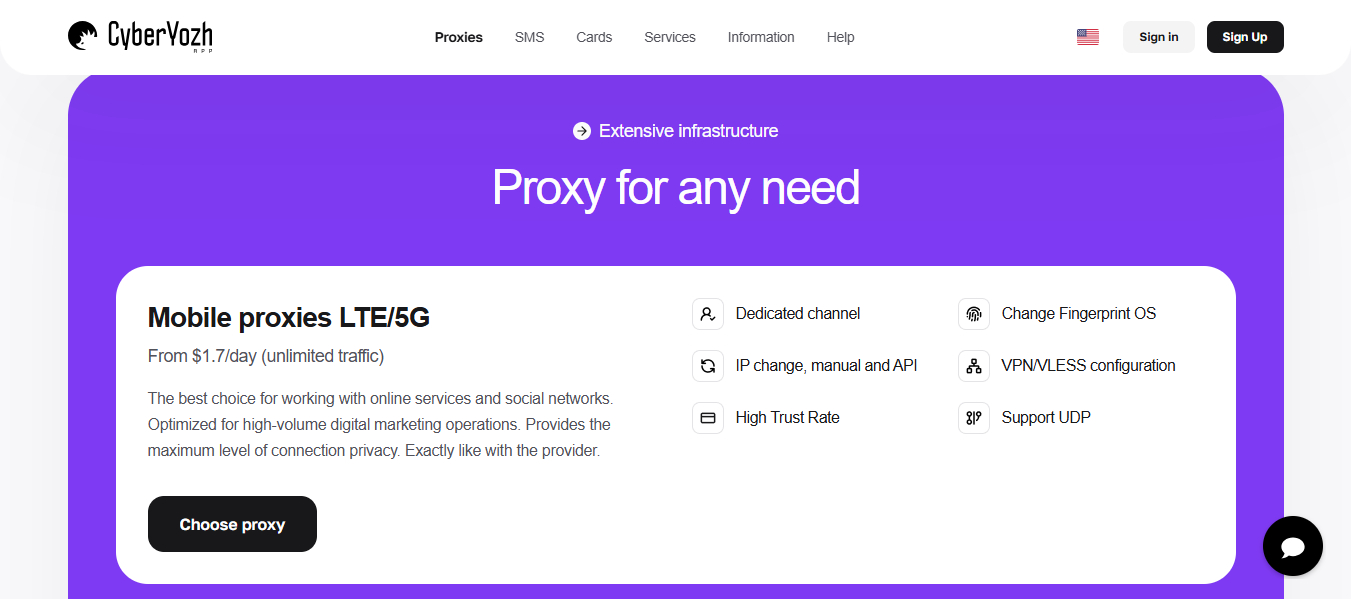
Cyberyozh is a powerful and privacy-focused proxy provider built for users who demand flexibility, stability, and advanced configuration options.
Designed with both professionals and privacy-conscious individuals in mind, Cyberyozh delivers reliable proxy solutions suitable for scraping, automation, account management, traffic arbitrage, cybersecurity testing, and geo-restricted access.
Cyberyozh emphasizes performance optimization and secure routing, offering well-maintained IP pools and configurable proxy setups that adapt to different operational needs. Whether you require mobile proxies for social platforms or residential proxies for stealth data collection, Cyberyozh provides scalable solutions with consistent uptime.
Key Features of Cyberyozh Proxy Service:
Multiple Proxy Types: Residential, mobile, and private proxies to match different tasks and risk levels.
Custom Configuration Options: Tailored setups for specific workflows and automation tools.
High Uptime & Stability: Optimized infrastructure to reduce connection drops and failed requests.
Geo-Targeting Capabilities: Access IPs from multiple regions for localized operations.
Secure & Encrypted Connections: Designed with privacy and data security in mind.
Responsive Technical Support: Assistance for setup, scaling, and troubleshooting.
Pros:
Flexible configurations for advanced users.
Good balance between pricing and performance.
Suitable for both small-scale and high-volume operations.
Strong focus on privacy and operational reliability.
Cons:
May require some technical knowledge for optimal setup.
Not as beginner-focused as some mainstream providers.
Cyberyozh is an excellent choice for users who prioritize configurability, privacy, and stable performance. It’s especially well-suited for professionals running automation-heavy or region-sensitive operations.
Residential proxies – starting from €35, and €7/ GB
Unlimited rollover data (bandwidth stays with you until it’s used up)
Nodemaven is a relatively new proxy service that is quickly gaining popularity due to its unique focus on IP quality and affordable prices. Unlike other providers, NodeMaven prioritizes IP quality above all else. They use advanced filtering techniques to screen IPs in real-time before assigning them, ensuring you get high quality IP addresses 95% of the time.
Nodemaven has a pool of over 5 million residential IPs from 1400+ cities in 150+ countries worldwide, providing you with trully global coverage. They also support both HTTP and SOCKS5 proxy protocols.
Key Features of NodeMaven Proxy Service
Industry-First IP Filtering: when you connect to a proxy provided by NodeMaven, you are only assigned an IP after it has passed through their advanced quality assurance algorithm.
Super Sticky Sessions: their proxy technolohy allows them to offer longer session times and their IPs do not change for up to 24 hours — many times the industry average.
Unmatched Customer Support: Their team of industry experts provides deep analysis of issues and full-scale assistance in running your operations.
If you’re looking for a great proxy service that focuses on IP quality, I highly recommend Nodemaven. They offer a great value for money, with great performance and a wide range of features. You can sign up for a free trial today to test them out for yourself.
With its user-friendly interface and an array of robust features, NetNut empowers you to navigate the web seamlessly and securely.
With access to an extensive network of over 52 million IPs distributed across 195+ data centers in 50 cities worldwide, NetNut stands as a reliable solution for accessing geo-restricted content and unlocking the full potential of the internet.
Key Features of NetNut Proxy Service:
Diverse IP Pool: NetNut boasts a vast pool of residential IPs, ensuring maximum coverage and diversity, allowing you to connect from different locations around the globe.
Unrestricted Connections: Enjoy the freedom of unlimited connections and activities, enabling you to carry out your tasks without any hindrance or limitations.
Flexible Pricing Plans: NetNut offers a range of subscription options tailored to meet your specific requirements. Whether you’re a small-scale user or an enterprise, you can find the perfect plan that suits your needs.
Global Geo-Targeting: NetNut allows you to target specific countries, giving you the ability to access localized content and reach global audiences with ease.
High-Performance HTTP(s) Protocol: Enjoy the efficiency and security of IPv4 IPs with support for the HTTP(s) protocol, ensuring a smooth and secure browsing experience.
Exceptional Support: NetNut is committed to providing top-notch customer support, assisting you every step of the way to make the most out of your proxy service.
Money-Back Guarantee: NetNut offers a 3-day money-back option, giving you peace of mind to try the service risk-free and ensure it meets your expectations.
Whether you’re a business professional conducting market research, an SEO specialist monitoring search engine rankings, or a casual internet user wanting to stay anonymous, NetNut’s powerful proxy service has got you covered.
Residential proxies – starting from $7/GB, with great bulk discounts
Datacenter proxies – starting from $9 for 5 IPs/month
Static residential proxies – starting from $1.80/proxy a day, or $2.70/proxy a month
Mobile proxies – starting from $7/day or $90/month
IPRoyal is a reliable proxy provider offering high-quality proxies at affordable prices. With over 8 million IPs from over 195 locations worldwide, you’ll have enough IPs for any online activity.
The company offers ethically-sourced residential proxies with non-expiring traffic and great bulk discounts. It also has datacenter, mobile, and ISP proxies with unlimited bandwidth.
HTTP(S) and SOCKS5 support, dual authentication, flexible rotation, and advanced geo-targeting are some of the most prominent features of IPRoyal’s service. With 24/7 customer support and a pay-as-you-go option, it’s a great choice for anyone.
Datacenter proxies – €0.80/proxy a day, €1.40/proxy a month
MarsProxies is a relatively new proxy provider on the market that has managed to attract the attention of proxy users around the world. It offers over 1 million ethically-sourced residential proxies with high trust scores and dedicated datacenter and ISP proxies with one of the best speeds in the industry.
The pricing is very affordable, and the plans include a daily option for datacenter proxy servers. The residential traffic never expires, so once you buy it, you can use it whenever you want.
The datacenter and ISP proxy plans include unlimited bandwidth and threads, while the residential one provides sticky sessions and dual authentication. All MarsProxies products are SOCKS5 supported.
Unlimited Proxies – Starting at $49 for 10 concurrent requests
Pay-as-you-go Residential Proxies – Starting at $4 per GB
Pay-as-you-go Shared Datacenter Proxies – Starting at $0.5 per GB
Geonode is your go-to solution for versatile and reliable proxy services, offering a staggering range of over 30 million IPs across both residential and datacenter categories.
Whether you’re into web scraping, SEO, or simply want to browse securely, Geonode has you covered with its high-speed, high-success-rate proxies. The platform’s geo-targeting feature allows you to navigate the web as if you’re in multiple locations worldwide, perfect for bypassing geo-restrictions.
What sets Geonode apart is its flexible pricing models, catering to both small-scale and large-scale operations. You can choose from pay-per-gigabyte to unlimited data plans, all while enjoying multiple protocol support, user-friendly authentication options and seamless API integration.
With robust customer support and glowing user reviews praising its reliability and security features, Geonode is the proxy service provider you won’t want to miss out on.
Key Features of Geonode Proxies
Diverse IP Pool: Access to over 30,000,000+ proxies, including residential and datacenter IPs.
High Speed and Success Rate: Optimized for quick data retrieval and reduced chances of being blocked.
Geo-Targeting: Choose from multiple locations for geo-specific tasks.
Flexible Pricing: Options ranging from pay-per-gigabyte to unlimited data plans.
Multiple Protocol Support: HTTP, HTTPS, SOCKS5 are all supported.
User Authentication: Whitelist up to 50 IPs or use username and password for easy authentication.
API Integration: Seamlessly integrate Geonode into your existing setup with their code generator.
Geonode’s diverse range of proxy services offers something for everyone, whether you’re a data scientist, a digital marketer, or someone who values online privacy. With its flexible pricing and robust features, Geonode stands as a reliable choice for your online activities.
ProxyRack is one of the best proxy services for 2026. This proxy Service started as a small business about 7 years ago and has grown to become a big company.
ProxyRack has over a million IPs in over 40 countries in Asia, America, and Europe. It comes with three different packages all of which have the same number of IPs and Unlimited Bandwidth.
The difference between these packages is the number of simultaneous connections allowed.
Thankfully, Proxyrack offers a 3 day trial period, while their 14 days money-back guarantee should be enough to test if it is an excellent choice for you.
Key Features of ProxyRack Proxy Service
14-day money-back guarantee
Unlimited Bandwidth
Multiple authentication methods
DNS Leak Protection
It has easy to use software
Unlimited server switches
Get Proxyrack
9. KProxy
Basic Plan (10 Days) – $5
Premium (30 Days) – $10
VIP (180 Days) – $30
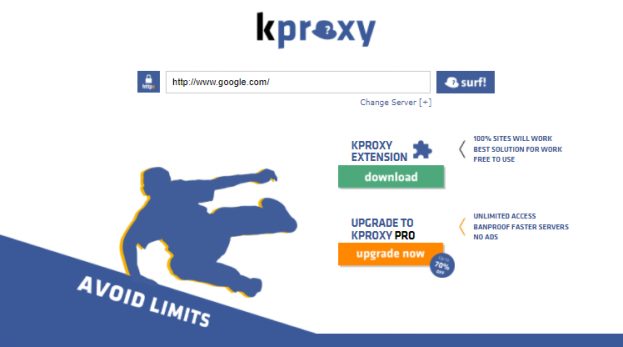
KProxy offers its proxy service through extensions for Chrome and Firefox.
The setup process is very simple: after installing the extension, select the remote server, and click on “Connect”. Also, HTTPS is supported.
The paid version, KProxy Pro, gives you access to “premium servers” that never overload or slow down.
It is definitely one of the best proxy service for 2026.
Key Features of KProxy
Unlimited downloads
No server overload
Best performance
30 days money-back guarantee
Bypass any filter
Evade hackers
Surf privately
Kproxy Extensions
Visit Kproxy
10. Bright Data
Price – $30 per IP
Bright Data is one of the best rotating residential proxies today. This proxy service has over 72M IPs around the world.
With Bright Data, you can unblock even the most difficult sites to access. It has a great performance and great speed.
You cannot go wrong choosing Bright Data service.
Key Features of Bright Data
9.99% network uptime
Worldwide geo-distribution
24/7 professional support
Unlimited concurrent sessions
Can specify IPs by country or by city
Real-time service health dashboard.
Dedicated account managers
Unlimited Rotation
Visit Bright Data
11. ProxySite
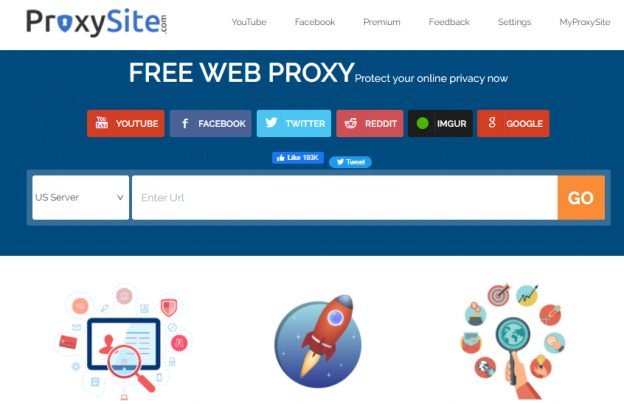
ProxySite is a free proxy service provider that is also designed for you to browse anonymously.
The privacy policy of this proxy service states that logs are deleted after 14 days. Meanwhile, advertising cookies may be stored in your browser, unless you specifically disable this through your browser settings.
There is a paid version of ProxySite available, which is actually a VPN. This paid version provides encryption and also solves several other problems that the free version is unable to solve.
Key Features of ProxySite
It hides users’ IP addresses.
It has a large number of proxy servers for users to switch easily.
There are no restrictions to chatting or sharing posts online.
Complete control over the usage of cookies and scripts.
Hide.me advertises itself as the fastest free proxy server as it doesn’t keep its own logs to speed things up.
It’s hard to say the fastest or not, but it’s a decent free proxy. You can use it directly through the site or enable the Firefox or Chrome browser extension.
One downside is annoying pop-up ads advertising a paid VPN. If you can live with it, then you will probably like Hide.me.
Key Features of Hide.me
It is a 100% independent provider
Provides great streaming experience
It is easy to use
14. Ninja Proxy
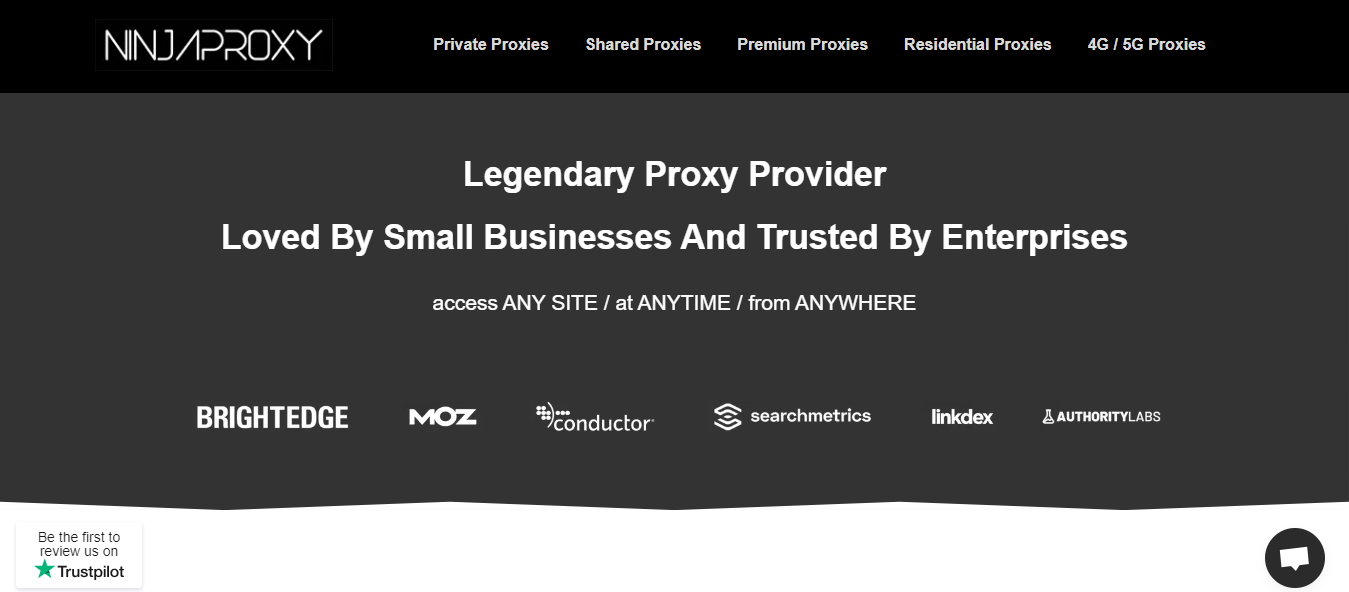
Ninja Proxy offers an all-in-one proxy service with a range of options available to choose from. This makes it easier for you to purchase the one that best fits your specific needs and preferences when it comes to proxies, as well as one that suits your budget.
You can choose from private, shared, premium, residential, and 4G/5G proxies, and there is a three-day money-back guarantee if you change your mind. This service offers a host of benefits and features and has become a popular choice.
Key Features of Ninja Proxy
Unlimited bandwidth
99% network uptime
Easy configuration
No advertisements
Three-day money-back guarantee
Conclusion – What is The Best Proxy Service Provider For 2026?
In short, the best proxy service for 2026 is Oxylabsbecause of its robust proxy pool and multiple use cases. This proxy service provider has a lot of positive reviews from its users and is also endorsed by cyber security experts.
Now that you are aware of the best proxy services for 2026, why not share this article online for others who might find it useful.
Also, don’t forget to share your thoughts in the comment section below.
Here, I will show you six-step guide to establish a strong digital presence for your brand.
In today’s digital age, businesses of all sizes must have a strong online presence. A strong digital presence can help you reach a wider audience, establish credibility and trust, and drive sales and revenue.
However, with so many options and platforms available, it can be overwhelming to know where to start.
In this six-step guide, we’ll provide a roadmap for establishing a strong digital presence for your brand. By following these steps, you can effectively reach and engage with your target audience online.
Six-Step Guide To Establish A Strong Digital Presence For Your Brand
1. Utilize Social Media Platforms
Utilizing social media platforms is an influential step in establishing a strong digital presence for your brand. Social media allows you to reach and engage with a large audience, build relationships with your customers, and promote your products and services.
To get started, it’s important to choose the social media platforms that are most relevant to your business. Some of the most popular platforms include Facebook, Instagram, Twitter, LinkedIn, and TikTok.
Each platform has its unique features and demographics, so it’s important to do your research and choose the ones that are most likely to reach your target audience.
Once you’ve chosen your platforms, create and optimize your profiles. This includes filling out your profile information, adding a profile picture and cover photo, and including links to your website and other relevant online profiles.
By actively using social media, you can build relationships with your audience, establish a strong online presence, and learn how to reach your followers at the right times for maximum engagement.
It’s important to be consistent and engage with your followers regularly to keep them interested and actively learn more about their needs.
Before you can start building your digital presence, it’s important to have a clear understanding of your brand and who your target audience is.
First, identify your brand values and messaging. Figure out what sets your business apart from competitors, what you stand for, and what are your goals. This will help you establish a strong and consistent brand identity that will be reflected in all of your online communication.
Next, research and understand your target audience. Who are you trying to reach and what are their needs and interests? By understanding your audience, you can create content and campaigns that will resonate with them and effectively reach and engage them.
Your website serves as the foundation for your online presence and is often the first point of contact for potential customers.
The first step in setting up a professional website is choosing a domain name and hosting platform that reflects your brand and is easy to remember. Your domain name should be unique and easy to spell, as well as relevant to your business.
Many hosting platforms offer a range of options for hosting your website, including shared hosting, VPS hosting, and dedicated hosting.
Once you’ve chosen a domain name and hosting platform, it’s time to focus on the design and content of your website. Make sure to design a website that is visually appealing and easy to navigate.
Use clear headings and subheadings, and include important information about your business, such as your services, products, and contact details.
Email marketing is an effective way to stay in touch with your customers and promote your products and services. Set up an email and create a list of subscribers.
Then, develop and send out newsletters or promotional emails that provide value to your audience and encourage them to take action. Make sure to include a clear call-to-action and track your results to see what works and what doesn’t.
5. Invest in Search Engine Optimization (Seo)
To ensure that your website appears at the top of search engine results, it’s important to invest in SEO.
Research and use relevant keywords in your website content and meta tags, and build backlinks to your site. This will not only help you increase your website’s visibility but also drive more traffic to your site.
6. Engage With Customers Through Online Reviews
Online reviews are an important factor in building trust and credibility for your business. Encourage satisfied customers to leave reviews on your website and review platforms such as Yelp or Google.
If you receive any negative reviews, it’s important to respond professionally and helpfully. This shows that you value your customers and are willing to listen and address any concerns they may have.
By reaching out and engaging with your audience, you’ll be able to build a strong digital presence, which is crucial if you want your business to be successful.
Remember to monitor and adapt your digital presence to ensure continuous success.
Stay up-to-date with industry trends and constantly evaluate your online strategies to see what works and what needs improvement.
Here, I will show you the top proxy service providers in 2026.
In today’s digital age, privacy and security are paramount. Whether you’re a small business owner, a freelancer, or an individual seeking to safeguard your online activities, using a proxy service is a prudent choice.
Proxies act as a middleman between you and the internet, offering a layer of anonymity and security. However, with so many proxy providers, finding the best one for your needs can be challenging.
In this comprehensive guide, we’ll explore the top proxy service providers, their features, performance, and pricing plans. Get ready to take control of your internet freedom.
Understanding the Importance of Proxy Services
The internet has websites that track your every move, third-party advertisers that collect your data, and geo-restrictions that limit your access to certain content.
Proxy services solve these issues as intermediaries between your device and the websites you visit. With a proxy, your online activities are routed through a different IP address, making it difficult for websites to track your true identity.
Additionally, proxies can help you bypass geo-restrictions and access content otherwise unavailable in your region. Whether you’re concerned about your privacy, want to access blocked websites, or need to gather publicly available data, a reliable proxy service is essential.
The Criteria for Selecting the Top Proxy Service Providers
Choosing the right proxy service provider can be daunting, given the many options available. To narrow down the list, we evaluated each provider based on several key criteria:
Proxy Pool Size: A larger proxy pool allows for more IP options and better performance.
Response Time: Faster response times ensure smooth browsing and data retrieval.
Supported Protocols: Proxies that support a variety of protocols offer greater compatibility.
City-Level Targeting: The ability to select proxies in specific cities enhances flexibility.
Pricing: The cost-effectiveness of the service in relation to its features and performance.
Encryption and Security: Proxies that prioritize user privacy and data protection.
Customer Support: Responsive and knowledgeable support is crucial for a seamless experience.
Based on these criteria, we have compiled a list of the top proxy service providers. Let’s dive into the details of each provider and explore their unique offerings.
Best Proxies Deals
Oxylabs Proxies
Oxylabs Proxies offer enterprise-grade, AI-powered proxy solutions with a massive 175M+ IP pool, ensuring unmatched...Show More
Oxylabs Proxies offer enterprise-grade, AI-powered proxy solutions with a massive 175M+ IP pool, ensuring unmatched reliability, speed, and anonymity for large-scale web scraping and data collection. Show Less
Decodo
Decodo (formerly Smartproxy) offers high-quality, affordable, and easy-to-use proxies with a vast global network...Show More
Decodo (formerly Smartproxy) offers high-quality, affordable, and easy-to-use proxies with a vast global network, ensuring seamless web scraping, automation, and data collection without IP bans or restrictions. Show Less
Webshare Proxies
Webshare Proxies offers high-speed, customizable, and budget-friendly proxy solutions with flexible pricing, ensuring...Show More
Webshare Proxies offers high-speed, customizable, and budget-friendly proxy solutions with flexible pricing, ensuring seamless web scraping, automation, and online anonymity for businesses and individuals. Show Less
IPRoyal
IPRoyal is a leading proxy provider offering reliable, high-speed proxies for various needs, including data scraping...Show More
IPRoyal is a leading proxy provider offering reliable, high-speed proxies for various needs, including data scraping, social media automation, and sneaker botting. Show Less
Mars Proxies
Mars Proxies is the go-to provider for sneaker coppers, offering unbanned IPs, blazing-fast speeds, and a massive pool...Show More
Mars Proxies is the go-to provider for sneaker coppers, offering unbanned IPs, blazing-fast speeds, and a massive pool of residential proxies. Show Less
ColdProxy
ColdProxy is a proxy provider for teams that need residential IPv4, residential IPv6, and datacenter IPv6 proxies for...Show More
ColdProxy is a proxy provider for teams that need residential IPv4, residential IPv6, and datacenter IPv6 proxies for public data collection, monitoring, QA, and geo-targeted testing. Show Less
Live Proxies
Live Proxies is a proxy service that provides high-speed, reliable, and secure residential and datacenter proxy services...Show More
Live Proxies is a proxy service that provides high-speed, reliable, and secure residential and datacenter proxy services for web scraping, automation, and anonymity. Show Less
NetNut
NetNut is the world's fastest residential proxy network, providing high-speed, reliable connections and a vast pool of...Show More
NetNut is the world's fastest residential proxy network, providing high-speed, reliable connections and a vast pool of IPs for seamless data scraping and automation. Show Less
DigiProxy
DigiProxy offers proxy services, including residential, datacenter, and sneaker proxies, aimed at providing secure and...Show More
DigiProxy offers proxy services, including residential, datacenter, and sneaker proxies, aimed at providing secure and reliable internet access. Show Less
Nodemaven
NodeMaven is a premium proxy provider that delivers high-quality IPs, super sticky sessions, and unmatched customer...Show More
NodeMaven is a premium proxy provider that delivers high-quality IPs, super sticky sessions, and unmatched customer support. Show Less
Infatica
Infatica provides a robust proxy network with ethical sourcing, reliable performance, and a comprehensive suite of data...Show More
Infatica provides a robust proxy network with ethical sourcing, reliable performance, and a comprehensive suite of data collection tools. Show Less
Featured Top Proxy Service Providers
1. Oxylabs – Best for Enterprise-Grade Proxy Solutions
Oxylabs offers an extensive network of over 175 million residential proxies, covering all countries and cities worldwide. Users can achieve precise proxy selection for their specific needs with additional targeting options based on the autonomous system number (ASN).
Oxylabs also provides static, non-rotating residential proxies procured directly from ISPs, balancing speed and resilience. Unlike the standard rotating residential proxies, these static proxies support the SOCKS5 protocol.
In addition to residential proxies, Oxylabs offers a pool of over 2 million data center IPs dedicated exclusively to each user. These data center proxies also support the SOCKS5 protocol and can be automatically rotated using the proxy rotator add-on.
Oxylabs stands out with its next-gen residential proxies, which leverage machine learning and AI to mimic regular browsing behavior. This advanced technology helps bypass blocks and captchas more effectively.
Oxylabs provides a convenient solution for web scraping tasks with its Scraper APIs tool. Users can retrieve data in HTML or JSON format, streamlining the data-gathering process.
Oxylabs offers tiered pricing plans to accommodate different user needs. As the commitment level increases, the cost per proxy decreases, making it more cost-effective for larger-scale users.
Key Features of Oxylabs:
Extensive network of over 175 million+ residential proxies worldwide.
Targeting options based on autonomous system number (ASN).
Static non-rotating residential proxies for speed and resilience.
Next-gen residential proxies with machine learning and AI capabilities.
Data center proxies with automatic rotation using the proxy rotator add-on.
Scraper APIs for streamlined web scraping tasks.
Best for: Large enterprises, data scraping at scale, market research, and cybersecurity firms.
Why Choose Oxylabs? If you need a robust, secure, and scalable proxy solution backed by cutting-edge technology, Oxylabs is a top-tier choice.
Oxylabs Proxies
Oxylabs Proxies offer enterprise-grade, AI-powered proxy solutions with a massive 175M+ IP pool, ensuring unmatched...Show More
Oxylabs Proxies offer enterprise-grade, AI-powered proxy solutions with a massive 175M+ IP pool, ensuring unmatched reliability, speed, and anonymity for large-scale web scraping and data collection. Show Less
Decodo (formerly Smartproxy) stands out for its vast pool of high-quality IPs, ease of use, and competitive pricing. With over 55 million rotating residential proxies and a total of 65 million+ IPs across 195+ locations, Decodo offers unmatched flexibility for web scraping, automation, and data collection.
All residential proxies now come with a limited-time 40% discount (Use Code: RESI40), while other products offer a free trial for new users.
Decodo ensures blazing-fast speeds (<0.3s avg response time) and 99.99% uptime, making it one of the most reliable providers. The quick rotation policies prevent detection and bans, while HTTPs and SOCKS5 support adds extra versatility.
Smartproxy’s intuitive dashboard allows users to filter proxies by location and session type (rotating or sticky). Additionally, browser extensions for Chrome and Firefox make proxy management seamless while browsing.
Pricing is bandwidth-based, with pay-as-you-go and monthly subscription options.
Free trials available for all non-residential products
Easy setup with an intuitive dashboard and browser extensions
Supports both HTTPs and SOCKS5 protocols
Fast customer support response (40s average wait time)
Best For: Digital marketers, social media managers, sneaker copping, and general web scraping.
Why Choose Decodo? If you’re looking for a versatile, high-performance proxy service with competitive pricing and seamless usability, Decodo is an excellent choice.
Decodo
Decodo (formerly Smartproxy) offers high-quality, affordable, and easy-to-use proxies with a vast global network...Show More
Decodo (formerly Smartproxy) offers high-quality, affordable, and easy-to-use proxies with a vast global network, ensuring seamless web scraping, automation, and data collection without IP bans or restrictions. Show Less
3. Webshare – Best for Budget-Friendly Proxy Solutions
Webshare strongly emphasizes privacy and security, offering a reliable proxy service with robust speed monitoring. With its claim of being the fastest proxy service provider, Webshare aims to deliver exceptional browsing speed and performance. The global proxy network is fully encrypted and protected, ensuring a secure browsing experience.
Webshare supports both HTTP and SOCKS5 proxy protocols, providing flexibility and compatibility. Users can choose between authentication or password authentication, depending on their specific requirements.
One standout feature of Webshare is its available free proxy plan. Although limited to 10 free IPs, this permanent plan does not require a credit card, allowing users to test the service without any financial commitment. Webshare offers several paid plans with different tiers and features to suit various user needs.
While Webshare offers attractive features such as a free tier, high-level security, and emphasis on anonymity, it does lack in some areas. Limited support options and fewer proxy locations may be drawbacks for some users. Nonetheless, the free proxy plan is worth determining if Webshare meets your needs.
Key Features of Webshare:
Free trial available with 10 free IPs.
Available free tier without a time limit.
Robust speed monitoring for optimal performance.
Emphasis on privacy and security.
Multiple paid tiers for different user needs.
Support for HTTP and SOCKS5 protocols.
Best for: Small businesses, freelancers, casual users, and those on a budget.
Why Choose Webshare? If you’re looking for an affordable yet reliable proxy solution with flexible pricing, Webshare is the way to go.
Webshare Proxies
Webshare Proxies offers high-speed, customizable, and budget-friendly proxy solutions with flexible pricing, ensuring...Show More
Webshare Proxies offers high-speed, customizable, and budget-friendly proxy solutions with flexible pricing, ensuring seamless web scraping, automation, and online anonymity for businesses and individuals. Show Less
Other Top Proxy Service Providers In 2026
1. ProxyJet – Best for High-Speed and Reliable Performance
When it comes to choosing a reliable and versatile proxy service provider in 2026, ProxyJet stands out as a top contender. This premium provider delivers a comprehensive range of proxy solutions designed to meet the evolving needs of both casual users and businesses.
ProxyJet offers high-speed, highly anonymous proxies that guarantee privacy and secure access to restricted content. Whether you need proxies for data scraping, bypassing geo-restrictions, or managing social media accounts, ProxyJet’s network covers it all with impressive global reach.
One of ProxyJet’s key strengths is its focus on user convenience. With dedicated IP pools, multiple locations worldwide, and seamless compatibility with popular tools and software, ProxyJet offers a service that is easy to integrate and use.
Their robust infrastructure ensures low latency and uptime, making it ideal for users who demand performance and reliability. Combine that with competitive pricing tiers and round-the-clock customer support, and ProxyJet becomes the go-to choice for unlocking true internet freedom.
2. Live Proxies – High-Performance Proxy Solutions with Advanced Features
Live Proxies provides a premium range of rotating mobile, rotating residential, and static residential proxies designed for businesses and individuals who require high anonymity, low detection rates, and reliable performance. Their solutions are optimized for tasks like web scraping, social media automation, sneaker copping, market research, and bypassing geo-restrictions.
Key Features of Live Proxies
Rotating & Sticky IPs – Live Proxies offers both rotating and sticky sessions, allowing users to maintain the same IP for up to 60 minutes or opt for frequent IP changes, depending on their needs.
Real Residential & Mobile IPs – Their IPs originate from legitimate home and mobile networks, ensuring high trust scores and lower chances of detection.
Global Coverage – Live Proxies provides IPs from numerous countries, including the US, UK, Canada, and more, making it ideal for location-based tasks.
Unlimited Bandwidth & High Uptime – Select unmetered plans ensure unrestricted data usage, with a 99.9% uptime guarantee for seamless browsing and scraping.
Private IP Allocation – Users receive exclusive IPs that are not shared with other customers targeting the same platforms, improving reliability.
Easy Integration & Developer-Friendly – Live Proxies supports HTTP, HTTPS, and SOCKS5 (upon request) protocols and offers an easy-to-use API for seamless integration with third-party tools.
Pricing & Plans
Live Proxies offers flexible pricing plans tailored for both individual users (B2C) and business clients (B2B):
Rotating Mobile Proxies – Starting at $55 for 4GB/month, with 3G, 4G, and 5G support.
Rotating Residential Proxies – Available from $45 for 4GB/month, ideal for web scraping and ad verification.
Static Residential Proxies – From $65 for 50 IPs/month, perfect for account management and eCommerce operations.
Enterprise Solutions – Custom plans with dedicated IP allocations for large-scale operations.
Why Choose Live Proxies?
With its high-speed, undetectable proxies, exclusive private IP pools, and dedicated support, Live Proxies is a top-tier provider for businesses and individuals who demand secure, reliable proxy solutions. Whether you need proxies for SEO monitoring, sneaker bots, social media, or brand protection, Live Proxies ensures maximum anonymity and stability.
==>> Visit Live Proxies to explore their proxy solutions.
IPRoyal stands out for its versatile selection of proxies and cost-effective pricing. With over 2 million ethically sourced residential proxies from 195 countries, IPRoyal offers a wide range of options for various use cases.
Additionally, IPRoyal provides 6 million IPs from data center proxies and niche-specific sneaker proxies, catering to different user preferences.
IPRoyal’s user interface is beginner-friendly, making it easy to navigate and utilize the available features. The support services provided by IPRoyal are exceptional, ensuring that users receive prompt assistance when needed. However, the limited self-help documentation may require contacting the IPRoyal team for more complex issues.
IPRoyal offers different subscription options to accommodate various user needs. The pricing is among the most affordable in the market, making it an attractive choice for individuals and businesses.
With responsive customer support, various proxies, and competitive pricing, IPRoyal is a leading proxy service provider.
Key Features of IPRoyal:
Over 2 million ethically sourced residential proxies from 195 countries.
6 million data center proxies and niche-specific sneaker proxies.
Beginner-friendly user interface.
Exceptional support services.
Affordable pricing options.
Versatile selection of proxies for different use cases.
IPRoyal
IPRoyal is a leading proxy provider offering reliable, high-speed proxies for various needs, including data scraping...Show More
IPRoyal is a leading proxy provider offering reliable, high-speed proxies for various needs, including data scraping, social media automation, and sneaker botting. Show Less
4. ColdProxy – Best for Flexible Pricing and Scalable Proxy Infrastructure
ColdProxy is a proxy infrastructure provider offering flexible proxy solutions for businesses, developers, agencies, and data-driven teams. With access to over 70 million IPs across 195+ countries and locations, ColdProxy supports use cases such as web scraping, automation, SEO monitoring, ad verification, market research, and geo-targeted data collection.
What makes ColdProxy stand out is its flexibility. The platform offers multiple proxy options, including residential IPv4, residential IPv6, and datacenter IPv6 proxies. Users can choose between different pricing models, bandwidth options, speed tiers, and plan durations, including hourly, daily, weekly, and monthly plans depending on the product.
ColdProxy is designed for users who need stable performance and scalable access without being locked into one fixed model. Whether a user needs pay-per-GB bandwidth, unmetered traffic, rotating sessions, or sticky sessions, ColdProxy provides options that can be adjusted based on workload size and operational needs.
The platform supports HTTP(S) and SOCKS5 protocols, making it compatible with most browsers, automation tools, scraping frameworks, and data workflows. ColdProxy also provides geo-targeting options such as country, city, ZIP and ASN-level targeting, which is useful for localized testing, ad verification, SEO tracking, and region-specific data collection.
Key Features of ColdProxy
Over 70 million IPs across 195+ countries and locations
Residential IPv4, residential IPv6, and datacenter IPv6 options
Flexible pricing, including pay-per-GB and unmetered plans
Hourly, daily, weekly, and monthly plan options depending on the product
Different bandwidth and speed configurations
Rotating and sticky session support
HTTP(S) and SOCKS5 protocol compatibility
Geo-targeting by country, city, ZIP and ASN
Stable performance for automation, scraping, and monitoring workflows
24/7 customer support
Best For:
ColdProxy is best for users who need flexible proxy infrastructure for web scraping, automation, SEO monitoring, ad verification, localized testing, and large-scale data collection.
Why Choose ColdProxy?
ColdProxy is a strong option for users who need a balance of flexibility, scalability, and performance. Its range of proxy types, pricing models, session options, and geo-targeting capabilities makes it suitable for both smaller projects and larger operational workflows.
ColdProxy
ColdProxy is a proxy provider for teams that need residential IPv4, residential IPv6, and datacenter IPv6 proxies for...Show More
ColdProxy is a proxy provider for teams that need residential IPv4, residential IPv6, and datacenter IPv6 proxies for public data collection, monitoring, QA, and geo-targeted testing. Show Less
DigiProxy stands out as a premium proxy service provider offering high-speed, high-anonymity residential proxies optimized for diverse use cases. Whether you’re engaged in web scraping, SEO monitoring, ad verification, market research, or sneaker copping, DigiProxy provides a secure and reliable proxy network with flexible features.
With millions of residential IPs across 100+ countries, DigiProxy ensures seamless browsing, low detection rates, and robust performance. The service supports HTTP and SOCKS5 protocols, making it compatible with most tools and automation frameworks.
DigiProxy also offers a user-friendly dashboard for real-time analytics and IP management, along with 24/7 customer support to assist with technical needs.
Key Features of DigiProxy:
Large pool of ethically sourced residential IPs in 100+ countries
Fast and stable connections with automatic IP rotation
Support for HTTP and SOCKS5 protocols
High anonymity and low block rate
Real-time dashboard with detailed usage insights
Scalable pricing plans for individuals and enterprises
24/7 customer support
DigiProxy is a solid choice for users who demand reliability, speed, and global coverage in their proxy services.
6. Bright Data: Extensive Proxy Pool and Advanced Targeting Options
Formerly known as Luminati, Bright Data boasts an impressive proxy pool of over 72 million IP addresses. This vast selection of proxies includes rotating residential IPs, static residential IPs, and mobile IPs.
With coverage in all countries and cities, Bright Data offers comprehensive targeting options, allowing users to fine-tune their proxy usage based on specific requirements.
Bright Data provides a Proxy Manager, an open-source tool compatible with Windows, macOS, and Linux. This tool enables users to define rules for IP rotation, optimize bandwidth usage, and blacklist IPs that yield poor results. With support for HTTP, HTTPS, and SOCKS5 protocols, Bright Data ensures compatibility with various applications.
While Bright Data offers many features and exceptional proxy capabilities, pricing can be complex. Additional parameters, such as targeting levels, impact the final cost of the proxy.
Monthly subscriptions and pay-as-you-go plans are available to accommodate different user needs. Bright Data’s pricing may be higher than its peers, but it is justifiable for large-scale proxy users with specific requirements.
Key Features of Bright Data:
A vast proxy pool of over 72 million IPs.
Coverage in all countries and cities.
Rotating residential IPs, static residential IPs, and mobile IPs.
Proxy Manager for customizable IP rotation and bandwidth optimization.
Support for HTTP, HTTPS, and SOCKS5 protocols.
Comprehensive support infrastructure.
7. Rampage Retail: Cutting Out the Middleman for Lower Costs
Rampage Retail takes a unique approach by buying proxies from leading providers and reselling them wholesale. This strategy allows users to access high-quality proxies at lower rates, as Rampage Retail can leverage higher-end plans at a reduced cost. By cutting out the middleman, Rampage Retail offers cost-effective options to its customers.
With an extensive database of proxies, Rampage Retail offers a wide selection of IP options for different user needs. The simplified tier structure and global proxy coverage make finding proxies that fit specific requirements easy. However, limited support options and the absence of a free trial or tier may be drawbacks for some users.
Rampage Retail is a promising option for those seeking affordable proxies without compromising quality. The transparent approach to pricing and access to leading proxy services make it a compelling choice for various use cases.
Key Features of Rampage Retail:
Lower costs through wholesale access to leading proxy services.
Simplified tier structure for easy selection.
Global proxy coverage for versatile use cases.
Lower prices compared to direct provider purchases.
Extensive database of proxies for diverse IP options.
Top Proxy Service Providers: Frequently Asked Questions
What are proxy service providers?
Proxy service providers are companies that offer proxy services to individuals and businesses. These services allow users to route their internet traffic through proxy servers, enabling them to access the internet with different IP addresses and enhanced privacy.
What factors should I consider when choosing a proxy service provider?
When choosing a proxy service provider, consider factors such as:
Type of Proxies: Choose data center, residential, or mobile proxies based on your needs.
Geographical Coverage: Providers with various server locations can offer better geo-targeting.
Reliability: Look for providers with high uptime and stable connections.
Speed: Consider the speed of proxies, especially for tasks like web scraping or online activities.
Security: Ensure the provider offers secure connections and data encryption.
Customer Support: Good customer support can help resolve issues quickly.
Pricing: Compare pricing plans to find a balance between features and cost.
What are some top proxy service providers? Some well-known proxy service providers include:
Decodo: Known for its rotating residential proxies and global coverage.
Oxylabs: Provides data center, residential, and real-time crawler proxies.
ColdProxy: Known for affordable residential and data center proxies.
ProxyRack: Offers a mix of data center, residential, and mobile proxies.
Geosurf: Offers residential and mobile proxies with a focus on geo-targeting.
Storm Proxies: Offers rotating residential and private dedicated proxies.
Microleaves: Provides residential and data center proxies for various purposes.
What are the different types of proxies offered by these providers?
Proxy service providers typically offer data center proxies, residential proxies, and, in some cases, mobile proxies. Datacenter proxies come from data centers, while residential proxies come from IP addresses. Mobile proxies use IP addresses from mobile devices.
What is proxy rotation, and why is it important?
Proxy rotation involves cycling through different proxy IP addresses to avoid detection or bans by websites. It’s important for tasks like web scraping or accessing restricted content, as it prevents websites from identifying and blocking your IP address.
Can I use proxies for both privacy and security?
Yes, using proxies can enhance both privacy and security. Proxies mask your IP address, offering a layer of privacy, and can also help protect your personal information from being directly exposed to websites.
What are some common use cases for proxy services?
Web Scraping: Extract data from websites without being blocked or triggering CAPTCHAs.
Ad Verification: Verify the accuracy of online ads and campaigns across different locations.
SEO Monitoring: Check search engine rankings and local search results.
Market Research: Gather competitive intelligence from various sources.
Access Geo-Restricted Content: Bypass region-based restrictions and access content from different countries.
Are there any legal considerations when using proxy services?
Yes, it’s important to use proxy services legally and ethically. Misusing proxies for activities that violate terms of service, engage in hacking, or infringe on privacy laws can lead to serious consequences.
When choosing a proxy service provider, it’s advisable to research thoroughly and consider your specific needs to ensure you’re getting a reliable and suitable service for your requirements.
Conclusion: Empowering Internet Freedom with the Top Proxy Service Providers
In an era where privacy and security are paramount, using a reliable proxy service is crucial. The top proxy service providers offer a range of features, performance, and pricing options to suit various user needs.
Whether you’re looking for rotating residential IPs, data center proxies, or advanced targeting capabilities, these providers have you covered. From the affordable ColdProxy, to the comprehensive IP pool of Decodoto the cost-effective options of IPRoyal, each provider brings something unique to the table.
With the right proxy service, you can unlock internet freedom, protect your privacy, and easily access the content you desire. Choose the provider that aligns with your specific requirements and take control of your online activities today.
In this post, I will talk about market research web scraping.
Market research has to do with gathering the right information at the ideal time. Nowadays, almost every business is data-driven, and web scraping is one of the most reliable ways to collect data at scale. You may want to track your competitors or monitor your customers’ preferences. Whichever it is, we’ll explain how web scraping can help as you continue reading.
What is Market Research Web Scraping?
Simply put, market research web scraping involves extracting publicly available data for business purposes. As a business owner, your team won’t have to manually visit hundreds of web pages to copy information. Instead, you use scraping tools and scripts to automatically collect, structure, and analyze the data. It’s faster and much more efficient.
You can gather almost any type of market information using web scraping. That said, the common details most businesses are after include:
Competitor pricing
Product listings
Customer reviews
Social media mentions
Job postings
News articles
Industry trends
If done properly, market research web scraping gets you detailed insights that would be impossible to do manually.
Reliable Proxies for Market Research Web Scraping
Choosing the right provider is critical because your entire data pipeline depends on speed, success rate, and resistance to blocking. Below are some of the best-performing options:
Oxylabs — High Success Rate & Enterprise Reliability
Oxylabs is widely recognized for delivering premium, enterprise-grade proxy infrastructure. With a 99% success rate, it’s built to handle demanding market research tasks where missing data is not an option.
It offers:
Dedicated datacenter proxies for high-volume scraping
One of the largest residential proxy networks globally
Advanced tools like a Web Scraper API for automation
This makes Oxylabs especially effective for:
Large-scale competitor price monitoring
Aggregating product listings across multiple platforms
Continuous data collection without interruptions
👉 If your focus is accuracy, uptime, and scale, Oxylabs is a top-tier choice.
Oxylabs Proxies
Oxylabs Proxies offer enterprise-grade, AI-powered proxy solutions with a massive 175M+ IP pool, ensuring unmatched...Show More
Oxylabs Proxies offer enterprise-grade, AI-powered proxy solutions with a massive 175M+ IP pool, ensuring unmatched reliability, speed, and anonymity for large-scale web scraping and data collection. Show Less
Decodo (formerly Smartproxy) is an award-winning proxy provider designed for efficiency and ease of use. Its standout feature is the dedicated Web Scraping API, which simplifies complex scraping workflows.
Key advantages include:
Access to millions of IPs worldwide
Automatic proxy rotation to avoid detection
Built-in anti-blocking and CAPTCHA handling
Decodo is ideal for:
Businesses that want plug-and-play scraping solutions
Teams scaling data collection without heavy infrastructure
Projects involving geo-targeted or restricted content
👉 If you want a balance of power, automation, and simplicity, Decodo delivers strong performance.
Decodo (formerly Smartproxy)
Decodo (formerly Smartproxy) is an AI-powered proxy service and web scraping solutions provider that enables seamless...Show More
Decodo (formerly Smartproxy) is an AI-powered proxy service and web scraping solutions provider that enables seamless, large-scale data extraction with smart, reliable, and cost-effective tools for businesses of any size. Show Less
Webshare is a practical option for businesses that need reliable performance without excessive costs. With 500,000+ datacenter IPs and millions of residential proxies, it supports a wide range of market research use cases.
What makes Webshare stand out:
Optimized for pricing intelligence and public data extraction
Fast servers with dedicated bandwidth for consistent speed
24/7 expert customer support to assist with setup and scaling
It’s particularly useful for:
Startups and growing data teams
High-volume scraping with budget considerations
Teams that want a simple, no-friction setup
👉 If your goal is affordable scalability with dependable support, Webshare is a solid choice.
Webshare Proxies
Webshare Proxies offers high-speed, customizable, and budget-friendly proxy solutions with flexible pricing, ensuring...Show More
Webshare Proxies offers high-speed, customizable, and budget-friendly proxy solutions with flexible pricing, ensuring seamless web scraping, automation, and online anonymity for businesses and individuals. Show Less
Quick Recommendation Guide
Need
Best Option
Enterprise-scale, high accuracy
🟢 Oxylabs
Automation + ease of integration
🔵 Decodo
Budget-friendly, scalable scraping
🟠 Webshare
5 Major Use Cases in Market Research
As we explained earlier, you can source various types of data using market research web scraping. Let’s now look at the five major ones:
1. Competitor Price Monitoring
Many businesses want to know what their competitors are charging, so they can adjust their prices accordingly. This is common, especially for service providers, where pricing is often private. Large-scale online businesses like e-commerce and travel platforms also use it to aggregate data from many sites. In such niches, web scraping allows you to extract and monitor costs in real time.
2. Consumer Sentiment Analysis
After competitors, customers are the most important profiles to businesses. So, many companies use market research web scraping to source product reviews, forum discussions, and social media comments. That way, they know how customers feel about their products and services. It’s qualitative data that’s invaluable for marketing strategies and business development.
3. Trend Identification
If you’re in an industry and you don’t know what’s trending, your business won’t sell. To catch all the latest updates, you can use web scraping to retrieve data from news sites, niche blogs, and search engine results. The main advantage is that you’ll spot the trends early, before they become mainstream. As you adjust your strategy or product roadmap, you stay ahead of the competition.
4. Lead Generation and Prospecting
Converting leads and prospects is one of the best signs of a successful business. Market research web scraping on directories, LinkedIn, and other industry sites can help you identify the right people to message. From the data you collect, you can build comprehensive prospect lists with business names, contact information, and company details.
5. Product and Inventory Research
This use case applies mostly if you’re a manufacturer or product retailer. Web scraping can be reliable in curating information from supplier catalogs and competitor product pages. Subsequently, you apply the data to track inventory levels and launch new, better products.
Proxies for Market Research Web Scraping
When scraping data for market research, it’s usually a large-scale project. Therefore, it’s necessary to get a reliable proxy to facilitate the process. The reason is that most websites set rate limits per IP address. So, if a site detects too many requests from a single IP, it automatically blocks that IP. Without proxies, then, data collection is slow, and the entire research operation may fail.
Thankfully, there are many secure proxies you can rely on for your market research. Here are our best picks:
Oxylabs: Offers high-quality proxies with a 99% success rate for retrieving public data. It has dedicated datacenter IPs for high-volume web scraping in the market research space.
Decodo: An award-winning proxy service with a dedicated web scraping API. The API lets you scrape data with millions of IPs and built-in anti-blocking technology.
Webshare: Features 500,000+ datacenter IPs with specific use cases for pricing intelligence and public data. Expert customer support is available 24/7 to help you with your project.
If you’re on a tighter budget, you can also consider IP Royal or Mars Proxies. Both have first-hand residential proxies that can be used for web scraping efficiently.
Bottom Line: Web Scraping Offers a Competitive Advantage
As a business, investing in web scraping for market research can easily put you ahead of your competitors. That’s because it gives you a broad view of the entire industry with data you can’t fetch through manual browsing or periodic reports. All you need is a proper scraping tool and a secure proxy like Oxylabs, Decodo, or Webshare.
You can use the Python-based Scrapy, which is highly customizable. Alternatively, you can go for Puppeteer or Playwright if the site is JavaScript-heavy and requires browser rendering. BeautifulSoup is also a decent option for lighter parsing tasks.
While scraping, it’s important to maintain ethical standards. What you’re after is mainly product or service information, pricing, reviews, and other publicly available business data. Define your targets, and avoid collecting personal information. Also, if the source website has an API, use it instead of scraping directly.
FAQs: Market Research Web Scraping
What is market research web scraping?
Market research web scraping is the process of automatically collecting publicly available data from websites to gain business insights. Instead of manually browsing hundreds of pages, scraping tools gather and structure data such as:
Competitor pricing
Product listings
Customer reviews
Social media mentions
Industry trends
This allows businesses to make faster, data-driven decisions at scale.
How do businesses use web scraping for market research?
Businesses use web scraping across several key areas:
Competitor monitoring → Track pricing and offerings
Product research → Monitor inventory and supplier data
These insights help companies stay competitive and respond quickly to market changes.
Why are proxies important for market research scraping?
When scraping at scale, sending too many requests from a single IP can trigger rate limits or blocks. Proxies solve this by distributing requests across multiple IP addresses, ensuring smooth and uninterrupted data collection.
Top proxy providers for market research include:
Oxylabs→ High success rates and strong performance for large datasets
Decodo→ Advanced scraping API with built-in anti-blocking features
Webshare→ Reliable datacenter proxies with strong support and scalability
Using proxies ensures your scraping operation remains efficient and consistent.
4. Is market research web scraping legal?
Yes—if done correctly. Market research scraping should focus only on publicly available data such as pricing, product information, and reviews.
Best practices include:
Avoid scraping personal or sensitive data
Respect website terms of service
Use official APIs where available
Following these guidelines helps ensure your data collection remains ethical and compliant.
5. What tools are best for market research web scraping?
The right tools depend on the complexity of your project:
Scrapy → Powerful and customizable for large-scale scraping
Puppeteer / Playwright → Ideal for JavaScript-heavy websites
BeautifulSoup → Lightweight option for simple parsing tasks
To maximize performance, combine these tools with reliable proxies like Oxylabs, Decodo, or Webshare for scalable data extraction.
This combination allows you to build a robust, efficient market research system.
In this post, I will discuss the CISA certification.
When an organisation needs to know whether its technology, controls and business systems are doing what they are supposed to, it turns to information systems auditors. ISACA’s Certified Information Systems Auditor certification confirms that a professional has the skills this work demands, and it is recognised around the world as a standard of excellence in IS auditing.
ISACA itself calls CISA the gold standard for IS and IT audit certification. This is a position it has held for 45 plus years. Understanding what the credential covers, and what CISA certification training should prepare you for, is the best place to start.
What CISA Validates
CISA validates the ability to audit, control, monitor and assess an organisation’s information technology and business systems. The exam covers five domains. Information System Auditing Process and Governance and Management of IT each carry 18%. Information Systems Acquisition, Development and Implementation carries 12%, while Information Systems Operations and Business Resilience and Protection of Information Assets each carry 26%.
ISACA updated the exam in August 2024. The five domains remained similar to the previous outline, but the updated outline requires testing of risk, security and controls related to disruptive technologies and emerging IT audit practices.
The exam has 150 multiple-choice questions and the given time is four hours. The CISA exam requires a minimum scaled score of 450 to qualify, which is marked on a scale ranging from 200 to 800. Candidates can flag questions and review their answers before time ends. The exam is available in English, French, German, Hebrew, Italian, Japanese, Korean, Spanish, Turkish and Chinese.
The Skills CISA Builds
The auditing process domain covers IS audit standards, risk-based audit planning, sampling methodology, audit evidence collection, data analytics and reporting. Governance and management of IT covers laws and regulations, enterprise risk management, privacy programmes and principles, data governance and IT vendor management.
The acquisition and implementation domain covers project governance, system development methodologies, system readiness and implementation testing, and post-implementation review. Operations and business resilience covers IT change, configuration and patch management, problem and incident management, business impact analysis, business continuity and disaster recovery. Protection of information assets covers identity and access management, network and endpoint security, data encryption, cloud and virtualised environments, security testing, incident response and evidence collection and forensics.
CISA Training Options from InfosecTrain
Covering that much ground needs structured preparation, and this is where InfosecTrain’s CISA Certification Training fits in. It runs for 40 hours of live instructor-led training, delivered by an ISACA Premium Training Partner. It covers all five domains and the latest 28th edition of CISA, including the changes introduced in the updated exam.
Practice is built into the course. Learners work through real-world scenarios and prepare with the CISA Online Test Engine, then revise using flashcards and mind maps. Sessions are led by industry experts who teach the concepts alongside their practical application.
Support continues after the sessions end. Learners get recorded sessions for revision, a Telegram group for exam support, and post-training support that runs right up to the exam. Classes run in weekday and weekend batches, with one-on-one training on request and corporate training available for teams.
Why IT Audit Skills Matter Now
ISACA’s 2026 Tech Trends and Priorities Pulse Poll surveyed 2,963 digital trust professionals. Only 13% said their organisation is very prepared to manage the risks of generative AI solutions, and 30% said they are not very or not at all prepared. The same poll found that 59% of respondents expect AI-driven cyber threats and deepfakes to be their biggest concern in 2026.
ISACA’s updated CISA outline addresses this area directly by testing risk, security and controls related to disruptive technologies.
Career Opportunities with CISA
CISA can open opportunities for higher roles, better jobs and increased pay. The training is aimed at auditors and professionals working in an audit environment, those planning a career in information systems auditing, IT managers, security managers, system analysts and consultants.
CISA also supports progression within ISACA. An active CISA meets the audit credential requirement for ISACA’s Advanced in AI Audit certification, which focuses on auditing AI systems. A CISA in good standing also counts for a two-year waiver toward the general experience requirement for CISM.
Eligibility Requirements
To become certified, candidates need five years of professional information systems auditing, control, assurance or security work experience. Up to three of those years can be substituted. One year of information systems experience or non-IS auditing experience can replace one year. Completed university study of 60 to 120 semester credit hours, the equivalent of a two-year or four-year degree, can replace one or two years, and a master’s degree in information security or information technology can replace one year.
Candidates can take the exam before meeting the experience requirement. They then have five years from passing to apply for certification, and the experience must be gained within the ten years before applying or within five years after passing.
Maintaining the Certification
CISA holders must earn at least 20 Continuing Professional Education hours every year and 120 hours over each three-year period. Qualifying activities include training sessions, conferences and professional meetings. Holders must also pay an annual maintenance fee and follow ISACA’s Code of Professional Ethics.
Summary
CISA is ISACA’s certification for information systems auditors, covering five domains from the audit process to the protection of information assets. Its updated outline includes risk, security and controls related to disruptive technologies. Candidates need five years of relevant experience, with up to three years available through substitutions, and holders maintain the credential through annual CPE hours.
All new details in the expanded section come from the course page: the weekday and weekend batches, the one-on-one option and corporate training. Nothing unsourced was added.
A wallet tracker tells you that a wallet traded, and a copy trade places the trade for you inside limits you set. Banana Gun does the second. You give the Telegram trading bot a wallet address, a market-cap ceiling and a buy size, and it buys after that wallet does.
Fomo, a self-custodial social trading app, shows every trader’s followers, trade count and PnL. The app does not show the wallet address, according to Fomo Wallet Finder’s own description.
Without the address you can follow a trader on Fomo, but you cannot point a Telegram trading bot at them. With it you can watch the wallet or copy it.
Watching takes your attention on every trade. Copying puts your SOL behind another trader’s judgement, so the settings below matter more than the wallet you pick.
What does a wallet tracker actually do?
A wallet tracker watches an address and reports what it does. Cielo, Nansen and Arkham are trackers you can point at a wallet, and you can track a wallet on-chain with any of them.
Fomo has its own alert layer. Its site promises “real time notifications for what the best are buying.”
Banana Gun Pro, the web trading terminal, lists wallet tracking as well, with Wallets and Watchlist widgets. Tracking in any of these tools shows you what a wallet did and leaves the order to you.
Why an alert is always late
An alert arrives after the trade it reports. By the time you open it, read the token, check the chart and tap buy, the wallet is already in.
A copy trade removes the manual steps between the alert and your order, but your copy still fills after the trader’s. On a fast move your price is worse than theirs, and the more people copy one wallet, the further behind your fill lands.
Exits have the same gap. Fomo’s own copy trading guide (1 February 2026) and risk guide (25 December 2025) describe exits as notifications plus levels you hold in your head; neither describes a take-profit or stop-loss order attached to a copied position.
A level in your head only works while you are looking at the screen.
How to turn a tracked Fomo wallet into a copy trade
Paste the trader’s Fomo profile link, username or @handle into fomowalletfinder.com. The tool is free, needs no signup or wallet connection, and returns the verified Solana and EVM addresses with links to check them on GMGN, Nansen and Cielo.
New lookups are limited to 2 a day. Traders already indexed are unlimited.
Take Unipcs (@unipcs). Its Fomo profile shows 704K followers, 6.1K trades, $14M in PnL and $4.5M in volume, all-time totals read from Fomo Wallet Finder on 30 Sep 2026.
The Solana address is 2heJbC32Tpfcb3nbUb5ER61K11FGZVfVGtVnDm6LDogF.
point farm capital (@pointfarmcap) shows 310K followers, 4.3K trades, $10M in PnL and $18M in volume, again all-time Fomo profile data from 30 Sep 2026. Its Solana address is Beqv6dzTcjV2eodo8RRXCiCcnSYrS1vkQKhfqwHXqeit.
In Banana Gun, open Copy Trading from the start menu or send /copytrade. Tap New Copy Trade, paste the address, add a description such as “Fomo #1”, select your wallets and toggle Inactive to Active.
Before you switch it on, check the wallet’s recent trades through the GMGN, Nansen or Cielo links from Fomo Wallet Finder. The solanatracker.io FOMO leaderboard has 7D and 30D timeframes for Solana wallets trading on FOMO.
Banana Gun’s docs say the same thing: review a wallet’s recent trades with a wallet scanner first.
Which settings stop a copied wallet’s worst trades becoming yours?
Max Market Cap skips buys above a ceiling. Set it to $200K and a copied buy at $600K does not fire.
Buy Fixed repeats one amount. Set 0.5 SOL and you buy 0.5 SOL whether the wallet bought 0.5 or 2.
After your first buy of a token, Buy Only Once blocks it for 7 days, so a wallet that keeps adding does not stack your position. Tax Limit skips tokens taxed above the level you choose.
Spending Limit is the total per wallet, and trades above it fail. Set it to a number you can lose.
For your own exit, switch Copy Sells off and use Setup Limit Order from the copy trade menu. A Take Profit of +300% triggers at 4x your entry, if the token ever gets there.
When should you keep tracking instead of copying?
A wallet that trades outside your market-cap band is a tracking job. A $200K ceiling skips its larger buys, so you copy a slice of what it does and none of its bigger winners.
A short history is another. The $14M for Unipcs is an all-time Fomo profile total and says nothing about last month; a wallet with a few weeks of trades gives you even less to check.
Then there is the wallet you cannot afford to follow. Banana Gun’s docs warn that some target wallets buy pump-and-dumps or honeypots and use copy traders as exit liquidity, and that copying means entrusting your capital to another trader.
Common questions
What is the difference between a wallet tracker and a copy trade?
A wallet tracker reports what an address bought or sold, and you decide what to do next. A copy trade on Banana Gun buys automatically under your Max Market Cap, buy size and spending limits. Both act after the wallet’s own trade, so neither puts you ahead of it.
Can you copy a Fomo trader without knowing the wallet address?
Copying a Fomo trader on Banana Gun needs the wallet address, and Fomo does not show it. Paste the profile link, username or @handle into fomowalletfinder.com, which returns the verified Solana and EVM addresses. The tool is free, needs no signup, and allows 2 new lookups a day.
How does a Telegram trading bot copy a wallet?
A Telegram trading bot like Banana Gun takes the wallet address you enter under New Copy Trade and places its own buy from your funded wallet after the target trades. The copy runs on the address, so you do not need the trader’s Fomo account or app.
Is copying a Fomo wallet risky?
Copying a Fomo wallet means your capital follows another trader. Banana Gun’s docs warn that some target wallets buy pump-and-dumps or honeypots and use copy traders as exit liquidity. A wallet’s all-time Fomo profile PnL says nothing about its last month, so check recent trades first.
Learn how to study for CISA exam in this post. CISA® – Certified Information System Auditor is a certificate in which a CISA® skilled person has the knowledge of security systems, and he knows the ways to protect and control the information systems.
Moreover, he has much knowledge about the security standards, and he implements them on a system. You get proven knowledge about the cybersecurity industry and IT in accordance with global standards.
Aspects Of This Certification
This certification is the highest paid skill in the IT and Cybersecurity industry. This skill deserves this much pay as a CISA® professional will completely take a look at a system, and implement the security standards on the system. Every company needs CISA® to continue its efficient workflow.
When it comes to pay, the annual salary is $143, 443. This is the highest paid skill in IT. Moreover, the average pay boost is 22%. People can take part in to the course to learn about it, and pass the certification to get the bright career on the go. The demand for this field is increasing day by day.
The reason behind the highest salary is the demand for this skill. A professional with this skill has knowledge that he implements on the complex systems, and improves the IT and Cybersecurity system.
In other words, this certification is the root of the IT System of a company or an organization.
You will need a complete guidance from a leading agency in order to appear in the certification exam, and then you will be awarded with the certificate. However, you will take proper classes to learn, and pass the exam.
You will find many courses on the go, but the best among them is from KnowledgeHut. This course has a 100% success rate. TheCISA training course is designed by the experts in this field, and you will have complete access to this course on the go.
Prerequisites
There are no specific prerequisites for this CISA® course. However, you should have information security audit education and systems security work experience to take the CISA exam.
You not only study the theoretical work, but also you perform each and everything. Here hands-on learning means that whatever you study in your book or course, whatever is written there, you will perform it to prove your work, and get an expert at it.
Each and every code line will be reviewed by the experts in this field, and they will guide you in the right direction.
Focus on Real-World Problems
The activities you solve, or the information provided to you, is chosen from the real-world issues in order to make you familiar with the real-world challenges to overcome them. Moreover, you learn better the case studies.
Led by the Experts
The people who are experts in this field will be teaching you. They have been teaching for years, and they have performed these all things practically, so they could lead you better.
Moreover, they will be sharing some useful information, tips, and techniques that will be useful for you on the go. All the tests are designed by the experts, and they make the tests in the best possible way.
The mock tests play a very important in learning and understanding before you take the CISA exam. Moreover, there are multiple benefits of attempting mock tests provided by the KnowledgeHut. When you go through the mock tests, you ponder about a question and answer it in the best possible way.
In other words, such questions make you compel to think and ponder about a question. So, this is the reason that you pass the certification exam on the first attempt.
Another impressive benefit of the mock tests is that you learn, and understand the way of answering in the mock interviews. The mock tests make you familiar with interviews.
Uninterrupted Learning Support
There are free webinars for you for continuous learning support. You will interact with other people in these webinars.
There are many other free resources that you will have access to. In other words, you have each and everything in this journey.
The syllabus of the CISA® course is taken from the latest edition of the ISACA CISA exam in order to provide you with the latest information, and latest questions, so you can perform better. In other words, this course has everything that you need to become a CISA®.
Some Other Benefits
IT Management and Governance
You will evaluate if the IT strategies need any kind of improvement. For this, you will evaluate the whole system to detect if the system requires any kind of improvement, so you can make it on time.
IS Development and Acquisition
You will be learning about development, information systems acquisition, and implementation. In this way, you will be able to perform well.
Data Governance Policies
You will assure the efficiency of enterprise policies regarding the data governance. If it needs any kind of improvement, you will go improve it, and make it efficient. You will also need to review the enterprise’s architecture.
The Certified Information Systems Auditor (CISA) exam validates your knowledge and expertise in information security auditing, control, and governance. Here are 5 FAQs to guide your preparation:
What are the best resources for studying for the CISA exam?
Official ISACA Resources: The Information Systems Audit and Control Association (ISACA) offers a wealth of resources, including the CISA Review Manual, practice questions, and online courses. These materials are specifically designed to align with the CISA exam content.
Additional Study Guides: Many third-party vendors offer CISA study guides, flashcards, and practice exams. These resources can provide additional insights and perspectives beyond the official ISACA materials.
Online Resources: Websites, blogs, and forums dedicated to CISA preparation can offer valuable tips, study strategies, and discussions with other exam candidates.
The recommended study time varies depending on your experience level and prior knowledge of information security concepts. However, most experts suggest dedicating at least 3-6 months to studying for the CISA exam. This timeframe allows you to thoroughly cover the exam content, practice answering questions, and build your confidence.
What is the best way to structure my study plan?
Start by reviewing the CISA exam blueprint: This outlines the specific domains and subdomains covered in the exam, allowing you to prioritize your studying.
Schedule regular study sessions: Dedicate consistent time each week to studying CISA material.
Mix up your study methods: Combine reading study guides with attending training courses, taking practice exams, and reviewing flashcards.
Focus on understanding, not just memorization: Aim to grasp the underlying concepts behind information security practices and controls.
Simulate the exam environment: Take timed practice exams under exam-like conditions to get comfortable with the format and time pressure.
Are there any certification prerequisites for the CISA exam?
There are no formal prerequisites for taking the CISA exam. However, ISACA recommends that candidates have a minimum of five years of cumulative experience in information security auditing, control, assurance, or related fields.
Arrive at the testing center early and prepared with all necessary documents.
Carefully read and understand each exam question before answering.
Manage your time effectively: Allocate sufficient time to answer all questions within the exam window.
Don’t leave any answers blank: Make an educated guess if you’re unsure of the correct answer.
Review your answers carefully before submitting the exam.
Conclusion
We have read it that it is the highest paid skill ever in IT and Cybersecurity. This certification is highly in demand, and there is a continuous increase in its demand, salary, and job listings.
The reason is clear as all the international and multinational companies do need such professionals who can make their systems secure, and their data can be kept safe.
For this certification, you will need to learn from a leading platform. When it comes to the best course, the KnowledgeHut’s course is always on the top.
There is a 100% success rate, and 100% satisfaction as reviewed by the students. So, taking part in this course for a bright career is highly recommended.
In this post, I will discuss P3 visa requirements and show you how a Lawyer can guide you.
Artists, entertainers, musicians, dancers, and cultural performers who plan to participate in a culturally unique program in the United States may be eligible for a P-3 visa. The application process involves specific requirements and supporting evidence, so understanding what needs to be submitted is an important part of preparing a petition. A P3 visa lawyer can help applicants and petitioners understand these requirements and organize the necessary documentation.
Understanding the P-3 Visa Category
The P-3 visa is a temporary U.S. visa classification for artists and entertainers coming to the United States to perform, teach, or coach as artists or entertainers under a culturally unique program. The program may involve traditional, ethnic, folk, cultural, musical, theatrical, or artistic activities.
Before preparing an application, applicants should understand how their proposed activities fit within this category. A lawyer can review the nature of the program and explain which eligibility requirements may apply.
Demonstrating a Culturally Unique Program
One of the central elements of a P-3 petition is demonstrating that the proposed program is culturally unique. The petition should provide information that explains the cultural tradition and the activities the artist or entertainer will perform, teach, or coach.
A P3 visa lawyer can help applicants organize evidence describing the cultural program. Depending on the circumstances, supporting materials may include expert opinions, affidavits, articles, promotional materials, photographs, performance records, or other documentation.
Providing Evidence of the Artist’s Role
The petition should clearly explain what the artist or entertainer will do in the United States. This may involve performing, teaching, or coaching within the culturally unique program.
Contracts, engagement letters, schedules, itineraries, and other documents can help establish the proposed activities. A lawyer can review these materials and help ensure that the information presented in different parts of the petition is consistent.
Identifying the Petitioner
P-3 petitions generally involve a U.S. employer, sponsoring organization, or other qualifying petitioner. The petitioner plays an important role in providing information about the proposed employment or engagement.
A P3 visa lawyer can explain the petitioner’s responsibilities and help coordinate documents between the petitioner and the artist. This can be particularly useful when a petition involves several performances, organizations, or locations.
Preparing Supporting Documentation
Supporting evidence is an important part of demonstrating eligibility. The exact documents required can vary according to the circumstances of the case.
Potential evidence may include contracts, affidavits, expert letters, itineraries, promotional materials, publications, performance information, and descriptions of the cultural program. Rather than submitting documents without context, applicants should organize them so their purpose is clear.
A lawyer can help create a document checklist and review the available evidence for potential gaps.
Reviewing Forms for Accuracy
Immigration forms contain important information about the petitioner, beneficiary, employment, and proposed activities. Errors or inconsistent information can create unnecessary questions during the review process.
A P3 visa lawyer can review the forms and supporting documents before filing. This may help identify differences in dates, locations, job descriptions, names, or other important information.
Understanding USCIS Procedures
P-3 petitions are generally submitted to U.S. Citizenship and Immigration Services (USCIS). Applicants and petitioners should understand the applicable filing procedures, fees, forms, and supporting documentation.
A lawyer can explain the procedural steps and help ensure that the petition is assembled according to the applicable requirements. Processing times can vary, so applicants should avoid relying on guaranteed timelines.
Responding to Additional Questions
USCIS may request additional information through a Request for Evidence, or RFE, if more documentation is needed to evaluate a petition.
If an RFE is received, aP3 visa lawyer can review the questions and help determine what evidence or explanation may address them. The response must be submitted within the applicable deadline, making timely attention important.
Considering Previous Immigration History
Applicants with previous U.S. immigration matters should provide accurate information about their history. Previous visa applications, status issues, denials, or other circumstances may require additional consideration.
A lawyer can review the applicant’s immigration history and explain whether it may affect the current petition. Providing complete information during the initial consultation can help the lawyer evaluate the circumstances more accurately.
Understanding the Visa Stage
An approved petition is not necessarily the same as receiving a visa. Depending on the applicant’s circumstances, individuals outside the United States may need to complete a separate visa application process through a U.S. embassy or consulate.
A lawyer can explain how the petition and visa application stages relate to each other, while applicants should follow the instructions provided by the relevant U.S. government authorities.
Final Thoughts
P-3 visa requirements involve eligibility, a culturally unique program, appropriate supporting evidence, and accurate petition documentation. A P3 visa lawyer can guide artists and entertainers through these requirements by reviewing their circumstances, organizing evidence, checking forms, and assisting with USCIS correspondence. While legal assistance cannot guarantee approval, careful preparation can help applicants present their petition clearly and accurately.