In the world of SEO and digital marketing, tools like Scrapebox are invaluable for gathering data and automating tasks. However, to maximize its effectiveness, using reliable proxies is crucial.
Proxies not only help in masking your IP address but also aid in avoiding bans and accessing geo-restricted content.
Here’s a comprehensive guide to some of the best proxies for Scrapebox, including their features, benefits, and suitability for various scraping needs.
Benefits Of Using Proxies For Scrapebox
Using proxies with Scrapebox offers several compelling reasons why it’s beneficial for web scraping and SEO tasks:
1. Anonymity and Privacy Protection
When scraping websites using Scrapebox, your IP address is exposed to the target website. Using proxies allows you to mask your actual IP address with that of the proxy server.
This ensures your identity remains hidden, protecting your privacy and reducing the risk of being identified or banned by websites.
2. Avoiding IP Bans and Restrictions
Websites often implement measures to prevent excessive scraping, including IP bans and rate limiting.
You can distribute your scraping requests across different IP addresses by rotating through multiple proxies. This helps avoid detection and bans, allowing you to scrape data more reliably and without interruptions.
3. Geographic Flexibility
Proxies provide the ability to choose IP addresses from different geographical locations. This is useful for scraping geo-specific data or accessing region-restricted content that may be blocked from your actual location.
With proxies, you can simulate browsing from different countries or regions, expanding the scope of your scraping efforts.
4. Scalability and Performance Optimization
Using proxies enables you to scale your scraping operations effectively. By distributing requests across multiple proxies, you can increase the number of concurrent connections and speed up data retrieval.
This scalability helps you handle large volumes of data efficiently, improving the overall performance of your scraping tasks.
5. Compliance with Website Terms of Service
Many websites have terms of service (ToS) that regulate automated data collection and scraping activities.
Using proxies allows you to comply with these terms by minimizing the impact on the target websites. Proxies help reduce the load on individual IP addresses and adhere to ethical scraping practices, ensuring you don’t violate legal or ethical guidelines.
6. Enhanced Reliability and Uptime
Quality proxy services offer high uptime and reliability, ensuring stable connections during scraping sessions. This is crucial for uninterrupted data retrieval and maintaining consistent performance over extended periods.
Reliable proxies minimize downtime and connection errors, allowing you to complete scraping tasks efficiently.
7. IP Rotation and Session Control
Specific proxies support features like IP rotation and session control, where you can automatically switch between different IP addresses or maintain the same IP for a specified duration.
IP rotation helps evade detection and bans, while session control ensures continuity in long-running scraping tasks, improving overall efficiency.
Best Proxies Deals
Decodo
Decodo (formerly Smartproxy) offers high-quality, affordable, and easy-to-use proxies with a vast global network...Show More
Decodo (formerly Smartproxy) offers high-quality, affordable, and easy-to-use proxies with a vast global network, ensuring seamless web scraping, automation, and data collection without IP bans or restrictions. 🚀 Show Less
Oxylabs Proxies
Oxylabs Proxies offer enterprise-grade, AI-powered proxy solutions with a massive 175M+ IP pool, ensuring unmatched...Show More
Oxylabs Proxies offer enterprise-grade, AI-powered proxy solutions with a massive 175M+ IP pool, ensuring unmatched reliability, speed, and anonymity for large-scale web scraping and data collection. Show Less
Webshare Proxies
Webshare Proxies offers high-speed, customizable, and budget-friendly proxy solutions with flexible pricing, ensuring...Show More
Webshare Proxies offers high-speed, customizable, and budget-friendly proxy solutions with flexible pricing, ensuring seamless web scraping, automation, and online anonymity for businesses and individuals. Show Less
Live Proxies
Live Proxies is a proxy service that provides high-speed, reliable, and secure residential and datacenter proxy services...Show More
Live Proxies is a proxy service that provides high-speed, reliable, and secure residential and datacenter proxy services for web scraping, automation, and anonymity. Show Less
IPRoyal
IPRoyal is a leading proxy provider offering reliable, high-speed proxies for various needs, including data scraping...Show More
IPRoyal is a leading proxy provider offering reliable, high-speed proxies for various needs, including data scraping, social media automation, and sneaker botting. Show Less
Mars Proxies
Mars Proxies is the go-to provider for sneaker coppers, offering unbanned IPs, blazing-fast speeds, and a massive pool...Show More
Mars Proxies is the go-to provider for sneaker coppers, offering unbanned IPs, blazing-fast speeds, and a massive pool of residential proxies. Show Less
NetNut
NetNut is the world's fastest residential proxy network, providing high-speed, reliable connections and a vast pool of...Show More
NetNut is the world's fastest residential proxy network, providing high-speed, reliable connections and a vast pool of IPs for seamless data scraping and automation. Show Less
DigiProxy
DigiProxy offers proxy services, including residential, datacenter, and sneaker proxies, aimed at providing secure and...Show More
DigiProxy offers proxy services, including residential, datacenter, and sneaker proxies, aimed at providing secure and reliable internet access. Show Less
Nodemaven
NodeMaven is a premium proxy provider that delivers high-quality IPs, super sticky sessions, and unmatched customer...Show More
NodeMaven is a premium proxy provider that delivers high-quality IPs, super sticky sessions, and unmatched customer support. Show Less
Infatica
Infatica provides a robust proxy network with ethical sourcing, reliable performance, and a comprehensive suite of data...Show More
Infatica provides a robust proxy network with ethical sourcing, reliable performance, and a comprehensive suite of data collection tools. Show Less
Best Featured Scrapebox Proxy Service Providers – EDITOR’S CHOICE
Before diving into our top-ranked proxy providers for Scrapebox, here are three exceptional proxy services that stand out in specific categories. Whether you need affordability, enterprise-grade solutions, or an extensive free-tier option, these providers offer powerful solutions for web scraping and automation.
1. Decodo – Best for User-Friendly Scraping and Rotating Proxies
Decodo (formerly Smartproxy) is a trusted choice for marketers, data analysts, and SEO professionals who need an easy-to-use yet highly effective proxy service.
With automatic IP rotation, a vast pool of residential and datacenter proxies, and an intuitive dashboard, Decodo makes Scrapebox scraping seamless and hassle-free.
Key Features:
65M+ IPs across 195+ locations
<0.3s average speed with 99.99% uptime
55M+ rotating residential proxies with automatic IP rotation
Supports HTTPS and SOCKS5 protocols
Free trials available for all products
40% off Residential Proxies with promo code RESI40 (Limited Time Offer)
Customer support responds in 40 seconds on average
Best for: Beginners and professionals who need reliable, rotating proxies with minimal setup effort.
Decodo
Decodo (formerly Smartproxy) offers high-quality, affordable, and easy-to-use proxies with a vast global network...Show More
Decodo (formerly Smartproxy) offers high-quality, affordable, and easy-to-use proxies with a vast global network, ensuring seamless web scraping, automation, and data collection without IP bans or restrictions. 🚀 Show Less
2. Oxylabs – Best for Enterprise-Grade Web Scraping and Large-Scale Data Extraction
If you need a premium proxy solution for high-volume web scraping, Oxylabs is a top-tier choice. Known for its ethical web scraping infrastructure, Oxylabs offers industry-leading residential and datacenter proxies, as well as AI-driven web data extraction tools.
Key Features:
Over 175 Million residential proxies across 195+ locations
Next-gen AI-powered scraping solutions
Dedicated account management and enterprise support
Best for: Large-scale businesses and advanced users looking for enterprise-level scraping and data gathering.
Oxylabs Proxies
Oxylabs Proxies offer enterprise-grade, AI-powered proxy solutions with a massive 175M+ IP pool, ensuring unmatched...Show More
Oxylabs Proxies offer enterprise-grade, AI-powered proxy solutions with a massive 175M+ IP pool, ensuring unmatched reliability, speed, and anonymity for large-scale web scraping and data collection. Show Less
3. Webshare – Best for Affordable and Customizable Proxy Solutions
Webshare stands out for its affordability and flexibility, making it an excellent option for cost-conscious users. It offers a generous free-tier option, along with a variety of customizable proxy packages that cater to both beginners and advanced users.
Key Features:
Free-tier plan available with generous limits
residential proxy pool of 30+ million
195+ countries coverage
99.7% uptime
datacenter high-speed Aggregate Network of 100+ GBps
Highly scalable with customizable proxy options
Fast, reliable datacenter and residential proxies
Best for: Budget-conscious users who need flexible proxy solutions with free and paid options.
Webshare Proxies
Webshare Proxies offers high-speed, customizable, and budget-friendly proxy solutions with flexible pricing, ensuring...Show More
Webshare Proxies offers high-speed, customizable, and budget-friendly proxy solutions with flexible pricing, ensuring seamless web scraping, automation, and online anonymity for businesses and individuals. Show Less
Notable Proxies For Scrapebox
1. Live Proxies
Overview:Live Proxies offers specialized rotating and static residential proxies that are ideal for Scrapebox users. With a strong focus on high-speed connections, private IP allocation, and scalability, Live Proxies ensures reliable and efficient proxy services for web scraping tasks.
Features:
Rotating and Static Residential Proxies: Provides dynamic IPs for frequent rotations and static IPs for consistent, long-term use.
Private IP Allocation: Exclusive IPs prevent overlap with other users, enhancing performance and reducing bans.
Sticky Sessions: Maintain the same IP for up to 60 minutes, ensuring stability for tasks requiring consistent connections.
High Uptime and Speed: Boasts 99.9% uptime and low latency, critical for large-scale web scraping tasks.
GDPR and CCPA Compliance: Ethically sourced proxies ensure full compliance with privacy regulations.
Pros:
Wide variety of proxy types to suit different needs.
Customizable plans for flexibility.
High anonymity and reliable performance.
Responsive and helpful customer support.
Cons:
Limited location options compared to some competitors.
Some advanced features may cater more to enterprise needs.
Best For: Scrapebox users and businesses seeking high-quality proxies with strong anonymity, high uptime, and customizable plans for efficient web scraping.
NetNut provides residential proxies for Scrapebox that are highly suitable for intensive scraping tasks.
Here’s what makes NetNut a recommended choice:
Static Residential IPs: Offers static residential IPs, which are less likely to get blocked compared to dynamic IPs.
Fast Speeds: Known for its high-speed proxies, ensuring quick data retrieval during scraping operations.
Reliability: Ensures high uptime and reliability, which is crucial for continuous scraping operations without interruptions.
3. Infatica
Infatica offers a diverse range of residential and mobile proxies, making it versatile for various scraping needs.
Here are the standout features of Infatica:
Proxy Network: Access to a large pool of residential and mobile IPs, suitable for diverse scraping tasks.
Proxy Rotation: Supports automatic IP rotation, preventing IP bans and improving scraping success rates.
API Integration: Provides API integration for seamless proxy management, enhancing user experience and control.
4. IPRoyal
IPRoyal specializes in providing datacenter proxies, which are often preferred for their speed and cost-effectiveness.
Key features of IPRoyal include:
Datacenter Proxies: Offers fast and reliable datacenter proxies that are suitable for high-speed scraping tasks.
IP Diversity: Provides a range of IP addresses from different locations, aiding in IP rotation and anonymity.
Affordability: Competitive pricing makes IPRoyal proxies a budget-friendly option for Scrapebox users.
5. Mars Proxies
Mars Proxies is recognized for its dedicated proxy services tailored for web scraping and automation tools like Scrapebox. Here’s what makes Mars Proxies a viable choice:
Dedicated Proxies: Offers dedicated proxies, ensuring exclusive use and better performance for scraping tasks.
Custom Plans: Provides flexibility with custom plans based on specific scraping needs, accommodating different use cases effectively.
Support: Responsive customer support and setup assistance, ensuring users get started quickly and resolve any issues promptly.
Conclusion
Choosing suitable proxies for Scrapebox can significantly impact the success and efficiency of your web scraping endeavours.
Whether you prioritize anonymity, speed, or geographical coverage, the proxies mentioned above—from residential to datacenter options—offer a range of features to suit various scraping requirements.
Evaluate your specific needs, consider factors like IP rotation, speed, and support, and select a proxy provider that aligns best with your scraping goals.
With the best proxies for Scrapebox, you can enhance data retrieval, minimize bans, and optimize your SEO and marketing strategies effectively.
The most honest way to compare Dubai maintenance companies is to read what each one publishes on its own website, before you ever call. Ten providers rank for searches like “annual maintenance contract dubai” and “home maintenance company dubai” as of 2 September 2026: European Technical and nine independent competitors. Almost none of them publish a price, a response target, or a licence number on the page that ranks for those searches.
This comparison scores all ten on five things anyone can check on the page itself. Only one provider publishes all five, and European Technical AMC plans is the one checked here.
Provider
Prices published
Response target published
Cancellation terms published
Licence number shown
Service report promised
Criteria met
European Technical
Yes
Yes
Yes
Yes
Yes
5
Fixen
Yes
Yes
No
No
No
2
Fixitmates
Yes
Yes
No
No
No
2
M Plus
Yes
Yes
No
No
No
2
Infiway
Yes
No
No
No
No
1
Green Grove
No
Yes
No
No
No
1
We Will Fix It
No
No
No
No
No
0
SEID Maintenance
No
No
No
No
No
0
Total Home Fixing
No
No
No
No
No
0
Breathe Maintenance
No
No
No
No
No
0
One provider shows a figure on its page that is a callout rate, not an annual plan price, so it scores No on the price criterion despite a number being visible.
The method behind this comparison
This is a website transparency check. Nobody was hired, called, or sent in as a mystery shopper.
Each of the ten was scored against the single page that ranks for these searches, read on 2 September 2026. That single-page rule is a real limitation of this method. A provider might publish a missing item elsewhere on its site, in a terms document or a page that ranks lower for the same search, and none of that gets captured here.
Only what showed up on that one page was recorded. European Technical separately maintains a published service-standard benchmark alongside its AMC page, and it was not scored either, for consistency.
Five things were checked, binary and visible without a call: a plan price as a figure, a response time tied to a plan, stated cancellation terms, a visible trade licence number, and a promised service report after every visit.
Which Dubai maintenance company publishes the most, as of 2 September 2026
Only one of the ten providers checked on 2 September 2026 publishes all five items on its own annual maintenance contract page: a plan price, a response target tied to each plan, stated cancellation terms, a visible trade licence number, and a promised service report after every visit. Fixen, Fixitmates and M Plus each publish two of the five and tie for second. Infiway and Green Grove each publish one and tie for third. We Will Fix It, SEID Maintenance, Total Home Fixing and Breathe Maintenance publish none of the five on the page that ranks for these searches. This is a count of what appears on one page, not a measure of service quality, staffing, or how a phone call actually goes. A five-out-of-five score says nothing about how long a company has been trading or where it holds its licence, and neither fact is hidden on the page in this case.
The top score’s own limitations, stated plainly
European Technical is the provider that scores five out of five, and it is worth naming honestly. It was established in 2025, so it lacks the trading history some of the other nine can point to.
It is licensed through Sharjah Media City (SHAMS), trade licence 2542059, and it serves Dubai and Sharjah. Both facts are simply missing from a lot of maintenance company marketing on these ten sites.
The page that earns the five-out-of-five score does not state a warranty length for repairs or a renewal discount percentage. A reader who wants either figure will not find it here.
Where this comparison will not help you
A published price, response target, or licence number tells you nothing about whether a technician turns up on time or does the job well. Nobody tested an actual service call for any of the ten.
It also skips any provider that only shows up through a directory or marketplace listing. The search results used to build this comparison dropped platforms like ServiceMarket, Property Finder, Bayut, and Facebook before scoring began, so a company that markets itself mainly through one of those listings was never in the running here, regardless of what its own profile page discloses.
European Technical also runs a side-by-side provider comparison against a typical Dubai contract, a different exercise from the transparency count above: that page compares scope and terms, this one only compares what gets published at all.
A service report might be promised on a page and still arrive late or not at all. This comparison has no way to check that follow-through, only whether the promise appears in writing.
What does “published” mean in this comparison?
Information appears as text on the page that ranks for these searches, without a phone call, a quote request, or a login. A provider that only discloses a price after a form or a call scores No on that item.
Does a five-out-of-five score mean a company is the best choice?
No. It means European Technical publishes more of its terms up front than the other nine checked on 2 September 2026. The score measures how much a provider discloses. Technician turnout and how a repair actually goes are not measured here.
Why does a visible trade licence number matter on a provider’s website?
It lets a reader look the company up independently instead of taking a licensing claim at face value. It also lets a reader confirm the trade classification matches the work being contracted. Only one of the ten providers checked shows its licence number at all.
According to the 2026 villa cost guide from LC Interiors, villa renovation cost in Dubai runs from AED 400,000 for a mid-range full renovation of a 5-bedroom villa to past AED 1.5 million for a luxury fit-out. The kitchen, the bathrooms and custom joinery drive the spread. Quotes go wrong when they skip waterproofing, prep work or permits.
What does a villa renovation cost in Dubai in 2026?
LC Interiors’ 2026 villa cost guide prices work per square foot, from AED 250 for a cosmetic refresh to AED 1,200 for a high-end fit-out with custom joinery and imported materials.
For a standard 5-bedroom villa of roughly 5,000 square feet, the guide puts a mid-range full renovation between AED 400,000 and AED 800,000. Bespoke carpentry, marble surfaces and designer lighting push a luxury fit-out past AED 1.5 million.
That explains why one contractor says AED 150,000 and another says AED 600,000 for the same villa. Both can be right, because “renovation” stretches from repainting to demolition, structural changes and MEP rework.
The guide says these figures align with pricing for the studio’s interior design and project management services, where full project management covers every phase from concept to handover.
Room-by-room villa renovation cost
The room-by-room villa renovation cost guide prices the kitchen as the most expensive single room, at AED 60,000 to AED 250,000, with cabinets dominating the budget.
Custom kitchen joinery with soft-close hardware and imported veneers starts at AED 120,000. Countertops add AED 8,000 for granite up to AED 45,000 for Calacatta marble.
Bathrooms run AED 25,000 to AED 80,000 each. The guide budgets AED 4,000 to AED 8,000 for waterproofing with a 10-year warranty and calls it non-negotiable, because a failure means ripping out the bathroom 18 months later.
Living areas come to AED 30,000 to AED 150,000, and bedrooms to AED 15,000 to AED 60,000 each. Built-in wardrobes account for AED 8,000 to AED 25,000 of a bedroom.
The majlis and dining area sits at AED 20,000 to AED 100,000. A full majlis with built-in seating, gypsum partitioning and decorative lighting typically lands between AED 40,000 and AED 100,000.
Where do villa renovation quotes go wrong?
A quote that is 40% lower than the others usually skips waterproofing, proper prep work or permit fees, according to the guide. So compare line items, not totals, and get three quotes.
Contractors also price on assumptions. Upgrade from vinyl to engineered wood after signing and you pay the difference plus a markup.
Every change order adds 15% to 30% on top of the original cost of that item. Fix the scope before work starts.
Stone is where budgets break quietly. In LC Interiors’ guide to material budgets, a calacatta or statuario marble at AED 900 to 1,400 per square metre sits beside a porcelain alternative at AED 180 to 320.
A 3-metre kitchen island with bookmatched waterfall edges can consume four slabs to use two, and the offcuts belong to you.
Costs that arrive after the quote
Permits come first. The guide names Dubai Municipality and Trakhees permits for structural changes, MEP rework or a new external appearance, with fees of AED 5,000 to AED 20,000.
A community with a homeowners’ association adds 2 to 6 weeks and AED 2,000 to AED 5,000. Behind the walls, rewiring a full villa costs AED 30,000 to AED 80,000 and re-plumbing AED 20,000 to AED 50,000.
If your villa is older than 10 years, the guide says to plan for at least partial MEP replacement.
Most villa renovations take 4 to 8 months, and you cannot live in the house during demolition and MEP work. The guide budgets AED 120,000 to AED 200,000 for 6 months in a 2-bedroom rental apartment in Dubai Marina or Business Bay.
A professional snagging inspection after handover costs AED 3,000 to AED 8,000.
Keeping the final number close to the quote
Choose materials before you sign. Every LC Interiors project is led personally by founder Lana Challis, and the material package is settled before tender documents go out, with a written allowance schedule so the contractor prices what you approved.
Hold a 10% retention until snagging is complete, which the guide says reputable contractors accept.
The guide is blunt about the rest: the renovation will cost more than the quote. It recommends a 15% contingency and says you will be close.
Common questions
How much does a villa renovation cost per square foot in Dubai?
Villa renovation cost per square foot in Dubai ranges from AED 250 for a cosmetic refresh to AED 1,200 for a high-end fit-out, according to LC Interiors’ 2026 villa cost guide. Custom joinery and imported materials push a project toward the top of that range.
How long does a villa renovation in Dubai take?
A villa renovation in Dubai takes 4 to 8 months, according to LC Interiors’ 2026 villa cost guide. You cannot live in the villa during the demolition and MEP phases, so rental accommodation belongs in the budget alongside the build.
How much contingency should a villa renovation budget include?
A villa renovation budget should carry a 15% contingency, per LC Interiors’ 2026 villa cost guide. The reason is that change orders add 15% to 30% on top of the original cost of the item they change, and the guide expects the final bill to exceed the quote.
Does the LC Interiors design fee include the villa renovation cost?
The LC Interiors design fee does not include the build. Full-service interior design for villas starts at AED 80,000 and scales with scope, covering concept design, 3D visualisation, material selection, contractor coordination and supervision to handover. The contractor’s work is priced separately.
Want the best residential proxies in 2026? Read on!
In the ever-evolving digital landscape, businesses and individuals rely on secure, reliable, and efficient Internet operations. Residential proxies are an essential tool that has emerged to facilitate online activities while maintaining anonymity.
These proxies act as intermediaries, using IP addresses provided by Internet Service Providers (ISPs) to access the web. By doing so, they make it difficult for websites to identify and block data scrapers, allowing users to maintain their privacy while navigating the online world.
If you’re searching for the best residential proxies to suit your needs, you’ve come to the right place. This comprehensive guide will explore the top residential proxy providers currently available.
We will delve into their features, performance, security measures, and customer support to help you make an informed decision.
So, let’s dive in and discover the best residential proxies for your online activities.
TOP PROXY SERVICE PROVIDERS FOR 2026
Decodo Residential Proxies
Decodo (formerly Smartproxy) Residential Proxies offer a fast, reliable, and affordable solution with 115M+ IPs...Show More
Decodo (formerly Smartproxy) Residential Proxies offer a fast, reliable, and affordable solution with 115M+ IPs worldwide, ensuring seamless web scraping, automation, and data collection without IP bans or restrictions. Show Less
Oxylabs Residential Proxies
Oxylabs Residential Proxies offer a massive 175M+ ethically sourced IP pool with AI-driven management, ensuring...Show More
Oxylabs Residential Proxies offer a massive 175M+ ethically sourced IP pool with AI-driven management, ensuring unbeatable reliability, anonymity, and high success rates for enterprise-scale web scraping and data collection. 🚀 Show Less
Webshare Residential Proxies
Webshare Residential Proxies offer high-speed, reliable, and cost-effective proxy solutions with flexible pricing...Show More
Webshare Residential Proxies offer high-speed, reliable, and cost-effective proxy solutions with flexible pricing, ensuring seamless web scraping, automation, and anonymity for businesses and individuals alike. Show Less
Live Proxies
Live Proxies is a proxy service that provides high-speed, reliable, and secure residential and datacenter proxy services...Show More
Live Proxies is a proxy service that provides high-speed, reliable, and secure residential and datacenter proxy services for web scraping, automation, and anonymity. Show Less
IPRoyal
IPRoyal is a leading proxy provider offering reliable, high-speed proxies for various needs, including data scraping...Show More
IPRoyal is a leading proxy provider offering reliable, high-speed proxies for various needs, including data scraping, social media automation, and sneaker botting. Show Less
Mars Proxies
Mars Proxies is the go-to provider for sneaker coppers, offering unbanned IPs, blazing-fast speeds, and a massive pool...Show More
Mars Proxies is the go-to provider for sneaker coppers, offering unbanned IPs, blazing-fast speeds, and a massive pool of residential proxies. Show Less
NetNut
NetNut is the world's fastest residential proxy network, providing high-speed, reliable connections and a vast pool of...Show More
NetNut is the world's fastest residential proxy network, providing high-speed, reliable connections and a vast pool of IPs for seamless data scraping and automation. Show Less
DigiProxy
DigiProxy offers proxy services, including residential, datacenter, and sneaker proxies, aimed at providing secure and...Show More
DigiProxy offers proxy services, including residential, datacenter, and sneaker proxies, aimed at providing secure and reliable internet access. Show Less
Nodemaven
NodeMaven is a premium proxy provider that delivers high-quality IPs, super sticky sessions, and unmatched customer...Show More
NodeMaven is a premium proxy provider that delivers high-quality IPs, super sticky sessions, and unmatched customer support. Show Less
Infatica
Infatica provides a robust proxy network with ethical sourcing, reliable performance, and a comprehensive suite of data...Show More
Infatica provides a robust proxy network with ethical sourcing, reliable performance, and a comprehensive suite of data collection tools. Show Less
Factors to Consider When Choosing the Best Residential Proxy
Before we delve into the specifics of the top residential proxy providers, let’s discuss the key factors you should consider when selecting the best option for your needs:
Network Size and Diversity
One crucial aspect to consider when choosing a residential proxy provider is the size and diversity of its network. A larger network implies more available IP addresses, providing better anonymity and reducing the likelihood of being blocked or flagged.
Additionally, a diverse network ensures extensive geo-coverage, offering IP addresses from various countries or regions. This is particularly advantageous for tasks that require bypassing geo-restrictions or conducting market research in different geographical areas.
Speed and Performance
The speed of a proxy can greatly impact your online experience, especially if you’re involved in activities that require fast response times, such as web scraping or online gaming.
Opting for high-speed proxies ensures minimal delays and efficient operations, allowing you to extract or upload data swiftly. Moreover, the proxy’s performance is crucial for maintaining a stable connection and minimizing the risk of interruptions during your online activities.
Maintaining security and anonymity is paramount when navigating the online world. The best residential proxy providers deploy advanced security measures to protect your data from potential threats.
Look for proxy service providers that offer data encryption and use secure protocols like HTTPS to ensure the safety of your information. Anonymity is the key value proposition of any proxy service, so choose a provider that offers high-level anonymity, hiding your real IP address and ensuring your online activities remain private.
Customer Support
Reliable customer support can significantly enhance your experience with a residential proxy provider. Proxy networks can be complex, and you may encounter issues or have queries during regular use. In such cases, responsive and knowledgeable customer support is invaluable.
Look for providers that offer 24/7 support via live chat or email and have a reputation for quick and effective problem resolution. Their support team should be capable of addressing a wide range of technical issues and providing assistance when needed.
Pricing
While pricing is an important consideration, finding a balance between cost and quality is essential. Avoid solely opting for the cheapest option available and consider the value you’re getting for your money. The best residential proxy providers offer high-performing, secure, and reliable proxies at reasonable prices.
Pay attention to the flexibility of their pricing structure, such as various plans or pay-as-you-go options, which can accommodate a wider range of budgets and usage patterns. Remember that higher prices often correspond to more advanced features, better performance, and superior customer support.
Now that we’ve explored the key factors to consider when choosing the best residential proxy, let’s delve into the top providers and their offerings.
Best Featured Residential Proxy Service Providers – EDITOR’S CHOICES
Decodo (formerly Smartproxy) stands out for its user-friendly interface and exceptional performance. Operating a peer-to-peer network with over 55 million residential IPs and a total of 65 million+ proxies across 195+ locations, Decodo provides flexibility, speed, and reliability for various online tasks.
High-speed performance – Average response time of <0.3s with 99.99% uptime for uninterrupted service.
Supports HTTPs and SOCKS5 – Ensuring compatibility with a wide range of applications.
Reliable customer support – 40-second average response time for quick issue resolution.
Flexible pricing and free trials – Try all products before committing.
Despite being slightly slower than some premium competitors, Decodo remains a reliable and cost-effective choice for users needing high-performance proxies with flexible pricing.
Best Use Cases:
Web scraping and data collection
Social media automation and management
SEO monitoring and competitive research
Ad verification and brand protection
Why Choose Decodo?
Decodo offers an ideal balance of affordability and reliability, making it an excellent choice for businesses that require scalable proxy solutions without excessive costs.
Exclusive Limited-Time Offer: Get 50% off Residential Proxies with code RESI50.
Try Other Decodo Products for Free – Sign up today for a free trial on all other services.
Decodo Residential Proxies
Decodo (formerly Smartproxy) Residential Proxies offer a fast, reliable, and affordable solution with 115M+ IPs...Show More
Decodo (formerly Smartproxy) Residential Proxies offer a fast, reliable, and affordable solution with 115M+ IPs worldwide, ensuring seamless web scraping, automation, and data collection without IP bans or restrictions. Show Less
2. Oxylabs – Best for Enterprise-Grade Proxy Performance
Oxylabs is one of the leading residential proxy providers, offering the largest database of proxies with over 175 million IPs. Their upfront, honest approach and excellent customer service have earned them a loyal customer base.
With more than 175 million IP addresses in their pool, Oxylabs provides extensive geo-targeting, allowing you to choose specific cities for your web scraping or online activities. While their premium service comes at a higher price point, they offer a free trial to ensure their reliability and performance meet your expectations.
Notable features of Oxylabs residential proxies include:
Pay-as-you-go pricing starts from $4/GB, with no commitments or cancellation fees.
Unlimited concurrent sessions and a proxy rotator for efficient operations.
Up to 99.9% uptime, as their team constantly monitors available proxy pools.
A single backconnect proxy to avoid IP bans and CAPTCHA.
Endpoint generator for seamless integration with third-party software.
Proxy user management with a Public API for easy control.
Various proxies, including residential, mobile, rotating ISP, shared and dedicated datacenter, SOCKS5, and static residential are available.
Oxylabs is an ideal choice for those looking to crawl the web. It has a vast selection of IP addresses and extensive geo-targeting capabilities. While their pricing may be higher, their reliability and free trial offer peace of mind for users.
Best Use Cases:
Large-scale web scraping and automation
Market intelligence and price comparison
Cybersecurity research and fraud prevention
E-commerce data aggregation
Why Choose Oxylabs?
For businesses seeking a high-performing, enterprise-grade proxy service with advanced features and scalability, Oxylabs is the ideal choice.
Oxylabs Residential Proxies
Oxylabs Residential Proxies offer a massive 175M+ ethically sourced IP pool with AI-driven management, ensuring...Show More
Oxylabs Residential Proxies offer a massive 175M+ ethically sourced IP pool with AI-driven management, ensuring unbeatable reliability, anonymity, and high success rates for enterprise-scale web scraping and data collection. 🚀 Show Less
3. Webshare – Best for Customizable Proxy Solutions
Webshare is a highly rated residential proxy provider known for its affordability and performance. Offering a vast pool of residential IPs, Webshare enables seamless web scraping, data gathering, and location-based browsing with ease.
With flexible pricing plans and a free tier, Webshare is an excellent choice for individuals and businesses looking for cost-effective proxy solutions. Their proxies support automatic IP rotation, sticky sessions, and API integration, making them ideal for large-scale data extraction and online anonymity.
Notable features of Webshare residential proxies include:
Free plan with 10 proxies and 1GB of monthly bandwidth
Residential IPs across multiple global locations
Webshare’s residential proxy pool of 30+ million
Availability in 195+ countries
99.7% uptime
High-speed connections with low latency
Customizable proxy settings and detailed analytics
API support for seamless integration
Webshare stands out for its balance of affordability, reliability, and ease of use, making it a great option for users who need high-quality residential proxies without breaking the bank.
Best Use Cases:
Entry-level web scraping and automation
Digital marketing and brand monitoring
Bypassing geo-restrictions for content access
Anonymous browsing and cybersecurity testing
Why Choose Webshare?
Webshare is perfect for users who need a flexible and budget-friendly proxy solution with scalable options for growth.
Webshare Residential Proxies
Webshare Residential Proxies offer high-speed, reliable, and cost-effective proxy solutions with flexible pricing...Show More
Webshare Residential Proxies offer high-speed, reliable, and cost-effective proxy solutions with flexible pricing, ensuring seamless web scraping, automation, and anonymity for businesses and individuals alike. Show Less
IPRoyal offers a range of proxy solutions, including datacenter, residential, 3G/4G/5G mobile, and sneaker proxies. Based in the United Arab Emirates, IPRoyal stands out as one of the most affordable services.
Noteworthy features of IPRoyal include:
Affordable pricing starts at $1.75 per GB of bandwidth.
Extensive coverage across over 195 countries.
SOCKS5 support, city/state targeting, and rotating IP addresses.
24/7/365 live chat and email support for quick assistance.
HTTP and HTTPS proxies with different levels of encryption.
IPRoyal’s affordability, versatility, and direct customer support make it an attractive choice for individuals and businesses alike.
IPRoyal
IPRoyal is a leading proxy provider offering reliable, high-speed proxies for various needs, including data scraping...Show More
IPRoyal is a leading proxy provider offering reliable, high-speed proxies for various needs, including data scraping, social media automation, and sneaker botting. Show Less
2. ProxyJet
Regarding residential proxies in 2026, ProxyJet stands out as a premier choice for users who demand speed, reliability, and versatility.
Offering a vast pool of IP addresses from real residential networks across the globe, ProxyJet ensures high anonymity and seamless access to geo-restricted content.
Whether you’re looking to scrape data, conduct market research, or manage multiple social media accounts, ProxyJet’s residential proxies provide smooth, undetectable connections that remain consistent, even under heavy usage.
What truly sets ProxyJet apart is its unmatched uptime and connection speed, a crucial factor for businesses and individual users alike.
With advanced rotation options, flexible pricing plans, and stellar customer support, ProxyJet positions itself as a go-to provider for those looking to scale their proxy usage without compromising on quality.
With strict privacy protocols and no bandwidth limitations, ProxyJet offers a robust and secure experience, making it a leading contender in the residential proxy market.
Live Proxies provides top-tier rotating residential proxies, offering unmatched privacy, dynamic IP rotation, and reliable global coverage.
These proxies are ideal for tasks such as web scraping, social media management, and ad verification, ensuring secure and efficient online operations.
Key Features:
Rotating IPs – Automatically switches IPs at set intervals, minimizing detection and maximizing anonymity.
Sticky Sessions – Provides the option to maintain the same IP for up to 60 minutes for consistency in session-based tasks.
Private IP Allocation – Exclusive IPs that are not shared with others targeting the same platforms, ensuring reliable performance.
Global IP Pool – Access millions of residential IPs from around the world, supporting location-based operations.
High-Speed Performance – Optimized for low latency and stable connections, even under heavy traffic.
Pros:
Wide variety of proxy types to suit different needs.
Customizable plans for flexibility.
High anonymity and reliable performance.
Responsive and helpful customer support.
Cons:
Limited location options compared to some competitors.
Some advanced features may cater more to enterprise needs.
Why Choose Live Proxies?
Live Proxies delivers exceptional rotating residential proxy services with features such as private IP allocation, advanced session management, and global IP coverage. These proxies are tailored to meet the demands of modern businesses, offering a secure and efficient solution for online anonymity and data access
DigiProxy is an emerging yet powerful residential proxy provider designed for users who prioritize anonymity, speed, and versatility. With a large pool of ethically sourced residential IPs, DigiProxy ensures smooth operations for web scraping, ad verification, sneaker copping, SEO tracking, and geo-targeted browsing.
Whether you’re an individual researcher or a business handling data-intensive tasks, DigiProxy offers high-performance proxies with flexible rotation options and reliable uptime.
Notable features of DigiProxy residential proxies include:
Millions of genuine residential IPs in 100+ countries
Fast proxy rotation and sticky session support
High anonymity and low detection rate
Real-time dashboard and usage analytics
Easy integration with automation tools and bots
24/7 customer support and scalable plans
DigiProxy is ideal for professionals looking for dependable residential proxies that combine global reach, fast speed, and strong privacy features.
Formerly known as Luminati Networks, Bright Data is a well-established name in the proxy business.
Bright Data offers an extensive, feature-rich proxy network with over 20,000 customers worldwide and a staggering 72 million residential IPs across 195 countries.
Bright Data’s notable features include:
SSL decryption, custom rules, and intelligent routing for optimized performance.
Support for ASN (Autonomous System Number) targeting, country, ZIP code, and carrier targeting.
24/7 global support for quick and efficient problem resolution.
Video tutorials and webinars to assist users in getting started and troubleshooting.
Our tests showcased Bright Data’s excellent performance and user-friendly Proxy Manager, which offers a straightforward control panel. Their residential proxies support HTTP, HTTPS, and SOCKS5 protocols, catering to various online activities.
6. SOAX: Generous Targeting Alternatives
SOAX is a growing proxy market name known for its flexible and clean residential and mobile proxies.
With a network of over 5 million IPs covering more than 150 countries, SOAX offers a range of features at a competitive price point.
Notable features of SOAX residential proxies include:
Support for ASN, city, state, and country filtering.
IP whitelisting for added security.
Reliable performance and flexible filtering options.
Continuous growth and improvement in line with market demands.
Adherence to ethical guidelines and commitment to data privacy.
While SOAX may not be as well-known as some competitors, its product offerings and continuous growth make it a promising option for small to medium-sized businesses.
7. NetNut
NetNut is an Israeli proxy provider offering residential, data center, and mobile proxies. With over 10 million residential IPs and a focus on providing genuine and whitelisted IPs, NetNut ensures reliable and secure connections.
It offers peer-to-peer and static residential proxies, providing users with flexibility and consistency. NetNut’s traffic-based pricing model allows users to consume their allotted bandwidth without the risk of interpretation.
Key Features of NetNut:
Over 10 million residential IPs
Both peer-to-peer and static residential proxies
Traffic-based pricing model
HTTP and HTTPS proxies with encryption
Convenient dashboard and instructions for proxy setup
8. Geonode
Geonode is a relatively new but promising residential proxy provider. It distinguishes itself by providing only genuine and whitelisted IPs, ensuring reliable and secure connections for its users.
Geonode offers a subscription pricing model, positioning itself between budget services and business-centric providers. Its use cases and pricing cater to small or medium-level businesses, making it a cost-effective choice for residential proxies.
Key Features of Geonode:
Genuine and whitelisted IPs for reliable and secure connections
Subscription-based pricing model
Flexible filtering and decent management tools
Ethical guidelines and commitment to data ethics
ID proof requirement for sign-up
BEST PROXY SERVICE PROVIDERS FOR 2026
Nodemaven
NodeMaven is a premium proxy provider that delivers high-quality IPs, super sticky sessions, and unmatched customer...Show More
NodeMaven is a premium proxy provider that delivers high-quality IPs, super sticky sessions, and unmatched customer support. Show Less
IPRoyal
IPRoyal is a leading proxy provider offering reliable, high-speed proxies for various needs, including data scraping...Show More
IPRoyal is a leading proxy provider offering reliable, high-speed proxies for various needs, including data scraping, social media automation, and sneaker botting. Show Less
Mars Proxies
Mars Proxies is the go-to provider for sneaker coppers, offering unbanned IPs, blazing-fast speeds, and a massive pool...Show More
Mars Proxies is the go-to provider for sneaker coppers, offering unbanned IPs, blazing-fast speeds, and a massive pool of residential proxies. Show Less
NetNut
NetNut is the world's fastest residential proxy network, providing high-speed, reliable connections and a vast pool of...Show More
NetNut is the world's fastest residential proxy network, providing high-speed, reliable connections and a vast pool of IPs for seamless data scraping and automation. Show Less
Infatica
Infatica provides a robust proxy network with ethical sourcing, reliable performance, and a comprehensive suite of data...Show More
Infatica provides a robust proxy network with ethical sourcing, reliable performance, and a comprehensive suite of data collection tools. Show Less
Decodo (formerly Smartproxy)
Decodo (formerly Smartproxy) provides premium residential proxies for bypassing geo-restrictions, CAPTCHAs, and IP...Show More
Decodo (formerly Smartproxy) provides premium residential proxies for bypassing geo-restrictions, CAPTCHAs, and IP blocks with industry-leading success rates and flexible pricing options. Show Less
Oxylabs
Oxylabs proxies offer diverse, ethical, and reliable solutions for data scraping, web testing, and privacy needs.
Oxylabs proxies offer diverse, ethical, and reliable solutions for data scraping, web testing, and privacy needs. Show Less
Webshare
Webshare is a company that provides proxy servers that are used for data aggregation, analysis, and collection.
Webshare is a company that provides proxy servers that are used for data aggregation, analysis, and collection. Show Less
Live Proxies
Live Proxies is a proxy service that provides high-speed, reliable, and secure residential and datacenter proxy services...Show More
Live Proxies is a proxy service that provides high-speed, reliable, and secure residential and datacenter proxy services for web scraping, automation, and anonymity. Show Less
DigiProxy
DigiProxy offers proxy services, including residential, datacenter, and sneaker proxies, aimed at providing secure and...Show More
DigiProxy offers proxy services, including residential, datacenter, and sneaker proxies, aimed at providing secure and reliable internet access. Show Less
Oxylabs
Oxylabs is a leading proxy and web scraping solutions provider that empowers businesses with reliable, high-speed, and...Show More
Oxylabs is a leading proxy and web scraping solutions provider that empowers businesses with reliable, high-speed, and scalable data-gathering tools to stay ahead of the competition. Show Less
Webshare
Webshare delivers fast, affordable, and customizable proxy solutions designed to give businesses and developers seamless...Show More
Webshare delivers fast, affordable, and customizable proxy solutions designed to give businesses and developers seamless access to reliable data at scale. Show Less
Decodo (formerly Smartproxy)
Decodo (formerly Smartproxy) provides powerful, user-friendly proxy and web scraping solutions that make large-scale...Show More
Decodo (formerly Smartproxy) provides powerful, user-friendly proxy and web scraping solutions that make large-scale data access effortless, efficient, and cost-effective. Show Less
Oxylabs
Oxylabs is a leading proxy and web scraping solutions provider that empowers businesses with reliable, high-speed, and...Show More
Oxylabs is a leading proxy and web scraping solutions provider that empowers businesses with reliable, high-speed, and scalable data-gathering tools to stay ahead of the competition. Show Less
Webshare
Webshare delivers fast, affordable, and customizable proxy solutions designed to give businesses and developers seamless...Show More
Webshare delivers fast, affordable, and customizable proxy solutions designed to give businesses and developers seamless access to reliable data at scale. Show Less
Oxylabs
Oxylabs is a leading proxy and web scraping solutions provider that empowers businesses with reliable, high-speed, and...Show More
Oxylabs is a leading proxy and web scraping solutions provider that empowers businesses with reliable, high-speed, and scalable data-gathering tools to stay ahead of the competition. Show Less
Webshare
Webshare YouTube proxies deliver fast, reliable, and secure connections that let you bypass restrictions and stream...Show More
Webshare YouTube proxies deliver fast, reliable, and secure connections that let you bypass restrictions and stream, scrape, or manage multiple YouTube accounts seamlessly without interruptions. Show Less
Decodo (formerly Smartproxy)
Decodo (formerly Smartproxy) YouTube proxies provide high-quality, secure, and geo-flexible access that ensures smooth...Show More
Decodo (formerly Smartproxy) YouTube proxies provide high-quality, secure, and geo-flexible access that ensures smooth streaming, scraping, and account management on YouTube without blocks or interruptions. Show Less
Oxylabs
Oxylabs is a premium proxy and web intelligence solutions provider with 175M+ IPs across 195 countries, offering...Show More
Oxylabs is a premium proxy and web intelligence solutions provider with 175M+ IPs across 195 countries, offering ready-to-use Scraper APIs that seamlessly extract structured public data while bypassing IP blocks and CAPTCHAs. Show Less
Decodo (formerly Smartproxy)
Decodo (formerly Smartproxy) is an AI-powered proxy service and web scraping solutions provider that enables seamless...Show More
Decodo (formerly Smartproxy) is an AI-powered proxy service and web scraping solutions provider that enables seamless, large-scale data extraction with smart, reliable, and cost-effective tools for businesses of any size. Show Less
Decodo (formerly Smartproxy)
Decodo (formerly Smartproxy) is a powerful proxy service provider with advanced APIs, including its Amazon Scraping API...Show More
Decodo (formerly Smartproxy) is a powerful proxy service provider with advanced APIs, including its Amazon Scraping API, which delivers effortless, real-time access to accurate Amazon data at scale with zero blocks and zero maintenance. Show Less
Best Residential Proxies: Frequently Asked Questions
What are residential proxies?
Residential proxies are IP addresses from real residential devices, such as home computers or devices connected to an internet service provider (ISP). These proxies provide a way to access the internet through regular consumers’ connections, offering diverse and genuine IP addresses.
How do residential proxies work?
Residential proxies work by routing your internet traffic through the connections of residential devices. They act as intermediaries between your device and the websites or online services you’re accessing. This can help you appear to be accessing the internet from various locations, enhancing privacy and overcoming IP-based restrictions.
What are the advantages of using residential proxies?
Genuine IP Addresses: Residential proxies provide real IP addresses from actual residential locations, making them less likely to be flagged by websites as proxies.
Anonymity and Privacy: They offer anonymity as your traffic appears to come from ordinary users’ IP addresses.
Bypassing Restrictions: Residential proxies can help bypass IP bans or access content that might be geographically restricted.
Trustworthiness: Websites often find detecting and blocking traffic from residential proxies harder than data center proxies.
What are the limitations of residential proxies?
Speed: The speed of residential proxies can vary depending on the quality of the residential network they’re coming from.
Availability: Their availability can be limited since they rely on real residential devices.
Cost: Obtaining access to high-quality residential proxies can be expensive due to the resources required to maintain them.
How are residential proxies obtained?
Residential proxies can be acquired through proxy providers that have partnerships with individuals or have created networks of devices. These providers often offer access to their network of residential IPs through subscription plans.
What are common use cases for residential proxies?
Market Research: Researchers can use residential proxies to gather data without triggering website IP bans.
Ad Verification: Advertisers use residential proxies to verify ads’ proper display and targeting across different locations.
Data Scraping: Businesses can scrape websites for competitive analysis or pricing information without being detected as bots.
Sneaker Botting: Like mobile proxies, residential proxies can be used for sneaker releases to increase the chances of purchasing limited sneakers.
Conclusion
Residential proxies have become essential tools for maintaining anonymity and facilitating online activities.
When choosing the best residential proxy provider, consider network size and diversity, speed and performance, security and anonymity measures, customer support, and pricing.
Based on these criteria, Oxylabs, Bright Data, Smartproxy, IPRoyal, and SOAX are top contenders for the best residential proxies.
Remember to weigh the features and pricing against your specific requirements to make an informed decision.
By selecting the right residential proxy provider, you can ensure secure, reliable, and efficient internet operations while maintaining anonymity in the rapidly evolving digital landscape.
Want the best ISP Proxies? Read this post to find out…
ISP proxies have become increasingly popular in today’s digital landscape due to their numerous advantages over datacenter and residential proxies.
Selecting a reliable proxy provider with high-quality and secure services is crucial when choosing the best ISP proxies.
This comprehensive guide will explore the benefits of ISP proxies, review the top proxy providers in the market, and help you make an informed decision.
What Are ISP Proxies and Why Do You Need Them?
ISP proxies, or static residential proxies, utilize IP addresses allocated by Internet Service Providers (ISPs).
These proxies offer the combined benefits of datacenter proxies and residential proxies, providing fast speeds, high anonymity, unlimited bandwidth, and private browsing capabilities.
They are ideal for various use cases such as web scraping, SEO monitoring, social media monitoring, ad verification, brand protection, and price comparison.
By using ISP proxies, you can access geo-restricted content, avoid IP blocking, and ensure the security and privacy of your online activities.
These proxies act as intermediaries between your device and the websites you visit, concealing your actual IP address and protecting your sensitive data.
ISP proxies are especially valuable for businesses, including Fortune 500 companies, as they offer reliable and secure connections for critical operations.
Best Proxies Deals
Oxylabs Residential ISP Proxies
Oxylabs Residential ISP Proxies combine the stability of ISP proxies with the anonymity of residential IPs, offering...Show More
Oxylabs Residential ISP Proxies combine the stability of ISP proxies with the anonymity of residential IPs, offering unbeatable speed, reliability, and trustworthiness for large-scale web scraping and data collection. Show Less
Webshare Static Residential Proxies
Webshare Static Residential Proxies combine the reliability of datacenter IPs with the authenticity of residential...Show More
Webshare Static Residential Proxies combine the reliability of datacenter IPs with the authenticity of residential proxies, offering high-speed, unblocked, and persistent IPs ideal for seamless web scraping, automation, and data collection. Show Less
Decodo Static Residential Proxies
Decodo Static Residential Proxies combine the stability of datacenter proxies with the authenticity of residential IPs...Show More
Decodo Static Residential Proxies combine the stability of datacenter proxies with the authenticity of residential IPs, ensuring high-speed, undetectable browsing for web scraping, automation, and data collection without IP bans. 🚀 Show Less
Live Proxies
Live Proxies is a proxy service that provides high-speed, reliable, and secure residential and datacenter proxy services...Show More
Live Proxies is a proxy service that provides high-speed, reliable, and secure residential and datacenter proxy services for web scraping, automation, and anonymity. Show Less
IPRoyal
IPRoyal is a leading proxy provider offering reliable, high-speed proxies for various needs, including data scraping...Show More
IPRoyal is a leading proxy provider offering reliable, high-speed proxies for various needs, including data scraping, social media automation, and sneaker botting. Show Less
Mars Proxies
Mars Proxies is the go-to provider for sneaker coppers, offering unbanned IPs, blazing-fast speeds, and a massive pool...Show More
Mars Proxies is the go-to provider for sneaker coppers, offering unbanned IPs, blazing-fast speeds, and a massive pool of residential proxies. Show Less
NetNut
NetNut is the world's fastest residential proxy network, providing high-speed, reliable connections and a vast pool of...Show More
NetNut is the world's fastest residential proxy network, providing high-speed, reliable connections and a vast pool of IPs for seamless data scraping and automation. Show Less
DigiProxy
DigiProxy offers proxy services, including residential, datacenter, and sneaker proxies, aimed at providing secure and...Show More
DigiProxy offers proxy services, including residential, datacenter, and sneaker proxies, aimed at providing secure and reliable internet access. Show Less
Nodemaven
NodeMaven is a premium proxy provider that delivers high-quality IPs, super sticky sessions, and unmatched customer...Show More
NodeMaven is a premium proxy provider that delivers high-quality IPs, super sticky sessions, and unmatched customer support. Show Less
Infatica
Infatica provides a robust proxy network with ethical sourcing, reliable performance, and a comprehensive suite of data...Show More
Infatica provides a robust proxy network with ethical sourcing, reliable performance, and a comprehensive suite of data collection tools. Show Less
Best Featured ISP Proxy Service Providers – EDITOR’S CHOICES
1. Oxylabs – Best for Enterprise-Grade Proxy Solutions
Oxylabs is widely recognized as the leading provider of ISP proxies, offering top-quality dedicated proxies for sneaker copping and other use cases.
Their proxies are renowned for their exceptional speed, reliability, and compatibility with major websites, including Adidas, Foot Locker, Nike, and Shopify.
With millions of IP addresses available in Western Europe and the US, Oxylabs ensures you have a wide range of options to suit your needs.
Key Features:
Fast and reliable connections for seamless browsing and data collection
Wide coverage with millions of IP addresses in Western Europe and the US
Compatible with major sneaker websites for successful copping
User-friendly dashboard for easy proxy management
Excellent customer support and 24/7 technical assistance
Best For:
Large-scale data extraction
Market research and competitor analysis
Ad verification and brand protection
Why Choose Oxylabs?
For businesses seeking enterprise-grade reliability, massive scalability, and ethical proxy sourcing, Oxylabs provides a premium experience. Try Oxylabs today for a seamless proxy solution!
Oxylabs Residential ISP Proxies
Oxylabs Residential ISP Proxies combine the stability of ISP proxies with the anonymity of residential IPs, offering...Show More
Oxylabs Residential ISP Proxies combine the stability of ISP proxies with the anonymity of residential IPs, offering unbeatable speed, reliability, and trustworthiness for large-scale web scraping and data collection. Show Less
2. Webshare – The Most Affordable ISP Proxies Service Provider
Webshare provides high-quality ISP proxies sourced from residential IP addresses. This makes them more anonymous than datacenter proxies and better suited for use cases that require precise location targeting.
Not to mention, Webshare gives you unlimited bandwidth for all static residential plans, unlike other proxy service providers.
Webshare offers a variety of plans to suit different needs, including shared, private, and dedicated proxies. They also have a good reputation for customer support.
Key features:
Webshare’s high-speed static residential network of up to 1 GBps
99.7% uptime
High-quality residential proxies
Worldwide coverage
Fast speeds
Reliable connections
Good customer support
Variety of plans to choose from
Best For:
Budget-conscious businesses and startups
SEO monitoring and web scraping
Automated data collection and social media management
Why Choose Webshare?
If you need cost-effective, high-performance proxies with full control over your plan, Webshare is an excellent choice. Get started with Webshare today and experience reliable proxies at an unbeatable value!
Webshare Static Residential Proxies
Webshare Static Residential Proxies combine the reliability of datacenter IPs with the authenticity of residential...Show More
Webshare Static Residential Proxies combine the reliability of datacenter IPs with the authenticity of residential proxies, offering high-speed, unblocked, and persistent IPs ideal for seamless web scraping, automation, and data collection. Show Less
3. Decodo – High-Quality ISP Proxies with Affordable Pricing
Decodo (formerly Smartproxy) is a leading private proxy provider, known for its balance of performance, affordability, and ease of use. Whether you’re a beginner or a professional, Decodo’s plug-and-play proxy solutions simplify web scraping, automation, and online security.
With over 115 million+ IPs across 195+ locations, Decodo ensures fast, reliable connections with an average speed of <0.3s and a 99.99% uptime. Their ISP proxies are especially popular for sneaker copping on websites like Finish Line, Footsites, Yeezy Supply, and Shopify.
Smartproxy, for those interested in residential proxies, offers a free trial that allows users to test the service before committing.
Key Features:
195+ locations for global access
115M+ residential proxies and 65M+ total IPs
<0.3s average speed with 99.99% uptime
HTTPs and SOCKS5 support
Customer support responds within 40 seconds
Free trials available on all products
Best For:
E-commerce monitoring and sneaker botting
Social media automation and ad verification
General-purpose web scraping and research
Why Choose Decodo?
Decodo makes proxy management easy with a user-friendly dashboard, affordable pricing, and excellent customer support. Whether you’re looking for ISP, residential, or datacenter proxies, Decodo provides reliable, high-performance solutions to meet your needs.
Decodo Static Residential Proxies
Decodo Static Residential Proxies combine the stability of datacenter proxies with the authenticity of residential IPs...Show More
Decodo Static Residential Proxies combine the stability of datacenter proxies with the authenticity of residential IPs, ensuring high-speed, undetectable browsing for web scraping, automation, and data collection without IP bans. 🚀 Show Less
Other Best ISP Proxies Provider
When selecting the best ISP proxy provider, several factors should be considered, including network size, performance, reliability, pricing, and customer support.
To help you make an informed decision, we have thoroughly researched the top proxy providers in the market. Here are our recommendations for the best ISP Proxies providers:
1. Bright Data – Unmatched Proxy Infrastructure
Bright Data, formerly known as Luminati, is a reputable proxy provider that offers a wide range of proxy services, including high-quality ISP proxies.
Their ISP proxies are sourced directly from Internet Service Providers, ensuring the fastest response times and 99.99% network uptime.
With an extensive pool of over 72 million residential IPs from 195 countries, Bright Data provides unmatched global coverage for all your proxy needs.
Key Features:
Extensive pool of over 72 million residential IPs from 195 countries
Superior network uptime and fastest response times in the industry
Dedicated ISP proxies for reliable and secure browsing
Easy integration with popular tools and platforms
Customizable solutions to meet your specific requirements
2. NodeMaven – Scalable ISP Proxies
NodeMaven is a relatively new proxy provider, but they have quickly gained a reputation for offering high-quality ISP proxies.
Their proxies are known for their fast speeds, global coverage, and affordability.
NodeMaven also offers a variety of features that make it a suitable choice for various use cases, including rotating proxies, dedicated IP addresses, and sub-user management.
Key Features:
Fresh IPs: NodeMaven regularly rotates their IPs. This helps prevent your IP addresses from being blocked by websites and services.
Secure: NodeMaven ISP proxies use SSL encryption to protect your data. This ensures that your traffic is secure and private.
Scalable: NodeMaven ISP proxies are designed to be scalable, allowing you to easily add or remove proxies as needed. This makes them a good choice for businesses and organizations that must manage many.
IPRoyal is a popular proxy provider that offers a variety of proxy types, including ISP proxies.
Their ISP proxies are known for their high uptime, fast speeds, and global coverage. IPRoyal also offers a free trial, allowing you to test their proxies before making a purchase.
Key Features:
Undetectable: IPRoyal ISP proxies are designed to be undetectable by most websites and services. This makes them a good choice for sneaker copping, web scraping, and other tasks that require anonymity.
Secure: IPRoyal ISP proxies use SSL encryption to protect your data. This ensures that your traffic is secure and private.
Scalable: IPRoyal ISP proxies are scalable, so you can easily add or remove proxies as needed. This makes them a suitable choice for businesses and organizations that require managing multiple proxies.
5. Proxy-Cheap – Budget-Friendly ISP Proxies for Everyday Tasks
Proxy-Cheap is a well-known proxy provider especially popular among users who want reliable ISP proxies without spending too much. Despite its affordable pricing, Proxy-Cheap maintains strong performance across multiple use cases, including automation, data gathering, and sneaker copping.
Their ISP proxies offer good speeds, decent uptime, and support for various geo-locations. You can buy static residential proxy from Proxy-cheap. Besides, Proxy-Cheap also offers flexible billing, making it an appealing option for both beginners and mid-level users who require scalable proxy solutions.
Key Features:
Affordable Pricing: Proxy-Cheap stays true to its name by offering some of the most budget-friendly ISP proxies on the market. This is ideal for users who want quality without high costs.
Multiple GEO Options: They offer ISP proxies from various locations, providing users with flexibility depending on their target websites and tasks.
Reliable Performance: Proxy-Cheap ISP proxies provide stable speeds and uptime, making them suitable for general automation, research, and lightweight scraping tasks.
NetNut is another reputable proxy provider that offers ISP proxies. Their proxies are known for their affordability and reliability.
NetNut also offers a variety of features that make it a suitable choice for various use cases, including rotating proxies, dedicated IP addresses, and sub-user management.
Key Features:
Long-term IPs: NetNut offers long-term IPs that are not rotated. This is a good choice for tasks that require consistency, such as social media marketing and SEO.
High availability: NetNut offers a 99.9% high availability guarantee. This means you can be confident that your proxies will be available when you need them.
Friendly support: NetNut offers friendly and helpful support. You can contact their support team for assistance if you have any questions or problems.
Infatica is a proxy provider offering a range of proxy solutions, including residential, mobile, and data center proxies.
They are a good choice for users who need to bypass geo-restrictions, scrape data, or maintain online anonymity.
Some of the key features of Infatica include:
A large pool of proxies: Infatica maintains a substantial pool of proxies, encompassing residential, mobile, and data center proxies. This provides users with a wide range of options to choose from.
Worldwide coverage: Infatica proxies are available in over 195 countries, allowing users to access content from anywhere.
Fast speeds: Infatica proxies provide fast speeds, allowing users to browse the web and download files without any lag.
Reliable connections: Infatica proxies have a high uptime, ensuring users can connect to the internet with confidence when needed.
Rotating proxies: Infatica offers rotating proxies, meaning the IP address changes frequently. This helps to protect user anonymity and prevent IP bans.
Anonymous proxies: Infatica offers anonymous proxies, meaning the user’s IP address is hidden from the websites they visit. This helps to protect user privacy.
Support for popular platforms: Infatica supports various platforms, including Windows, macOS, Linux, Android, and iOS. This makes it easy for users to use Infatica proxies with their favorite devices and applications.
Geonode is a relatively new proxy provider, but they have quickly gained a reputation for offering high-quality ISP proxies.
Their proxies are known for their fast speeds, global coverage, and affordability.
Geonode also offers a variety of features that make it a suitable choice for various use cases, including rotating proxies, dedicated IP addresses, and sub-user management.
Key Features:
Unlimited bandwidth: Geonode offers unlimited bandwidth with all of its plans. This means you can use as much data as you need without worrying about incurring overage charges.
No throttling: Geonode does not throttle its proxies. This means you can achieve the fastest possible speeds using their proxies.
No logs: Geonode does not log any of your activity. This ensures that your privacy is protected.
9. Ninja Proxy – Anonymous ISP Proxies
Ninja Proxy is a well-known proxy provider that offers a variety of proxy types, including ISP proxies. Their ISP proxies are known for their high uptime, fast speeds, and global coverage.
Ninja Proxy also offers a variety of features that make it a suitable choice for various use cases, including rotating proxies, dedicated IP addresses, and sub-user management.
Key Features:
Anonymous Browsing: Ninja Proxy ISP proxies allow you to browse the web anonymously. This is a suitable option for users who want to safeguard their privacy.
Geo-spoofing: Ninja Proxy ISP proxies allow you to spoof your location. This is a suitable option for users seeking to access geo-restricted content.
Easy to use: Ninja Proxy ISP proxies are easy to use. You can add them to your proxy list and start browsing.
ProxyEmpire is a renowned proxy provider known for its expertise in web data extraction. While their main focus is residential proxies, they also offer ISP proxies specifically designed for data collection.
With an extensive pool of over 25 million IP addresses from Internet Service Providers worldwide, ProxyEmpire ensures high-speed and reliable connections for all your scraping needs. Their rotating ISP proxies provide added flexibility and anonymity.
Key Features:
A large pool of over 25 million ISP IP addresses from global Internet Service Providers
High-speed connections for efficient web data extraction
Rotating ISP proxies for enhanced anonymity
Comprehensive location coverage for geo-targeting
Dedicated customer support to assist you with any inquiries
11. Proxyrack – Expanding Proxy Service Provider
Proxyrack is a fast-growing proxy service provider that offers high-quality ISP proxies at affordable prices.
With servers worldwide and over 2.5 million proxies in their pool, Proxyrack provides comprehensive location coverage and ensures reliable connections for various use cases.
Their clean IP pool, regularly updated to remove bad proxies, guarantees the highest quality and performance for browsing and data collection needs.
Key Features:
Comprehensive location coverage with servers worldwide
Large proxy pool with over 2.5 million proxies for reliable connections
Clean IP pool for the highest quality and performance
Affordable pricing plans suitable for individuals and businesses
Dedicated customer support to assist you with any inquiries
Rayobyte ISP Proxies are another great option for high-quality ISP proxies.
They offer a range of features, including global coverage, high speeds, and dependable connections. Rayobyte also has a good reputation for customer support.
Key features:
High-quality residential proxies
Worldwide coverage
Fast speeds
Reliable connections
Good customer support
Wide range of features
13. SOAX
SOAX ISP Proxies are a good choice for users who need a large pool of proxies. They offer over 30 million residential IP addresses in over 195 countries.
SOAX also has a good reputation for uptime and customer support.
Key features:
A large pool of residential IP addresses
Worldwide coverage
Fast speeds
Reliable connections
Good uptime
Good customer support
Best ISP Proxies: Frequently Asked Questions
What is an ISP proxy?
An ISP proxy is a proxy server that uses IP addresses from residential ISPs. This means that ISP proxies are more difficult to block than data center proxies, as they appear to originate from real home users. ISP proxies are also typically faster than data center proxies, as they are not located in data centers.
What are the benefits of using ISP proxies?
There are many benefits to using ISP proxies, including:
Increased anonymity: ISP proxies make it more difficult to track your online activity, as your IP address is constantly changing. This can be useful for online banking, file sharing, and browsing social media.
Improved performance: ISP proxies can improve the performance of your online activities by caching frequently accessed websites and resources. This can be especially helpful for streaming videos and downloading large files.
Greater availability: ISP proxies are typically more available than data center proxies, as they are not located in data centers. You are less likely to experience downtime when using ISP proxies.
What are the drawbacks of using ISP proxies?
There are a few drawbacks to using ISP proxies, including:
Cost: ISP proxies can be more expensive than datacenter proxies.
Consistency: ISP proxies may not be as consistent as datacenter proxies, as they depend on the underlying ISPs’ performance.
Risk of abuse: ISP proxies are often used for malicious activities such as spam and phishing. This can result in your ISP’s proxy being blocked by websites and services.
How do I choose the best ISP proxy?
When choosing an ISP proxy, there are a few factors to consider, including:
Price: ISP proxies can range in price from a few dollars to hundreds of dollars per month. Choosing a provider that offers a price point that fits your budget is important.
Location: ISP proxies are available in various locations worldwide. Choosing a provider that offers proxies in the locations you need is important.
Features: ISP proxies offer various features, including rotating IP addresses, sticky sessions, and unlimited bandwidth. Choosing a provider that offers the features you need is important.
Reputation: Selecting an ISP proxy provider with a strong reputation is crucial. This will help to ensure that you get a reliable and high-quality service.
Where can I buy ISP proxies?
Several providers sell ISP proxies. Some of the most popular providers include:
Conducting thorough research before selecting a provider is crucial, as the quality of ISP proxies can vary significantly.
Final Thoughts On The Best ISP Proxies
Selecting the best ISP proxies is crucial for ensuring fast, reliable, and secure browsing and data collection.
By choosing a reputable proxy provider like Nodemaven, IPRoyal, MarsProxies, NetNut, and Infatica, you can enjoy the benefits of ISP proxies and unlock unlimited possibilities for your online activities.
Whether you need proxies for sneaker copping, web scraping, or other use cases, these top providers offer high-quality services and excellent customer support.
Take the time to evaluate your needs and choose the best ISP proxy provider that meets your requirements for a seamless online experience.
Today, we will answer the question – when is hacking illegal and legal?
Before we jump into the topic of when hacking is considered illegal and when it is considered legal, let’s try to understand what hacking is.
What Is Hacking?
There are several ways to explain the process of hacking. It could be described as a breach of the system or unauthorized access.
Still, hacking is an unwarranted attempt to infiltrate a computer or any other electronic system to attain information about something or someone.
Whenever we hear or read about someone’s computer or network being hacked, we instantly picture an individual sitting in a dark room full of tangled wires, computer screens, and multiple keyboards, rapidly typing a programming language on one of the computer screens.
While hacking is portrayed as quite intriguing in movies, it is entirely different. Websites like SecureBlitz and other cybersecurity blogs can educate you on the measures you should take if your device is hacked.
The hacking scenes in movies and TV shows are full of action, suspense, and drama, making them enjoyable and entertaining.
But in reality, hacking is quite dull. The hacker types a series of commands, instructing the computer system via a programming language like Python, Perl, or LISP, and waits for the results, which may take hours. However, the computer performs the actual hacking tasks.
Along with being tedious and time-consuming, piracy is also complicated and sometimes dangerous.
Hackers use many different types of tools to hack into a software system. A few of these tools are:
Sn1per is a vulnerability scanner used by hackers to detect weak spots in a system or network.
John The Ripper (JTR) – This is a favorite tool amongst hackers. It is used for cracking even the most complicated passwords as a dictionary attack. A dictionary attack is a form of brute-force attack where the hacker enters numerous passwords, hoping to guess the correct one.
Metasploit – This is a Penetration Testing Software. It is a hacking framework used to deploy payloads into vulnerabilities. It provides information about software weaknesses.
Wireshark is a network traffic analyzer used for troubleshooting and analyzing network traffic.
There Are Three Types Of Hackers –
The Black Hat Hackers,
The White Hat Hackers and
The Grey Hat Hackers.
The difference between each will be discussed below.
1. Black hat hackers
Black Hat hackers are cybercriminals who illegally gain unauthorized or illegal access to individual or group computers (devices and networks) to steal personal and financial information like names, addresses, passwords, credit card details, etc.
A Black Hat hacker may also use malicious tools, such as viruses, Trojans, worms, and ransomware, to steal or destroy files and folders, and take control of a computer or network of computers, demanding money for release.
In essence, Black Hat hackers can work alone as individuals or belong to organized crime organizations as partners or employees, and are responsible for more than 2,244 daily computer breaches.
2. White Hat Hackers
White-hat hackers, also known as ethical hackers, are computer security professionals who utilize their hacking knowledge to protect the computer networks of businesses and organizations.
They aim to detect and reinforce security loopholes, weaknesses, or flaws in systems and networks that cybercriminals can explore.
For this reason, White hat hackers think and act like black hat hackers and also use a whole lot of testing tools and techniques deployed by black hat hackers in exploiting systems and network weaknesses.
Some of the best white-hat hackers were previously black-hat hackers who, for various reasons, have decided to use their hacking knowledge and skills to fight against cybercrimes.
3. Grey Hat Hackers
Grey hat hackers fall in between the divide; they are neither black hat nor white hat hackers, but their activities are termed ‘illegal.’
This is because they gain unauthorized access to individual or group networks to steal data and identify security flaws or loopholes in systems, networks, or programs.
Unlike black-hat hackers, grey-hat hackers do not seek to make immediate money or benefit from their activities.
Grey hat hackers can be beginner hackers who hack into systems and networks to test and develop their hacking skills before deciding which side of the divide to join.
However, most Grey hat hackers are lone-range hackers who work as bug bounty hunters, finding and reporting security flaws in corporate networks or extracting and exposing confidential information for all to see, as in the case of WikiLeaks, which represents the most significant information leak.
Best Antivirus With Ironclad Protection Against Hackers
Surfshark Antivirus
A 360-degree solution for all threat categories.
A 360-degree solution for all threat categories. Show Less
Heimdal Security
Heimdal Security protects its users from advanced malware attacks by making use of next-generation technology. Your best...Show More
Heimdal Security protects its users from advanced malware attacks by making use of next-generation technology. Your best intelligent threat prevention tool. Show Less
Malwarebytes
Your everyday protection against malware like ransomware, spyware, viruses, and more.
Your everyday protection against malware like ransomware, spyware, viruses, and more. Show Less
Norton Antivirus Plus
Your award-winning cybersecurity solution for complete device protection.
Your award-winning cybersecurity solution for complete device protection. Show Less
Trend Micro Maximum Security
Maximum security for households and office use.
Maximum security for households and office use. Show Less
When Is Hacking Illegal And Legal?
Hacking has always been portrayed as a felony, an unauthorized entry into a network. However, it began when MIT introduced the first computer hackers, whose job was to modify software to improve its performance and efficiency. However, some people started using this software for felonious activities.
Hacking is gaining unauthorized access to a computer system or network. It can be used for various purposes, including stealing data, installing malware, or disrupting operations. Hacking can be illegal or legal, depending on the circumstances.
Legal Hacking
There are several situations in which hacking is legal. For example, security researchers may hack into a system to test its security or to find vulnerabilities. Law enforcement officials may also fall into a system to investigate a crime. In these cases, hacking is done with the system owner’s permission or with a court warrant.
Illegal Hacking
Hacking is illegal when it is done without permission from the system owner. This includes hacking into a system to steal data, install malware, or disrupt operations. Illegal hacking can also involve gaining unauthorized access to a system to obtain information that is not publicly available.
Determining Whether Hacking Is Legal
The legality of hacking can be a complex issue. Several factors are considered by courts when determining whether hacking is legal, including the hacker’s intent, the method used to gain access, and the resulting damage.
In general, hacking is considered illegal if it is done without permission from the system owner and if it causes damage to the system or its users.
However, there are some exceptions to this rule. For example, hacking may be legal if it is done with the system owner’s permission or if it is done to test security or investigate a crime.
Here is a table summarizing the legality of hacking:
Type of Hacking
Legality
Examples
Legal Hacking
With permission from the system owner or with a warrant from a court.
Security researchers hack into a system to test its security. Law enforcement officials hack into a system to investigate a crime. System administrators use hacking techniques to troubleshoot a problem within a system.
Illegal Hacking
Without permission from the system owner.
Hackers gain unauthorized access to a system to steal data. Hackers install malware on a system. Hackers disrupt the operations of a system.
The answer to the question – when is hacking illegal? – is simple! When a hacker tries to breach a system without authorization, it is considered unlawful. These kinds of hackers are called Black Hat Hackers.
They are the type of hackers known for their malicious and notorious hacking activities. Initially, hackers used to hack systems to demonstrate their ability to breach them. They used to cut just for fun.
Then, a hack is used to expose someone or leak information. For example, a group of hackers called themselves “Anonymous,” who claimed to have personal information about Donald Trump and were threatening to expose them. They are also threatening to reveal the “crimes” committed by the Minneapolis Police Department (MPD) following the murder of George Floyd.
Another example is when thousands of messages from hacked emails were leaked from Clinton campaign chairman John Podesta’s Gmail account. The list goes on and on, as hackers don’t cut to prove a point or to expose someone. They hack for political reasons, for money, or are driven by some purpose or motive.
These actions are deemed illegal and felonious under the Computer Misuse Act (1990) and other legislative acts such as the Data Protection Act (2018) and the Cybercrime Prevention Act of 2012.
Legal hacking refers to a situation where a hacker is granted permission to access a system or network. This type of hacking is also known as Ethical Hacking.
In a technological era, it has become easier for radical organizations to finance hackers to infiltrate security systems. This has led to a steady increase in cybercrime.
It has become imperative, now more than ever, for companies and governments to legally hack into their operations to discover and fix vulnerabilities and prevent malicious and unlawful hacking from compromising the safety of classified information. This type of hacking is typically performed by either White Hat Hackers or Grey Hat Hackers.
The White Hat Hackers are those hackers who look for backdoors in software when they are legally permitted to do so.
The Grey Hat Hackers are those hackers who are like Black Hat hackers, but do not hack to cause any damage to any organization or people’s personal information or data. Companies or organizations hire them to hack into their computer systems and notify the administration if any vulnerabilities are found. This is done so that these organizations can further secure their networks.
Software companies utilize such hackers and hacking processes.
There are many types of ethical hacking. A few of them are
Disclosing findings to the owner, seeking remediation
Concealing activities, benefitting from stolen information
Examples
Penetration testing, bug bounty programs, security research
Data breaches, identity theft, ransomware attacks
Laws
It may be governed by specific industry regulations (e.g., HIPAA)
Computer Fraud and Abuse Act (CFAA), Digital Millennium Copyright Act (DMCA)
Penalties
May vary depending on the severity of the offense, civil lawsuits
Fines, imprisonment, probation
Types Of Legal Hacking
Penetration testing is a security assessment that simulates an attack on a computer system or network to evaluate its security. The goal of penetration testing is to identify and exploit vulnerabilities in the system so that they can be fixed before malicious actors use them.
Penetration testing can be done in several ways, but it is typically divided into three types:
1. White box testing
White box testing is the most comprehensive penetration testing because the tester has complete information about the system. This allows the tester to simulate a realistic attack and identify the most severe vulnerabilities. However, white box testing can also be the most expensive type of penetration testing because it requires the tester to have a deep understanding of the system.
2. Black box testing
Black box testing is the least comprehensive type of penetration testing because the tester has no prior knowledge of the system. This type of testing is often used to identify vulnerabilities that inexperienced attackers are likely to exploit. However, black box testing can also be the least effective type of penetration testing, as it may not identify the most severe vulnerabilities.
3. Gray box testing
Gray box testing is a combination of white box and black box testing. The tester has limited information about the system, but they have more information than in a black box test.
This type of testing is often used to identify vulnerabilities that attackers with some experience would exploit. Gray box testing is often seen as a good compromise between the comprehensiveness of white box testing and the cost-effectiveness of black box testing.
Types Of Illegal Hacking
Black hat or illegal hackers gain unauthorized access to computers and networks to steal sensitive data and information, hold computers hostage, destroy files, or blackmail their victims using various tools and techniques, not limited to the standard types listed below.
1. Phishing
Phishing techniques trick unsuspecting victims into believing they are interacting with legitimate companies or organizations. It usually comes in the form of email or SMS messages, where victims are convinced to click on a link or download malicious file attachments.
2. Ransomware
Black hat hackers take computer hostages by blocking legal access and demanding ransom from the victims before unblocking access to their computers.
3. Keylogger
Keyloggers are used to log and collect information from unsuspecting victims by remotely recording and transmitting every keystroke they make on their devices, often through the use of keyloggers or spyware.
4. Fake WAP
Hackers use fake Wireless Access Point software to trick their victims into believing they are connecting to a wireless network.
5. Bait and switch
The hacker tricks unsuspecting victims into believing they are clicking on advertisements by purchasing a web space and placing malicious links that download malware to the victims’ computers when they are connected.
Here is a table summarizing the types of illegal hacking:
Type of Hacking
Description
Examples
Phishing
A type of social engineering attack that uses fraudulent emails or text messages to trick victims into clicking on a malicious link or downloading a malicious file.
An email that appears to be from a legitimate bank but is actually from a hacker may request that you click on a link to update your account information.
Ransomware
A type of malware that encrypts a victim’s files and demands a ransom payment to decrypt them.
A hacker may infect your computer with ransomware and then demand a payment of $1,000 to decrypt your files.
Keylogger
A type of software that records every keystroke you make on your keyboard.
A keylogger can be installed on your computer without your knowledge and then used to steal your passwords, credit card numbers, and other sensitive information.
Fake WAP
A fake wireless access point that is configured to appear as a legitimate wireless network.
A hacker may set up a fake WAP in a public place and then use it to steal the login credentials of unsuspecting victims who connect to it.
Bait and switch
It is an attack that tricks victims into clicking on a malicious link by disguising it as an advertisement.
A hacker may purchase a web space and then place a malicious link that appears to be an advertisement for a legitimate product or service. When a victim clicks on the link, they are taken to a malicious website that downloads malware to their computer.
Commonly Used Hacking Techniques
Here are the most common hacking techniques used by hackers:
SQL Injection Attack – SQL stands for Structured Query Language. It is a programming language originally invented to manipulate and manage data in software or databases.
Distributed Denial-of-Service (DDoS) – This technique targets websites to flood them with more traffic than the server can handle.
A keylogger is software that documents the key sequence in a log file on a computer that may contain personal email IDs and passwords. The hacker targets this log to get access to such personal information. That is why the banks allow their customers to use their virtual keyboards.
Yes, hacking is a crime in the United States. Accessing individual PCs and networks without authorization or using illegal means is prohibited by the Computer Fraud and Abuse Act (CFAA). This act makes it unlawful to access someone else’s computer or network without their permission.
Hacking can be accomplished in various ways. It could involve using malicious software, such as viruses or spyware, to access a system or network. It could also include exploiting security flaws or vulnerabilities in the system.
Additionally, it may involve stealing passwords or other login credentials to gain unauthorized access to a system or network.
Since you get the answer to the question – when is hacking illegal? You could face prosecution and severe penalties if caught hacking in the U.S. This could include fines, jail time, and a permanent criminal record.
So, if you’re considering hacking into someone’s system or network, think twice before doing so. It could have severe consequences for you and your future.
Why Is Hacking Considered A Crime?
Hacking is considered a crime if you:
Delete or damage data from the computers of individuals or organizations
You send or aid in sending spam messages
Buy or sell passwords or licenses that can be used to illegally access computers or programs for the purpose of impersonation.
You access data or information from devices and networks without due permission.
You defraud victims using computer and ICT skills.
Access national security information from a government website or networks
Connecting only to secured WiFi networks. If you have to connect to a public WiFi network, do so using a VPN.
Downloading files and programs from authenticated websites
Not sharing too much information about yourself on social media platforms
Avoiding file-sharing services, including torrenting
Shopping only on verified eCommerce websites
Best Antivirus With Ironclad Protection Against Hackers
Surfshark Antivirus
A 360-degree solution for all threat categories.
A 360-degree solution for all threat categories. Show Less
Heimdal Security
Heimdal Security protects its users from advanced malware attacks by making use of next-generation technology. Your best...Show More
Heimdal Security protects its users from advanced malware attacks by making use of next-generation technology. Your best intelligent threat prevention tool. Show Less
Malwarebytes
Your everyday protection against malware like ransomware, spyware, viruses, and more.
Your everyday protection against malware like ransomware, spyware, viruses, and more. Show Less
Norton Antivirus Plus
Your award-winning cybersecurity solution for complete device protection.
Your award-winning cybersecurity solution for complete device protection. Show Less
Trend Micro Maximum Security
Maximum security for households and office use.
Maximum security for households and office use. Show Less
Conclusion
In this post, we answered the question – when is hacking illegal? And when is hacking legal?
Also, we hope that you have learned that the white hat hackers are ‘the good guys,’ and the black hat ones are the ‘bad guys,’ and what to do to protect yourself from the bad guys online.
Now that you know when hacking is legal or illegal, you should endeavor to take the steps recommended in this article to keep your devices and networks protected from ‘the bad guys who could cost you a lot if your devices or networks eventually get compromised.
If you’re shopping for a residential proxy provider, this is your 101 on how to choose the best provider.
First: What is a residential proxy?
A residential proxy address is an IP address assigned to a home device or computer that is connected to the internet through an Internet Service Provider (ISP). Residential proxies can protect your online activities from being tracked by websites, governments, and other third parties by using residential proxies.
The biggest advantage of residential proxies is that they enable you to view content from a real user’s perspective in a specific location worldwide. Many residential proxies are utilized for web scraping, a large-scale process of extracting data from websites.
With residential proxies, websites cannot detect and block web scrapers. Generally, residential proxies enable you to perform tasks like: market analysis, price monitoring and comparison, ad verification, website testing, product matching, and more.
A wide variety of residential proxy providers are available on the market, each with its own strengths and weaknesses.
Before diving into our top-ranked residential proxy providers, three standout services excel in specific categories. Whether you need high-speed connections, large-scale data collection, or budget-friendly solutions, these providers offer excellent options.
Editor’s Choice: Best Featured Residential Proxy Service Providers
1. Decodo – Best for User-Friendly & Affordable Residential Proxies
Decodo (formerly Smartproxy) is a well-rounded choice for businesses and individuals looking for an easy-to-use proxy solution with premium features at an affordable price.
With a vast IP pool, seamless setup, and high-speed connections, it’s perfect for both beginners and advanced users.
Key Features:
Residential Proxies: Over 1115 million+ IPs with fast rotation across 195+ locations
Speed & Reliability: <0.3s average response time, 99.99% uptime
Compatibility: Supports HTTPS and SOCKS5
Customer Support: 24/7 availability with an average response time of 40 seconds
Free Trials: Available for all products except residential proxies
Special Offer: Get 67% off Residential Proxies with code BF2025 (Limited time)
Best For: Web scraping, ad verification, social media management, and data collection.
Why Choose Decodo? It delivers high-quality proxies that are easy to set up and use flawlessly, offering premium performance without the complexity or premium price tag.
Decodo Residential Proxies
Decodo (formerly Smartproxy) Residential Proxies offer a fast, reliable, and affordable solution with 55M+ IPs...Show More
Decodo (formerly Smartproxy) Residential Proxies offer a fast, reliable, and affordable solution with 55M+ IPs worldwide, ensuring seamless web scraping, automation, and data collection without IP bans or restrictions. Show Less
2. Oxylabs – Best for Large-Scale Data Collection & Enterprise Solutions
Oxylabs takes the crown as one of the best residential proxy providers due to its extensive global coverage, impressive uptime, and advanced features tailored for both businesses and individuals.
Known for its high-speed proxies and robust network, Oxylabs provides a reliable solution for all proxy-related tasks.
Key Features:
Global Coverage: Access to over 175 million residential IPs in 195+ countries, ensuring you can reach almost any region.
Speed & Performance: High-quality proxies optimized for speed and reliability, making it ideal for data-intensive tasks.
Advanced Targeting Options: City-level targeting, ASN targeting, and more provide flexibility in meeting specific requirements.
User-Friendly Dashboard: An intuitive interface that simplifies proxy management, along with detailed analytics to monitor usage.
Whether you’re a business conducting market research or an individual seeking enhanced privacy, Oxylabs delivers unmatched performance and reliability. Let’s explore other notable residential proxy providers following Oxylabs’ lead.
Oxylabs Proxies
Oxylabs Proxies offer enterprise-grade, AI-powered proxy solutions with a massive 175M+ IP pool, ensuring unmatched...Show More
Oxylabs Proxies offer enterprise-grade, AI-powered proxy solutions with a massive 175M+ IP pool, ensuring unmatched reliability, speed, and anonymity for large-scale web scraping and data collection. Show Less
3. Webshare – Best for Budget-Friendly Proxy Solutions
Webshare is a top-tier residential proxy provider offering a seamless and cost-effective solution for web scraping, market research, and online anonymity.
With a vast network of residential IPs in multiple global locations, Webshare ensures high-speed, reliable, and undetectable connections. Users can enjoy automatic IP rotation, sticky sessions, and advanced proxy management features for optimal performance.
Its intuitive dashboard makes it easy to customize proxy settings, monitor usage, and integrate with third-party applications via API. Additionally, Webshare offers a free plan, making it an attractive option for users who want to test its services before committing to a paid plan.
With competitive pricing and a focus on speed and reliability, Webshare is an excellent choice for those needing high-quality residential proxies.
Webshare stands out for its cost-effective pricing and flexible proxy plans, making it an ideal choice for startups and individuals. Despite its affordability, it doesn’t compromise on performance, offering secure and fast proxy connections.
Key Features:
Reliable residential proxy pool of 30+ million
Available in 195+ countries
99.7% uptime
Affordable pricing with free trial available
Dedicated residential and datacenter proxies
High-speed connections with low latency
Easy API integration
Best For: Small businesses, freelancers, and budget-conscious users.
Why Choose Webshare? It’s a great entry-level proxy provider with competitive pricing and a simple setup.
Webshare Residential Proxies
Webshare Residential Proxies offer high-speed, reliable, and cost-effective proxy solutions with flexible pricing...Show More
Webshare Residential Proxies offer high-speed, reliable, and cost-effective proxy solutions with flexible pricing, ensuring seamless web scraping, automation, and anonymity for businesses and individuals alike. Show Less
Best Proxies Deals
Decodo Residential Proxies
Decodo (formerly Smartproxy) Residential Proxies offer a fast, reliable, and affordable solution with 55M+ IPs...Show More
Decodo (formerly Smartproxy) Residential Proxies offer a fast, reliable, and affordable solution with 55M+ IPs worldwide, ensuring seamless web scraping, automation, and data collection without IP bans or restrictions. Show Less
Oxylabs Proxies
Oxylabs Proxies offer enterprise-grade, AI-powered proxy solutions with a massive 175M+ IP pool, ensuring unmatched...Show More
Oxylabs Proxies offer enterprise-grade, AI-powered proxy solutions with a massive 175M+ IP pool, ensuring unmatched reliability, speed, and anonymity for large-scale web scraping and data collection. Show Less
Webshare Residential Proxies
Webshare Residential Proxies offer high-speed, reliable, and cost-effective proxy solutions with flexible pricing...Show More
Webshare Residential Proxies offer high-speed, reliable, and cost-effective proxy solutions with flexible pricing, ensuring seamless web scraping, automation, and anonymity for businesses and individuals alike. Show Less
Live Proxies
Live Proxies is a proxy service that provides high-speed, reliable, and secure residential and datacenter proxy services...Show More
Live Proxies is a proxy service that provides high-speed, reliable, and secure residential and datacenter proxy services for web scraping, automation, and anonymity. Show Less
IPRoyal
IPRoyal is a leading proxy provider offering reliable, high-speed proxies for various needs, including data scraping...Show More
IPRoyal is a leading proxy provider offering reliable, high-speed proxies for various needs, including data scraping, social media automation, and sneaker botting. Show Less
Mars Proxies
Mars Proxies is the go-to provider for sneaker coppers, offering unbanned IPs, blazing-fast speeds, and a massive pool...Show More
Mars Proxies is the go-to provider for sneaker coppers, offering unbanned IPs, blazing-fast speeds, and a massive pool of residential proxies. Show Less
NetNut
NetNut is the world's fastest residential proxy network, providing high-speed, reliable connections and a vast pool of...Show More
NetNut is the world's fastest residential proxy network, providing high-speed, reliable connections and a vast pool of IPs for seamless data scraping and automation. Show Less
DigiProxy
DigiProxy offers proxy services, including residential, datacenter, and sneaker proxies, aimed at providing secure and...Show More
DigiProxy offers proxy services, including residential, datacenter, and sneaker proxies, aimed at providing secure and reliable internet access. Show Less
Nodemaven
NodeMaven is a premium proxy provider that delivers high-quality IPs, super sticky sessions, and unmatched customer...Show More
NodeMaven is a premium proxy provider that delivers high-quality IPs, super sticky sessions, and unmatched customer support. Show Less
Infatica
Infatica provides a robust proxy network with ethical sourcing, reliable performance, and a comprehensive suite of data...Show More
Infatica provides a robust proxy network with ethical sourcing, reliable performance, and a comprehensive suite of data collection tools. Show Less
Other Top Residential Proxy Providers
The following is a comparison of the top residential proxy providers:
#1 Bright Data
Bright Data (formerly Luminati) is our favorite choice for residential proxies. Bright Data boasts one of the largest residential proxy networks, comprising over 72 million IP addresses across more than 195 countries and territories.
It offers advanced features like session control, geolocation targeting, and IP rotation, making it suitable for data scraping, ad verification, and other web automation tasks.
We appreciate Bright Data’s versatility and geographic range – you can find a proxy in any target location, as Bright Data enables targeting by country, city, and ZIP Code. Bright Data’s commitment to ethical sourcing of proxies makes them a reliable and safe bet, as depending on the less-reputable providers with dubiously sourced IPs will cost you down the line.
While some Bright Data plans seem more expensive, the cost, in our view, is worth it, as you get what you pay for. Bright Data is 100% the way to go for big-time data scaling projects and enterprise customers.
Bright Data’s proxies are designed for high performance and low latency, making them suitable for data scraping, ad verification, and other web automation tasks. Bright Data offers advanced features, including session control, geolocation targeting, and IP rotation, which enable users to customize their proxy usage and avoid detection.
Not to mention, Bright Data has a dedicated customer support team that is available 24/7 to assist users with any issues they may encounter.
#2 Live Proxies
Live Proxies offers a premium range of rotating residential proxies, designed for businesses and individuals seeking high anonymity, reliable performance, and global IP coverage. Their services ensure a seamless user experience, whether for web scraping, social media management, or market research.
Key Features:
Dynamic IP Rotation – Automatically rotates IP addresses to reduce bans and improve anonymity.
Sticky Sessions – Allows users to maintain the same IP address for up to 60 minutes, ideal for session-based tasks such as managing multiple accounts.
Global IP Pool – Millions of IPs from real residential networks across the US, UK, Canada, and beyond.
High Uptime & Speed – Delivers stable, low-latency connections, ensuring consistent performance even under heavy workloads.
Private IP Allocation – Ensures dedicated IP addresses exclusive to your account for improved security and reliability.
Pros:
Wide variety of proxy types to suit different needs.
Customizable plans for flexibility.
High anonymity and reliable performance.
Responsive and helpful customer support.
Cons:
Limited location options compared to some competitors.
Some advanced features may cater more to enterprise needs.
Why Choose Live Proxies?
Live Proxies provides industry-leading proxy solutions, combining privacy, scalability, and performance. Their rotating residential proxies stand out for high anonymity and global coverage, making them ideal for businesses requiring consistent and secure access to online data.
PROXY-MAN stands out as the top option for users who need anonymous and fast residential proxies, combining high speed, wide coverage, and ease of use.
Key Features:
Global Coverage: Access a large pool of residential IPs in 150+ countries, enabling work across various regions.
Speed and Stability: Optimized proxies ensure smooth performance for browsing, data collection, or task automation.
Intuitive Dashboard: A user-friendly interface simplifies proxy management and provides detailed analytics.
Whether for data scraping, privacy protection, or testing, PROXY-MAN offers a versatile and reliable solution for a wide range of tasks.
Geonode is a cutting-edge platform designed to revolutionize proxy services for both developers and non-developers.
With a comprehensive range of features and reliable infrastructure, Geonode ensures seamless and secure browsing experiences—offering a vast network of IP addresses worldwide that allows users to access location-specific content, conduct market research, and perform web scraping with utmost efficiency and anonymity.
Its intuitive interface simplifies proxy management, enabling users to monitor usage, track performance, and customize settings effortlessly.
Their dedicated customer support team also ensures prompt assistance. Additionally, they offer some of the most competitive pricing in the market.
NetNut offers a residential proxy network comprising over 52 million IP addresses across more than 50 locations worldwide.
It offers features like automatic IP rotation, sticky sessions, and geolocation targeting, making it suitable for data scraping, ad verification, and other web automation tasks. Its pricing is relatively affordable compared to other providers.
With over 52 million residential IP addresses available in more than 50 countries, NetNut is another reputable residential proxy provider that excels in a variety of online activities.
#6 Proxy Review Hub
While not a proxy provider itself, Proxy Review Hub serves as an invaluable resource for users seeking detailed analyses and comparisons of the best residential proxies.
The platform provides in-depth reviews, performance metrics, and user feedback, helping individuals and businesses choose the proxy service that best suits their specific needs.
Key Features:
Comprehensive Reviews: Detailed evaluations of top residential proxy providers, covering speed, reliability, security, and customer support.
Up-to-date Information: Regular updates ensure that the reviews reflect the latest offerings and performance metrics of various providers.
User Feedback Integration: Incorporates real user experiences to provide a balanced perspective on each proxy service.
Educational Resources: Offers guides and articles to help users understand proxy technologies and make informed decisions.
By consulting Proxy Review Hub, users can gain a clearer understanding of the strengths and weaknesses of different residential proxy providers, enabling them to choose the most suitable service for their requirements.
IPRoyal is one of the best and most affordable options for residential proxies on the market. It has over 2 million residential IP addresses sourced ethically and legally from real users in more than 195 countries. This ensures high levels of anonymity and privacy, as well as minimal risk of bans.
The service offers precise geo-targeting options, flexible rotation, and sticky sessions that allow you to maintain the same IP address for 1 second to 7 days. The proxies come with HTTP(S) and SOCKS5 support, unlimited concurrency, and API access, making them a suitable fit for web scraping, SEO research, and automating various online tasks.
The best aspects of IPRoyal’s residential proxy service are its competitive pricing, generous bulk discounts, and non-expiring traffic.
MarsProxies offers SOCKS5 residential proxies at highly competitive prices. Its ethically sourced proxy pool consists of over 1 million IPs, covering more than 190 locations worldwide.
The proxies have 99.99% uptime and allow you to authenticate via IP address, username, and password, making them highly reliable and secure. They provide sticky sessions and zero concurrency limits.
Most importantly, the traffic you buy never expires. This is great for anyone who doesn’t know how much residential traffic they need or when they will need it.
When it comes to residential proxy providers, ProxyJet stands out as a reliable and powerful solution for businesses and individuals alike.
Offering a vast pool of residential IPs across the globe, ProxyJet ensures seamless, uninterrupted access to geo-restricted content, accurate web scraping, and enhanced privacy for users.
The quality of its proxies, combined with unlimited bandwidth, makes it an excellent choice for high-demand applications such as e-commerce data gathering, social media management, and sneaker botting.
What makes ProxyJet truly noteworthy is its unparalleled commitment to performance and anonymity.
Advanced IP rotation and built-in proxy management features ensure that users can access data without detection or blockage, making it ideal for users who need reliable, undetectable proxies.
The company’s competitive pricing structure further enhances its appeal, providing a high-value proposition for businesses of all sizes.
#10 GeoSurf
GeoSurf provides a residential proxy network comprising over 2 million IP addresses across more than 130 countries worldwide. This residential proxy provider offers advanced features, including session control, geolocation targeting, and IP rotation, making it suitable for web automation tasks such as data scraping, ad verification, and brand protection.
Its pricing is competitive compared to other providers. Over 2 million residential IPs in more than 130 countries are available on Geosurf, making it another good choice for geo-targeted web scraping. The dashboard offers easy-to-use features and advanced features.
Conclusion
All of these providers offer residential proxy networks with advanced features and competitive pricing. An individual’s choice of provider ultimately depends on their specific needs and budget.
Overall, Bright Data’s large residential proxy network, advanced features, high-quality proxies, comprehensive dashboard, and reliable customer support make it a top choice for users who need high-quality proxies for web scraping, ad verification, and other web automation tasks.
Want to secure your computer against cyber threats? Are you aware of the latest cyber threats? This post is meant just for you!
The Internet has become a major source of information and entertainment for millions of people around the globe. Unfortunately, it also provides hackers with a way to steal personal data or even destroy computers.
Cybercrime is increasing at an alarming rate. Hackers are becoming more sophisticated every day, targeting businesses and individuals alike. In order to stay safe online, you should take some basic precautions, like implementing vulnerability management software.
It will please you to know that my old Toshiba laptop was attacked before (about 10 years ago) by some memory-increasing virus. Then, I had to format my PC and lost some important files and data. Also, there was no backup. But that won’t happen again!
Before I proceed, let me show you what cyber threats really are.
What Are Cyber Threats?
Cyber threats are possible dangers that exploit system vulnerability to destroy data or the information system. Also, we can define cyber threats as services or connections that cause damage to networks, computers, and more.
Besides that, the intention of cyber threats varies across different levels. For instance, students, home PC users, business users, etc., may experience a different form of cyber threats based on their computer usage.
The following are different types of cyber threats:
Computer virus
It is well known that normal programs on a computer function well without causing harm to the system resources. On the other hand, a computer virus is a malicious code capable of replicating itself to another program or PC to damage the PC.
In addition, there are more than 20 types of computer viruses as well, which can cause a series of harm to your computer. Due to its replicative nature, a computer virus is one of the most common cyber threats.
Malware
Malware is the term for “malicious software,” which are computer programs designed to cause malicious damage to computers – without the users’ knowledge. Other cyber threats that can be classified as malware include Potentially Unwanted Programs (PUPs), ransomware, adware, spyware, keyloggers, and Rootkits.
A denial of Service (DOS) attack occurs from a single source targeting the victim’s resources to make it (temporarily) unavailable.
Distributed Denial of Service (DOS) attack, on the other hand, originates from multiple sources. Sites or services such as social networks, banks, government sites, etc., are common targets for this kind of cyber threat.
Phishing
Cybercriminals utilize several techniques to acquire sensitive information, such as login details, credit card details, etc., by disguising themselves as a genuine entity.
SQL injection is a kind of attack that targets dynamic websites that utilizes SQL database. The attacker may use a series of data code insertions to manipulate/access the backend (i.e., the database). Moreover, dynamic websites are prone to this kind of threat.
Trojan horse
In cybersecurity, the Trojan horse is not the wooden horse statue by the Greeks but rather a “disguising computer program.”
Trojan horses can be acquired from seemingly genuine sources, but in the background, they perform innocuous activity, bringing heavy damage to your computer and data.
Man-in-the-middle attack
Man-in-the-middle (MITM) attack enables the perpetrator to eavesdrop on electronic communication between the two targets. In addition, the attacker might either intercept communications actively or passively.
In the active interception scenario, the attacker may modify the message sent from source A to B or send a message to source B while disguising it as source A.
While in the passive interception scenario, the attacker might just eavesdrop on the communication between the targets. Popular MITM attacks include HTTPS spoofing, DNS spoofing, Wi-Fi hijacking, IP spoofing, etc.
Many computer users have fallen victim to fraudsters who manipulate them into giving up their money or sensitive information – while posing as genuine sources.
Insiders
Any individual within an organization may knowingly or accidentally expose the organization’s information system to cyber threats.
Criminal Groups
There are organized criminal groups with sophisticated technologies who are hell-bent on perpetrating different forms of cybercrimes on the internet.
Such cybercrimes include spamming, scamming, pornography distribution, human trafficking, stalking, online libel, and more.
What Are Computer Hackers?
Computer hackers refer to a group of persons who intend to compromise devices that are connected to the web. These devices can be computers, tablets, smartphones, or other types of smart devices.
While some of the hackers might not have a sinister motive in mind, the word hacker readily brings to mind a group of people who try to gain unauthorized access to private data only for financial gain or mischief.
Computer hackers are broadly categorized into ethical hackers (white hat), crackers (black hat), grey hat, script kiddies, hacktivists, and phreakers.
Here are some tools that you can use to secure your computer against cyber threats:
Antivirus
Antivirus tools are popular, and you should know their use already. These tools help detect and protect against viruses and malware. Viruses and malware are among the major malicious means hackers use to carry out cyber attacks.
Such attacks are tagged very deadly as they can spread from one computer to another and thus can affect an entire company’s database from a single infection.
Kaspersky Antivirus is an antivirus protection solution that protects your computers from virus attacks and other...Show More
Kaspersky Antivirus is an antivirus protection solution that protects your computers from virus attacks and other threats that may result from internet usage or other forms of usage. Show Less
60% OFF
Panda Dome Security Suite
Your advanced protection suite for home and business needs.
Your advanced protection suite for home and business needs. Show Less
66% OFF
Norton 360
Norton 360 is a security suite that utilizes advanced machine learning technology in dealing with all types of malware...Show More
Norton 360 is a security suite that utilizes advanced machine learning technology in dealing with all types of malware including Trojans, ransomware, etc. 100% guaranteed protection against all types of malware and your best bet for privacy protection. Show Less
Avira Prime
Avira Prime is the ultimate security suite for data safety and protection from online threats that gives you full access...Show More
Avira Prime is the ultimate security suite for data safety and protection from online threats that gives you full access to Avira products like antivirus, Phantom VPN, software updater, system optimization tool, and a password manager. Show Less
25% OFF
ESET HOME Security Premium
ESET HOME Security Premium is a fully-fledged security software with amazing features and even a password manager. Smart...Show More
ESET HOME Security Premium is a fully-fledged security software with amazing features and even a password manager. Smart protection for Windows, Mac, and Android devices. Show Less
G DATA Total Security
G DATA Total Security is a complete protection suite that offers total security online and offline. The suite includes...Show More
G DATA Total Security is a complete protection suite that offers total security online and offline. The suite includes an antivirus engine, a password manager, firewall protection, device control, and internet security tools. Intelligent security suite for all device types. Show Less
38% OFF
AVG Ultimate
A combined antivirus plus VPN for total protection.
A combined antivirus plus VPN for total protection. Show Less
50% OFF
McAfee Total Protection
An easy-to-use security suite for data safety and device protection.
An easy-to-use security suite for data safety and device protection. Show Less
53% OFF
Trend Micro Premium Security Suite
Premium security suite for device protection and identity safety.
Premium security suite for device protection and identity safety. Show Less
VIPRE Advanced Security
Best security solution for emerging threats and data safety.
Best security solution for emerging threats and data safety. Show Less
Total AV
Protects your devices and online activities in real-time.
Protects your devices and online activities in real-time. Show Less
PC Matic Security
PC Matic Security is a security software that protects against malware, viruses, and ransomware.
PC Matic Security is a security software that protects against malware, viruses, and ransomware. Show Less
K7 Total Security
K7 Total Security is a comprehensive security software suite that provides protection against malware, viruses, and...Show More
K7 Total Security is a comprehensive security software suite that provides protection against malware, viruses, and other cyber threats, as well as features such as parental controls, data encryption, and a personal firewall. Show Less
F-Secure Total
F-Secure Total is a security suite that provides protection for your devices against malware, viruses, and online...Show More
F-Secure Total is a security suite that provides protection for your devices against malware, viruses, and online threats with features like antivirus, firewall, VPN, and parental control. Show Less
Sophos
Sophos Antivirus is a security software that helps protect computer systems from various malware and online threats.
Sophos Antivirus is a security software that helps protect computer systems from various malware and online threats. Show Less
Surfshark One
Surfshark One is a cybersecurity bundle that provides users with Surfshark VPN, Alert, Search, and Antivirus that...Show More
Surfshark One is a cybersecurity bundle that provides users with Surfshark VPN, Alert, Search, and Antivirus that combines security, privacy, and convenience into one powerful package. Surfshark is an award-winning VPN service for keeping your digital life secure. Show Less
Avast One
Avast One is an all-in-one security suite offering antivirus protection, VPN, performance optimization, and privacy...Show More
Avast One is an all-in-one security suite offering antivirus protection, VPN, performance optimization, and privacy tools for comprehensive digital security. Show Less
Firewall
The work of a firewall is to stop people from accessing your computer via network connections without your consent.
This could be through Wi-Fi or an internet connection, and anyone looking to access your computer using such means without authorization is likely to be a hacker. It is reported that hackers invade users’ computers every 39 seconds on average.
GlassWire Firewall
GlassWire Firewall is a security software that monitors network activity on a computer and allows the user to control...Show More
GlassWire Firewall is a security software that monitors network activity on a computer and allows the user to control and block internet connections for specific applications. Show Less
Trend Micro Home Network Security
The network security shields your home and business devices from online threats.
The network security shields your home and business devices from online threats. Show Less
VPN
VPNs are also popular tools whose uses are widely known. The primary reason why you need a VPN to prevent a cyber attack is because of the strong encryption it provides.
Secure VPNs prevent data leaks such that it’ll be almost impossible for anyone to spy on data or information that you send and receive on the internet.
87% OFF
PureVPN
PureVPN is one of the best VPN service providers with presence across 150 countries in the world. An industry VPN leader...Show More
PureVPN is one of the best VPN service providers with presence across 150 countries in the world. An industry VPN leader with more than 6,500 optimized VPN servers. Show Less
84% OFF
CyberGhost VPN
CyberGhost VPN is a VPN service provider with more than 9,000 VPN servers spread in over 90 countries. Complete privacy...Show More
CyberGhost VPN is a VPN service provider with more than 9,000 VPN servers spread in over 90 countries. Complete privacy protection for up to 7 devices! Show Less
67% OFF
TunnelBear VPN
TunnelBear is a VPN service provider that provides you with privacy, security, and anonymity advantages. It has VPN...Show More
TunnelBear is a VPN service provider that provides you with privacy, security, and anonymity advantages. It has VPN servers in more than 46 countries worldwide. Show Less
84% OFF
Surfshark
Surfshark is an award-winning VPN service for keeping your digital life secure. Surfshark VPN has servers located in...Show More
Surfshark is an award-winning VPN service for keeping your digital life secure. Surfshark VPN has servers located in more than 60 countries worldwide. Show Less
83% OFF
Private Internet Access
Private Internet Access uses world-class next-gen servers for a secure and reliable VPN connection, any day, anywhere.
Private Internet Access uses world-class next-gen servers for a secure and reliable VPN connection, any day, anywhere. Show Less
65% OFF
FastVPN (fka Namecheap VPN)
FastVPN (fka Namecheap VPN) is a secure, ultra-reliable VPN service solution for online anonymity. A fast and affordable...Show More
FastVPN (fka Namecheap VPN) is a secure, ultra-reliable VPN service solution for online anonymity. A fast and affordable VPN for everyone! Show Less
35% OFF
Panda Security
Panda VPN is a fast, secure VPN service facilitated by Panda Security. It has more than 1,000 servers in 20+ countries.
Panda VPN is a fast, secure VPN service facilitated by Panda Security. It has more than 1,000 servers in 20+ countries. Show Less
68% OFF
NordVPN
The best VPN service for total safety and freedom.
The best VPN service for total safety and freedom. Show Less
60% OFF
ProtonVPN
A swiss VPN service that goes the extra mile to balance speed with privacy protection.
A swiss VPN service that goes the extra mile to balance speed with privacy protection. Show Less
49% OFF
ExpressVPN
A dependable VPN service that works on all devices and platforms.
A dependable VPN service that works on all devices and platforms. Show Less
TorGuard VPN
The best VPN service for torrenting safely and anonymously.
The best VPN service for torrenting safely and anonymously. Show Less
50% OFF
VuzeVPN
VuzeVPN offers you unlimited and unrestricted VPN service.
VuzeVPN offers you unlimited and unrestricted VPN service. Show Less
VeePN
VeePN is a virtual private network (VPN) service that provides online privacy and security by encrypting internet...Show More
VeePN is a virtual private network (VPN) service that provides online privacy and security by encrypting internet traffic and hiding the user's IP address. Show Less
HideMe VPN
HideMe VPN is your ultimate online privacy solution, providing secure and anonymous browsing while protecting your data...Show More
HideMe VPN is your ultimate online privacy solution, providing secure and anonymous browsing while protecting your data from prying eyes, so you can browse the internet with confidence and freedom. Show Less
ZoogVPN
ZoogVPN is the complete and trusted all-in-one VPN service that protects your sensitive personal and financial...Show More
ZoogVPN is the complete and trusted all-in-one VPN service that protects your sensitive personal and financial information online. Show Less
HideMyName VPN
Protect your online privacy and anonymity with HideMyName VPN, a secure and affordable service that offers robust...Show More
Protect your online privacy and anonymity with HideMyName VPN, a secure and affordable service that offers robust encryption, multiple server locations, and a variety of privacy-enhancing features. Show Less
Witopia VPN
Witopia VPN lets you shield your privacy and unlock the world's internet with military-grade encryption and borderless...Show More
Witopia VPN lets you shield your privacy and unlock the world's internet with military-grade encryption and borderless access. Show Less
FastestVPN
FastestVPN offers budget-friendly, secure connections with unlimited data and a focus on fast speeds, ideal for...Show More
FastestVPN offers budget-friendly, secure connections with unlimited data and a focus on fast speeds, ideal for streaming and everyday browsing. Show Less
ExtremeVPN
ExtremeVPN is a VPN service that offers fast speeds, strong encryption, and a no-logs policy to keep your online...Show More
ExtremeVPN is a VPN service that offers fast speeds, strong encryption, and a no-logs policy to keep your online activity private. Show Less
iProVPN
iProVPN is a VPN service with a focus on security and affordability, offering basic features to secure your connection...Show More
iProVPN is a VPN service with a focus on security and affordability, offering basic features to secure your connection and unblock streaming content. Show Less
Penetration Testing
Penetration testing tools are used to test your cyber security protocols for issues or vulnerabilities.
Such tools work as if your computer is being hacked because they try to penetrate your website or computer just like a hacker would.
If they penetrate successfully, you’ll figure out the vulnerability and fix it so they won’t be open when a real hacker tries to penetrate.
Have you encountered any cybersecurity threats recently?
The number of increasing cyber threats every day is alarming. However, I will show you some of the best practices that you can implement today to secure your computer against cyber threats.
Use a strong Antivirus program and anti-malware solution
Antivirus programs are designed to detect and neutralize cyber threats on your computer. You can install strong Antivirus programs such as Kaspersky, Avast, Heimdal Security, Bullguard, and more.
In addition, you can boost your computer security by making use of anti-malware solutions such as Malwarebytes, etc.
With these implementations, you can keep your computer secure against emerging cyber threats.
Update your Operating System and software applications
Operating System (OS) companies such as Apple and Windows constantly release updates that contain patches that can prevent the latest security threats.
If you are using an outdated OS, your computer might be vulnerable to impending threats from the internet.
To update your Operating System in Windows, do this:
Go to Start
Type Windows Update in the search box and click on it.
Next, click on search for latest updates and then install the updates
Restart your PC after that.
Alternatively, you can also update your third-party software applications on your PC to the latest version. Besides, the latest software versions are known to be devoid of issues.
Make use of software updater programs such as GlarySoft Software Updater, IObit Software Updater, Driver Easy, and more.
Enable firewall
A firewall protects your computer against unauthorized connections from gaining access or control. Popular Operating Systems such as Windows, Mac OS, Linux, etc. come with a built-in firewall. For instance, Windows OS comes with Windows Firewall.
If your built-in firewall is not active, you need to enable it for additional protection. For Windows users, go to Start > Windows Firewall > Enable Firewall.
Alternatively, some antivirus programs incorporate ‘Firewall’ software, which may require activation or a premium subscription.
You can also utilize any third-party firewall software such as GlassWire Firewall, Sygate Personal Firewall, PeerBlock, etc.
Use disk encryption tools
Disk encryption software allows you to encrypt all (or part) of your storage disk, thereby preventing your information from being accessed by unauthorized users.
Windows OS comes with the ‘BitLocker disk encryption tool, which requires activation to encrypt your disk drive.
Also, you can utilize free or paid disk encryption tools such as VeraCrypt, FileVault 2, WinEncrypt, iDoo File Encryption, etc.
Make use of VPN
If you connect to public Wi-Fi every now and then, you might be prone to MITM cyber threats. The best way to protect your online identity and ensure privacy is to utilize a Virtual Private Network (VPN).
Use a Standard User Account for your online activity
Another practice to keep your computer safe and secure is to use a standard account.
If you’re using a single administrator account on your PC for software installation, online browsing, etc, then you may have a lot to use in case your computer is hijacked.
Therefore, it is highly recommended that you create a standard account (local account) for online browsing activity. Follow this guide to do this.
Use secure web browsers
Some popular web browsers over the years have been faced with ‘privacy controversies’. Not only that, some browser add-ons downloaded from official web browser repositories have been discovered later to be malware or even PUPs.
While it is recommended to install your antivirus add-on within your web browser, you can also make use of secure web browsers.
Epic browser, Tor, and Brave, among others, have been termed as secure web browsers due to their privacy features.
Practice good password management
Password is a secret phrase that is used to gain access to a system or service. Many computer users make use of the same password over and over again.
What this implies is that – once your password is compromised on a platform, then all your accounts on other platforms can be compromised.
Make use of long passwords with a strong mix of characters (at least 18 characters or more). Remember, you don’t have to cram them.
Don’t share your password online or on any other platform. I have come across website cPanel logins on public forums. Don’t do it!
Update your passwords at least once every 90 days.
Backup your files
You need to back up your personal files periodically to avoid data loss in case of a computer crash. You can utilize cloud storage services or external hard drives (or USB drives) to back up your sensitive files.
Beware of the websites you visit
Avoid visiting pornographic or dodgy websites. Besides, many porn websites or free download sites are virtual nests for all kinds of cyber threats.
You don’t want to download that free software from a porn website; other computer users who have done so downloaded computer viruses.
Make use of website filtering tools such as NetNanny, SafeSurf, Netsanity, etc., to filter out bad websites from your web browser.
What Are The Biggest Cyber Threats in 2025?
There are various threats in the cybersecurity world. Here, we’ll be looking at them from different perspectives.
In 2021, one of the biggest cyber threats is cloud vulnerability. Cloud applications and platforms are being used now more than ever.
With data on the cloud, they stay on the internet, and if not well secured, they can be breached easily, more easily than if the data were stored locally.
Also, AI, which is at its most developmental level, is being used advantageously and otherwise. Hackers can use AI to send intelligent ransomware attacks that could prove very destructive.
Security experts will have to deal with social engineering as well. Phishing and other social engineering attacks were invoked in 2024 as they have in the previous years, if not more.
What Are The Biggest Cybersecurity Threats Facing Companies?
Companies continue to deal with phishing as their major cybersecurity threat. The numbers have been increasing year after year, and as of 2018, about 83% of companies attested to being victims of phishing attacks.
Another major threat in cyber security for companies is ransomware attacks, which, just like phishing, have been on an increasing trend.
So many spam emails are being sent to corporate emails of companies, and a click on a link on these emails makes the system vulnerable. Sometimes, these can be caused by third-party vendors if their security system is not top-notch.
Network eavesdropping or Man-in-the-middle attacks pose a strong threat to companies, too.
Public establishments are the most targeted when it comes to network eavesdropping. Hackers strive to intercept messages to steal and utilize any valuable information they can from them.
What Are The Threats In The Cyber World?
From a general view, the cyber threats in the cyber world are limitless. The one above all, however, is malware.
More than 300,000 new malware is being created daily to show how prominent the threat is. Hackers use malware to majorly steal sensitive data. Trojans, worms, and ransomware attacks are all malware attacks.
Vulnerabilities are also a major threat in the cyber world. Without hardware or software vulnerabilities, it’ll be almost impossible for a system to be a victim of a malware attack. Vulnerabilities are very difficult to trace because almost every software requires an upgrade from time to time.
All major threats in the cyber world often point to one end, which is data breach. No matter the tactic used, cyber criminals are always focused on stealing important data that they can use to control or impersonate an online platform.
What Are The Most Common Cyber Attacks?
In today’s internet, the most common cyber attack is phishing, as password thefts and online account hacks have been on the rise.
Statistics show that more than 650,000 cases of identity theft were recorded in 2019 and that identity theft made up about 20.33% of about 3.2 million fraud cases.
A 2019 annual crime report by Herjavec Group showed that at least one business organization falls prey to ransomware attacks every 14 seconds, making it one of the most common cyber attacks.
These ransomware attacks have continued to rise, and the time is expected to reduce to 11 seconds by the end of the year 2025 if security experts do nothing.
Other common cyber attacks include DDoS attacks, virus infection, and SQL injection. Therefore, you should apply every technique, tool, and measure to secure your computer against cyber threats.
10 Alarming Cyber Security Facts And Statistics
So many things happen in the cyber security world that are surprising as well as shocking. Here are 10 alarming cyber security facts and statistics that’ll spike your interest:
Every 39 seconds, there is a hack attack. This is on average and from a study by a Clark School assistant professor, Michael Cukier.
Small businesses are the major prey of cybercriminals. Statistics show that out of 64% of companies that have been victims of cyberattacks, 43% were small businesses.
About 500 million personal records were stolen by hackers in 2018. It was just about 200 million stolen the previous year.
44 personal records are being stolen from data breaches every second. That’s 2,645 every minute, 158,727 every hour, and about 3.8 million per day.
In 2021, the cost of cyber attacks rose to $6 trillion per year, as reported by Forbes.com.
More than $1 trillion was injected into fighting cyber security threats in the year 2021.
About 95% of data breaches are caused by individuals rather than IT departments.
It takes about 6 months for some organizations to discover data breaches, even the big dogs like Facebook.
About 300 billion passwords were used globally in 2020. Social media accounts contribute majorly to this number.
How Much Cell Phone Data Privacy Should We Expect?
With social engineering on the rise, cell phone data privacy is more important now than it ever was. There are various ways by which your cell phone data can be tracked, from GPS, social media accounts, and other online accounts.
As an individual using a cell phone, you should have total control of your data. However, securing your data is up to you as a cell phone user, and less should be expected from service providers.
How Do You Ensure Cyber Security?
Ensuring cyber security is an everyday thing, as one slip can prove fatal. Hackers are constantly monitoring, looking for the slightest opportunity to strike.
There are common cyber security measures you can apply, such as making use of strong passwords (8 to 12-character long passwords with a combination of alphabets, numbers, and symbols) and using anti-virus/malware-detecting software. A VPN can also be advantageous for anonymity.
Do You Think Your Expensive Enterprise Antivirus Software Will Protect You?
The protection you get from an antivirus software depends on its virus and malware-detecting capabilities, not on its cost. People often perceive that the more expensive an antivirus is, the better it will perform.
Whereas most high-performing antivirus programs are expensive, they’ll not do the job 100% if you do not play your part. This involves carrying regular virus scans, keeping software up to date, and being mindful of downloads from the internet.
How Does Your Organization Currently Identify Cybersecurity Threats?
Most organizations face the cyber attack detection challenge. One of the alarming cyber security facts, as mentioned earlier, is that it takes some organizations up to 6 months to discover data breaches.
Identifying cybersecurity threats does not have to be difficult as there are automated cybersecurity software and solutions your organization can use.
What Is Maze Ransomware?
Maze ransomware is malicious software that targets companies by stealing, locking, and then informing their victims to pay a ransom before the information that was stolen can be returned. Failure to comply usually leads to threats of an information vacuum and its release into the public domain.
The threat that Maze poses makes it both a ransomware attack and a data breach. The attackers usually take advantage of one of the devices in the network to laterally move to other networks, which makes it possible for them to attack several clients that rely on the company’s services.
How To Prevent Insider Security Threats
Insider security threats could come about as a result of a careless employee who misplaces the company’s storage device or system.
It could also come from a greedy employee who decides to sell the company’s data to a competitor or the highest bidder. It could also be the handwork of a disgruntled former employee who had access to sensitive data.
Besides, even when you secure your computer against cyber threats, an insider security threat can bring down your security mechanisms.
There are ways that these insider threats can be prevented; we are going to take a look at some of them below.
Employees should be properly vetted before employment to make sure they do not carry any security threat.
Access to systems and sensitive data should only be given to employees who need it to perform their duties.
Regular cybersecurity training should be given to employees; they should be made aware of ways that the security of the company could be breached and sensitive data stolen.
Employees should be restricted to only the information they need, and any extra access request should be properly vetted.
For firms that operate BYOD policies, strong rules on how data is used, stored, and shared should be established. That way, spyware and data breaches can be prevented.
When BYOD Is As Common As A Morning Coffee?
Bring Your Own Device (BYOD) is a practice that is gradually gaining popularity, especially with small companies.
It’s a method that allows workers to bring and use their own personal devices for work. Companies who do it typically do so in a bid to reduce the costs of purchasing these devices.
Workers don’t need to be taught how to use these devices as they are already used to them. They see these devices to be as important to them as their morning coffee.
The use of these personal devices poses security threats for companies, as there are risks of exposing the companies’ data through them.
Cyber Security Skills Gap In 2025
Another vital way to secure your computer against modern cyber threats—especially for businesses and organizations—is through cybersecurity education and workforce development.
No matter how advanced your antivirus or encryption might be, a human error from untrained staff can open the door to breaches. This section examines the current state of the cybersecurity skills gap in 2025 and its impact on digital safety.
🚨 The Growing Demand for Cybersecurity Professionals
As of 2025, the cybersecurity workforce shortage remains a critical global issue. According to recent reports by ISC² and industry analysis:
The global cybersecurity workforce gap has now exceeded 4.7 million professionals, a jump from the 4.07 million reported in 2022.
In the United States alone, over 700,000 cybersecurity roles remain unfilled, spanning threat analysis, incident response, ethical hacking, and cloud security.
Despite aggressive hiring and investment strategies, many organizations continue to struggle with recruiting qualified professionals. The pace of cyber threats continues to outstrip the pace of training and onboarding.
💼 Organizations Are Investing, But It’s Not Enough
A 2025 survey by Cybersecurity Ventures reveals that 68% of companies report being under-resourced in cybersecurity personnel, even though 54% have increased their investment in cybersecurity training programs and certifications.
While the awareness of the issue is growing, many companies are unable to keep up with evolving threats due to:
A lack of specialized skills in areas such as AI-driven threat detection, zero-trust architecture, and cloud-native security tools
Difficulty in retaining skilled personnel due to high salary competition and burnout
📊 Cybersecurity Employment Trends in 2025
In the UK, cybersecurity is now one of the fastest-growing sectors. Government reports indicate that:
Over 58,000 professionals are now working full-time in cybersecurity roles
Cybersecurity startups are being founded at an accelerated rate, with an estimated one new cyber-focused company launched every 36 hours
This trend highlights that while the industry is expanding, the demand for skilled professionals continues to outpace supply—which poses a serious risk to both national infrastructure and small business environments.
🧩 Bridging the Gap: A Key to Digital Protection
The skills gap is not just a workforce issue—it’s a cybersecurity vulnerability. Organizations that do not train their staff or fill security roles risk falling prey to:
Phishing and spear phishing
Ransomware
Business email compromise (BEC)
Insider threats due to negligence or lack of awareness
To address this, companies and individuals are encouraged to:
Pursue professional certifications such as CompTIA Security+, CISSP, and CEH
Invest in upskilling programs and cybersecurity bootcamps
Encourage continuous learning and threat awareness culture within all departments
How To Reduce Security Staff Turnover?
The number one cause of staff turnover when it comes to cybersecurity is a lack of skill. Most persons, when unable to handle the security duties that they were employed to do, tend to resign or employers forced to terminate their contracts.
To reduce security staff turnover, the number one thing to do is to employ the right people.
The people you employ to handle cybersecurity tasks at your company should be cybersecurity experts. People who have the skills and can handle what they signed up for.
Also, you should arrange for cybersecurity education from time to time to enlighten the staff and keep them focused on a career path.
Not only are there many job positions in cybersecurity, but the demand for staff is also on the high side. Working in a cybersecurity position requires skill and professionalism; fewer people are willing to acquire these skills.
Does Cyber Security Pay Well?
The amount you’ll be paid for a cybersecurity job position depends on the position you hold. According to CWJobs, the average salary of a cybersecurity staff per annum is $75,730.
This is just shy of the average yearly salary of workers in the US, which stands at about $87,000. Some cybersecurity professionals earn up to about $125,000 – $200,000 and even above per annum.
These are professionals working in the highest-paid cybersecurity job positions such as Cybersecurity Engineers, Information Security Managers, Application Security Engineer, Network Security Engineer, etc.
Third-party vendors who offer cybersecurity services to organizations generate revenue in millions and billions.
Do Cybersecurity Graduates Possess The Skills Employers Need?
Cybersecurity graduates are expected to possess the skills employers need. The essence of taking up a cybersecurity course is, of course, to acquire these skills, and upon certification, they should be well-learned in their study field.
Examinations and assessments help ensure that a cybersecurity graduate acquires the needed skills before he or she is issued a certificate.
At the basic level, cybersecurity graduates should be able to identify various cybersecurity issues and know how to write custom scripts.
How To Secure Your Computer Against Cyber Threats Like 007: Frequently Asked Questions (FAQs)
What are the most common cyber threats targeting personal computers today?
The most common cyber threats include malware, ransomware, phishing attacks, spyware, keyloggers, trojans, and zero-day exploits. Malware and ransomware can encrypt your files and demand payment for access, while phishing attempts use deceptive emails to trick users into revealing passwords and credit card information. Keyloggers secretly record keystrokes to steal sensitive data. To guard against these threats, a strong antivirus program, regular updates, and cautious online behavior are essential components of a secure computer system.
How can I protect my computer from cyber threats like a digital spy (007)?
Protecting your computer like a digital secret agent (think James Bond 007) requires a proactive and multi-layered approach. Start by installing a premium antivirus and antispyware suite. Use encrypted VPN connections when browsing or accessing public Wi-Fi. Keep your operating system, browser, and all software up to date with the latest patches. Utilize firewalls, disable unnecessary services, and adopt strong, unique passwords combined with two-factor authentication (2FA). Additionally, consider physical security such as BIOS passwords and device encryption for full-spectrum protection.
What is endpoint protection, and why is it critical for securing my PC?
Endpoint protection is a security strategy focused on securing endpoints or entry points of end-user devices such as desktops, laptops, and mobile devices from cyber threats. It includes antivirus software, data encryption, intrusion detection, and application control. Endpoint protection is critical because cybercriminals often target these points to gain access to larger networks. With employees working remotely and using multiple devices, comprehensive endpoint protection ensures that every device connected to your network is monitored and protected against threats in real-time.
Is antivirus software enough to secure my computer in 2025?
While antivirus software is a foundational security tool, it is not enough on its own to fully secure your computer in 2025. Cyber threats have evolved into sophisticated attacks involving social engineering, advanced persistent threats (APTs), fileless malware, and AI-powered phishing. To truly protect your system, you need a layered defense strategy: use antivirus, but also enable firewalls, use 2FA, regularly patch software, deploy anti-exploit and behavior-based detection tools, and educate yourself about phishing and cybersecurity hygiene. Think of antivirus as your first line of defense—not your only one.
How often should I update my operating system and software for maximum cybersecurity?
You should update your operating system and software as soon as updates become available. Most updates include critical security patches that close vulnerabilities hackers could exploit. Delaying updates leaves your system exposed to zero-day threats and known exploits. Configure your system to install updates automatically when possible, or make it a weekly habit to check for and install updates manually. Cybersecurity is not a one-time setup—it’s a continuous process of adaptation and vigilance.
What role does a Virtual Private Network (VPN) play in personal computer security?
A Virtual Private Network (VPN) encrypts your internet connection, making it significantly harder for hackers, ISPs, or even governments to intercept your data. When you use public Wi-Fi—like in coffee shops or airports—a VPN ensures that your traffic is secure and anonymous. It also hides your IP address, helping protect your location and identity. For users concerned about privacy and data protection (like a digital 007), a VPN is a non-negotiable tool in the cybersecurity toolkit.
Why are strong passwords and two-factor authentication (2FA) essential for computer security?
Strong passwords reduce the risk of brute-force attacks, where cybercriminals attempt to guess your credentials. A secure password should be at least 12 characters long, combining uppercase letters, lowercase letters, numbers, and special characters. However, passwords alone can still be compromised. That’s why two-factor authentication (2FA) is essential—it adds a second layer of protection by requiring a one-time code or biometric verification. Even if your password is breached, 2FA keeps attackers out of your system, just like a second lock on a secure vault.
What physical security measures should I take to protect my computer?
Physical security is often overlooked in cybersecurity strategies. However, if an attacker gains direct access to your computer, they can bypass even the most sophisticated digital protections. To defend against this, set up BIOS/UEFI passwords, encrypt your hard drive using BitLocker (Windows) or FileVault (Mac), and never leave your laptop unattended in public spaces. Use cable locks, secure storage cabinets, and ensure your screen auto-locks after inactivity. For high-value systems, consider tamper-evident seals or motion detection alerts for unauthorized access.
How does social engineering threaten even the most secure computer systems?
Social engineering exploits human psychology rather than technical vulnerabilities. Hackers use manipulation tactics such as posing as IT support, sending fake password reset emails, or leveraging fear to trick users into divulging confidential information or clicking malicious links. Even the most secure systems can be breached if a user is deceived into granting access. The best defense is awareness. Train yourself and your team to recognize phishing, verify suspicious requests, and never share credentials or install unknown software without proper checks.
What are the signs that my computer may already be compromised?
Signs of a compromised computer include:
Unexpected pop-ups or browser redirects
Slower-than-usual performance
Unknown programs launching at startup
Frequent system crashes
Antivirus being disabled without your knowledge
Unauthorized transactions or password changes
High network activity when idle
If you notice any of these symptoms, disconnect from the internet immediately, scan for malware using reputable security software, and change your passwords from another secure device. Consider backing up your files and reinstalling the operating system for a clean start if necessary.
Conclusion – How To Secure Your Computer Against Cyber Threats
Finally, connecting your computer to the internet is a risk. However, you should not be disconnected from the internet due to the fear of cyber threats.
The cybersecurity industry is expanding year after year. As more and more network technologies are being developed, their security becomes just as important as their usage.
Skilled cybersecurity staff should be able to handle these cybersecurity responsibilities respective to their field. All it takes is sourcing for the right staff, ensuring moderate pay, and providing proper education.
Finally, by applying the best practices we enumerated in this guide, you are setting up a secure blitz against a myriad of cyber threats. Also, you will be able to secure your computer against cyber threats.
Share your cybersecurity issues with us by commenting below.
Today, we will show you the list of geo-restricted streaming services in Africa, Asia, North America, Europe, and more. Also, we will show you how to unblock geo-restrictions.
Sometimes, when you try to access an online streaming service, you receive a message that says such a service is unavailable for your region.
This is simply what geo-restriction entails. The rights owner to the streaming content has made it exclusive to a particular geographical location (country or continent). Anyone outside such geographical location will be unable to access the content.
Aside from streaming services, geo-blocked websites are also available. Whatever content these websites offer – news, articles, etc. – cannot be accessed from outside regions.
What Is Geo Restricted Content?
Geo-restricted content refers to online media, websites, or services only accessible within specific geographic regions due to licensing agreements, legal restrictions, or business strategies.
For instance, streaming platforms like Netflix or Hulu may offer different shows or movies based on the user’s location.
These restrictions are enforced using technologies like IP address tracking, which identifies a user’s location and either grants or denies access to the content.
Users often bypass these restrictions with tools like VPNs to simulate being in an allowed region.
One primary reason for geo-restrictions is copyright laws. The rights owner of these services differ from region to region, and airing contents in a region without the rights would be a legal fault.
Also, the owner of a particular streaming right might offer the same services in different regions under different brands. The content provided may be personalized and made exclusive to each region.
Streaming services that focus on providing services to a specific region might also decide to restrict outsiders from gaining access.
Geo-blocking technology utilized by these streaming services can detect your location by reading your real IP address. As you connect to the internet, you do so with an IP address issued from your network provider’s proxy server.
Not that your IP tells your location literally, the technology can detect where the web request is coming from, and if the region is restricted, access will be denied.
The Big List of Geo-Restricted Streaming Services
List Of Geo-Restricted Streaming Services In Africa
Listed below are some geo-restricted streaming services in Africa.
Netflix: Netflix is a popular platform for streaming TV shows and movies. Whereas the service is available in some African countries, some video contents are geo-restricted. You can only gain access to the full Netflix library if you are in the US.
Spotify: the Spotify platform, despite its global domination in the music industry, is available in just 5 African countries. These five countries include Tunisia, Algeria, Morocco, Egypt, and South Africa. African lovers outside these countries cannot officially stream music on the platform.
HBO GO: this video streaming platform is only available in the United States. For every other region, including Africa, it is geo-blocked.
FXNOW: the FXNOW platform provides video streaming content. It is also a television channel on the Dish Network. The platform is available in just the US, so Africans can’t access it.
Amazon Prime Video: While Prime Video is available in many African countries, its library differs significantly from the US version, with many popular shows and movies missing.
Disney+: Currently available in South Africa and soon to launch in other African countries, Disney+ still has limited content accessibility compared to its US library.
Hulu: Hulu is completely unavailable in Africa, with its vast library of TV shows and movies locked out for African viewers.
HBO Max: Similar to HBO GO, HBO Max is only available in the US and inaccessible to viewers in Africa.
CBS All Access: This platform offering shows from the CBS network is geo-restricted in Africa, leaving fans without official access.
Apple Music: Apple Music offers a smaller library and limited features in some African countries compared to its global availability.
Tidal: While Tidal has expanded its reach in Africa, it remains unavailable in several countries, depriving music enthusiasts of its high-quality audio and curated content.
YouTube Music Premium: Like YouTube itself, YouTube Music Premium offers limited content in certain African regions, with some songs and music videos missing.
Deezer: Deezer’s global library is not fully accessible in all African countries, leaving some users with a restricted selection of music.
List Of Geo-Restricted Streaming Services In Europe
Here are some geo-restricted streaming services in Europe.
Crackle: Crackle is a platform for video streaming Hollywood movies. Several TV shows can also be streamed on the platform. Sony Pictures own it, and as a US-based service, it is unavailable in any European country.
Pandora: This is an online platform for streaming music and radio listening. It is a subsidiary of Sirius XM Satellite Radio. Pandora is available in about 26 regions, but none of the regions are in Europe.
Hulu: Hulu has more than 25 million users and is a platform owned by Walt Disney. On Hulu, you can watch Live TV, shows, and movies. However, its streaming content is restricted in Europe.
HBO GO: When it comes to action series and movies, HBO GO is a go-to streaming platform. The contents served on HBO GO are premium. It was recently launched in a few European countries, but a majority still cannot access it.
Peacock: This NBCUniversal streaming service featuring original shows and classic sitcoms remains unavailable across Europe.
Paramount+: The home of CBS and Paramount Pictures content, Paramount+ is currently geo-restricted in most European countries.
Sling TV: Offering affordable live TV streaming packages, Sling TV remains inaccessible to European viewers.
AT&T TV Now: This live TV streaming service with diverse channels is unavailable in Europe, leaving cord-cutters with limited options.
Discovery+: Documentaries and reality TV fans in Europe miss out on Discovery+, as the platform is currently geo-restricted in the region.
List Of Geo-Restricted Streaming Services In North America
Listed below are some geo-restricted streaming services in North America;
EuroSportPlayer: EuroSportPlayer is a European-based streaming platform for live sports, including Football, Tennis, Athletics, etc. As described, it is based in Europe, and people in North America cannot enjoy its streaming content.
Absolute Radio: One of the best platforms to stream music out there is Absolute Radio. The platform’s motto says “Where Real Music Matters” and “The home of the no-repeat guarantee” so you can understand the quality of music you’ll get. Unfortunately, it is geo-blocked in the United States and other North American countries.
Sky Go: Sky Go is an online alternative to Sky TV. Movies, series, shows, from various producers, can be enjoyed on Sky Go but, the platform is only available in Europe.
Channel 5: This is a free-to-air TV owned by ViacomCBS Networks; the platform is top-rated in the UK and Australia. Amazing contents are provided, but all are unavailable in North America.
BBC iPlayer: This UK-based platform boasts original dramas, comedies, and documentaries, but remains locked out for North American viewers.
ITV Hub: Featuring popular British shows like Downton Abbey and Line of Duty, ITV Hub is unavailable in North America due to licensing agreements.
Channel 4 On Demand: Offering a mix of British comedy, drama, and factual programs, Channel 4 On Demand remains geo-restricted in North America.
Sky Sports: This European sports giant with extensive coverage of Premier League and other leagues is unavailable to North American viewers.
Eurosport: While EurosportPlayer is restricted, the broader Eurosport platform with international sports coverage is also unavailable in North America.
Here are some geo-restricted streaming services in Asia.
Epix: The Epix Entertainment LLC owned platform is one for streaming TV shows. It is US-based, and only US residents have access to watch these shows.
NBC Sports: NBC Sports is a popular sports streaming platform. You can watch live sports games, highlights, and previews but not within the Asian region.
Max Go: MaxGo provided by Cinemax offers original movies and TV series. Cinemax made the platform only accessible from the United States.
Hulu: This massive library of TV shows and movies remains geo-blocked throughout Asia, leaving viewers without access to its popular content.
HBO Max: Similar to HBO GO, the premium content of HBO Max is unavailable in most Asian countries, excluding select markets like Hong Kong and Singapore.
Peacock: NBCUniversal’s streaming platform with original shows and classic sitcoms remains inaccessible across Asia, offering limited options for fans of its content.
Sling TV: This affordable live TV streaming service is geo-restricted in Asia, leaving viewers without a convenient cord-cutting option.
AT&T TV Now: This diverse live TV streaming service is unavailable in most Asian countries, limiting viewers’ access to its extensive channel lineup.
List Of Geo-Restricted Streaming Services In South America
Peacock: NBCUniversal’s platform with original shows and classics is locked out for South American viewers.
Paramount+: The home of CBS and Paramount Pictures content remains unavailable across most South American countries.
Sling TV: This affordable live TV streaming service is geo-restricted in South America, limiting cord-cutting options.
Discovery+: Documentaries and reality TV fans in South America miss out on Discovery+, as the platform is currently unavailable in the region.
Eurosport Player: The European sports streaming giant with extensive coverage of Premier League and other leagues is unavailable for South American viewers.
List Of Geo-Restricted Streaming Services In Australia
Hulu: This massive library of TV shows and movies remains locked out for Australian viewers.
HBO Max: The premium content of HBO Max, including original shows and blockbuster movies, is inaccessible in Australia.
Peacock: NBCUniversal’s streaming platform with original comedies and classic sitcoms is currently unavailable in Australia.
Sling TV: This affordable live TV streaming service with diverse channels remains geo-restricted in Australia.
AT&T TV Now: This comprehensive live TV streaming service offering sports, news, and entertainment is absent from the Australian market.
List Of Geo-Restricted Streaming Services In Oceania Countries
Hulu: This vast library of TV shows and movies remains locked out for Oceania viewers, offering no legal access to its popular content.
HBO Max: The premium content and original shows of HBO Max are unavailable in most of Oceania, with only limited exceptions like New Zealand.
Sling TV: This affordable live TV streaming service remains inaccessible in Oceania, leaving viewers without an alternative to traditional cable packages.
AT&T TV Now: This diverse live TV streaming service is unavailable throughout Oceania, limiting viewers’ options for cord-cutting.
Peacock: NBCUniversal’s streaming platform with original shows and classic sitcoms is completely geo-restricted in Oceania,
How To Unblock Geo-Restricted Streaming Services
No matter the region or country you reside in, you can unblock any geo-restricted streaming services using any of the following:
VPN Service
A VPN service is about your best bet if you want to unblock geo-restricted streaming services. VPNs can mask your real IP address, and as a result, your actual geographical location is hidden.
With this, you get to browse with a different IP address provided by the VPN server. The VPN Servers are located in various countries, so all you need to do is to connect with one in the country where the streaming contents are not geo-blocked.
87% OFF
PureVPN
PureVPN is one of the best VPN service providers with presence across 150 countries in the world. An industry VPN leader...Show More
PureVPN is one of the best VPN service providers with presence across 150 countries in the world. An industry VPN leader with more than 6,500 optimized VPN servers. Show Less
84% OFF
CyberGhost VPN
CyberGhost VPN is a VPN service provider with more than 9,000 VPN servers spread in over 90 countries. Complete privacy...Show More
CyberGhost VPN is a VPN service provider with more than 9,000 VPN servers spread in over 90 countries. Complete privacy protection for up to 7 devices! Show Less
67% OFF
TunnelBear VPN
TunnelBear is a VPN service provider that provides you with privacy, security, and anonymity advantages. It has VPN...Show More
TunnelBear is a VPN service provider that provides you with privacy, security, and anonymity advantages. It has VPN servers in more than 46 countries worldwide. Show Less
84% OFF
Surfshark
Surfshark is an award-winning VPN service for keeping your digital life secure. Surfshark VPN has servers located in...Show More
Surfshark is an award-winning VPN service for keeping your digital life secure. Surfshark VPN has servers located in more than 60 countries worldwide. Show Less
83% OFF
Private Internet Access
Private Internet Access uses world-class next-gen servers for a secure and reliable VPN connection, any day, anywhere.
Private Internet Access uses world-class next-gen servers for a secure and reliable VPN connection, any day, anywhere. Show Less
65% OFF
FastVPN (fka Namecheap VPN)
FastVPN (fka Namecheap VPN) is a secure, ultra-reliable VPN service solution for online anonymity. A fast and affordable...Show More
FastVPN (fka Namecheap VPN) is a secure, ultra-reliable VPN service solution for online anonymity. A fast and affordable VPN for everyone! Show Less
35% OFF
Panda Security
Panda VPN is a fast, secure VPN service facilitated by Panda Security. It has more than 1,000 servers in 20+ countries.
Panda VPN is a fast, secure VPN service facilitated by Panda Security. It has more than 1,000 servers in 20+ countries. Show Less
68% OFF
NordVPN
The best VPN service for total safety and freedom.
The best VPN service for total safety and freedom. Show Less
60% OFF
ProtonVPN
A swiss VPN service that goes the extra mile to balance speed with privacy protection.
A swiss VPN service that goes the extra mile to balance speed with privacy protection. Show Less
49% OFF
ExpressVPN
A dependable VPN service that works on all devices and platforms.
A dependable VPN service that works on all devices and platforms. Show Less
TorGuard VPN
The best VPN service for torrenting safely and anonymously.
The best VPN service for torrenting safely and anonymously. Show Less
50% OFF
VuzeVPN
VuzeVPN offers you unlimited and unrestricted VPN service.
VuzeVPN offers you unlimited and unrestricted VPN service. Show Less
VeePN
VeePN is a virtual private network (VPN) service that provides online privacy and security by encrypting internet...Show More
VeePN is a virtual private network (VPN) service that provides online privacy and security by encrypting internet traffic and hiding the user's IP address. Show Less
HideMe VPN
HideMe VPN is your ultimate online privacy solution, providing secure and anonymous browsing while protecting your data...Show More
HideMe VPN is your ultimate online privacy solution, providing secure and anonymous browsing while protecting your data from prying eyes, so you can browse the internet with confidence and freedom. Show Less
ZoogVPN
ZoogVPN is the complete and trusted all-in-one VPN service that protects your sensitive personal and financial...Show More
ZoogVPN is the complete and trusted all-in-one VPN service that protects your sensitive personal and financial information online. Show Less
HideMyName VPN
Protect your online privacy and anonymity with HideMyName VPN, a secure and affordable service that offers robust...Show More
Protect your online privacy and anonymity with HideMyName VPN, a secure and affordable service that offers robust encryption, multiple server locations, and a variety of privacy-enhancing features. Show Less
Witopia VPN
Witopia VPN lets you shield your privacy and unlock the world's internet with military-grade encryption and borderless...Show More
Witopia VPN lets you shield your privacy and unlock the world's internet with military-grade encryption and borderless access. Show Less
FastestVPN
FastestVPN offers budget-friendly, secure connections with unlimited data and a focus on fast speeds, ideal for...Show More
FastestVPN offers budget-friendly, secure connections with unlimited data and a focus on fast speeds, ideal for streaming and everyday browsing. Show Less
ExtremeVPN
ExtremeVPN is a VPN service that offers fast speeds, strong encryption, and a no-logs policy to keep your online...Show More
ExtremeVPN is a VPN service that offers fast speeds, strong encryption, and a no-logs policy to keep your online activity private. Show Less
iProVPN
iProVPN is a VPN service with a focus on security and affordability, offering basic features to secure your connection...Show More
iProVPN is a VPN service with a focus on security and affordability, offering basic features to secure your connection and unblock streaming content. Show Less
When you browse the internet, a proxy server intermediate on your behalf, the requests you send are first received by a proxy server before being sent to the webserver.
Typically, a proxy server would send your requests as it is, but with a rotary proxy server, you use random IP addresses for each web request. Rotating proxy service provides do offer different Geo proxies, so you can use a proxy server in various countries which will switch your location.
Nodemaven
NodeMaven is a premium proxy provider that delivers high-quality IPs, super sticky sessions, and unmatched customer...Show More
NodeMaven is a premium proxy provider that delivers high-quality IPs, super sticky sessions, and unmatched customer support. Show Less
IPRoyal
IPRoyal is a leading proxy provider offering reliable, high-speed proxies for various needs, including data scraping...Show More
IPRoyal is a leading proxy provider offering reliable, high-speed proxies for various needs, including data scraping, social media automation, and sneaker botting. Show Less
Mars Proxies
Mars Proxies is the go-to provider for sneaker coppers, offering unbanned IPs, blazing-fast speeds, and a massive pool...Show More
Mars Proxies is the go-to provider for sneaker coppers, offering unbanned IPs, blazing-fast speeds, and a massive pool of residential proxies. Show Less
NetNut
NetNut is the world's fastest residential proxy network, providing high-speed, reliable connections and a vast pool of...Show More
NetNut is the world's fastest residential proxy network, providing high-speed, reliable connections and a vast pool of IPs for seamless data scraping and automation. Show Less
Infatica
Infatica provides a robust proxy network with ethical sourcing, reliable performance, and a comprehensive suite of data...Show More
Infatica provides a robust proxy network with ethical sourcing, reliable performance, and a comprehensive suite of data collection tools. Show Less
Decodo (formerly Smartproxy)
Decodo (formerly Smartproxy) provides premium residential proxies for bypassing geo-restrictions, CAPTCHAs, and IP...Show More
Decodo (formerly Smartproxy) provides premium residential proxies for bypassing geo-restrictions, CAPTCHAs, and IP blocks with industry-leading success rates and flexible pricing options. Show Less
Oxylabs
Oxylabs proxies offer diverse, ethical, and reliable solutions for data scraping, web testing, and privacy needs.
Oxylabs proxies offer diverse, ethical, and reliable solutions for data scraping, web testing, and privacy needs. Show Less
Webshare
Webshare is a company that provides proxy servers that are used for data aggregation, analysis, and collection.
Webshare is a company that provides proxy servers that are used for data aggregation, analysis, and collection. Show Less
Live Proxies
Live Proxies is a proxy service that provides high-speed, reliable, and secure residential and datacenter proxy services...Show More
Live Proxies is a proxy service that provides high-speed, reliable, and secure residential and datacenter proxy services for web scraping, automation, and anonymity. Show Less
DigiProxy
DigiProxy offers proxy services, including residential, datacenter, and sneaker proxies, aimed at providing secure and...Show More
DigiProxy offers proxy services, including residential, datacenter, and sneaker proxies, aimed at providing secure and reliable internet access. Show Less
Oxylabs
Oxylabs is a leading proxy and web scraping solutions provider that empowers businesses with reliable, high-speed, and...Show More
Oxylabs is a leading proxy and web scraping solutions provider that empowers businesses with reliable, high-speed, and scalable data-gathering tools to stay ahead of the competition. Show Less
Webshare
Webshare delivers fast, affordable, and customizable proxy solutions designed to give businesses and developers seamless...Show More
Webshare delivers fast, affordable, and customizable proxy solutions designed to give businesses and developers seamless access to reliable data at scale. Show Less
Decodo (formerly Smartproxy)
Decodo (formerly Smartproxy) provides powerful, user-friendly proxy and web scraping solutions that make large-scale...Show More
Decodo (formerly Smartproxy) provides powerful, user-friendly proxy and web scraping solutions that make large-scale data access effortless, efficient, and cost-effective. Show Less
Oxylabs
Oxylabs is a leading proxy and web scraping solutions provider that empowers businesses with reliable, high-speed, and...Show More
Oxylabs is a leading proxy and web scraping solutions provider that empowers businesses with reliable, high-speed, and scalable data-gathering tools to stay ahead of the competition. Show Less
Webshare
Webshare delivers fast, affordable, and customizable proxy solutions designed to give businesses and developers seamless...Show More
Webshare delivers fast, affordable, and customizable proxy solutions designed to give businesses and developers seamless access to reliable data at scale. Show Less
Oxylabs
Oxylabs is a leading proxy and web scraping solutions provider that empowers businesses with reliable, high-speed, and...Show More
Oxylabs is a leading proxy and web scraping solutions provider that empowers businesses with reliable, high-speed, and scalable data-gathering tools to stay ahead of the competition. Show Less
Webshare
Webshare YouTube proxies deliver fast, reliable, and secure connections that let you bypass restrictions and stream...Show More
Webshare YouTube proxies deliver fast, reliable, and secure connections that let you bypass restrictions and stream, scrape, or manage multiple YouTube accounts seamlessly without interruptions. Show Less
Decodo (formerly Smartproxy)
Decodo (formerly Smartproxy) YouTube proxies provide high-quality, secure, and geo-flexible access that ensures smooth...Show More
Decodo (formerly Smartproxy) YouTube proxies provide high-quality, secure, and geo-flexible access that ensures smooth streaming, scraping, and account management on YouTube without blocks or interruptions. Show Less
Oxylabs
Oxylabs is a premium proxy and web intelligence solutions provider with 175M+ IPs across 195 countries, offering...Show More
Oxylabs is a premium proxy and web intelligence solutions provider with 175M+ IPs across 195 countries, offering ready-to-use Scraper APIs that seamlessly extract structured public data while bypassing IP blocks and CAPTCHAs. Show Less
Decodo (formerly Smartproxy)
Decodo (formerly Smartproxy) is an AI-powered proxy service and web scraping solutions provider that enables seamless...Show More
Decodo (formerly Smartproxy) is an AI-powered proxy service and web scraping solutions provider that enables seamless, large-scale data extraction with smart, reliable, and cost-effective tools for businesses of any size. Show Less
Decodo (formerly Smartproxy)
Decodo (formerly Smartproxy) is a powerful proxy service provider with advanced APIs, including its Amazon Scraping API...Show More
Decodo (formerly Smartproxy) is a powerful proxy service provider with advanced APIs, including its Amazon Scraping API, which delivers effortless, real-time access to accurate Amazon data at scale with zero blocks and zero maintenance. Show Less
Smart DNS Services
Just like IP addresses, DNS (Domain Name Server) can give out your exact location to websites online. With SmartDNS services, your original IP address is not hidden or changed; your request is simply re-routed.
Hence, your request does not go directly from your region but is passed through a different region before getting to the webserver. The web server receives the request with your original IP address but will read a different location based on the route it followed.
The Ultimate List Of Geo-restricted Streaming Services: Frequently Asked Questions
What Are Geo-Restricted Streaming Services?
Geo-restricted streaming services are platforms like Netflix, Hulu, Disney+, BBC iPlayer, and Amazon Prime Video that limit access to specific content based on the user’s geographic location due to licensing or regional policies.
Why Do Streaming Services Impose Geo-Restrictions?
These restrictions are primarily due to licensing agreements with content creators, regional copyright laws, and market-specific distribution deals that dictate what content can be shown in different countries.
How Can I Access Geo-Restricted Content?
Users often rely on VPNs (Virtual Private Networks) to mask their location, proxy servers, or Smart DNS services to bypass these restrictions by routing their internet connection through an allowed region.
Is It Legal to Bypass Geo-Restrictions?
While using tools like VPNs to access geo-blocked content is generally not illegal, it may violate the terms of service of streaming platforms, potentially leading to account suspension.
What Are Some Popular Geo-Restricted Streaming Services?
Services like HBO Max, Hulu, BBC iPlayer, ESPN+, Peacock, and regional versions of Netflix are common examples of platforms with content variations or availability restrictions based on location.
What Should I Consider Before Using a VPN for Streaming?
Check for a VPN that offers fast speeds, servers in the desired regions, compatibility with the streaming platform, and a no-logs policy to ensure privacy and smooth streaming experiences.
Geo-restricted content refers to online media or services accessible only in certain regions due to licensing agreements, copyright laws, or regional policies. For example, a TV show available on Netflix in the US might not be accessible in other countries.
Which VPN is best for geo-restricted content?
Popular VPNs like ExpressVPN, NordVPN, and Surfshark are often considered the best for bypassing geo-restrictions. These services offer fast servers in multiple countries, strong encryption, and the ability to unblock platforms like Netflix, Hulu, or Disney+.
Does Netflix geoblock?
Yes, Netflix geo-blocks its content based on the user’s location. The available shows and movies vary by country due to licensing deals, so users in different regions can access different libraries.
How do I view geo-blocked content?
To view geo-blocked content, you can use a VPN (Virtual Private Network) to change your virtual location. A VPN reroutes your internet traffic through a server in the desired country, allowing you to access restricted content.
How do I unblock geo-restricted content?
You can unblock geo-restricted content by using a VPN, proxy service, or Smart DNS. These tools mask your actual location, tricking websites into thinking you’re accessing them from an allowed region.
Is PayPal geo-restricted?
Yes, PayPal has geo-restrictions for certain services and features. For example, some countries may not support PayPal transactions, or specific features like withdrawing to a bank account may be limited based on location.
Conclusion
Geo-restrictions and copyright laws should not stop you from enjoying your favorite TV shows, movies, and songs. No matter what region you reside in, you can unblock geo-restriction by using various methods, as listed above.








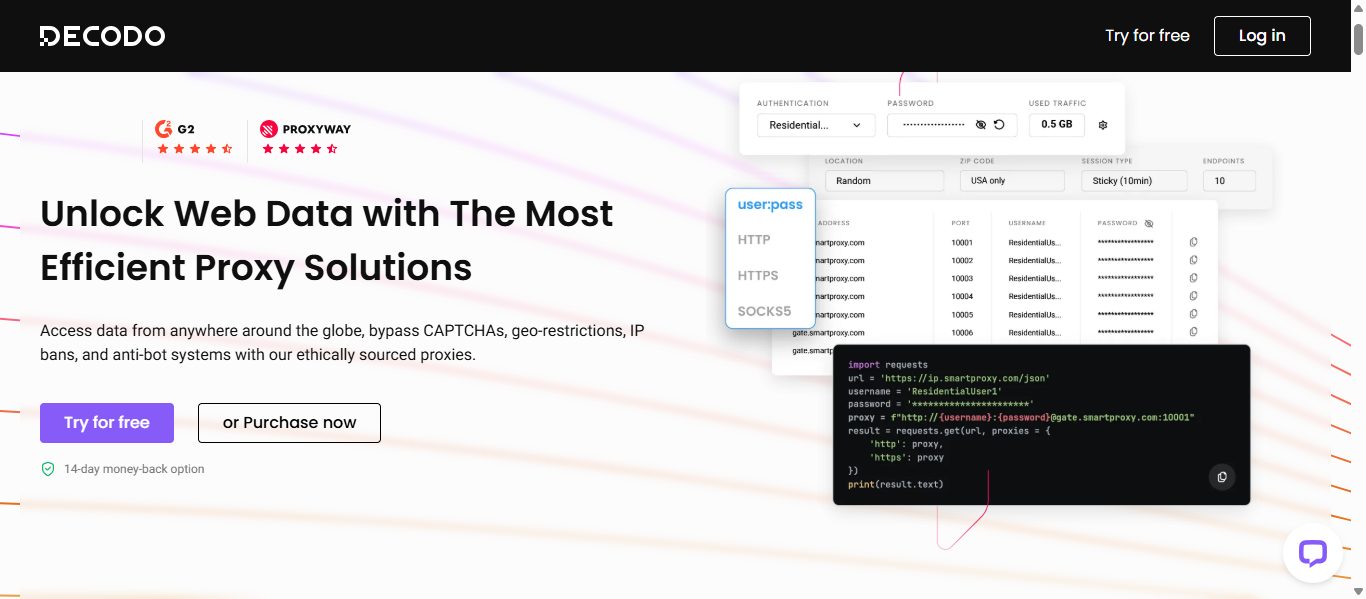
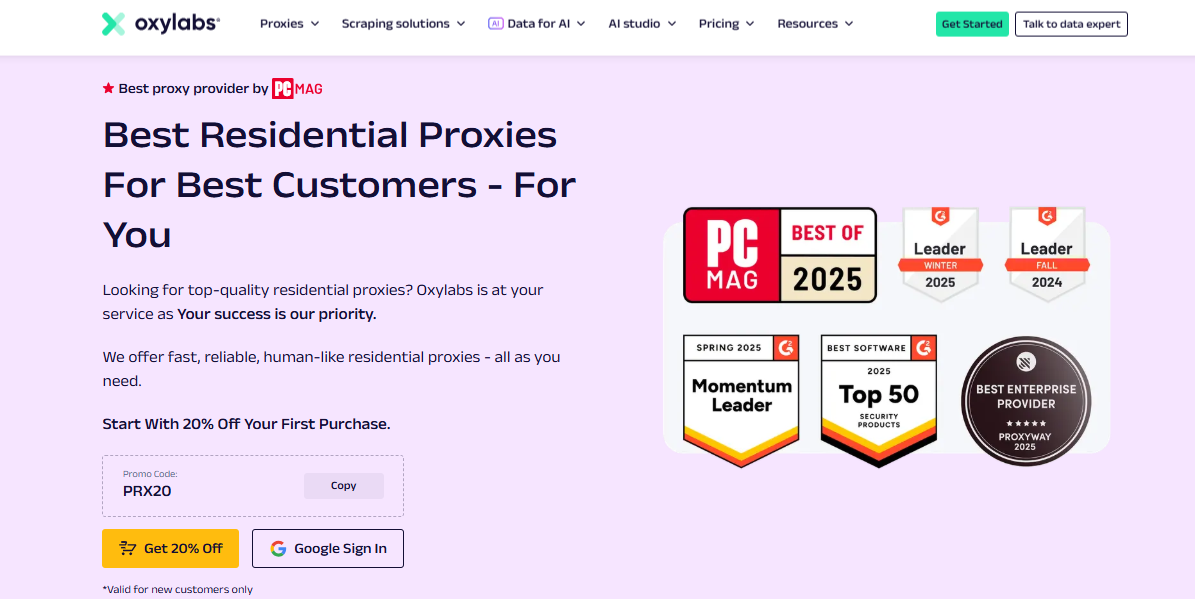




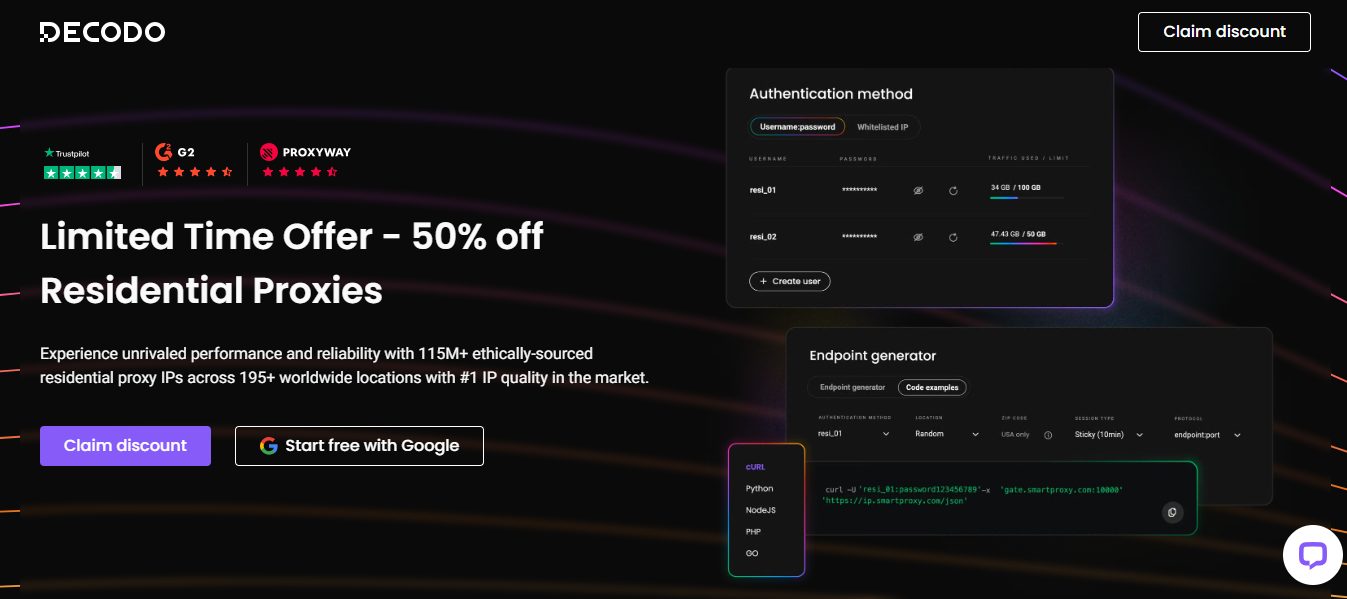
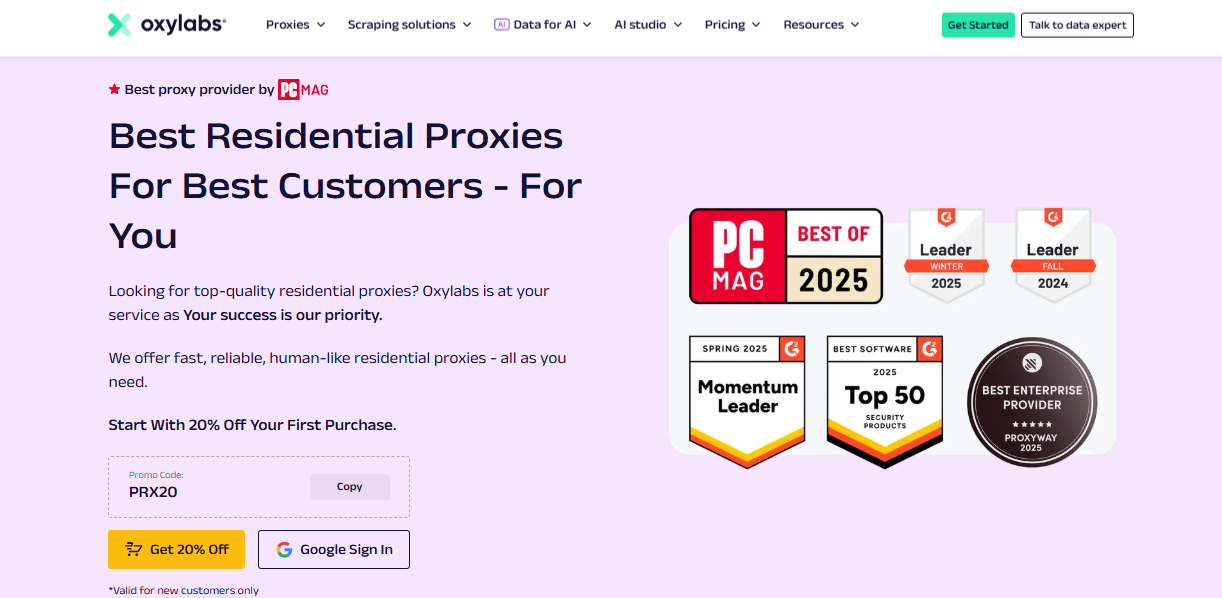

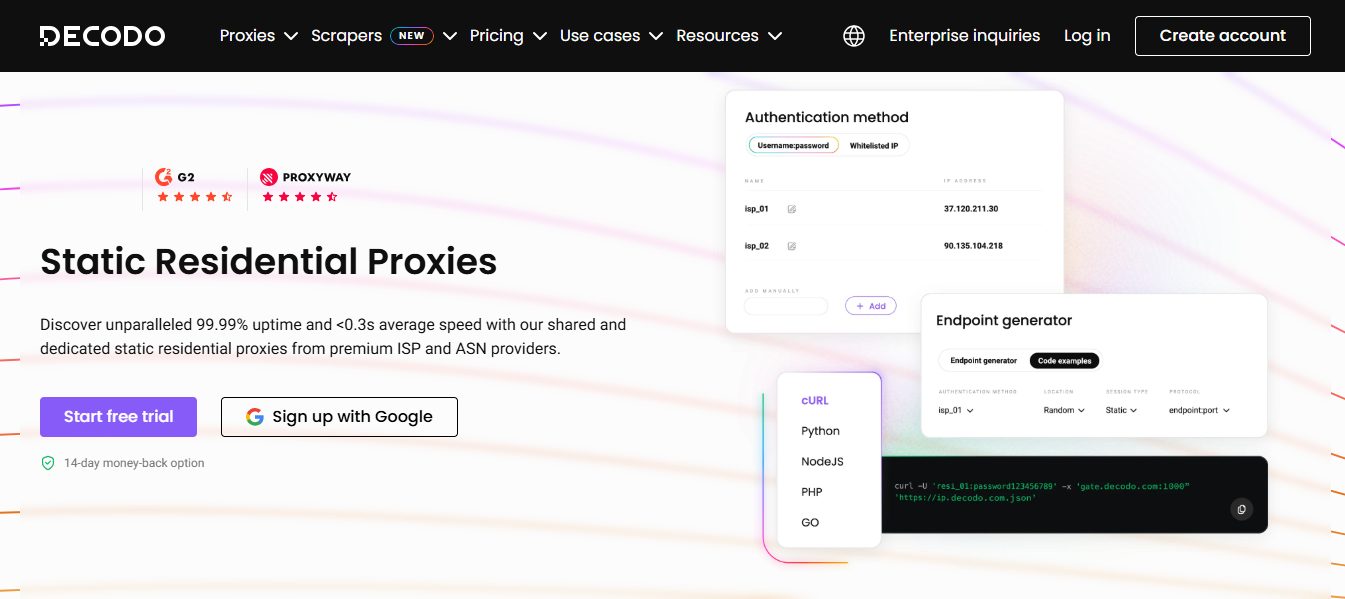
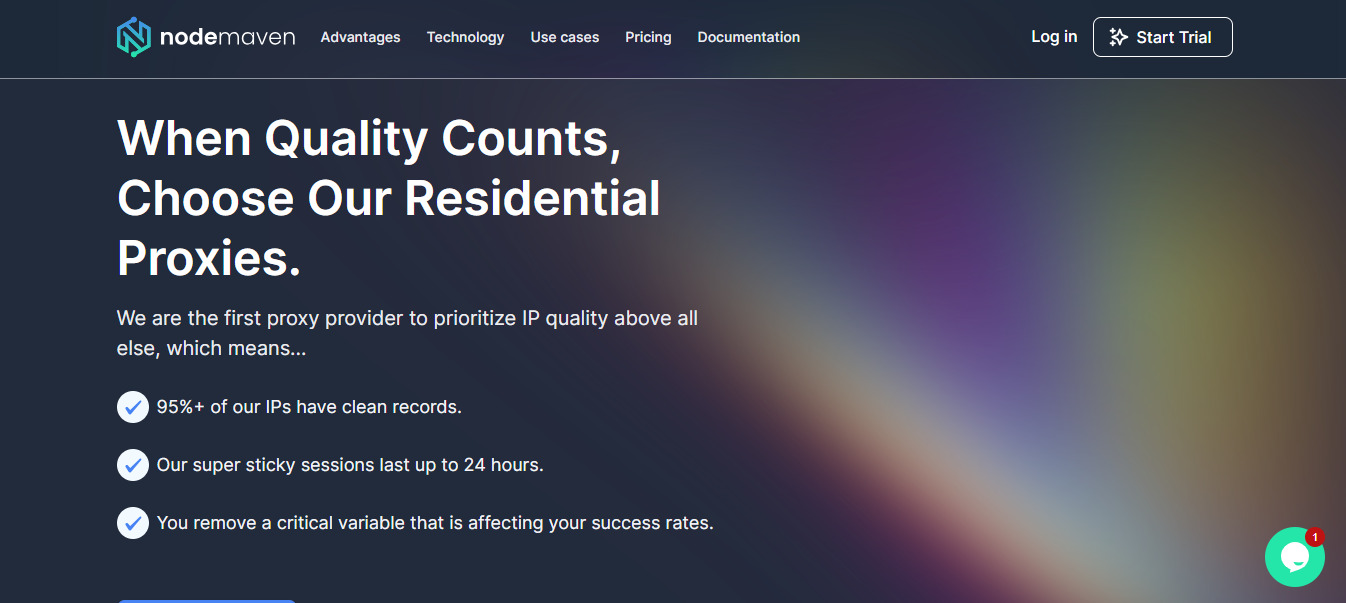











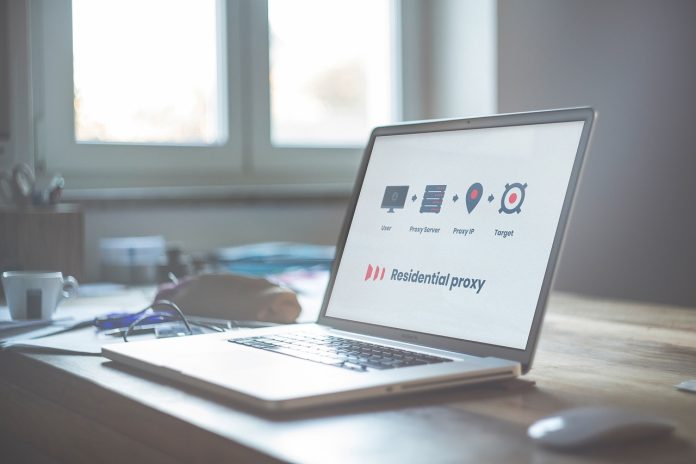
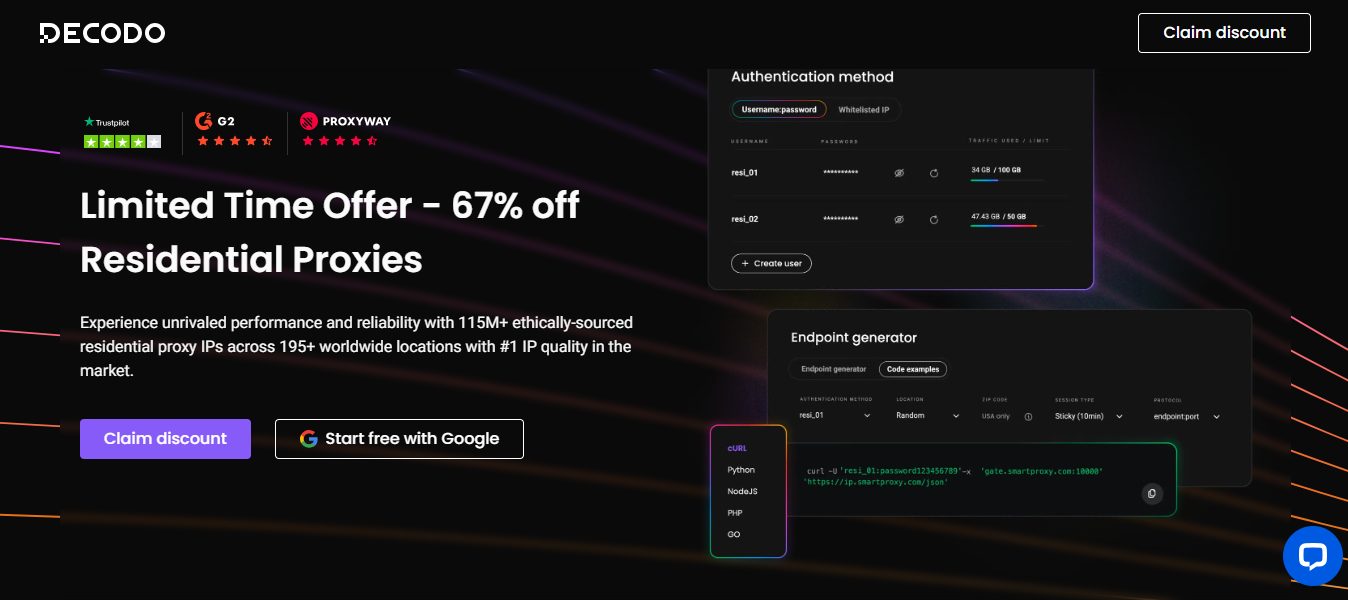
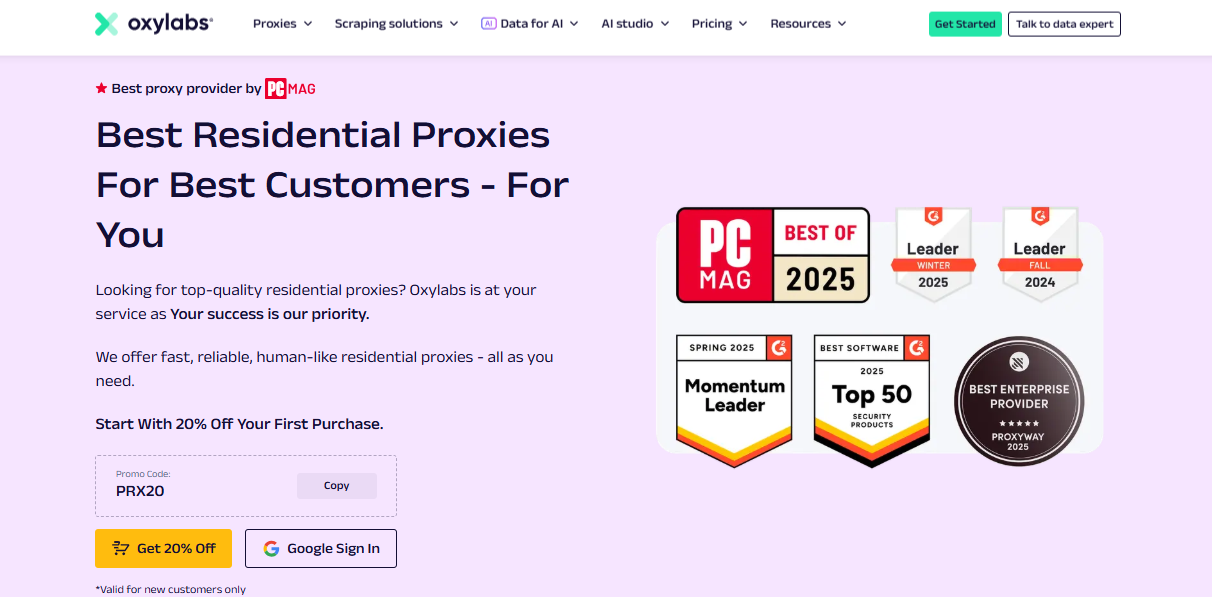


 Cybercriminals utilize several techniques to acquire sensitive information, such as login details, credit card details, etc., by disguising themselves as a genuine entity.











 A firewall protects your computer against unauthorized connections from gaining access or control. Popular Operating Systems such as Windows, Mac OS, Linux, etc. come with a built-in firewall. For instance, Windows OS comes with Windows Firewall.