In this post, I will show you all you need to know about the website heatmap.
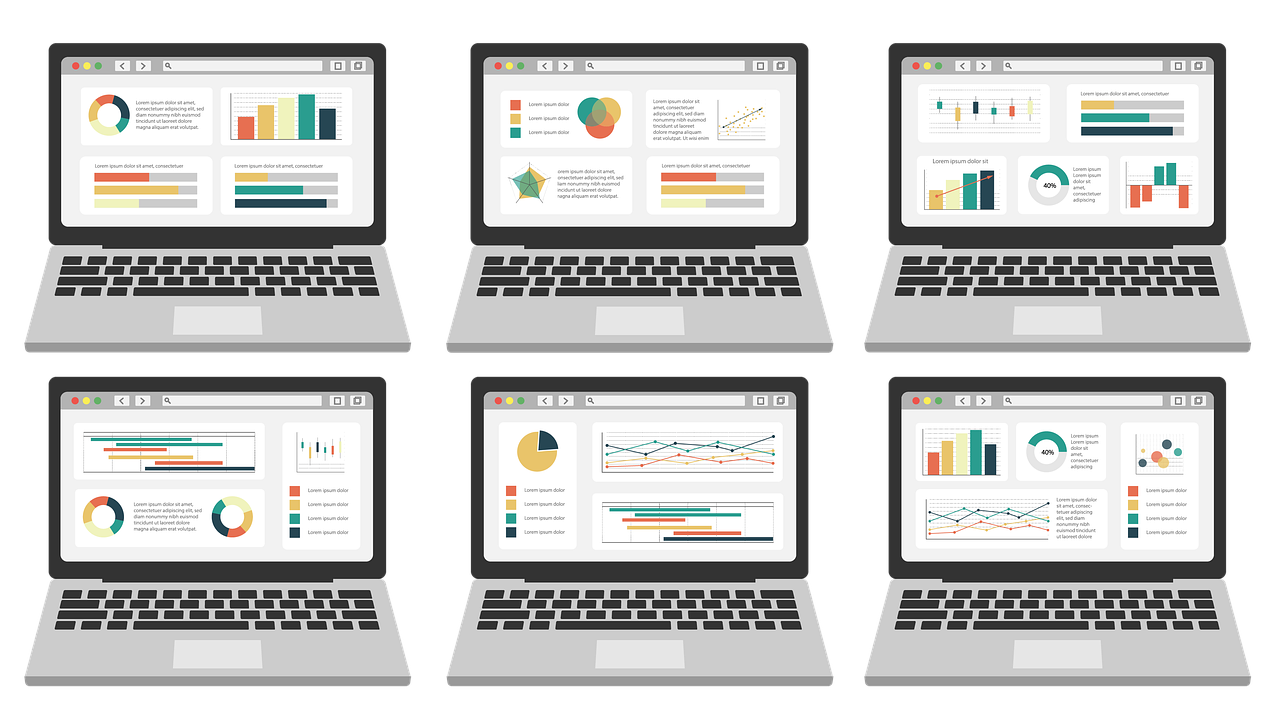
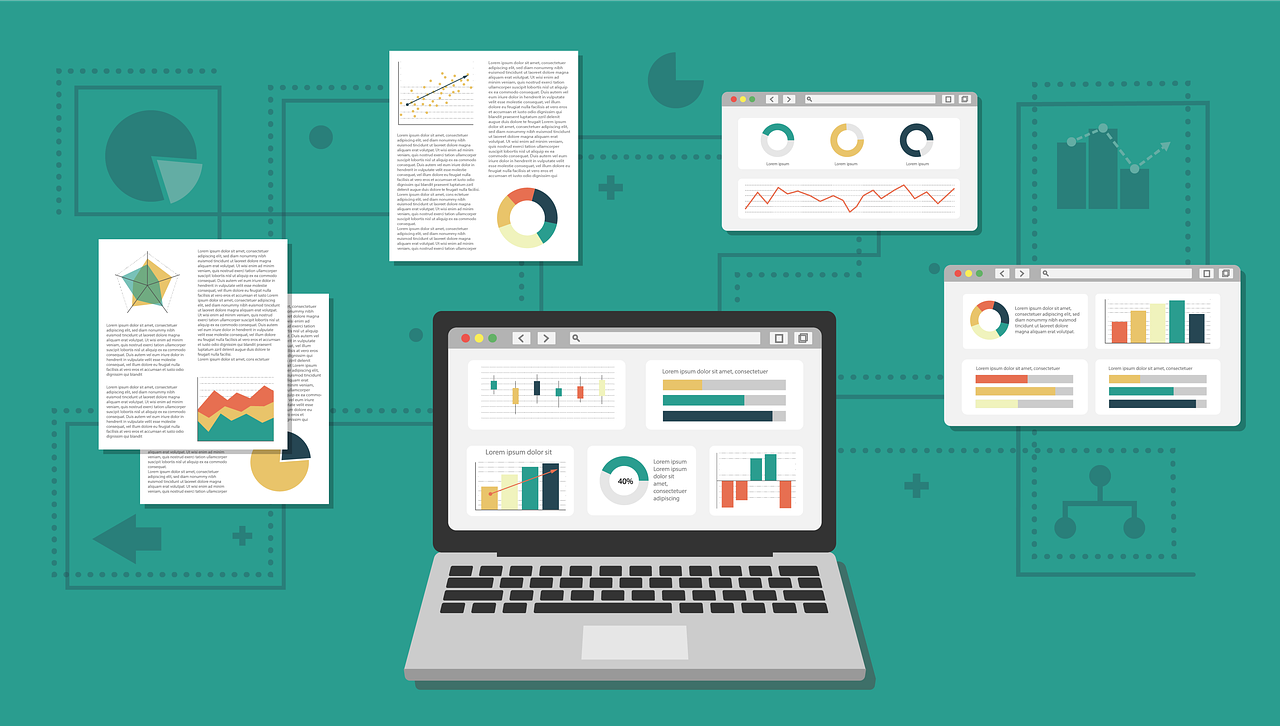
A heatmap is a great way to look at current trends through analytics, check the quality of landing page optimization, and determine what to do next.
Today, heatmaps are used to present complex statistical data. Engineers, marketers, sociologists, and researchers all use heat maps to provide comprehensive comparative data.
Table of Contents
What Is A Website Heatmap?
A website heatmap tracking tool uses a color palette to visualize data on a graph. For example, if you’re looking at a web page and want to know which elements get the most attention, a heat map will show that information based on the user data of that page’s visitors.
What Does A Heat Map Show?
A heatmap uses a color spectrum from warm to cool tones to show the areas of a website page that attract users’ attention (warm tones attract the most attention, cold tones the least).
Types Of Heatmaps
There are several types of heat maps, depending on the functionality of the service that provides the data. Let’s consider the most common of them.
Basic Heatmap
Classic choice. Using a thermal gradient, it shows the areas of the page that attract the most attention.
Scroll map
How long is your content? Do users read everything you write? Where is the best place to place a CTA button? Should you use longer articles? Should I use an infinite scroll or add pagination? All these questions can be answered with the help of a scroll map.
Confetti
A rather specific version of the classic heat map. The map displays areas with user clicks, which vary depending on the color, type of action, etc.
Heatmaps: When To Use Them?
If you are doing marketing, content marketing, or you are interested in information about user actions on the website, it is recommended to use a heat map for web visitor tracking. Here are some scenarios where it can be useful:
Website redesign
A website redesign can be a financial and labor-intensive process. The last thing you want to see is that the new design doesn’t work better than the old one. That’s what a heat map is worth using, tracking user behavior at each stage of change.
A/B testing
Do you need to test several landing options and choose the best ones? Need to know where is the best place to place a CTA button? Check how well the elements are placed on the page among several options? A heat map is an essential tool for A/B testing.
Pros And Cons Of Heatmaps
Site heatmaps are an underestimated tool in many ways. Often site owners are not aware of their existence at all.
And this is a big drawback because working with heat maps gives a lot of advantages to a business owner, marketer, website developer, or content marketing specialist.
We can point out at least 4 advantages:
Visibility
Color visualization allows you to present large amounts of data in the most simple and visual form. This saves time for analytics because looking at a heat map is much easier than working with the same data, but presented in tables.
Opportunity to improve the site
Heatmap analysis will tell you which elements to make clickable, which sections to remove from the text, where to place an advertising banner, and where to add a call to action in order to increase the efficiency of traffic processing and site conversion.
Usability improvement
By increasing the functionality of site elements, such as capture forms, by making the transition from section to section noticeable, you want the site to be more convenient for visitors – and they perceive it more loyally.
The growth of the position of the site in the search results
By improving the content, visual design, and usability based on heat map data, you can reduce the number of bounces, and increase the time of user sessions – search bots will see this, and the site will rank better in search results
Every coin has two sides – and heat maps have their downsides too. But there are few.
Insufficiency of data
The main disadvantage is that the marketer or the owner of the site/business is tempted to draw conclusions only on the basis of heat map data. In fact, it is more rational to use other analytical tools so that the reliability of the data is the best.
Also, the cost of using the full functionality of such services can be very tangible for startups and small businesses.
Website Heatmap: 10 FAQs
Understanding how visitors interact with your website is crucial for improving user experience and conversions. Website heatmaps provide a visual representation of this interaction, helping you identify areas that need improvement. Here are 10 frequently asked questions about website heatmaps:
1. What is a website heatmap?
A website heatmap is a visual representation of user behavior on your website. It typically uses a color gradient to show where users click, scroll, and hover their mouse. Warmer colors indicate areas with higher engagement, while cooler colors indicate less activity.
Different types of heatmaps track specific user interactions:
Click heatmaps: Show where users click on your website elements like buttons, links, and images.
Scroll heatmaps: Indicate how far users scroll down a page, revealing content visibility and engagement.
Mouse movement heatmaps: Track user cursor movement, helping understand user attention patterns.
3. What are the benefits of using website heatmaps?
Identify usability issues: See if users are struggling to find specific elements or complete desired actions.
Optimize call-to-actions (CTAs): Ensure your CTAs are positioned effectively for maximum clicks.
Improve content engagement: Understand how users interact with your content and identify areas that might need adjustments.
Prioritize website redesign efforts: Data-driven insights from heatmaps can guide website redesign efforts
4. How do I set up website heatmaps?
Several website analytics tools and heatmap services can be integrated with your website. These tools typically involve adding a tracking code to your website’s codebase.
5. How can I interpret website heatmap data?
Analyze areas with high activity (warm colors) and low activity (cool colors). Consider these factors:
Click heatmaps: Are users clicking where you intend them to? Are there irrelevant elements attracting clicks?
Scroll heatmaps: Do users scroll down far enough to see important content or CTAs?
Mouse movement heatmaps: Are users drawn to specific areas of the page? Are there areas they seem to be overlooking?
6. Are website heatmaps the only tool for website optimization?
Heatmaps are a valuable tool, but they should be used alongside other analytics data:
Traffic sources: Analyze where your website visitors come from to understand their behavior better.
Conversion rates: Track conversions (e.g., form submissions, purchases) to see if heatmap insights translate to improved user actions.
Session recordings: Observe actual user behavior through session recordings to gain deeper context into their interactions.
7. What are some limitations of website heatmaps?
Heatmaps don’t tell you “why” users behave a certain way. They only show what they do.
Heatmaps can be skewed by sample size. Ensure you have enough website traffic data for accurate insights.
Heatmaps don’t capture user demographics or motivations. Combine heatmap data with other analytics for a more holistic view.
8. How often should I check my website heatmaps?
There’s no one-size-fits-all answer. Regularly review your heatmaps, especially after making significant changes to your website design or content.
9. What are some privacy considerations with website heatmaps?
Heatmaps typically anonymize user data to comply with privacy regulations. Ensure your chosen heatmap tool has appropriate data privacy practices.
10. Are website heatmaps expensive?
Website heatmap functionality can be included in some website analytics tools or offered as a standalone service with varying pricing plans. Free trials or limited free plans are often available to explore the features before committing.
Conclusion
Heatmaps are a great way to visualize the data on your website, and help you identify trends and patterns. However, they are not perfect.
It can be difficult to predict what the future holds for your company website, but heat maps can help you see what’s working now and what’s not.
The summer season comes with many goodies, offers, and discounts. This summer will not be any different, but a summer to remember with Surfshark’s jaw-dropping giveaway.
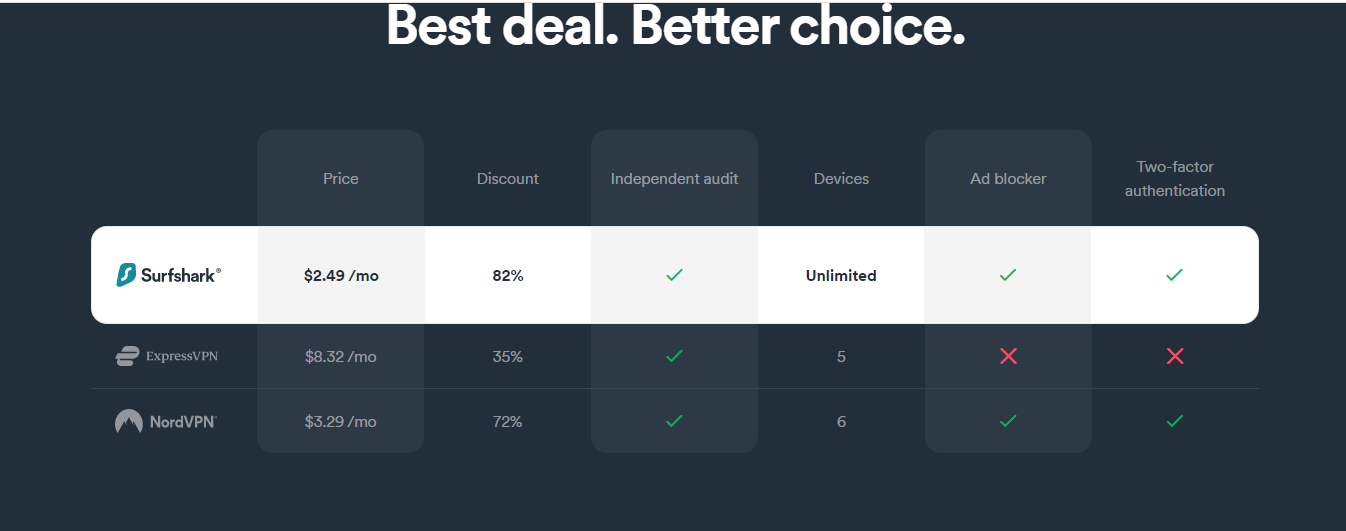
Surfshark is giving out its premium VB100-certified antivirus for free when you buy a VPN subscription for $2.30 per month. This is a two-in-one offer you cannot afford to miss out on.
Would you rather pay $100 for an antivirus subscription or get a premium, VB100-certified antivirus for free? For half the amount you will be paying for a premium antivirus ($59.76), you get 26 months of premium VPN plus free antivirus from Surfshark.
Table of Contents
Buy Surfshark VPN And Get Surfshark Antivirus For Free Offer
New malware threats are evolving every second
Hackers never stop figuring out new ways of stealing your data
Giant advertising companies will never stop harvesting data from your device to serve you with unsolicited ads
Enjoy high-level privacy protection
Not every antivirus is VB100-certified, yet SurfShark is offering you one for free.
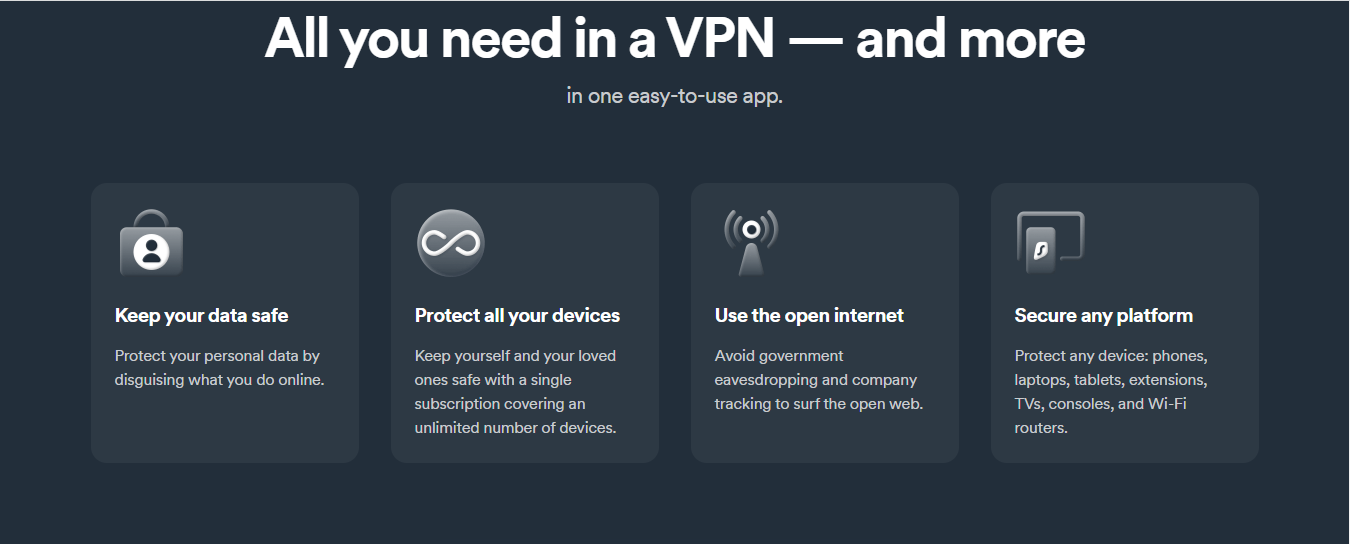
Premium VPN for $2.30 per month + free antivirus
This is a one-time limited offer
You will enjoy this offer on all your devices without incurring additional costs.
Protect your data traffic from interception using the most powerful encryption protocol on earth
Enjoy fast and anonymous downloading and torrenting with SurfShark’s P2P-optimized servers.
Protect your privacy by masking your IP address, device location, and other identifying information
Protect your online activities from spies and snooping eyes even when using public WiFi network
Enjoy unlimited streaming from Netflix and other geo-blocked streaming platforms like HBO Max, Spotify, BBC iPlayer, etc.
Enjoy local content wherever you’re in the world.
Enjoy real-world anonymity with a strict no-logs policy
Protect your data even when the VPN connection drops
Block out all ads
Enjoy a safer internet and super fast connection
Benefits Of Surfshark Antivirus
Premium antivirus for free
Complete, round-the-clock protection from malware like viruses, ransomware, spyware, rootkits, backdoors, etc
Scheduled scanning
Real-time threat protection
Light and fast antivirus engine
Data breach monitoring
How To Get Buy Surfshark VPN And Get Surfshark Antivirus For Free
Don’t let this opportunity pass you because delay can be costly; protect yourself and your device now by clicking here to buy a Surfshark VPN for a 2-years subscription and get a premium antivirus for free. You cannot afford to miss this limited, one-time offer for just $59.75. This deal will end by July 3, 2022.
For this amount, you get all that you need and much more; fast and secure VPN protocol, Military-grade encryption, Split tunneling, kill switch, RAM-only server optimized for streaming, downloading, and torrenting, compatibility with multiple device types, etc., and a 30-day moneyback guarantee.
This is an offer only from SurfShark, so do not forget to click the link above to get your offer now!
This deal combines Surfshark’s VPN service with their Antivirus software. Here are some key questions to consider:
1. What’s included in the deal?
This typically involves getting both Surfshark VPN and Surfshark Antivirus at a discounted price, often as a bundled subscription. You’ll enjoy the benefits of both services in one package.
2. Is the Antivirus really free with the VPN?
While advertised as “free,” it’s usually not entirely free. The Antivirus likely comes bundled with the VPN subscription at a discounted rate compared to purchasing them separately.
3. Is this a good deal?
Whether it’s a good deal depends on your needs. Consider:
Do you need both a VPN and Antivirus?
Is the discounted price significant compared to separate purchases?
Do the features of the Antivirus meet your expectations?
4. What are the benefits of using Surfshark VPN?
Encrypts your internet traffic, protecting your privacy online.
Allows you to bypass geo-restrictions and access content from other regions.
It masks your IP address, making it harder for websites and trackers to identify your location.
5. What are the benefits of using Surfshark Antivirus?
Protects your devices from malware, viruses, and other threats.
May offer additional features like real-time scanning and identity theft protection (depending on the plan).
6. Is Surfshark Antivirus a good antivirus product?
Reviews and independent tests will provide the most objective assessment. Consider researching performance against malware detection, system impact, and offered features compared to other antivirus options.
7. Are there any alternatives to consider?
Separate VPN and Antivirus purchases: You might find better deals or features by choosing individual services.
Free Antivirus solutions: While not as feature-rich, some reputable free antivirus options are available.
8. What else should I know before buying?
Subscription length and renewal price: Check the commitment period and potential price increases after the introductory offer.
Money-back guarantee: See if there’s a money-back guarantee if you’re not satisfied.
Device compatibility: Ensure both VPN and Antivirus work on your devices (PC, Mac, mobile).
9. Where can I find more information about this deal?
Surfshark’s website should have detailed information about the bundle, including pricing, features, and system requirements.
10. Is it safe to buy from Surfshark?
Surfshark is a generally well-regarded VPN provider. Look for reviews and information about their security practices and privacy policy before committing.
In this post, I will show you 4 ways to remove Mac purgeable space.
We all love to make use of various apps and software that make our lives easier. We also like to store all of our work, educational materials, memories, etc., in a digital form.
Each of those things takes up computer storage, and so you have previously battled with limited Mac memory space warnings asking you to delete some files.
Deleting purgeable memory can help in such a situation – click this link to learn more about purgeable space. Otherwise, here are 4 simple ways you can clear purgeable space on your Mac.
Table of Contents
What Is Purgeable Memory?
Before looking at the different ways to clear it, let’s just briefly establish what purgeable memory is and how getting rid of it can help you with storage.
The Mac operating system uses purgeable memory, which is a type of storage that can be removed in case more space is needed. It’s essentially a redundancy feature where your operating system always holds specific files or documents available to remove if and when required.
These files are typically stored on your iCloud, and they have been selected as purgeable because they have not been used for a long period of time. Deleting your purgeable memory will not have any immediate impact on your Mac and the files can always be re-downloaded if needed.
How To Clear Purgeable Space On Mac
Now that we understand what purgeable space means, here are 4 ways to clear purgeable space on Mac:
1. Allow your Mac to do it when needed
Unless you need the extra storage space in your Mac for a specific reason or just want to clear it up, your Mac will free up the purgeable space if and when needed. This will happen automatically whenever your Mac does not have enough storage space for new files.
However, there are many scenarios in which you may want to clear the purgeable space yourself before your storage gets too clogged up. The next three points will cover how to do it manually.
If you are comfortable using the Mac Terminal commands, you can use it to manually create a large file, forcing your Mac to empty the storage and then remove the file – this way forcing your laptop to empty the purgeable space.
Type in the following command and click enter: mkdir ~/largefiles
Now type in dd if=/dev/random of=~/largefiles/largefile bs=15m and click enter
Leave your laptop for 5 minutes, then click Control + C to stop the command
Type in the next command: cp ~/largefiles/largefiles ~/largefile/largefile2
After that, keep typing in the same command, changing only the last symbol to the next larger number. So, the next command will have “3”, after that “4”, after “5”, and so on. Continue to do that until a message appears saying “disk is critically low”.
Once that is complete, type in rm -rf ~/large files/
Drag the file you’ve created to the trash bin and empty the big. All done!
3. Use the Optimise Storage function
An easier way to clear out purgeable space on Mac is by using the Optimize Storage function.
To access this, go on Menu → click About This Mac → Storage → Manage → select Recommendations on the left.
Here you will see various options for optimizing your memory space and you may clear those out manually.
4. Use a dedicated app
The last, and perhaps easiest, way to clear your purgeable space is by using a dedicated app for it. These apps are designed to automatically identify purgeable files and remove them for you with only a few mouse clicks.
Doing this regularly only takes seconds, yet always maintains a good amount of memory space available.
Yes, it’s generally safe to remove purgeable space. These files are non-critical and your Mac will recreate them as needed.
Will removing purgeable space slow down my Mac?
No, removing purgeable space shouldn’t slow down your Mac. In fact, it might improve performance by freeing up storage space.
Why does my purgeable space keep coming back?
That’s normal. Purgeable space is designed to be temporary and will be used again by your Mac as needed.
Are there any risks involved in removing purgeable space?
There’s minimal risk if you stick to the recommended methods (restart, emptying trash). However, using Terminal commands, if not done correctly, might remove important system files.
How can I check how much purgeable space I have?
Here’s how:
Open About This Mac.
Click on Storage.
Look for the category labeled Purgeable.
Are there any other ways to free up space on my Mac?
Yes, there are several ways:
Identify and remove large files: Use storage management tools to find and remove large unused files.
Uninstall unused applications: Get rid of apps you no longer need.
Move files to external storage: Consider storing less frequently used files on an external hard drive.
Optimize storage with built-in tools: Use features like “Optimize Storage” in iCloud settings to manage storage space automatically.
Remember, the best approach depends on your specific needs and how much purgeable space you need to reclaim.
In this post, you will know whether marketing students should learn cybersecurity or not.
The career of a digital marketer can be very rewarding in terms of salary and experience. However, before you can become a marketer, you need to get the basic knowledge needed for this profession. School or online courses are some of the best ways to go about it.
If you already started your journey of learning marketing, you may be researching other affiliate disciplines that may come in handy. If so, turn your attention to cybersecurity.
If you’re confused about how cybersecurity relates to marketing, hold your questions, because, in this article, we’ll be going over 4 reasons why marketing students should learn cybersecurity.
Table of Contents
4 Reasons Marketing Students Should Learn Cybersecurity
1. To avoid falling for scam emails
As a marketer, you will no doubt have to deal with emails. The reason is that emails are still great ways to engage with customers. It’s common for various businesses to send emails to their customers with links informing them of discounts and deals, and to also share information within the business.
It’s unfortunately still common for employees to click links attached to emails without verifying their authenticity. This can get even worse when employees enter their credentials. You don’t want to fall for a scam email, so you need to learn to protect yourself. A lot of cybersecurity courses teach how to determine if a link is authentic or not. This will help protect you and the organization you represent.
Cybersecurity courses can help everyone ensure their safety online. But to take such courses a student needs time which they often don’t have due to all the academic assignments on their plate. Thankfully, such students can hire professionals that can write papers for money online and lighten their academic load. This way, free time can be used to advance oneself in cybersecurity or other worthwhile activities.
2. To secure a website
Another way hackers can cause problems for a business is by attacking its website. This can range from causing fraudulent links to appear on the website to preventing legitimate users from having access to the website. Both mentioned scenarios can lead to serious implications.
To avoid these issues, a website can use proper encryption technology and two-factor authentication to make sure attacks are less frequent and detrimental.
What most businesses want these days is to have a team that is conscious of cybersecurity threats. If you learn how to safeguard against these types of issues, you can become a very valuable employee.
3. To avoid losing social media accounts
To be a marketer these days means that you need to deal with social media accounts. This makes sense because, with Social Media Marketing, you can reach a lot more people. A lot of businesses have accounts on popular platforms such as Facebook, LinkedIn, and Twitter. It’s common for marketers to interact with customers through this means of communication.
However, it can also be dangerous, as, in the process of sharing links, you might end up clicking on one that sends you to a fake login page. What’s worse is that you might not even notice it and go on without knowing your login details have been stolen.
Many cybersecurity courses teach how to avoid such digital dangers. Some solutions involve changing user passwords regularly and always using a combination of numbers, letters, and symbols to prevent hackers from cracking your password easily.
4. To secure data
As a marketer, you’re likely going to deal with financial transactions, which involve many risks. When you enter your payment information on e-commerce websites using payment methods such as PayPal, you need to pay attention to the internet connection you’re using.
Many cybersecurity experts will tell you that you shouldn’t make any purchases when connected to an unknown Wi-Fi network. This can lead to the loss of data and, thus, serious financial implications. There are other related threats that a cybersecurity course will include.
Should Marketing Students Learn Cybersecurity? FAQs
Who should learn cyber security?
Cybersecurity knowledge is valuable for anyone who handles customer data or works in a digital environment.
This includes marketers, especially those involved in:
Email marketing
Social media marketing
Customer relationship management (CRM)
Data analytics
Which course is better, cyber security or digital marketing?
There’s no single “better” course. It depends on your career goals.
Digital marketing equips you with skills for promoting products and services online.
Cybersecurity teaches you how to protect information systems and data from cyberattacks.
Consider a double major or courses that combine both skillsets. This can give you a well-rounded understanding of online marketing and data security.
What is the best age to learn cyber security?
There’s no age limit for learning cybersecurity. As long as you have a basic understanding of computers and the internet, you can start learning. Many online courses and resources cater to beginners.
What is cyber security in marketing?
When it comes to cybersecurity, marketing plays a role in raising awareness about online safety practices. This can involve creating educational content, promoting secure products and services, and working with IT to build a strong security culture within the organization.
How to do marketing for cyber security?
Cybersecurity companies can leverage marketing strategies like:
Content marketing: Create blog posts, infographics, or videos that educate people about cyber threats and best practices.
Social media marketing: Share cybersecurity tips and raise awareness on relevant platforms.
Email marketing: Nurture leads with educational content and targeted promotions for security solutions.
Final Thoughts
Cybersecurity is something everyone should learn, especially someone who makes a living online, like a marketer.
As a marketing student, you can make yourself more knowledgeable and protected on the web by learning cybersecurity. Such novelty notions will also make you more valuable as an employee.
If this article has managed to convince you of the importance of cybersecurity, we encourage you to start learning it today.
Microsoft Playwright is a new, open-source, JavaScript-based, cross-browser automation library for end-to-end testing. Learn more in this article. As a web developer, it can be tough to keep up with the ever-changing landscape of web development. You always have to ensure all website functions are working across all devices.
Learn more about Microsoft Playwright’s role in web development and automation testing by reading the rest of this article.
Table of Contents
Microsoft Playwright API: A Cross-Browser Web Automation Tool
The Playwright is a cross-browser web automation tool designed to make your life as a web developer easier. With Microsoft Playwright, you can write end-to-end tests without worrying about browser compatibility.
That said, it will work on any machine with up-to-date JavaScript. Likewise, you can initiate a test run across Chromium, Firefox, Microsoft Edge, and WebKit.
Besides that, the Playwright library provides API for easy automation.
End-to-End Test With Playwright
Playwright’s end-to-end tests run in real browsers. That said, you can test the real browser input pipeline and proprietary browser APIs like:
Intersection Observer
Clipboard
Modern web apps rely a lot on these capabilities. Likewise, it is vital to test them to ensure they work as expected in your users’ browsers.
The Playwright supports users with complete control over their inputs via its Input API. It includes synthesizing all types of inputs, including:
Mouse
Keyboard
Touch
Gamepad
Clipboard events from the same JavaScript codebase
What Can You Do With Playwright?
Are you thinking of using Playwright? Here are some of Playwright’s various functions for end-to-end testing.
Configure Test Retry Strategy
Microsoft Playwright can help you tell if a particular failure was due to flaky tests. It will log information about each instance.
So, you can dig into how many times a particular failed test happened on each occasion.
The Playwright creates a new browser context for all independent tests. With browser context, you can test scenarios across many pages.
It also creates a new profile with your preferences and bookmarks. That said, it allows you the freedom to explore different topics.
The testability feature also allows developers and testers creativity in their end-to-end tests.
Web-First Assertions
Designed for web applications, Playwright assertions are a new way to create and deploy dynamic web content. Checks are also automatically retried until they meet the necessary conditions.
Playwright Tracing
Cut errors by configuring test retry strategy and capturing execution trace videos.
One-Time Login
The authentication state of the context can save and reuse all tests to make them faster. This shortcut bypasses repetitive log-in operations.
Each Playwright test is still in full test isolation from the other modules, so they can run without affecting one another’s results.
Produce Trusted Events
You can interact with dynamic controls and produce trusted events using Playwright. The tool uses your browser’s input pipeline.
Test Frames
With the power of selectors, Playwright can pierce through shadows and enter frames.
Auto-Wait Feature
With the Playwright auto wait, you can explore without worrying about timeouts. The Playwright can wait for elements to be actionable before performing actions.
This tool also has a rich set of introspection events. You can collect data without navigating testing actions with flaky tests.
Trace Viewer
Get all the information you need to investigate a test failure with Playwright trace. It includes a test execution screencast, DOM screenshot, and source file.
The benefits don’t stop there, though! It also lets developers view database responses without changing any code.
Playwright Inspector
Inspect the page and generate selectors with Playwright Inspector.
Check the click points in your browser’s console to see what happens when users click them. Also, explore execution logs to know the behavior of the different elements on the screen.
Codegen
Codegen is a tool that lets you generate tests by recording your actions. It’s easy to use for any web developer. You can also save them in any language.
Multiple Tabs, Origins, and Users
The most efficient way to test your site is by creating multiple tabs, origins, and users. With this feature, you can create scenarios for testing on your website.
Likewise, it helps to pinpoint any issues with user navigation.
Both Playwright and Selenium are popular tools for browser automation, but they have some key differences:
Playwright is faster and more lightweight, especially for headless browser testing.
Selenium has a larger community and a more established ecosystem of libraries and plugins.
Choosing between them depends on your specific needs. If speed and ease of use are priorities, Playwright might be a good choice. If you need a more comprehensive range of existing tools and community support, Selenium could be better.
Is Microsoft Playwright free?
Yes, Microsoft Playwright is an open-source project freely available under the permissive Apache 2.0 license. This means you can use it for free in any personal or commercial project.
Is Playwright a tool or framework?
Playwright is considered a framework rather than just a tool. It provides a higher-level API for interacting with browsers compared to lower-level tools. This makes it easier to write and maintain automated tests.
What coding language does the Playwright use?
Playwright itself is written in TypeScript, but it provides bindings for various popular programming languages like Python, Node.js (.js), Java, and .NET. This allows you to use Playwright with the language you’re already comfortable with.
Does the Playwright need coding?
Yes, Playwright requires writing code to automate browser interactions. You’ll need to use the provided libraries in your chosen language to write scripts that instruct Playwright how to interact with web pages.
Is Playwright suitable for UI testing?
Yes, Playwright is very well-suited for UI testing. It allows you to automate various user interactions with web pages, simulate different scenarios, and check for expected results. This helps ensure that your web application functions as intended from a user’s perspective.
Final Thoughts On Microsoft Playwright
The web browser is an essential and integral part of the internet experience. Modern browsers’ architecture can be complex because they run on different processes.
But the Playwright solves this problem by running tests out-of-process. Now, using test runners frees the Playwright from typical limitations.
It also has modularity and extensibility, so test automation is made much easier with Playwright.
In this blog post, we’ll explain how you can prevent a data breach, and what you should do if you’re hit by one. Keep reading to find out.
According to the government’s Cyber Security Breaches Survey 2021, a huge 39% of businesses and 26% of charities experienced a cyber security breach in the previous year. This rose to 65% of medium-sized businesses, 64% of large companies, and 51% of charities with high rates of income.
These statistics certainly are sobering, but to protect organizational and customer data, we need to know more. In this article, learn what data breaches are, what steps to take if your organization is hit by one, and how you can prevent the issue from happening going forward.
Before I show you how to prevent a data breach, let me answer the basic question – what is a data breach?
Table of Contents
What Is A Data Breach?
The European Commission, from which we get the influential GDPR data rules, classifies a data breach as a security incident that results in data confidentiality, availability, or integrity.
That means that if the private data of your customers, business, or any other party that you hold is shared, lost, accessed, or altered in some way, then you have suffered a data breach.
What To Do If You Experience A Data Breach?
If you experience a data breach, the first thing you need to do is contact the supervisory authority within 72 hours of the breach taking place. In the UK, you will typically need to get in touch with the Information Commissioner’s Office.
If the data breach is likely to impact the rights and freedoms of the affected individuals, then you must notify them immediately too. From there, you need to record the breach, as the ICO may investigate. If you don’t have the right records, you could be hit by fines.
Since there are clear legal ramifications that result from being exposed to a data breach, it’s important that you get the legal representation that specializes in the field of data and technology. While you may understand some facets of the process, having an expert on your side can make the process much quicker, simpler, and more likely to conclude satisfactorily.
The best way to prevent data breaches from happening is to first adopt the mindset that one is almost certain to happen. That way, you can move forward and take a proactive approach.
This involves creating data breach detection systems, investigation processes, and reporting methods that allow you to identify data breaches, understand them, and combat them in line with the law.
Transparency is crucial at every stage. Covering up data breaches is a criminal offence, so you need to create a culture in which staff feels comfortable reporting breaches and have the means to easily do so.
Hopefully, your business never experiences a data breach, but if it does, there are plenty of things you can and must do to make sure the worst doesn’t happen again and data privacy isn’t infringed upon.
How To Prevent A Data Breach – And What To Do If You’re Hit: FAQs
How can data breaches be prevented?
There’s no foolproof way to prevent a data breach entirely, but you can significantly reduce the risk by following best practices like:
Using strong, unique passwords and enabling multi-factor authentication (MFA).
Keeping software and operating systems updated with the latest security patches.
Being cautious about emails and attachments, especially those from unknown senders.
Having a data security plan and employee training on cybersecurity awareness.
What is the first step you should take if you suspect a data breach?
If you suspect a breach, immediately change your passwords for the affected accounts and any other accounts where you might be using the same password.
There isn’t a universally agreed-upon 5-step process, but a general approach might involve:
1. Identifying and containing the breach: Stop the attackers from gaining further access.
2. Assessing the impact: Determine what data was compromised and who was affected.
3. Notifying authorities and individuals: Report the breach to relevant authorities and inform affected individuals.
4. Taking steps to prevent future breaches: Improve security measures to reduce the risk of future attacks.
5. Monitoring and remediation: Continuously monitor for suspicious activity and take steps to fix any vulnerabilities.
What should I do if I am aware of a data breach?
If you’re informed of a data breach that affects you, change your passwords and consider enabling account monitoring or fraud protection services (if offered). Stay vigilant for suspicious activity related to your accounts.
What should you do immediately after a data breach?
The most immediate action is changing passwords for the affected accounts and any others at risk. Monitor your accounts for suspicious activity and consider placing a temporary hold on your credit card if financial information might have been compromised.
How do I protect my data after a breach?
Following a breach, be cautious about phishing attempts that might try to capitalize on the situation. Stay informed by following updates from the organization that experienced the breach about what steps they are taking and what you should do.
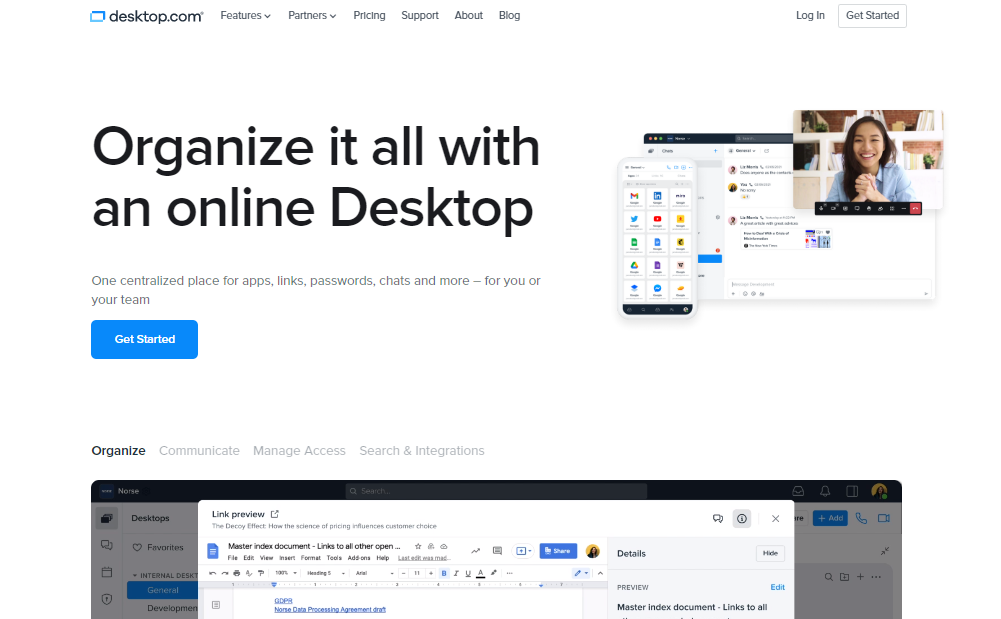
Read on as I show you how to organize your digital life with Desktop.com, an intuitive virtual desktop software.
Basically, virtual desktop software empowers employees to work from anywhere by providing them with a virtual desktop that they can access from any device. Users no longer have to be locked away in their offices or cubicles to get their work done.
With virtual desktops, employees can log in from home, the local coffee shop, or even on vacation and still access all of their files and programs as if they were sitting at their desks.
Virtual desktops provide several benefits for businesses and their employees: They reduce IT management costs because there’s no longer a need for servers or network equipment. They also improve employee productivity by removing roadblocks to accessing files and programs from anywhere.
This Desktop.com review explores the features and benefits of virtual desktop software so you can decide if it’s right for your business.
Table of Contents
What Is Desktop.com?
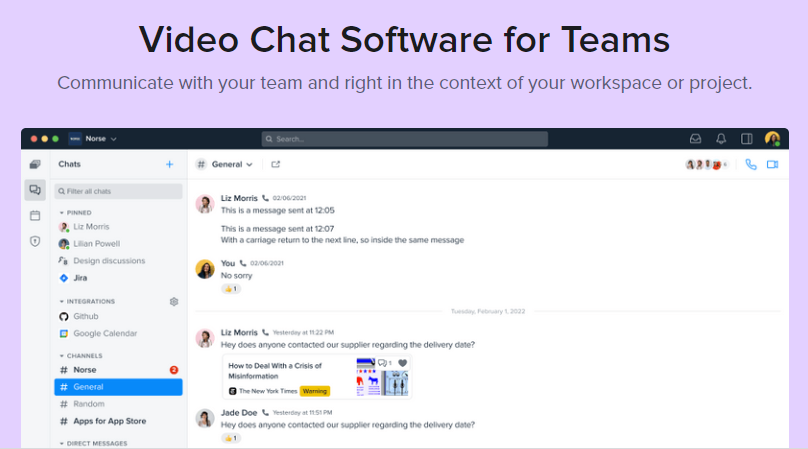
Desktop.com is essentially a cloud solution for remote work, workspace management, project collaborations and teamwork. It is a digital life organizer that integrates organization, resources, collaboration, and management as a cloud-based solution.
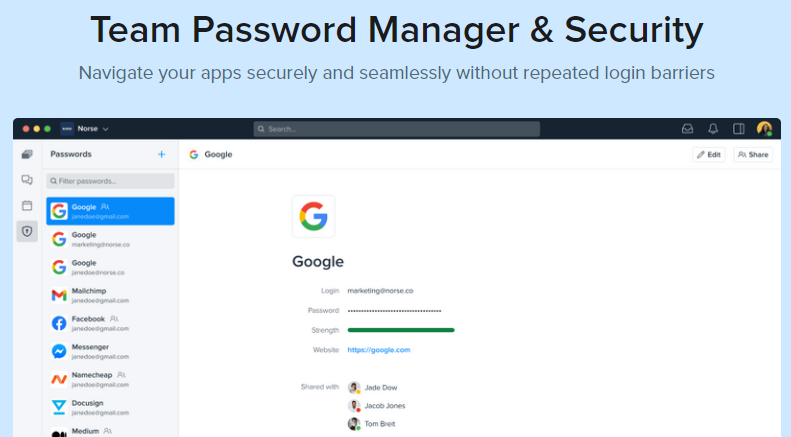
Desktop.com integrates essential tools and organizational features that include Password Manager, Identity Management, Multi-factor authentication, Chats, HD-quality video conferencing, and more.
To proceed with the Desktop.com review, let’s show you its major benefits.
What Are The Benefits Of Using Desktop.com?
As a remote solution for managing online resources, organizing digital life and collaborative efforts, individuals and teams can enjoy the following benefits and more from Desktop.com.
Managing digital life
A healthy work-life balance is maintained by keeping your digital life organized. Your digital life and devices represent your virtual life and office, where you spend most of your time as a remote worker. Hence, it is essential to keep your digital workspace organized for increased productivity and efficiency.
You may consider using Desktop.com to clear all digital clutter from your digital workspace and organize your apps, tools, projects, and teams on your device and browser for easy access. In the process, you can achieve a high organizational standard and efficiency that guarantees productivity.
Stay on the same page with your team
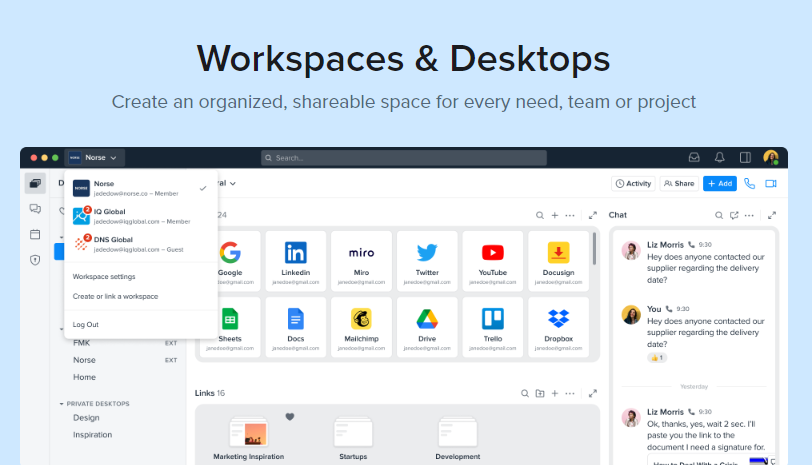
Teamwork improves productivity and guarantees success. Using Desktop.com to create multiple workspaces—each with its customized desktop—allows users to stay in tune with team members and monitor projects based on categories or groups.
More so, Desktop.com’s integrated chat and HD-quality video conferencing features are invaluable tools that guarantee seamless communication and collaboration for increased efficiency.
Onboard and offboard members for workspace or desktops
As an admin, you can use Desktop.com’s friendly access control to add or remove team members from projects, workspaces, or desktops. This ensures that an added team member gets access only to the tools, resources, and information needed to get started.
Import content easily to your desktop
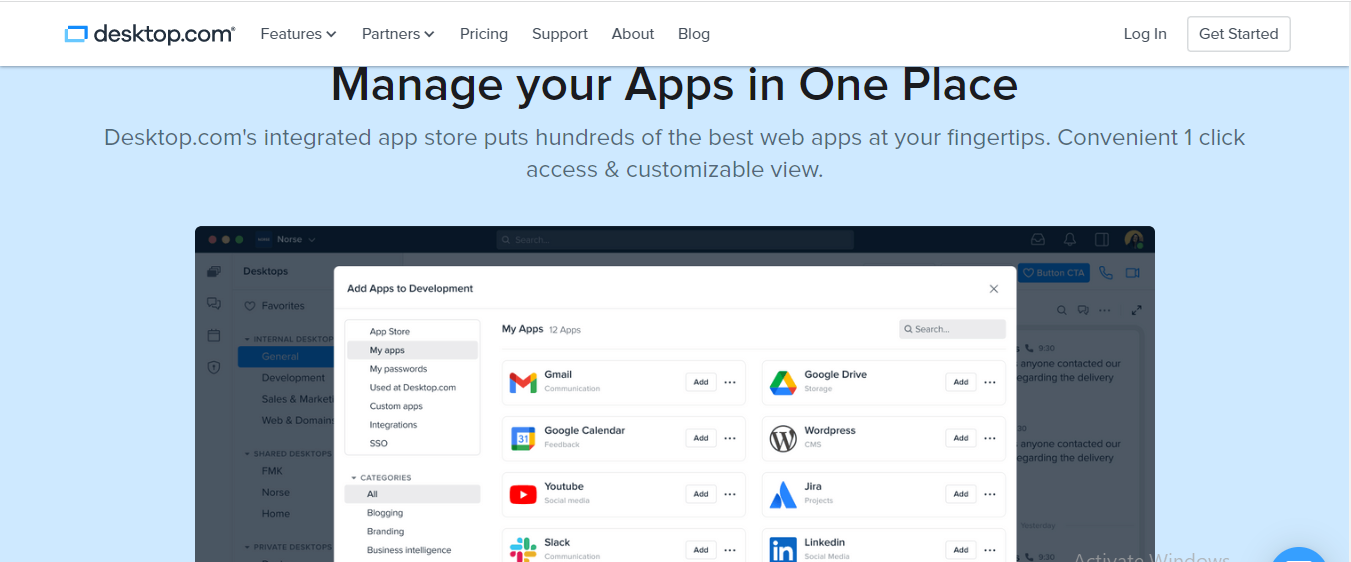
Desktop.com makes it easy to import content to your desktop by using its drag-and-drop tool, browser plugin or adding content directly from Desktop.com.
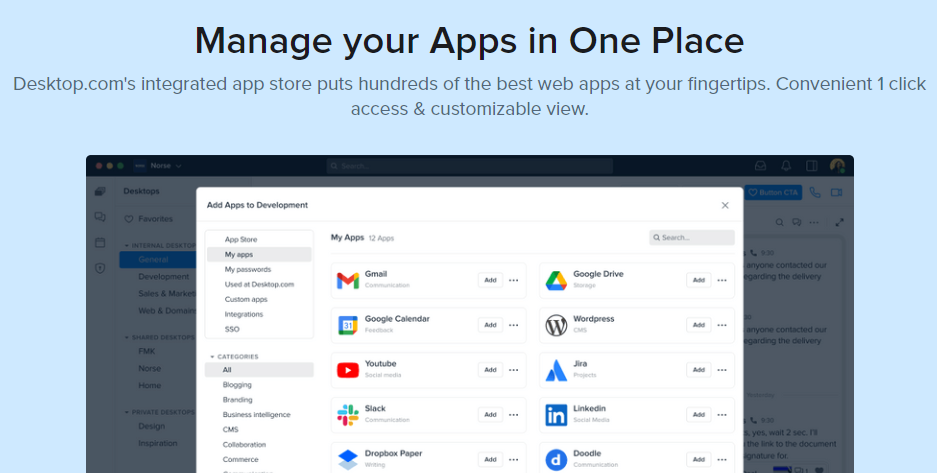
You can easily select and add apps to your desktop from several app categories in Desktop.com’s AppStore.
Enjoy seamless app transition
With Desktop.com’s single sign-on and Password Management, you can enjoy seamless transitions across apps without logging in and out from one app to another.
Enjoy additional security layers
Desktop.com’s Multiple Authentication and Domain Verification provide extra security layers for personal and team accounts.
Getting Started Using Desktop.com
Onboarding desktop.com is as easy as falling off a log; the following steps will walk you through getting started with Desktop.com.
Get started by clicking here to select a Desktop.com plan of your choice.
Create a desktop.com account by filling out your personally identifiable information or using your Google, Facebook, Apple, or Microsoft account.
Complete your registration by choosing either a Free or Pro plan, and agree to Desktop.com’s Ts & Cs.
Tap the continue button to proceed to the payment page for the Pro plan.
Fill in your credit card details to enjoy a 2-week free trial.
Create a workspace by inputting your workspace name and URL, then proceed by clicking the blue customize icon.
Select the apps you need to get started and click next to proceed. You can also add either a Google Workspace or Microsoft Office 365 platform to your workspace.
Invite other team members, or you may skip this step in the meantime.
Proceed to the workspace by clicking go to workspace.
Set up your Desktop by choosing ‘invite people to chat’, create a new desktop, import bookmarks and apps, make your first call, and much more.
Now, for this Desktop.com review, let’s show you its key features.
What Are The Key Features Of Desktop.com?
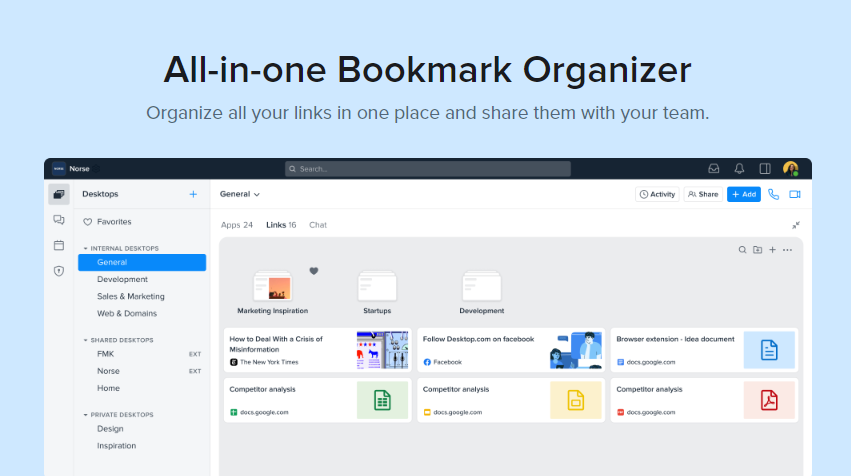
Collaborative Bookmark Manager
Desktop.com’s collaborative bookmark manager gives you easy access to information when and wherever you need it, and it ensures that data remains shareable amongst team members, especially when collaborating on a project, and also by making it easy to organize and share bookmarked links.
You can organize all your bookmarks by tagging them for easy search and sharing among team members. If it’s necessary, you can also arrange them into folders for easy access.
Additionally, you can view your bookmarks in preview mode, import bookmarks using Desktop.com’s browser plugin, and save links easily.
Shared Digital Workspaces and Desktops
Desktop.com’s Shared Digital Workspace feature lets you create a digital workspace and desktop access for every team member.
Hence, you can eliminate digital clutter by having your apps, icons, and folders organized into a central location that unfolds with a single click, distributing tools and information across team members, picking up right from where you left off, and searching across your workspace to find anything effortlessly.
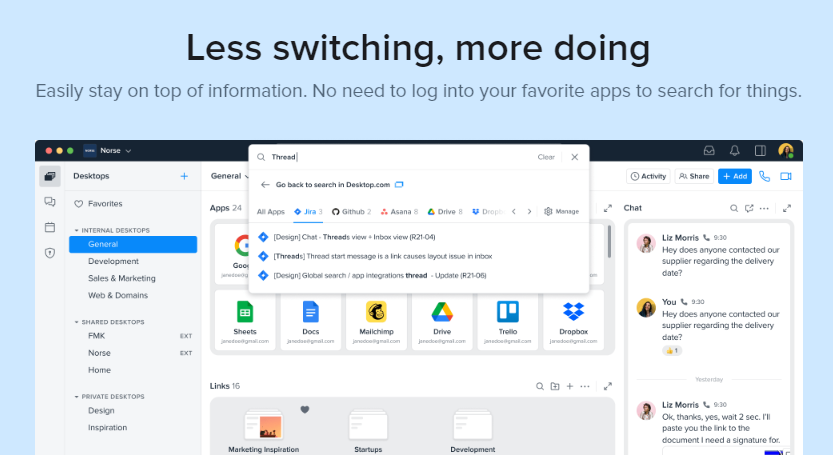
Third-party Integrations
Desktop.com has tons of third-party integrations that let you save time and achieve more. This eliminates the need to switch between accounts, making switching between apps seamless and providing your team with updated information on collaborations.
HD Video Conference
Enjoy seamless, high-density video calls or conferences with your team members without installing a video call application. You can send private messages and share notes and links among participants during calls.
Other intriguing features you can enjoy are background, sound, and output quality controls, password conferencing, and screen sharing.
Chat
Stay in touch with your team even while on the go by communicating with them privately or in custom groups. An in-app feature like a Status indicator shows the status of your team members, whether online, offline or busy.
Also, Desktop.com’s Chat has a cross-app feature that lets you send messages to other cross-platform chat apps right from your desktop without the need to switch.
Passwords & Security
Desktop.com’s Password & Security feature secures your digital workspace whether you’re working remotely or collaborating as a team.
Depending on your level of exposure, you can add extra security layers to secure your workspace and accounts with Desktop.com’s security features, like SSL, to protect you from phishing, botnet, and malware infections.
Moreover, you might as well add encryption technology to keep your files and communication secure, MFA to authenticate login attempts, SSO to improve access control, and Domain Verification to protect your workspace.
Desktop.com App Store
Add all your favourite apps with a single click right from Desktop.com’s vast web app repository.
You can improve your productivity by finding any app using the App Store’s advanced search and filter features or use the regular add button to add and share third-party apps not in Desktop.com’s App Store with your team members while using the single sign-on feature to restrict access to apps on your workspace.
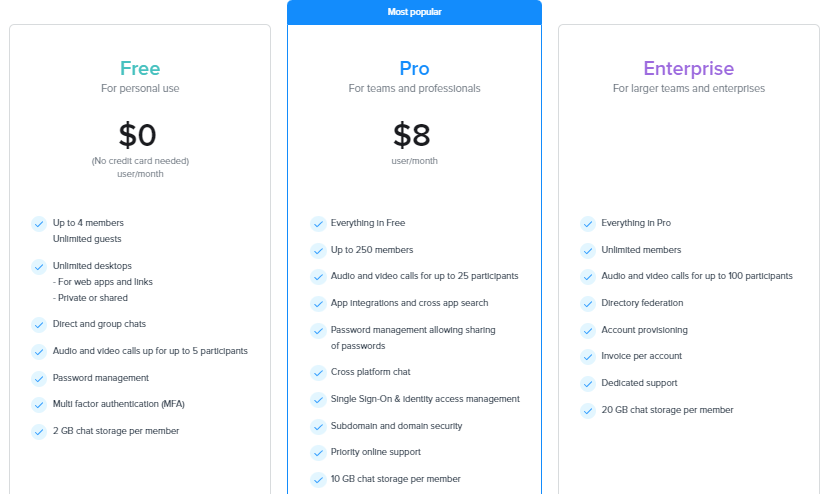
Starting from $8 per month and a 14-day trial, you will get more bang for your buck.
If you feel Desktop.com is not for you, the 14-day free trial gives you ample time to downgrade your subscription to the free version or exit Desktop.com at no financial cost.
How To Add A Custom App
Go to your settings—workspace, and click the custom apps button.
Click Create a custom app at the top right of your screen.
Fill up the following in the custom app window that pops up on your screen:
App name
App URL
Select a category
Inputting the app URL fetches the app image
Click the add application button to add a custom app.
Note: For this Desktop.com review, we tested the custom app functionality, and it worked perfectly.
How To Organize Your Digital Life With Desktop.com?
If you’re working remotely from home, you will be heavily reliant on your digital devices to get your work done; hence, you will need more applications than you normally need on a regular basis.
Your devices and desktops become your office space, and you’re more likely to get cluttered with apps, files, folders, browsers, tabs, etc., all of which can result in more stress and less productivity.
By managing your remote work life with Desktop.com, you can improve your productivity, make more profit, cut out stress, and save time. Start organizing your life today by clicking the Get Started button to use the Desktop to organize your digital life.
How Do You Use Desktop.com to Manage Your (Remote) Work and Personal Life?
If you’re working remotely, you will need to communicate effectively and, at the same time, ensure that you can retrieve data and information easily without compromising your privacy or security.
Desktop.com helps you manage your remote work and personal life by helping you retrieve information fast, cut out on distractions, communicate seamlessly with your team members, and manage your space. This gives you control over your work and personal life.
Tips For Using Desktop.com To Organize Your Digital Life
1. Use the right app
Remote work depends on apps; hence, you must use the right app to get the job done. Desktop.com has a vast repository of apps you will need for remote work, and it also helps you define the specific uses of such apps.
For instance, you can enjoy quick access to apps like Google Drive, Gmail, Dropbox, Zoom, and Slack.
2. Use a dedicated platform
Desktop.com lets you create a dedicated workspace that is a one-stop shop for remote work. You can boost your productivity by organizing and managing your links, apps, projects, and teams from a central location.
You can also switch easily between personal life and remote work with Desktop.com.
3. Declutter your workspace
Use Desktop.com’s bookmark manager to declutter your browser tabs and tag links and to organize links into categories for easy sharing and retrieval of information amongst team members and devices.
4. Make communication easy
Communication plays a vital role in teamwork. With Desktop.com, you can boost productivity by effectively keeping in touch with your team members via Desktop.com’s HD video conferencing and chat, getting fast responses and viewing your team members’ status.
5. Organize your workspace
Desktop.com helps you organize your workspace and improve productivity by giving you access to the right tools. It helps declutter your workspace, ensure seamless communication, and manage links, teams, and apps all from one location.
Desktop.com: Frequently Asked Questions
Is Desktop.com Safe to Use?
To get it straight, Desktop.com is safe to use. It is a remote work solution that helps you organize your digital life to avoid digital clutter, improve communication amongst team members, and give you access to the right tools you need to boost productivity.
Desktop.com secures your workspace and accounts with multiple security layers, including SSL, File encryption, MFA, SSO, and more.
Is Desktop.com Legit?
Desktop.com is a legitimate digital workspace solution. It is trusted by millions of personal and corporate users worldwide, and it has earned many 5-star ratings and positive reviews on several review platforms, including Trustpilot, Capterra, Google, etc.
Is Desktop.com Worth it?
Yes, Desktop.com is worth it. The free version gives you access to basic Desktop.com benefits, while the pro plan gives you access to more Desktop.com features.
Top Desktop.com Apps by Categories
Here is a truncated list by categories:
Blogging: BlogIn, CrowdTangle, and more.
Branding: Audiense, Brandfolder, brandseye, and so on.
Business intelligence: 9lenses, Amplitude, Archive, and so on.
CMS: Acqui, Bluehost, Card
Collaboration: Beekast, Cage, Clariti, and more.
Commerce: Alibaba, eBay, Amazon
Communication: Messenger, Whatsapp, Zoom
Customers: Intercom, Pipedrive, Zendesk, and more.
Culture: ArtCollection.io, ArtEngine, Artmajeur, and more.
Design: Canva, Proto.io, Zeplin, and more.
Development: Confluence, GitHub, Stack overflow, and more.
Domain names: Dynabot, Godaddy, Sedo, and so on.
Education: 360Learning, Akindi, Allego, and more.
Entertainment: Netflix, Spotify, Twitch, and more.
Feedback: AB Tasty, AidaForm, Canny, and more.
Finance: Expensify, PayPal, Stripe, and more.
Food: AllRecipes, BigOven, Cookbook, and so on.
Gaming: Armor, Valor, Brutal, and more.
Health/Fitness: 8fit, Active.com, DailyBurn, and more.
Legal: AccountEdge, Adobe Sign, App4Legal, and more.
Logistics: 71Lbs, Audit Shipment, Flexport, and more.
Marketing: Google Ads, MailChimp, Meta for Business, and more.
Management: Acunote, Autotask, Cascade Strategy, and so on.
Monitoring: Atatus, Better Uptime, Bugherd, and more.
Music: Duet, Fit Radio, Fl Studio, and so on.
Network: Digicert, domotz, egnyte, and more
News: Crunchbase, Dailymotion, Entrepreneur and so on.
Personal Development: datacamp, eduCBA, edX, and more.
Productivity: Lanes, Notion, Pitch, and more.
Projects: Asana, Jira, Trello, and more.
Real Estate: Brivity, Brokermint, Buildium
Sales: Freshsales, GetAccept, Highspot
Security: Dashlane, Duo, Encrypt.me, and more.
SEO: Frase, DataForSeo, ContentKing, and more.
Services: Fiverr, Guru, Freelancer, Escrow.com, and more.
Shopping: H&M, Lego, Harrods, and so on.
Social media: Facebook, Linkedin, Twitter, and so on.
Sports: Yahoo Sports, UEFA.com
Storage: Box, Dropbox, Wetransfer
Tech: Gizmodo, Engadget, DreamFactory
Travel: Ezus, Expedia, FareHarbor, and more.
Visual Tools: Fotor, Genially, Infogram, and more
Writing: Grammarly, Google Docs, juro, and more.
What is Desktop.com, and how does it help me organize my digital life?
Desktop.com provides a virtual workspace where you can access all your web applications in one place. It eliminates the need for multiple browser tabs and windows, keeping everything organized and easily accessible.
How does Desktop.com handle the security and privacy of my apps?
Desktop.com acts as a container, meaning it doesn’t store your actual application data. It simply provides a secure way to access your existing web apps through their official login processes.
Does Desktop.com offer any built-in organization features?
Yes! Desktop.com automatically categorizes your added apps, grouping them based on functionality (e.g., communication, creativity tools). You can also create custom folders for further organization based on your workflow.
Can I use Desktop.com with any web application?
Desktop.com works best with web applications that have a well-defined web interface. While it has a vast library of pre-integrated apps, there might be a chance some specific web apps may not function perfectly within Desktop.com.
Is Desktop.com free to use?
Desktop.com offers a free plan with limited features. Paid plans unlock additional capabilities like increased storage space and custom branding options for your workspace.
Are there any alternatives to Desktop.com for digital life organization?
Yes, several options exist depending on your needs. Some popular alternatives include:
Browser extensions for tab management: These can help organize your browser tabs but don’t offer a unified workspace like Desktop.com.
Cloud storage services: These can help store and organize your files but not necessarily manage your web applications.
Project management tools: These can be helpful for task management and collaboration but might not be ideal for centralized access to all your web apps.
Wrapping Up…
Now, you should be able to organize your digital life with Desktop.com.
In conclusion, Desktop.com remains the ultimate solution for remote work organization, management, and collaboration. It provides a smarter way of managing your personal and remote work life, as well as managing data safety and security through the use of features like MF, SSO, Password Manager, etc.
Hence, Desktop.com is a much-needed digital life organizer for boosting your productivity and income while saving time and cutting out stress.
In this post, I will show you what to expect from the newly updated ISO 27001: 2022.
ISO 27001:2013 is a globally recognized standard of information security that allows businesses to protect their information using a clear and universally accepted framework.
However, data privacy and information protection laws have changed over time, resulting in the need for an update. ISO 27001:2022 is that update, and it is expected to be released later this year.
The new update will provide some vital amendments and updates to the current standard. Here’s what to expect:
Table of Contents
What’s Changing With The ISO 27001: 2022?
One of the essential things to note is that while you can earn certification in ISO 27001:2013, you cannot do the same in ISO 27001: 2022.
ISO 27001:2013 will remain the primary standard, and ISO 27001: 2022 will become a supporting control and provide guidance on how to best to utilize the main standard.
What Will Be Different Once The Update Is Released?
The new standard itself is significantly longer than the previous version, with many changes to the controls. A number of them have been reordered, updated, merged, and some removed.
ISO 27001:2022 lists 93 controls rather than the previous 114, but these have been updated to reflect the standard best.
The controls are grouped into 4 ‘themes’ rather than 14 clauses. These are:
People (8 controls)
Organizational (37 controls)
Technological (34 controls)
Physical (14 controls)
Controls that didn’t previously exist are:
Threat intelligence
Information security for the use of cloud services
ICT readiness for business continuity
Physical security monitoring
Configuration management
Information deletion
Data masking
Data leakage prevention
Monitoring activities
Web filtering
Secure coding
The new controls have been given five ‘attributes’ to make them easier to categorize:
Security domains (governance and ecosystem, protection, defence, resilience)
Other changes include the removal of terms such as ‘Control Objectives’ and ‘Code of Practice.’
When Will The New Changes Happen?
ISO 27001:2022 was released on February 15th, 2022, and the updates to ISO 27001:2013 are expected to be published in October, though this could be subject to change.
Companies currently in the process of implementing ISO 27001:2013 are advised to continue to do so and then wait for the update later this year.
Your organization will still have to align with the current ISO 27001:2013 standards, so if certification is not urgent for your business, you should wait until the update is released and then commence the certification requirements.
What Does This Mean For Certification?
As mentioned, ISO 27001:2013 is a standard that companies are certified against, while ISO 27001:2022 is a reference guiding the implementation and use of the new update.
Accreditation bodies will give companies sufficient time to implement the new update, engage with ISO 27001 consultants where necessary, and make relevant changes in their practice. The expected transition time is around 12 months, so there will be ample time to introduce the new update and apply for accreditation.
It is suspected that there may be a cut-off for issuing ISO 27001:2013 by the end of 2023. Therefore, businesses are still trying to achieve this accreditation, and they are recommended to do so as early as possible.
What Are The Benefits Of Achieving ISO 20071 Accreditation?
Achieving accreditation is recommended due to ISO 27001 being the globally recognized standard. Having this certification gives you the confidence that your business is protected securely with recognized controls.
Other benefits include lowered IT expenses, improved business coherence, and competitiveness over other organizations. Having these benefits will help you gain your customers’ confidence and promote relationships with other businesses.
ISO 27001:2022 is the latest version of the international standard for information security management systems (ISMS). Here are some key questions answered:
What is ISO 27001:2022?
ISO 27001:2022 specifies the requirements for establishing, implementing, maintaining, and continually improving an ISMS. An ISMS is a framework that helps organizations manage information security risks.
What’s new in ISO 27001:2022 compared to the previous version?
The 2022 update focuses on a more risk-based approach, streamlining the structure, and aligning with the latest management system standards. Some key changes include:
Emphasis on understanding the context of the organization and its information security needs.
Stronger focus on threat intelligence and vulnerability management.
Updated terminology for better clarity.
Consolidation of controls in Annex A (the recommended security controls).
Is ISO 27001 certification mandatory?
No, ISO 27001 certification is not mandatory for most organizations. However, it demonstrates your commitment to information security and can be a valuable differentiator when competing for business or attracting investors.
What are the benefits of implementing ISO 27001:2022?
Implementing ISO 27001 offers several benefits:
Reduced risk of data breaches and cyberattacks.
Improved information security posture.
Enhanced customer trust and confidence.
Stronger compliance with data protection regulations.
Systematic approach to managing information security.
How do I get started with ISO 27001:2022?
Here are some steps to get started:
Familiarize yourself with the standard’s requirements.
Conduct a gap analysis to identify areas where your organization needs improvement.
Develop an implementation plan.
Implement the necessary controls and procedures.
Seek certification from an accredited certification body (optional).
What are Annex A controls in ISO 27001:2022?
Annex A provides a list of recommended security controls categorized into four areas: organizational, people, physical, and technological. Organizations can select and implement the controls relevant to their specific information security risks.
Are you seeking the best free antivirus software to secure your Windows computers? We’ve got you covered.
In today’s digital landscape, protecting your computer and personal data from malware and cyber threats is paramount. While numerous antivirus software options are available, not everyone can invest in a paid antivirus subscription.
Fortunately, several reputable free antivirus programs offer reliable protection for your devices. This comprehensive analysis will explore the best free antivirus software options, their features, and their suitability for different users.
Table of Contents
Why Choose Free Antivirus Software?
Free antivirus software has come a long way in recent years. These programs offer real-time malware protection and, in some cases, additional security tools such as firewalls and system scanners.
Developers often offer free versions of their antivirus software to collect data and improve their security platforms.
While free antivirus software may come with pop-up ads and messages encouraging users to upgrade to a paid subscription, they still provide adequate protection against malware and other threats.
The Best Paid Antivirus Software
Before diving into the best free antivirus software options, you must understand that paid antivirus subscriptions offer additional features and tools to enhance your overall security.
For those who require more comprehensive protection, we recommend considering one of the top six paid antivirus software options:
McAfee Antivirus is a popular choice for its comprehensive protection and user-friendly interface. It offers real-time protection, a firewall, VPN, identity protection, web protection, and a password manager.
McAfee Total Protection
An easy-to-use security suite for data safety and device protection.
An easy-to-use security suite for data safety and device protection. Show Less
Heimdal Security is a good choice for businesses and individuals seeking a comprehensive antivirus and endpoint security solution. It is easy to use and offers many features to protect your devices from malware, viruses, and other online threats.
Heimdal Security
Heimdal Security protects its users from advanced malware attacks by making use of next-generation technology. Your best...Show More
Heimdal Security protects its users from advanced malware attacks by making use of next-generation technology. Your best intelligent threat prevention tool. Show Less
Norton 360 is a well-established antivirus program that offers a wide range of features. It includes a firewall, a VPN, Firewall, Password manager, Cloud backup, Dark web monitoring, and parental control.
Norton 360
Norton 360 is a security suite that utilizes advanced machine learning technology in dealing with all types of malware...Show More
Norton 360 is a security suite that utilizes advanced machine learning technology in dealing with all types of malware including Trojans, ransomware, etc. 100% guaranteed protection against all types of malware and your best bet for privacy protection. Show Less
Surfshark One is a cybersecurity suite that offers a comprehensive range of features to protect your devices from malware, viruses, and other online threats. It includes a VPN, antivirus, ad blocker, personal information removal, and more.
Surfshark One
Surfshark One is a cybersecurity bundle that provides users with Surfshark VPN, Alert, Search, and Antivirus that...Show More
Surfshark One is a cybersecurity bundle that provides users with Surfshark VPN, Alert, Search, and Antivirus that combines security, privacy, and convenience into one powerful package. Surfshark is an award-winning VPN service for keeping your digital life secure. Show Less
Malwarebytes is a malware removal tool used as a standalone program or an add-on to your antivirus software. Malwarebytes is available for Windows, macOS, Android, and iOS devices.
It offers a free version and a premium version. The free version provides basic malware removal and protection, while the premium version offers more advanced features like real-time and web protection.
Malwarebytes
Your everyday protection against malware like ransomware, spyware, viruses, and more.
Your everyday protection against malware like ransomware, spyware, viruses, and more. Show Less
These are just a few examples of the best paid antivirus software options. Many other reputable choices are available, and exploring different options is essential to find the one that best suits your needs.
Best Free Antivirus Software
Now that we’ve discussed free antivirus software’s advantages and limitations let’s delve into the best options available. These programs offer reliable malware protection and other essential features to keep your devices secure.
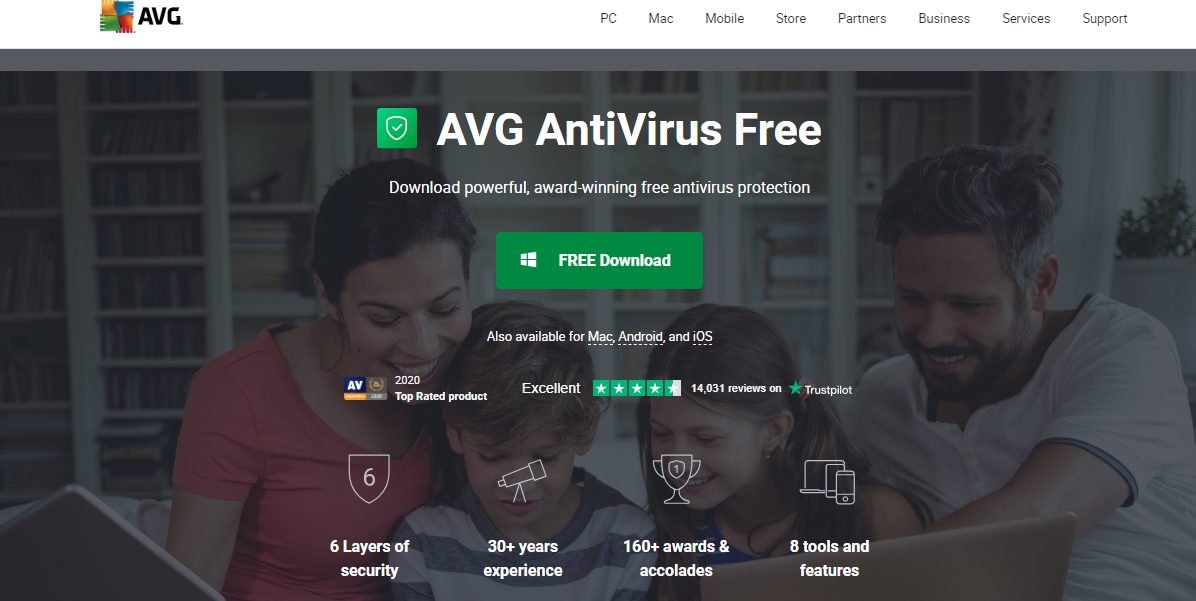
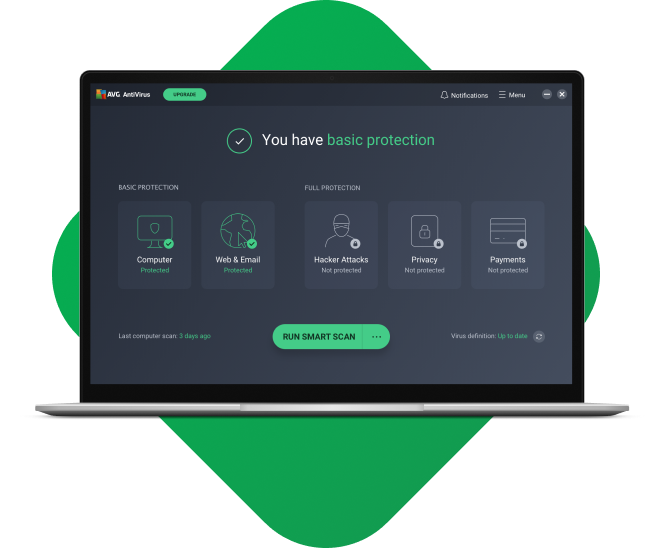
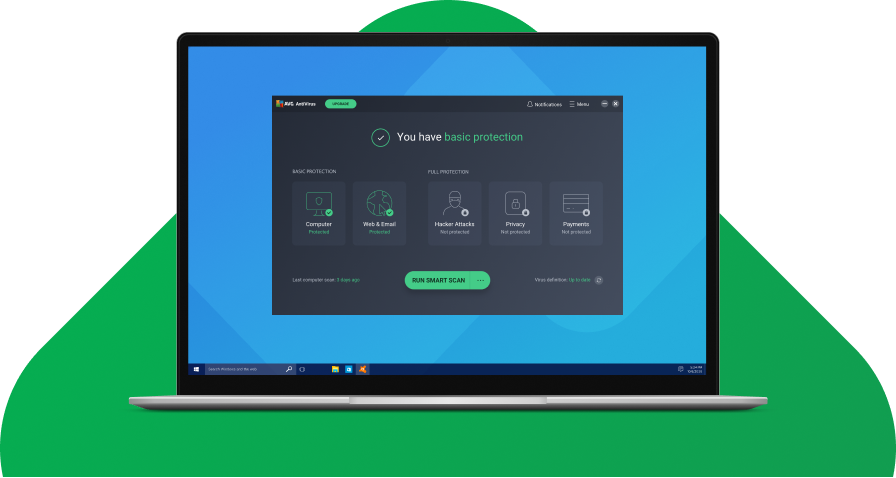
AVG AntiVirus Free is a reliable option for those seeking a free antivirus solution. As a sister product to Avast, AVG uses the same antivirus technology and offers comparable protection. AVG’s free version includes real-time malware detection, ransomware protection, and a malware scanner.
It also features a hardened browser and a deal-finding tool for online shopping. While AVG’s free version does not provide as many additional features as its paid counterparts, it still offers a solid level of protection for everyday use.
With AVG Antivirus Free, you can rest assured that your PC, Mac, and Android devices are safeguarded against harmful programs.
One of the standout features of AVG Antivirus Free is its use of AI technology to detect and block malware. This implies that the software constantly learns and adapts to new cyber threats, providing up-to-date protection.
Whenever a potential threat is detected, AVG alerts you immediately so you can take action to keep your devices safe.
The installation process for AVG Antivirus Free is fast and straightforward, making it accessible for users of all levels of technical expertise. Once installed, you can customize virus scans to suit your needs.
Additionally, AVG offers a file shredder feature, allowing you to delete sensitive files you no longer need securely.
While AVG Antivirus Free offers a comprehensive range of security features, it does have some limitations. For example, it lacks parental controls, quick scan options, and automatic USB scanning. However, AVG Antivirus Free is an excellent choice for protecting your devices if these features are optional.
If you’re searching for the best free antivirus software, look no further than AVG Antivirus Free. With its powerful antivirus protection engine, AI technology, and customizable virus scans, this software offers top-notch security for your PC, Mac, and Android devices.
While it may have some limitations regarding additional features, its core functionality is highly effective in detecting and blocking harmful programs.
AVG Internet Security
Your award-winning antivirus for total security
Your award-winning antivirus for total security Show Less
Are you looking for the best free antivirus software to protect your devices? Look no further than Malwarebytes.
With its free Windows, Mac, Android, and iOS versions, Malwarebytes offers a powerful solution to scan and clean viruses and malware from your devices.
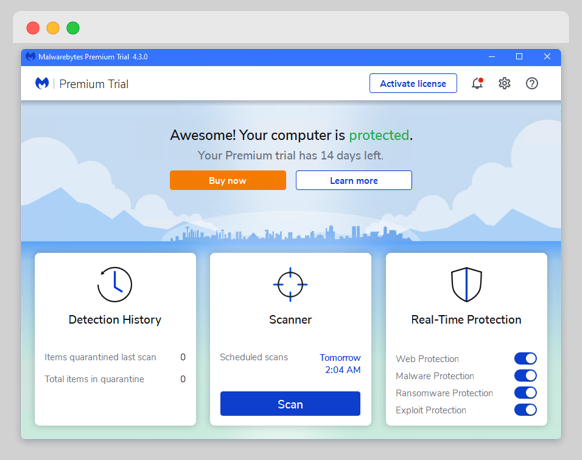
But that’s not all. Malwarebytes also provides a paid version called Malwarebytes Premium, which offers ongoing protection against viruses and malware.
With multiple layers of technology, this software defends your devices in real time and removes any threats it detects.
Gone are the days when traditional antivirus alone was enough. You need additional protection to avoid malware threats, and Malwarebytes has covered you.
When it comes to malware removal, Malwarebytes is second to none. Their anti-malware software is designed to find and remove threats like viruses, ransomware, spyware, adware, and Trojans.
Whether you’re a home user or a business owner, Malwarebytes has the perfect solution. You can download their free antivirus software for personal use, or if you need protection for your business, they also have options.
If you’re a Windows user, Malwarebytes has a dedicated antivirus solution. Their free antivirus software scans your Windows PC for virus and malware threats and ensures your device remains protected.
And if you want even more advanced features and enhanced security, you can always upgrade to Malwarebytes Premium.
Malwarebytes
Your everyday protection against malware like ransomware, spyware, viruses, and more.
Your everyday protection against malware like ransomware, spyware, viruses, and more. Show Less
With its robust scanning options and real-time protection, this malware hunter is one of the top choices in the market. It detects malware effectively and includes bonus features like a VPN with a daily data limit of 150MB and a Dark Web Scanner.
However, it is essential to note that Panda Free Antivirus lacks antiphishing protection, which may be a drawback for some users. Despite this limitation, Panda Free Antivirus is still considered one of the best options.
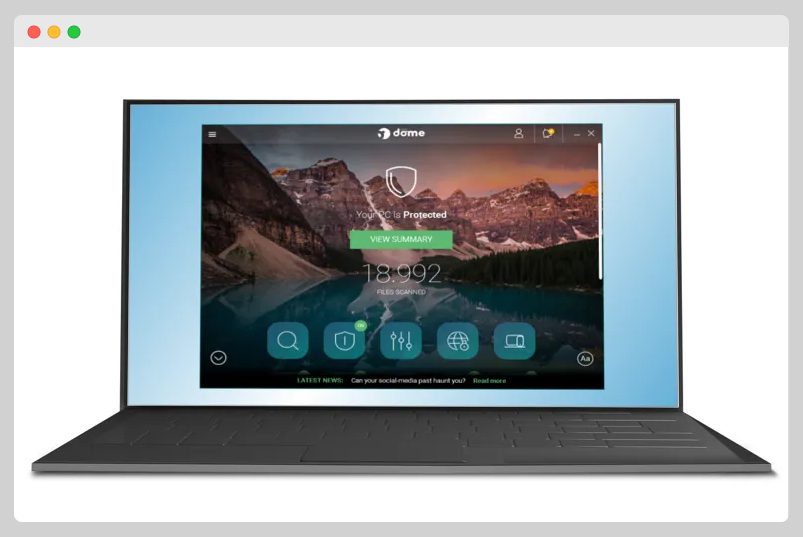
But that’s not all. Panda Dome is the answer if you’re looking for a more comprehensive internet security suite. This antivirus suite offers many features to protect your computer from various threats.
Panda Dome has everything from malware scanning and real-time protection to web protection, performance optimization, and a password manager. It also includes extra features like a Rescue Kit to remove malware from heavily infected PCs, file encryption, and USB protection.
While areas need improvement, such as web protection and limited VPN availability, Panda Dome is still an excellent choice for those who want a full-featured, easy-to-use security suite.
One standout feature of Panda Free Antivirus is its attractive user interface and the unique USB vaccination feature.
The interface is visually appealing and easy to navigate, making it a pleasure. The USB vaccination feature is also worth mentioning, as it adds an extra layer of protection by preventing USB drives from spreading malware to your computer.
Panda Free Antivirus
Panda Free Antivirus from the Panda Security Brand. Free antivirus protection tool for Windows and Android devices.
Panda Free Antivirus from the Panda Security Brand. Free antivirus protection tool for Windows and Android devices. Show Less
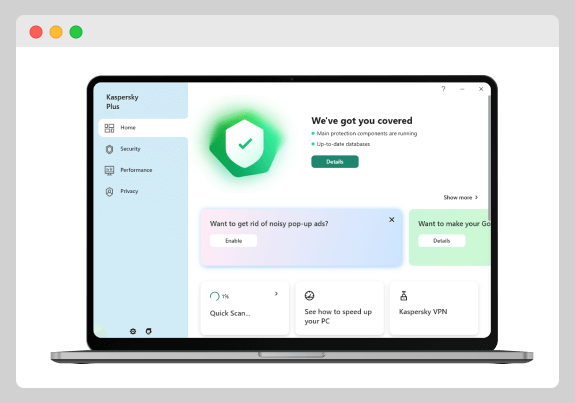
Do you need the best free antivirus software to protect your devices from viruses, malware, and ransomware? Look no further than Kaspersky Free! With its top-rated cloud antivirus protection, this software is designed to keep your family safe online.
According to Kaspersky’s score, it boasts an impressive 99% detection rate, making it one of the best options available. While it may not be at the top, it still outperforms many competitors, including Bitdefender Antivirus Free.
Although the free version of Kaspersky may be basic and relatively limited, it still provides essential malware protection.
Consider upgrading to a paid version if you’re looking for advanced security features. However, Kaspersky Free is a perfect choice for those needing reliable antivirus software without any frills.
Downloading and installing Kaspersky Free is quick and easy. Simply visit their website and follow the instructions provided. Once installed, you can enjoy peace of mind knowing your devices are protected against potential online threats.
While the free version may lack advanced security features, it still provides essential malware protection for your devices. So why wait?
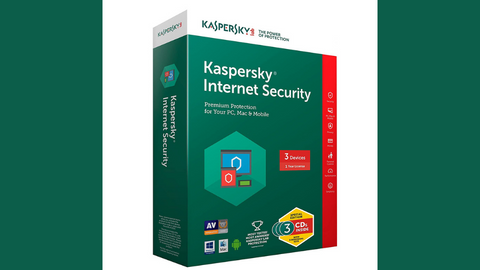
Kaspersky Internet Security
Premium protection against online threats.
Premium protection against online threats. Show Less
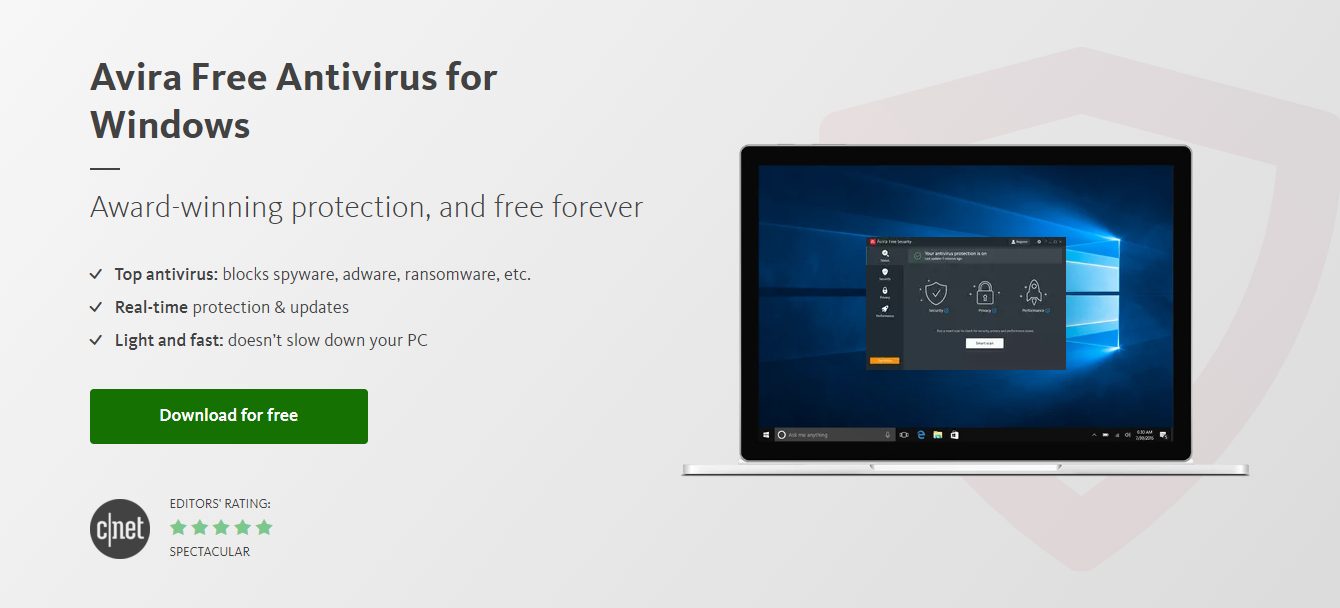
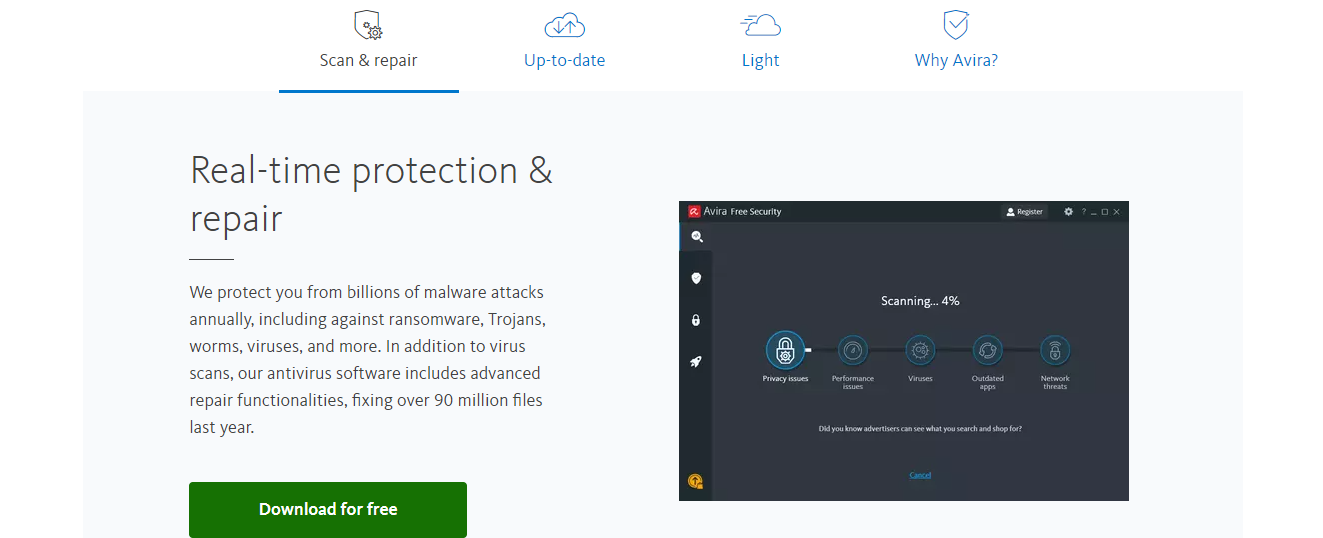
Avira Free Security is a comprehensive security suite offering various features beyond essential antivirus protection. Avira consistently receives excellent lab test scores and provides solid protection against malware.
In addition to malware detection, Avira offers a simple password manager, a shopping deal-finder, and active prevention of ad trackers. It also includes a bandwidth-limited VPN and a comprehensive privacy settings checker.
While some features may require payment for full functionality, Avira Free Security is still a robust option for users who want more than essential antivirus protection.
With Avira, you can browse the internet confidently, knowing your personal information is secure.
Avira Free Security may be one of the best free antivirus offerings available, but it’s important to note that it lacks some features included in Avira’s paid plans. However, even with these limitations, Avira Free Security still offers robust protection for those who prefer a free option.
Avira Free Antivirus
Protect your digital life with Avira Free Antivirus, a powerful and comprehensive security solution that won't cost you...Show More
Protect your digital life with Avira Free Antivirus, a powerful and comprehensive security solution that won't cost you a penny. Show Less
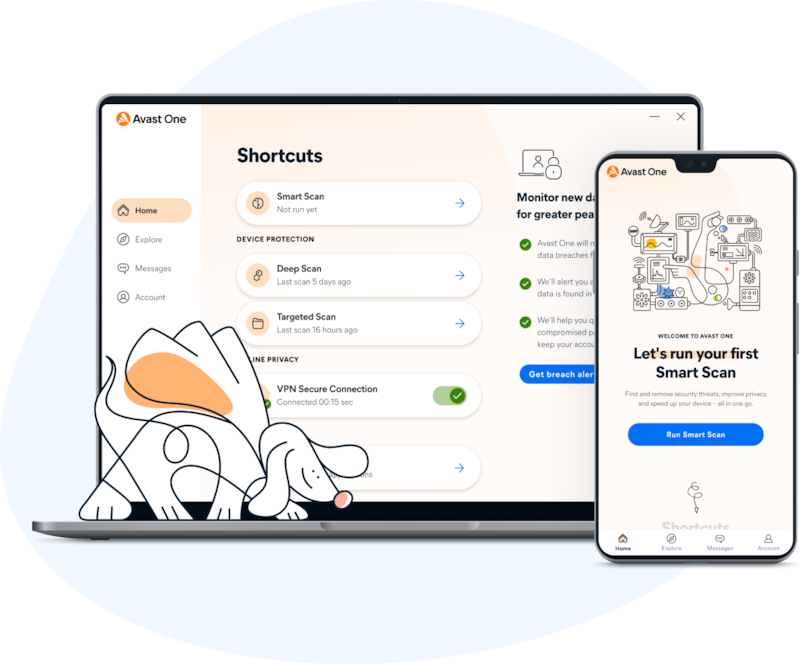
Avast One Essential is the best free antivirus solution available today. It offers comprehensive protection for your devices, protecting them from viruses and other malware.
With Avast One Essential, you can rest assured that your device will be fully protected, allowing you to browse the internet and download files without any worries.
In addition to antivirus protection, Avast One Essential helps keep scams away from your inbox, ensuring your personal information remains secure.
One of the standout features of Avast One Essential is its free VPN service. With 5GB of data per week, you can securely connect to the internet and protect your digital privacy.
Avast One Essential’s VPN ensures your connection is encrypted and secure whether you’re accessing sensitive information or browsing the web.
Furthermore, Avast One Essential offers a system cleanup tool that helps optimize your device’s performance. It removes unnecessary files and frees up storage space, allowing your device to run smoothly and efficiently.
Additionally, Avast One Essential provides email protection, safeguarding you against phishing attempts and malicious attachments.
While the free version of Avast One Essential provides excellent all-around protection, the paid versions offer additional security features. This includes a VPN with unlimited data and identity monitoring to protect against identity theft.
Avast One is compatible with Android, iOS, macOS, and Windows devices, making it suitable for all users.
Download Avast One
7. 360 Total Security
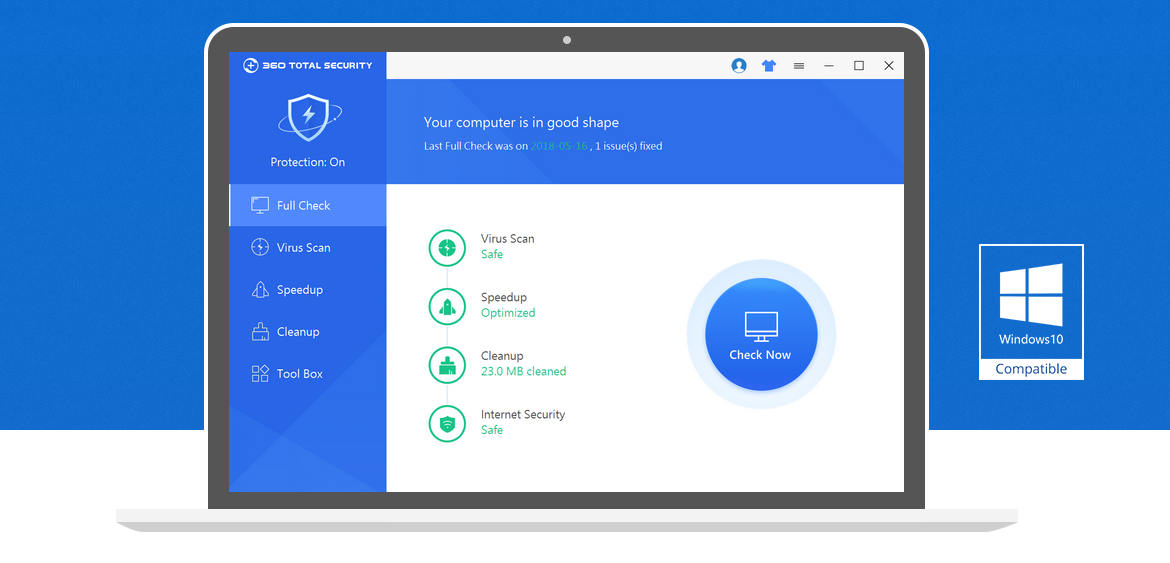
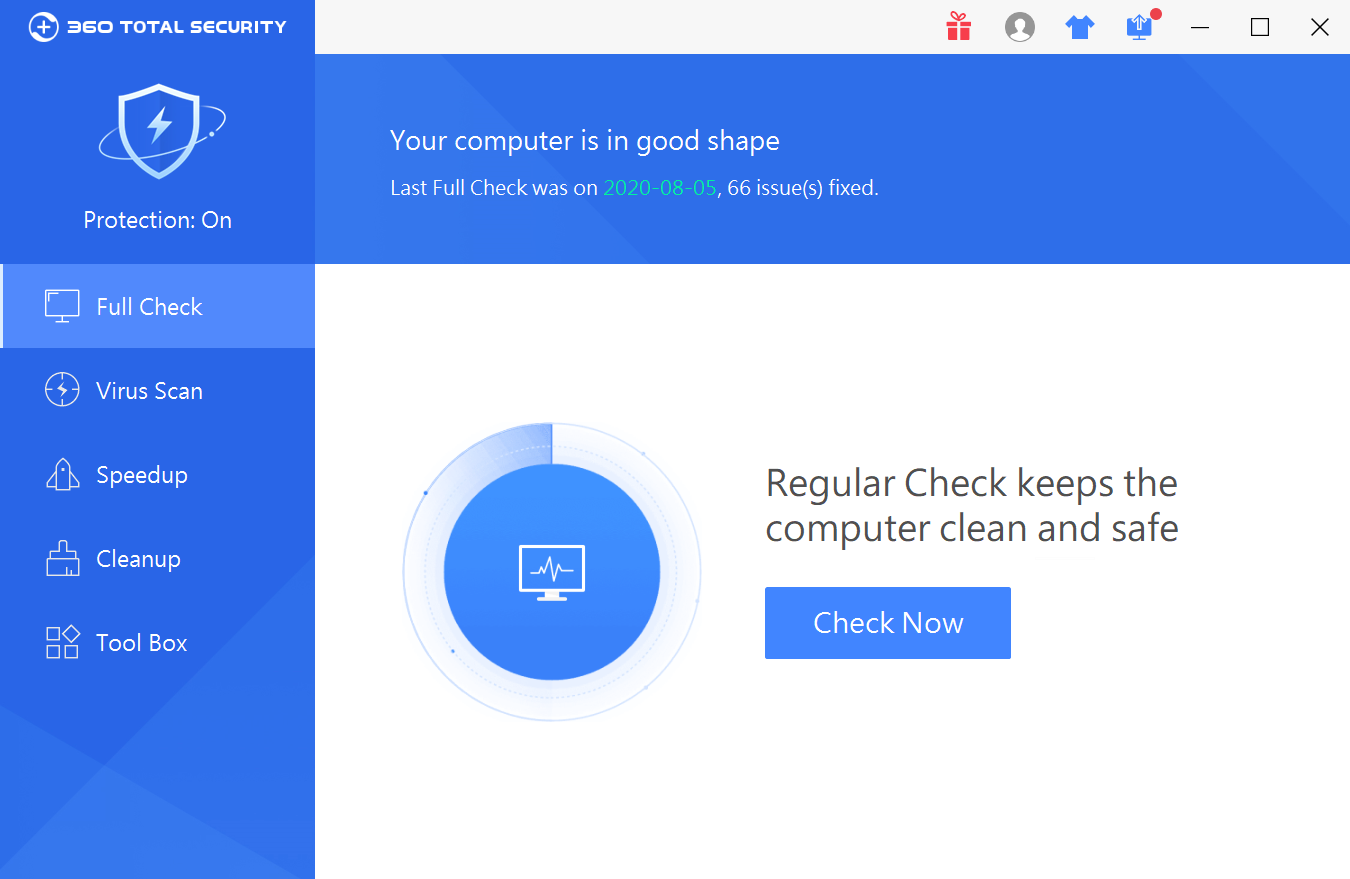
Here is another best free antivirus to protect your computer. Look at most 360 Total Security. While some may argue that it’s not the absolute best, there’s no denying that it offers solid security features.
In tests, it detected 98% of malware, which is impressive for a free antivirus. Not only that, but it also comes with bonus features to optimize your system’s performance. It’s like having multiple tools in one!
Of course, like any antivirus software, 360 Total Security is not without its flaws. It sometimes gives false positives, and its detection rate could be better than some of the top-tier antiviruses on the market. However, considering it’s a free antivirus, it still offers decent protection for your computer.
One of the standout features of 360 Total Security is its range of scanning options. You can choose from three types of scans: a quick scan that takes under 2 minutes and a full scan that takes over 6 hours. This allows you to customize the scanning process based on your needs and time availability.
360 Total Security does an excellent job of real-time protection but may miss some threats. However, with adequate ransomware protection, it makes up for it and even includes a decryption tool.
This tool can help you recover your files if they have been encrypted by ransomware. However, it’s important to note that the decryption tool may not work for all types of ransomware.
So, while 360 Total Security may not be considered the best free antivirus out there, it’s still a solid choice with its range of security features and scanning options. Try it and see how it can protect your computer from malware and optimize its performance.
Download 360 Total Security
8. Bitdefender Antivirus Free Edition
With powerful antivirus protection that is light on computer resources, this is the only free antivirus you’ll ever need. Bitdefender Antivirus Free offers the same core antivirus features as its paid counterparts, making it an excellent choice for those on a budget.
In fact, after hours of hands-on testing and research, I discovered that Bitdefender is the best free antivirus software for virus protection and more. It’s no wonder that Bitdefender is a top choice among users worldwide.
One of the standout features of Bitdefender Antivirus Free Edition is its ability to provide robust protection while remaining lightweight on computer resources. This means you can enjoy top-notch security without sacrificing the performance of your device.
Whether browsing the web, downloading files, or streaming videos, Bitdefender works silently in the background to keep your system safe from all types of malware and threats.
It even has a real-time scanning feature that monitors your system for suspicious activity, ensuring you’re always protected.
Another significant aspect of Bitdefender Antivirus Free Edition is its user-friendly interface. Navigating the various features and settings is easy with a clean and intuitive design. You can schedule scans, customize your protection settings, and even view detailed reports on your system’s security status.
Bitdefender automatically updates itself in the background, so you never have to worry about manually updating your antivirus software.
Download Bitdefender Antivirus Free
9. ZoneAlarm Free Antivirus
This robust and reliable antivirus solution offers top-notch protection against viruses, malware, and other online threats. With ZoneAlarm Free Antivirus, you can rest easy knowing your computer is safe and secure.
One of the standout features of ZoneAlarm Free Antivirus is its robust firewall. This firewall is designed to keep hackers and cybercriminals at bay, protecting your personal information and sensitive data.
With an award-winning firewall like this, you can browse the internet with peace of mind, knowing your online activities are shielded from prying eyes.
ZoneAlarm Free Antivirus also offers superb antivirus protection. The antivirus engine is based on Check Point’s Enterprise technology, which means you can trust that it is reliable and effective.
It scans your computer in real-time, detecting and removing any threats. ZoneAlarm Free Antivirus has got you covered, whether it’s a virus, Trojan, or spyware.
However, it’s important to note that while ZoneAlarm Free Antivirus is an excellent choice for essential protection, it does lack some advanced security tools. Consider other options if you’re looking for additional features, such as ransomware protection or parental controls.
But if all you need is a solid antivirus solution with a powerful firewall, then ZoneAlarm Free Antivirus is the perfect choice.
Download ZoneAlarm Free Antivirus
10. Adaware Antivirus Free
With its comprehensive features, this antivirus provides excellent protection and offers exclusive tools to manage your privacy and boost your PC’s performance.
In recent evaluations, Adaware Antivirus Free has improved its scores, although it still lacks some of the advanced features found in the best free competitors.
The free version of Adaware Antivirus includes real-time scanning capabilities, ensuring your system is constantly protected from potential threats.
However, it is essential to note that the free version offers fewer features than the paid versions. Adaware Antivirus Pro, for example, comes with additional features such as PC cleaner, hacker protection, and privacy features, costing $49.99 per year.
While Adaware Antivirus aims to protect home PC users from malware and virus threats, independent testing has shown mixed results regarding malware detection.
Some users have also reported system slowdowns when using this antivirus. Therefore, it is worth considering other antivirus options that may provide better overall protection for your PC.
Its real-time scanning capabilities and additional features available in the paid versions provide a comprehensive defense against malware and viruses.
However, it is essential to remember that other antivirus options may offer better overall performance and detection rates.
Download Adaware Antivirus
11. Comodo Free Internet Security Suite
Comodo Antivirus is known for its top-notch protection and is completely free to download. With this software, you can protect your PC from any potential threats. It offers a robust firewall and a virtual desktop tool, giving you an extra layer of security.
It has features like a malware scanner and real-time protection, ensuring your system stays safe.
However, it is essential to note that while Comodo Free Internet Security Suite has its strengths, it also has some weaknesses. The virus scanner, for instance, only detects 93% of malware samples, whereas top competitors like Norton and Bitdefender detect 100%.
Unfortunately, features like the secure browser, ad blocker, and anti-phishing protection performed poorly in tests. Likewise, the cloud backup and VPN feature that Comodo advertises are also no longer available.
Despite these shortcomings, the firewall and virtual desktop features are still decent and can provide some protection.
While Comodo Free Internet Security Suite offers most of its features for free, the paid plan only provides tech support and a vague virus warranty. It is essential to consider these limitations when deciding on the best antivirus software for your needs.
There are other options available in the market that offer better performance and more comprehensive features. AVG, for example, is an excellent choice for free antivirus protection, while Surfshark One is recommended for full-featured paid internet security suites.
Download Comodo Free Internet Security Suite
12. ClamWin
Are you looking for the best free antivirus software with over 600,000 users to protect your computer? Look no further than ClamWin!
With its diverse range of features and high level of security, ClamWin is a top choice for safeguarding your devices.
This well-known antivirus software offers real-time and on-demand scans, USB protection, and a process monitor, ensuring your system is constantly protected from threats.
The free version of ClamWin also includes a comprehensive scanning system and additional features like removable gadget monitoring and protection from anti-spyware programs.
While there may be some conflicts with other security programs and a higher false-positive rate, ClamWin’s overall reliability and effectiveness make it an excellent option for computer protection.
Download ClamWin
13. Microsoft Defender Antivirus
Microsoft Defender Antivirus is a great option if you’re looking for free antivirus to protect your computer from viruses and malware. It’s pre-installed on all Windows computers, so you don’t have to download or install anything.
Microsoft Defender Antivirus offers real-time protection and a variety of security features, including:
Virus and malware detection and removal
Phishing protection
Ransomware protection
Firewall
Device security
App and browser control
In addition to its strong security features, Microsoft Defender Antivirus is constantly updated with the latest security patches. This helps ensure your computer is always protected from the latest threats.
Microsoft Defender Antivirus is a reliable and efficient antivirus software that experts, alongside other top brands like Norton, McAfee, and Avast, have recommended. Microsoft Defender Antivirus is a great choice if you’re looking for a free antivirus that offers excellent protection.
Here are some additional benefits of using Microsoft Defender Antivirus:
It’s lightweight and doesn’t slow down your computer.
It’s easy to use and configure.
It’s compatible with all Windows versions.
Microsoft Defender Antivirus is a great option if you’re looking for free and reliable antivirus to protect your computer.
Additionally, the article emphasizes the importance of using strong passwords and enabling two-factor authentication to enhance your security further.
14. Immunet Antivirus
Immunet Antivirus was a free antivirus software that uses cloud computing to provide enhanced community-based security. Immunet Antivirus was discontinued on January 1, 2024.
With Immunet, there was no need to worry about downloading updates, as it automatically detected and blocked threats from attacking your device and the entire Immunet Community. This community-based approach is what sets Immunet apart from other antivirus software.
It harnessed the power of crowdsourcing, where once one user identified a virus, everyone else in the community was protected from the same threat. With around 2.3 million users, you can trust that Immunet has a strong protection network.
One of the best things about Immunet was its compatibility with existing antivirus software. You didn’t have to choose between Immunet or another antivirus program; you could use them together for maximum protection.
This lightweight software provided real-time protection, ensuring that you were safe from any potential threats as they happened.
Additionally, Immunet offered features like network scanning, file management, and precise documentation with history and report logging. It was a comprehensive solution that covered all aspects of antivirus protection.
Downloading and using Immunet was a breeze. It was free to download and use, making it accessible to anyone who wanted reliable antivirus protection without breaking the bank.
While Immunet may have had limited independent testing, it had performed well in live testing, proving its effectiveness in detecting and removing malware.
Recommendation
Since Immunet Antivirus has been discontinued, I recommend using a different antivirus software. Some of the best free antivirus software options include:
These antivirus programs offer excellent protection and features and are constantly updated with the latest security patches.
The Limitations of Free Antivirus Software
Free antivirus software can provide valuable protection against malware, but it does have some limitations compared to paid antivirus solutions.
Web protection: Most free antivirus programs do not offer web protection, so they cannot prevent malware from downloading if you accidentally click on a malicious link. However, these programs will detect and remove the malware before it can cause any harm to your computer.
Phishing protection: Paid antivirus software typically includes web protection to prevent users from accessing websites with phishing scams. Phishing scams are websites designed to look like legitimate websites, such as banks or credit card companies. They are used to trick users into entering their personal information, such as passwords and credit card numbers.
Additional features: Paid antivirus solutions often provide extra features such as firewalls, password managers, and VPN access to enhance overall security. Firewalls can help protect your computer from unauthorized access, password managers can help you keep your passwords safe, and VPNs can help protect your privacy and security when using public Wi-Fi.
Recommendations
If you are looking for the best possible protection against malware, I recommend using a paid antivirus solution.
Paid antivirus solutions offer more features and protection than free antivirus programs. However, a free antivirus program can still provide basic protection against malware if you are on a budget.
Here are some of the best paid antivirus software options:
McAfee Total Protection
An easy-to-use security suite for data safety and device protection.
An easy-to-use security suite for data safety and device protection. Show Less
Heimdal Security
Heimdal Security protects its users from advanced malware attacks by making use of next-generation technology. Your best...Show More
Heimdal Security protects its users from advanced malware attacks by making use of next-generation technology. Your best intelligent threat prevention tool. Show Less
Norton 360
Norton 360 is a security suite that utilizes advanced machine learning technology in dealing with all types of malware...Show More
Norton 360 is a security suite that utilizes advanced machine learning technology in dealing with all types of malware including Trojans, ransomware, etc. 100% guaranteed protection against all types of malware and your best bet for privacy protection. Show Less
Surfshark One
Surfshark One is a cybersecurity bundle that provides users with Surfshark VPN, Alert, Search, and Antivirus that...Show More
Surfshark One is a cybersecurity bundle that provides users with Surfshark VPN, Alert, Search, and Antivirus that combines security, privacy, and convenience into one powerful package. Surfshark is an award-winning VPN service for keeping your digital life secure. Show Less
Intego - Mac Premium Bundle X9
Total Protection for all Mac device types
Total Protection for all Mac device types Show Less
Malwarebytes
Your everyday protection against malware like ransomware, spyware, viruses, and more.
Your everyday protection against malware like ransomware, spyware, viruses, and more. Show Less
Ultimately, the best antivirus software will depend on your needs and budget.
Best Free Antivirus Software: Frequently Asked Questions
Is there any fully free antivirus?
Yes, there are several fully free antivirus software programs available. Some of the most popular include:
These programs offer good protection against viruses, malware, and other threats. They may not have all the features of paid antivirus programs, but they are an excellent option for those seeking a free solution.
What are the benefits of using free antivirus software?
There are several benefits to using a free antivirus software program. These include:
Free: Free antivirus programs are free to use, which can save you money.
Essential protection: Free antivirus programs protect against viruses, malware, and other threats.
Easy to use: Free antivirus programs, even for beginners, are typically easy to use.
Updates: Free antivirus programs are regularly updated with the latest virus definitions, so you can ensure your computer is protected against the latest threats.
Lightweight: Free antivirus programs are typically lightweight and do not significantly impact your computer’s performance.
Unobtrusive: Free antivirus programs are often discreet and do not bombard you with notifications or pop-ups.
Privacy-focused: Some free antivirus programs are designed with privacy in mind and do not collect or share your data.
It’s important to note that free antivirus programs may offer a different level of protection than paid antivirus programs. However, they can protect against viruses, malware, and other threats.
If you are on a budget or just need basic protection for your computer, a free antivirus program can be a good option. Just be sure to choose a program with a good reputation and regularly updated with the latest virus definitions.
What are the drawbacks of using free antivirus software?
Free antivirus programs may have some drawbacks, such as:
Limited features: Free antivirus programs may not have all the features of paid antivirus programs, such as parental controls, password managers, and VPNs.
Ads: Some free antivirus programs may display ads, which can be annoying.
Performance impact: Free antivirus programs can sometimes have a negative impact on your computer’s performance.
False positives: Free antivirus programs may sometimes generate false positives, meaning they may identify a file or program as malware when it is not malware. This can lead to you deleting a file or program that you need.
Data collection: Some free antivirus programs may collect your personal data, such as browsing history or search terms. This data can then target you with advertising or other marketing purposes.
Limited support: Free antivirus programs, such as no live chat or phone support, may offer limited support. This can make it difficult to get help if you have a problem with the program.
It offers a good balance of protection, features, and performance. It has been rated highly by independent testing labs and has a good user reputation.
AVG Internet Security
Your award-winning antivirus for total security
Your award-winning antivirus for total security Show Less
Here are some of the features of AVG Antivirus Free:
Real-time protection against viruses, malware, and other threats
Automatic updates to keep your protection up-to-date
Scan for and remove existing malware
Scan for and block phishing websites
Scan for and remove potentially unwanted programs (PUPs)
Manage your firewall settings
Customize your scan settings
AVG Antivirus Free has a low impact on your computer’s performance, so it is a good choice for older computers. It is also a good choice for users who are on a budget.
If you are looking for the best free antivirus software, I recommend AVG Antivirus Free.
How do I install a free antivirus software?
To install a free antivirus software, here are the steps on how to install a free antivirus software:
Choose a reputable antivirus software: Many free antivirus software programs are available, so it’s important to choose one with a good reputation and is regularly updated with the latest virus definitions. Some popular free antivirus software programs include AVG Antivirus Free, Avast Free Antivirus, Malwarebytes, and Kaspersky Security Cloud Free.
Download the antivirus software from the official website: Do not download the software from any other website, as these may be fake and contain malware. Once you have downloaded the software, run the installer.
Follow the on-screen instructions: The installer will guide you through the installation process. Read the terms of service before clicking the “Install” button.
Allow the software to make changes to your computer: The software needs to be able to scan your computer and make changes to your settings to protect it from malware.
Keep the software updated: It regularly updates its virus definitions to protect your computer from the latest threats. You can set the software to update automatically or manually check for updates.
How do I update my free antivirus software?
Most free antivirus programs will automatically update themselves. However, here are the steps on how to update a free antivirus software:
Check if your antivirus software is set to update automatically: Most free antivirus programs will automatically update themselves, but it’s a good idea to check to make sure. To do this, open your antivirus software and go to the settings. Look for an option that says “Automatic updates” or something similar. Make sure this option is turned on.
Manually check for updates: If your antivirus software is not set to update automatically, you can manually check for updates by going to the settings and clicking the “Check for updates” button.
Install the updates: If any updates are available, the antivirus software will prompt you to install them. Click on the “Install” button to install the updates.
Restart your computer: Once the updates have been installed, you may need to restart your computer for the changes to take effect.
Here are some additional things to keep in mind when updating your free antivirus software:
Make sure you are connected to the internet. You will need to be connected to the internet to download and install updates.
Be patient. The update process can take some time, so be patient and do not interrupt it.
Keep your antivirus software up to date. It is important to keep your antivirus software up to date to protect your computer from the latest threats.
Conclusion
Choosing the right antivirus software protects your devices and personal data from malware and other cyber threats.
While paid antivirus subscriptions offer additional features and tools, free antivirus software can still provide reliable protection for everyday use.
Your award-winning antivirus for total security Show Less
It’s essential to consider your specific needs and preferences when selecting antivirus software.
Whether you choose a free or paid solution, remember that regular software updates and practising safe browsing habits are crucial for maintaining a secure digital environment.
Stay vigilant and choose the antivirus software that best aligns with your requirements for maximum protection.
Note: This was originally published on September 2019, but has been updated for freshness and accuracy.