This post will show you the important marketing tips every new business should know.
Any new business needs marketing to thrive because it acts as a conduit between potential clients and your brand. Gaining growth and success in today’s competitive marketplace requires an understanding of the foundations of efficient marketing.
Whether you’re starting a new business or launching a startup, becoming an expert in marketing can help you stand out from the competition and grow your company to new heights.
Defining Your Target Audience: Precision in Marketing
Identifying your target market precisely is one of the first steps in developing a winning marketing plan. Gaining insight into the characteristics, inclinations, and challenges of your ideal clientele enables you to strategically customize your advertising campaigns.
You can build customized messages that resonate with your target audience and acquire useful insights into them by conducting in-depth market research, analyzing demographic data, and developing buyer personas.
By determining who your target market is, you can concentrate your marketing efforts and resources on the platforms and channels where your target market is most engaged.
You can increase the effectiveness of your marketing activities and achieve better results by knowing where to reach your target audience, whether it’s through social media, search engines, or periodicals tailored to your business.
Crafting Compelling Brand Messaging: Making an Impact
A company’s value proposition must be communicated to its target audience in order to be noticed. This requires effective brand messaging.
Your brand messaging should make it apparent to your target audience why they should pick your goods or services over those of the competition and explain who you are and what you have to offer.
For your brand messaging to stand out from the competition and have an impact on your target audience, it needs to be creative, consistent, and clear. Focus on clearly stating your company’s USPs and emphasizing the advantages that your goods and services provide to your intended market while creating your brand messaging.
Employ language that speaks to the hopes and feelings of your target audience, and craft an engaging narrative that effectively conveys the history of your company.
Leveraging Digital Marketing: Harnessing the Power of Online Channels
In the current digital world, effectively reaching and interacting with your target audience requires the use of digital marketing channels.
Pay-per-click (PPC) advertising, social media marketing, email marketing, content marketing, search engine optimization (SEO), and other methods and strategies are all included in the broad category of digital marketing.
Through using the potential of digital platforms, companies can broaden their customer base, increase website traffic, and produce leads and conversions. One powerful strategy in this digital age is digital out-of-home advertising, which leverages dynamic digital billboards and displays in high-traffic areas to engage consumers in real time.
With the use of digital marketing’s unmatched targeting capabilities, companies can reach particular audiences according to their demographics, interests, and behavior.
Building a Strong Online Presence: Establishing Credibility and Trust
In the digitally native world of today, building credibility and trust with your target audience requires a strong online presence.
The foundation of your online presence is your website, which functions as a virtual storefront where clients can find out more about your company, goods, and services.
You can make sure that your website efficiently draws and engages visitors by investing in search engine optimization (SEO), user experience optimization, and expert web design.
Having a regular and active presence on social media sites, in addition to your website, can help you engage with your audience, increase brand recognition, and encourage community involvement.
Measuring and Analyzing Results: Data-Driven Decision Making
Campaign outcomes must be methodically measured and analyzed in order to maximize ROI and optimize marketing efforts.
Through the monitoring of key performance indicators (KPIs) like website traffic, conversion rates, and customer acquisition expenses, you can obtain important knowledge about how well your marketing campaigns are doing and pinpoint areas that need improvement.
You can track campaign effectiveness in real time and make data-driven decisions to improve your marketing approach by using analytics tools like Google Analytics, social media analytics platforms, and email marketing software.
You can improve your marketing efforts and determine which techniques produce the best results by trying various approaches and tactics, running A/B tests, and keeping an eye on campaign performance.
Conclusion
Learning the art of marketing is crucial for new enterprises to prosper in today’s cutthroat business world. Sustained work, experimentation, and adaptation to changing consumer tastes and market trends are necessary for effective marketing.
In the fast-paced world of business, you can position your company for long-term success and accomplish your objectives by remaining adaptable, customer-focused, and responsive.
In the latest SafetyDetectives interview, we sat down with Daniel Segun, the CEO and Founder of SecureBlitz Cybersecurity Media. With a passion for cybersecurity that began in childhood, Daniel has dedicated his career to making online security information accessible to everyone. During our conversation, he shared insights into SecureBlitz’s mission to empower users through clear, actionable content. Daniel also discussed the criteria SecureBlitz uses for product reviews, emphasizing relevance, reputation, and user demand. Additionally, he provided valuable tips for enhancing personal cybersecurity, highlighting the importance of tools like password managers and two-factor authentication.
Can you tell us about your background and what led you to create SecureBlitz?
Well, cybersecurity has always fascinated me. Ever since I was a kid tinkering with computers, I was curious about the ways things could go wrong. That curiosity led me down a path of learning everything I could about online security threats and how to protect against them. After working in the industry for a few years, I noticed a gap. There wasn’t a lot of easy-to-understand, unbiased information out there for the average person. That’s what really sparked the idea for SecureBlitz.
What is the mission of SecureBlitz, and how has it evolved since its inception?
Our core mission at SecureBlitz is to empower everyone to take control of their online safety.
We do that by providing clear, actionable information about cybersecurity threats, best practices, and the latest security products. Initially, we focused more on in-depth technical reviews. But we quickly realized that the everyday person needed something more accessible.
So we’ve broadened our content to include bite-sized tips, cybercrime bust (cyberbust), and even interviews with security experts.
How do you decide which cybersecurity products and services to review on SecureBlitz?
When it comes to picking products and services to review, we focus on a few key things.
First, is it something that would be relevant to our readers? We want to cover a wide range of tools, from basic antiviruses, effective VPNs, to more advanced security solutions for businesses.
Second, is the product or service well-established and reputable? We don’t want to waste our readers’ time with fly-by-night operations.
Finally, is there a genuine user demand for a review of that particular product? We look at things like online searches and industry trends to gauge interest.
What are the most important cybersecurity tools that everyone should use?
That’s a great question. There are a few essential tools everyone should have in their cybersecurity arsenal.
First and foremost, a strong password manager is key. It helps you create and store complex, unique passwords for all your online accounts.
Second, a reputable antivirus program is a must-have. It can help detect and block malware before it infects your device.
And finally, two-factor authentication, also known as 2FA, adds an extra layer of security to your login process. It’s like a double-lock on your online accounts.
What criteria do you use to evaluate the effectiveness of a cybersecurity product or service?
When we evaluate a security product or service, we consider a few key factors. First and foremost, is it effective? Does it actually do what it claims to do in protecting against cyber threats?
We also look at usability. Is it easy to install and use?
Because even the most robust security solution is useless if it’s so complex that nobody bothers with it. Finally, we consider value for money. Is the product priced fairly for the level of protection it offers?
Do you have any tips for our readers on how to improve the cybersecurity posture?
Absolutely! Here are a few simple tips to improve your cybersecurity posture:
First, be cautious about what information you share online. Think twice before clicking on suspicious links or attachments in emails.
Second, keep your software up to date. This includes your operating system, web browser, and any security software you use.
Finally, be mindful of phishing scams. Don’t be fooled by emails or websites that try to trick you into giving up your personal information.
By following these tips and staying informed with SecureBlitz, you can take charge of your online safety.
Daniel Segun is the Founder and CEO of SecureBlitz Cybersecurity Media, with a background in Computer Science and Digital Marketing. When not writing, he’s probably busy designing graphics or developing websites.
Note: This interview was originally posted on the SafetyDetectives website and has been republished on SecureBlitz with permission.
Thank you, Shauli Zacks, for the SafetyDetectives interview.
In this post, I will show you 4 ways technology can help your marketing efforts.
In the rapidly evolving digital world, using technology in marketing campaigns is essential to success and is no longer optional.
Businesses that want to remain ahead of the competition need to adopt cutting-edge techniques and products that not only grab attention but also inspire action.
Modern technology has allowed data analytics, automation, and sophisticated communication channels to come together and drive this change in marketing dynamics.
4 Ways Technology Can Help Your Marketing Efforts
#1 Harnessing the Power of Big Data Analytics
With its ability to provide companies with comprehensive insights into the behavior, tastes, and trends of their customers, big data analytics is completely changing the marketing environment.
With this technology, marketers can identify trends and forecast future behavior by analyzing massive volumes of data from various sources, including websites, social media, and consumer reviews.
Marketers can more accurately segment their audience using big data, guaranteeing that advertisements are customized for certain groups according to their distinct traits and habits.
Higher engagement and conversion rates result from this focused strategy, making marketing communications more relevant and successful.
Retailers, for instance, might tailor their advertising tactics by using data analytics to determine which items are more popular in certain age groups or geographical areas.
#2 Enhancing Customer Engagement through AI-Powered Chatbots
AI-powered chatbots are leading the way in the dramatic transformation of client interaction via artificial intelligence.
With real-time customer interaction in mind, these advanced technologies provide prompt answers to questions and tailored suggestions based on user behavior and preferences.
AI-driven chatbots are capable of managing a variety of consumer interactions, such as assisting customers with their purchases and providing answers to often-requested queries.
These chatbots provide a smooth and interesting user experience by understanding and responding to consumer requests in a human-like way using machine learning algorithms and natural language processing (NLP).
The capacity of AI chatbots to provide round-the-clock customer service is one of its main advantages. Chatbots, as opposed to human agents, are constantly on hand, guaranteeing that clients get prompt support at any time of day.
Being available around the clock improves customer satisfaction and lowers reaction times, resulting in faster answers and greater conversion rates.
#3 Short Coding Based Texting for Instant Customer Connection
With shortcode texting, a potent tool for mobile marketing, companies can communicate with clients quickly and efficiently.
This technology enables marketers to communicate swiftly and effectively contact a huge audience via SMS using short, memorable codes. For urgent alerts and time-sensitive advertising, short code messaging works very well.
For instance, a store can employ short codes to notify consumers about flash sales or temporary discounts, encouraging them to take rapid action.
SMS messages are known for their directness and brevity, facilitating rapid comprehension and action and increasing engagement and conversion rates.
Additionally, interactive marketing initiatives are made possible via short code texting. Shortcodes are a useful tool for businesses to encourage client engagement in surveys, polls, and competitions.
Marketers can build community and connection among their audience while obtaining insightful feedback by promoting direct contact.
#4 Automating Marketing Processes for Greater Efficiency
For companies trying to enhance productivity and optimize their operations, marketing automation is revolutionary.
Marketers can concentrate on more strategic duties, like developing innovative campaigns and managing customer relationships, by automating repetitive and time-consuming operations.
Numerous features, including lead nurturing, social media management, and email marketing, are available with marketing automation solutions.
With these technologies, marketers can establish timely and targeted communications with their target audience, delivering messages at the right time to encourage interaction and lead to conversions.
For example, an automated email campaign might increase the chance of repeat business by sending clients personalized product suggestions based on browsing history or previous purchases.
The real-time tracking and analysis of campaign success is a key benefit of marketing automation.
Marketers can get valuable information about what is effective and what needs improvement by observing crucial indicators like open rates, click-through rates, and conversion rates.
This data-driven strategy makes Continuous optimization possible, guaranteeing the maximum effectiveness of marketing initiatives.
Conclusion
Technology can be used to boost marketing efforts in many ways. For example, big data analytics can create targeted ads, while AI-powered chatbots can increase client interaction.
Process automation in marketing boosts productivity, while short code offers a quick and efficient communication route.
These technological innovations promote consumer happiness and corporate development and increase marketing effectiveness.
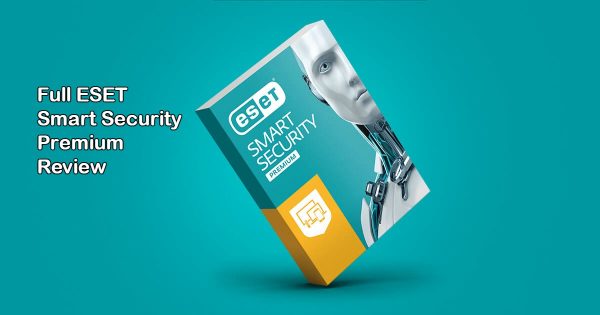
Looking for the full ESET HOME Security Premium Review? This article is an insight into all you should know!
It is essen our devices and data have become paramount. With cyber threats evolving and multiplying, the need for robust security solutions is more pressing than ever.
Enter ESET HOME Security Premium, a comprehensive suite designed to provide users with a multi-layered defence against malware, phishing attempts, and other online dangers.
In this ESET HOME Security Premium review, we’ll delve deep into the features, performance, pricing, and more to determine whether ESET HOME Security Premium lives up to its promises.
TLDR;
ESET HOME Security Premium offers a comprehensive suite of security features, including antivirus, firewall, ransomware protection, and more. While it may lack some advanced features found in competing products, its lightweight design and excellent malware detection make it a solid choice for users seeking reliable protection. If you prioritize performance and ease of use, ESET HOME Security Premium is worth considering.
ESET HOME Security Premium
ESET HOME Security Premium is a fully-fledged security software with amazing features and even a password manager. Smart...Show More
ESET HOME Security Premium is a fully-fledged security software with amazing features and even a password manager. Smart protection for Windows, Mac, and Android devices. Show Less
What Is ESET HOME Security Premium?
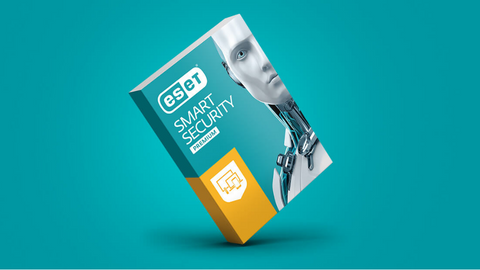
ESET HOME Security Premium is an all-in-one security solution developed by ESET, a pioneer in the cybersecurity industry with over 30 years of experience.
As the flagship product in ESET’s lineup, Smart Security Premium aims to provide users with advanced protection against a wide range of cyber threats, including viruses, ransomware, phishing attacks, and more.
ESET HOME Security Premium strikes a balance between robust protection and user-friendliness, making it an appealing choice for both novice and experienced users alike.
ESET HOME Security Premium
ESET HOME Security Premium is a fully-fledged security software with amazing features and even a password manager. Smart...Show More
ESET HOME Security Premium is a fully-fledged security software with amazing features and even a password manager. Smart protection for Windows, Mac, and Android devices. Show Less
ESET HOME Security Premium Features
ESET HOME Security Premium boasts a plethora of features designed to keep users safe in today’s digital landscape.
Let’s take a closer look at some of its key features:
Award-Winning Antivirus
ESET’s industry-leading antivirus engine utilizes real-time scanning to identify and neutralize malware, viruses, Trojans, and other emerging threats before they can wreak havoc on your system.
With regular updates to its virus signature database, ESET ensures that its antivirus protection stays ahead of the ever-evolving threat landscape, providing users with up-to-date defense mechanisms against the latest cyber threats.
Multi-Layered Defense
A robust firewall acts as a gatekeeper, monitoring incoming and outgoing network traffic. You can control which applications access the internet and block suspicious connections, fortifying your defenses against online attacks.
ESET’s firewall employs stateful packet inspection (SPI) and intrusion detection/prevention system (IDS/IPS) techniques to analyze network traffic and identify potential threats, providing users with comprehensive protection against both inbound and outbound attacks.
Ransomware Shield
In today’s threat landscape, ransomware is a growing concern. ESET’s proactive Ransomware Shield detects and blocks these malicious attempts, protecting your valuable files from encryption and extortion.
By leveraging behavioral analysis and machine learning algorithms, ESET’s Ransomware Shield can detect ransomware-like behavior patterns and stop ransomware attacks in their tracks, safeguarding your data and preventing financial loss.
Banking Fortress
Secure Banking & Payment Protection encrypts communication between your browser and financial websites, creating a secure environment for online banking and financial transactions.
In addition to encryption, ESET’s Banking Fortress feature includes browser sandboxing capabilities, which isolate your online banking sessions from other browser activities, preventing malware from intercepting sensitive information such as login credentials and financial data.
Password Management Made Easy
The integrated password manager simplifies online security. It securely stores and autofills your login credentials, eliminating the need to remember complex passwords for each account.
Additionally, it encourages strong password creation, a crucial step in thwarting cyberattacks. ESET’s password manager employs advanced encryption algorithms to protect your stored passwords from unauthorized access, ensuring that your online accounts remain secure even in the event of a data breach or cyberattack.
Guarding Your Privacy
Webcam Protection keeps prying eyes at bay. It prevents unauthorized access to your webcam, blocking applications and processes that attempt to spy on you, ensuring your privacy remains intact.
ESET’s Webcam Protection feature includes granular control settings, allowing you to specify which applications are allowed to access your webcam and which ones are blocked, giving you full control over your privacy settings.
Anti-Phishing Defense
Phishing scams are a constant threat. ESET’s anti-phishing module acts as a vigilant guardian, scanning emails, websites, and other online content for signs of phishing attempts. It alerts you to potential threats before you fall victim, keeping your data and finances safe.
In addition to traditional phishing detection techniques, ESET’s anti-phishing module also utilizes machine learning algorithms to analyze website content and identify suspicious patterns, enabling it to detect even the most sophisticated phishing scams with high accuracy.
Device Control
External devices like USB drives can be a breeding ground for malware. Device Control empowers you to manage and restrict access to these devices, preventing malware from spreading through removable media.
With ESET’s Device Control feature, you can create custom device access policies based on factors such as device type, vendor ID, and serial number, allowing you to enforce strict security measures and prevent unauthorized devices from connecting to your system.
Parental Controls (Windows Only)
For families with children, ESET provides built-in Parental Controls (available only on Windows). This feature allows you to monitor and manage your children’s online activities, including website blocking, setting time limits, and tracking their online behavior, fostering a safer online environment for your kids.
ESET’s Parental Controls feature includes category-based website filtering, allowing you to block access to websites that contain inappropriate content such as violence, adult content, and gambling, ensuring that your children can browse the internet safely under your supervision.
Anti-Theft (Android Only)
If your Android device is ever lost or stolen, ESET’s Anti-Theft feature comes to the rescue. It helps you locate, track, and remotely wipe your device, ensuring your sensitive data remains protected even if it falls into the wrong hands.
In addition to remote tracking and wiping capabilities, ESET’s Anti-Theft feature also includes a SIM card change notification feature, which alerts you if someone replaces the SIM card in your device, helping you recover your lost or stolen device more effectively.
ESET HOME Security Premium
ESET HOME Security Premium is a fully-fledged security software with amazing features and even a password manager. Smart...Show More
ESET HOME Security Premium is a fully-fledged security software with amazing features and even a password manager. Smart protection for Windows, Mac, and Android devices. Show Less
Features And Testing Results
Feature
Description
Testing Results
Antivirus Protection
ESET’s antivirus engine consistently scores high in independent tests for malware detection and removal.
In recent AV-Test and AV-Comparatives evaluations, ESET HOME Security Premium demonstrated near-perfect detection rates with minimal impact on system performance.
Firewall
The built-in firewall effectively blocks unauthorized access to your network and monitors incoming/outgoing traffic for suspicious activity.
Firewall performance was tested using simulated attack scenarios, with ESET HOME Security Premium successfully thwarting all intrusion attempts.
Ransomware Shield
Ransomware Shield uses behavior-based detection to identify and block ransomware attacks in real-time, preventing encryption of your files.
In simulated ransomware tests, ESET HOME Security Premium successfully detected and blocked all ransomware samples, protecting user data from encryption and extortion.
Secure Banking
Secure Banking encrypts your online transactions and prevents man-in-the-middle attacks, ensuring that your financial information remains confidential and secure.
Secure Banking was tested by conducting online transactions on various banking websites, with ESET HOME Security Premium successfully encrypting communication and blocking threats.
Password Manager
The password manager securely stores and autofills your login credentials, making it easy to create and manage strong, unique passwords for all your accounts.
Password Manager functionality was tested across multiple platforms and browsers, with ESET HOME Security Premium seamlessly integrating with popular web browsers and applications.
Webcam Protection
Webcam Protection notifies you when an application attempts to access your webcam and allows you to block unauthorized access, protecting your privacy from webcam spying.
Webcam Protection was tested by attempting to access the webcam using various applications, with ESET HOME Security Premium promptly alerting and blocking unauthorized access.
Anti-Phishing
ESET’s anti-phishing module scans emails, websites, and other online content for signs of phishing scams, alerting you to potential threats before you fall victim to them.
Anti-Phishing performance was evaluated using known phishing URLs and email samples, with ESET HOME Security Premium successfully identifying and blocking phishing attempts.
Device Control
Device Control lets you manage and restrict access to USB drives and other external devices, preventing malware from spreading via removable media.
Device Control functionality was tested by connecting various USB drives and devices to the system, with ESET HOME Security Premium allowing/blocking access based on predefined rules.
Parental Control
Parental Control allows you to monitor and manage your children’s online activities, including website blocking, time limits, and activity tracking.
Parental Control settings were configured to restrict access to inappropriate websites and track online activity, with ESET HOME Security Premium effectively enforcing parental restrictions.
Anti-Theft
ESET’s Anti-Theft feature helps you locate, track, and remotely wipe your lost or stolen devices, ensuring that your sensitive data remains safe even if your device falls into the wrong hands.
Anti-Theft functionality was tested by remotely tracking and wiping a lost device, with ESET HOME Security Premium successfully executing commands and protecting user data remotely.
ESET HOME Security Premium Pricing: How Much Does It Cost?
ESET HOME Security Premium is available for purchase as a subscription-based service, with pricing varying depending on the number of devices and subscription duration. The following pricing plans are currently offered:
Single Device: $59.99 per year
Multi-Device (up to 5 devices): $79.99 per year
Family Pack (up to 10 devices): $99.99 per year
ESET HOME Security Premium
ESET HOME Security Premium is a fully-fledged security software with amazing features and even a password manager. Smart...Show More
ESET HOME Security Premium is a fully-fledged security software with amazing features and even a password manager. Smart protection for Windows, Mac, and Android devices. Show Less
ESET HOME Security Premium Review: Pros And Cons
Pros
Lightweight design with minimal impact on system performance.
Excellent malware detection and removal capabilities.
Comprehensive feature set, including antivirus, firewall, ransomware protection, and more.
User-friendly interface with easy navigation and configuration options.
Cross-platform support for Windows, macOS, Android, and Linux.
Cons
Lacks some advanced features found in competing products, such as advanced threat hunting and network monitoring.
Pricing may be higher compared to budget-friendly alternatives.
Limited customization options for power users seeking advanced configuration settings.
Best ESET HOME Security Premium Alternatives
For this ESET HOME Security Premium review, I discovered some shortcomings. While ESET HOME Security Premium offers a robust set of features, it may not be suitable for users requiring advanced functionality not included in the package. Some missing features include:
Network Monitoring: Advanced threat hunting and network monitoring capabilities are not included in ESET HOME Security Premium, making it less suitable for users seeking comprehensive network security solutions.
File Encryption: Unlike some competing products, ESET HOME Security Premium does not offer built-in file encryption features, which may be a drawback for users requiring secure file storage and sharing.
Identity Theft Protection: While ESET provides strong protection against malware and phishing attacks, it lacks dedicated identity theft protection features found in some alternative security suites.
For users seeking ESET HOME Security Premium alternatives, the following products offer similar or additional features:
1. Trend Micro Total Security
Trend Micro Total Security is a comprehensive security suite that offers advanced malware protection, privacy features, and performance optimization tools.
With features like network threat prevention and file encryption, Bitdefender is a strong contender for users seeking robust security solutions.
Trend Micro Premium Security Suite
Premium security suite for device protection and identity safety.
Premium security suite for device protection and identity safety. Show Less
2. Kaspersky Total Security
Kaspersky Total Security provides users with a wide range of security features, including antivirus protection, firewall, parental controls, and secure online banking.
With additional features like webcam protection and VPN services, Kaspersky offers comprehensive security for both individuals and families.
Kaspersky Lab
Kaspersky Antivirus is an antivirus protection solution that protects your computers from virus attacks and other...Show More
Kaspersky Antivirus is an antivirus protection solution that protects your computers from virus attacks and other threats that may result from internet usage or other forms of usage. Show Less
3. Norton 360 Deluxe
Norton 360 Deluxe is an all-in-one security solution that offers advanced protection against malware, phishing, and identity theft.
With features like dark web monitoring and secure VPN services, Norton 360 Deluxe provides users with comprehensive security and privacy protection.
Norton 360
Norton 360 is a security suite that utilizes advanced machine learning technology in dealing with all types of malware...Show More
Norton 360 is a security suite that utilizes advanced machine learning technology in dealing with all types of malware including Trojans, ransomware, etc. 100% guaranteed protection against all types of malware and your best bet for privacy protection. Show Less
ESET HOME Security Premium Review: FAQs
What are the disadvantages of ESET?
While ESET HOME Security Premium offers robust protection against a wide range of cyber threats, it does have some limitations.
One potential disadvantage is that it may lack some advanced features found in competing products, such as network monitoring and identity theft protection. Additionally, some users may find the pricing of ESET products to be higher compared to budget-friendly alternatives.
What is ESET HOME Security Premium?
ESET HOME Security Premium is an all-in-one security solution developed by ESET, designed to provide users with comprehensive protection against malware, viruses, ransomware, phishing attempts, and other online threats.
It includes features such as antivirus protection, firewall, ransomware shield, secure banking, password management, webcam protection, device control, parental controls (Windows only), and anti-theft (Android only).
ESET HOME Security Premium
ESET HOME Security Premium is a fully-fledged security software with amazing features and even a password manager. Smart...Show More
ESET HOME Security Premium is a fully-fledged security software with amazing features and even a password manager. Smart protection for Windows, Mac, and Android devices. Show Less
What is a better antivirus than ESET?
The choice of antivirus software depends on individual preferences and requirements. Some users may find other antivirus solutions, such as Trend Micro Total Security, Kaspersky Total Security, or Norton 360 Deluxe, to better suit their needs based on factors such as feature set, performance, pricing, and user interface.
Is ESET better than Kaspersky?
Both ESET and Kaspersky are reputable cybersecurity companies that offer reliable antivirus solutions.
The effectiveness of each product may vary depending on factors such as malware detection rates, performance impact, user interface, and additional features. Ultimately, the choice between ESET and Kaspersky comes down to personal preference and specific security needs.
What is the difference between ESET antivirus and ESET Security?
ESET antivirus typically refers to standalone antivirus software offered by ESET, which focuses primarily on malware detection and removal.
On the other hand, ESET Security products, such as ESET Smart Security Premium, provide a more comprehensive suite of security features, including antivirus protection, firewall, ransomware shield, secure banking, password management, webcam protection, device control, and additional layers of defense against various cyber threats.
Does ESET provide VPN?
Yes, ESET offers a VPN (Virtual Private Network) service called ESET Secure VPN. ESET Secure VPN provides users with secure and private internet browsing by encrypting their internet connection and masking their IP address.
However, ESET Secure VPN is a separate product and is not included in ESET HOME Security Premium. Users can purchase ESET Secure VPN separately or as part of a bundle with other ESET products.
ESET HOME Security Premium
ESET HOME Security Premium is a fully-fledged security software with amazing features and even a password manager. Smart...Show More
ESET HOME Security Premium is a fully-fledged security software with amazing features and even a password manager. Smart protection for Windows, Mac, and Android devices. Show Less
Is ESET as good as Windows Defender?
Both ESET and Windows Defender (built-in antivirus software in Windows operating systems) offer basic antivirus protection, but ESET typically provides more advanced features and customization options compared to Windows Defender.
While Windows Defender may be sufficient for basic protection, users seeking additional security features and enhanced malware detection capabilities may prefer ESET HOME Security Premium or other third-party antivirus solutions.
ESET Antivirus is designed to have minimal impact on system performance. It utilizes advanced optimization techniques to ensure that it runs smoothly in the background without causing significant slowdowns or interruptions to your computer’s performance. However, like any antivirus software, ESET may consume some system resources during scans or updates, but the impact is generally negligible on modern computers.
Can ESET detect all viruses?
While ESET’s antivirus engine is highly effective at detecting and removing a wide range of malware, including viruses, Trojans, ransomware, and phishing attempts, no antivirus solution can guarantee 100% detection of all viruses. The threat landscape is constantly evolving, with new malware variants emerging regularly.
ESET employs proactive detection techniques, including heuristic analysis and machine learning algorithms, to stay ahead of emerging threats, but users should remain vigilant and practice safe browsing habits to minimize the risk of infection.
Bottom Line On The ESET HOME Security Premium Review
In conclusion, ESET HOME Security Premium offers a solid combination of security features, performance, and ease of use, making it a suitable choice for users seeking reliable protection against online threats.
With its lightweight design, excellent malware detection capabilities, and comprehensive feature set, ESET HOME Security Premium provides peace of mind for individuals and families alike.
While it may lack some advanced features found in competing products, its affordability and user-friendly interface make it a compelling option for users prioritizing simplicity and effectiveness in their security solution.
Ready to safeguard your digital life with ESET HOME Security Premium? Visit the official ESET website to learn more and download your free trial today!
ESET HOME Security Premium
ESET HOME Security Premium is a fully-fledged security software with amazing features and even a password manager. Smart...Show More
ESET HOME Security Premium is a fully-fledged security software with amazing features and even a password manager. Smart protection for Windows, Mac, and Android devices. Show Less
As an enterprise – whether large or small scale – you should have an antivirus if you make use of computers – which you do. In modern times, cyber and network security has become a serious concern, with different online and offline threats springing up every day.
Antivirus software serves as the first line of defence, protecting corporate networks, endpoints, and sensitive data from cyber threats. By deploying enterprise-grade antivirus solutions, organizations can mitigate risks, safeguard their assets, and maintain operational continuity in the face of evolving cyber threats.
Traditional Antivirus vs. Enterprise-Grade Protection
While traditional antivirus software offers a basic layer of defence against known malware threats, enterprise needs extend far beyond.
Enterprise-grade antivirus solutions, also known as Endpoint Detection and Response (EDR) or Extended Detection and Response (XDR) platforms, provide a multi-layered approach to security. These solutions offer features such as:
Next-generation threat detection: Utilizing advanced techniques like machine learning and behavioral analysis to identify and neutralize zero-day attacks and other sophisticated threats.
Endpoint management and control: Centrally managing security policies and configurations across all devices within the network.
Vulnerability scanning and patching: Identifying and patching security vulnerabilities in applications and operating systems to minimize attack surfaces.
Sandboxing: Isolating suspicious files in a safe environment to determine their malicious intent before they can harm the network.
EDR/XDR capabilities: Providing real-time threat detection, investigation, and response tools to address security incidents proactively.
There are a number of different antivirus programs available for businesses, and it can be difficult to decide which one to use. Some of the factors you should consider include the program’s features, how well it performs, and how much it costs.
There are a number of free antivirus programs available, but they may not offer the same level of protection as paid programs. Paid programs typically offer more features and better performance.
However, you don’t need to spend a lot of money on antivirus software. There are a number of affordable programs available. When choosing an antivirus program for enterprises, be sure to read the reviews and compare the features of different programs.
For now, have a look at the best antivirus for enterprise you can invest in.
Best Antivirus for Enterprise
Let’s examine the top antivirus for enterprise environments, each offering advanced features and capabilities to meet the unique security needs of modern businesses:
1. Norton Small Business Security
Norton Small Business Security offers comprehensive protection for small and medium-sized enterprises (SMEs), combining antivirus, firewall, and threat intelligence capabilities.
With features such as real-time threat detection, cloud backup, and device management, Norton safeguards endpoints and data against malware, phishing, and ransomware attacks.
Its user-friendly interface and centralized management console make it an ideal choice for SMEs seeking robust cybersecurity solutions.
Strengths: Well-rounded protection with features like real-time threat blocking, network traffic monitoring, and phishing protection.
Weaknesses: May lack the advanced features of some EDR/XDR platforms.
Ideal for: Small and medium-sized businesses seeking a user-friendly and affordable solution with basic endpoint protection.
Norton Small Business
Gives your startup business total protection from cyber threats and attacks.
Gives your startup business total protection from cyber threats and attacks. Show Less
2. AVG Internet Security Business Edition
AVG Internet Security Business Edition provides advanced antivirus protection for enterprises of all sizes, offering features such as endpoint security, email protection, and network firewall.
With its cloud-based management console and automatic updates, AVG streamlines security management and ensures timely protection against emerging threats.
Additionally, AVG’s ransomware protection and data encryption capabilities help safeguard sensitive information and maintain regulatory compliance.
Strengths: Offers a good balance of features and affordability, includes web filtering and email protection.
Weaknesses: Limited scalability for very large enterprises.
Ideal for: Small and medium-sized businesses seeking a cost-effective solution with essential protection features.
AVG Antivirus Business Edition
Protects your businesses against malware attacks and hacking attempts.
Protects your businesses against malware attacks and hacking attempts. Show Less
3. NordLayer
NordLayer offers a comprehensive suite of cybersecurity solutions for enterprises, including VPN services, threat detection, and endpoint security.
With its advanced encryption protocols and secure remote access capabilities, NordLayer helps organizations protect their network infrastructure and data assets from unauthorized access and cyber threats.
Its intuitive management portal and scalable architecture make it suitable for businesses of all sizes seeking reliable cybersecurity solutions.
Strengths: Focuses on network-level security, offering features like business-grade VPN and threat intelligence.
Weaknesses: Limited endpoint protection compared to dedicated EDR/XDR platforms.
Protects remote access for businesses by implementing Zero Trust and other multi-layered cybersecurity measures.
Protects remote access for businesses by implementing Zero Trust and other multi-layered cybersecurity measures. Show Less
4. Acronis Cyber Protect For Businesses
Acronis Cyber Protect For Businesses combines backup, antivirus, and endpoint security into a single integrated solution, providing comprehensive protection against cyber threats and data loss.
With features such as active protection, vulnerability assessment, and patch management, Acronis safeguards endpoints and critical infrastructure from malware, ransomware, and other cyber attacks.
Its centralized management console and flexible deployment options make it an ideal choice for enterprises seeking all-in-one cybersecurity solutions.
Strengths: Combines endpoint protection with backup and disaster recovery capabilities, offering a holistic security solution.
Weaknesses: Can be complex to set up and manage for larger organizations.
Ideal for: Businesses seeking a unified platform for endpoint protection, data backup, and disaster recovery.
Acronis Cyber Protect For Businesses
Protects your data, applications, and systems from malware using a combination of modern-day anti-malware approaches...Show More
Protects your data, applications, and systems from malware using a combination of modern-day anti-malware approaches, which includes anti-malware, anti-ransomware, and anti-cryptojacking technologies. Show Less
5. WatchGuard Enterprise Endpoint
WatchGuard Enterprise Endpoint offers advanced endpoint protection for enterprises, leveraging artificial intelligence (AI) and machine learning algorithms to detect and block malware in real time.
With features such as behavioral analysis, sandboxing, and threat intelligence, WatchGuard safeguards endpoints from a wide range of cyber threats, including zero-day attacks and advanced persistent threats (APTs).
Its centralized management console and integrated threat hunting capabilities enable organizations to defend against evolving cyber threats proactively.
Strengths: Provides advanced threat detection and response capabilities, excellent scalability for large enterprises.
Weaknesses: It can be expensive for smaller businesses.
Ideal for: Large enterprises requiring high-performance endpoint protection with advanced threat detection and response features.
WatchGuard Enterprise Endpoint
Uses a combination of adaptive defense technology for advanced prevention, detection, containment, and response to...Show More
Uses a combination of adaptive defense technology for advanced prevention, detection, containment, and response to online threats and attacks. Show Less
6. Panda Endpoint Protection
Panda Endpoint Protection delivers advanced endpoint security for enterprises, combining antivirus, anti-malware, and behavioral analysis capabilities.
With its lightweight agent and cloud-based architecture, Panda provides real-time protection against malware, ransomware, and zero-day exploits without impacting system performance.
Its centralized management console and reporting tools enable administrators to monitor security status and respond to threats effectively, making it an ideal choice for enterprises seeking comprehensive endpoint security solutions.
Strengths: Offers a good balance of features and affordability, including features like application control and device control.
Weaknesses: It may lack the advanced threat intelligence capabilities of some competitors.
Ideal for: Businesses seeking a comprehensive and budget-friendly endpoint protection solution.
Panda Dome Security Suite
Your advanced protection suite for home and business needs.
Your advanced protection suite for home and business needs. Show Less
7. F-Secure Business Suite
F-Secure Business Suite offers a holistic approach to cybersecurity for enterprises, combining endpoint protection, network security, and threat intelligence capabilities.
With features such as advanced threat detection, web filtering, and application control, F-Secure safeguards endpoints and network infrastructure from a wide range of cyber threats.
Its centralized management console and customizable policies enable organizations to tailor security controls to their specific requirements, ensuring robust protection against evolving cyber threats.
Strengths: Provides strong protection against malware, ransomware, and phishing attacks, includes vulnerability scanning and patching.
Weaknesses: User interface may be less intuitive compared to some competitors.
Ideal for: Businesses seeking a robust endpoint protection solution with vulnerability management capabilities.
F-Secure SAFE
F-Secure SAFE is an internet security tool offered by F-Secure that provides protection for your devices against...Show More
F-Secure SAFE is an internet security tool offered by F-Secure that provides protection for your devices against malware, viruses, online threats, and hacking attempts. Show Less
8. Thor Premium Enterprise
Thor Premium Enterprise provides advanced threat prevention and detection capabilities for enterprises, leveraging AI-driven algorithms and threat intelligence to identify and block malware, ransomware, and other cyber threats in real time.
With features such as next-generation antivirus, DNS filtering, and email protection, Thor safeguards endpoints and network infrastructure from cyber attacks.
Its centralized management console and automated response capabilities enable organizations to streamline security operations and mitigate risks effectively.
Strengths: Focuses on endpoint detection and response (EDR) with advanced threat hunting capabilities.
Weaknesses: It may require specialized security expertise for configuration and management.
Ideal for: Enterprises requiring a powerful EDR solution for proactive threat hunting and incident response.
Heimdal Security
Heimdal Security protects its users from advanced malware attacks by making use of next-generation technology. Your best...Show More
Heimdal Security protects its users from advanced malware attacks by making use of next-generation technology. Your best intelligent threat prevention tool. Show Less
9. Kaspersky Small Office Security
Kaspersky Small Office Security offers comprehensive cybersecurity solutions for small and medium-sized enterprises (SMEs), combining antivirus, firewall, and encryption capabilities.
With features such as multi-layered protection, vulnerability scanning, and password management, Kaspersky safeguards endpoints and sensitive data from cyber threats.
Its centralized management console and remote administration tools enable SMEs to manage security operations efficiently, ensuring robust protection against malware and other cyber attacks.
Strengths: Provides comprehensive protection for small businesses at an affordable price, and includes features like web filtering and application control.
Weaknesses: Geopolitical considerations may influence some businesses.
Ideal for: Small businesses seeking a budget-friendly and feature-rich security solution.
Kaspersky Small Office Security
Protects small businesses without needing an IT technician.
Protects small businesses without needing an IT technician. Show Less
10. Microsoft Defender for Endpoint
Microsoft Defender for Endpoint provides advanced endpoint security for enterprises, leveraging AI-driven algorithms and cloud-based threat intelligence to detect and respond to cyber threats in real time.
With features such as endpoint detection and response (EDR), attack surface reduction, and automated remediation, Microsoft Defender safeguards endpoints from malware, ransomware, and other cyber attacks.
Its integration with Microsoft 365 and Azure Active Directory enables organizations to enforce security policies and protect against insider threats effectively.
Strengths: Tight integration with Microsoft environments, affordable for Microsoft 365 subscribers, good basic protection.
Weaknesses: Limited features compared to some competitors may require additional tools for comprehensive protection.
Ideal for: Enterprises already heavily invested in the Microsoft ecosystem seeking a cost-effective baseline solution.
You need an antivirus to protect your enterprise from malware and cyber-attacks.
As an enterprise, you would have very important files stored in your PC, mailbox, and other web databases. If these malware infects like viruses, they get corrupt and inaccessible. This translates to you losing very important data and is bad for your business.
Also, your business might be a target for hackers. If they succeed in stealing your company information, they might use it for fraud and other cybercrime activities. This has happened to so many enterprises already.
Also, an enterprise antivirus will prevent all these as it protects your computer from harmful threats. They protect your hardware, files, emails, web database, and more from being infected by malware or being penetrated by hackers.
In the realm of enterprise cybersecurity, selecting the right antivirus solution is crucial for protecting sensitive data, ensuring business continuity, and safeguarding against cyber threats.
Here are some frequently asked questions to guide you in choosing the best antivirus for your enterprise:
What is the best business antivirus?
The best business antivirus varies depending on factors such as the size of the organization, specific security needs, and budget constraints. However, several antivirus solutions stand out for their advanced features, comprehensive protection, and proven track record in the enterprise sector.
Norton Small Business Security, Kaspersky Small Office Security, and Microsoft Defender for Endpoint are among the top contenders known for their robust cybersecurity capabilities tailored for businesses.
What kind of antivirus do companies use?
Companies use a variety of antivirus solutions tailored to their specific needs and requirements.
Enterprise-grade antivirus software typically offers advanced features such as centralized management, threat intelligence, and endpoint protection to safeguard corporate networks, endpoints, and sensitive data from malware, ransomware, and other cyber threats.
These antivirus solutions are designed to scale with the organization’s growth and adapt to evolving cybersecurity challenges.
Which antivirus is best for enterprise?
Choosing the best antivirus for enterprise depends on factors such as security features, scalability, ease of management, and compliance requirements.
Norton Small Business Security, Kaspersky Small Office Security, and Microsoft Defender for Endpoint are widely recognized as top antivirus solutions for enterprise environments due to their comprehensive protection, advanced threat detection capabilities, and integration with existing IT infrastructure.
What is enterprise antivirus?
Enterprise antivirus refers to antivirus software specifically designed to meet the cybersecurity needs of large organizations, including corporations, government agencies, and educational institutions.
Enterprise antivirus solutions typically offer centralized management, multi-layered protection, and advanced threat detection capabilities to secure corporate networks, endpoints, and data against a wide range of cyber threats.
Enterprise antivirus, also known as EDR/XDR platforms, provides a more comprehensive security approach compared to traditional antivirus software. It goes beyond just blocking malware to include features like:
Advanced threat detection using machine learning.
Endpoint management and control for centralized security management.
Vulnerability scanning and patching to identify and close security gaps.
Sandboxing to isolate suspicious files before they can harm the network.
EDR/XDR capabilities for real-time threat investigation and response.
What is the top 1 antivirus?
Determining the top antivirus depends on various factors such as independent test results, user reviews, and industry recognition. While there isn’t a definitive “top 1” antivirus, several antivirus solutions consistently rank among the best in terms of effectiveness, performance, and reliability.
Norton Small Business Security, Kaspersky Small Office Security, and Microsoft Defender for Endpoint are often considered top contenders due to their proven track record and comprehensive cybersecurity features.
What is the strongest antivirus in the world?
The strongest antivirus in the world is subjective and can vary based on individual preferences, requirements, and industry standards.
However, antivirus solutions known for their advanced threat detection capabilities, proactive protection mechanisms, and continuous innovation are often regarded as the strongest contenders in the cybersecurity landscape.
Norton Small Business Security, Kaspersky Small Office Security, and Microsoft Defender for Endpoint are examples of antivirus solutions recognized for their strength and reliability in protecting against cyber threats.
Conclusion
In today’s threat landscape, enterprises must prioritize cybersecurity to protect their assets, reputation, and customer trust.
By deploying advanced antivirus solutions tailored for enterprise environments, organizations can mitigate risks, detect and respond to cyber threats, and maintain operational continuity.
Whether you’re a small business or a multinational corporation, choosing the right antivirus solution is essential for safeguarding your enterprise against evolving cyber threats.
With the top antivirus solutions mentioned above, you can fortify your defences, enhance your cybersecurity posture, and stay ahead of cyber adversaries in an increasingly complex digital landscape.
Furthermore, making use of a good enterprise antivirus is something to ensure as a business organization. There are many antiviruses available, listed above are the best ones.
This post will show you the 15 best antivirus with VPN included.
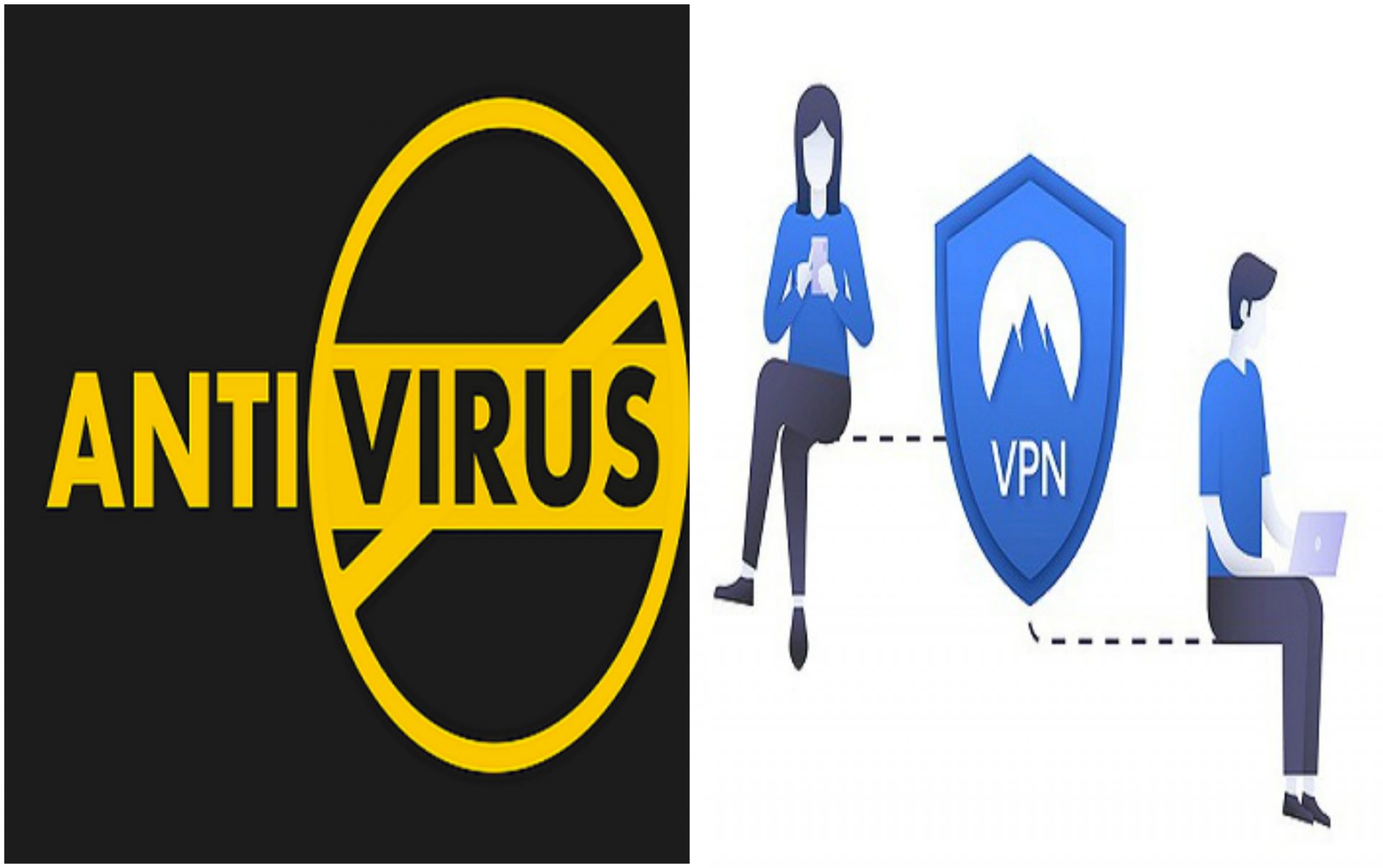
Your device can suffer attacks from two angles. On the one hand, are viruses and malware, which you can battle with antivirus programs. On the other hand are online attacks like hacks and data theft, which you can battle with a VPN.
So basically, you need an antivirus and a VPN to stay safe in today’s digital world. You can purchase these programs separately. But you can also – and this is a more cost-effective option – purchase an antivirus with VPN included.
Yes! There are antivirus programs that come with VPNs. Likewise, some VPNs come with antivirus protection. We did research to figure out the best of these programs, and we’ll be discussing the top 15 in this post.
First, we’ll look at the benefits of using them.
Benefits Of Using an Antivirus with a VPN
An antivirus has its advantages. A VPN, too, has its own. But when you combine both, the following are the benefits you stand to gain:
Virus and malware protection: with just a VPN, you cannot protect your device from infectious computer viruses and malware. That’s the work of an antivirus. And the best antiviruses will protect your device from various viruses, including zero-day attacks.
Stay anonymous online: in some cases, staying anonymous on the web is an advantage. You can achieve that with a VPN, which masks your real IP with a virtual one. With that, no one can trace what you do with your mobile data or WiFi.
Phishing protection: individually, antiviruses and VPNs can protect you from phishing. This is because phishing attacks manifest both online and offline. You can imagine, then, what happens when you combine both. If it’s a reliable program, your device will be phishing-proof.
Unblock restrictions: many websites restrict access to their content to particular geographical areas. Governments, schools, and workplaces can also impose web restrictions within their cyberspace. You can neutralize these restrictions with a VPN software.
Better device performance: it’s unarguable that VPNs and antiviruses will boost your device performance. An antivirus will eliminate viruses and malware that could slow down your processor. Meanwhile, a VPN with fast servers will allow you to surf the web without lags.
The benefits above are worthwhile, you’ll agree. Now, from our detailed list below, select any antivirus with VPN software that meets your interest:
1. Surfshark One
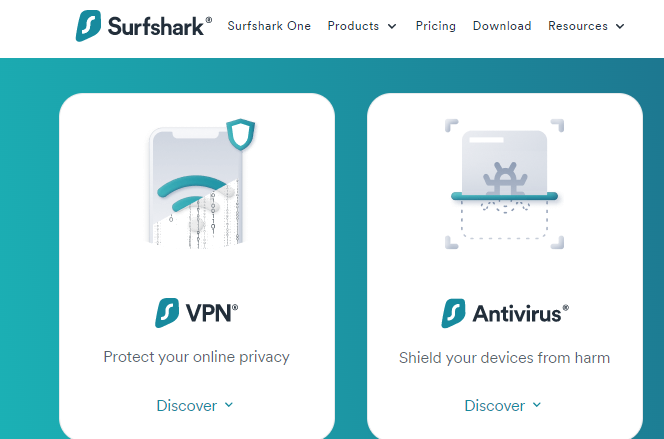
Surfshark promises to secure your digital life. The company does this by enhancing privacy and security. With the Surfshark One package, you get a VPN with antivirus software — and more tools as well.
Antivirus: the antivirus part of the software protects your device from viruses, malware, zero-day threats, and other advanced threats. It’s easy to use, thanks to the absence of too many tabs. In addition, it’s lightweight, such that it doesn’t slow down your device.
You can conduct manual or scheduled scans. And whenever you download a file, the antivirus scans them. It also offers webcam protection.
VPN: with the Surfshark VPN activated, you get complete online protection. The solution ensures no one can see what you do online. No one, including companies, websites, hackers, and even the software itself.
You have over 3,200 servers in over 100 countries to use. And the VPN supports features like MultiHop, Bypasser, Ad Blocker, Camouflage Mode, and NoBorders Mode.
Price: Surfshark One Antivirus with VPN costs $14.44 per month. But the best deal is $2.39 monthly for 24 months. You can as well pay for 12 months at $5.48 each month.
Pros
Affordable price
3,200+ VPN servers
Webcam protection
Stop zero-day threats
Includes Ad Blocker
Cons
Lacks some features on iOS
Surfshark One
Surfshark One is a cybersecurity bundle that provides users with Surfshark VPN, Alert, Search, and Antivirus that...Show More
Surfshark One is a cybersecurity bundle that provides users with Surfshark VPN, Alert, Search, and Antivirus that combines security, privacy, and convenience into one powerful package. Surfshark is an award-winning VPN service for keeping your digital life secure. Show Less
2. McAfee
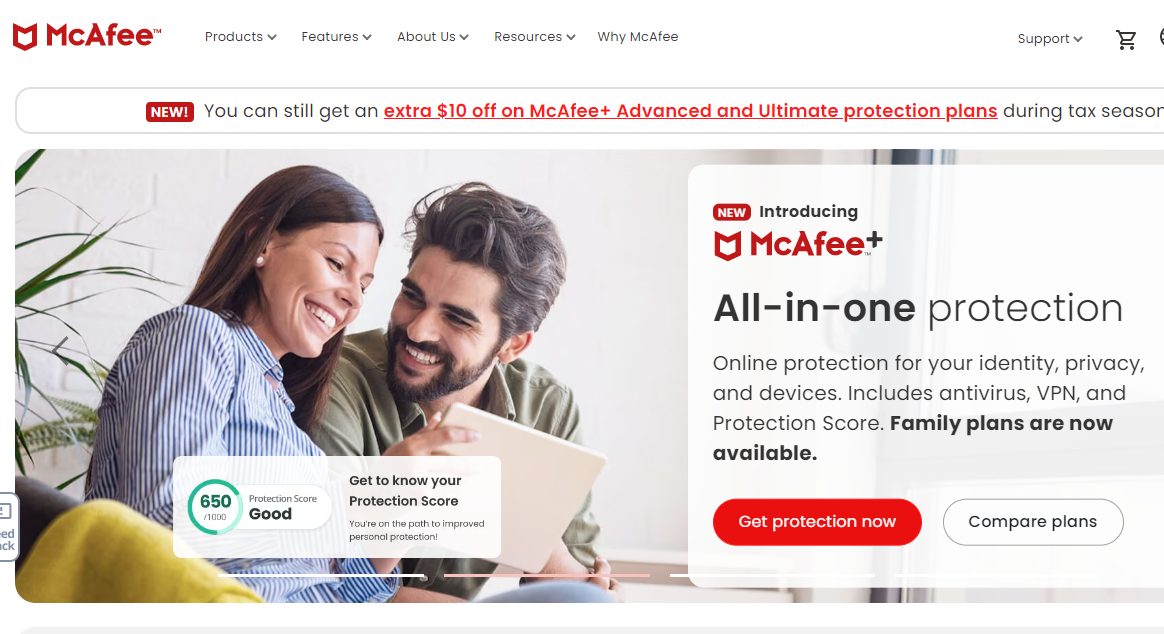
McAfee is a renowned solution when it comes to the digital lifestyle. The company launched in 1987, which means it has over 35 years of experience in the industry. It’s not a surprise, then, that its antivirus and VPN solution is among the best.
Antivirus: McAfee’s antivirus solution guarantees real-time threat protection. This guarantee is 100%, as the software will chase viruses and malware. Also, it quarantines files suspected to have viruses or malware for in-depth checking.
Another notable aspect of the McAfee antivirus is the firewall. As a result, it’ll make a good option if you’re a business or organization with computer networks.
VPN: McAfee offers a VPN with bank-grade encryption. With this VPN, you can browse with confidence that you’re safe from online threats. The VPN has thousands of servers spread across the globe. And these servers are fast, boosting your browsing speed.
Price: To get the McAfee antivirus with VPN combo, you must subscribe to the Privacy + Security plan. The plan costs $39.99 per year. Another option is the Privacy + Security + Identity plan, which costs $79.99 annually.
Pros
Bank-grade encryption
Ideal for businesses
Includes firewall
Quarantines suspected files
Fast VPN servers
Cons
Limited customer support
Complains about many notifications
McAfee VPN
Secure your WiFi connection and safeguard your online activity.
Secure your WiFi connection and safeguard your online activity. Show Less
3. Norton
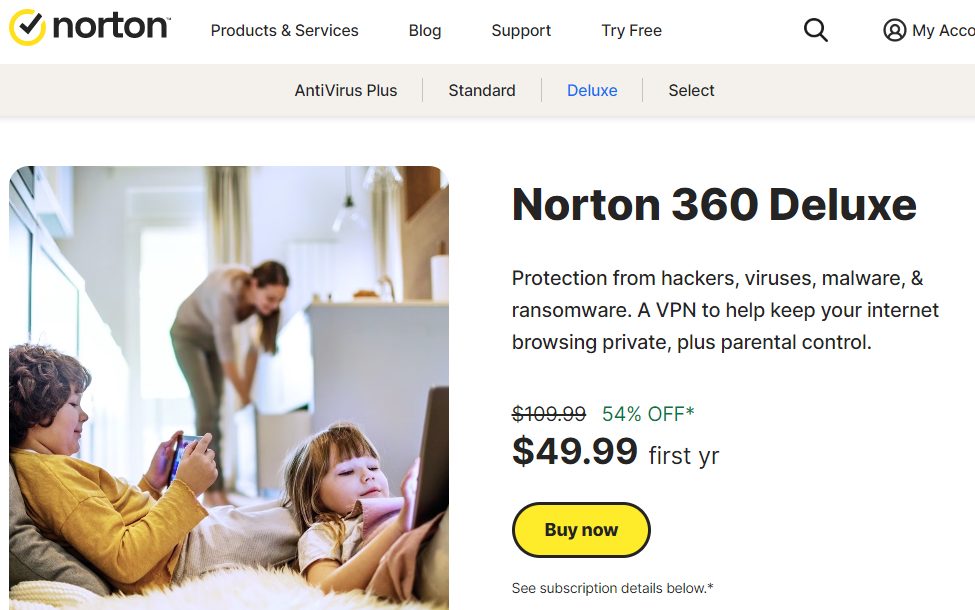
Norton is one of the most popular digital security solutions in the United States. And for a good reason, as the company lives up to expectations. Among the company’s products are an antivirus and a VPN, and you can purchase both together.
Antivirus: Norton employs native technology in its antivirus solution. This technology can and will detect and eliminate thousands of threats per minute. However, the standout feature is “Emulation.”
Basically, Emulation tricks infected files into revealing themselves. It’s powered by machine learning and will help deal with stealth viruses.
VPN: Norton VPN will secure your devices on the go. It’ll help you stay anonymous as you browse and protect you from compromised Wi-Fi networks. The servers are high-speed and global.
One notable feature of the VPN is the Kill Switch. Kill Switch will kill your internet connection instantly when your network drops.
Price: The Norton 360 Deluxe plan will give you access to the antivirus solution and the VPN. It costs $49.99 for the first year. For subsequent years, you pay $109.99.
Pros
Global VPN servers
Emulation technology
Stops stealth viruses
Public Wi-Fi protection
Internet kill switch
Cons
Kill switch only for Windows and Android
High cost
Norton Secure VPN
Security for your private data while using public WiFi networks.
Security for your private data while using public WiFi networks. Show Less
4. Trend Micro
Trend Micro, according to its developers, is the number in cloud security and endpoint cybersecurity. That may be arguable. However, what isn’t arguable is that Trend Micro has one of the best antivirus with VPN solutions.
Antivirus: The Trend Micro antivirus is its leading program. It keeps your devices safe from simple and advanced viruses and malware. And the interface is straightforward, making it easy to use.
You’ll fare better with the Trend Micro antivirus if you use Windows. In particular, the solution is natively optimized for Windows 11.
Virus: The Trend Micro VPN is the flagship program for privacy products. It boasts multiple servers around the world, secured with first-rate encryption. In addition, you won’t worry about speed and bandwidth limitations.
Particularly, the Trend Micro VPN comes with Web Threat Prevention. What it does is automatically block malicious, scam, and fraudulent websites.
Price: You can start using Trend Micro Antivirus with VPN for free. However, the full package starts at $19.95 per device for your first year. The cost is $39.90 if you pay for two years.
Pros
Inexpensive pricing
First-rate encryption
Optimized for Windows 11
Includes Web Threat Protection
Zero bandwidth limitations
Cons
Complains about support
Full-system scans may take time
Trend Micro VPN Proxy One Pro
The best way to protect your online activity while enjoying high-speed VPN connectivity.
The best way to protect your online activity while enjoying high-speed VPN connectivity. Show Less
5. F-Secure
If you’re familiar with F-Secure, you’re most likely familiar with the VPN solution. But, the software also offers a total solution that also includes a VPN. This total solution promises “total peace of mind online.”
Antivirus: The F-Secure antivirus boasts awards from top organizations like AV-Test. Such awards are a testament to the software’s reliability in eliminating viruses. Not only viruses but also malware, ransomware, spyware, and infostealers.
A significant focus of the antivirus also is to boost your device speed. It’ll work whether you use Windows, Mac, Android, or IOS.
VPN: Connecting to F-Secure’s secure VPN servers takes only a click. The VPN masks your real IP, and thanks to Tracking Protection, it makes you invisible to advertisers and data harvesters. Subsequently, you can browse privately and connect to public Wi-Fi without danger.
Price: F-Secure allows a 30-day free trial before you subscribe. Subscription starts at $59.99 for 1 device for your first year. The price is $69.99 for 5 devices and $75.99 for 10. You can pay for two years and get more discounts.
Pros
Easy to use
Stops spyware and infostealers
Boosts device performance
Includes Tracking Protection
Includes free trial
Cons
Could improve on iOS
No firewall
F-Secure Freedome VPN
F-Secure Freedome VPN is a Virtual Private Network (VPN) service offered by F-Secure that provides secure and private...Show More
F-Secure Freedome VPN is a Virtual Private Network (VPN) service offered by F-Secure that provides secure and private internet connection by encrypting the user's internet traffic and hiding their IP address, allowing them to browse the web anonymously and access blocked content. Show Less
6. Malwarebytes
Millions of people use Malwarebytes. The majority, however, use the software to fight viruses and malware. But you can also get a VPN with Malwarebytes when you purchase a bundle plan.
Antivirus: Malwarebytes antivirus is optimized to fight traditional and contemporary viruses and malware. The software blocks over 95 million of these malicious files daily, using AI to ensure none goes undetected.
Malwarebytes also features ransomware attack technology that deals with file-encrypting malware. And Brute Force and Uninstall protection will ensure malware doesn’t tamper with your programs.
VPN: Malwarebytes VPN prioritizes privacy and speed. The VPN has more than 500 servers in over 40 countries. And you get fast speed with these servers thanks to the next-gen WireGuard protocol technology.
Also, thanks to 256-bit encryption, no one can break into the network. Malwarebytes keeps no logs, so no one can see what you’re doing.
Price: Malwarebytes Antivirus + VPN costs $5 per month per device. If you opt for the 5-device plan, the cost is $8 per month. Both plans, however, are billed annually.
Pros
Optimized for traditional viruses
Fast VPN servers
Affordable pricing
256-bit encryption
Brute Force and Uninstall protection
Cons
Relatively low VPN server count
Quick scan may miss some files
Malwarebytes Premium + Privacy VPN
A next-gen privacy and security solution for protecting your identity online and securing your device against malware.Show More
A next-gen privacy and security solution for protecting your identity online and securing your device against malware. Show Less
7. AVG
AVG Antivirus is a popular free software. Likewise, AVG has a free VPN, and you get the best security when using both. In particular, you get the best protection when you opt for their premium versions.
Antivirus: You can use the AVG antivirus on Windows, Mac, Android, and iOS. The software won AV comparatives top rated ranking in 2020, which implies its reliability. You can count on it to stop viruses, malware, spyware, and other threats.
One reason the antivirus is highly efficient is its six layers of protection it features. No virus can bypass all six.
VPN: The AVG VPN is a simple one. Yet, it’ll ensure your internet connection stays private and secure. The VPN will keep you safe whether you’re simply browsing or handling other intensive tasks like banking.
Not to mention, it comes with hundreds of international servers. Anonymous international servers that allow you to browse the web without restrictions.
Price: You can only get the AVG Antivirus with VPN combo with the AVG Ultimate plan. The plan costs $6.49 monthly for 10 devices. You pay annually, and for the first year, the price is $77.88.
Pros
Simple VPN software
Anonymous servers
Six protection layers
Supports all major devices
Low-cost monthly plan
Cons
Installation may take time
Complains about the antivirus interface
AVG Secure VPN
Browse safely and securely on unprotected WiFi networks anywhere, anytime.
Browse safely and securely on unprotected WiFi networks anywhere, anytime. Show Less
8. Total AV
Total protection, privacy, and security are what you get with Total Antivirus. When it comes to browsing the web, the antivirus also has a VPN to keep you safe. Our research showed it is one of the best Antiviruses with VPN included.
Antivirus: With Total AV, you get real-time protection against malware. The software scans files in your storage, downloads, and also executables. In the process, it clears junk, allowing your device to operate optimally.
Other notable features of the antivirus are ransomware, phishing scam, and PUA protection. Also, data breach monitoring ensures our personal data isn’t compromised.
VPN: Opting for Total AV’s internet security enhances browsing privacy. This is thanks to the user-friendly VPN, which encrypts your connection and shields your data from malicious eyes.
The VPN also helps you bypass geo-restrictions by connecting to global servers. And it’s compatible with Windows, Mac, iOS, and Android.
Price: Total AV Antivirus with VPN is relatively affordable for your first year. You pay just $49, but subsequently, the price is $179.
Pros
Real-time antivirus protection
Eliminates junk
Data breach monitoring
Global servers
User-friendly interface
Cons
Expensive regular pricing
Total AV
Protects your devices and online activities in real-time.
Protects your devices and online activities in real-time. Show Less
9. Panda Security
If you use Android or Windows, Panda Security is an Antivirus with VPN solution to consider. Developed by WatchGuard, the software meets all requirements to be among the bests. Note that the software is also available for iOS and Mac.
Antivirus: Panda Security antivirus is particularly optimized to deal with ransomware. Such optimization means the software is equally efficient in handling viruses and malware.
An advantage of using Panda Security is that it won’t affect your device’s performance. It doesn’t use your RAM but instead operates from the cloud.
VPN: The VPN is the core of Panda Security’s privacy solutions. It comes with thousands of servers installed in countries worldwide, and you get unlimited bandwidth. Unlimited bandwidth ensures the VPN can handle any online task.
Furthermore, Panda Security’s VPN servers are fast. And thanks to encryption, the network is impenetrable.
Price: All Panda Security plans come with antivirus and VPN. The cheapest is the Essential plan, which costs $26.24 per year. Then, the Advanced and Complete plans cost $35.25 and $44.24, respectively. Meanwhile, the Premium plan costs $53.24.
Pros
Operates from cloud infrastructure
Optimized for ransomware
Unlimited VPN bandwidth
Fast servers
Dependable encryption
Cons
Not the best for Mac
VPN lacks some extra features
Panda Security VPN
Panda VPN gives you an invisibility cloak on the Internet with total device safety and identity protection.
Panda VPN gives you an invisibility cloak on the Internet with total device safety and identity protection. Show Less
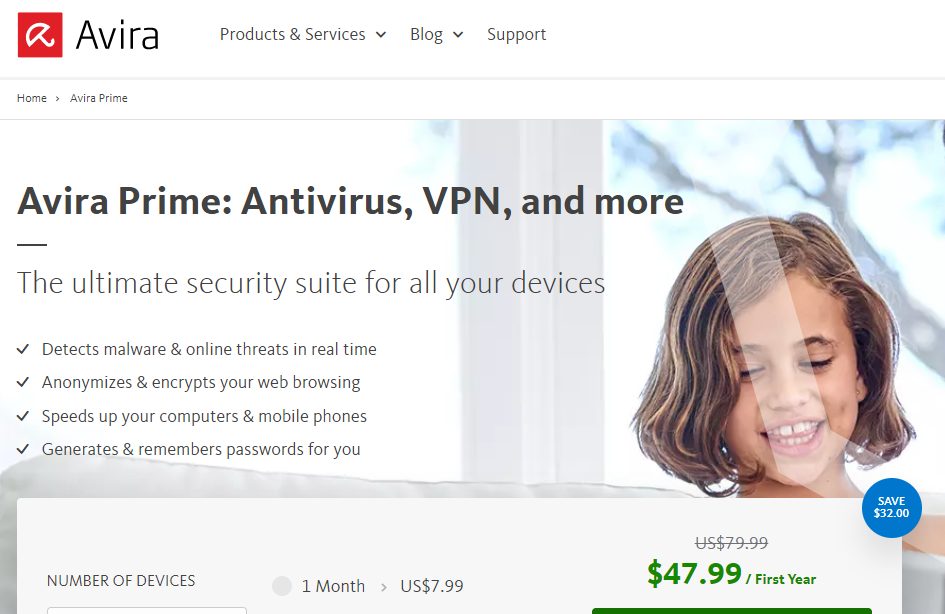
10. Avira
The Avira security software first became available in 2006. At the time, it was a free antivirus solution. But now, it’s a renowned premium software and one that comes with a reliable VPN.
Antivirus: The Avira antivirus not only detects and removes malicious files. It also repairs corrupted files, preventing data loss. Regarding virus protection, it works against malware, ransomware, worms, and trojans.
Furthermore, the antivirus is one of the fastest available. It won’t lag but boosts your device.
VPN: With the Avira VPN, you can surf the web anonymously. Military-grade encryption makes the device unhackable and secure on any network, including WiFi.
The many servers available give you unlimited options to browse the web. You can access any website or online service, irrespective of your location.
Price: Avira Prime is the plan to subscribe to if you need the antivirus and VPN. You can pay $7.99 per month for 5 devices, $47.99 per year, or $151.99 for two years. You can also pay for 25 devices, which starts at $9.99 per month.
Pros
Doesn’t lag
Military-grad encryption
Repairs corrupted files
Affordable monthly pricing
Many servers
Cons
Complains about customer support
Complains about too many notifications
Avira Phantom VPN
Ensures that you enjoy 360-degree device protection while you surf the internet in total safety and anonymity.Show More
Ensures that you enjoy 360-degree device protection while you surf the internet in total safety and anonymity. Show Less
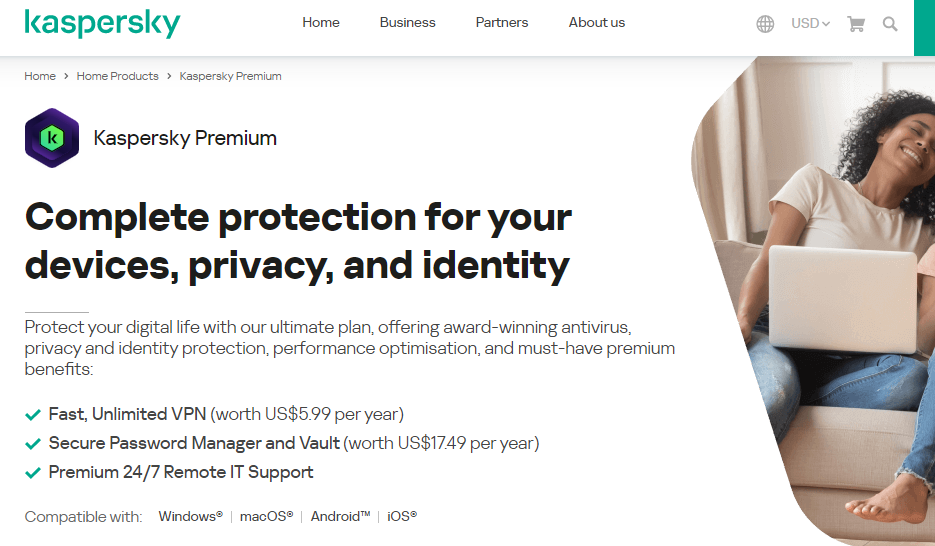
11. Kaspersky
Kaspersky provides cyber security solutions to home and business users. The primary product the company offers is an antivirus. And to make sure users are safe when they visit the internet, Kaspersky also features a VPN.
Antivirus: Kaspersky antivirus works in real-time to keep your device free from cyber threats. It’s a software you can rely on to stop viruses, malware, spyware, and ransomware.
The antivirus also has an antiphishing feature, and there’s a firewall to stop unauthorized networks.
VPN: Kaspersky VPN ensures privacy, security, and freedom. You get millions of IPs to use from hundreds of servers. And the VPN stores no logs, which means there’ll be no trace of your online activities.
Notably, the VPN uses 256-bit encryption. This encryption works not just on websites but also on public Wi-Fi connections.
Price: You can start using Kaspersky for $17.99 for one device. That’s the first-year price, and you get discounts if you pay for multiple devices. After the first year, the price starts at $35.99 annually.
Pros
Supports antiphishing
Includes firewall
Keeps no logs
256-bit encryption
Secure public Wi-Fi connections
Cons
Expensive pricing
Relative large size
Kaspersky Lab
Kaspersky Antivirus is an antivirus protection solution that protects your computers from virus attacks and other...Show More
Kaspersky Antivirus is an antivirus protection solution that protects your computers from virus attacks and other threats that may result from internet usage or other forms of usage. Show Less
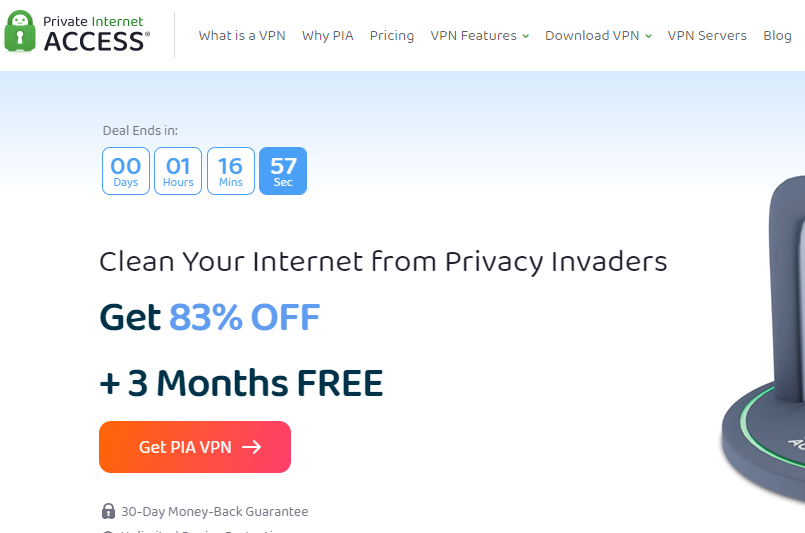
12. Private Internet Access (PIA)
PIA first went public with its VPN software. Along the line, the company launched an antivirus. With over a decade in the industry, PIA VPN and Antivirus proves to be among the bests.
Antivirus: PIA is an open-source software, which makes the antivirus notably different from others. Accordingly, you get complete control of the software to rid your devices of viruses and malware.
The antivirus comes with a prevention engine that fixes system vulnerabilities. Also, there’s a max-quarantine feature that isolates suspected malicious files.
VPN: The PIA VPN is secure and encrypted. Like the antivirus, it’s also open-source, and you get dedicated IP addresses. Consequently, you can browse the internet without limitations, accessing any website.
A notable advantage of using PIA is that the software supports add-ons. And with these add-ons, you get more functionality.
Price: PIA VPN pricing starts at $11.95 per month. With the antivirus, the cost ups to $16.45. However, you can save money by paying annually or for three years. The three years plan is the most cost-effective as it costs around $3 per month for both antivirus and VPN.
Pros
Open-source software
Includes prevention engine
Max-quarantine support
Dedicated VPN IPs
Supports Add-ons
Cons
Relatively expensive
Relatively low server count
Private Internet Access
Private Internet Access uses world-class next-gen servers for a secure and reliable VPN connection, any day, anywhere.
Private Internet Access uses world-class next-gen servers for a secure and reliable VPN connection, any day, anywhere. Show Less
13. NordVPN
The name Nord always goes with VPN, thus NordVPN. However, the popular VPN comes with an antivirus as part of its Threat Protection mechanism. The catch is that you can get both at an affordable rate.
Antivirus: NordVPN Threat Protection includes an antimalware functionality. Thanks to it, the software will eliminate malware and virus-infected files after downloads. Such files are deleted automatically.
You’ll appreciate the antivirus more as it stops the newest threats. Also, it blocks malicious websites.
VPN: With over 5,000 servers, NordVPN is undoubtedly one of the best virtual private server services available. There’s at least one server in over 60 countries, and each one is ultra-fast.
Beyond the regular, NordVPN gives you access to specialty servers. These include Double VPN, Onion Over VPN, Obfuscated, and P2P servers, among others.
Price: As hinted earlier, NordVPN is affordable. The Plus plan lets you access the antivirus and VPN, and it costs $14.19 per month. With the one-year plan, the cost is $5.79, and with the two-year plan, the cost is $5.19.
Pros
Affordable cost
Antivirus blocks the newest threats
More than 5,000 servers
Ultra-fast servers
Specialty servers
Cons
Antivirus only works for downloaded files
Plus plan has other limitations
NordVPN
The best VPN service for total safety and freedom.
The best VPN service for total safety and freedom. Show Less
14. CyberGhost
Here, we have another popular VPN software that includes an antivirus. With CyberGhost, you get a VPN plus antivirus when you purchase the Security Suite. You can use the programs on Windows, Mac, Android, iOS, and other supported devices.
Antivirus: CyberGhost features an antivirus software from Intego. If you’re unaware, Intego is a renowned world-class antivirus, and you get the same with CyberGhost.
The antivirus provides round-the-clock protection from malware, trojans, spyware, adware, and ransomware. Not to mention, it’s easy to use, thanks to the powerful command center.
VPN: With ironclad AES 256-bit encryption, you get more than privacy and security with the CyberGhost VPN. But the standout feature is the over 9,000 servers in over 90 countries. Not many VPN solutions boast such a large fleet.
The VPN offers more with streaming-optimized servers. So, you can count on it for lag-free, buffer-free streaming.
Price: CyberGhost VPN pricing starts at $12.99 per month. But the 2-year plan costs only $2.11. You can add the antivirus for an extra $1 monthly, which is relatively cost-effective.
Pros
Supports all major devices and more
More than 9,000 servers
Optimized streaming servers
24/7 antivirus protection
Easy to use
Cons
Antivirus has separate cost
Monthly plan is expensive
CyberGhost VPN
CyberGhost VPN is a VPN service provider with more than 9,000 VPN servers spread in over 90 countries. Complete privacy...Show More
CyberGhost VPN is a VPN service provider with more than 9,000 VPN servers spread in over 90 countries. Complete privacy protection for up to 7 devices! Show Less
15. BitDefender
Number 15 on this list of best antivirus with VPN included is Bitdefender. If you’re familiar with the software, you’ll know it’s first an antivirus. However, the inclusion of a premium VPN makes it a complete cybersecurity solution.
Antivirus: The Bitdefender antivirus solution is lightweight. It protects against a wide range of viruses and malware. And it’s super effective thanks to behavioural detection technology.
One of the best things about Bitdefender is that the software doesn’t destroy your files. It’ll remove viruses and malware and also revive the corrupted data.
VPN: Bitdefender VPN gives you access to more than 4,000 servers. These servers are fast and superb for online streaming and downloading. More importantly, they keep you anonymous on the web thanks to state-of-the-art encryption.
You can use the VPN on Windows, macOS, Android, and iOS devices. And you can secure up to 10 devices at a time.
Price: The antivirus and VPN are only included in the Bitdefender Total Security plan. The plan costs $39.99 for five devices for the first year. Subsequently, you’ll pay $94.99 per year.
You may want to ask, “How did we pick the best antivirus with VPN solutions?” Well, the solutions above are the best as they tick all the boxes for features and functionalities.
Here are the key factors that matter and what to look for in an antivirus with VPN solution:
Ease of use: A software with the most advanced antivirus and VPN features will be useless if you can’t operate it. Therefore, the first thing to check for is ease of use. The antivirus with VPN solution must have a user-friendly interface, and scanning or connecting to servers must be seamless.
Servers: On the VPN part, server count is of utmost importance. If a VPN has only a few hundred servers, you won’t have many IP options. Consequently, you may be unable to bypass some restrictions. This is why the best antivirus with VPN solutions we reviewed come with thousands of servers.
Encryption: Encryption is critical both for VPNs and antiviruses. Hackers can easily take over the software without reliable encryption, which worsens things. As a result, the best solution must have industry-level encryption like AES, for example.
Virus and malware protection: What types of viruses and malware can this software detect? That’s a critical question to ask when purchasing a VPN with antivirus. There are more than one billion computer viruses. One Billion! As a result, the best software must have extensive protection against new and old threats.
Although both work towards ensuring cybersecurity, antiviruses and VPNs are different. An antivirus detects, eliminates, and blocks files infected with viruses and malware. Meanwhile, a VPN provides a tunnel with reliable encryption that allows you to access the web privately.
Here’s what an antivirus will do:
Detect and remove viruses
Prevent viruses from getting into your computer
Stop insecure networks with a firewall
Block phishing files
Free spaces so your device can run faster
On the other hand, here’s what a VPN will do:
Mask your real IP address
Allow you to browse with servers from any country
Block unsafe websites and Wi-Fi networks
Let you bypass geo-restrictions
Prevent tracking and phishing
Speed up your internet connection
Hence, antiviruses focus more on offline security, while VPNs set their eyes online. However, both work together because viruses and malware exist online and offline.
For example, you can download a malware-infected file from the internet. Likewise, you can click an unsafe link on an offline file.
With this, you cannot do with just one. You need an antivirus, and you also need a VPN. And you can pick the right solution from our detailed list.
Is There a Free Antivirus With VPN?
Many free antiviruses exist, and the same is true for many free VPNs. As a result, it’s not impossible to find a free Antivirus with VPN. However, you’ll always encounter limitations.
For example, you may only be able to connect to a few VPN servers. Or you won’t get real-time protection against viruses and malware. For these reasons, it’s always best to go for premium solutions.
You may find solutions that are 100% free without limitations. However, such programs are usually not 100% safe.
Conclusion
You’ll find hundreds of antiviruses and VPN solutions available. Uncovering the best on your own is challenging, as analyzing all will be time-consuming. This is why we decided to help by doing the hard work.
So, if you need an antivirus with VPN solutions, simply pick from the list in this article. The programs outlined are the best you can get in the cybersecurity industry.
Do you know that identity theft is not a joke, Jim?! Well, this article focuses on how best you can protect yourself from identity theft.
In Season 3 and Episode 21 of the TV Series ‘Product Recall,’ Jim’s hilarious act of impersonating Dwight elicited an angry response from the impersonated Dwight when he screamed, ‘identity theft is not a joke Jim, millions of families suffer every year!’
GIF Image: Identity theft is not a joke Jim, millions of families suffer every year
Dwight was certainly right about one fact: identity theft is no joke!
Additionally, it is projected that the US alone will suffer over $721.3 billion in loss to identity theft in 2024.
What Is Identity Theft?
Identity theft is a pervasive and sophisticated crime wherein individuals exploit stolen personal information to engage in fraudulent activities while posing as the victim.
The information they seek is extensive, ranging from the seemingly innocuous, like your name, to the more sensitive aspects of your life, such as your social security number, credit card details, address, phone number, and even bank information.
Identity theft is a complex and deeply personal crime that I’ve seen unfold in various ways.
Methods Employed by Identity Thieves
Physical Theft: It’s disheartening to witness the simplicity with which identity thieves snatch purses or wallets. These seemingly everyday thefts provide them immediate access to identity cards, credit cards, and other crucial documents, offering a direct pathway to wreak havoc in someone’s life.
Online Data Gathering: In the digital realm, where I often operate, identity thieves exploit online platforms to gather information. The oversharing on social media becomes a vulnerability, a goldmine for those with malicious intent. It’s a reminder to exercise caution and thoughtfulness when navigating the digital landscape.
Mail Theft: Intercepting physical mail is a tactic that hits close to home. Witnessing the invasion of someone’s privacy through stolen emails from their mailbox is a stark reminder of how personal boundaries can be violated, leading to potential financial and emotional distress.
Change of Address Fraud: The cunning manoeuvre of submitting fraudulent ‘change of address’ forms is a deceptive tactic. Redirecting mail to an alternative location gives identity thieves an unauthorized peek into personal information, making it even more challenging to detect fraudulent activities. That’s why I will recommend the Reship Virtual Address service.
Real-Life Cases
Frank Abagnale: Made famous by the movie “Catch Me If You Can,” Frank Abagnale assumed various identities, successfully forging checks worth millions of dollars. His story underscores the adaptability and audacity of identity thieves.
TJX Companies Data Breach: In one of the largest data breaches, hackers infiltrated TJX Companies’ computer systems, compromising over 94 million customer credit and debit card details. This case highlights the impact of large-scale data breaches on individuals’ financial security.
Ashley Madison Hack: The Ashley Madison website suffered a massive data breach, exposing sensitive information of users seeking extramarital affairs. The breach led to instances of blackmail and extortion, showcasing the potential emotional and financial consequences of identity theft.
Equifax Data Breach: In 2017, Equifax, a major credit reporting agency, experienced a data breach affecting approximately 147 million consumers. The breach exposed social security numbers and other sensitive information, emphasizing the far-reaching consequences of large-scale data compromises.
Michael Brown’s Identity Theft Ordeal: Michael Brown, a former Federal Emergency Management Agency (FEMA) director, fell victim to identity theft when criminals used his personal information to open fraudulent credit card accounts. This case underscores that even individuals in prominent positions are not immune to identity theft.
These real-life cases demonstrate the pervasive and evolving nature of identity theft, urging individuals to adopt proactive measures to protect their personal information and financial well-being.
Numerous identity theft cases show that identity theft is no joke, and you should take steps to protect yourself from falling victim to identity theft.
Here are recommended services that you can use to prevent identity theft:
OmniWatch: Continuously monitors the dark web to identify and remove your personal information from malicious websites and marketplaces.
Incogni: Automatically removes your personal information from over 30 people search websites and data brokers, helping to reduce the risk of identity theft and online scams.
Surfshark Alert: Provides real-time alerts when your personal information is found on the dark web, allowing you to take immediate action to protect your identity.
DeleteMe: This helps you remove your personal information from a wide range of data brokers and people search websites, reducing your digital footprint and minimizing the risk of identity theft.
Surfshark Alternative ID: Generates unique, anonymous email addresses for every website you sign up for, preventing your personal email address from being leaked or sold.
McAfee Identity Protection: Scans your entire online presence to identify potential threats to your identity, providing actionable recommendations to help you stay protected.
Norton LifeLock: Offers comprehensive identity theft protection, including dark web monitoring, identity restoration assistance, and a $1 million identity theft insurance policy.
Reship Virtual Address: Provides a secure, private mailing address that can be used to receive packages and mail, protecting your home address from exposure.
Total protection from identity theft and financial crimes.
Total protection from identity theft and financial crimes. Show Less
Norton LifeLock Identity Advisor
Your best solution to protect your personal information from data leaks.
Your best solution to protect your personal information from data leaks. Show Less
Incogni
Incogni wipes off your personal information from data brokers.
Incogni wipes off your personal information from data brokers. Show Less
DeleteMe
DeleteMe is a service provided by Abine that helps users remove their personal information from data brokers and other...Show More
DeleteMe is a service provided by Abine that helps users remove their personal information from data brokers and other websites to protect their privacy online. Show Less
Social Catfish
Social Catfish is an online service that helps individuals verify and investigate the identity of people they meet...Show More
Social Catfish is an online service that helps individuals verify and investigate the identity of people they meet online, including potential scammers and catfishers. Show Less
Surfshark Alert
Surfshark Alert is a real-time data breach protection tool that safeguards your email accounts, passwords, personal...Show More
Surfshark Alert is a real-time data breach protection tool that safeguards your email accounts, passwords, personal identification numbers, and credit cards from cyber-attacks. Show Less
OmniWatch
Safeguard your identity with OmniWatch, the comprehensive identity theft protection service that provides proactive...Show More
Safeguard your identity with OmniWatch, the comprehensive identity theft protection service that provides proactive monitoring, dark web surveillance, and expert assistance in case of a breach. Show Less
AVG BreachGuard
AVG BreachGuard shields your online data from leaks and breaches, like a vigilant bodyguard for your digital life.
AVG BreachGuard shields your online data from leaks and breaches, like a vigilant bodyguard for your digital life. Show Less
Avast BreachGuard
Avast BreachGuard is a privacy tool designed to protect personal information online by preventing data breaches...Show More
Avast BreachGuard is a privacy tool designed to protect personal information online by preventing data breaches, removing personal data from data brokers, and providing real-time alerts for compromised data. Show Less
WhiteBridge AI
WhiteBridge AI is your digital identity detective — an AI-powered tool that uncovers, verifies, and organizes...Show More
WhiteBridge AI is your digital identity detective — an AI-powered tool that uncovers, verifies, and organizes everything the internet says about a person into one powerful, insightful report. It transforms scattered online chaos into a clear story you can trust, helping you protect your reputation, make smarter decisions, and see people as they truly are. Show Less
Privacy365
Privacy365 is a service that removes your personal information from data brokers and people search websites while...Show More
Privacy365 is a service that removes your personal information from data brokers and people search websites while continuously monitoring for new exposures. By cleaning up your digital footprint, it helps protect you from identity theft, doxxing, and unwanted contact. Show Less
NordProtect
NordProtect is a comprehensive identity theft and cyber protection service provided by Nord Security. It provides...Show More
NordProtect is a comprehensive identity theft and cyber protection service provided by Nord Security. It provides all-around protection against identity theft, including credit monitoring, dark web surveillance, security alerts, identity theft recovery, cyber extortion protection, and online fraud coverage. Show Less
Types Of Identity Theft
There are several types of identity theft, but the most common form of identity theft includes:
1. Financial Identity Theft
This remains the most widespread form of identity theft. Perpetrators target credit card information, banking details, and other financial data to make unauthorized transactions.
Medical identity theft occurs when criminals fraudulently access medical services, insurance, and prescription drugs while posing as you.
By using stolen personally identifiable information and medical details, they create false medical records in your name.
Correcting these records can be a challenging and time-consuming process, making prevention crucial to avoiding the associated complications.
3. Criminal Identity Theft
In cases of criminal identity theft, individuals provide false identities—often stolen ones—when arrested for a crime. Some may go as far as obtaining state-issued documents, such as driver’s licenses, using stolen information.
The consequences are severe, as innocent victims may end up serving time for crimes they didn’t commit while the actual criminals remain at large, exploiting the stolen identity to evade justice.
4. Social Media Identity Theft
With the rise of social media, identity thieves exploit online platforms to impersonate individuals. They use stolen personal information to create fake profiles, engage in fraudulent activities or tarnish the victim’s digital reputation.
Social media identity theft can lead to significant emotional distress and reputational damage, emphasizing the importance of securing personal information online.
5. Child Identity Theft
Children are increasingly becoming targets of identity theft. Thieves may use a child’s Social Security number to open fraudulent accounts, and the crime often goes unnoticed for years.
Discovering child identity theft can be particularly challenging, making it essential for parents to monitor their children’s personal information and take preventive measures.
Tax identity theft involves criminals using stolen Social Security numbers to file fraudulent tax returns and claim refunds.
Victims often discover the crime when their legitimate tax returns are rejected or when they receive unexpected notices from tax authorities. This type of identity theft can result in financial losses and complications with tax authorities.
7. Employment Identity Theft
In cases of employment identity theft, individuals use stolen personal information to secure employment.
The thief may present your details to potential employers, creating a situation where your work history becomes intertwined with the imposter’s actions. This can lead to legal complications and damage your professional reputation.
8. Driver’s License Identity Theft
Perpetrators may use stolen information to obtain a driver’s license in the victim’s name. This not only poses a risk to the victim’s driving record but may also link them to criminal activities committed by the imposter.
Discovering such identity theft can be challenging, and victims may only become aware when legal issues arise.
9. Utility Identity Theft
Identity thieves may use stolen information to open utility accounts, such as electricity or water, in the victim’s name. This not only results in financial repercussions for the victim but can also lead to disruptions in essential services.
Regularly monitoring utility bills and promptly addressing any discrepancies is crucial in preventing and mitigating this form of identity theft.
10. Insurance Identity Theft
In this type of identity theft, criminals use stolen personal information to fraudulently obtain insurance policies. This can include health, life, or property insurance.
The victim may remain unaware until they encounter difficulties in obtaining legitimate insurance or face unexpected policy changes due to the imposter’s activities.
Regularly reviewing insurance documents and promptly reporting any discrepancies is essential for protection against this form of identity theft.
In product recall, there’s an attempt to make the audience wake up to the reality that identity theft affects almost every American household. Hence Dwight’s exclamation, ‘identity theft is not a joke Jim, millions of family suffer every year’ from identity theft.
In the UK, identity theft remains a persistent issue, with over 600 identity theft frauds occurring daily in 2022, representing a significant increase from the previous year. This alarming trend highlights the urgent need for heightened vigilance and comprehensive identity protection measures.
The vulnerability of personal information, particularly credit card details and Social Security Numbers (SSN), remains a major concern. These sensitive details, once stolen, become readily available on the dark web at shockingly low prices, often less than a dollar. This commodification of personal information underscores the urgency for robust identity protection strategies.
A closer examination of reported data breaches in the US reveals the staggering scale of the problem. In 2022 alone, over 1.4 billion records were compromised in data breaches, highlighting the ever-expanding reach of identity theft. The consequences of these breaches extend far beyond mere statistics; they translate into tangible, life-altering consequences for victims.
Over half of the stolen data leads to significant financial losses for victims, painting a vivid picture of the devastating aftermath of identity theft. In 2022, identity theft losses in the US reached a staggering $5.8 billion, demonstrating the far-reaching financial impact of this crime.
Furthermore, a considerable portion of the purloined data ends up on the dark web, amplifying the risks and demonstrating that the consequences are not confined to the digital realm.
Identity theft’s impact extends far beyond financial losses. It can jeopardize life’s savings, compromise medical insurance, and even lead to unjust imprisonment, all orchestrated by cunning identity thieves.
These stark realities underscore that identity theft is not a mere punchline; it is a profound threat that demands our collective attention and proactive measures to protect against its far-reaching consequences.
Having witnessed the fallout of identity theft firsthand, I’ve come to appreciate the paramount importance of proactive protection—because in the digital age, safeguarding your identity isn’t just a choice; it’s a necessity for a secure and resilient online presence.
How Do I Protect My Information On The Internet?
Most identity thefts happen online due to the massive proliferation of social media accounts and the increasing use of IoT devices. Here are some tips to protect you from online identity theft.
Use strong passwords for your accounts: A good enough password is a mix of alphabets in upper and lower keys, numbers, and symbols not associated with your name, date of birth, address, spouse’s name or date of birth, workplace, etc. ideally, you can use a password generator to generate and manage secure passwords for your accounts.
Use financial details only on secure sites: before using your credit card details on any website, ensure that the website you’re visiting displays ‘HTTPS’ rather than ‘HTTP’ and a secure padlock icon signifying that information entered on such website is securely encrypted to avoid theft.
Install antivirus on your devices: antivirus or malware software protects your devices from harmful software engineered to steal information from your devices.
Use a VPN: A VPN protects your IP address, location, and other device-identifying information traceable to you.
Limit your usage of personally identifiable information online on social media websites. You should use the correct personal details on secure websites only for official purposes.
Use secure browsers, clear your browsing history, or use incognito mode while browsing. Secure browsers and browsing in Incognito mode do not store browsing history nor collect cookies. Alternatively, you can hold down the Shift+Control+Delete keys to clear your browsing history.
Tape your webcams and block your microphone to prevent hackers from remotely using your laptop’s camera and microphone to collect compromising images of you or listen in on your conversations.
Activate an ad-blocker on your browser while surfing the net to protect you from malware that can collect information from your devices while disguising itself as an ad.
Have a dedicated email address for your bank account to protect your account from mass email compromise. Ideally, you should use secure email service providers like ProtonMail for your financial accounts.
Password-protect your WiFi router: Aside from stealing your bandwidth, you can also lose passwords and important data to hackers and identity thieves intercepting your WiFi network.
Wrapping Up The Identity Is Not A Joke Jim Episode
Now that you’re aware that identity theft is not a joke, you should take the appropriate steps recommended in this post to protect yourself from falling victim to identity theft.
If you’ve once fallen victim to identity theft, act quickly by reporting to your financial institution and notifying the authorities. You should also follow our advice and recommendations strictly to prevent future occurrences.
In this post, we will answer the question – is cyberbullying worse than before?
Bullying, in whatever form, is, of course, something that should be condemned. There is no place in our society for those who would willingly, and without conscience, actively set out to hurt someone else’s feelings just because they have the capacity to do so.
Bullying is something that millions upon millions of people experience at some point in their lifetime. Research suggests that, in the UK, nearly half (45%) of all adults say that they were bullied before the age of 18, while around one in five school-aged children say that they have been the victims of bullying in the last 12 months.
These statistics are, of course, horrific, but they only reflect the instances of bullying that have actually been reported. Likely, far more people are actually bullied, but they are simply not capable – or willing – of making their voice heard.
Also, it is certainly worth noting the fact that, with the internet now becoming a universal tool of communication and interaction, it is far easier to bully people anonymously, often without consequence.
And, when people with malicious intentions find a medium that allows them to be cruel without having to be wary of punishment, they are far more likely to choose it as their primary bullying method.
The study discovered that around one in five children have been bullied over the internet, while a fifth of these people have admitted that such bullying has made them feel suicidal. 40% also admitted that they do not believe they would be capable of helping a friend should they say they were being bullied.
According to another study, 37% of those who have been cyberbullied then went on to develop a form of depression.
It’s clear, then, that cyberbullying is a major cybercrime that has a severe impact on its victims. But is it getting worse?
The Current State
According to a study conducted by the Pew Research Center, a think tank dedicated to understanding and analyzing social issues and how they can be tackled, online harassment is getting worse, not better.
The research declared that over 40% of adults have been caught up in a direct case of bullying, while nearly three in four (73%) admit that they have at some point seen bullying happen to someone else.
Bullying is, of course, not the only threat facing people when they are online. More than half of women (53%) say that at some point they have been sent an explicit image that they were not anticipating and did not want. This is a massive increase when compared to the 35% of women who gave the same answer when the first iteration of the study took place in 2014.
What is being done, and what can be done?
Cyberbullying is, undoubtedly, an issue that needs to be tackled. But, given that it is so easy to be anonymous online, and due to the fact that it is incredibly easy to create fake profiles, avatars or email addresses, stopping online bullying is a problem without an obvious solution.
Major social media platforms such as Instagram, Twitter and Facebook have dedicated funds and time to try to mitigate the issue, but this can only do so much. It is, therefore essential that individuals also play a role.
So what can you do?
If you experience or witness cyberbullying, in whatever form, you must raise the issue to either the platform upon which it is happening or to an authority.
Keep all of the relevant information – message logs, for example – to ensure that any claim you make can be supported.
Refrain from engaging and trying to fight back, because many bullies are simply looking for a reaction, and will thrive in such a scenario.
Don’t give out private information or data, as this will make it far easier for people with malicious intent to target you directly.
Arguments for Cyberbullying Being Worse
Increased Reach: Social media and online platforms allow cyberbullying to reach a wider audience than traditional bullying, causing more humiliation and distress for the victim.
24/7 Nature: Online harassment can be relentless, as victims can’t escape it by going home from school or work.
Anonymity: Cyberbullies can hide behind anonymity, making them bolder and less likely to face consequences.
Arguments Against Cyberbullying Being Worse
Traditional Bullying Still Exists: Physical bullying and social exclusion haven’t disappeared and can still have devastating effects.
Increased Awareness: There’s more awareness and discussion about cyberbullying today, leading to the potential for better prevention and intervention strategies.
Evidence is Documented: With online communication, evidence of cyberbullying can be preserved (screenshots, messages), which can be helpful when addressing the issue with authorities or schools.
Conclusion
Cyberbullying presents unique challenges due to its reach and potential for anonymity. However, it’s important to acknowledge the ongoing presence of traditional bullying as well.
The “worse” label might be subjective, but the focus should be on effective solutions to address all forms of bullying.
Whaling attacks have become a major concern for organizations and individuals alike in the world of cybersecurity. These attacks, also known as executive phishing, target high-level executives and aim to steal sensitive information or money.
It is crucial to have proper whaling cyber awareness to protect yourself and your business from these sophisticated phishing techniques.
In this comprehensive guide, we will explore what whaling is in cybersecurity, how it works, and provide essential tips to enhance your whaling attack protection.
What Is A Whaling Attack?
A whaling attack is a type of phishing attack that targets high-profile individuals, such as CEOs, CFOs, and other executives. The goal of a whaling attack is to trick the victim into providing sensitive information, such as their login credentials, credit card numbers, or Social Security numbers.
Whaling attacks are often more successful than traditional phishing attacks because they are targeted at individuals who have a higher level of authority and responsibility. These individuals are more likely to be targeted because they have access to sensitive information, and they are more likely to be fooled by a well-crafted phishing email.
The goal of a whaling attack is to trick the victim into providing sensitive information, such as their login credentials, credit card numbers, or Social Security numbers.
Whaling attacks are often more successful than traditional phishing attacks because they are targeted at individuals who have a higher level of authority and responsibility.
Whaling attacks are usually highly sophisticated and use methods that exploit established trust structures to fool the target.
Whaling emails are very often personalized, including details such as the target’s name, job title, or other relevant information that the criminals have collected from a variety of sources.
Incogni
Incogni wipes off your personal information from data brokers.
Incogni wipes off your personal information from data brokers. Show Less
Understanding Whaling in Cybersecurity
Whaling, also known as CEO fraud, is an advanced phishing attack method that specifically targets high-ranking executives within an organization.
These attackers meticulously research their targets, gather information from various sources such as social media profiles, press releases, and company announcements, and then use this information to impersonate executives and gain access to sensitive company data or financial resources.
Whaling attacks require careful planning and execution, making them more sophisticated than traditional phishing attempts.
Whaling attacks involve several stages, including extensive research, email spoofing, and social engineering tactics. Hackers identify their targets by scouring publicly available information about the organization and its executives.
Once they have gathered enough information, they create a fake but convincing email account that appears to be from a high-level executive.
These emails are carefully crafted to convey urgency, trust, and legitimacy. The attackers then send these emails to their targets, attempting to trick them into revealing sensitive information or making financial transactions.
Types of Whaling Attacks
Whaling attacks are a type of phishing attack that targets high-level individuals, such as CEOs, CFOs, and other executives.
The goal of a whaling attack is to trick the victim into providing sensitive information, such as their login credentials, credit card numbers, or Social Security numbers.
There are a number of different techniques that hackers use to carry out whaling attacks. These include:
Email corruption: Hackers create sophisticated emails that appear legitimate, often impersonating CEOs or CFOs. These emails may request urgent money transfers or ask for sensitive information under the guise of a legitimate business transaction.
Social media exploitation: Hackers utilize information from executives’ public social media profiles to craft personalized whaling attacks. By gathering specific details and personal connections from these profiles, they can create emails that appear trustworthy and relevant to the targets.
Phone verification: Some attackers go a step further by following up their whaling emails with phone calls. This additional step aims to verify the email request and add an extra layer of authenticity to the attack.
Email + follow-up phone call: Cybercriminals will often follow up on a whaling email with a phone call confirming the email request. This social engineering tactic both corroborates the email request and makes the victim complacent as they have also had a ‘real world’ interaction.
Impersonating a trusted partner: The most recent and sophisticated whaling attacks have access to information about suppliers or partners of the target organization, especially if they advertise their partners such as charities, law firms, think tanks, or academic institutions. By impersonating a trusted partner, hackers can trick the victim into believing that the email is legitimate.
Impersonating colleagues: Criminals will either compromise or spoof a colleague’s email address in order to trick other employees into believing the attack is a legitimate request. Often, this comes from a “senior” and is targeting a junior within the organization. By impersonating a colleague, hackers can take advantage of the trust that exists between colleagues and trick the victim into providing sensitive information.
Whaling via social media: Social media provides cyber criminals with a means to research and contact senior executives. Victims are also usually less vigilant in social situations. Scammers may try to befriend the target or pretend to be a potential business partner, love interest, peer, or authority figure. By building a relationship with the victim, hackers can increase the chances of the victim falling for the attack.
Baiting: Criminals may leave an infected USB drive at the target’s office or gym locker or even mail it to their home with the hopes that they will try to use it. Once the victim inserts the USB drive, the malware will be installed on their computer and can be used to steal sensitive information.
Whaling attacks are a serious threat to businesses of all sizes. By being aware of the different techniques that hackers use, businesses can take steps to protect themselves from these attacks.
The consequences of falling victim to a whaling attack can be severe for both individuals and organizations. Some of the potential outcomes include:
Financial Loss: Whaling attacks often involve attempts to transfer funds from company accounts to the attacker’s control. These fraudulent transactions can result in significant financial losses for the organization.
Data Breach: Whaling attacks can lead to the exposure of sensitive company data, such as financial records, employee information, or intellectual property. This can have long-term consequences for the affected organization, including reputational damage and legal implications.
Operational Disruption: Whaling attacks can disrupt normal business operations, especially if critical systems or accounts are compromised. This disruption can lead to downtime, loss of productivity, and additional expenses associated with recovery and remediation efforts.
How To Spot Whaling
There are a number of things that you can look for to spot a whaling attack. These include:
A sense of urgency: Whaling attacks often try to create a sense of urgency by implying that there will be adverse consequences if the victim does not act immediately. For example, the email may claim that there is a problem with the victim’s account that needs to be fixed right away, or that there is a time-sensitive business opportunity that the victim needs to take advantage of.
Spoofed email addresses and names: Whaling attackers often spoof the email addresses and names of legitimate people or organizations. This makes the email appear more legitimate and makes it more likely that the victim will trust it. For example, the email may appear to be from the CEO of the victim’s company, even though it is actually from a scammer.
Requests for money transfers or personal information: Whaling attacks often involve requests for money transfers or personal information. This information can then be used to steal the victim’s identity or commit other crimes. For example, the email may ask the victim to wire money to a specific account, or to provide their Social Security number or credit card number.
A domain age that does not match the domain age of the trusted correspondent: Whaling attackers often use domains that are only a few days or weeks old. This can be a red flag, as legitimate companies typically have domains that have been around for much longer.
If you receive an email that contains any of these warning signs, it is important to be very careful before responding. You should never click on any links in the email, and you should never provide any personal information.
Instead, you should contact the person or organization that the email claims to be from directly to verify that the email is legitimate.
Here are some additional tips to help you spot whaling attacks:
Be suspicious of emails that you receive from unfamiliar senders.
Do not open emails that contain attachments that you are not expecting.
Do not click on links in emails that you are not sure about.
Keep your software up to date.
Use a firewall and antivirus software.
By following these tips, you can help to protect yourself from whaling attacks.
Whaling attacks are a serious threat to businesses of all sizes. In recent years, there have been a number of high-profile whaling attacks that have resulted in significant financial losses.
2015: A Hong Kong subsidiary of Ubiquiti Networks Inc. lost $47 million due to a whaling email attack targeted at a finance employee. The attacker posed as the CEO of Ubiquiti Networks and sent an email to the finance employee requesting a wire transfer of $47 million. The finance employee was fooled by the email and wired the money to the attacker.
2016: A criminal, posing as the CEO of Snapchat, tricked a high-ranking employee into giving the attacker employee payroll information. The attacker sent an email to the employee that appeared to be from the CEO of Snapchat. The email requested the employee’s payroll information, which the employee provided. The attacker then used the payroll information to steal the identities of several employees.
2017: A small business owner lost $50,000 to a man-in-the-middle whaling attack. The attacker intercepted an email from the business owner’s bank and sent a fake email that appeared to be from the bank. The fake email requested the business owner’s login credentials, which the business owner provided. The attacker then used the login credentials to access the business owner’s bank account and steal $50,000.
2018: A European cinema company called Pathé lost $21.5 million to attackers posing as high-ranking employees who emailed the CEO and CFO with highly confidential financial transaction requests. The attackers were able to trick the CEO and CFO into approving the fraudulent transactions, which resulted in a loss of $21.5 million for Pathé.
2020: A whaling attack that sent a malicious link to the co-founder of an Australian hedge fund with fraud resulted in the business closing down. The co-founder clicked on the malicious link, which installed malware on his computer. The malware gave the attackers access to the co-founder’s computer and allowed them to steal confidential financial information from the hedge fund. The hedge fund was forced to close down due to financial losses.
These are just a few examples of the many whaling attacks that have occurred in recent years. Whaling attacks are a serious threat to businesses of all sizes.
How To Protect Yourself From A Whaling Attack
Follow these steps to protect yourself from a whaling attack:
Educate employees: The most important step in protecting yourself from a whaling attack is to educate your employees about the risks. Employees should be aware of the signs of a whaling attack and know how to respond if they receive a suspicious email. For example, they should be taught to look for things like poor grammar or spelling, urgent requests, and requests for sensitive information.
Have your IT department carry out mock whaling exercises. This is a great way to test your employees’ knowledge of whaling attacks and to see how they would respond if they received a real one.
Check the sender’s email address: When you receive an email, take a moment to check the sender’s email address. If the address doesn’t look legitimate, don’t click on any links or open any attachments. If you’re not sure if the address is legitimate, you can hover your mouse over the address to see the full email address. Also, check if it perfectly matches the company name and format to avoid falling for a spoof. Cybercriminals often spoof the email addresses of legitimate companies in order to trick people into thinking that the email is from a trusted source.
Be careful what you share on social media: Cybercriminals can use information that you share on social media to target you with whaling attacks. Be careful what you share, and make sure that your privacy settings are set to private. For example, you should avoid sharing your full name, job title, and company information.
Use anti-phishing software: Anti-phishing software can help to protect you from whaling attacks by blocking suspicious emails. Use a service that provides services such as URL screening and link validation. This can help to prevent you from clicking on malicious links in emails.
Change the procedures at your organization so that two people have to sign off on payments. This can help to prevent unauthorized payments from being made in response to a whaling attack.
Use DNS authentication services: DNS authentication services use DMARC, DKIM, and SPF protocols to identify whether an email sent from a specific domain can be trusted. This can help to prevent you from receiving emails that appear to be from a legitimate company but are actually from a cybercriminal.
Use anti-impersonation software: Anti-impersonation software can help to identify the social-engineering-based techniques that are common to whaling emails and block them.
Be aware that it is impossible to stay 100% safe from whaling attacks. Cybercriminals are constantly evolving their techniques, so it is important to be vigilant and to take steps to protect yourself.
Use a personal information removal service: A personal information removal service can help protect you from whaling attacks by removing your personal information from public records. This will make it less likely that cybercriminals will be able to find your information and target you with a whaling attack. Examples include Incogniand DeleteMe.
Whaling Cyber Awareness: Protecting Yourself and Your Business
To enhance whaling cyber awareness and protect yourself and your business from whaling attacks, it is crucial to implement a comprehensive cybersecurity strategy. Here are some essential measures to consider:
Employee Training and Education
Educating employees about the risks of whaling attacks and providing training on identifying and reporting suspicious emails is crucial.
Regular cybersecurity awareness training sessions can help employees recognize the signs of a whaling attack and understand the importance of following security protocols.
Implementing Multistep Verification
To prevent unauthorized access and fraudulent financial transactions, implementing multistep verification processes can provide an additional layer of security.
This can involve verifying requests for sensitive information or financial transfers through alternate communication channels or requiring approval from multiple individuals.
Developing Data Protection Policies
Establishing data protection policies that outline guidelines for handling sensitive information and restricting the sharing of critical data can help mitigate the risks of whaling attacks.
These policies should include measures such as prohibiting the transfer of files to personal email accounts and discouraging the use of public Wi-Fi networks for accessing company systems.
Social Media Education and Best Practices
Executives and employees should be educated about the risks associated with sharing sensitive information on social media platforms.
Implementing best practices, such as setting privacy restrictions on personal social media accounts and limiting the disclosure of work-related details, can help minimize the potential for social engineering attacks.
Utilizing Anti-Phishing Tools and Services
Leveraging anti-phishing software and managed security services can provide an added layer of protection against whaling attacks.
These tools can help detect and block suspicious emails, scan attachments and URLs for malware, and provide real-time threat intelligence to enhance overall cybersecurity posture.
Additional Protection Measures
Regularly updating and patching software and systems to address vulnerabilities that attackers could exploit.
Implementing strong password policies and encouraging the use of multi-factor authentication.
Conducting regular security audits and penetration testing to identify potential weaknesses and vulnerabilities in the organization’s infrastructure.
Encouraging employees to report any suspicious emails or incidents to the designated IT or security team.
Personal Information Removal Services: Incogni
To further reduce the risk of whaling attacks, it is essential to keep your personal information secure and minimize its availability to potential scammers.
Utilizing personal information removal services, such as Incogni, can help remove your personal data from the internet, making it less accessible to cybercriminals.
By reducing the level of personalization and effectiveness of a scam, these services can significantly lower the likelihood of a successful whaling attack.
Incogni
Incogni wipes off your personal information from data brokers.
Incogni wipes off your personal information from data brokers. Show Less
Conclusion
Whaling attacks pose a significant threat to individuals and organizations, targeting high-level executives to gain access to sensitive information or financial resources.
Understanding what whaling is in cybersecurity and implementing comprehensive whaling cyber awareness measures can help protect yourself and your business from these sophisticated phishing techniques.
By educating employees, implementing security protocols, and utilizing anti-phishing tools, you can significantly enhance your defense against whaling attacks and maintain a strong cybersecurity posture.
Additionally, leveraging personal information removal services like Incogni can further minimize the risk of exposure to potential scammers. Stay vigilant, stay informed, and prioritize cybersecurity to safeguard your business from whaling attacks.
Incogni
Incogni wipes off your personal information from data brokers.
Incogni wipes off your personal information from data brokers. Show Less