Learn how to determine if DiskWarrior is legit or a scam in this post.
Data management is a crucial topic today with the increase in the need for data and with many businesses now relying on data to make decisions. With this growing reality, there are many data management tools revolutionizing data management, including the retrieval of lost files.
DiskWarrior is one of the most talked about data management software in the market today. Although widely talked about, many people who have yet to try it do not know whether it keeps the promise of what its designers say about it or it’s just one other big scam.
In this article, we give you a complete review of DiskWarrior. However, feel free to check out this link for top Mac data recovery software picks.
The information we are about to share will help you gain a universal view of the software and be able to understand the legitimacy of the tool before making a final decision on whether to use or ignore it for people who want to restore lost data or recover corrupted files.
Developed by Alsoft, DiskWarrior is a data recovery software built to restore lost files from hard drives. It is built with multiple repair features with the ability to restore even some of the highly corrupted hard drives back to normalcy.
Alsoft has been around for a very long time and has gained recognition for its contribution to data recovery.
You will be stunned to hear that, at times, Apple would bundle DiskWarrior with Applecare to offer robust data management to its customers, Won’t you? This should be enough to demonstrate to you that this tool is not just some random software with unidentified developers behind it.
However, regardless of this history, we may not guarantee that the DiskWarrior that Alsoft developed, in the beginning, is still the one circulating in the market today! Let’s begin by exploring some facts.
DiskWarrior Developers
DiskWarrior was developed by Alsoft, Inc., a USA-based company founded in 1984 by two former Apple employees.
The company has developed many other tools, including PlusOptimizer, MasterJuggler, and the common disk optimizer for Macintosh computers, DiskExpress.
DiskWarrior Fact Sheet
Firmware
It is a data recovery firmware that supports macOS 10.8 to 13.0 only with the latest version 5.3.1 released on 15th February 2023. Its new download size is 19.7 MB, and UI supports the English language only.
Cost
It is a premium disk repair and data recovery tool that is completely distributed as a paid software. Users installing new purchases have to pay up to 119.95 USD or pay 59.95 USD to upgrade from an earlier version.
Amazingly, it only takes Alsoft developers one to two days to build the software on a USB flash drive and to make an online link available to customers for remote download immediately!
In addition to the software package, customers also get one-on-one tech support offered to them by a USA-based Alsoft expert. Worth noting is that Alsoft donates part of the proceeds obtained from the software sales to Texas Children’s Cancer Center and Mothers Against Cancer! What a generous show!
Customer Feedback
Callidus Auctor, a Mac user and developer since the 1990s, says in his comment on Quora, “DiskWarrior is quite good at fixing directory problems that Apple’s Disk Utility can’t fix.” However, he adds that the software won’t fix everything and will not be of good use, particularly when you have a dead drive or one that has malfunctioned.
Another customer on Quora, John Benante, when asked in 2019 how good he thinks DiskWarrior is, says, “2 or 3 years ago, I would have answered an emphatic YES about DiskWarrior. Here in 2019, I’m not so sure.”
Yet Vaughn Cordero, an Apple Certified Technician and Registered Developer, when asked a similar question, said that he had owned and updated DiskWarrior for many years and could happily say that he had not had to use it very often, though it had come through for him every time.
While some customers from Amazon claimed the software was kind of dated, kind of expensive, and offered no guarantee of success, some of them clearly demonstrated that DiskWarrior worked for them, with one clearly saying it is worth every penny!
So, by reading the various customer comments and feedback from Quora, Amazon, and the various platforms you can interact with these users, you can easily determine whether DiskWarrior is legit or a scam! Plus, you can quickly tell from our review that this software can save your day. It is not a rip-off!
Washington Apple Pi
Washington Apple Pi is a community of Apple iPad, iPhone, and Mac users. To further justify the legitimacy of DiskWarrior, this website has published crucial information on the various occasions you can use DiskWarrior, including checking directory structure among many disk problems.
Excited to know whether this tool really does what it says? You can try this tool by installing it on your Mac. Purchase the full version to get a download link. Download it and install it on your device. The software is divided into three main tabs – Directory, Files, and Hardware.
If you are dealing with damaged directories, you will be able to rebuild them with the Directory tab. On the other hand, the Files tab helps you run tests on files to be able to fix user permissions, while the Hardware tab helps you perform S.M.A.R.T. diagnostics.
Is DiskWarrior Safe?
Other than legitimacy, users also want to know whether the software they are about to use is safe. It is no different with DiskWarrior. Also, see the Mac guide for corrupted SD card retrieval if you care about safe SD card recovery. Based on our trials, DiskWarrior is a safe to use software with the following offers that should exceed your confidence in it.
Zero malware
Requires full disk access to your macOS but guarantees the privacy of your data
Fail-safe method applied by software when replacing damaged directories and prevents damage to your data
Long time reputation earned by Alsoft in the industry, guaranteeing confidence in the software
Despite all the good reviews about DiskWarrior, it is very clear that the time when this software was worth the premium price is now long gone. This is because data recovery tools have greatly evolved, and the expectations of users have evolved with it.
While DiskWarrior is still good at repairing HFS and HFS+ devices, they may not be the major problems users are trying to solve today.
Even if that were the case, DiskWarrior would not stand out among the many data recovery software, including Disk Drill, owing to the lack of free trial and the complicated UI.
Today, we will show you five certified benefits of identity theft protection.
Interestingly, more than 65% of Americans suffer from identity theft. Of this figure, 41% had their credit card details stolen, while 16% had their emails hacked.
Table of Contents
What Is Identity Theft?
Identity theft is simply the practice of using another person’s information to commit fraud. Some identity thefts also involve stealing social media information or pictures to create bogus social media profiles to commit cybercrimes.
Every internet user is susceptible to an identity theft crisis. Hence, knowing the benefits you get from protecting your identity will help you to safeguard your personal information.
Best Identity Protection Services
McAfee Identity Protection
Total protection from identity theft and financial crimes.
Total protection from identity theft and financial crimes. Show Less
Norton LifeLock Identity Advisor
Your best solution to protect your personal information from data leaks.
Your best solution to protect your personal information from data leaks. Show Less
Incogni
Incogni wipes off your personal information from data brokers.
Incogni wipes off your personal information from data brokers. Show Less
DeleteMe
DeleteMe is a service provided by Abine that helps users remove their personal information from data brokers and other...Show More
DeleteMe is a service provided by Abine that helps users remove their personal information from data brokers and other websites to protect their privacy online. Show Less
Social Catfish
Social Catfish is an online service that helps individuals verify and investigate the identity of people they meet...Show More
Social Catfish is an online service that helps individuals verify and investigate the identity of people they meet online, including potential scammers and catfishers. Show Less
Surfshark Alert
Surfshark Alert is a real-time data breach protection tool that safeguards your email accounts, passwords, personal...Show More
Surfshark Alert is a real-time data breach protection tool that safeguards your email accounts, passwords, personal identification numbers, and credit cards from cyber-attacks. Show Less
OmniWatch
Safeguard your identity with OmniWatch, the comprehensive identity theft protection service that provides proactive...Show More
Safeguard your identity with OmniWatch, the comprehensive identity theft protection service that provides proactive monitoring, dark web surveillance, and expert assistance in case of a breach. Show Less
AVG BreachGuard
AVG BreachGuard shields your online data from leaks and breaches, like a vigilant bodyguard for your digital life.
AVG BreachGuard shields your online data from leaks and breaches, like a vigilant bodyguard for your digital life. Show Less
Avast BreachGuard
Avast BreachGuard is a privacy tool designed to protect personal information online by preventing data breaches...Show More
Avast BreachGuard is a privacy tool designed to protect personal information online by preventing data breaches, removing personal data from data brokers, and providing real-time alerts for compromised data. Show Less
WhiteBridge AI
WhiteBridge AI is your digital identity detective — an AI-powered tool that uncovers, verifies, and organizes...Show More
WhiteBridge AI is your digital identity detective — an AI-powered tool that uncovers, verifies, and organizes everything the internet says about a person into one powerful, insightful report. It transforms scattered online chaos into a clear story you can trust, helping you protect your reputation, make smarter decisions, and see people as they truly are. Show Less
Privacy365
Privacy365 is a service that removes your personal information from data brokers and people search websites while...Show More
Privacy365 is a service that removes your personal information from data brokers and people search websites while continuously monitoring for new exposures. By cleaning up your digital footprint, it helps protect you from identity theft, doxxing, and unwanted contact. Show Less
NordProtect
NordProtect is a comprehensive identity theft and cyber protection service provided by Nord Security. It provides...Show More
NordProtect is a comprehensive identity theft and cyber protection service provided by Nord Security. It provides all-around protection against identity theft, including credit monitoring, dark web surveillance, security alerts, identity theft recovery, cyber extortion protection, and online fraud coverage. Show Less
What Data Should You Protect?
Since your identity is in question, it is essential to protect your Personally Identifiable Information (PII), including:
Your full name and mother’s maiden name
National identity numbers, e.g., Social Security Number (SSN), International Passport number, tax identification number, credit card number, driver’s license number, etc.
Home address and email addresses
Biometric information such as fingerprints, voice ID, retina scans, etc
In today’s interconnected world, safeguarding your reputation is paramount. Identity theft protection shields you from the potential fallout of cybercriminals misusing your personal information.
By assuming your identity, criminals can engage in activities that tarnish your name, both in the physical and online realms. Identity theft protection acts as a crucial line of defence, ensuring that your reputation remains untarnished in the face of malicious attempts.
Identity theft poses a direct threat to your financial well-being. Cybercriminals armed with your personally identifiable information can wreak havoc on your finances by making unauthorized purchases, conducting fraudulent transfers, and even emptying your accounts.
Identity theft protection provides a robust defence against these malicious activities, acting as a financial safeguard that prevents you from being left stranded due to unauthorized transactions.
Secure your insurance coverage
The impact of identity theft extends beyond immediate financial concerns. Insurance companies routinely conduct background checks, scrutinizing your online activities. Identity theft incidents can complicate your ability to obtain coverage or file claims, making it essential to safeguard your digital footprint.
By proactively managing your online presence, identity theft protection ensures that your interactions and purchases online don’t hinder your insurance processes.
Enhance legal protection
Identity protection involves more than just shielding your personal information; it also extends to managing your online presence responsibly. Courts increasingly consider social media content in legal proceedings.
Unwittingly posting compromising information can adversely affect outcomes, as seen in cases where individuals lost custody battles due to viral videos. Identity theft protection guides you in navigating the digital landscape judiciously, minimizing the risk of inadvertently harming your legal standing.
Mitigate the risk of blackmail
Hackers are adept at exploiting personal data for nefarious purposes, including blackmail. Identity theft protection serves as a powerful deterrent against such threats. By securing your data, you reduce the likelihood of compromising images, videos, or texts falling into the wrong hands.
This proactive measure not only shields you from potential blackmail attempts but also spares you the ordeal of dealing with the fallout, whether financial or legal, associated with such malicious activities.
Early Detection and Alerts
One of the many benefits of identity theft protection is early detection and alerts. Identity theft protection often includes monitoring services that can detect suspicious activities early on. Prompt alerts about unauthorized access or unusual transactions enable you to take immediate action, minimizing potential damage.
Early detection is a key preventive measure, allowing you to address issues swiftly and mitigate the impact on your financial and personal well-being.
In the unfortunate event that you become a victim of identity theft, protection services often offer assistance with the recovery process.
This can involve guiding you through the necessary steps to reclaim your identity, working with relevant authorities, and providing support to help you navigate the complexities of restoring your compromised information.
Comprehensive Credit Monitoring
Another notable mention among our list of the benefits of identity theft protection is comprehensive credit monitoring. Identity theft can have a lasting impact on your credit score. Many identity theft protection services include comprehensive credit monitoring, allowing you to track changes and potential red flags in your credit report.
This proactive approach enables you to address any discrepancies promptly, safeguarding your creditworthiness and financial stability.
Educational Resources
Identity theft protection services often provide educational resources to help individuals understand and navigate the evolving landscape of cybersecurity.
These resources may include tips on creating strong passwords, recognizing phishing attempts, and adopting secure online practices.
By empowering individuals with knowledge, identity theft protection goes beyond reactive measures, fostering a proactive and informed approach to personal security.
Family Protection
One of the benefits of identity theft protection is family protection. Identity theft protection can extend its coverage to your family members, offering a comprehensive shield against potential threats.
This ensures that your entire household benefits from the same level of security, creating a collective defence against identity theft risks that may target any family member.
To keep your personal and financial information safe, you should:
Refuse to share privy details with uncertified third parties: Exercise caution when sharing personal information, especially sensitive details, with any third parties. Ensure that the entities requesting such information are certified and have a legitimate need for it. Be wary of unsolicited communication and verify the authenticity of requests before sharing any privy details.
Enable 2-factor authentication on your digital device: Strengthen the security of your digital devices by enabling two-factor authentication (2FA). This adds an extra layer of protection beyond passwords, requiring a secondary verification step. Whether through a text message, authenticator app, or biometric confirmation, 2FA enhances the resilience of your accounts against unauthorized access.
Use VPN services to obfuscate your online activity: Employ Virtual Private Network (VPN) services to encrypt and obfuscate your online activities. This enhances your digital privacy by masking your IP address, making it more challenging for cybercriminals to track and exploit your online presence. VPNs are particularly useful when using public Wi-Fi networks, adding an additional layer of security to your internet connection.
Use strong passwords that are difficult to guess:Craft robust passwords by incorporating a mix of uppercase and lowercase letters, numbers, and special characters. Avoid easily guessable information such as birthdays or common words. Regularly update passwords and refrain from using the same password across multiple accounts. The complexity of your passwords is a crucial defense against unauthorized access.
Purchase only from trusted e-commerce platforms: Exercise caution when engaging in online transactions and limit purchases to trusted and reputable e-commerce platforms. Verify the security features of the website, such as SSL encryption, before entering any payment information. Be skeptical of unfamiliar websites and always prefer well-established platforms with a proven track record of secure transactions.
Regularly Monitor Your Financial Statements: Stay vigilant by regularly monitoring your financial statements, including bank and credit card statements. Promptly review transactions to identify any unauthorized or suspicious activity. Timely detection allows you to address potential issues swiftly, minimizing the impact of fraudulent transactions on your financial accounts.
Shred Sensitive Documents: Dispose of physical documents containing sensitive information, such as bank statements and medical records, by shredding them. This prevents identity thieves from accessing your personal details through discarded paperwork. Investing in a cross-cut shredder adds an extra layer of security to your document disposal practices.
Be Mindful of Phishing Attempts: Develop a keen awareness of phishing attempts, where cybercriminals try to trick you into revealing personal information through deceptive emails or websites. Verify the legitimacy of emails, especially those requesting sensitive information or containing unexpected attachments or links. Avoid clicking on suspicious links and report phishing attempts to relevant authorities.
Update and Secure Your Wi-Fi Network: Ensure the security of your home Wi-Fi network by regularly updating the router firmware and using a strong, unique password. Enable WPA3 encryption for enhanced protection. Securing your Wi-Fi network prevents unauthorized access and protects the data transmitted between your devices and the internet.
Install Security Software and Updates: Utilize reputable antivirus and anti-malware software to protect your devices from potential threats. Regularly update this security software to ensure it remains effective against evolving cyber threats. Additionally, keep your operating system, applications, and browser up to date to patch vulnerabilities and enhance overall digital security.
What Are The Reliable Identity Protection Services?
McAfee Identity Protection
Total protection from identity theft and financial crimes.
Total protection from identity theft and financial crimes. Show Less
Norton LifeLock Identity Advisor
Your best solution to protect your personal information from data leaks.
Your best solution to protect your personal information from data leaks. Show Less
Incogni
Incogni wipes off your personal information from data brokers.
Incogni wipes off your personal information from data brokers. Show Less
DeleteMe
DeleteMe is a service provided by Abine that helps users remove their personal information from data brokers and other...Show More
DeleteMe is a service provided by Abine that helps users remove their personal information from data brokers and other websites to protect their privacy online. Show Less
Social Catfish
Social Catfish is an online service that helps individuals verify and investigate the identity of people they meet...Show More
Social Catfish is an online service that helps individuals verify and investigate the identity of people they meet online, including potential scammers and catfishers. Show Less
Surfshark Alert
Surfshark Alert is a real-time data breach protection tool that safeguards your email accounts, passwords, personal...Show More
Surfshark Alert is a real-time data breach protection tool that safeguards your email accounts, passwords, personal identification numbers, and credit cards from cyber-attacks. Show Less
OmniWatch
Safeguard your identity with OmniWatch, the comprehensive identity theft protection service that provides proactive...Show More
Safeguard your identity with OmniWatch, the comprehensive identity theft protection service that provides proactive monitoring, dark web surveillance, and expert assistance in case of a breach. Show Less
AVG BreachGuard
AVG BreachGuard shields your online data from leaks and breaches, like a vigilant bodyguard for your digital life.
AVG BreachGuard shields your online data from leaks and breaches, like a vigilant bodyguard for your digital life. Show Less
Avast BreachGuard
Avast BreachGuard is a privacy tool designed to protect personal information online by preventing data breaches...Show More
Avast BreachGuard is a privacy tool designed to protect personal information online by preventing data breaches, removing personal data from data brokers, and providing real-time alerts for compromised data. Show Less
WhiteBridge AI
WhiteBridge AI is your digital identity detective — an AI-powered tool that uncovers, verifies, and organizes...Show More
WhiteBridge AI is your digital identity detective — an AI-powered tool that uncovers, verifies, and organizes everything the internet says about a person into one powerful, insightful report. It transforms scattered online chaos into a clear story you can trust, helping you protect your reputation, make smarter decisions, and see people as they truly are. Show Less
Privacy365
Privacy365 is a service that removes your personal information from data brokers and people search websites while...Show More
Privacy365 is a service that removes your personal information from data brokers and people search websites while continuously monitoring for new exposures. By cleaning up your digital footprint, it helps protect you from identity theft, doxxing, and unwanted contact. Show Less
NordProtect
NordProtect is a comprehensive identity theft and cyber protection service provided by Nord Security. It provides...Show More
NordProtect is a comprehensive identity theft and cyber protection service provided by Nord Security. It provides all-around protection against identity theft, including credit monitoring, dark web surveillance, security alerts, identity theft recovery, cyber extortion protection, and online fraud coverage. Show Less
Benefits of Identity Theft Protection: Frequently Asked Questions
How does identity theft protection protect my reputation?
Identity theft protection safeguards your reputation by actively monitoring your personal information. In the event of unauthorized use, the service provides early detection and alerts, allowing you to take swift action.
By preventing cyber criminals from impersonating you and engaging in damaging activities, the protection ensures that your personal and online reputation remains untarnished.
Can identity theft protection help secure my financial assets?
Absolutely. Identity theft protection acts as a robust defence against financial threats. By monitoring your financial accounts for suspicious activity, it helps detect unauthorized transactions, preventing potential financial losses.
Additionally, services often provide assistance with recovery in case of identity theft, guiding you through the process of reclaiming your financial assets.
How does identity theft protection assist in legal matters?
Identity theft protection goes beyond shielding personal information; it encompasses responsible online behaviour. Courts increasingly consider social media content in legal proceedings.
By educating users on navigating the digital landscape judiciously, protection services minimize the risk of compromising information and impacting legal outcomes, ensuring a more secure legal standing.
Can identity theft protection prevent blackmail attempts?
Yes, it can. Identity theft protection serves as a deterrent against potential blackmail. By securing your personal data, including compromising images or information, reduces the likelihood of such data falling into the wrong hands.
Proactively safeguarding your digital identity minimizes the risk of being targeted for extortion or facing legal repercussions associated with blackmail attempts.
How does identity theft protection contribute to early detection and alerts?
Identity theft protection often includes monitoring services that actively track your personal information. If any suspicious activity is detected, such as unauthorized access or unusual transactions, the service promptly alerts you.
Early detection is crucial, allowing you to take immediate action to minimize potential damage and address issues swiftly, reinforcing your overall security posture.
Bottom Line
Now that you’re aware of the benefits of identity theft protection, it is expedient that you take active measures to protect your online identity.
By applying any of the best practices mentioned above, you can keep your online privacy and information safe from identity theft.
If you become a victim of identity theft, you should act quickly by contacting your financial institutions and notifying the authorities so that they can take swift action to prevent further damage.
If you are asking the question- how to host website on Hostinger? – it means you’ve chosen Hostinger as your hosting provider, but you don’t know how to get your website to go live on the internet.
We assure you, it’s easy-peasy and won’t take your time. You can get it done from the comfort of your home; all you have to do is carefully follow the subsequent steps. Read on!
Table of Contents
Why choose Hostinger?
Hostinger is a popular web hosting provider for a number of reasons:
Affordable pricing: Hostinger offers very competitive pricing for its web hosting plans.
Easy to use: Hostinger’s control panel is very user-friendly, making it easy to manage your website files and settings.
Reliable uptime: Hostinger has a good reputation for providing reliable uptime for its web hosting services.
24/7 support: Hostinger offers 24/7 customer support, so you can always get help if you need it.
Hostinger offers a variety of web hosting plans to choose from, so it’s important to select the one that’s right for your needs. Consider the following factors when choosing a plan:
The amount of traffic you expect your website to receive: If you expect your website to receive a lot of traffic, you’ll need a plan with more resources.
The type of website you’re hosting: If you’re hosting a simple website, such as a blog or personal website, you can get away with a cheaper plan. But if you’re hosting a more complex website, such as an e-commerce store or business website, you’ll need a plan with more features and resources.
Your budget: Hostinger’s plans are very affordable, but there are still some differences in price. Choose a plan that fits your budget and needs.
How To Host Website on Hostinger
Step 1: Make an Order
To successfully host a website on Hostinger, you have to first make an order. To do this, you will provide some details that will be used to register the domain name and to set up the hosting. These details must be valid and correct. To make your order, do the following:
Get started
To get started, do the following:
No coupons found.
From there, click on Start Now in the middle of the homepage.
Choose the plan that best fits you by answering if the website you are about to host is for ‘Myself‘ or ‘Somebody else.’ Definitely click on ‘Myself.’
Answer the following questions: ‘Do you plan on selling something through your website?’ and ‘Do you have experience, or are you just starting out? Your answers will determine the plan recommended to you.
Choose Your Preferred Plan
Hostinger has a ‘Single Web Hosting,’ ‘Premium Web Hosting‘, and ‘Business Web Hosting‘ plan. Check out their features and pick the one that fits your needs. I’d advise that you pick ‘Premium Web Hosting‘.
Choose Your Preferred Period
Choose the number of months you want to pay for. The higher the months, the lesser the price, and you get a free domain.
Commence Domain Registration
The next thing to do is register your domain.
Under DOMAIN REGISTRATION, type in your domain name
Click on Search to see if it is taken and change it if it is.
Click on Register.
Check Out Order Summary
The Order Summary contains the total amount of money you are being charged to commence hosting the website. It is a collation of all that you’ve ordered. After going through it, select Check Out Now to proceed.
Sign Up
Signing up requires that you create an account. You can sign up by inputting your Email Address and Password or through the following accounts: Facebook, Gmail, and GitHub.
Choose a Payment Method
Select the method you’d like to use in making payment and follow through. When payment is made, your order is complete.
Step 2: Log in
When all these are done, you will receive a welcome email with your logging details. Click and follow the link to your personal member’s area that has been created to suit your needs, with tools made ready to help you.
You can also log in by clicking on Login on Hostinger’s website. To get your website up and live in a few minutes, follow the guided setup by clicking on Start Now.
Step 3: Finish Domain Registration
To complete your domain registration, name your website. The Name Your Website option will pop up as soon as you log in. Under it, you will find two options: ‘Choose a Domain‘ and ‘Use an Existing Domain‘. Click on ‘Choose a Domain‘. Fill out all your contact details correctly and then select Finish Domain Registration.
Step 4: Choose Your Virtual Private Server (VPS)
To choose a VPS, the ‘Choose Your Server Location‘ option will pop up. Select your preferred data center location and then click on Select.
Step 5: Build a website
If you have already built a website, then all you have to do is migrate it. If you have not, building a website is easy.
To build one, first finish setting up by checking out important details and editing where necessary by clicking on the edit icon, and then click on Finish Setup. An option to upgrade your website is bound to pop up; select Skip Special Offer, and with that, your website is ready.
View your site and then proceed to the Control Panel, where you will find different tools that will help you upgrade your account, add a 2-factor authentication, set up an email address, add subdomains, and many more.
Here are some tips for hosting a website on Hostinger:
Choose the right plan. Hostinger offers a variety of web hosting plans to choose from, so it’s important to select the one that’s right for your needs. Consider the amount of traffic you expect to receive, the number of websites you want to host, and the features you need.
Use a strong password and enable two-factor authentication (2FA). This will help to protect your account from unauthorized access.
Keep your WordPress software and plugins up to date. This will help to improve security and performance.
Back up your website regularly. This is important in case of data loss or corruption.
Use a content delivery network (CDN). A CDN can help to improve website performance by delivering content from servers that are close to your visitors.
Optimize your images. Large images can slow down your website. Use a tool like TinyPNG to optimize your images without sacrificing quality.
Use a caching plugin. A caching plugin can help to improve website performance by storing static copies of your pages.
Use a minification plugin. A minification plugin can help to reduce the size of your CSS and JavaScript files, which can also improve performance.
Use a web application firewall (WAF). A WAF can help to protect your website from common attacks.
Monitor your website’s performance. Use a tool like Google Analytics to monitor your website’s traffic and performance. This will help you to identify any areas where you can make improvements.
How To Host Website on Hostinger: FAQs
Here are some frequently asked questions to guide you through hosting your website on Hostinger:
Do I need to buy a domain name before using Hostinger?
You can! Hostinger allows you to register a new domain name during the signup process or use an existing domain you already own.
What hosting plan should I choose?
Hostinger offers different hosting plans, from single shared hosting for basic websites to business plans with more resources. Consider your website’s needs (traffic, storage) and choose the plan that best suits them. Hostinger also offers guidance on their website to help you pick the right plan.
How do I create a website for Hostinger?
Hostinger provides two main options for building your website:
Website Builder: This user-friendly drag-and-drop interface is perfect for beginners with no coding experience.
WordPress: A popular open-source platform offering more flexibility and customization, though it requires some basic technical knowledge.
How do I upload my website files to Hostinger?
If you have a website built elsewhere, you can upload the files to your Hostinger account using an FTP client or the File Manager tool within your hosting control panel.
How do I connect my domain name to my Hostinger account?
Hostinger provides clear instructions for pointing your domain name to your hosting account. This typically involves changing the nameservers associated with your domain to point to Hostinger’s servers.
Where can I find help if I get stuck?
Hostinger offers a comprehensive knowledge base with articles and tutorials to answer most questions. They also have a customer support team available 24/7 via live chat or email.
A Final Word
Now, you should already know how to host websites on Hostinger; why don’t you get started today?
Learn how to protect your computer from malware in this post.
Malware, short for malicious software, is a broad term used to describe any software designed to damage, disrupt, or gain unauthorized access to a computer system. Cybercriminals use malware to steal personal information, commit fraud, and cause severe damage to your computer.
Protecting your computer from malware is crucial to safeguard your personal information and prevent unauthorized access to your system.
Malware, short for malicious software, is a term used to describe harmful programs or code that invade and damage computer systems, networks, and devices.
Malware can take partial control over a device and interfere with its normal functioning. It can steal or delete data, alter computer functions, and spy on user activity.
The motives behind malware vary, from making money to causing disruption or making political statements. Cybercriminals often use malware to steal sensitive information such as passwords and financial data.
Common signs of malware infection include:
a slow computer
inundation of annoying ads
system crashes
mysterious loss of disk space
increased internet activity
changes in browser settings
disabled antivirus software
loss of access to files or the entire computer
It is important to have a reliable cybersecurity program to detect and remove malware. With the increasing use of technology in our daily lives, it is crucial to be aware of the potential risks posed by malware and take appropriate measures to protect ourselves from these threats.
In this comprehensive guide, we will discuss the best practices you can follow to protect your computer from malware.
We have gathered information from various sources to provide you with a complete overview of the steps you can take to ensure the safety of your computer.
Protecting your computer from malware is crucial, and using strong passwords is one of the most basic yet essential steps you can take to safeguard your personal information.
Malware can cause severe damage, and cyber criminals use password-cracking tools to gain access to your sensitive data. However, by implementing a few simple measures, you can keep your computer safe from cyber threats.
One such measure is to use a strong password. A strong password that contains a combination of upper and lower-case letters, numbers, and special characters is much harder for hackers to crack. Remember to avoid using easily guessable passwords like your name, date of birth, or common words.
Taking this simple step can make a significant difference in keeping your computer and personal information secure.
Alternatively, you can make use of password managers to manage your strong passwords:
Roboform
RoboForm is a password manager that memorizes passwords and form data
RoboForm is a password manager that memorizes passwords and form data Show Less
Tenorshare 4uKey
The best iPhone password manager for managing, importing/exporting, transporting passwords, and more.
The best iPhone password manager for managing, importing/exporting, transporting passwords, and more. Show Less
1Password
The most secure password manager for creating and managing strong passwords and form filling.
The most secure password manager for creating and managing strong passwords and form filling. Show Less
Kaspersky Password Manager
A convenient, secure, and efficient way to keep your passwords and documents secure.
A convenient, secure, and efficient way to keep your passwords and documents secure. Show Less
Norton Password Manager
Norton Password Manager is a password management software that helps users securely store and manage their login...Show More
Norton Password Manager is a password management software that helps users securely store and manage their login credentials and personal information. Show Less
PassFab 4WinKey
The most reliable tool to disable or reset Windows OS passwords.
The most reliable tool to disable or reset Windows OS passwords. Show Less
Panda Dome Passwords
Panda Dome Passwords is a password management software by Panda Security that helps users securely store and manage...Show More
Panda Dome Passwords is a password management software by Panda Security that helps users securely store and manage their login credentials and personal information. Show Less
NordPass
NordPass password manager remembers strong passwords, auto-fills forms, and login details and gives you access to all...Show More
NordPass password manager remembers strong passwords, auto-fills forms, and login details and gives you access to all your passwords from any device and location. Show Less
LastPass
LastPass is a password management software that helps users securely store, manage and automatically fill in their login...Show More
LastPass is a password management software that helps users securely store, manage and automatically fill in their login credentials and personal information across multiple devices. Show Less
Avira Password Manager
Avira Password Manager is a password management tool that securely stores and automatically fills in login credentials...Show More
Avira Password Manager is a password management tool that securely stores and automatically fills in login credentials for multiple accounts, and includes features such as password generation and syncing across devices. Show Less
IronVest (Abine Blur)
IronVest (Abine Blur) is a privacy and security software that helps users protect their personal information online by...Show More
IronVest (Abine Blur) is a privacy and security software that helps users protect their personal information online by masking their email, phone number, and credit card information. Show Less
IOLO ByePass
This Password manager safeguards your passwords and financial info from online threats.
This Password manager safeguards your passwords and financial info from online threats. Show Less
F-Secure ID PROTECTION
F-Secure ID PROTECTION is a password manager software offered by F-Secure that allows users to store and manage their...Show More
F-Secure ID PROTECTION is a password manager software offered by F-Secure that allows users to store and manage their passwords, credit card information, and other sensitive data. Show Less
Dashlane
Dashlane is your all-in-one password manager and digital wallet that keeps your passwords, payments, and personal...Show More
Dashlane is your all-in-one password manager and digital wallet that keeps your passwords, payments, and personal information safe and secure. Show Less
AceBit Password Depot
AceBit Password Depot is a powerful password manager offering secure storage, easy access, and flexible management for...Show More
AceBit Password Depot is a powerful password manager offering secure storage, easy access, and flexible management for all your passwords across devices. Show Less
60% OFF
Proton Pass
Proton Pass is a secure password manager that allows you to securely store, share, and autofill your login end-to-end...Show More
Proton Pass is a secure password manager that allows you to securely store, share, and autofill your login end-to-end encryption trusted by millions. Show Less
2. Use a Firewall
A firewall is a security tool that serves as a proactive measure in monitoring and controlling incoming and outgoing network traffic. Its primary function is to act as a barrier between your computer and the internet, thereby effectively blocking unauthorized access to your system.
This ensures that your system is safe from various types of online threats, especially malware. Firewalls are designed to detect and prevent malware from infiltrating your system by analyzing all data packets that enter and leave your computer.
Firewalls are essential tools for protecting your computer from malware, which is a significant online threat.
Malware is a malicious software that is designed to damage or gain access to computer systems without the owner’s knowledge or consent. This can lead to data theft, financial loss, and other severe consequences.
Firewalls can prevent malware from entering your computer and causing damage by identifying and blocking malicious traffic. By using a firewall, you can ensure that your computer is safe and secure from online threats.
GlassWireis a recommended firewall solution to protect your computer against malicious software.
GlassWire Firewall
GlassWire Firewall is a security software that monitors network activity on a computer and allows the user to control...Show More
GlassWire Firewall is a security software that monitors network activity on a computer and allows the user to control and block internet connections for specific applications. Show Less
3. Install Antivirus Software
As a computer user, it is imperative that you safeguard your system from various online threats, and malware is undoubtedly one of the most prevalent ones that can wreak havoc on your system.
However, by installing an antivirus software, you can keep your computer protected from these malicious programs.
Antivirus software works by scanning your computer regularly for malware and other harmful programs. It efficiently removes the detected threats and ensures that your system runs smoothly without any interruption.
Apart from detecting and removing malware, antivirus software also alerts you if you are about to download a potentially harmful file or visit an unsafe website. It acts as a protective shield between your computer and the internet, ensuring that your online activities remain safe and secure.
However, it is essential to note that malware is constantly evolving, and new threats are emerging every day. Hence, it is imperative that you keep your antivirus software updated to ensure that you have the latest protection against these emerging threats.
Regular updates ensure that your antivirus software stays up-to-date with the latest malware definitions, and your system remains protected from the latest security vulnerabilities.
So, make sure to install a reliable antivirus software and keep it updated regularly to stay protected from the ever-increasing number of malware threats.
Recommended Antivirus Solutions
Kaspersky Lab
Kaspersky Antivirus is an antivirus protection solution that protects your computers from virus attacks and other...Show More
Kaspersky Antivirus is an antivirus protection solution that protects your computers from virus attacks and other threats that may result from internet usage or other forms of usage. Show Less
60% OFF
Panda Dome Security Suite
Your advanced protection suite for home and business needs.
Your advanced protection suite for home and business needs. Show Less
66% OFF
Norton 360
Norton 360 is a security suite that utilizes advanced machine learning technology in dealing with all types of malware...Show More
Norton 360 is a security suite that utilizes advanced machine learning technology in dealing with all types of malware including Trojans, ransomware, etc. 100% guaranteed protection against all types of malware and your best bet for privacy protection. Show Less
Avira Prime
Avira Prime is the ultimate security suite for data safety and protection from online threats that gives you full access...Show More
Avira Prime is the ultimate security suite for data safety and protection from online threats that gives you full access to Avira products like antivirus, Phantom VPN, software updater, system optimization tool, and a password manager. Show Less
25% OFF
ESET HOME Security Premium
ESET HOME Security Premium is a fully-fledged security software with amazing features and even a password manager. Smart...Show More
ESET HOME Security Premium is a fully-fledged security software with amazing features and even a password manager. Smart protection for Windows, Mac, and Android devices. Show Less
G DATA Total Security
G DATA Total Security is a complete protection suite that offers total security online and offline. The suite includes...Show More
G DATA Total Security is a complete protection suite that offers total security online and offline. The suite includes an antivirus engine, a password manager, firewall protection, device control, and internet security tools. Intelligent security suite for all device types. Show Less
38% OFF
AVG Ultimate
A combined antivirus plus VPN for total protection.
A combined antivirus plus VPN for total protection. Show Less
50% OFF
McAfee Total Protection
An easy-to-use security suite for data safety and device protection.
An easy-to-use security suite for data safety and device protection. Show Less
53% OFF
Trend Micro Premium Security Suite
Premium security suite for device protection and identity safety.
Premium security suite for device protection and identity safety. Show Less
VIPRE Advanced Security
Best security solution for emerging threats and data safety.
Best security solution for emerging threats and data safety. Show Less
Total AV
Protects your devices and online activities in real-time.
Protects your devices and online activities in real-time. Show Less
PC Matic Security
PC Matic Security is a security software that protects against malware, viruses, and ransomware.
PC Matic Security is a security software that protects against malware, viruses, and ransomware. Show Less
K7 Total Security
K7 Total Security is a comprehensive security software suite that provides protection against malware, viruses, and...Show More
K7 Total Security is a comprehensive security software suite that provides protection against malware, viruses, and other cyber threats, as well as features such as parental controls, data encryption, and a personal firewall. Show Less
F-Secure Total
F-Secure Total is a security suite that provides protection for your devices against malware, viruses, and online...Show More
F-Secure Total is a security suite that provides protection for your devices against malware, viruses, and online threats with features like antivirus, firewall, VPN, and parental control. Show Less
Sophos
Sophos Antivirus is a security software that helps protect computer systems from various malware and online threats.
Sophos Antivirus is a security software that helps protect computer systems from various malware and online threats. Show Less
Surfshark One
Surfshark One is a cybersecurity bundle that provides users with Surfshark VPN, Alert, Search, and Antivirus that...Show More
Surfshark One is a cybersecurity bundle that provides users with Surfshark VPN, Alert, Search, and Antivirus that combines security, privacy, and convenience into one powerful package. Surfshark is an award-winning VPN service for keeping your digital life secure. Show Less
Avast One
Avast One is an all-in-one security suite offering antivirus protection, VPN, performance optimization, and privacy...Show More
Avast One is an all-in-one security suite offering antivirus protection, VPN, performance optimization, and privacy tools for comprehensive digital security. Show Less
4. Keep Your Software Updated
In today’s age of technological advancements, malware has become a major concern for computer users. It can break into your system and cause irreparable damage to your data. That’s why it’s imperative to keep your software up to date at all times.
Outdated software can leave your computer vulnerable to cybercriminals who are constantly on the lookout for ways to exploit software vulnerabilities.
To ensure that your computer is well-protected against such malicious attacks, it is highly recommended to install software updates as soon as they become available. This applies not just to your operating system and web browser but also to any other software installed on your computer.
Installing software updates can help you mitigate the risks associated with cyber threats and keep your data safe from prying eyes. It is a simple yet effective way of preventing malware attacks and safeguarding your system against cyber threats.
So, make sure to regularly check for software updates and install them without any delay. By doing so, you can rest assured that your computer is always secured against potential threats.
5. Minimize Downloads
As technology continues to advance, the risk of malware invasion has become a significant concern for individuals and businesses alike. Malware is a malicious software program created by cybercriminals to infect and damage computer systems.
It can be introduced into your computer through various channels, with downloads being one of the most common ways. Cybercriminals are known to disguise malware as legitimate files, making it difficult for users to distinguish between safe and harmful downloads.
In order to protect your computer from malware, it is vital to exercise caution when downloading files. It is prudent to minimize downloads and only download files from trusted sources.
It is not uncommon for cybercriminals to make use of free software downloads to introduce malware into unsuspecting users’ computers. Therefore, it is crucial to be cautious of free software downloads and conduct thorough research before downloading anything.
By being vigilant and cautious, you can protect your computer from the harmful effects of malware.
Remember that prevention is always better than cure, and taking the necessary steps to minimize malware downloads can save you from significant financial and personal loss. Be a responsible computer user and protect your valuable information from cybercriminals.
6. Use a Pop-Up Blocker
Pop-up ads have become an increasingly pervasive annoyance for computer users worldwide. Not only can they disrupt your browsing experience, but they can also pose serious risks to your computer’s security.
Cybercriminals have cleverly integrated malware into pop-up ads, using them as a tool to trick unsuspecting users into inadvertently downloading malicious software or visiting dangerous websites.
To protect your computer from these potential threats, it is crucial to employ effective security measures.
One such measure is the installation of a reliable pop-up blocker. This powerful tool acts as a shield, preventing these bothersome ads from appearing on your screen in the first place.
By blocking pop-up ads, you significantly reduce the chances of falling victim to cyberattacks and unintentionally downloading malware.
By implementing a pop-up blocker, you can navigate the internet with peace of mind, knowing that your computer is shielded from the dangers lurking within pop-up ads. This proactive approach to safeguarding your computer ensures a smooth and secure browsing experience.
So, take the necessary steps to protect your computer from malware and utilize a pop-up blocker to ward off those pesky and potentially harmful ads that can compromise your online security.
In order to effectively protect your computer from malware, it is crucial to take proactive measures. One such measure is to be cautious about the plugins you use, as certain plugins like Flash and Java can potentially deliver malware to your computer.
To mitigate this risk, it is highly recommended to enable click-to-play plugins in your web browser. By doing so, you gain control over which plugins run automatically, thereby significantly reducing the risk of malware infections.
This simple yet effective step empowers you to safeguard your computer and its sensitive data from potential threats.
So, make sure to prioritize the security of your computer by enabling click-to-play plugins and enjoy a worry-free browsing experience.
Your computer’s safety should never be compromised, and by taking this precautionary step, you can rest assured that you are doing your part to keep it secure.
So, don’t wait any longer – take action today to protect your computer from malware and enjoy a safer online experience.
8. Don’t Click on Links in Emails
Phishing emails are a disturbingly widespread tactic employed by cybercriminals to propagate malware.
These craftily designed messages frequently lure unsuspecting individuals into clicking on links that direct them to malicious websites or downloading attachments containing harmful malware.
Thus, it is of the utmost importance to exercise extreme caution when encountering such emails. To protect your computer from the threats posed by these malevolent messages, it is crucial to adopt a series of proactive measures.
First and foremost, refrain from clicking on any links embedded within emails unless you are absolutely certain of their legitimacy.
Conduct a thorough examination of the sender’s email address, as it often serves as a telltale sign of illegitimate correspondence.
Be especially wary of emails that exhibit an aura of urgency or contain suspicious requests. By implementing these precautionary measures, you can effectively safeguard your computer from the detrimental impact of malware.
Recommended Email Solutions
ProtonMail
ProtonMail is a secure and private email service that uses end-to-end encryption to protect users' communications. It is...Show More
ProtonMail is a secure and private email service that uses end-to-end encryption to protect users' communications. It is also open-source and based in Switzerland, with features like self-destructing messages, and two-factor authentication. Show Less
TorGuard Mail
TorGuard Mail is a secure email service that provides end-to-end encryption for email communications, and also offers...Show More
TorGuard Mail is a secure email service that provides end-to-end encryption for email communications, and also offers additional features such as anonymous email headers, and built-in VPN capabilities. Show Less
GetResponse
GetResponse is an email marketing and automation platform that allows users to create, send, and track email campaigns...Show More
GetResponse is an email marketing and automation platform that allows users to create, send, and track email campaigns and automations. Show Less
StartMail
StartMail is a secure email service that prioritizes privacy and protects your data with end-to-end encryption and a...Show More
StartMail is a secure email service that prioritizes privacy and protects your data with end-to-end encryption and a commitment to user anonymity. Show Less
Witopia Email
Secure your digital life with end-to-end encrypted email by using Witopia Email.
Secure your digital life with end-to-end encrypted email by using Witopia Email. Show Less
9. Remove Unused Software
It is crucial to protect your computer from malware, and one way to do so is by addressing the security risks associated with unused software.
Cybercriminals are constantly on the lookout for vulnerable targets, and outdated or unused software presents an ideal opportunity for them to gain unauthorized access to your system.
To mitigate this risk, it is strongly recommended to remove any software that you no longer use.
By eliminating unused software from your computer, you not only declutter your system but also significantly reduce the chances of malware infections.
Outdated software often lacks the necessary security updates, making it an easy target for cyberattacks.
Therefore, it is vital to regularly review your installed programs and uninstall any applications that are no longer needed.
Taking this proactive approach to managing your software not only enhances the overall security of your computer but also ensures optimal performance. By removing unnecessary software, you free up valuable system resources, allowing your computer to function more efficiently.
To protect your computer from malware, it is advised to adopt a cautious approach towards software management. Regularly update your existing programs to the latest versions and promptly remove any unused software.
By doing so, you create a safer digital environment for yourself, minimizing the risk of cyber threats and safeguarding your valuable data.
CCleaner is a recommended solution for removing used software from your computer.
CCleaner
The world's most powerful PC cleaner for system optimization.
The world's most powerful PC cleaner for system optimization. Show Less
10. Back Up Your Data
Backing up your data is not only a good practice, but it is also critical to protect your computer from malware. Malware infections can wreak havoc on your personal information and files, leaving you vulnerable and potentially losing access to all your valuable data.
By regularly backing up your data, you are taking a proactive approach to safeguarding your computer and ensuring that even if it does become infected with malware, you can easily recover your files.
This simple step can save you from a lot of stress and frustration in the long run. So, don’t wait until it’s too late. Take the necessary steps to protect your computer from malware, starting with backing up your data regularly.
By backing up your data, you are effectively creating a safety net for your computer. This safety net ensures that no matter how severe the malware infection is, you will always have a copy of your files stored securely. It’s like having a spare key to your house in case you lose the original one.
Similarly, backing up your data provides you with a backup plan in case the worst happens. It’s a proactive measure that safeguards your personal information and files.
Moreover, backing up your data is not as complicated as it may seem. There are various options available to suit your needs and preferences. You can choose to back up your data to an external hard drive, a USB flash drive, or even a cloud storage service. The choice is yours.
The important thing is to ensure that you have a backup strategy in place. It’s like having an insurance policy for your data, giving you peace of mind knowing that your valuable information is protected.
How To Protect Your Computer From Malware: FAQs
Here are answers to some frequently asked questions on protecting your computer from malware:
What are ways to prevent malware?
There are several ways to prevent malware infections:
Keep your software updated: This includes your operating system (Windows, Mac, etc.), web browser, and any other applications you use. Updates often contain security patches that fix vulnerabilities malware can exploit.
Use a reputable antivirus and anti-malware program: These programs can scan your computer for malware and remove it. There are both free and paid options available.
Be cautious about what you click on: Phishing emails and malicious links can install malware on your computer. Don’t click on suspicious links or attachments, even if they appear to be from someone you know.
Beware of free downloads: Free software can sometimes be bundled with malware. Only download software from trusted sources.
Enable firewalls: Firewalls can help block unauthorized incoming connections that might try to install malware.
What is the best protection against malware?
A layered approach is most effective. Using a combination of the methods mentioned above (updated software, antivirus, safe browsing habits) will significantly reduce your risk.
How do I make sure my computer is malware free?
Regularly scan your computer with your antivirus or anti-malware program. Most offer scheduled scans to proactively check for threats.
If you suspect your computer might already be infected, some antivirus programs offer on-demand scans or specific tools for malware removal. Note: In severe cases, professional help from a computer technician might be necessary.
How do I protect my Windows 10 from malware?
The advice above applies to Windows 10 as well. Windows 10 actually comes with a built-in antivirus program called Microsoft Defender that can provide basic protection. You can choose to use this or another reputable antivirus program.
What is the best software to protect your computer from hackers?
While antivirus software can help protect against malware attacks often used by hackers, a comprehensive security approach is ideal. This includes using strong passwords, being mindful about what you download and click on, and potentially using a firewall and other security tools depending on your specific needs. There’s no single “best” software solution, but reputable antivirus programs can be a valuable line of defense.
Conclusion
Protecting your computer from malware is crucial to safeguard your personal information and prevent unauthorized access to your system.
By following the steps outlined in this guide, you can ensure the safety of your computer and reduce the risk of malware infections.
Remember to always keep your software updated, use strong passwords, and be cautious of downloads and emails from unknown sources. Stay vigilant and stay safe.
Is ZoanCash legit or a scam? Read on for an unbiased answer.
Almost everyone is looking for a way to make money online and some of them rely on get-paid-to sites. These sites tell you to perform simple online tasks to get money.
ZoanCash is one of these websites and their offer is mouth-watering. They state that you can earn up to $300 on their website daily. Probably one of the most generous get-paid-to sites right?
Well, in this article the question ‘is ZoanCash legit or scam’ will be answered and you will know whether or not to get yourself involved.
ZoanCash is a big scam. ZoanCash defrauds people by gaining their trust first, before scamming.
They affirm that they are the #1 influencer Network couple with all the testimonials and payment proof showing how good they are at scamming.
ZoanCash is not legit.
One of the reasons is, there is no information on who owns ZoanCash or where they come from. Also, they claimed that they are based in Amsterdam which cannot be confirmed.
There are a lot of obvious lies to point out on the website that further prove that they are a scam. For instance, the majority of get-paid-site pay between $1 – $3 per referral while ZoanCash promises $300 which is unrealistic.
The revenue generated from the site is definitely not enough to pay up to that amount to every member.
Don’t be tempted by the payment proof and testimonial you see on their site. Proper research has found out that they are all fake. Those receipts and testimonials are manipulated and they do not even exist.
There are a few things you can look out for to spot a get-paid-to scam:
Promises of high earnings with little effort. If a website promises that you can make a lot of money with very little effort, it’s probably a scam.
No information about the company. If you can’t find any information about the company that owns the website, such as their address or phone number, it’s a red flag.
Fake testimonials and payment proofs. Many get-paid-to scams use fake testimonials and payment proofs to make themselves seem more legitimate.
Unrealistic referral bonuses. If a website offers a very high referral bonus, it’s likely that they’re not paying their members out.
Why ZoanCash Is A Scam?
ZoanCash is a scam for a number of reasons:
It promises high earnings with little effort. ZoanCash claims that you can earn up to $300 per day, but there is no way to make that much money with so little effort.
There is no information about the company. ZoanCash does not provide any information about the company that owns it, such as its address or phone number.
The testimonials and payment proofs are fake. Many of the testimonials and payment proofs on the ZoanCash website are fake.
The referral bonus is unrealistic. ZoanCash offers a very high referral bonus, which is a common tactic used by scams.
Conclusion
ZoanCash is a scam. It promises high earnings with little effort, but it does not deliver. The company behind ZoanCash is anonymous, and the testimonials and payment proofs on the website are fake. Avoid ZoanCash and other get-paid-to scams.
ZoanCash steals important and sensitive data such as name, email, password, address, and bank information aside from scamming you.
Joining their platform will put you at a lot of risk, and you can’t cash out when it’s time.
Kindly stay away from ZoanCash, as they only give you false hope.
Instead of wasting your time on such sites, why don’t you try other online businesses, such as blogging and freelancing, amongst others?
Ensure that you share this article online so that it reaches other people who might be asking ‘is Zoancash legit or scam’?
Is Farfetch legit or a scam website? Did you hear about Farfetch recently, and you are wondering whether the website is legit or scam? Don’t worry; this article will expose the truth.
Farfetch is one of the go-to platforms for lovers of fashion. It is known to be a place to purchase high-quality fashion materials. However, you might be doubting its authenticity since the items on the platform are very expensive.
So, this article will answer the question, ‘is Farfetch legit or a scam website?’
Table of Contents
Is Farfetch Legit Or A Scam Website?
Looking at the large number of fashion eCommerce stores on the internet today, you might find it challenging to make the right choice.
The fact that Farfetch is an expensive platform also makes a lot of people want to confirm its realness. But luckily, Farfetch is a legitimate platform.
They collaborate with a trustworthy partner and also have a reasonable return policy. In case you doubt the authenticity of a product you ordered, you can always return it within 14day from the date of purchase.
Although some users of the platform complained of poor customer service, this might be due to their very high expectations.
What Is Farfetch?
Farfetch is a British online luxury eCommerce store where buyers and sellers of fashion wear connect. You will find over 700 top-rated brands and sellers who are verified and registered with Farfetch.
This website was founded in 2007 and has grown to have a lot of customers and large social media followings.
Farfetch ensures that the products sold on their website are of high quality. They collaborate with the biggest fashion brands around the world to provide the best service.
For instance, when you buy a Gucci product on Farfetch, you will rest assured that you are buying an original one because Farfetch ensures quality and standards.
You don’t have to worry about visiting the Gucci stores overseas when you can access them from your comfort through Farfetch.
Farfetch bridges the gap between original fashion wear and lovers of fashion. It is a sure place to get original items, provided that you have the money to spend.
All the vendors on Farfetch are screened to ensure that they meet some eligibility criteria laid down by the platform.
Meanwhile, if you want other legal information about the company; like the company’s phone number and office addresses in London and the USA, you can get it on their website.
Farfetch doesn’t have a physical store as it only serves as an agent that connects you with partner stores and designers worldwide.
Whenever you buy items on Farfetch, you are buying from fashion brands that are registered with the platform. Then, the purchased items are shipped to your desired location.
Some partners of Farfetch include Versace, Balenciaga, and Prada.
Also, the company has a return policy that allows you to return items within 14 days of the first delivery to get a refund.
How To Tell If A Website Is Legitimate?
Here are some tips on how to tell if a website is legitimate:
Check for a valid SSL certificate. An SSL certificate encrypts your data and protects it from being intercepted by third parties. You can check for a valid SSL certificate by looking for a lock icon in the address bar of your browser.
Read reviews from other customers. Before making a purchase from any website, it’s a good idea to read reviews from other customers. This can give you a good idea of the company’s reputation and customer service.
Be wary of websites that offer too-good-to-be-true deals. If a website is offering products at significantly lower prices than other websites, it’s likely that the products are counterfeit or that the website is a scam.
Use a credit card when making purchases online. Credit cards offer more buyer protection than debit cards, so in the event that something goes wrong with your purchase, you’re more likely to be able to get your money back.
Why Farfetch is a legitimate website
Farfetch is a legitimate website for several reasons:
Farfetch is a popular online platform for luxury fashion, but with luxury comes questions about authenticity and security. Here are some FAQs to address those concerns:
Is Farfetch a legitimate company?
Yes, Farfetch is a legit company. It’s a publicly traded company on the New York Stock Exchange, which indicates a level of financial accountability.
Are the products on Farfetch authentic?
Farfetch partners with established boutiques and brands around the world. They have authentication processes in place, but it’s always wise to research the seller on Farfetch before making a high-value purchase.
Does Farfetch offer buyer protection?
Yes, Farfetch offers buyer protection policies. This includes guarantees on authenticity and secure payment processing. Check their website for details on return windows and dispute resolution procedures.
What are the customer reviews like for Farfetch?
Customer reviews for Farfetch are mixed. While many users report positive experiences, there are also complaints regarding customer service, sizing issues, and occasional return problems.
How do Farfetch prices compare to other retailers?
Farfetch prices can be competitive, especially during sales events. However, some designer items may be cheaper if purchased directly from the brand’s website.
Is it safe to shop on Farfetch?
Generally, Farfetch is considered a safe platform to shop from. They use secure payment methods and offer buyer protection. However, as with any online shopping, be cautious and do your research before making a purchase.
Farfetch is a legitimate website where you can purchase luxury fashion items. It is a trusted platform that has been in business for over 15 years. However, it is important to be aware of the risks associated with online shopping, and to take steps to protect yourself from scams.
If you enjoy luxury fashion, Farfetch is the right platform to acquire them. It is a place to get your favorite designer clothes.
So ensure you share this article online so that it gets to other people searching for an answer to the question, ‘is farfetch legit or scam website?
In this post, I will show you the most popular eBay scams.
eBay, a popular online marketplace, offers a wide range of products and opportunities to buyers and sellers worldwide.
However, amidst the vastness of the eBay community, there are individuals who seek to exploit unsuspecting users through various scams.
Here, we will explore the different types of eBay scams, identify red flags to watch out for, provide tips to avoid falling victim to these scams and outline the necessary steps to take if you encounter a scam.
To fortify your online security against potential eBay scams, consider using one of the best VPN services to protect your personal information and browsing activity.
In addition, make sure to have the best antivirus software installed on your device, as this provides an essential layer of protection while you shop online and explore various e-commerce platforms.
Without further ado, let me reveal the most popular eBay scams.
Table of Contents
Most Popular eBay Scams
1. Auction Fraud
Scammers manipulate the bidding process or fail to deliver items after receiving payment. For example, they may engage in shill bidding or never ship the purchased item.
Prevention methods:
Research the seller’s reputation: Check feedback and ratings, looking for positive reviews and a high seller rating. Avoid sellers with negative feedback or low ratings.
Be cautious of unrealistic deals: Exercise caution if a listing offers an item at a significantly lower price than its market value or similar listings. Verify the legitimacy of the seller before bidding.
Use secure payment methods: Opt for secure payment options like PayPal that offer buyer protection. Avoid wire transfers or unconventional payment methods.
Scammers sell counterfeit or unauthorized replica items, particularly luxury goods, as genuine products.
Prevention methods:
Examine product details: Scrutinize images and descriptions for signs of authenticity. Look for high-quality photos and read descriptions carefully.
Research the seller’s reputation: Check feedback and ratings for any negative reviews or complaints related to counterfeit items. Choose established sellers with a history of selling genuine products.
Authenticate high-value items: Consider using professional authentication services or eBay’s authentication service for expensive or luxury items.
3. Phishing Scams
Scammers send fraudulent emails or messages, attempting to trick users into revealing personal information or login credentials.
Prevention methods:
Be cautious of suspicious emails or messages: Avoid clicking on links or providing personal information in response to unsolicited emails. eBay will never ask for sensitive information via email.
Verify website authenticity: Double-check the website URL before entering login credentials. Look for secure “https://” URLs and the eBay logo.
Enable two-factor authentication: Activate two-factor authentication for your eBay account for an added layer of security.
Regularly update passwords: Change your eBay account password periodically and use strong, unique passwords.
4. Account Takeover
Scammers gain unauthorized access to eBay accounts, using them to make fraudulent transactions or extract personal information.
Prevention methods:
Use strong, unique passwords: Create strong passwords and avoid using the same password for multiple accounts.
Enable two-factor authentication: Activate two-factor authentication for your eBay account.
Be cautious of suspicious account activity: Regularly monitor your account for any unauthorized transactions or changes in personal information. Report any suspicious activity to eBay.
5. Fake Escrow Services
Scammers create fake escrow services, claiming to protect buyers during transactions. They request payment through these services and disappear with the money.
Prevention methods:
Use eBay’s recommended payment methods: Stick to eBay’s approved payment options like PayPal or eBay’s payment system. Be wary of using unfamiliar escrow services.
Research the escrow service: If you choose to use an escrow service outside of eBay’s recommended options, conduct thorough research to verify its legitimacy. Look for reviews and testimonials from trusted sources.
6. Non-Delivery of Items
Scammers receive payment but never deliver the purchased items.
Prevention methods:
Use secure payment methods: Opt for payment options that offer buyer protection, such as PayPal or eBay’s payment system.
Check the seller’s reputation: Research the seller’s feedback and ratings to ensure they have a history of delivering items as promised.
7. Misleading Item Descriptions
Scammers provide misleading or incomplete item descriptions to deceive buyers.
Prevention methods:
Read item descriptions carefully: Pay attention to details and be wary of vague or misleading information.
Request additional information or photos: If the item description is unclear, ask the
seller for more information or specific photos to ensure clarity before making a purchase.
8. Unauthorized Account Access
Scammers gain unauthorized access to user accounts through stolen login credentials or phishing techniques.
Prevention methods:
Use strong, unique passwords: Create strong passwords that include a combination of letters, numbers, and symbols. Avoid using easily guessable information.
Enable two-factor authentication: Activate two-factor authentication for an extra layer of security.
Be cautious of phishing attempts: Avoid clicking on suspicious links or providing personal information in response to unsolicited emails or messages.
Scammers manipulate bidding by using multiple accounts to shield their maximum bid from other bidders, giving them an unfair advantage.
Prevention methods:
Pay attention to bidding patterns: Be cautious if you notice unusual bidding activity, such as sudden spikes in bids or consistently winning auctions.
Report suspicious activity: If you suspect bid shielding, report it to eBay for investigation.
10. Overpayment Scam
Scammers overpay for an item and request a refund for the excess amount, often using a fraudulent payment method.
Prevention methods:
Verify payment transactions: Be cautious of overpayment requests. Ensure the payment transaction is legitimate before issuing any refunds.
Use secure payment methods: Stick to secure payment options like PayPal or eBay’s recommended payment methods.
11. Fake Shipping/Tracking Information
Scammers provide fake shipping or tracking information to deceive buyers into thinking the item is in transit.
Prevention methods:
Verify tracking information: Cross-check the provided tracking number with the shipping carrier’s website to ensure it is valid and corresponds to the correct shipment.
Be cautious of delays or inconsistencies: If there are significant delays or inconsistencies in the shipping process, contact the seller to clarify the situation.
12. Unauthorized Second Chance Offers
Scammers send fraudulent second chance offers to unsuccessful bidders, attempting to solicit payments for items that were not legitimately won.
Prevention methods:
Be cautious of unsolicited second chance offers: If you receive a second chance offer without actively participating in the auction, verify its authenticity with eBay before making any payments.
13. Non-Existent Items
Scammers list items that do not actually exist, enticing buyers into making payments for products they will never receive.
Prevention methods:
Research the seller and the item: Verify the seller’s reputation and ensure that the item has sufficient description and images. Be cautious of listings with limited or generic information.
Use secure payment methods: Opt for secure payment options that offer buyer protection.
14. Account Suspensions
Scammers send fake emails or notifications posing as eBay, informing users that their account has been suspended and prompting them to provide personal information to restore access.
Prevention methods:
Be cautious of unsolicited account suspension emails: eBay will not request personal information via email. Verify the legitimacy of such communications by logging into your eBay account directly.
15. Unauthorized Return Requests
Scammers make unauthorized return requests, tricking sellers into issuing refunds or providing replacements without returning the original item.
Prevention methods:
Verify return requests: Carefully review return requests and communicate with the buyer to ensure the request is legitimate and meets eBay’s return policies before issuing any refunds or replacements.
16. Charity Scams
Scammers create fake charity listings, claiming to donate the proceeds to a charitable cause, but pocket the money instead.
Prevention methods:
Donate directly to trusted charities: If you want to contribute to a charitable cause, research and donate directly to reputable organizations rather than through eBay listings.
17. Fake Feedback
Scammers manipulate feedback ratings by creating fake accounts to leave positive feedback for themselves or negative feedback for competitors.
Prevention methods:
Evaluate feedback patterns: Look for unusual feedback patterns, such as a sudden surge of positive reviews within a short period or a high number of negative reviews targeting specific sellers. Be cautious of sellers with inconsistent or suspicious feedback.
Read detailed feedback: Pay attention to the content of the feedback rather than solely relying on the overall rating. Look for specific details and experiences shared by previous buyers.
Report suspicious feedback: If you come across fake or manipulated feedback, report it to eBay for investigation.
18. Misuse of eBay Money Back Guarantee
Scammers abuse eBay’s Money Back Guarantee policy by filing false claims, seeking refunds for legitimate purchases, or returning different items.
Prevention methods:
Provide accurate item descriptions and images: Ensure that your listings provide detailed and accurate information about the item’s condition, specifications, and any relevant details to minimize the risk of false claims.
Document the condition of items: Take clear photos and keep records of the item’s condition before shipping it. This documentation can be helpful in case of a dispute.
19. International Buying Scams
Scammers target international buyers by offering fake listings, demanding wire transfers, or misrepresenting the shipping costs.
Prevention methods:
Be cautious of wire transfers: Avoid making payments through wire transfers, as they offer limited protection. Stick to secure payment options like PayPal.
Verify shipping costs and methods: Confirm the shipping costs and methods with the seller before making a purchase. Be cautious of sellers who significantly overcharge for shipping.
20. Unauthorized Access to Gift Cards
Scammers sell gift cards that have been obtained through unauthorized means or have no value.
Prevention methods:
Buy gift cards from reputable sources: Purchase gift cards directly from authorized retailers or trusted resellers to ensure their legitimacy.
Verify the card’s value: Check the balance of the gift card immediately after purchase to ensure it matches the stated amount.
To protect yourself from eBay scams, it’s essential to be vigilant and recognize potential warning signs:
Suspicious listings: Keep an eye out for listings with unrealistically low prices or incomplete item descriptions and images. Exercise caution when encountering deals that seem too good to be true.
Untrustworthy sellers: Check the seller’s feedback and ratings to gauge their reputation. Negative reviews, low feedback scores, or a lack of history can indicate potential risks. Take the time to review their other listings for consistency and authenticity.
Unsecure payment methods: Scammers often request payment through wire transfers or gift cards, which lack buyer protection. Opt for secure payment methods like PayPal or eBay’s payment options that offer safeguards against fraud.
Tips To Avoid eBay Scams
By following these proactive steps, you can significantly reduce the risk of falling victim to eBay scams:
Research and verify sellers: Thoroughly investigate sellers before making a purchase. Review their feedback, ratings, and history of completed transactions. Pay attention to any red flags that may indicate fraudulent activity.
Use secure payment methods: Stick to trusted payment methods offered by eBay, such as PayPal. These options provide buyer protection and help you dispute unauthorized transactions if necessary. Avoid direct wire transfers or money orders, as they offer limited recourse.
Read item descriptions carefully: Scrutinize item descriptions and images to ensure they provide sufficient details about the product. Be cautious of listings with vague or misleading information, as scammers often use such tactics to deceive buyers.
If you suspect or encounter a scam on eBay, take the following steps:
Contact eBay’s customer support: Reach out to eBay’s customer support team to report the suspicious activity or transaction. They are trained to handle such situations and can guide you through the necessary steps.
File a report and provide evidence: Submit a detailed report to eBay, including all relevant information and evidence of the scam. This may include screenshots, copies of messages, or any other documentation that supports your case.
Take necessary steps to protect your account: Change your eBay account password immediately and monitor your account for any unauthorized activity. It’s advisable to update your password regularly and enable two-factor authentication for enhanced security.
Most Popular eBay Scams – Frequently Asked Questions
What are the most common eBay scams?
The most common eBay scams include:
Non-delivery scam: The seller takes your money but never ships the item.
Empty box scam: The seller ships you an empty box instead of the item you purchased.
Counterfeit goods: The seller sells you a counterfeit or fake item.
Payment outside of eBay: The seller asks you to pay for the item outside of eBay, such as through PayPal Friends & Family or Western Union.
Shipping scam: The seller ships the item to a different address than the one you provided, or they ship the item with a tracking number that is not valid.
How can I avoid eBay scams?
There are a few things you can do to avoid eBay scams:
Only buy from sellers with a good feedback rating. Be sure to read the seller’s feedback comments carefully before you make a purchase.
Never pay for an item outside of eBay. eBay has buyer protection in place to protect you if you are scammed, but this protection only applies if you pay for the item through eBay.
Be wary of items that are priced too good to be true. If an item is being sold for much less than its market value, it is likely a scam.
Use a credit card or PayPal to pay for your purchase. Credit cards and PayPal offer buyer protection that can help you get your money back if you are scammed.
What should I do if I think I have been scammed on eBay?
If you think you have been scammed on eBay, the first thing you should do is contact the seller and try to resolve the issue directly.
If you are unable to resolve the issue with the seller, you can open a dispute with eBay. eBay will mediate the dispute and try to reach a resolution that is fair to both parties.
What is the empty box scam?
The empty box scam is a type of eBay scam where the seller ships you an empty box instead of the item you purchased.
This scam is often difficult to detect, as the seller may use a real tracking number and the box may be sealed. However, once you open the box and realize that it is empty, you have been scammed.
What is the counterfeit goods scam?
The counterfeit goods scam is a type of eBay scam where the seller sells you a counterfeit or fake item. Counterfeit goods are often made with inferior materials and may not work properly or even be dangerous.
It is important to be aware of the signs of counterfeit goods, such as poor craftsmanship, low prices, and misspellings in the product description.
What is the payment outside of eBay scam?
The payment outside of eBay scam is a type of eBay scam where the seller asks you to pay for the item outside of eBay, such as through PayPal Friends & Family or Western Union.
eBay has buyer protection in place to protect you if you are scammed, but this protection only applies if you pay for the item through eBay. If you pay for the item outside of eBay, you have no way to get your money back if you are scammed.
What is the shipping scam?
The shipping scam is a type of eBay scam where the seller ships the item to a different address than the one you provided, or they ship the item with a tracking number that is not valid.
This scam can be difficult to detect, but there are a few things you can do to protect yourself, such as using a verified shipping address and tracking the package carefully.
What is the non-delivery scam?
The non-delivery scam is a type of eBay scam where the seller takes your money but never ships the item. This scam is often difficult to detect, as the seller may provide you with a tracking number that does not work.
However, if you do not receive the item within the estimated delivery time, you should contact the seller and eBay to resolve the issue.
What should I do if I have been scammed on eBay?
If you have been scammed on eBay, the first thing you should do is contact the seller and try to resolve the issue directly. If you are unable to resolve the issue with the seller, you can open a dispute with eBay.
eBay will mediate the dispute and try to reach a resolution that is fair to both parties. If you are not satisfied with the outcome of the dispute, you can file a chargeback with your credit card company or PayPal.
Conclusion
I have listed the 20 most popular eBay scams above.
eBay scams can be distressing, but by staying informed and vigilant, you can minimize the risks. Be aware of the various types of scams, watch out for red flags and employ preventive measures.
Conduct thorough research on sellers, use secure payment methods, and carefully review item descriptions. Remember, if you do encounter a scam, promptly contact eBay’s customer support, file a detailed report with evidence, and take steps to protect your account.
By staying cautious and informed, you can enjoy the benefits of eBay while safeguarding yourself from scams. Share your experiences and knowledge with others, and together, we can create a safer and more trustworthy online marketplace.
Don’t just be cautious on eBay; always exercise vigilance when shopping online, including exploring other platforms like DHgate, to ensure you’re making legitimate purchases—learn more about is DHgate legit for a safer online shopping experience.
Ultimately, maintaining a healthy level of skepticism, practicing due diligence, and following eBay’s recommended safety guidelines can go a long way in ensuring a safe and secure experience for users on the platform.
For more information and eBay’s official security guidelines, visit their website or refer to their resources on fraud prevention. Stay safe, shop smart, and enjoy your eBay experiences!
Lights, camera, action! Are you ready to unlock the captivating world of video editing and unleash your creative potential? Making exciting videos is one of the most demanding skills so far, no matter who you are – a business owner or a mom who wants to create stunning family videos.
From essential tools and techniques to expert tips and invaluable resources, get ready to embark on a journey that will transform your raw footage into captivating visual masterpieces.
So, grab your favorite editing software, ignite your imagination, and let’s unravel the secrets of video editing together. Let’s examine a few tips that might help improve your video editing skills!
Table of Contents
How To Get Into Video Editing
#1 Setting Up Your Editing Workspace
Setting up your editing workspace is essential to ensure a smooth and productive video editing experience.
Begin by selecting the right computer or hardware that meets the technical requirements for video editing. This is where you must pay attention to processing power, RAM, and storage capacity.
Next, choose the appropriate editing software that suits your needs and budget. The market is overloaded with a massive variety of fantastic tools, and you need to choose the find that suits your needs. A lot depends on what features you are looking for – whether you are interested in adding audio to video, changing video effects, or color grading your footage.
Examine the software’s interface and tools that might help you optimize workflow. Additionally, invest in essential equipment such as a high-resolution monitor, a comfortable chair, and a reliable backup solution to safeguard your precious footage.
Remember that your first and foremost task is creating a properly equipped editing space. In doing so, you’ll set yourself up for success and maximize your efficiency and creativity!
As we have already mentioned, video editing is extremely popular so far. This means that experts in this area frequently gather to share their experiences or discuss the latest trends in this area.
These conferences bring together filmmaking and video editing professionals, providing a platform for networking, learning, and inspiration.
Participating in workshops, panel discussions, and presentations by industry experts can offer valuable insights into cutting-edge editing techniques and industry best practices.
Additionally, conferences often showcase new software releases and technological advancements, allowing attendees to explore innovative tools and stay ahead of the curve.
Here, you’ll connect with like-minded individuals, expand your professional network, and see how professionals work.
#3 Shoot and Edit Your Own Films
It goes without saying that if you lack practice, you won’t be able to create stunning videos. So, work hard to get hands-on experience with the entire filmmaking process.
The easiest way to do this is to shoot videos for yourself. This will help you understand how the footage is captured and how it translates into the editing process.
As you navigate the editing phase, you’ll encounter challenges and make creative decisions that will shape the final product.
By shooting and editing your own films, you’ll sharpen your technical skills and gain a profound appreciation for storytelling through visual mediums. Remember that the experience gained will be invaluable in your journey as a video editor.
#4 Follow the Latest Trends in this Area
The field of video editing is constantly evolving, with new techniques, styles, and visual effects emerging regularly. By following the latest trends, you can ensure your editing stays fresh, relevant, and appealing to modern audiences.
Keep an eye on industry blogs, YouTube channels, and social media platforms where professionals and experts share their insights and showcase cutting-edge editing examples. Experiment with new editing styles, embrace innovative storytelling techniques, and explore emerging technologies that can elevate your editing.
By staying in tune with the current trends, you’ll position yourself as a skilled and adaptable editor, ready to create content that captivates and resonates with today’s viewers. Embrace the evolution of video editing and let the latest trends inspire your creative journey.
A Final Word…
We hope these insightful tips will help you get into video editing and even achieve success in this area! However, success doesn’t come if you don’t do anything.
Follow our recommendations and shoot a lot. The more you practice, the better your skills are!
In this post, I will show you 7 actionable steps to prevent and control cybercrimes.
Cybercrimes are criminal activities that are initiated or advanced via computing and networking platforms, including desktop and mobile devices, database servers, and Wi-Fi routers.
Besides, cybercriminals perform these crimes to bully an individual or group, hurt the sentiments of a community, fund terrorism, steal money, leak sensitive information, impersonate identities or propel any other illegal or unethical activities.
While there is no ultimate solution to these crimes unless there is 100% net neutrality and privacy in the digital world, you can take these 7 effective measures to ensure a safe online experience.
2 Factor Authentication is one of the highest standards of cybersecurity. While it comes built-in with many social media accounts, payment platforms, apps, and software programs, you can use a third-party 2FA provider for platforms that don’t have this feature. Also, some platforms do have 2Factor Authentication options including fingerprint passcodes but you may have to enable them manually.
While a popular user-friendly browser does give you convenience, it might not guarantee security and privacy. Use a secure browser, like Mozilla Firefox, that’s built on open-source technology, allows private windows, does not process, forward, or sell user data, and does not have an ads program. Secure browsers necessarily support DoH and encrypt search queries so that no cyberattacker can sniff the data packets you exchange through your server. When hackers can’t decode your online queries, there is a lesser chance of your accounts and devices being hacked.
3. Manage Internet Cookies
Internet cookies are small data packets your browser exchanges with websites you visit. There are different types of cookies and they have separate functions aiming towards one goal: providing a personalized and seamless online experience to the website visitor. There are, however, zombie and third-party cookies that can threaten your online security and introduce malware on your device.
To keep your digital fingerprints secure, regularly clear internet cookies from your browser. Do not delete all cookies since doing so might make it difficult for you to navigate certain websites. It is highly advisable to only accept cookies from secure websites only, ideally after reading their cookies and data collection policies.
Malicious redirects and spam advertisements are the biggest sources of cybercrimes. While you can’t get rid of all sorts of malware without a VPN, you can ensure device-level security against viruses by installing a strong antivirus program that examines wireless networks before connections and scans apps before you download or install them on your device.
Before you commit to a paid antivirus program, which is highly recommended if you prioritize safety over money, make sure to check the following factors:
It should not crash and continue working with a VPN client running in the background.
It should generate reports about apps that drain the battery and consume excessive data.
It should signal a user about any potential data leakages or breaches beforehand.
5. Download a VPN
All internet users need 2 layers of protection to be 100% secure online. While antivirus programs provide the first layer (device-level security), a trusted VPN, like iProVPN, can protect your IP Address and guarantee network-level security for you, your family and your devices.
A VPN service hides your IP Address so that nobody including your internet service provider can monitor your online activities. When they can’t track you, they fail at creating your digital fingerprint, which is mandatory to access your devices and network. A VPN client can help you:
prevent ISPs, cybercriminals, and hackers from accessing your sensitive information like the credit card number.
protect all internet traffic you exchange via your network device.
block ads that can otherwise introduce malware.
bypass geo-restrictions and censorship on streaming and gaming platforms.
protect your online activities without going incognito.
6. Encrypt your Emails
If your emails are not encrypted, cyber attackers and data miners can make supreme efforts and read your emails either in transit or in the recipient’s mailbox. To keep internet security and privacy intact, digital experts recommend 2 strong measures:
Use a secure email service provider like ProtonMail or Tutanota. These platforms are built on open source technology and allow end-to-end encrypted email procedures. Their servers are based outside of the USA and so they are not bound to log or share users’ private information. To add to their standards of security, these email providers have compliance certificates on their official websites. They don’t collect personal information during the sign-up process and provide secure file sharing options.
If you want to continue using popular services like Gmail, make sure all your emails are encrypted. Examine the security checklist provided by Gmail, set high-standard spam filters, regularly clear the junk folder, enable self-destructing emails and use 2Factor Authentication.
Network Security Key is a Wi-Fi password that prevents unauthorized access to a wireless network. Its highest standard is WPA2, built on AES 256-bit encryption technology. If a hacker can duplicate your network security key, he can make drastic misuse of your online behavior.
To prevent cyber crimes such as data leaks and confidentiality breaches, I recommend all users to set a complex network security key based on a string of random alphanumeric and special characters.
Wrapping Things Up…
There you go! 7 actionable steps to prevent and control cybercrimes.
Online freedom and digital security are your basic rights. Follow these 7 steps and keep your privacy and internet safety intact. Once active, these steps can really protect your overall online presence and safeguard you from popular cyber crimes.


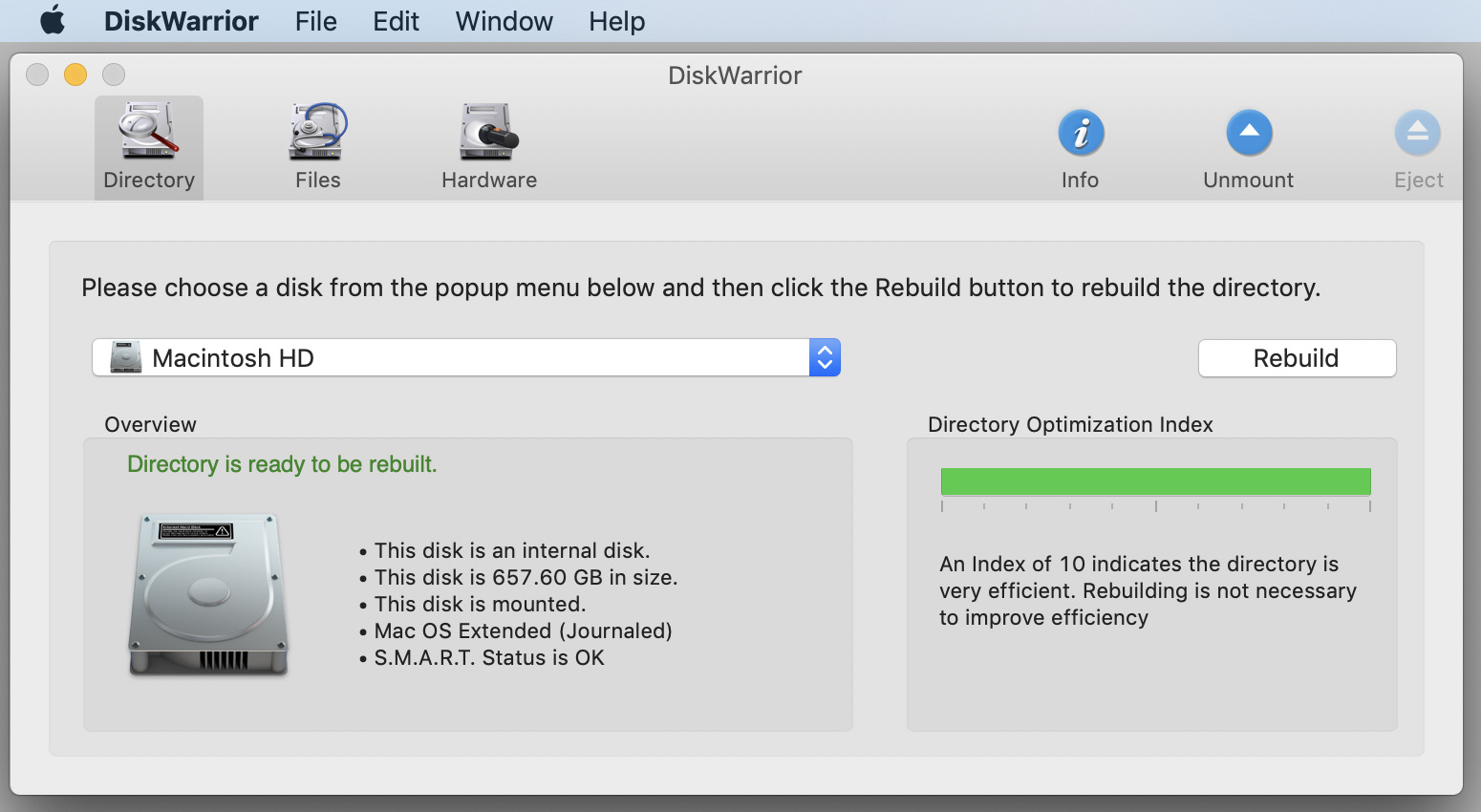
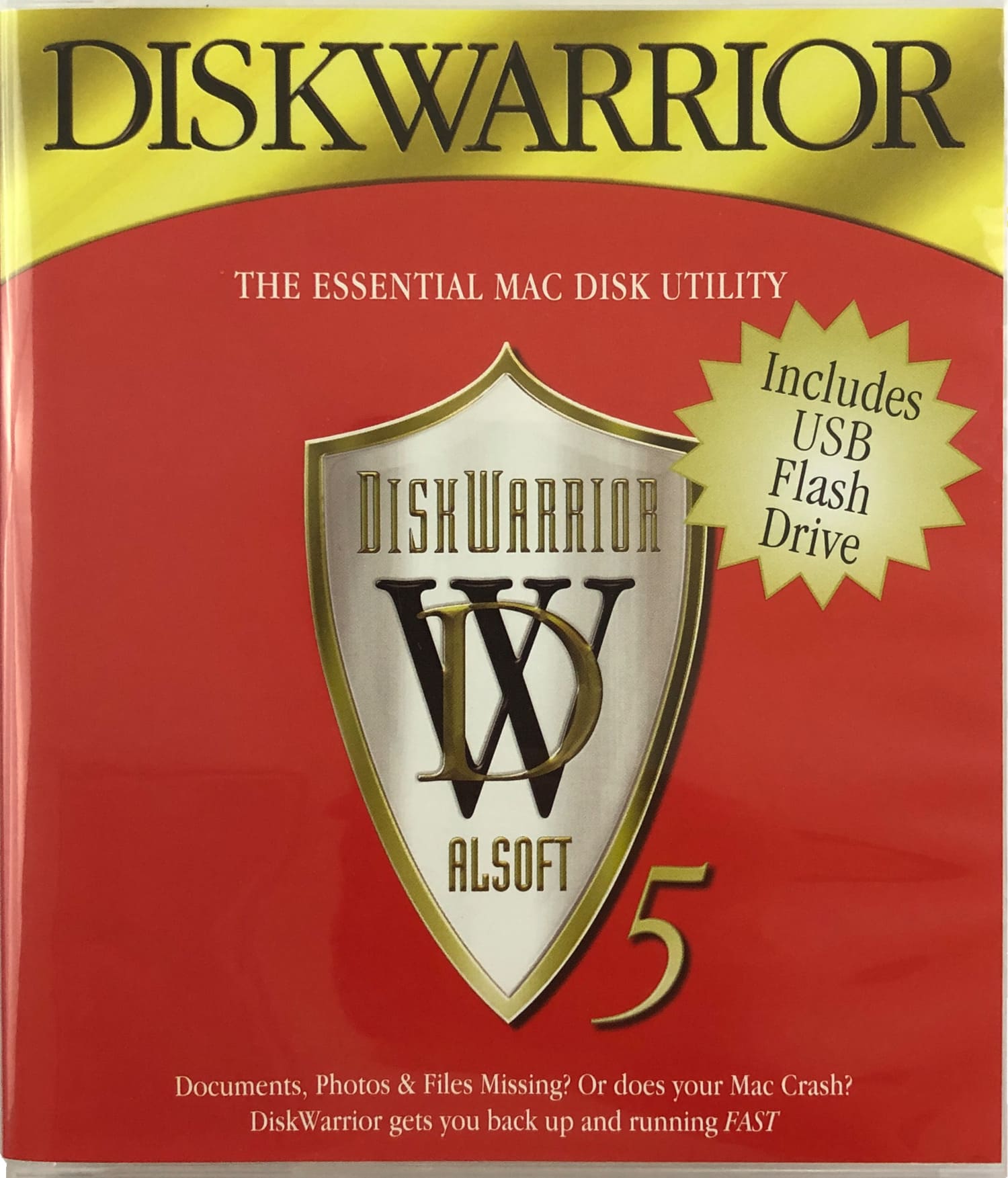



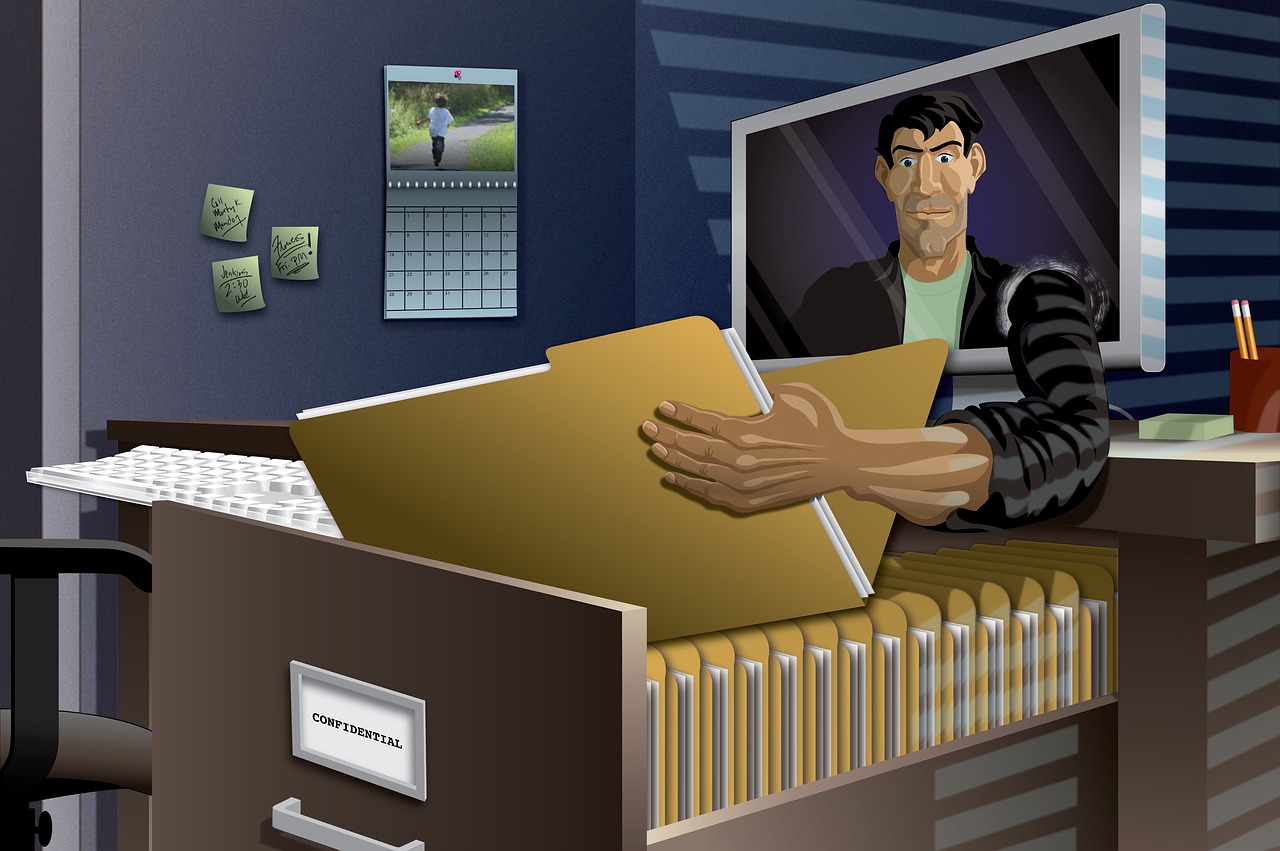
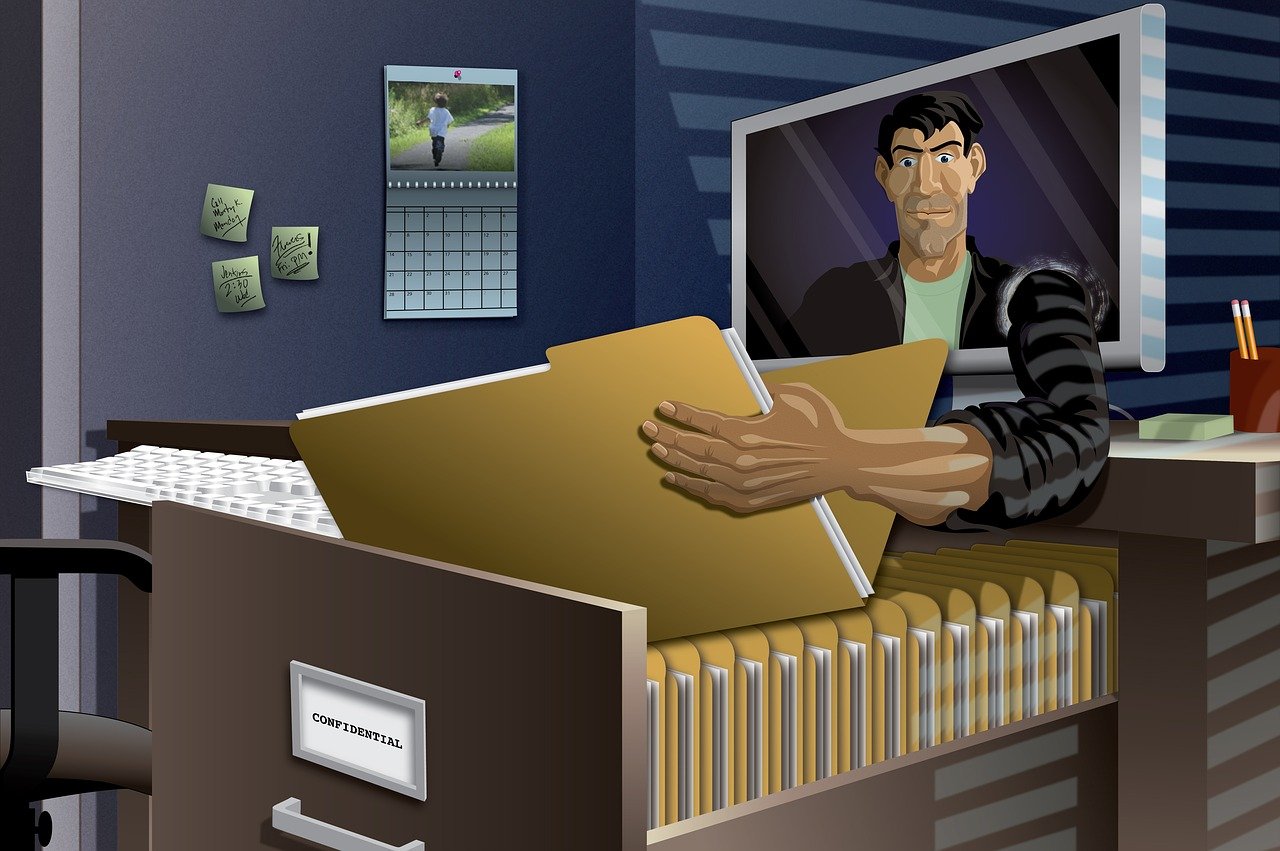



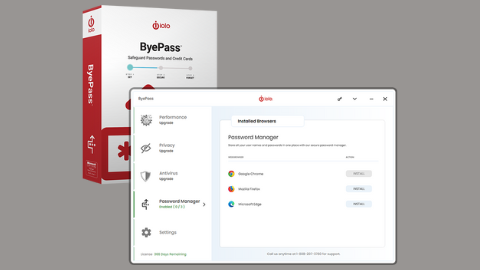

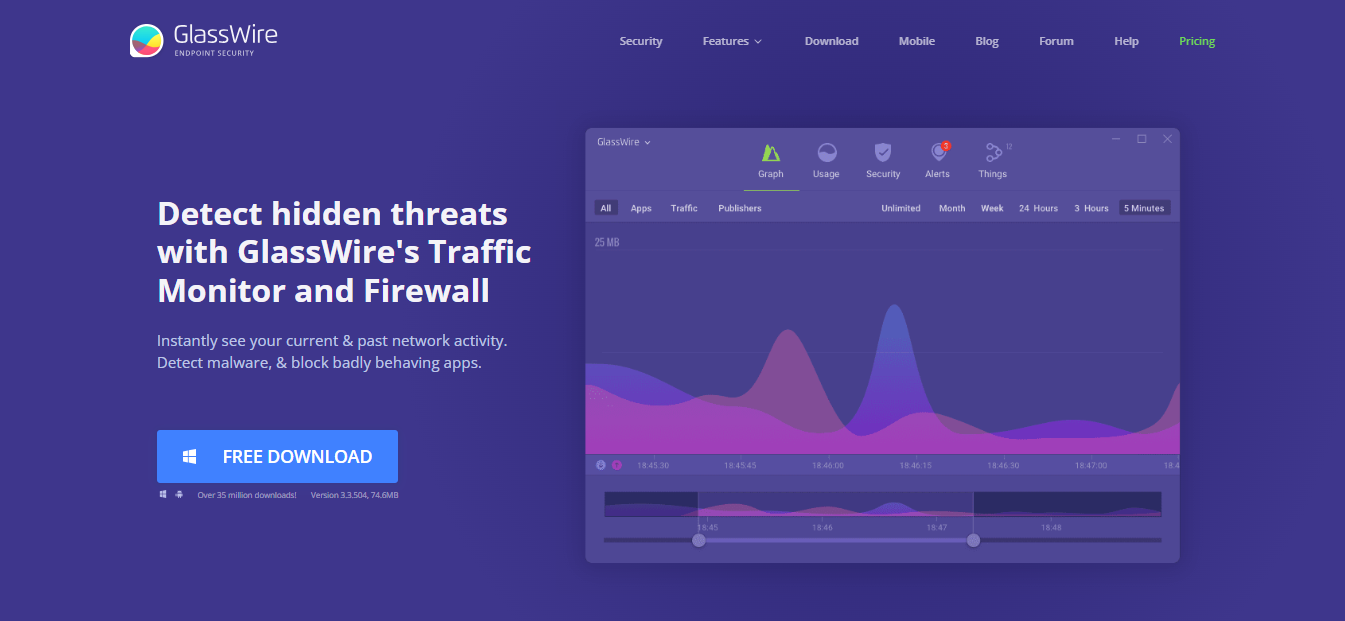

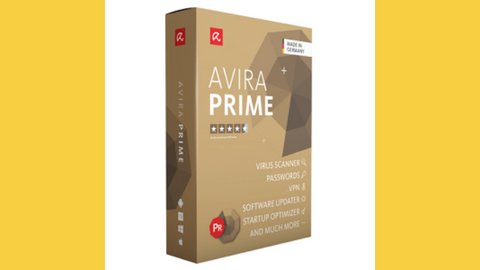
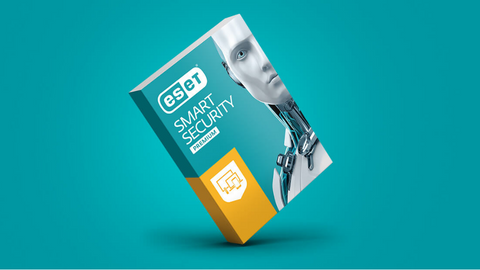
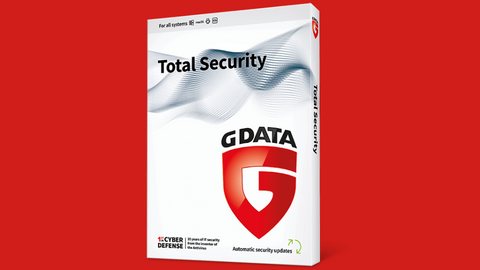
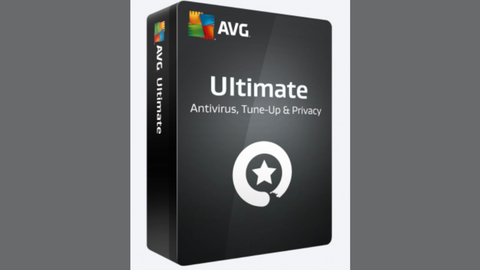



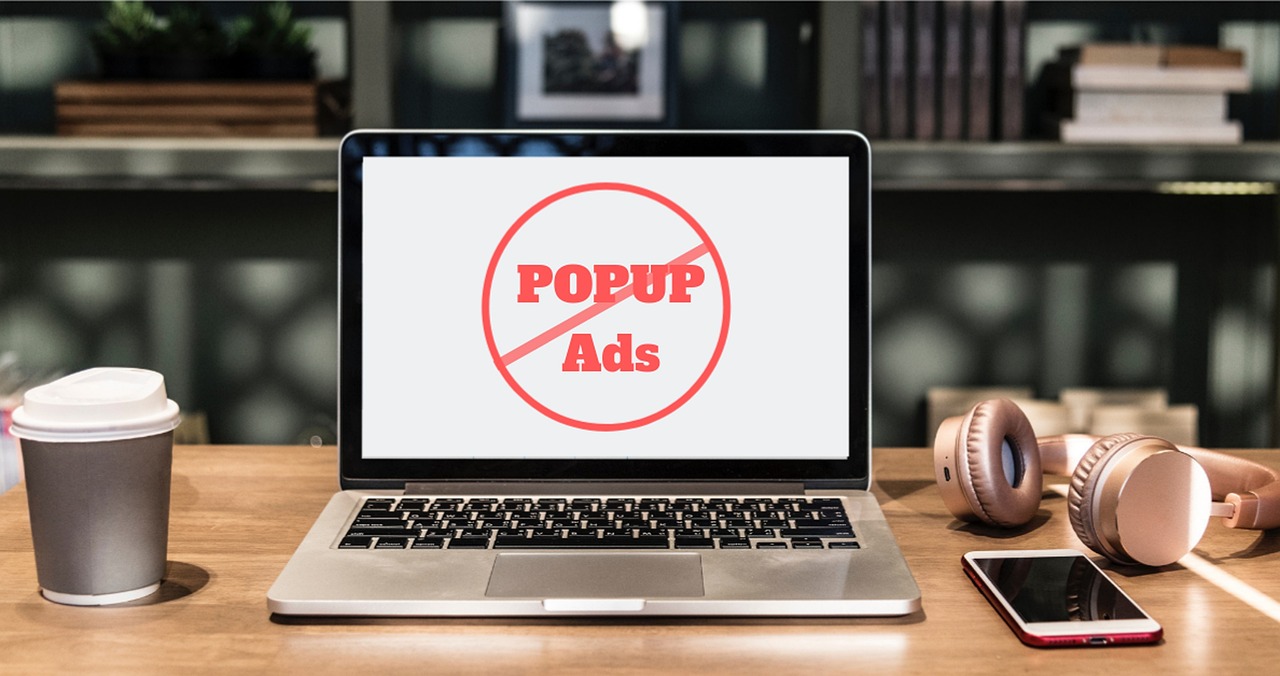
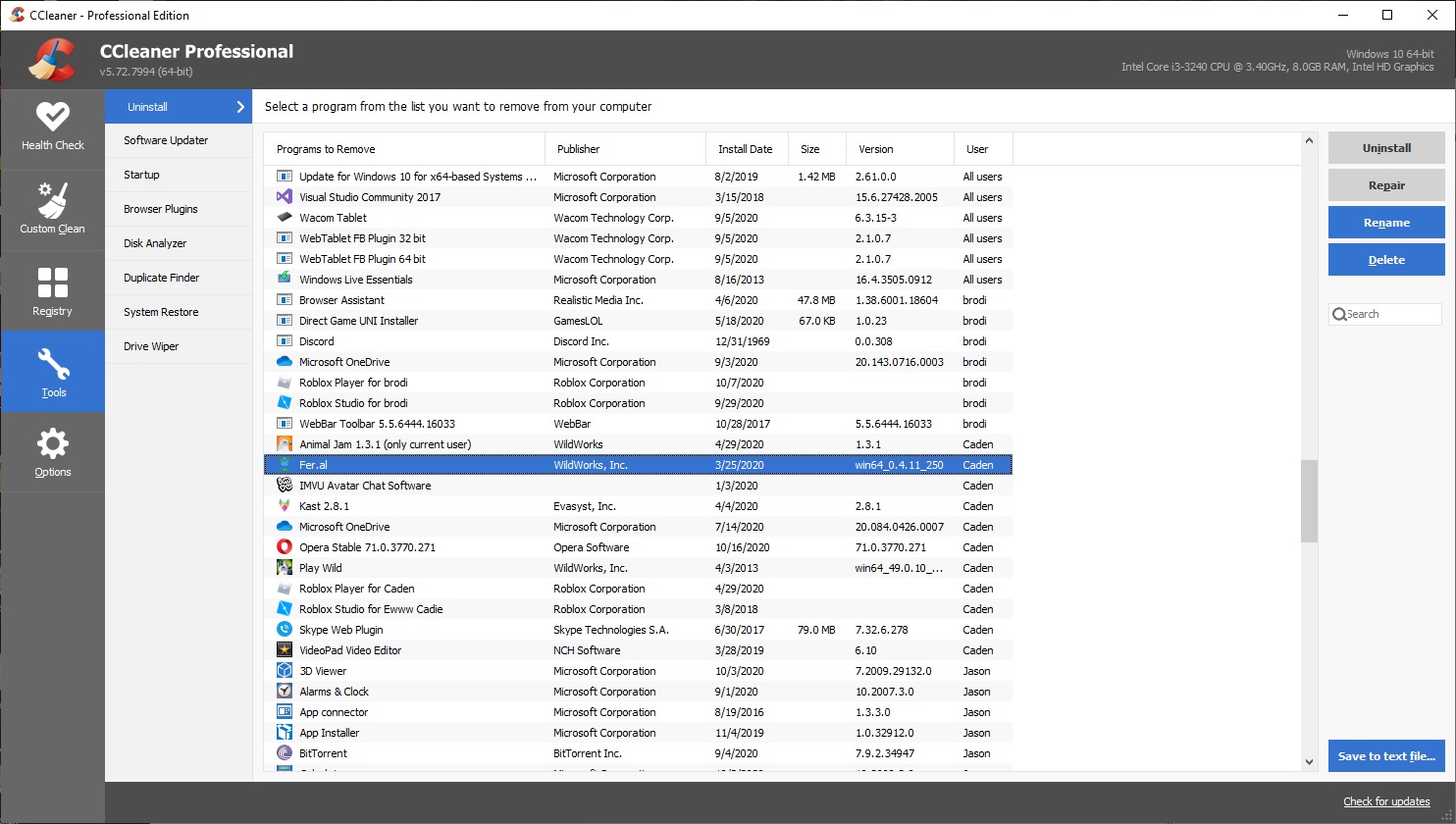
![Is ZoanCash Legit Or A Scam? [Unbiased ANSWER]](https://secureblitz.com/wp-content/uploads/2022/04/Is-ZoanCash-Legit-Or-A-Scam-768x345.png "Is ZoanCash Legit Or A Scam? [Unbiased ANSWER]")
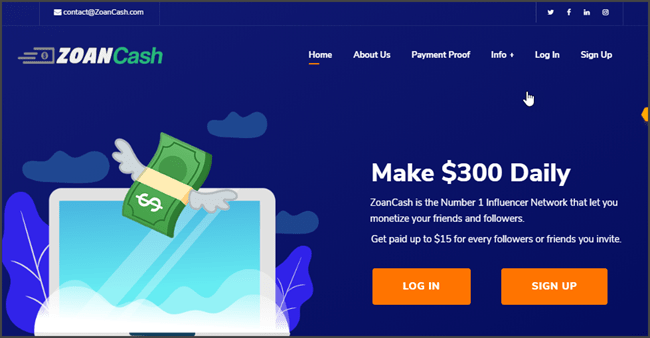
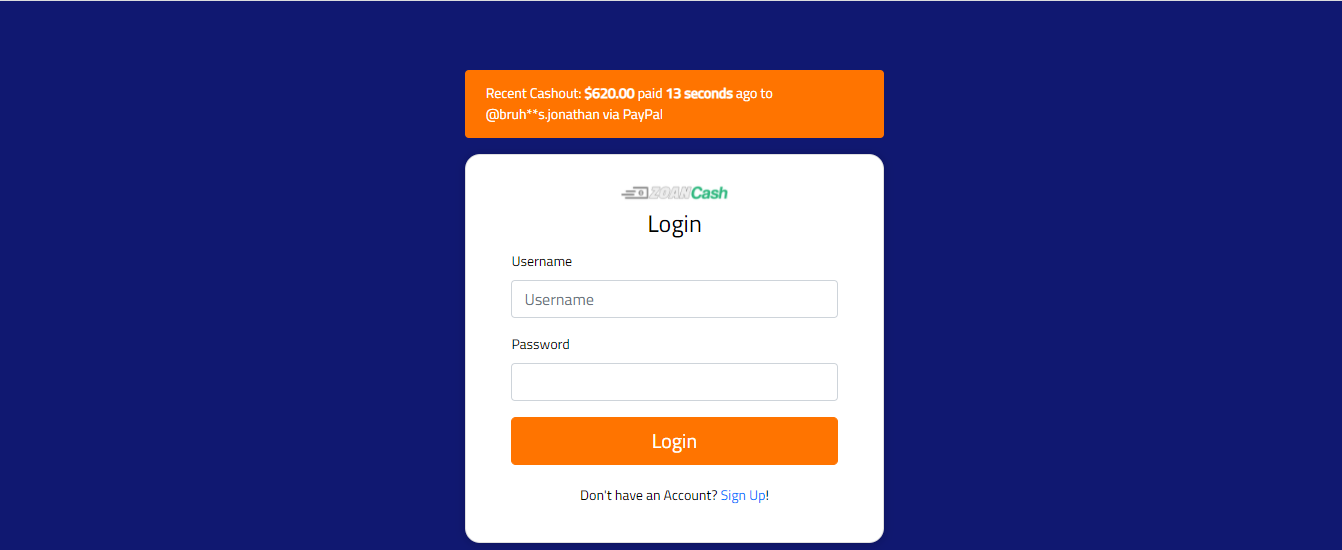

![Is Farfetch Legit Or A Scam Website? [Here’s The Answer]](https://secureblitz.com/wp-content/uploads/2022/04/Is-Farfetch-Legit-Or-A-Scam-Website-answer-768x345.webp "Is Farfetch Legit Or A Scam Website? [Here’s The Answer]")
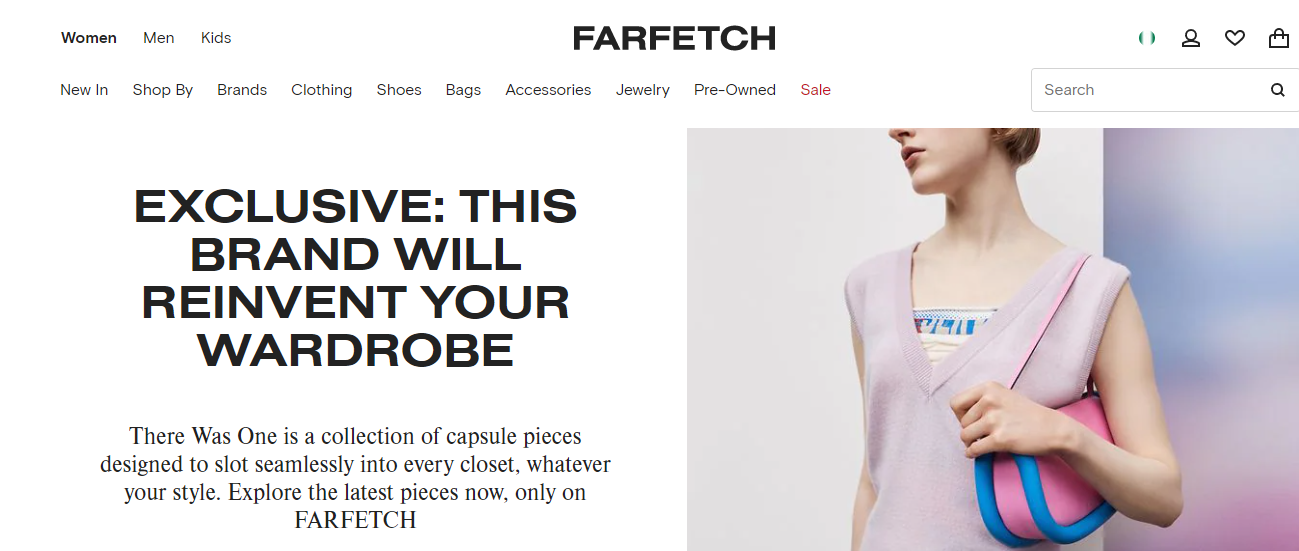

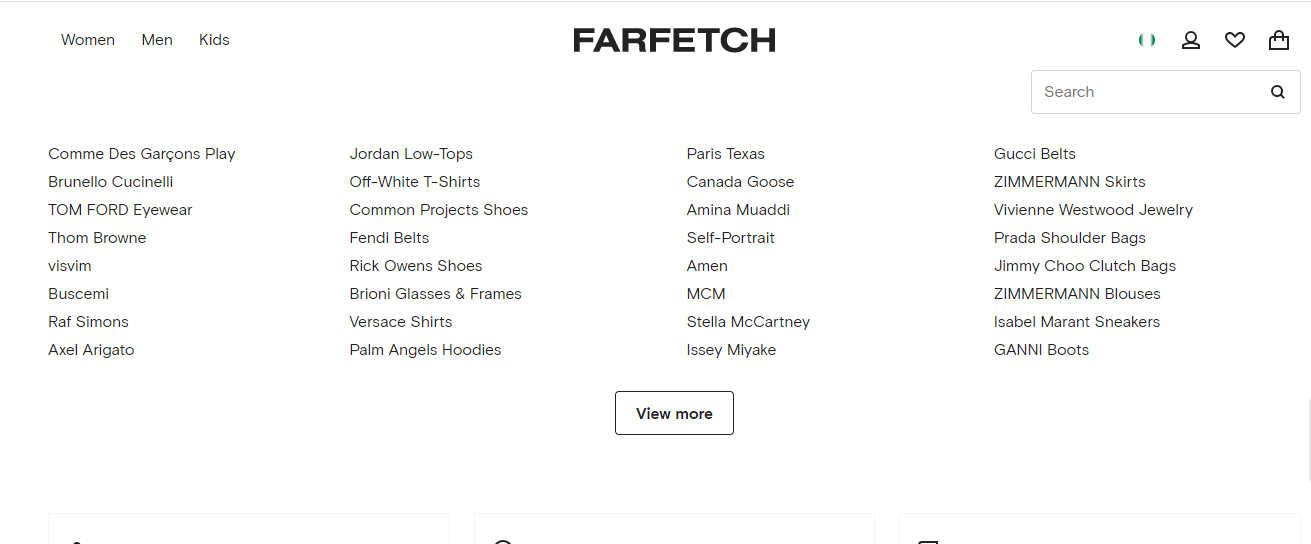
![20 Most Popular eBay Scams [+Prevention Methods]](https://secureblitz.com/wp-content/uploads/2020/02/ecommerce-ebay.jpg "20 Most Popular eBay Scams [+Prevention Methods]")