In this post, we will show you the top cybersecurity trends every web developer should expect in 2024.
The digital landscape is constantly evolving, and with it, the threats posed by cybercriminals. As web developers, staying abreast of the latest cybersecurity trends is no longer a luxury; it’s a necessity.
In 2024, we can expect a continued rise in sophisticated attacks, demanding a proactive approach to securing web applications and user data.
Let’s delve into the top trends web developers should be aware of and incorporate into their development practices:
Therefore, below are the top cybersecurity trends you should expect in 2024;
1. The Escalation of Ransomware Attacks
Ransomware attacks have become a dominant threat, crippling businesses and organizations with data encryption and extortion demands. In 2024, we can expect a rise in “Ransomware-as-a-Service” (RaaS), making these attacks more accessible to less technical criminals.
What Developers Can Do:
Implement robust access controls and strong authentication mechanisms, such as multi-factor authentication (MFA).
Regularly back up critical data and maintain offline backups to ensure recovery in case of an attack.
Stay updated on the latest security patches and vulnerabilities for all software and libraries used in your application.
Employ encryption at rest and in transit to protect sensitive data.
Traditional perimeter-based security models are struggling to keep up with the increasingly distributed nature of modern applications. Zero Trust Architecture (ZTA) prioritizes “never trust, always verify,” continuously authenticating users and devices before granting access to resources.
What Developers Can Do:
Design applications with the principles of ZTA in mind, focusing on micro-segmentation and least privilege access controls.
Implement strong authentication methods and leverage API security solutions to verify access requests.
Integrate security considerations into the entire development lifecycle, from design to deployment.
3. The Integration of Artificial Intelligence (AI) in Cyber Defense
AI is making inroads into cybersecurity, offering powerful tools for threat detection, analysis, and prevention. AI-powered solutions can analyze vast amounts of data to identify anomalies and potential attacks in real-time.
What Developers Can Do:
Explore the use of AI-powered security solutions to augment traditional security measures.
Leverage automated vulnerability scanning tools to identify and address security gaps in your code.
Utilize machine learning algorithms to detect suspicious user behavior and potential breaches.
While quantum computing technology is still in its nascent stages, it poses a significant long-term threat to current encryption standards. These powerful computers could potentially break the algorithms that secure our online infrastructure.
What Developers Can Do:
Stay informed about the development of quantum computing and its potential impact on cryptography.
Start exploring and adopting post-quantum cryptography algorithms in anticipation of future threats.
Encourage collaboration between developers and security researchers to prepare for the quantum computing age.
5. The Growing Threat of Supply Chain Attacks
Cybercriminals are increasingly targeting software supply chains, compromising third-party libraries and frameworks to gain access to multiple applications. These attacks can be especially dangerous as vulnerabilities remain undetected for longer periods.
What Developers Can Do:
Implement secure coding practices and conduct thorough security audits for your applications.
Utilize dependency management tools to keep third-party libraries up-to-date and patched.
Work with vendors and maintain open communication regarding security vulnerabilities in their software.
Data privacy regulations like GDPR (General Data Protection Regulation) and CCPA (California Consumer Privacy Act) continue to evolve, imposing stricter requirements on how companies collect, store, and use user data.
What Developers Can Do:
Familiarize yourself with relevant data privacy regulations and incorporate them into your development process.
Implement mechanisms for user consent, data minimization practices, and secure data deletion upon request.
Design applications with user privacy in mind, prioritizing data security and minimizing unnecessary data collection.
7. The Rise of Serverless Computing and Security Implications
Serverless architectures offer several advantages but also introduce new security considerations. Developers no longer manage underlying infrastructure, leaving them reliant on the security practices of cloud providers.
What Developers Can Do:
Choose reputable cloud providers with a proven track record of security.
Understand the shared responsibility model of security in serverless environments.
Implement access controls and security best practices at the application level for serverless functions.
8. The Increasing Popularity of Low-Code/No-Code Development
Low-code/no-code development platforms are becoming more popular, allowing non-technical users to build applications. However, these platforms can have security vulnerabilities if not used carefully.
What Developers Can Do:
Advocate for secure coding practices when using low-code/no-code platforms.
Ensure proper access controls and data security are implemented for applications built with low-code/no-code tools.
Encourage developers using such platforms to receive basic security training to identify potential vulnerabilities.
9. The Continued Importance of Security Awareness Training
Human error remains a significant factor in many cyberattacks. Security awareness training for developers equips them to identify and avoid social engineering tactics used by attackers.
What Developers Can Do:
Participate in regular security awareness training programs offered by your organization.
Stay informed about the latest social engineering techniques used by cybercriminals.
Report suspicious activity and potential breaches to the appropriate security personnel.
10. The Need for Collaboration and Continuous Improvement
Cybersecurity is an ongoing battle, demanding collaboration between developers, security professionals, and management. Open communication and a culture of security awareness are essential for a robust defense.
What Developers Can Do:
Actively participate in discussions regarding security practices within your development team.
Stay up-to-date on the latest security vulnerabilities and trends through conferences, online resources, and security blogs.
Advocate for a security-first mindset throughout the development lifecycle, integrating security considerations from design to deployment.
Conclusion
By understanding these top cybersecurity trends and actively incorporating them into your development practices, you can play a crucial role in safeguarding web applications and user data.
The digital landscape will undoubtedly evolve further in 2024, but by prioritizing security and staying informed, web developers can build a more resilient and secure online environment for everyone.
Note: This was initially published in December 2019, but has been updated for freshness and accuracy.
The menace that is online crime continues to persist, taking different forms. According to statistics, coordinated cybersecurity attacks affect more than 3.8 million records every day. Such a high number is alarming, and as an internet user, it calls for attention to protect your privacy.
Indeed, you must have been told to install an antivirus, VPN, firewall, and the list goes on. These solutions are critical, and as experts in the cybersecurity space, we couldn’t agree more.
But, one problem individuals and businesses face when sourcing cybersecurity tools is cost. Paying for an antivirus, a VPN, a firewall, and other software can be expensive.
Solutions like Surfshark One exist to help you deal with such high pricing. Rather than pay for the cybersecurity tools you need individually, you can get them all in one package.
Nevertheless, is the tool, Surfshark One dependable? Or is it another on the list of poor-performing cybersecurity solutions? We carried out a test to provide answers.
So, you’re on the right page if you want to know is Surfshark One worth paying for. Read on as we uncover our findings from our review of the solution.
Table of Contents
Is Surfshark One Worth It?
The standout tools in the Surfshark One bundle are the VPN and Antivirus. With the former, you can surf the web anonymously to bypass restrictions, while the latter ensures your devices are free from viruses and malware. That you can get both solutions in an affordable package is impressive and 100 percent worth it.
Surfshark Search and Alert tools are still highly reliable for protecting you online. These complementary tools ensure you get unfiltered search results and that you’re notified whenever your data links again. You get them at no extra charge – still for the same affordable price.
Many such software bundles exist. However, Surfshark ranks among the best in terms of features and cost. So, to reiterate, the Surfshark One is 100 percent worth purchasing.
Surfshark One
Surfshark One is a cybersecurity bundle that provides users with Surfshark VPN, Alert, Search, and Antivirus that...Show More
Surfshark One is a cybersecurity bundle that provides users with Surfshark VPN, Alert, Search, and Antivirus that combines security, privacy, and convenience into one powerful package. Surfshark is an award-winning VPN service for keeping your digital life secure. Show Less
What is Surfshark One?
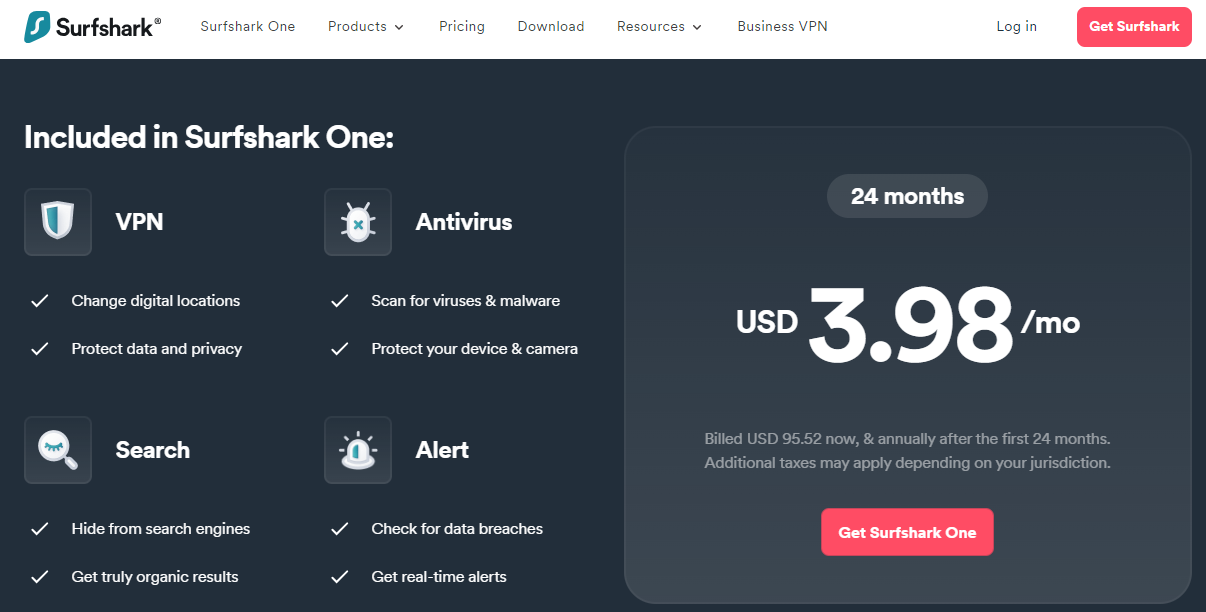
Surfshark set out to protect internet users with a swift VPN solution. Along these lines, the company moved to expand its collection, building more security features. Today, the outcome is a complete cybersecurity package — Surfshark One — with four robust tools, including:
VPN
Antivirus
Search
Alert
You can manage all aspects of your web privacy with the four solutions above, which you’ll confirm as we cover how they work subsequently.
The power of Surfshark One dwells not in the individual strength of each tool the package houses. Instead, the software is reliable due to the collective functions of all four key features.
We found Surfshark One to be highly dependable when we tested the solution. So, based on our experience, the tool is worth it. It’s worth paying for, and it’s worth using.
However, we’re not going to impose our POV on anyone. Let’s review Surfshark One’s features one after the order, and then, you can understand why we recommend the platform for online privacy and security.
Surfshark One
Surfshark One is a cybersecurity bundle that provides users with Surfshark VPN, Alert, Search, and Antivirus that...Show More
Surfshark One is a cybersecurity bundle that provides users with Surfshark VPN, Alert, Search, and Antivirus that combines security, privacy, and convenience into one powerful package. Surfshark is an award-winning VPN service for keeping your digital life secure. Show Less
Surfshark One Features
Let’s look at each tool in the Surfshark One package.
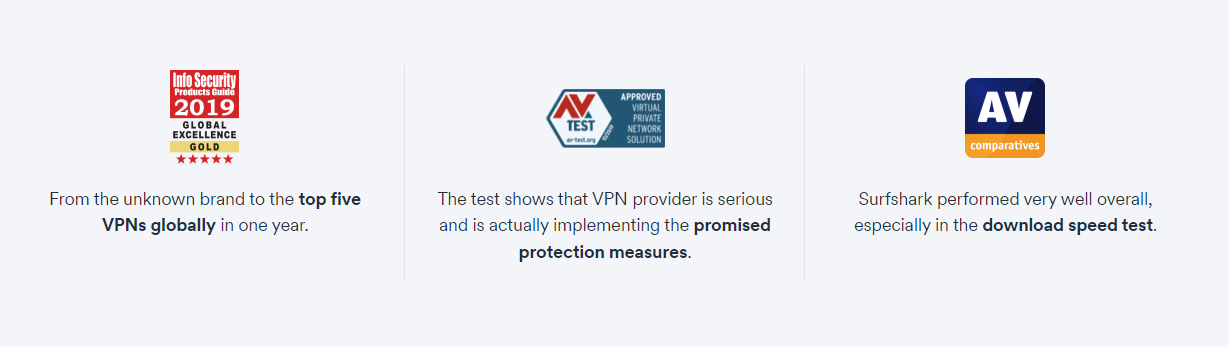
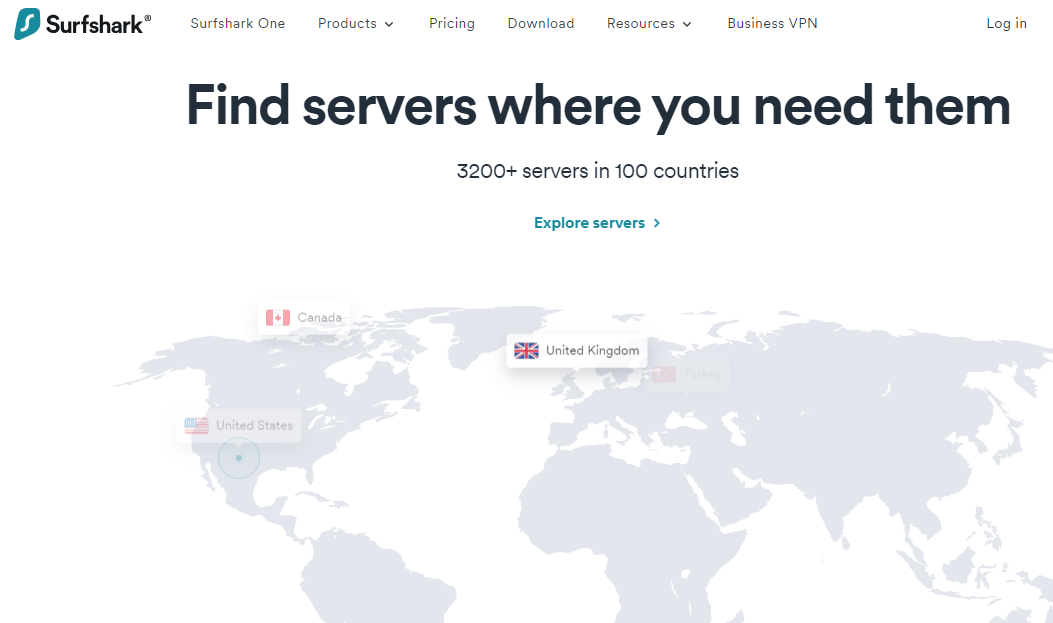
Here’s Surfshark’s flagship feature, the first before every other in the company’s history. It’s a top-rated solution on notable publishers like Cnet and Techradar, and the VPN has also won many industry awards:
This isn’t surprising, considering the features the app packs.
Secure and high-speed protocols, including WireGuard, IKEv2/IPsec, and OpenVPN UDP / TCP.
AES 256 GCM, which, from our experience, is the standard in the industry.
No-logs policy, ensuring your privacy is intact.
Two-factor authentication for added security.
Ad Blocker via CleanWeb
What You Can Do With Surfshark VPN
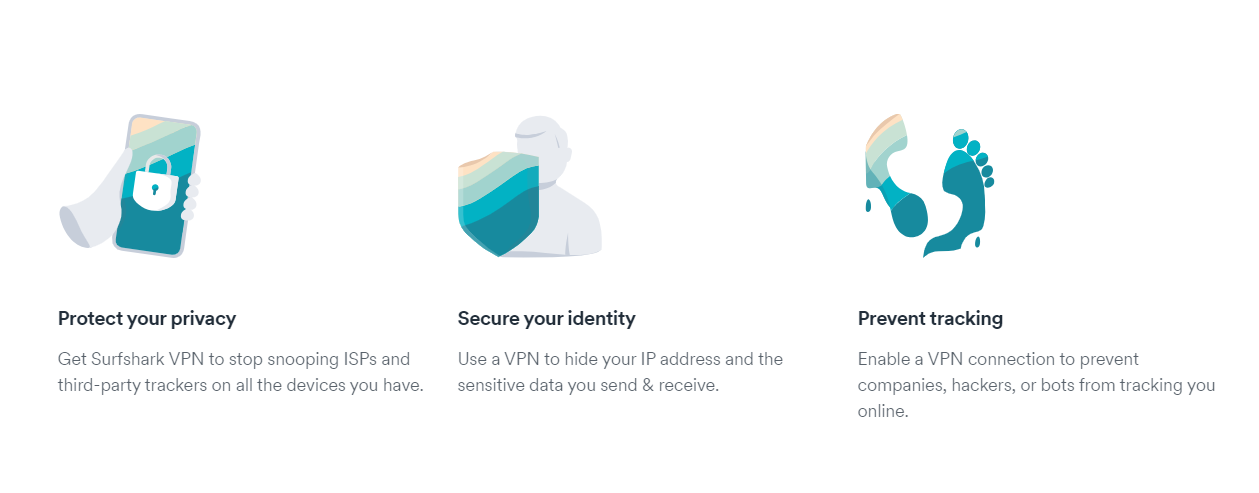
Generally, VPNs mask your online traffic via an encrypted tunnel, hiding your actual IP address.
You get the same functionality with Surfshark, with lightning-fast speed and super-tight security. With these, it’s clear how Surfshark VPN can improve your internet privacy and security.
More particularly, you can use Surfshark VPN to bypass internet restrictions. For instance, if you want to access a website unavailable in the US, simply select a VPN server from a country where the site is accessible.
With one or two clicks, you unlock the site. This can work for streaming content on the net, or purchasing items, among other use cases.
Surfshark
Surfshark is an award-winning VPN service for keeping your digital life secure. Surfshark VPN has servers located in...Show More
Surfshark is an award-winning VPN service for keeping your digital life secure. Surfshark VPN has servers located in more than 60 countries worldwide. Show Less
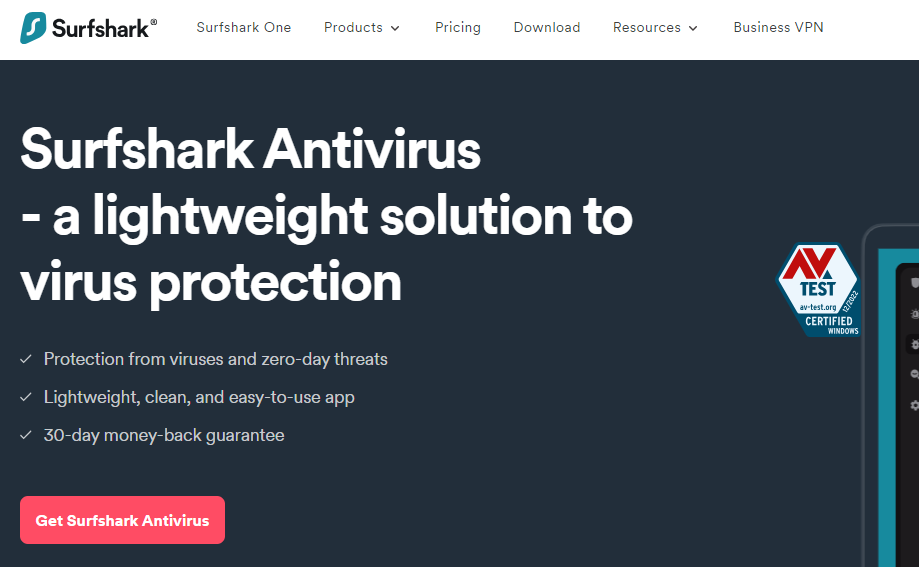
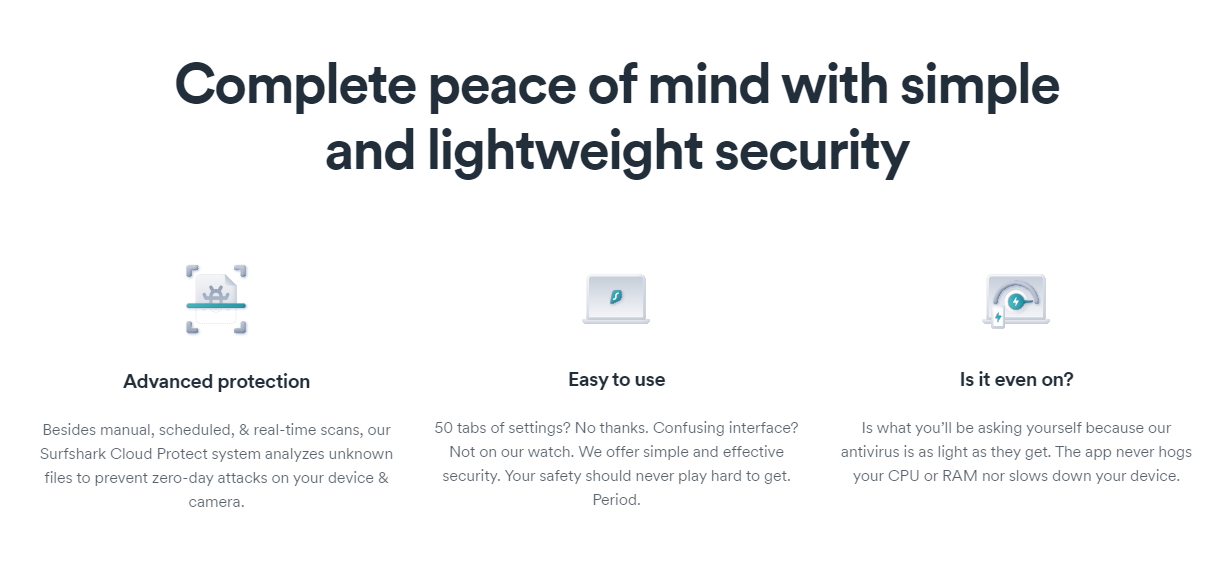
Here’s a solution from Surfshark to protect your devices from viruses and malware. You can install the app on Windows, Mac, and Android devices. It’s a lightweight solution, so it doesn’t consume much space.
In addition, as you use it to scan your smartphone or computer, the antivirus won’t interfere with other apps.
Features of Surfshark Antivirus
Below are the features you get with Surfshark Antivirus:
All-round protection from viruses and malware
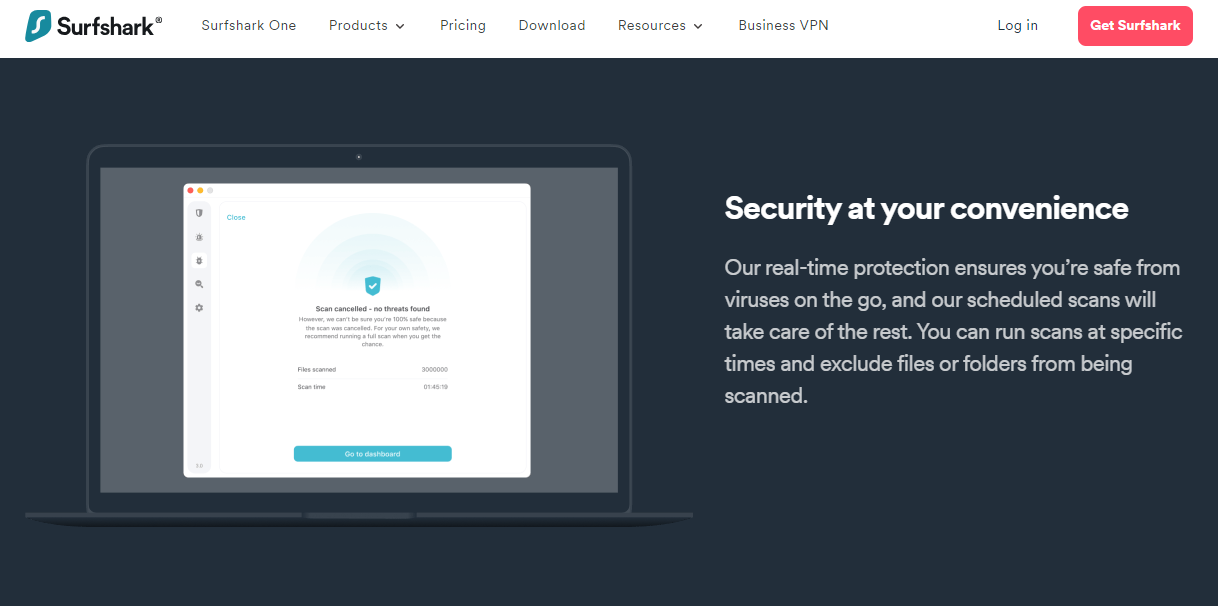
Manual, scheduled, and real-time scans
Protection from zero-day threats
Easy-to-use interface
Cloud Protect System for analyzing unknown files
Webcam protection to safeguard your camera
The above shows that Surfshark Antivirus has enough features to rival any popular antivirus solution.
What You Can Do With Surfshark Antivirus
Install Surfshark Antivirus on your device for advanced protection against cyber threats. Unlike many other antivirus solutions, this one isn’t limited to stopping known malware.
Instead, you can protect your device from unknown, zero-day threats with the Cloud Protect System. That’s one of the chief advantages of the Surfshark Antivirus.
Another notable feature is the software’s weight. It runs smoothly in the background, so smooth that you won’t even know it’s running. In addition, you will find the antivirus easy to use, thanks to the uncluttered interface.
Surfshark Antivirus
A 360-degree solution for all threat categories.
A 360-degree solution for all threat categories. Show Less
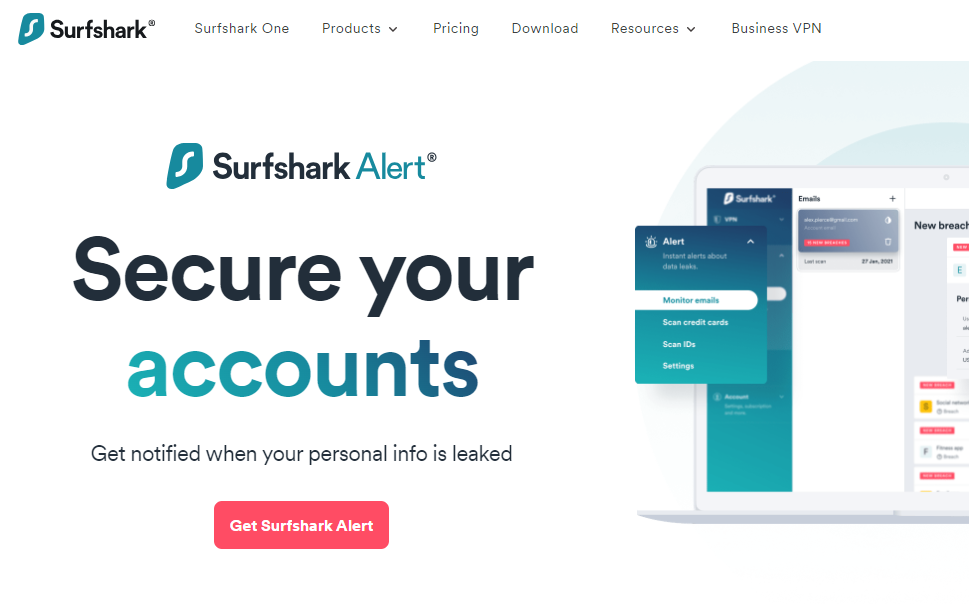
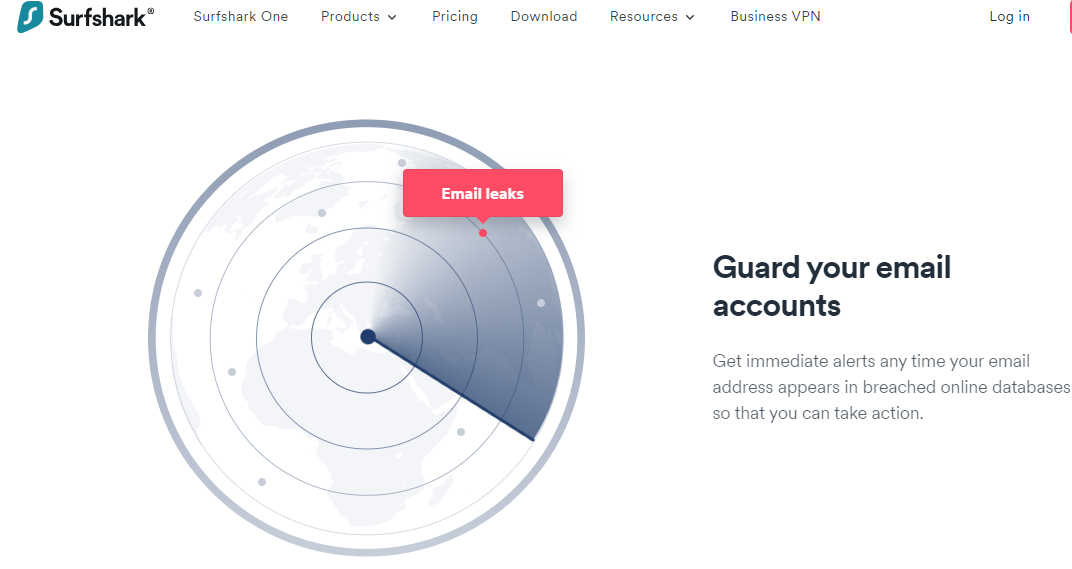
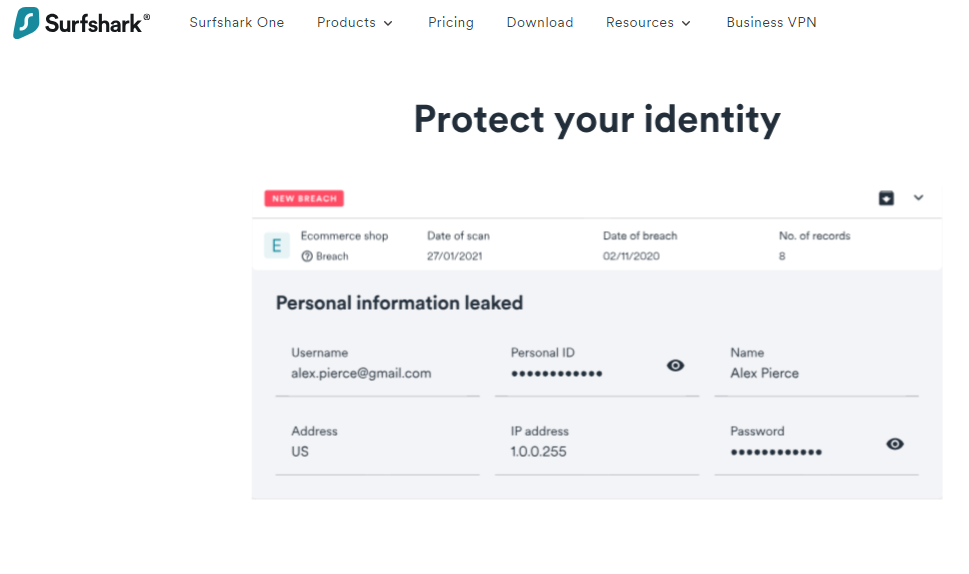
Surfshark Alert’s primary duty is to inform you whenever your data is at risk. For instance, if your email details appear on an unexpected website, you get a notification to take action. Subsequently, you can act accordingly to ensure your information is off the site.
Features of Surfshark Alert
Using the Surfshark Alert notification, you can set up notifications for the following details:
Email addresses
Passwords
Phone numbers
Credit card details
ID numbers
Besides the above, Surfshark Alert will occasionally deliver security reports to your email inbox. This ensures you’re constantly updated on the status of your online data.
Using the tool is easy. Simply authorize Surfshark to monitor your info on the web by supplying your details, and the tool starts working automatically. Rest assured that the information you provide the Alert tool to work with stays 100% secure.
What You Can Do With Surfshark Alert
Considering the features, we recommend Surfshark Alert for identity protection. If you’re unaware, identity theft is one of the most pressing cybersecurity concerns, with more than 1.4 million cases reported in 2021.
The downsides of having your profile hijacked by a hacker are innumerable, making Surfshark Alert a crucial solution for safety.
Surfshark Alert
Surfshark Alert is a real-time data breach protection tool that safeguards your email accounts, passwords, personal...Show More
Surfshark Alert is a real-time data breach protection tool that safeguards your email accounts, passwords, personal identification numbers, and credit cards from cyber-attacks. Show Less
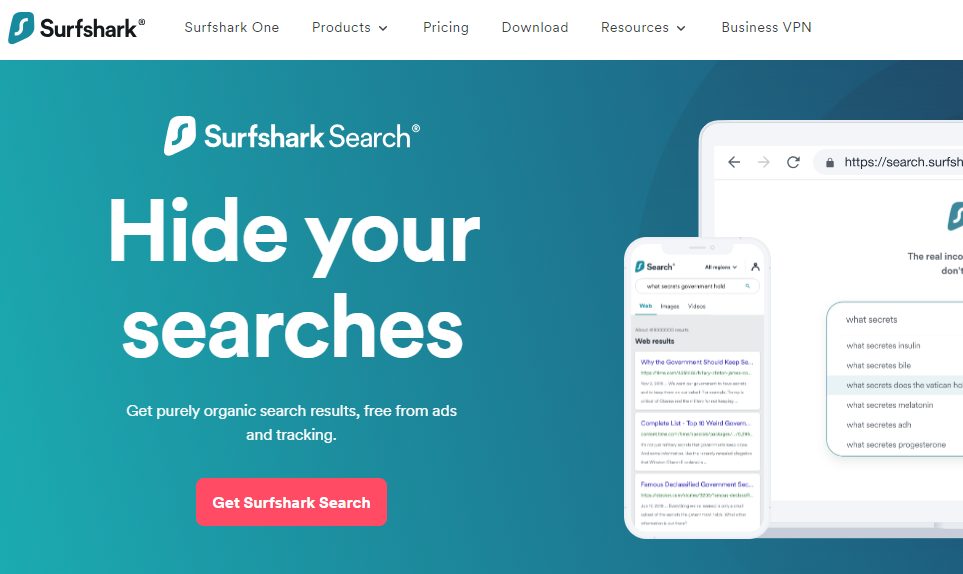
If you want genuine organic search, Surfshark Search is the go-to solution. Google, Yahoo, and Bing will filter search results depending on your region and other factors. But Surfshark Search won’t.
It gives you pure organic search results without ads or trackers. Consequently, you can scout for information on the web without exposing your browsing history.
Features of Surfshark Search
Many premium benefits come with using Surfshark Search. Check out some of the top features below:
True organic search results
Online search without any trace of adverts
Online search without trackers
No browser history logging
Support for multiple countries for regional search results
With these features, Surfshark Search is one of the best alternatives to Google, Yahoo, and Bing in terms of security.
What You Can Do With Surfshark Search
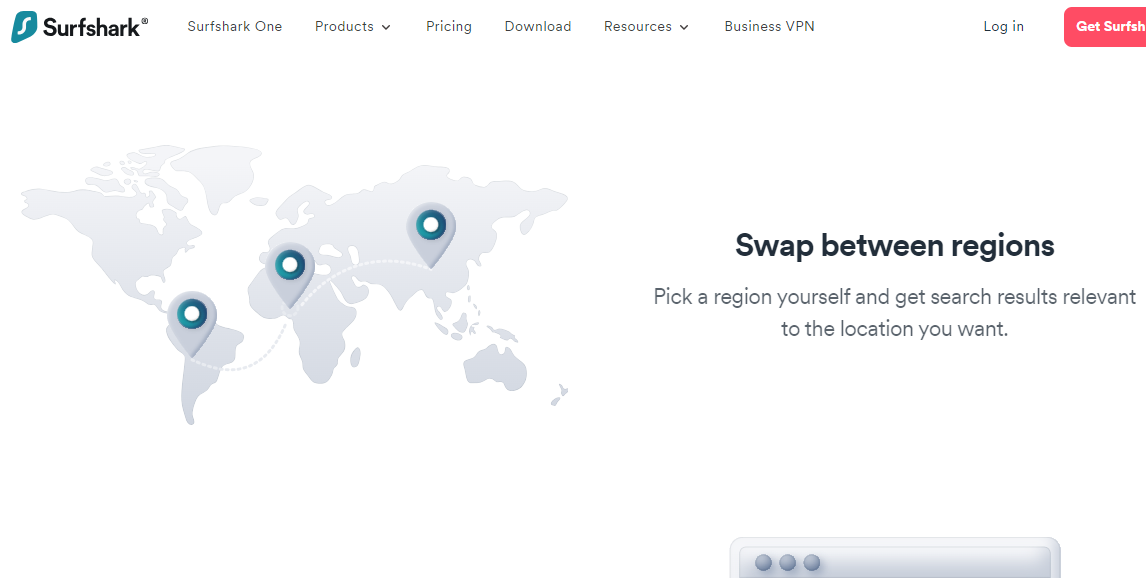
You can use Surfshark Search for a smoother online search experience. Indeed, the tool lets you search the web for authentic organic results, not considering your location. However, you can still select a country for native results. It’s like using the Surfshark VPN.
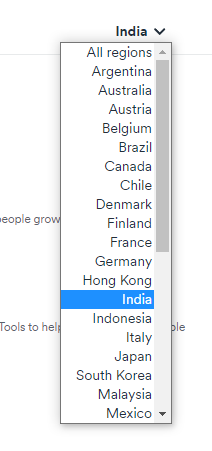
For instance, if you stay in the US and you want to get native search results in Canada, simply select the country from the All Regions list:
Notably, since the solution skips displaying ads, you can save data — in other words, money. Your browsing will also be faster.
Another important aspect to talk about as we answer the question – is Surfshark One worth it? – is the Surfshark One pricing plan.
Antivirus programs cost between $30 to $100 per year on average. How about VPNs? They have a median cost of around $10 per month.
With Surfshark One, you get an antivirus, a VPN, and other security tools. Yet, you don’t pay as high.
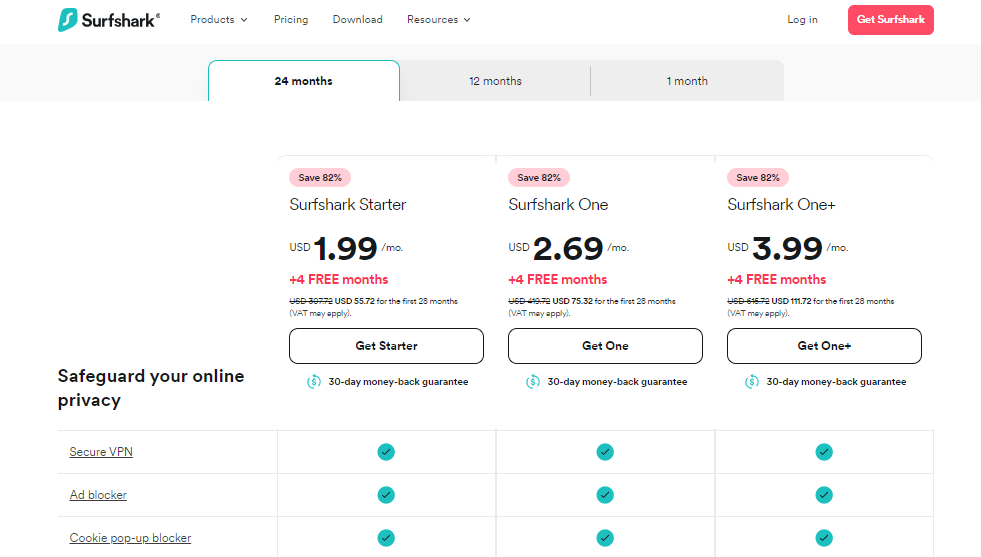
Check out the Surfshark One pricing plans below:
1 Month Plan: $14.99 per month
12 Months Plan: $3.07 per month (plus 4 free months)
24 Months Plan: $2.69 per month (plus 4 free months)
If you plan to use a VPN or Antivirus long-term — which you should — we recommend opting for the 24-month plan. It’s lower than the regular monthly plan by over 80 percent.
Surfshark One
Surfshark One is a cybersecurity bundle that provides users with Surfshark VPN, Alert, Search, and Antivirus that...Show More
Surfshark One is a cybersecurity bundle that provides users with Surfshark VPN, Alert, Search, and Antivirus that combines security, privacy, and convenience into one powerful package. Surfshark is an award-winning VPN service for keeping your digital life secure. Show Less
Conclusion
In this post, we answered this question – is Surfshark One worth it? You can save on purchasing individual cybersecurity tools when you get the Surfshark One Bundle. It includes a VPN, antivirus, online search tool, and identity alert solution.
We recommend the package not only because the programs it houses are dependable but also because of the cost-friendly pricing plans.
Surfshark One
Surfshark One is a cybersecurity bundle that provides users with Surfshark VPN, Alert, Search, and Antivirus that...Show More
Surfshark One is a cybersecurity bundle that provides users with Surfshark VPN, Alert, Search, and Antivirus that combines security, privacy, and convenience into one powerful package. Surfshark is an award-winning VPN service for keeping your digital life secure. Show Less
Want the Best Antivirus For 2024? Read on to find out…
In today’s digitally connected world, safeguarding data and personal information is crucial. The threats online are endless; hence, you should have an antivirus software. These programs serve as the first line of defense in keeping you cyber-safe.
Regardless of your needs and budget, you’ll find a workable antivirus. In this article, we’ll explore the best antivirus for 2024 to help you decide which to go for.
Table of Contents
Best Antivirus For 2024
Whether you’re tech-savvy or a beginner, check out the best antivirus programs in 2024 below.
Total AV is a comprehensive security suite that checks all the boxes for anyone looking to protect themselves online. It offers a strong array of features that go beyond basic virus protection.
You get real-time antivirus, firewall services, and even a secure browser. One particularly useful feature is the intuitive interface, which makes navigation easy. Additionally, the antivirus has mobile compatibility, and you can secure multiple devices with just one subscription.
Total AV runs smoothly and doesn’t lag system resources. So you can use your device without any hiccups. When it comes to ransomware, the software is also reliable. Regarding costs, Total AV comes with various plans, but the most popular one is priced at $179 per year.
Total AV
Protects your devices and online activities in real-time.
Protects your devices and online activities in real-time. Show Less
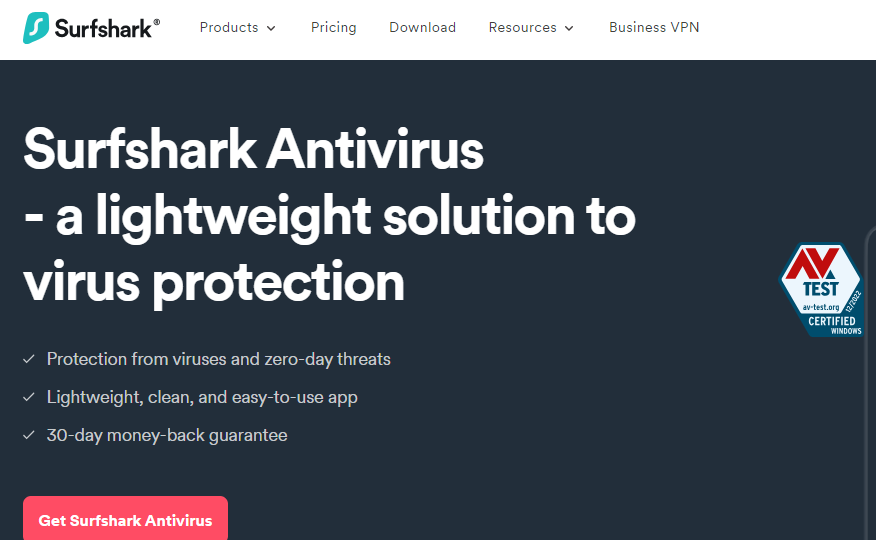
If you’re looking for an antivirus that offers more than just malware protection, Surfshark Antivirus is one of the best antivirus software for 2024.
It’s not just an antivirus program; it’s an all-in-one security solution that includes a VPN service, among other programs. Hence, you’ll be killing multiple birds with one stone.
Surfshark ensures your online activities remain private, protecting you from viruses, trojans, and other malicious software. The user interface is sleek and straightforward, but the real upside is speed. Notably, you can run quick scans, which barely impacts system performance.
Furthermore, this antivirus offers a competitive edge at $17.95 per month for the antivirus and VPN bundle. However, you can save up to 80% when you pay for two years at a go or 75% when you pay for a year.
Surfshark Antivirus
A 360-degree solution for all threat categories.
A 360-degree solution for all threat categories. Show Less
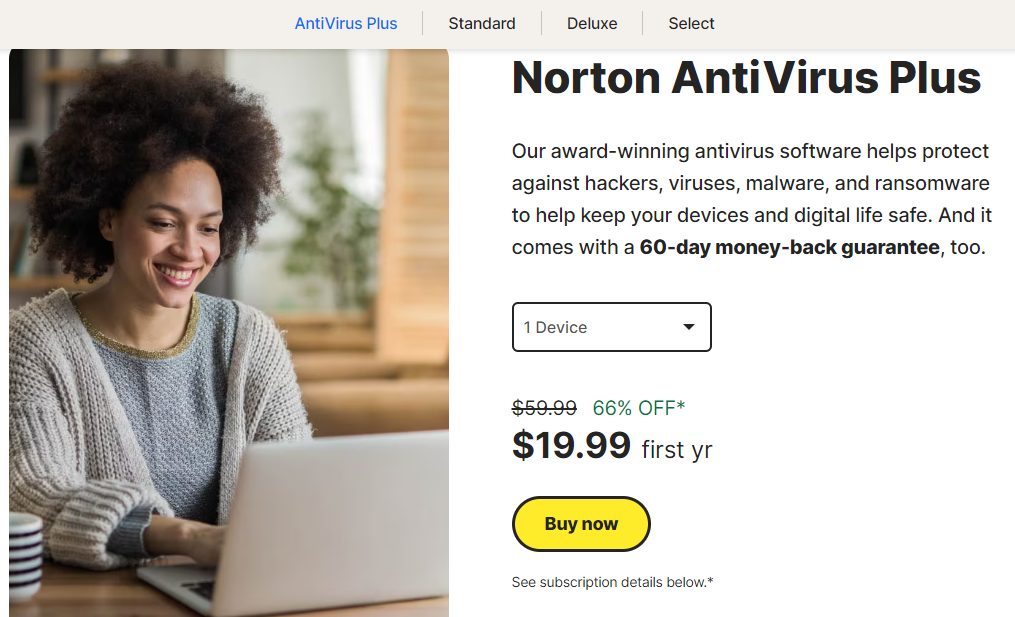
Norton Antivirus Plus is one of the oldest antivirus software. It’s been around for years, continually adapting and staying relevant in the ever-changing world of online threats.
The software’s robust, full-suite protection includes virus scans and features like a password manager and online backup storage. So you can safeguard sensitive information and files.
Norton Antivirus is particularly reliable at identifying phishing sites. As a result, if you’re always worried about clicking the wrong link and entering your info, Norton can pass as the best antivirus for 2024.
Furthermore, the software has a “Smart Firewall,” which actively monitors the data sent and received from your computer. This ensures no third party spies on your information.
Norton Antivirus Plus will cost you around $19.99 for the first year. Considering its wide array of features and longstanding reputation, it’s a worthwhile investment.
Norton Antivirus Plus
Your award-winning cybersecurity solution for complete device protection.
Your award-winning cybersecurity solution for complete device protection. Show Less
Heimdal Security offers something different from your standard antivirus software. Specializing in “next-gen protection,” it stops advanced malware attacks and patches software vulnerabilities in real time.
The software’s proactive approach includes layers of security features like advanced firewall and email filtering. You even get protection against financial fraud.
Notably, the Heimdal Security user interface is crisp and clean. However, the Thor Foresight module is one of its more unique selling points. This feature will automatically update your software applications, ensuring there are no security loopholes for hackers to exploit.
Heimdal Security offers a variety of packages, but they’re all affordable.
Heimdal Security
Heimdal Security protects its users from advanced malware attacks by making use of next-generation technology. Your best...Show More
Heimdal Security protects its users from advanced malware attacks by making use of next-generation technology. Your best intelligent threat prevention tool. Show Less
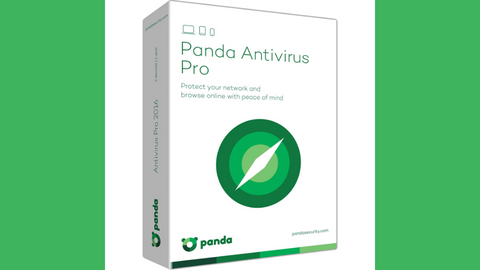
Panda Antivirus Pro aims to make cybersecurity as user-friendly as possible. As a result, the software brings together antivirus protection, a personal firewall, and even an option for a VPN in an all-in-one suite.
For this reason, we recommend it as an option for the best antivirus for 2024 if you want multiple layers of security without switching different services.
What sets Panda Antivirus apart is its focus on simplicity. Its user interface is minimalistic, with large icons and straightforward language, making it accessible to everyone.
However, that doesn’t mean the software doesn’t pack features. You get a variety, from real-time scanning to Wi-Fi protection.
As for the cost, Panda Antivirus Pro offers plans starting at $22.99 per year. That makes it a budget-friendly option that doesn’t skip on necessary features.
Panda Antivirus Pro
A working antivirus solution for all devices.
A working antivirus solution for all devices. Show Less
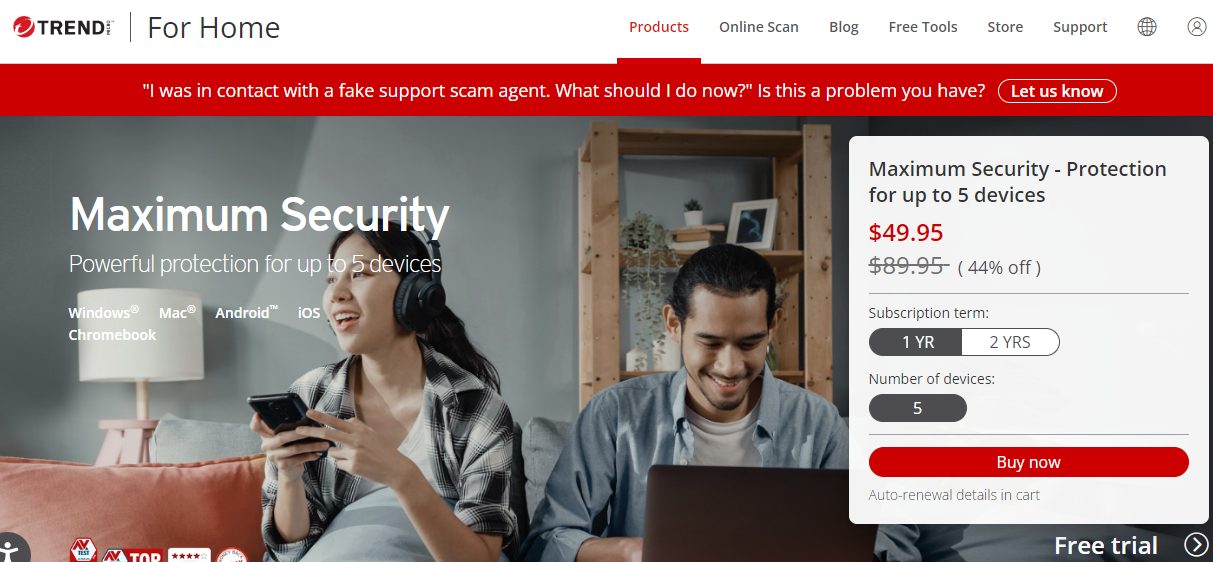
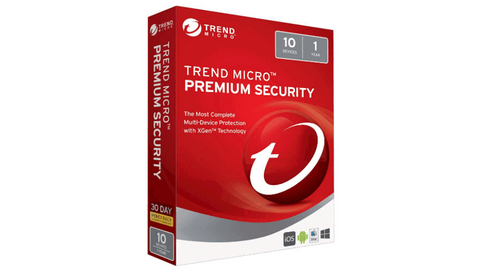
Trend Micro Maximum Security is renowned in the cybersecurity space. Its features include parental controls, a password manager, and even social media privacy settings.
However, the software’s main strength is preventing web threats and safeguarding against phishing and malicious websites. It does that impressively.
Trend Micro integrates seamlessly with various browsers, providing an extra layer of protection when surfing the web.
It also boasts excellent performance, running smoothly in the background without stressing your system’s resources. On top of that, it can cover up to ten devices, so you can count on it if you have multiple systems to protect.
A yearly subscription for Trend Micro Maximum Security is priced at $49.95. It may be higher, but its all-encompassing security features make it a worthwhile investment.
Trend Micro Premium Security Suite
Premium security suite for device protection and identity safety.
Premium security suite for device protection and identity safety. Show Less
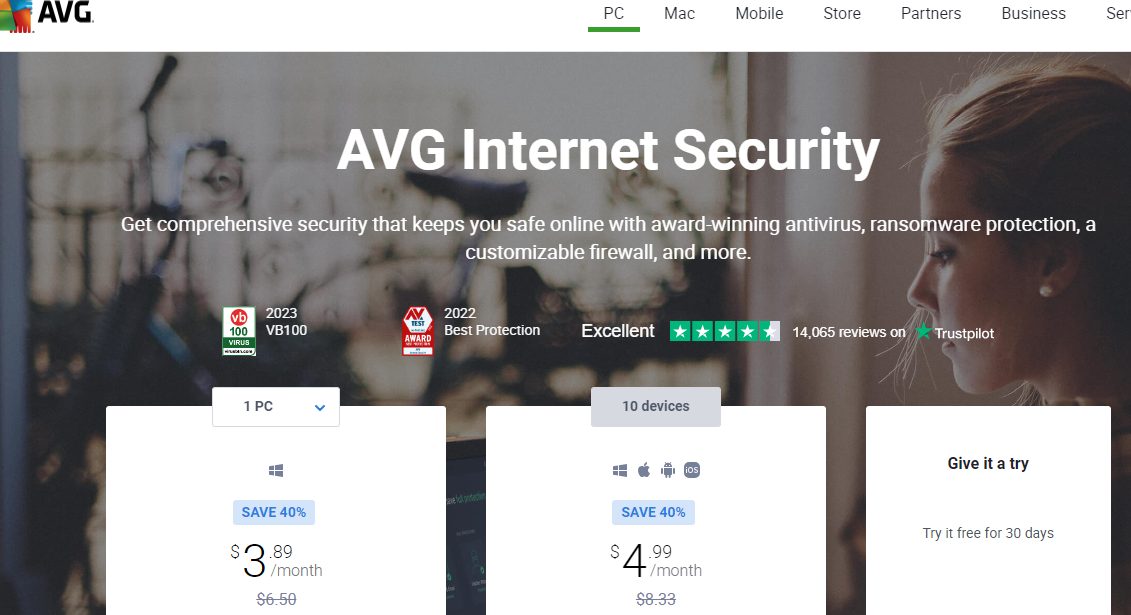
AVG Internet Security takes a more targeted approach, focusing on individual users rather than multiple systems. This makes it perfect for anyone particular about personal cybersecurity.
You get strong antivirus capabilities with an enhanced firewall. Additionally, AVG includes email security to keep your personal conversations private.
The antivirus scanning engine is powerful, yet it doesn’t affect your daily tasks. Particularly, you’ll appreciate the turbo scan feature, which speeds up the scanning process by skipping files it identifies as safe.
Also, you’ll find a do-not-disturb mode, which you can use for uninterrupted gaming or streaming sessions.
AVG Internet Security pricing is per PC, starting at $3.89 per month for one. The good thing is that the cost is reduced significantly if you buy up to 10 devices.
AVG Internet Security
Your award-winning antivirus for total security
Your award-winning antivirus for total security Show Less
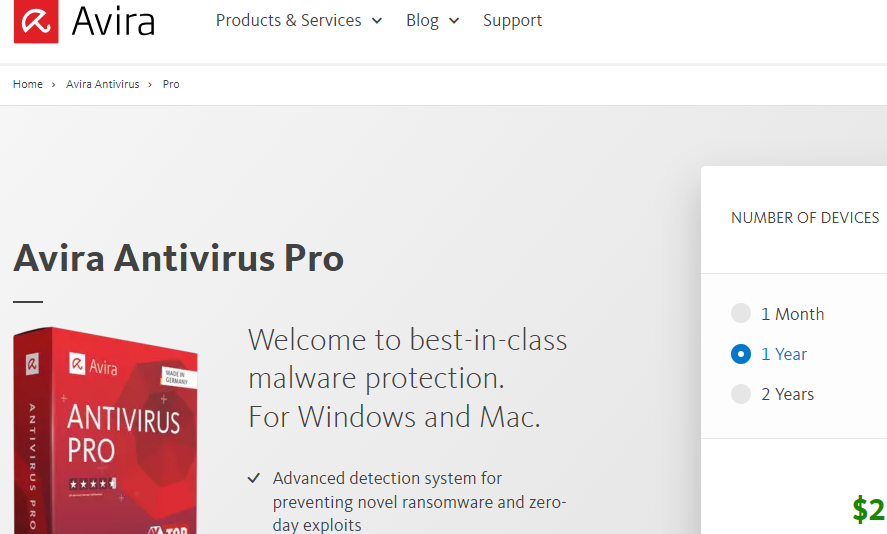
Avira Antivirus Pro is not very popular in the antivirus market, but it’s steadily attracting users thanks to its top-of-the-line detection rates and lightweight design.
One of its standout features is the cloud-based scanning technology. This tech enhances detection capabilities while ensuring your computer stays speedy.
Another top feature is the secure shopping browser extension, which protects your financial transactions from prying eyes. The software also offers customizable settings, so you can tailor the security protocols to your preferences if you’re an advanced user.
A one-year subscription to Avira Antivirus Pro costs $35.99, but you can get it for just $21.99 for the first year. Hence, we rate it as another solid option if you want the best antivirus for 2024.
Avira Antivirus Pro
Avira Antivirus Pro is an award-winning anti-ransomware protection that secures your PC against cyber threats. Your best...Show More
Avira Antivirus Pro is an award-winning anti-ransomware protection that secures your PC against cyber threats. Your best malware solution for Windows and Mac. Show Less
ESET NOD32 Antivirus is a lightweight yet potent solution for cybersecurity. Notably, you’ll appreciate this software if you use Windows, as it’s an award-winning antivirus for the operating system.
However, the ESET NOD32 offers more than virus protection, with unique modules to safeguard against script-based attacks.
As a result, it’s a workable antivirus if you frequently browse various types of websites. It’s perfect for those who want strong protection without a hefty system impact.
However, what sets ESET apart is its advanced heuristics engine, which can identify zero-day malware. It’s a noteworthy feature because new threats roll out daily.
Regarding pricing, ESET NOD32 starts at a yearly subscription for $23.80. Considering the advanced technology and efficiency you’re getting, it’s a relatively fair price. You can even download it for free on trial before paying a subscription.
ESET NOD32 Antivirus
ESET NOD32 Antivirus is essential protection against malware, giving you peace of mind that your devices are safe from...Show More
ESET NOD32 Antivirus is essential protection against malware, giving you peace of mind that your devices are safe from threats. NOD32 also has a blazing-fast virus scanning engine that can detect, block, and remove cyber threats in real-time, so your system is always protected against the latest malware strains. Show Less
VIPRE Antivirus Plus is one antivirus software many people underestimate. Indeed, it’s not as famous as some other brands, but it performs well above its weight when it comes to malware protection.
The software employs advanced machine learning and real-time behavior monitoring to identify and neutralize threats in record time.
It even has an anti-tracking feature that keeps your online activities private. That means no third party can spy on your information.
Yet, one of the best things about VIPRE is its straightforward interface. You don’t need to be tech-savvy to navigate it, as everything is intuitive and user-friendly. Even with its easy-to-use design, it doesn’t skimp on customization options.
This antivirus comes with a base price tag of $60.49 per year, which you may consider expensive. However, for the first year, you can get it for less at $19.99. All these make it a noteworthy candidate for the title of the best antivirus for 2024.
VIPRE Antivirus Plus
Top-rated cybersecurity solutions for essential protection.
Top-rated cybersecurity solutions for essential protection. Show Less
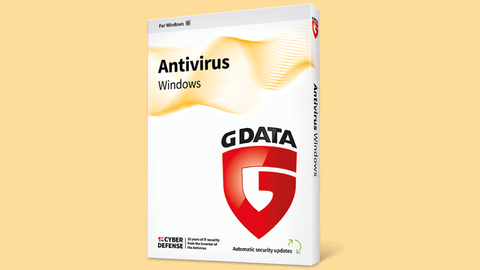
G DATA Antivirus might not be a household name, but it’s a cybersecurity software that means business. Originating from Germany, it brings meticulous engineering into the realm of antivirus software.
Why is it an option for the best antivirus in 2024? Well, G DATA provides a solid two-engine scanning system, which you can rely on to stop various kinds of malware, including zero-day threats.
One of its standout features is its “BankGuard” technology. It ensures your financial transactions are safe and secure. So, if you do a lot of online shopping or manage your finances online, this could be a workable option for you.
G DATA Antivirus has affordable pricing. As a result, you don’t have to incur exorbitant purchase for G DATA Antivirus.
G DATA Antivirus
A proactive antivirus program against all malware types.
A proactive antivirus program against all malware types. Show Less
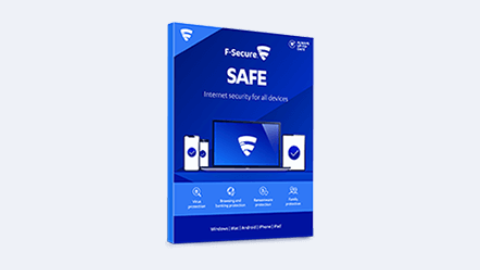
F-Secure SAFE offers a multi-faceted approach to internet security. It not only provides solid antivirus protection but also integrates browsing and banking protections, as well as robust parental controls.
This makes it a versatile pick for the best antivirus for 2024. Particularly, you’ll prefer it if you want an all-in-one solution for their varied digital needs.
The software excels in user-friendliness with its clean, intuitive interface. Hence, it’s easy to manage settings and perform scans.
One noteworthy feature is the “Finder” functionality, which allows you to locate, lock, and erase data on a lost or stolen device. With such a feature, you get an extra layer of peace of mind.
A one-year subscription for F-Secure SAFE comes in at $39.99 for the first year. Afterward, the regular pricing is around $80. The good news is that one subscription covers up to three devices.
F-Secure SAFE
F-Secure SAFE is an internet security tool offered by F-Secure that provides protection for your devices against...Show More
F-Secure SAFE is an internet security tool offered by F-Secure that provides protection for your devices against malware, viruses, online threats, and hacking attempts. Show Less
For Mac users, Intego’s Mac Premium Bundle X9 is a top-tier choice designed specifically to harmonize with macOS.
This software offers a comprehensive suite of tools, including antivirus protection, a two-way firewall, and parental controls. Intego could be your best bet if you’re a Mac aficionado concerned about compatibility and performance.
A standout feature is its real-time scanning, which quietly works in the background without hampering your system’s performance. Another impressive aspect is the Washing Machine feature that helps declutter your Mac, optimizing storage and improving speed.
As for the price, a yearly subscription for Intego’s Mac Premium Bundle X9 starts at $84.99. While it’s a bit pricier, it’s custom-tailored for Macs, making it an investment worth considering.
If you’re in the macOS ecosystem and searching for the best antivirus for 2024, Intego’s Mac Premium Bundle X9 might just be the solution you’re looking for.
Intego - Mac Premium Bundle X9
Total Protection for all Mac device types
Total Protection for all Mac device types Show Less
Kaspersky Internet Security is a familiar name that has consistently performed well in various cybersecurity tests.
Known for its thorough malware detection and minimal system impact, this software also comes with various extras like a VPN service, a password manager, and webcam protection.
The user interface is clean and intuitive, making it easy for even novices to navigate through its multiple features.
If you’re a fan of online shopping, Kaspersky’s Safe Money feature is a life-saver, providing an extra layer of security during financial transactions.
The price tag for a yearly Kaspersky Internet Security subscription starts at $19.99. However, the highest and most reliable plan costs $30.99. Based on our review, we consider the price moderate and workable if you’re on a budget.
Kaspersky Internet Security
Premium protection against online threats.
Premium protection against online threats. Show Less
Malwarebytes has carved out a niche for itself as a highly effective tool for removing stubborn malware.
Notably, it’s reliable against threats that other antivirus programs might miss. While it started as a dedicated malware remover, it has evolved into a full-fledged antivirus solution with real-time protection against various threats.
One of its strong suits is its ability to work alongside other antivirus software without causing conflicts. So, it’s one of the best antivirus of 2024 if you want a secondary layer of protection.
Additionally, the interface is user-friendly, with simple navigation that allows you to perform quick scans or delve into more detailed settings if you choose.
Regarding pricing, a one-year subscription for Malwarebytes costs up to $45.50. You can go for the comprehensive suite, which costs $59.99. Also, Malwarebytes has team pricing plans you can consider to save money if you have many devices to protect.
Malwarebytes
Your everyday protection against malware like ransomware, spyware, viruses, and more.
Your everyday protection against malware like ransomware, spyware, viruses, and more. Show Less
Notable Mentions Best Antivirus 2024
We’ve listed our top 15 picks for the best antivirus for 2024 above. However, other quality security programs didn’t make the cut, but you can still consider them.
Acronis True Image goes beyond typical antivirus software by offering robust backup and recovery options alongside its cybersecurity features.
This dual functionality makes it perfect for those who want to protect their data and ensure it’s easily recoverable.
The software’s real-time protection keeps malware at bay. Impressive, its backup features save your essential files securely. A one-year subscription costs $49.99, which is reasonable given the software’s versatility.
If you’re keen on data protection and security, Acronis True Image is a strong contender.
Acronis Cyber Protect (Formerly True Image)
Acronis Cyber Protect provides data protection for personal users, including backup, archive, access, and recovery for...Show More
Acronis Cyber Protect provides data protection for personal users, including backup, archive, access, and recovery for Windows, macOS, iOS, and Android operating systems. Your all-in-one solution for cybersecurity. Show Less
Sophos Antivirus offers enterprise-level security for home users, and its user-friendly interface is perfect for those who aren’t tech experts.
It provides real-time malware protection and even has parental controls for family-friendly browsing.
Sophos is unique in offering a free version that’s surprisingly comprehensive, but the premium plan adds extras like ransomware protection. It’s private, so you have to contact the sales team.
Sophos
Sophos Antivirus is a security software that helps protect computer systems from various malware and online threats.
Sophos Antivirus is a security software that helps protect computer systems from various malware and online threats. Show Less
HitmanPro takes a slightly different approach to antivirus protection. It’s a cloud-based scanner that’s highly effective in identifying and removing malware, but it doesn’t offer real-time protection.
It’s often used as a second opinion scanner alongside other antivirus software. The pricing starts at $24.95 for a one-year license.
HitmanPro offers a nifty, cost-effective solution if you’re looking for a quick and efficient way to double-check your system for malware.
HitmanPro
HitmanPro is a cloud-based anti-malware software that provides advanced scanning and removal of various types of viruses...Show More
HitmanPro is a cloud-based anti-malware software that provides advanced scanning and removal of various types of viruses and malware. Show Less
What Is An Antivirus Software?
Antivirus software, also known as anti-malware software, is a program or set of programs designed to prevent, detect, and remove malware from your devices.
Malware is a broad term for malicious software, which includes viruses, worms, Trojans, spyware, adware, and ransomware.
Antivirus software works by scanning your devices for known malware signatures, which are unique patterns of code that identify specific threats.
When antivirus software detects a threat, it can take a variety of actions, such as quarantining the file, deleting it, or blocking it from running.
Benefits Of Using Antivirus Software In 2024
Here are some of the benefits of using antivirus software:
Protects your devices from malware: Antivirus software can help to prevent malware from infecting your devices and damaging your data or stealing your personal information.
Improves your system performance: Malware can slow down your devices and make them more unstable. Antivirus software can help to improve your system performance by removing malware that is bogging down your resources.
Protects your privacy: Malware can be used to steal your personal information, such as your passwords, credit card numbers, and social security number. Antivirus software can help to protect your privacy by preventing malware from accessing your personal information.
Zero-day attack protection: Modern antivirus software goes beyond simple signature matching and uses advanced heuristics and behavior analysis to detect even never-before-seen malware (zero-day attacks).
Ransomware protection: Dedicated ransomware shields block suspicious encryption attempts and help prevent data loss from crippling ransomware attacks.
Phishing and scam protection: Many antivirus programs warn you about malicious websites and links before you click, protecting you from falling victim to phishing scams and identity theft attempts.
Firewall protection: Built-in firewalls monitor incoming and outgoing network traffic, filtering out unauthorized connections and preventing hackers from accessing your device.
Vulnerability scanning: Antivirus software scans your system for outdated software and unpatched vulnerabilities that could be exploited by attackers.
Parental controls: Set time limits, restrict access to certain websites and applications, and monitor children’s online activity for safer internet usage.
Automatic updates: Regular and automatic updates of virus definitions ensure your protection stays up-to-date against the latest threats.
Real-time monitoring: Constant background scans ensure your device is continuously protected, even while you’re not actively using it.
Quarantine and removal: Detected threats are safely quarantined to prevent further damage, and then you can choose to remove them permanently or whitelist them if they’re deemed safe.
Bottom Line
The best antivirus for 2024 isn’t just a software you get simply because you need cyber protection. You should make it an investment that’ll last you well across the year and into the next. Of course, you don’t want to jump from one product to another, as that can affect your system.
Thankfully, selecting the right antivirus isn’t an impossible task. For our list, you can easily pick an option that meets your budget and protection needs. Rest assured that each one is reliable, and you get nothing short in quality.
Leave a comment below regarding the best antivirus for 2024.
A VPN is necessary to stay secure and private on the internet. It masks your real IP, preventing third parties from uncovering your location and stealing your data.
The best VPN services available come with a price tag. And the general opinion of many internet users is that VPNs are expensive.
However, getting a reliable VPN at a cost-friendly rate is possible. You’ll find out the best cheap VPN in 2024 as you read on. First, let’s consider how to make a choice.
Table of Contents
How to Choose the Best Cheap VPN
Price is, of course, the critical factor when choosing the best cheap VPN. However, a low price shouldn’t cost you quality or performance. So, when choosing the best cheap VPN, you should also consider these:
Check the number of servers the VPN has. The more servers a VPN has, the more locations you can explore. VPNs usually come with hundreds of servers, but it’s ideal to consider those with over a thousand.
You need a secure VPN. Secure VPNs feature advanced encryption algorithms and protocols and do not keep logs. Notably, you should avoid free VPNs, which are usually not assured. There’s a huge difference between free and cheap.
Check the platforms and devices the VPN supports. Imagine having an iPhone and then paying for a VPN that doesn’t have an iOS application. That’s a waste of money.
Check for extra features. Some VPNs have additional features like stealth mode, ad blocking, and multi-hop connections. These are secondary features since you can get them with other tools. But it would be an advantage if your VPN comes with them.
With the four points above in mind, you can choose a cheap VPN without sacrificing quality. But what determines a cheap VPN? Well, the average cost of VPNs is $10 monthly. A VPN that sells for around this price or lower is cheap. On the other hand, expensive VPNs start at around $20 per month.
One key difference between cheap VPNs and more expensive ones is the long-term prices. For example, an affordable VPN may offer a deal price of less than $5 per month if you pay for two to three years. In fact, for some, the price is as low as $1 per month for three years.
Let’s get to know these cheap VPNs.
Best Cheap VPN Services 2024 (Ranked by Cheapest Monthly Price)
Here are the best cheap VPN services recommended in 2024:
The most cheapest VPN service in 2024 is Ivacy at $1 per month.
Ivacy is a VPN with ioXt security certification, a testament to its reliability. The VPN exists to help users protect their digital presence and unblock the internet.
Using Ivacy VPN, with the 5-year plan, costs just $1 per month. Meanwhile, the regular monthly plan costs $9.95.
Atlas VPN makes the internet accessible to everyone with a transparent service. This service costs an affordable $1.64 monthly with the two-year plan plus 6 free months and $3.29 with the one-year plan. The regular monthly plan is, however, $11.99.
VeePN is a virtual private network (VPN) service that provides online privacy and security by encrypting internet...Show More
VeePN is a virtual private network (VPN) service that provides online privacy and security by encrypting internet traffic and hiding the user's IP address. Show Less
Surfshark is an award-winning VPN service for keeping your digital life secure. Surfshark VPN has servers located in...Show More
Surfshark is an award-winning VPN service for keeping your digital life secure. Surfshark VPN has servers located in more than 60 countries worldwide. Show Less
Top companies like TechRadar, CNet, Yahoo, and Mashable use PureVPN. It’s a reliable VPN for streaming online content without worrying about geo-restrictions.
The cheapest Standard deal you get from PureVPN is the 2-year plan, which costs $1.96 per month plus 4 free months. You can also pay $3.74 with the 1-year plan.
PureVPN is one of the best VPN service providers with presence across 150 countries in the world. An industry VPN leader...Show More
PureVPN is one of the best VPN service providers with presence across 150 countries in the world. An industry VPN leader with more than 6,500 optimized VPN servers. Show Less
CyberGhost VPN is a VPN service provider with more than 9,000 VPN servers spread in over 90 countries. Complete privacy...Show More
CyberGhost VPN is a VPN service provider with more than 9,000 VPN servers spread in over 90 countries. Complete privacy protection for up to 7 devices! Show Less
As its name says, this VPN is all about privacy. Not just privacy, but PIA also employs strong encryption for maximum online security.
To use PIA VPN, you pay $11.99 per month. With the 6 months plan, you pay $7.50 per month; with the 2-year plan, you pay $2.19 per month plus 2 free months.
PrivateVPN is relatively new but commands a large customer base. It’s a VPN with all the right features and comes at the right price.
PrivateVPN is available for $2 per month with the 36-month plan. Also, it is available for $6 per month with the 3-month plan. Ordinarily, you would pay $9.90 per month.
Why choose PrivateVPN?
It works on mobile, desktop, smart TVs, and routers
FastVPN is a NameCheap product. It is fast – like its name – and secure and private. Also, it is affordable, which is typical of NameCheap’s services.
The monthly plan is a flat $7.88, but the annual price costs $2.88 per month. Interestingly, as a first-time subscriber, you pay $0.99 for the first month and $1.57 for the first annual plan.
NordVPN is one of the best cheap VPNs you can get.
NordVPN has three Standard pricing plans; you can pay monthly, 1-year plan, or 2-year plan. The highest plan on a 2-year subscription costs only $3.99 per month.
TunnelBear is a VPN service provider that provides you with privacy, security, and anonymity advantages. It has VPN...Show More
TunnelBear is a VPN service provider that provides you with privacy, security, and anonymity advantages. It has VPN servers in more than 46 countries worldwide. Show Less
ProtonVPN, a Swiss-based service, comes with highly exclusive features. It ranks among the cheapest VPN services in terms of quality.
Despite being feature-rich, the VPN costs $4.99 per month with the 2-year plan. The Unlimited version, however, costs $7.99 per month for its 2-year plan, which covers all proton products.
A dependable VPN service that works on all devices and platforms.
A dependable VPN service that works on all devices and platforms. Show Less
Best Cheap VPN: Frequently Asked Questions
Here are some frequently asked questions about cheap VPNs:
Is a cheap VPN worth it?
A cheap VPN is worth it if you use one with the right features. Sure, the price comes first, but the quality is also essential. At the least, you must pick a cheap VPN that is secure, has apps for your devices, and has sufficient servers. Otherwise, your device will be at risk.
Are cheap VPNs secure?
The best cheap VPNs, as listed in this article, are secure. You know a VPN is secure if it uses best-in-class encryption, blocks third-party data stealers, and keeps no logs. The VPNs in this article tick these boxes. So, if you go for any, rest assured that it’s secure.
Why are the long-term VPN subscriptions the cheapest?
Long-term VPN subscriptions are the cheapest because they come at considerable discounts. Some VPNs offer up to 60 to 70% discounts for 2 to 3-year plans. Some offer as much as 80% discounts for 5-year plans.
Which is the best VPN without money?
There are a couple of VPNs you can use without paying money. TunnelBear, ProtonVPN, and Atlas VPN are two good options on this list of the best cheap VPNs. However, it’s always advisable to go for a paid, premium VPN. You don’t get many features when you don’t pay for a VPN service.
Conclusion
The best cheap VPNs in this post have pricing plans that cost below $7 per month. You can go for any, but an overall recommendation would be Ivacy.
Ivacy, at $1 per month the cheapest among the best cheap VPNs in 2024. Not to mention, it balances a premium password manager, affordability, and quality with many top-notch features you don’t get with other cheaper VPNs.
Want the best VPN for 2024? Look no further, as we have got you covered in this post.
With the ever-increasing issue of online privacy and security, a reliable VPN has become a must-have tool for internet users. You need a VPN, not just to keep your data safe but also to bypass geo-restrictions and surf the web anonymously. However, only the right app can guarantee quality.
Several VPNs have stood out this year for their speed, strength, and overall performance. Hence, it can be difficult to select one.
Nevertheless, our privacy experts have reviewed the best VPNs for 2024 to help you make an informed choice. Read on as we show you the best VPN for 2024.
Surfshark has gained popularity in the crowded VPN market. And one of the top reasons is its unlimited device connections. With a single subscription, you can protect all devices you own with this VPN, whether computer, phone, tablet, or others.
If you’re particular about privacy, Surfshark offers a strict no-log policy. That means you can rest assured that your online activities won’t get into third-party hands.
Another notable feature is the impressive speed Surfshark offers. As a result, it’s one of the best VPNs for 2024 for streaming. The CleanWeb feature, which actively blocks unwanted ads and malicious threats, gives you a cleaner and safer browsing experience.
Regarding price, Surfshark offers great value for its many features. You can pay less than $3 per month, which makes it affordable. Also, you can purchase it as a standalone tool or as part of Surfshark One.
Surfshark VPN features highlight
Unlimited connections
No log policy
Fast speed
Affordable cost
Surfshark
Surfshark is an award-winning VPN service for keeping your digital life secure. Surfshark VPN has servers located in...Show More
Surfshark is an award-winning VPN service for keeping your digital life secure. Surfshark VPN has servers located in more than 60 countries worldwide. Show Less
CyberGhost boasts a staggering network of over 6900 servers spread across 90 countries. That ensures you always get a secure connection.
To make things more interesting, the app smartly categorizes servers based on activities, making it easy to choose the perfect one for any task.
Your privacy is paramount, and CyberGhost ensures this with its robust no-logging policy. Thanks to the automatic kill switch, if the VPN disconnects, your data remains protected from hackers online. Additionally, the military-grade encryption ensures your data is impenetrable.
If it’s your first time using a VPN, you’ll have no issues as the interface is intuitive and straightforward.
CyberGhost VPN features workable pricing plans, and the 45-day money-back guarantee protects your money. Particularly, depending on the duration, you can pay between $2.19 to $12.99 monthly.
CyberGhost VPN features highlight
Up to 6,900 servers
Smart server selection
Military-grade encryption
Intuitive interface
Money-back guarantee
CyberGhost VPN
CyberGhost VPN is a VPN service provider with more than 9,000 VPN servers spread in over 90 countries. Complete privacy...Show More
CyberGhost VPN is a VPN service provider with more than 9,000 VPN servers spread in over 90 countries. Complete privacy protection for up to 7 devices! Show Less
Although relatively new, Atlas VPN has quickly attracted many internet users in the VPN domain. With its state-of-the-art encryption, your online activities always stay secure with this app.
However, perhaps the highlight feature is the built-in data breach monitor. It actively tracks and alerts you if your personal information is compromised on the web.
Furthermore, Atlas VPN’s server speeds are commendable and ideal for both streaming and casual browsing. If you’re concerned about regional content blocks, the app is one of the best VPNs for 2024 for unblocking websites.
Atlas VPN’s user interface is sleek and intuitive, such that both beginners and experts can use it. Also, the service is dedicated to transparency and user trust with a no-log policy, ensuring your online footprint remains invisible.
PureVPN is a testament to what a perfect blend of functionality and simplicity can bring. It boasts a split-tunneling feature, which enables you to decide which app uses the VPN and which accesses the internet directly. With this, you get flexibility.
With a network of over 6,500 servers spanning 140 countries, there’s the promise of a fast and secure connection. It doesn’t matter where you’re located.
However, the best part is that PureVPN offers dedicated IPs. This means a consistent IP address, which you can leverage for tasks that require IP whitelisting. Additionally, the polished user interface makes using the app a breeze, even for the non-tech-savvy.
If you ever encounter issues, PureVPN has 24/7 customer support. The VPN is available for as low as $2.08 monthly with long-term pricing.
Pure VPN features highlight
Spilt tunneling
6,500+ servers
Dedicated IPs
24/7 customer support
Affordable long-term pricing
PureVPN
PureVPN is one of the best VPN service providers with presence across 150 countries in the world. An industry VPN leader...Show More
PureVPN is one of the best VPN service providers with presence across 150 countries in the world. An industry VPN leader with more than 6,500 optimized VPN servers. Show Less
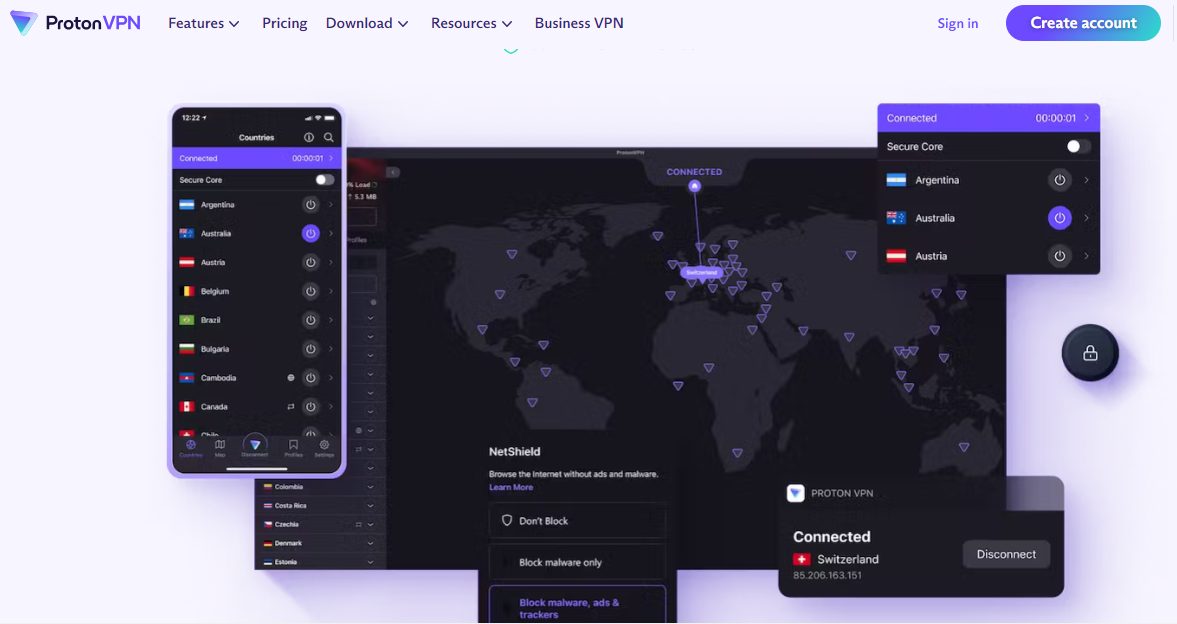
ProtonVPN was developed by the masterminds behind ProtonMail. As a result, it’s more than just a VPN; it’s a commitment to online privacy. It’s easy to understand why it ranks among the best VPNs for 2024.
You’ll particularly appreciate the Secure Core feature. It routes your data through multiple servers before leaving ProtonVPN’s network, ensuring an added layer of protection against online attacks.
Furthermore, if you stay in regions with heavy internet restrictions, Secure Core lets you access the Onion network directly through the VPN.
ProtonVPN’s global network of servers is optimized for speed, ensuring a seamless online experience whether you’re streaming, browsing, or gaming.
Another top feature is the NetShield, which actively blocks ads, trackers, and malicious websites. Consequently, you get a clutter-free and safe browsing experience. ProtonVPN pricing begins at around $11 per month.
ProtonVPN features highlight
Supports onion network
Speed servers
NetShield ad block
Secure Core feature
Ideal for bypassing restrictions
ProtonVPN
A swiss VPN service that goes the extra mile to balance speed with privacy protection.
A swiss VPN service that goes the extra mile to balance speed with privacy protection. Show Less
When it comes to the crème de la crème of VPN services, ExpressVPN often tops the list. Hence, it’s undoubtedly one of the best VPNs for 2024. The service commands a network of 3,000+ servers spread across 94 countries.
With expansive coverage, ExpressVPN ensures you always have a fast and reliable connection.
If you’re heavy on tech, ExpressVPN’s TrustedServer technology is a game-changer. It means the servers run on RAM, ensuring no data is ever written to a hard drive. This is prime when it comes to security.
Furthermore, ExpresssVPN’s no-logging policy is stringent, and the platform is also independently audited to prove its commitment to user privacy.
The kill switch feature, Network Lock, ensures that your data remains secure if your connection drops unexpectedly.
Lastly, ExpressVPN’s customer support is top-notch, available 24/7 to assist. The lowest you can pay for this VPN is $8.32 monthly, which is relatively moderate.
ExpressVPN features highlight
Servers in 94 countries
Native TrustedServer technology
Network Lock feature
Independent audit
Reliable customer support
ExpressVPN
A dependable VPN service that works on all devices and platforms.
A dependable VPN service that works on all devices and platforms. Show Less
Private Internet Access, PIA, is relatively popular in the VPN industry and has a loyal user base. Many features make it one of the best to use.
First off, with over 29,000 servers in 77 countries, PIA offers a robust and expansive network. This vast coverage ensures you can always find a server that suits the task at hand.
One standout feature is its customizable encryption settings, which lets you tweak the encryption level based on your requirements. Consequently, you can balance speed and security to your preference.
Furthermore, the MACE feature is particularly noteworthy, as it works as a shield against ads, trackers, and malicious websites.
PIA also supports P2P file sharing, which makes it ideal if you work with torrents. Per month, you pay $11.95 for this VPN, but it’s cheaper with long-term plans.
PIA features highlight
Over 29,000 servers
Customizable encryption
MACE ad blocker
Supports P2P
Private Internet Access
Private Internet Access uses world-class next-gen servers for a secure and reliable VPN connection, any day, anywhere.
Private Internet Access uses world-class next-gen servers for a secure and reliable VPN connection, any day, anywhere. Show Less
TunnelBear VPN, with its iconic bear mascot and playful design, offers more than just catchy visuals. This VPN is renowned for its user-friendly approach, making it a workable choice if you’re new to the VPN world.
TunnelBear boasts servers spread across 23 countries. So, while the server count may not be the highest, you still get decent coverage. At the least, you can easily bypass geo-restrictions and enjoy content worldwide.
It’s worth noting that TunnelBear is committed to transparency. The company regularly undergoes independent security audits, showcasing its dedication to user trust and security.
If you’re concerned about data leaks, TunnelBear’s VigilantBear (kill switch) feature ensures that your data remains protected even if your VPN connection drops. You can use this VPN for free or opt for paid plans starting at $9.99 per month.
TunnelBear VPN features highlight
User-friendly
High transparency
KillSwitch
Ideal for free
TunnelBear VPN
TunnelBear is a VPN service provider that provides you with privacy, security, and anonymity advantages. It has VPN...Show More
TunnelBear is a VPN service provider that provides you with privacy, security, and anonymity advantages. It has VPN servers in more than 46 countries worldwide. Show Less
Ivacy VPN is a reliable choice for anyone seeking both security and performance. Its network of 3,500+ servers across 100+ locations makes it one of the best VPNs for 2024.
Ivacy ensures users are never short of options when it comes to choosing a connection point. This global coverage translates to seamless access to geo-restricted content and smooth browsing experiences.
If you torrent, Ivacy’s dedicated P2P servers come as a boon, offering fast and secure file-sharing capabilities. On the security front, Ivacy employs 256-bit encryption, ensuring your data remains impenetrable.
One feature you’ll appreciate is Ivacy’s split-tunneling capability. As typical, the feature lets you decide which apps use the VPN and which access the internet directly. Furthermore, Ivacy’s pricing is competitive, with the 5-year plan costing $1.33 monthly.
NordVPN, undeniably one of the industry’s heavyweights, consistently ranks high on the list of best VPNs for 2023. It’s unsurprising, considering the platform boasts over 5,400 servers in 59 countries.
Security remains a paramount focus for NordVPN. The Double VPN feature routes your data through two servers, doubling the encryption and making it even tougher for hackers to get to you.
Additionally, NordVPN’s Onion Over VPN provides access to the Tor network, ensuring the highest level of privacy.
You can’t skip the CyberSec feature. It works for actively blocking ads, trackers, and malicious websites. In other words, it guarantees a smoother and safer browsing experience.
It’s worth mentioning that NordVPN includes an automatic kill switch. With a long-term pricing plan, you can get the app for under $3.5.
NordVPN features highlight
5,400+ servers
CyberSec feature
Double VPN
Auto kill switch
Onion Over VPN
NordVPN
The best VPN service for total safety and freedom.
The best VPN service for total safety and freedom. Show Less
Emerging as a fresh face in the VPN domain, VeePN has swiftly positioned itself as one of the best VPNs for 2024. Offering an expansive infrastructure of over 2,500 servers across 50 global destinations, you can always expect a seamless connection with this VPN.
VeePN’s Double VPN is a game-changer. By directing your data through two separate servers, it ensures an unmatched level of security. Additionally, if you want to access global content without boundaries, VeePN effortlessly bypasses geo-blocks.
Furthermore, with the generous offer of unlimited simultaneous connections, all your devices can enjoy protection with a single subscription. You can pay as low as $1.67 monthly for this VPN.
VeePN features highlight
2,500+ servers
Double VPN
Easy geo-bypass
Affordable long-term pricing
VeePN
VeePN is a virtual private network (VPN) service that provides online privacy and security by encrypting internet...Show More
VeePN is a virtual private network (VPN) service that provides online privacy and security by encrypting internet traffic and hiding the user's IP address. Show Less
PrivateVPN, as its name suggests, is one of the best VPNs for 2024 for online privacy and security. Despite being a newer name in the industry, it has quickly gained traction thanks to its impressive collection of features and robust performance.
Notably, PrivateVPN stands out with its exceptional ability to unblock streaming platforms. Be it Netflix, Hulu, or BBC iPlayer, you’re just a click away from your favorite shows. Moreover, the platform is also torrent-friendly, making it a go-to if you want a smooth P2P experience.
Navigating through PrivateVPN is a breeze, thanks to its intuitive interface. Even if you’re new to VPNs, setting up and connecting is straightforward. You can save on this VPN with the 36-month plan, costing only $2 per month.
TorGuard, taking inspiration from the Tor anonymity network, has steadily built its reputation as a powerhouse in the VPN realm. The server count reaches 3,000, and there’s at least one in 50 countries.
TorGuard emerges as a top option when it comes to torrenting, with optimized P2P servers. So, you’re guaranteed a smooth and secure torrenting experience. Also, streamers aren’t left behind. TorGuard works to unblock geo-restrictions, allowing access to content from various platforms.
The user interface, while packed with features, remains intuitive. You can start using TorGuard with a free trial to test the features. Afterward, pricing starts at
TorGuard features highlight
Robust security
Supports torrenting
Reliable for geo-unblocking
Intuitive interface
TorGuard VPN
The best VPN service for torrenting safely and anonymously.
The best VPN service for torrenting safely and anonymously. Show Less
ZoogVPN, a VPN service from Greece, hosts a network of 50+ servers in over 25 countries worldwide. Hence, the service offers broad and fast coverage, ensuring smooth online experiences regardless of where you are.
The highlight feature of this VPN is its support for VPN protocols such as OpenVPN, L2TP/IPsec, PPTP, and KEv2. It lets you bypass restrictive network filters and censorships with ease. These protocols also ensure that VPN blocking is a thing of the past.
ZoogVPN uses 256-bit encryption to safeguard your online activities. Additionally, the app’s commitment to a no-logging policy further reinforces its dedication to user privacy. The automatic kill switch protects your data even if the VPN connection drops. You can get this VPN for only $2.50 with the 36-month plan.
ZoogVPN features highlight
Multiple VPN protocols
256-bit encryption
No-logs policy
Kill switch
ZoogVPN
ZoogVPN is the complete and trusted all-in-one VPN service that protects your sensitive personal and financial...Show More
ZoogVPN is the complete and trusted all-in-one VPN service that protects your sensitive personal and financial information online. Show Less
HideMe VPN stands tall as a veteran in the VPN arena, garnering trust and credibility over the years. The VPN has VPN servers across 88+ locations. Notably, it works for unlimited simultaneous connections.
HideMe VPN offers the advantage of 256-bit AES encryption to keep your online data out of reach of prying eyes. Also, it’s torrent-friendly, guaranteeing a seamless and secure file-sharing experience.
HideMe VPN’s user interface strikes a balance between comprehensive features and ease of use. Both novice users and VPN experts can use it conveniently. And, if you face any hassle, the 24/7 customer support is ready to assist. Lastly, the HideMe VPN is available for just $3.33 per month.
HideMe VPN features highlight
256-bit encryption
Torrent support
24/7 support
Affordable pricing
HideMe VPN
HideMe VPN is your ultimate online privacy solution, providing secure and anonymous browsing while protecting your data...Show More
HideMe VPN is your ultimate online privacy solution, providing secure and anonymous browsing while protecting your data from prying eyes, so you can browse the internet with confidence and freedom. Show Less
What Is A VPN?
Imagine you’re sending a secret message to your friend. But instead of whispering it, you shout it through a long, twisty tunnel that only you two can hear inside. That’s kind of like a VPN!
VPN stands for Virtual Private Network. It’s a tool that creates a safe and secret tunnel for your internet traffic. Here’s what it does:
Hides your online activity: When you use the internet normally, your information is kinda out in the open. A VPN scrambles it up like a secret code so no one can snoop on what you’re doing.
Protects your privacy: Just like the secret tunnel, a VPN hides your real location (shown by your IP address) and makes it look like you’re somewhere else. This keeps your personal stuff private.
Keeps you safe on public Wi-Fi: Public Wi-Fi networks can be risky, but a VPN acts like a shield, protecting your data from hackers and snoops.
Think of it like wearing a mask and sunglasses online. People can’t see who you are or what you’re doing, and you can browse the internet more safely and freely.
VPNs are handy for things like:
Using public Wi-Fi safely
Protecting your privacy online
Accessing websites that might be blocked in your area
Remember, though, that VPNs aren’t perfect, and they can sometimes slow down your internet connection. But overall, they’re a great way to add an extra layer of security and privacy to your online adventures!
How Does A VPN Work?
A VPN works like a secret underground passage for your internet data. Here’s a breakdown:
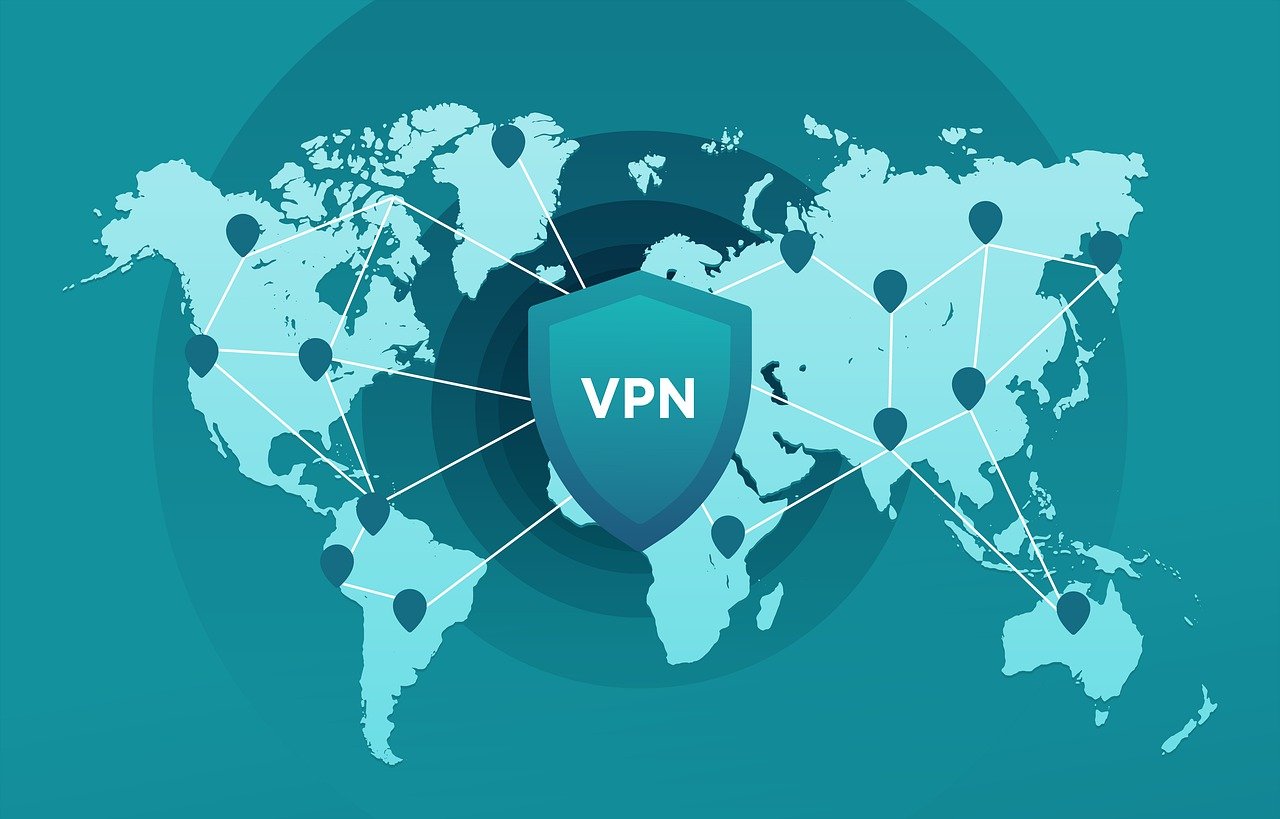
Imagine a tunnel: When you connect to a VPN, it creates a secure tunnel between your device (phone, computer, etc.) and the internet. This tunnel is invisible to anyone outside.
Encrypting the message: Think of your internet data as a message. Before it enters the tunnel, the VPN scrambles it up with a special code, like a secret language. This makes it unreadable to anyone who might peek inside.
Traveling through the tunnel: Your encrypted data then travels safely through the VPN tunnel to the VPN server, which is like a hidden door in another location.
Reaching the internet: The VPN server decrypts your data (turns it back into normal language) and sends it out to the website or app you’re trying to reach.
Replying back: The website or app sends its response back through the tunnel, following the same steps in reverse. Your device receives the decrypted data and displays it to you.
So, instead of your data going directly from your device to the internet, it takes a detour through the encrypted tunnel, keeping your online activity hidden and secure.
What Are The Benefits Of Using A VPN In 2024?
Here are the benefits of using a VPN in 2024:
Fortress-Grade Security: Shroud your online activity in an impenetrable cloak of encryption, rendering your data unreadable to prying eyes, even on unsecured public Wi-Fi. Hackers, advertisers, and snooping governments will be left grasping at the shadows.
Privacy Paramount: Reclaim your right to digital anonymity. A VPN masks your true IP address, making it virtually impossible for websites and online services to track your movements and build intrusive profiles. You browse, you search, you exist – unseen, untracked, unburdened.
No More Geo-Restrictions: Does geo-blocking leave you yearning for that must-see show or exclusive online deal? A VPN empowers you to bypass these arbitrary restrictions by virtually teleporting you to any corner of the globe. The world is your oyster, and your VPN is the pearl that unlocks it.
Content Censorship? Defeated!: Break free from the shackles of online censorship. A VPN grants you access to information and entertainment that might otherwise be hidden behind walls, ensuring you stay informed and entertained no matter where you are.
Save Money Like a Pro: Outsmart dynamic pricing and snag the best deals online. By changing your virtual location, you can avoid price discrimination and score incredible savings on flights, hotels, and more.
Boost Your Gaming Prowess: Experience lag-free, optimized online gaming by connecting to servers closest to your chosen game’s location. Reduce ping, eliminate jitter, and dominate the competition with the power of a VPN at your back.
In 2024, a VPN is not just a luxury; it’s a necessity. It’s the ultimate shield against online threats, the key to unlocking global content, and the passport to a truly free and private digital experience. Invest in your online security and freedom today. Choose the best VPN for 2024 and reclaim your rightful place in the boundless digital universe.
Best VPN For 2024: Frequently Asked Questions
Here are some commonly asked questions about the best VPNs for 2024.
Is a VPN worth it in 2024?
Yes, a VPN is worth it in 2024 if you care about keeping your online activities private or want to access websites from different countries. Even beyond privacy and bypassing geo-restrictions, VPNs offer valuable security benefits in 2024.
They encrypt your internet traffic, making it unreadable to hackers and snoopers, especially crucial when using public Wi-Fi. Additionally, VPNs can help shield your online identity and make it more difficult for websites and advertisers to track your activity.
What is the latest and fastest VPN in 2024?
If you’re after the newest features, Surfshark VPN is an excellent option. On the other hand, if speed is your top priority, you can consider CyberGhost VPN.
However, it’s important to remember that speed can vary depending on your location, server load, and internet connection. It’s always recommended to test different VPNs with your specific needs in mind before committing to a long-term subscription.
Additionally, some newer VPNs like ProtonVPN and NordVPN are catching up in speed tests while offering robust security features, making them strong contenders for the “latest and fastest” title, depending on your priorities.
What is the strongest VPN now?
When it comes to strong security, many best VPNs for 2024 rank top thanks to their 256-bit encryption. However, some top options to consider include CyberGhost VPN, PIA (Private Internet Access), or Ivacy.
For users prioritizing independent verification, consider ExpressVPN or ProtonVPN, both audited by reputable security firms. If advanced protocols are your focus, NordVPN offers cutting-edge options like NordLynx for speed and WireGuard for lightweight security.
How do I choose a good VPN?
To choose a good VPN among the best VPNs for 2024, consider what you need — fast speed, many server locations, or strong security. Also, check customer reviews and make sure the VPN doesn’t keep logs of your activity.
Prioritize your needs: Identify your main reasons for using a VPN. Do you prioritize streaming content without buffering (requiring high speeds), bypassing geo-restrictions (needing many server locations), or ultra-secure browsing (demanding strong encryption)? Focusing on your primary needs will help narrow down your options.
Compare pricing and features: Don’t just settle for the cheapest option. Compare pricing structures and features offered by different VPN providers to find the best value for your needs and budget. Look for features like simultaneous connections, split tunneling, and a money-back guarantee for added peace of mind.
What Is The Best VPN For 2024? TLDR;
To sum up, the best VPNs for 2024 offer more than just basic features. You get quality speed, security, and user experience from our top picks above.
Ultimately, choose based on your specific needs, and you’ll enjoy top-notch performance. Price is also essential to consider. But the good news is, whether you’re on a high or low budget, there’s an option in our featured list.
After careful consideration and testing, we believe Surfshark stands out as the overall best VPN for 2024. It impresses with its exceptional combination of speed, security, affordability, and user-friendly features.
Here’s a quick rundown of why Surfshark reigns supreme:
Blazing-fast speeds: Enjoy uninterrupted streaming, buffer-free downloads, and lag-free gaming with Surfshark’s extensive network of high-speed servers.
Unmatched security: Benefit from industry-leading encryption protocols, a strict no-logs policy, and built-in malware protection for comprehensive online security.
Unlimited connections: Secure all your devices simultaneously with Surfshark’s unlimited connections feature, perfect for families and tech enthusiasts.
User-friendly interface: Navigate with ease using Surfshark’s intuitive and user-friendly interface, making it ideal for both beginners and tech-savvy users.
Budget-friendly: Get all the premium features you need without breaking the bank with Surfshark’s competitive pricing plans.
So, if you’re looking for a VPN that ticks all the boxes, Surfshark is the clear winner. It’s a reliable, secure, and affordable choice for anyone seeking enhanced online privacy and freedom.
Surfshark
Surfshark is an award-winning VPN service for keeping your digital life secure. Surfshark VPN has servers located in...Show More
Surfshark is an award-winning VPN service for keeping your digital life secure. Surfshark VPN has servers located in more than 60 countries worldwide. Show Less
You share some information on your website in the form of PDFs. It is considered an excellent form of presentation for reports, catalogs, e-books, user manuals or guides. Users like these types of documents because they are a source of high-quality content, and they can also be downloaded and saved to their computer.
Can PDF files help with website positioning? Yes, but first you need to take care of their optimization. We will tell you how to do it.
Table of Contents
Why PDF Documents?
Portable Document Format, or popular PDF, is used to present, transfer and print documents. One of the assumptions of the creators of PDF was to create a unified standard for displaying documents. The idea was for saved documents to be displayed the same on every computer, regardless of the software and system used.
Today, PDF is one of the most popular formats for presenting content, and this is determined by, among other things, the fact that it is a small file that is easy to send. It is also a convenient format for printing materials and can be opened on almost any computer.
PDF Visibility Improvements – What to Pay Attention to?
The file name matters
This is the absolute basis for optimization. The PDF file should have an appropriate name that will reflect the content of the document. You can use keywords in the file name, but try not to add them in excess.
Additional descriptions
If your PDF file is to attract attention in search results, you need to take care of the elements that are displayed in the search engine, i.e. title and meta description. The rules for creating descriptions are the same as for websites. It is worth placing keywords in them and making sure that the descriptions encourage clicking.
PDF file size
It is well known that pages that take too long to load are not visited willingly by users. Google also lowers the positions of pages whose loading speed is not satisfactory. Adding too large PDF files to a website is an unnecessary burden on the server.
Therefore, before placing a PDF document on the website, compress it to the appropriate size. You can use reliable PDF compressor tools that you can easily find on the Internet. In this way, you will have a positive impact on the positioning of your website.
Content presented in an interesting way
Sometimes PDFs are really extensive documents with extensive content. They will be more interesting for users if you divide them into paragraphs, use subheadings, bullet points, bolding of the most important topics, tables and graphics. Google will also appreciate this, which pays attention to an interesting presentation of content.
Headings are information for search engine robots on how to read the content hierarchy. This part of PDF optimization is the same as in the case of texts placed on subpages of the website.
PDF in text format
In order for Google to index the content in a PDF document, it must be saved in a text format. Creating the file as an image will prevent robots from reading and parsing the PDF content. There are many tools that will help you convert an image to text.
First, however, you should check what form the content in your document has. It is not difficult. If you can select and copy text fragments in the file, then you are dealing with a text format. Moreover, you can also convert PDF to other formats, such as PDF to Word, PDF to DWG, etc.
Effective Ways to Work with PDF
This article presents a comprehensive approach to optimizing PDF files in search engine visibility. From the very fist file name, to file size, to presentation optimize, each step involves simple and complicated practices.
The key is to match the method to your specific optimize needs. Some built-in features and tools are the fastest, but it may not be able to handle complex PDF needs. Online tools offer better conversion quality, but they often come with limitations or costs.
In case of difficulties, the article proposes solutions to the most common problems and suggests using specialized tools such as SwifDoo PDF to edit and manage PDF files. Alternative methods, such as screenshots or OCR, can be effective in situations where standard approaches fail. Ultimately, the choice of the appropriate method depends on the specifics of the project, the quality of the expected result, and the available time and resources.
In A Nutshell
If you are still developing your content and new PDFs appear on your website, it is a good time to take care of their optimization. This will have a good impact on the overall positioning and will become an additional element increasing traffic. It is also worth taking care of the PDFs that have been published on your website.
In this post, I will talk about the GameZone’s GTCC: the ultimate Tongits tournament in the Philippines.
The GameZone Tablegame Champions Cup (GTCC) has become the defining competition for Tongits players across the Philippines. With its roots in Filipino culture and a rising reputation in competitive card gaming, the GTCC has pushed the boundaries of what a local card tournament can be.
Riding the momentum of the 2024 Tongits Champions Cup, this elite event brings together the country’s most skilled players for an intense test of strategy, endurance, and decision-making.
In the previous tournament, 27 players competed in three groups, navigating a multi-stage contest that featured both round-robin and elimination formats. The GTCC isn’t just a battle of hands—it’s a battleground for tactical thinking, adaptability, and nerves of steel. If you’re aiming to join the next GTCC and make a deep run, it all starts with how you prepare. This guide outlines the essential steps you need to take to train like a champion and compete at the highest level.
Table of Contents
Build Your Game with Regular and Strategic Practice
True GTCC contenders aren’t just familiar with Tongits—they’ve mastered every aspect of the game through focused practice. Knowing the rules is only the beginning. To be competitive, you must internalize the game’s deeper mechanics, such as optimal melding strategies, sapaw timing, bluffing techniques, and efficient deadwood management.
Every match you play in practice serves to sharpen your instincts and boost your ability to read opponents. As you grow more familiar with gameplay patterns, you’ll improve your judgment on when to hold back or push forward—critical decisions that often determine who advances in a tournament setting.
GameZone offers players access to high-quality tools that aid in preparation, including:
Training modes to test and refine strategies
Match replays for self-review and correction
Comprehensive tutorials for players at all skill levels
These resources are ideal for strengthening your skills in a low-pressure environment. You can learn from your mistakes without penalty and experiment with new tactics until you find what works best for you.
Importantly, regular practice also develops your mental resilience. The GTCC’s demanding structure requires players to maintain focus across long and challenging matches. The more you train, the better prepared you’ll be to handle tournament stress.
Know the Format: Adapt Your Strategy to Each Stage
To truly compete in the GTCC, understanding the tournament structure is essential. Strategy without format knowledge leads to missteps. With a clear grasp of each round’s demands, you can fine-tune your approach and manage your energy wisely.
In 2024, the GTCC hosted 27 players—24 of whom qualified online, alongside 3 invited Key Opinion Leaders (KOLs). These competitors were split into three groups of nine for the initial round-robin stage. Every game counted, as only the top three from each group progressed to the semifinals.
The semifinals introduced a do-or-die single-elimination format. One mistake and you’re out. Then, the final three clashed in a dramatic 100-round championship match, demanding total focus and peak performance.
Knowing the structure allows you to:
Prioritize consistency during the group phase
Shift to aggressive, calculated risk-taking in the semifinals
Conserve mental energy while staying sharp for the long final round
Understanding each stage helps you build a phase-specific plan that adjusts as you advance. The best players tailor their strategies according to the situation—so should you.
One of the smartest ways to improve your game is to watch the best players in action. GameZone has made the full 2024 GTCC replay library available on its official Facebook page. These videos offer a treasure trove of strategic insight and mental tactics.
Focus your attention on key details like:
When top players choose to meld or sapaw
How they navigate tricky hands
Their ability to maintain control of match flow
The psychological moves used to throw off opponents
Paying close attention to the decisions made by 2024 champion Mark Austria and other finalists will help you understand how to perform under real tournament pressure. This isn’t just about copying moves—it’s about studying decision-making, adaptability, and mental composure.
Replays also help you absorb the natural pace of tournament play. You’ll learn when to act quickly and when to wait. By applying these lessons to your practice sessions, you’ll train yourself to think like a GTCC champion.
Stay Connected: Follow GameZone for the Latest GTCC Updates
Your preparation won’t mean much if you miss important tournament updates. That’s why checking the GameZone website regularly is essential. It’s the official source for all GTCC-related news, instructions, and announcements.
Visiting the site frequently allows you to:
Track registration dates and eligibility guidelines
View participant rosters and match brackets
Access live streams and highlight reels
Review rules, event schedules, and prize information
New participants can rely on the site’s registration guides and FAQs to ensure they’re set up properly. Returning players can monitor changes in competition structure that could impact their strategy.
By staying informed, you ensure that there are no surprises on game day. The GameZone platform also provides opportunities to engage with the Tongits community—offering discussion forums, strategic insights, and shared experiences that can support your growth as a competitor.
Prepare to Win: Your Path to GTCC Glory Starts Now
The GameZone Tablegame Champions Cup is more than a card game—it’s a national tournament where only the best survive. Winning at the GTCC requires more than skill. It demands preparation, focus, adaptability, and a deep understanding of the game.
Here’s how to set yourself up for success:
Commit to structured practice and study your gameplay
Learn the GTCC format and plan your tactics accordingly
Watch past GTCC matches to absorb champion-level strategies
Stay updated through GameZone’s website and community channels
With consistent training and smart preparation, you’ll be ready to take on the best in the country. Don’t wait for luck—build your path to victory, and get ready to make your mark in the next GTCC.
Get started today and let your journey to Tongits greatness begin!
In this post, I’ll talk about Banana Gun vs. The Rest and show you why other trading bots keep missing the entry.
Most bots talk. Banana Gun snipes.
In the 2025 memecoin cycle, it’s no longer about “who has a bot” — it’s about who hits the entry when timing, gas, and volume spike simultaneously. And right now, only one tool is pulling away from the pack across every major chain: Banana Gun.
This isn’t an ad. It’s the data.
Table of Contents
The Real Numbers: Banana Gun Is Winning Where It Matters
While bots like Maestro, Unibot, and others scramble to stay relevant, Banana Gun is quietly stacking volume and users across multiple chains:
57.1% of Ethereum bot volume last week
Top position on BSC just weeks after launch
$40.9M in total volume across ETH, SOL, BASE, BSC (April 21–28, 2025)
Over 10,000 active users, with 70%+ return rate
That’s not hype. That’s market share, real usage, and compounding trust from snipers who don’t care about marketing fluff — they just want to win the trade.
Why the Others Keep Falling Behind
Let’s break down what every other bot is still getting wrong:
1. Slow Routing
Most bots rely on public DEX APIs or stale token lists. By the time the signal hits, your entry is gone.
Banana Gun? It hooks into mempools, parses LP adds in real-time, and pushes pre-approved transactions within milliseconds.
2. Single-Chain Limitation
Bots built only for Ethereum are blind to where the meta actually moves.
Banana Gun operates on Solana, Ethereum, Base, BSC, Blast, and Sonic — no extra setup, no separate UI.
3. Complex UX
Half the bots in the space feel like they were built for Solidity devs, not traders.
Banana Gun’s UX? Telegram-native and Pro Web App — snipers can fire in seconds without friction or failed TXs.
4. No Real Revenue Sharing
Still buying tokens that do nothing? Most bot tokens pump on hype, not usage.
$BANANA holders receive 40% of all fees — directly from actual trading volume. No token taxes. No emissions. Just rev-share.
Don’t Just Take Our Word — Look at the Execution
Here’s what real Banana Gun users did last week:
102x on $PAPERCLIP
36x on $TEK
32x on $IBRL
These weren’t alerts. These were on-chain executions sniped seconds after token deployment, while other bots were still fetching liquidity data.
If you’re still using tools that lag behind, you’re trading other people’s exits.
You Can’t Fake Entry Speed
Anyone can build a Telegram bot.
Not everyone can consistently deliver block-level entries before the meme hits trending.
If you care about being first, Banana Gun is the only system delivering at scale.
In this post, I will discuss why bots like BananaGun change how tokens get traded.
In 2025, crypto markets don’t wait for you to hit “Buy.” They don’t wait for you to read a thread. And they definitely don’t wait for you to “do more research.”
The reality? Trading is automated now. If you’re not using bots, you’re trading against them — and losing.
Table of Contents
From Manual Trading to Automation: The Great Shift
There was a time when crypto rewards went to the fastest manual clickers.
Not anymore.
Today’s winning trades are executed by bots — not humans. Sniper bots scan for new liquidity pools, analyze contract safety, pre-set gas fees, and auto-exit at target profits — often before manual traders even know the token exists.
The traders adapting to this shift are thriving. The ones clinging to old methods are exit liquidity.
Enter BananaGun: The Edge Early Traders Needed
BananaGun is one of the breakout tools leading this shift.
Built specifically for high-speed token sniping, BananaGun allows users to:
Detect fresh liquidity adds on Solana in real-time
Auto-execute buy and sell orders without manual intervention
Set safe auto-sell targets (2x, 3x, custom exits)
Avoid common risks like honeypots and high-tax contracts
Instead of staring at charts for hours, BananaGun users configure once — and let their sniper logic do the heavy lifting.
And it’s working: BananaGun users consistently capture early entries on meme launches, stealth drops, and low-cap listings before they trend.





![Is Surfshark One Worth It? [Honest ANSWER]](https://secureblitz.com/wp-content/uploads/2024/01/Is-Surfshark-One-Worth-It-Honest-ANSWER-768x402.png "Is Surfshark One Worth It? [Honest ANSWER]")