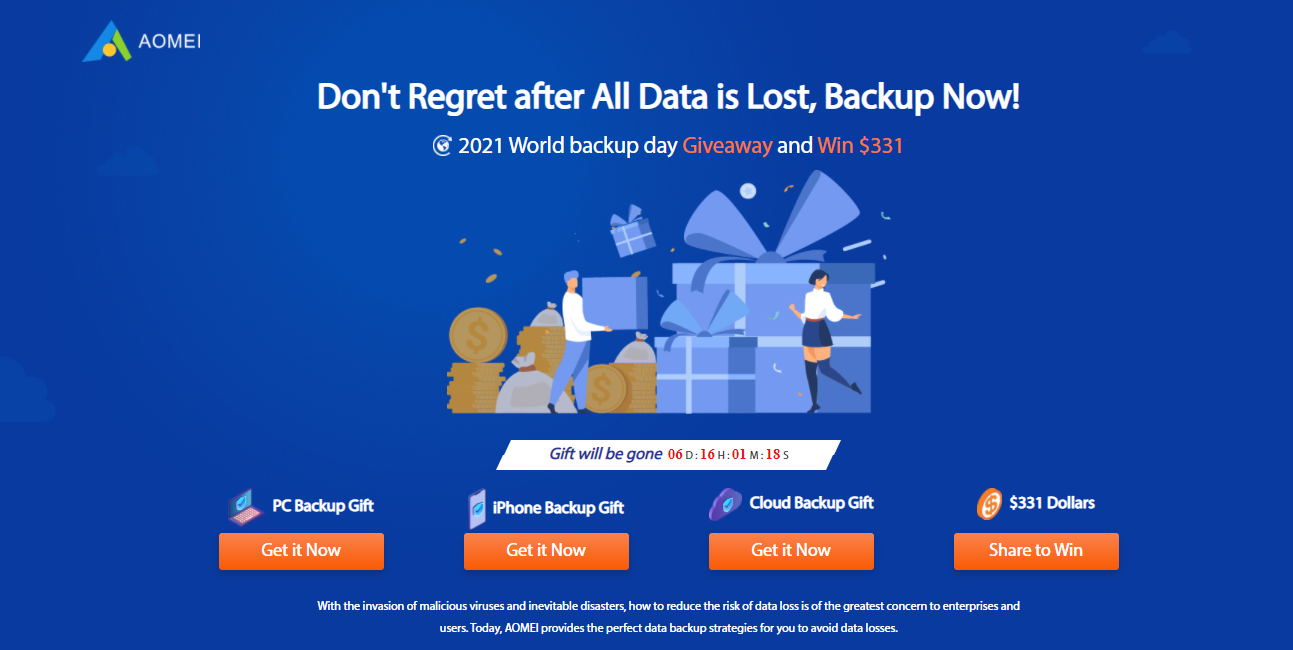
Protect your precious data with the AOMEI giveaway on World Backup Day!
This year, AOMEI, a leading provider of backup solutions, is celebrating World Backup Day with exciting opportunities to win big and safeguard your data.
World Backup Day is just around the corner, and to celebrate, AOMEI is offering free access to their top-selling software, helping you keep your data safe and secure! This is your opportunity to ensure that all your valuable files, from cherished photos and documents to critical business data, are thoroughly protected.
Why Back Up Your Data?
Cybersecurity threats are ever-present, and losing data can be devastating.
A backup ensures you have a copy of your essential files in case of hardware failure, accidental deletion, malware attacks, ransomware incidents, or other unforeseen circumstances.
Imagine losing years of work or irreplaceable family memories due to a preventable issue!
AOMEI’s World Backup Day Giveaway
With AOMEI’s generous promotion, you can acquire some of their most robust data protection tools for free.
Here’s what’s up for grabs:
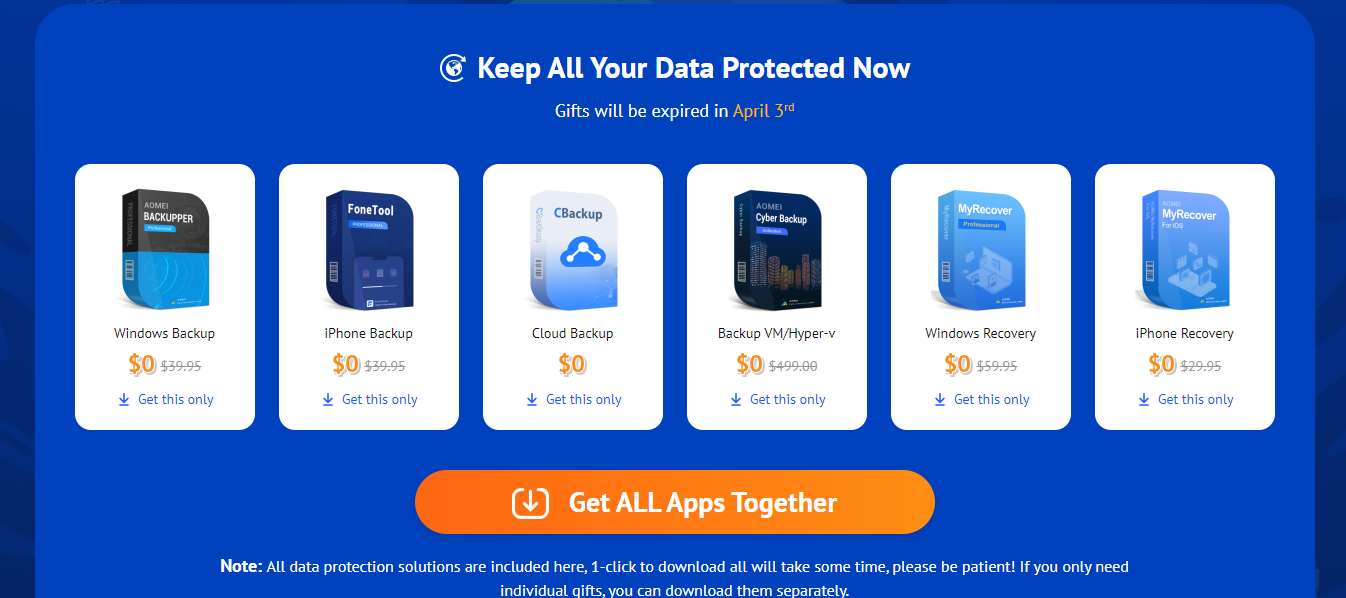
AOMEI Backupper Pro (Value: $39.95): This comprehensive backup and recovery software allows you to backup your entire system, specific partitions, or individual files to local or cloud storage. Peace of mind for your whole digital life!
FoneTool Pro (Value: $29.95): Easily manage your iOS and Android devices! Transfer data, recover lost files, and optimize performance. Keep your mobile data organized and protected, no matter your device.
CBackup (Free): A user-friendly cloud backup solution to keep your data safe and accessible from anywhere. Enjoy the convenience of cloud storage without breaking the bank!
AOMEI Cyber Backup (Value: $499.00): A powerful cybersecurity solution offering real-time backup and disaster recovery for businesses. Ensure your business continuity with enterprise-grade protection. (Note: While CBackup is free in this giveaway, AOMEI Cyber Backup caters specifically to businesses.)
MyRecover Pro (Value: $49.95): Quickly recover lost or deleted files from Windows systems. Don’t panic if you accidentally delete something important! AOMEI can help you recover it.
AOMEI Data Recovery Assistant for iOS Pro (Value: $29.95): Undelete photos, contacts, messages, and more from your iPhone or iPad. Recover those precious mobile memories you thought were lost forever!
Download your free backup solution: Choose the software that best suits your needs.
Share your backup story: Use #BackupwithAOMEI on social media for a chance to win!
Please don’t wait until it’s too late! Secure your data with AOMEI’s World Backup Day giveaway, and enjoy peace of mind knowing your precious memories and important files are always protected.
This post will show 5 reasons you should study for a cybersecurity degree and how to do so.
Cyber Security degrees hold utmost importance in the technological field in this era. It has become a trendy and exciting topic for many people. This is a generation where cyber-attacks are most likely to happen.
Every other day, news of hackers and cybercrime is heard, and security is needed to protect our society from cybercrime. This is the reason cyber security is required of the hour.
To defend themselves from cyber attacks, all big organizations are willing to invest as much as possible to get the best cyber analyst. They want their data to be protected and avoid every chance of breaches.
All this is not enough for you to understand whether it is a perfect career option for you or not. So, let’s get into the details of every aspect of it.
Cyber Security- What Does It Mean?
In the study of cybersecurity, you will learn how to protect data, systems, and networks from cyber-attacks and data breaches. You will be taught how to monitor and deal with.
In this IT security degree, you will be taught different modules with a different focus. But all these modules will help you reach your ultimate goal, i.e., develop skills to prevent data and privacy. It will help you to protect your privacy and deal with threats of cyber-attacks and data breaches.
The Time Duration For Cyber Security Degrees
Bachelor’s degree in Cyber Security-
The duration for completing a Bachelor’s degree is 3-4 years worldwide.
Master’s degree in Cyber Security-
Completing a Master’s degree in Cyber Security is about 1-2 years.
Ph.D. in Cyber Security-
The duration of a Ph.D. in Cyber Security depends from place to place. In most areas, it is about 3-5 years, while in others, it is 1-2 years.
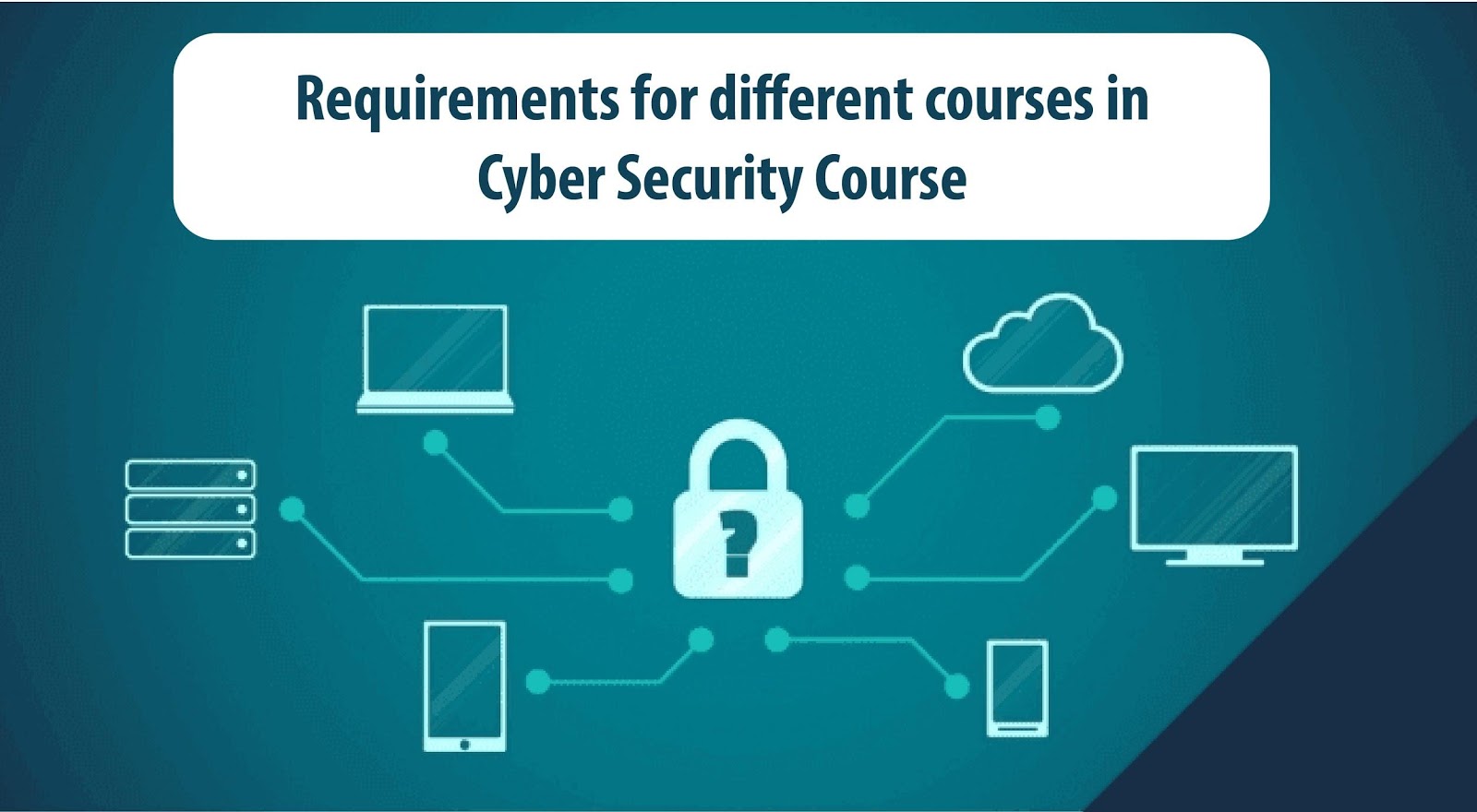
Requirements for different courses in Cybersecurity Course
All cybersecurity universities and schools have different admission requirements, so you have to check and find out their specific requirements from the official page. Take, for instance, you can get a bachelor degree in cybersCybersecurityu want.
Here are some standard requirements that would give you a rough idea of the basic admission requirements that most universities and schools follow.
Bachelor’s degree in Cyber Security
An English language certificate that can be IELTS or TOEFL. For IELTS, Your score should be 6.0 or more than that. For TOEFL, your score should be 7.0 or more.
You should have at least two letters of recommendation.
You have to score well and clear the online interview.
It would be best if you had a GPA of 3.0 or more.
A statement of academic intent by you is also needed.
Master’s degree in Cyber Security
For a master’s degree, an English certificate is needed. It can be IELTS or TOEFL, of your choice. For IELTS, your score should be 6.5 or more; for TOEFL, your score should be 7.5 or more.
You should have a motivation letter.
It would be best to score more than or equal to the GPA established by the university to which you want to be admitted.
You must have a bachelor’s degree in the field of cybersecurity.
Universities are still figuring out what courses should be included in the Cyber Security Degree to provide the best knowledge. Some Universities focus more on programming, while others focus more on security policies and other broader aspects.
The courses suggested by NSA academic criteria are Cyber threats and Defense, networking concepts, IT software Systems, Basic data Analysis and introductory Programming, Introduction to Cryptography, and many more. For a Master’s degree, you can specialize in advanced modules and learn complex studies like Cloud computing.
While choosing the university and degree, you must go through the curriculum and courses you will learn through it. It should include the courses that are valuable for your career. You will not be served everything you need to understand and know about this field in these degrees. You have to act smart and develop skills through external sources, too.
How To Study For Cyber Security Degrees Through Online Platforms
If you want to learn and study Cyber Security along with a part-time or full-time job, then Cyber Security online courses are the perfect options. It allows you to study anywhere in any part of the world at your convenience.
It also allows you to re-watch the entire lecture or a segment of it if you don’t get anything or to revise it. It also provides discussion boards through which you can interact with your colleagues and ask for help if you have any queries. As you can study anytime, you can quickly meet the deadlines for assignments and prepare yourself for tests and examinations before the fixed time.
If you are confused about taking a bachelor’s or master’s degree online, you can first go for a short course available on the internet. This will help you decide if you can learn through online platforms or even if you want to study cybersecurity.
You have to pay less for online cybersecurity degrees as you don’t have to pay for transportation and living. Also, tuition fees for online courses are generally lower than for offline classes. But, at the same time, you have to pay for the programs that are used in the virtual courses and labs.
Before enrolling in any online degree in Cyber Security, you should be alert while checking its accreditation. If you enroll in a fake diploma, you will waste a lot of money and time. So, to protect yourself from such scams, you should be alert and act wisely.
Available Jobs And Salaries For Cyber Security Jobs
Professionals in Cyber Security are needed in all fields. The companies that need it the most are in the financial and healthcare fields, where protecting personal data and transactions is very important.
There are different cybersecurity positions based on factors, such as security administrator, cryptographer, security assessor, security engineer, and many more. It requires people with good technical skills and the ability to analyze threats and risks. The annual salaries for each job in IT security are different.
The average annual salary for cryptographers is the highest, i.e., 100,000 USD. The information security officer and security assessor follow it with 90,000 – 91,000 USD. The security engineer has a yearly salary of about 88,000 USD. The penetration tester costs about 81,000 USD. For the forensic expert position, it is 71,000 USD; for the security administrator position, it is 65,000 USD.
Reasons Why You Should Study Cyber Security Degree
According to research by DOL, the job opportunities for information security analysts have a growth rate of more than 32%, much more significant than any other average job. There is a high demand and need for information security workers worldwide, so choosing a Cyber security can be very advantageous.
It is choosing Cyber that is very profitable for you. According to DOL, courses like software development, financial analysis, networking, and others act as stepping stones for positions in cyber security. It helps provide employment opportunities at entry-level to advanced level based on their background. You can also learn online through nonprofit organizations that offer professional courses and the degree. It helps to provide free online tools and the necessary resources for learning.
Most of these organizations provide boot camps along with renowned certificates. Some U.S. colleges also offer online master’s degrees in Cyber cybersecurity or any prior work in this field.
Women are often underrepresented in all fields, but this field focuses on hiring more and more women to create a diverse workforce and equalize the number of men with women; according to research, a higher number of women are choosing a career in management and leadership roles in the field of CybersCybersecurity field is progressing and giving more incentive for hiring women, but the ratio of men to women employees is still 3 to 1.
With technological advancement, the number of cyber-attacks and data breaches is increasing rapidly. According to statistics, 75% of organizations are affected badly by these cyber-attacks and need cybersecurity professionals. So, you, being our country’s youth, are required to help and at the same time earn a lot of money through this career.
Summary
This post revealed reasons why you should study for a cybersecurity degree.
Cybercrime is rising rapidly and affecting organizations in every field. This website marketing strategy has increased the need for Cyber security, and all organizations are ready to make high investments in hiring a professional cyber analyst.
Students interested in this field and wanting to study for a Cyber Security degree in their career will indeed have a promising future.
Note: This was initially published in February 2021 but has been updated for freshness and accuracy.
Read this post for the best free online virus scanners and removers. Are you worried about a virus infecting your computer? An online virus scan will help you to detect malicious threats.
With the rise of malware, ransomware, and other malicious software, it is important to have the best possible protection.
Why Should You Use An Online Virus Scanner?
Computer viruses are a fact of life for every computer user. Fortunately, we will reveal the best free online virus scanners and removers to detect and remove malicious software.
Malware remains the most significant online threat that poses enormous threats to computers, especially when connected to the internet. This has led to the development of several anti-malware tools, including online virus scanners.
Thankfully, you don’t have to invest in expensive antivirus software solutions to keep your computer safe. Many free online virus scanners are available that are just as effective as the paid versions.
Compared with the conventional offline antivirus engine, online virus removers are cloud-based. Hence, they do not use up system resources or slow down a system’s performance.
Online virus scanners lack other features of offline antivirus scanners; however; however, they are effective virus scanners and get more regular updates than conventional antivirus engines.
Best Free Online Virus Scanners & Removers for 2023
To help you choose an online virus scanner, I will give brief descriptions of commonly used online virus scanners and removers in this review.
These scanners are easy to use, offer real-time protection, and can detect and remove viruses, malware, and other malicious software.
In this POST, we’ll look at some of the best free online virus scanners to help you keep your computer safe.
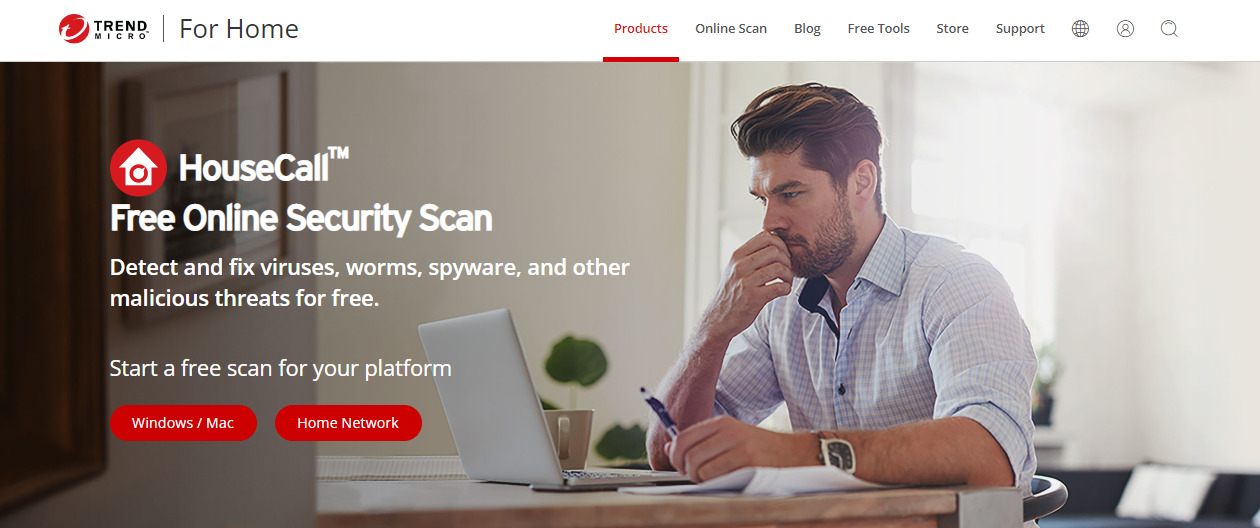
Trend Micro HouseCall is a downloadable online virus removal tool that detects and fixes malware and viruses on various devices, including Windows, Mac OS, and Android OS.
HouseCall is useful for finding and deleting malware and viruses hidden outside program files. It can also deal with sophisticated threats, including rootkits.
Downloading and Using Housecall starts with selecting an OS platform from its official webpage.
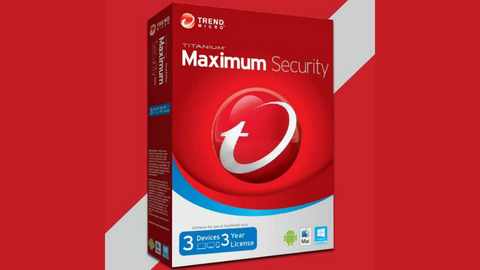
Trend Micro Maximum Security
Maximum security for households and office use.
Maximum security for households and office use. Show Less
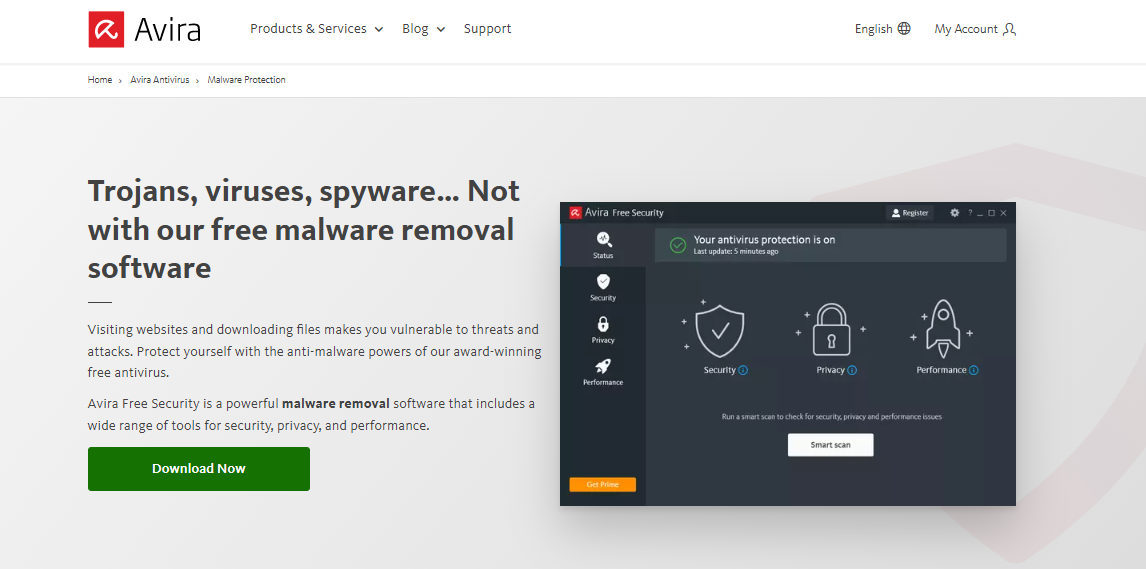
Avira free virus scanner is an award-winning antivirus that uses various cutting-edge technologies such as an Antivirus scanner, ‘Nightvision,’ and ‘Pua Shield’ to scan, detect, and remove threats and malware from users’ computers.
It also protects users from malicious websites using its ‘Safe browsing’ feature. Users can download Avira’s free virus remover from its official website.
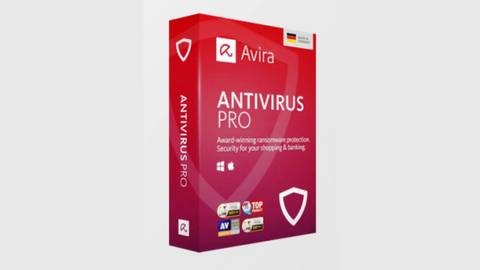
Avira Antivirus Pro
Avira Antivirus Pro is an award-winning anti-ransomware protection that secures your PC against cyber threats. Your best...Show More
Avira Antivirus Pro is an award-winning anti-ransomware protection that secures your PC against cyber threats. Your best malware solution for Windows and Mac. Show Less
Eset Online Scanner is a downloadable form of an online virus scanner and removal tool that offers users multiple scan options, including a full system scan.
It can run alongside an installed antivirus program without conflicting with it, thus making it the perfect tool for testing the effectiveness of installed antivirus engines.
ESET NOD32 Antivirus
ESET NOD32 Antivirus is essential protection against malware, giving you peace of mind that your devices are safe from...Show More
ESET NOD32 Antivirus is essential protection against malware, giving you peace of mind that your devices are safe from threats. NOD32 also has a blazing-fast virus scanning engine that can detect, block, and remove cyber threats in real-time, so your system is always protected against the latest malware strains. Show Less
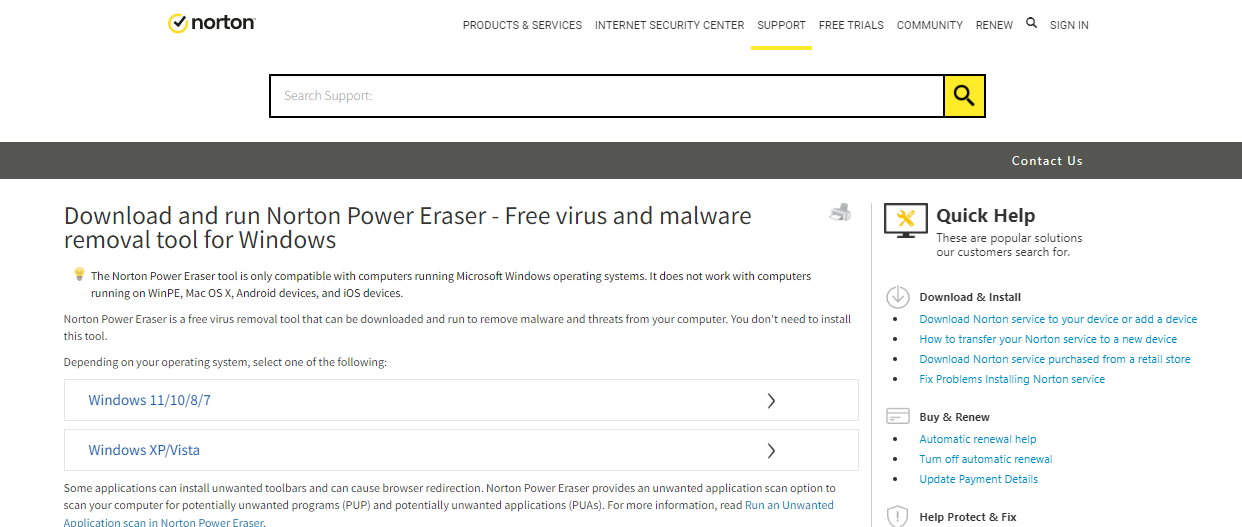
Norton Power Eraser, from Norton, is one of the free online virus scanners and removers that can scan and remove hidden and sophisticated threats, potentially malicious files, and cookies quickly.
Users can download Norton Power Eraser, check and monitor security software on their PC, and identify the latest internet threats.
Norton Antivirus Plus
Your award-winning cybersecurity solution for complete device protection.
Your award-winning cybersecurity solution for complete device protection. Show Less
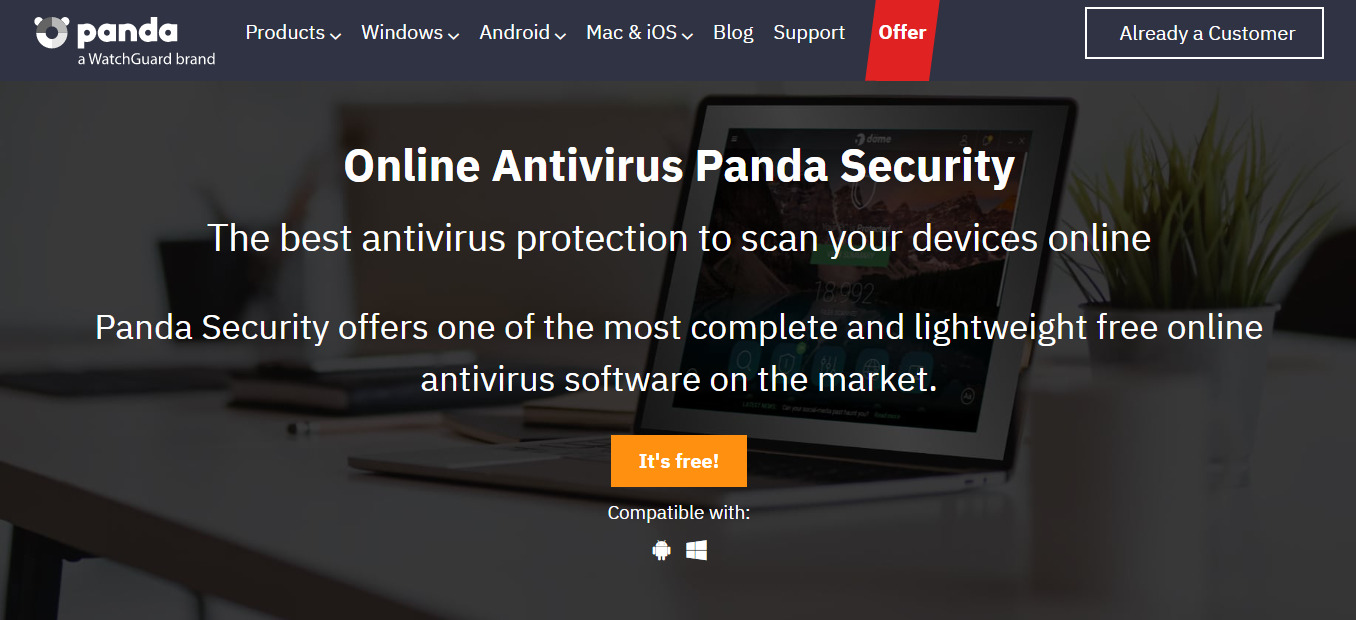
Panda Free Online Antivirus offers a variety of protection from online threats and malware for devices, including Desktop and mobile devices, and removable devices.
It uses its proprietary, cloud-based Panda Cloud Cleaner to scan and remove all threats from users’ PCs.
You can download Panda Free Online Antivirus from its official webpage.
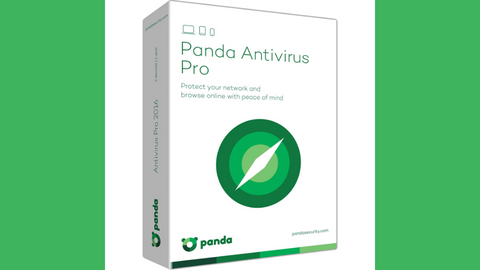
Panda Antivirus Pro
A working antivirus solution for all devices.
A working antivirus solution for all devices. Show Less
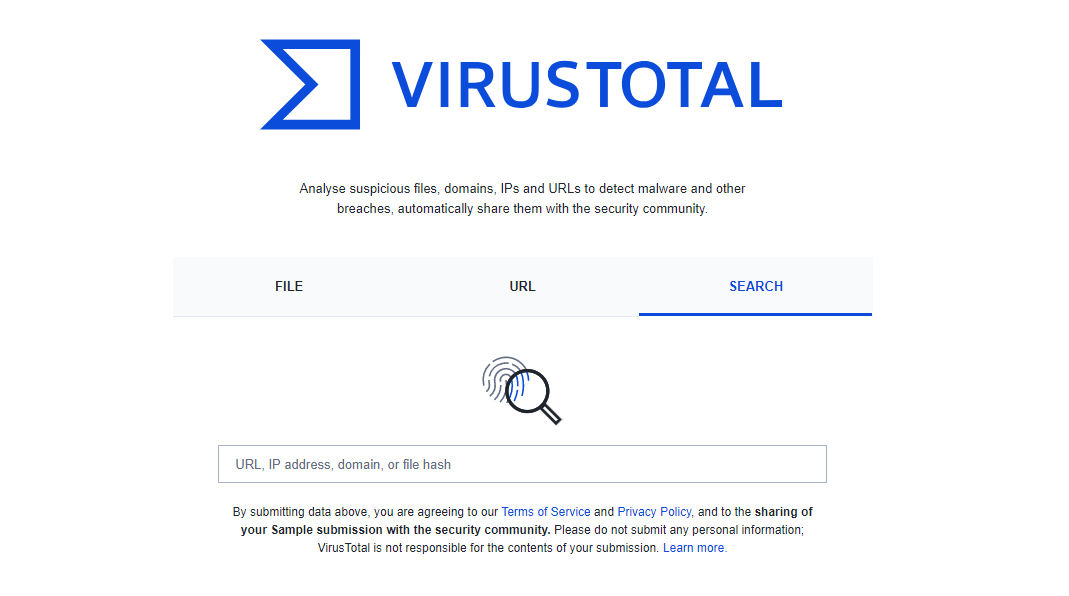
VirusTotal is an online virus scanner with a simplistic user interface.
Users can upload suspicious files up to 200 MB on its official webpage and scan URLs, IP addresses, domain names, or file hashs for possible online threats.
You can also use VirusTotal to scan and remove viruses from mobile devices.
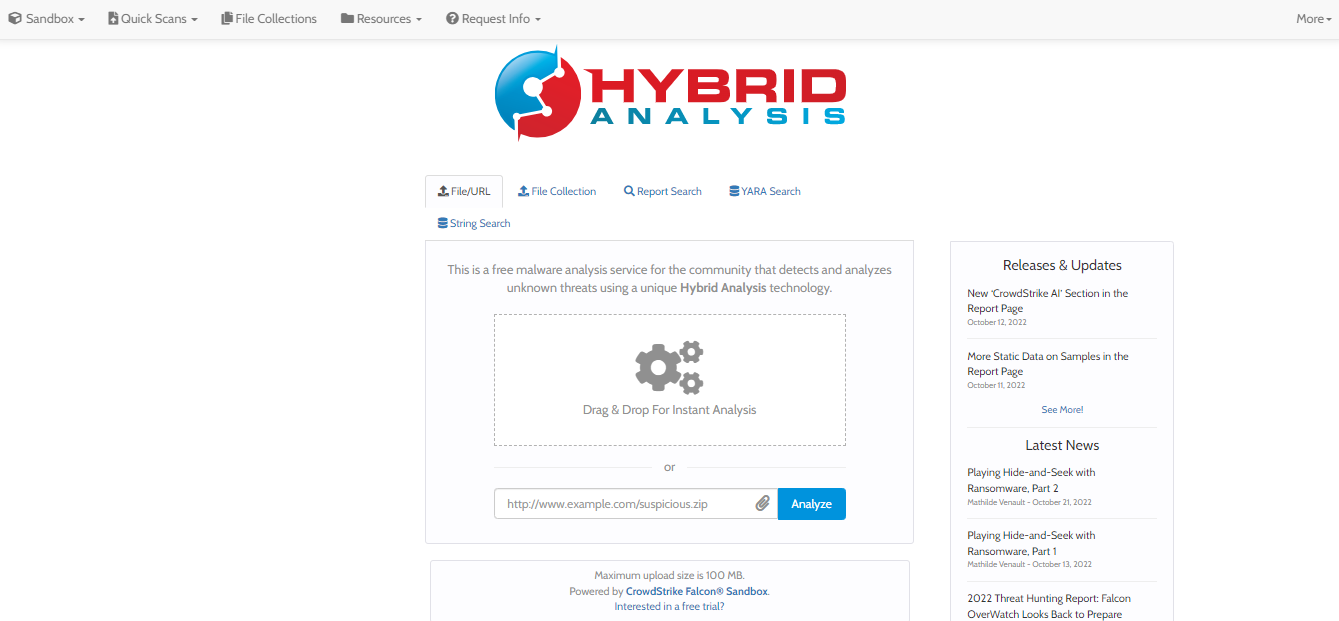
Hybrid Analysis is a free online virus scanner and remover tool.
It scans computer files and folders no larger than 100 MB for possible threats, including viruses, malware, Trojans, and worms. The file scan results are made available to the users via email addresses.
Hybrid Analysis is a great tool for detecting and analyzing unknown threats. It’s free and easy to use.
Also, it provides an effective way of protecting your system against malicious software.
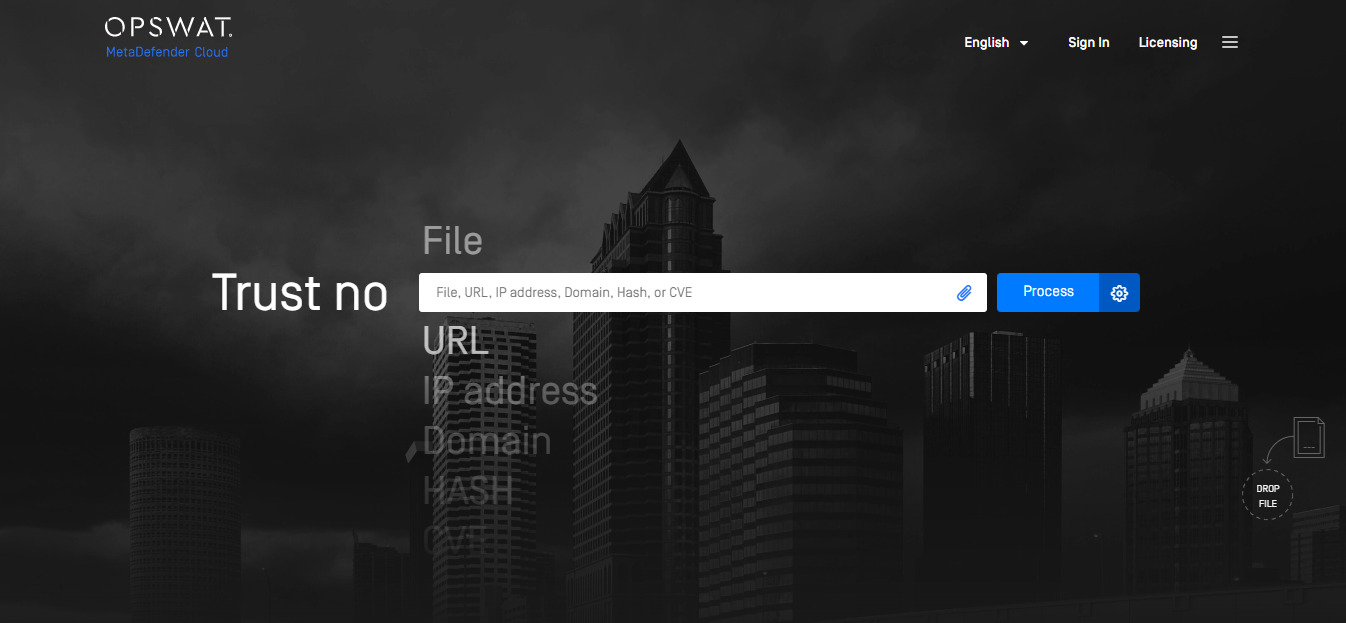
MetaDefender Cloud is a remote virus scanner and removal tool that scans files, URLs, IP addresses, domains, Hash, or CVE for threats using various technologies, including Proactive DLP, Sandbox, threat Intelligence, and Multi-scanning.
You can upload suspicious files, URLs, etc., to MetaDefender Cloud and wait for a comprehensive scanning report sent to your email address.
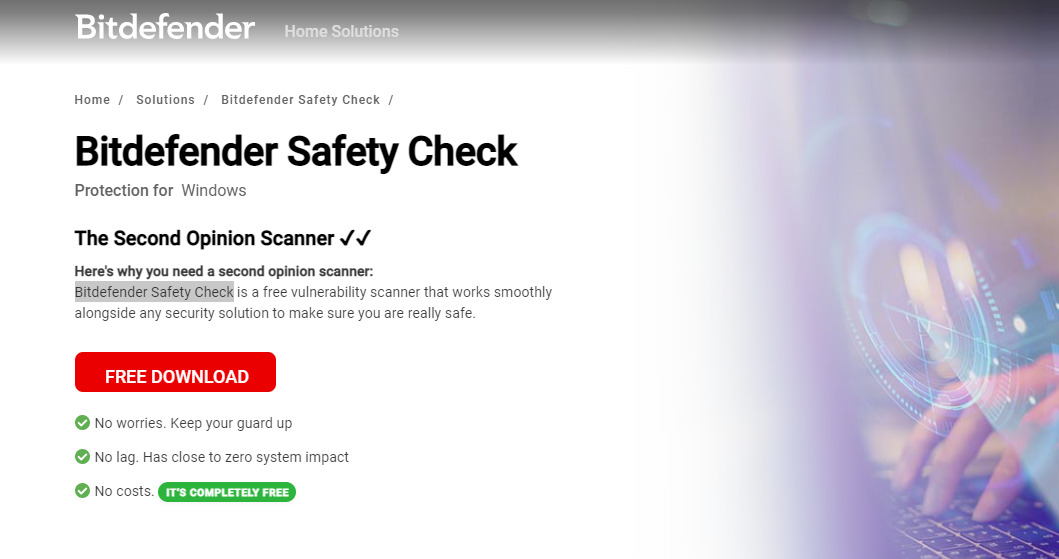
Bitdefender Safety Check offers baseline computer protection using a highly sophisticated antivirus technology to detect and remove threats from users’ PCs without slowing down the PC’s performance.
In addition, Bitdefender Safety Check is a lightning-fast virus remover that downloads and installs in seconds, without consuming system resources, it is compatible with Windows OS, and a variety of other OS.
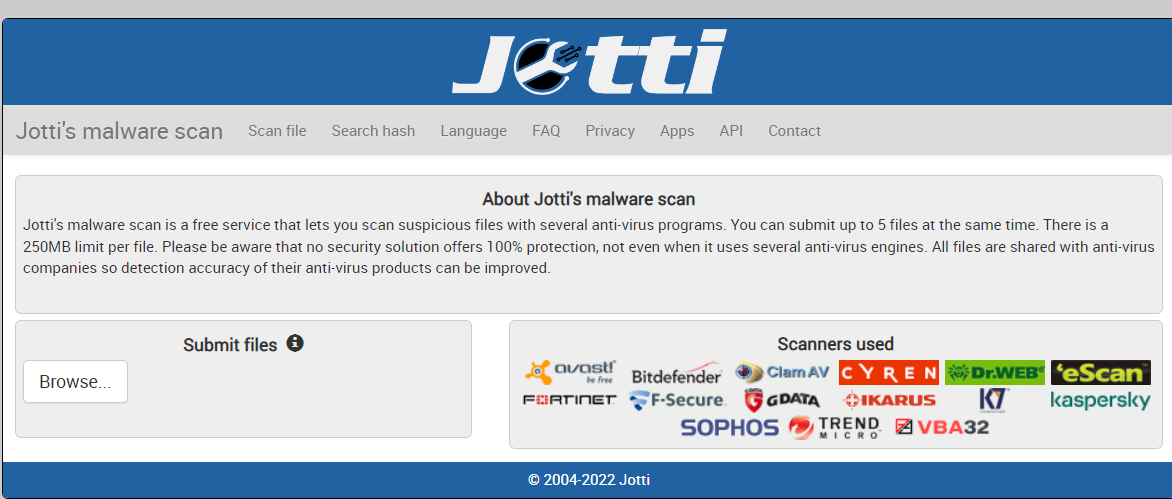
Jotti Malware Scan uses several antivirus programs to scan suspicious files uploaded to its cloud.
The result of the virus scanning is shared amongst participating antivirus engines to update their virus database.
Jotti allows a maximum of 250 MB per file upload and permits users to upload up to five different suspicious file types of the same size for virus and malware scanning.
What is the difference between online and offline virus scanners?
Online virus scanners and offline virus scanners are both used to scan your computer for viruses. However, there are some key differences between the two types of scanners.
Online virus scanners are convenient and easy to use. You can access them from any computer with an internet connection. However, they may not be as comprehensive as offline virus scanners. They may not be able to detect all types of viruses, and they may not be able to remove viruses already in your computer.
Offline virus scanners are more comprehensive than online virus scanners. They can detect and remove all types of viruses and can be used to scan your computer even if it is not connected to the internet. However, they are not as convenient as online virus scanners. They can be more time-consuming to use, and they are often not free to use.
Feature
Online Virus Scanners
Offline Virus Scanners
Convenience
Convenient and easy to use.
Not as convenient.
Access
It can be accessed from any computer with an internet connection.
It can only be used on a computer with an offline virus scanner installed.
Cost
Often free to use.
Often not free to use.
Comprehensiveness
It may not be as comprehensive as offline virus scanners.
More comprehensive than online virus scanners.
Detection
It may not be able to detect all types of viruses.
It can detect and remove all types of viruses.
Removal
May not be able to remove viruses that are already in your computer.
It can remove viruses that are already in your computer.
Can I scan for virus online?
Yes, you can scan for viruses online! There are several online scanning services available, some of which are free. These services allow you to upload files or enter URLs to scan for malicious software, such as viruses, worms, trojans, and other types of malware.
When using an online virus scan, it’s important to make sure you’re using a reputable service. Be sure to read reviews and research the service before you use it. Additionally, ensure the service is compatible with your operating system and updated regularly to detect new threats.
When scanning with an online service, you usually enter the URL of the site or file you want to scan, and then the service will automatically scan it.
Depending on the file size, it may take several minutes to complete the scan. The service will alert you if any malicious software is detected and report what it found.
Online virus scans can be a great way to detect malicious software quickly, but they don’t always provide the most comprehensive protection.
For the best security, it’s recommended that you use an antivirus program installed on your computer in addition to online scans. This way, you can ensure that all malicious software is detected and removed from your system.
Checking for malware can be an important part of keeping your computer secure and running smoothly. Fortunately, there are a few ways you can check for malware for free online.
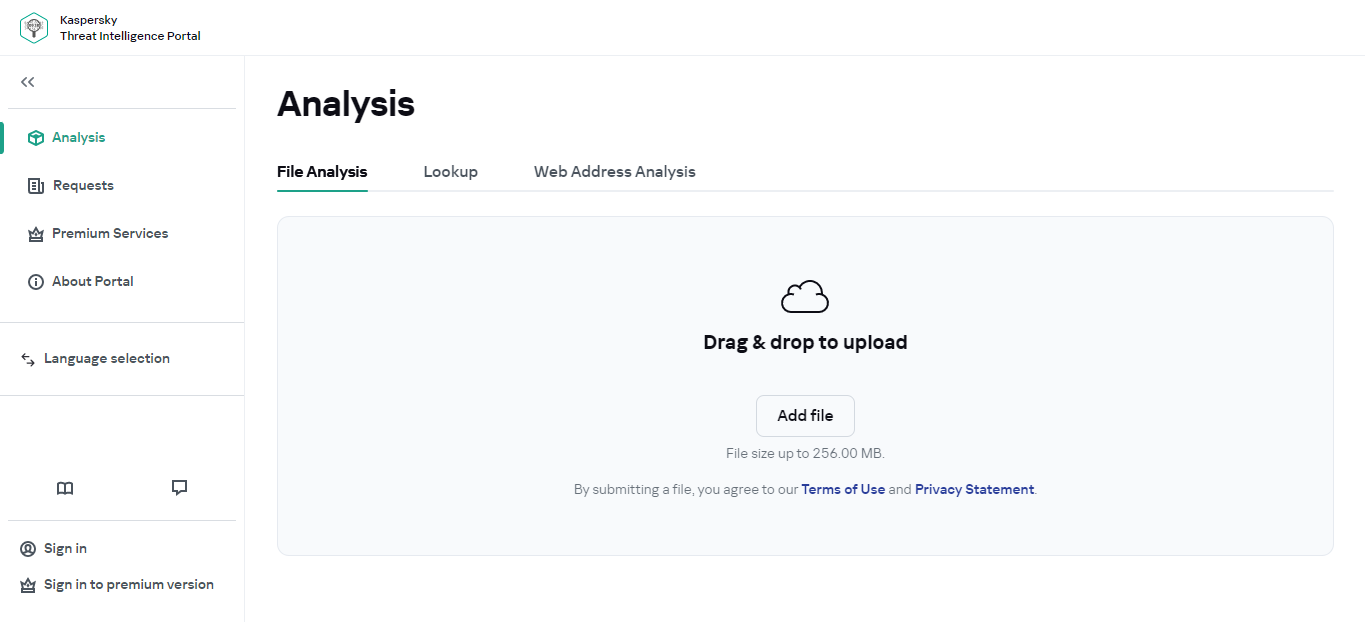
The first option is a free online virus scanner like Kaspersky Virus Scan. This tool will scan your computer for malicious software and report the results.
It’s important to keep in mind that these free online scanners are not as comprehensive as paid solutions, so they may not be able to detect all malicious software on your computer.
Another option is to use a website like VirusTotal. This website allows you to upload a file to be checked for malware.
After the file is uploaded, the site will scan it with multiple antivirus programs and report the results back to you. This is a great way to check if a file you’ve downloaded is safe.
Finally, you can use a free malware removal tool like Malwarebytes Anti-Malware. This tool will help you detect, remove, and protect against malware on your computer.
It’s important to note that this tool will only detect and remove certain types of malware, so it may not be able to remove all malicious software on your computer.
I hope this information helps you check for malware for free online!
What is the best free online virus scan?
When it comes to virus scans, it can be hard to decide which one is the best. The best free online virus scan tool is Trend Micro HouseCall. This tool is great for detecting and removing viruses, malware, and other malicious software from your computer.
It also includes additional features such as browser cleaning and anti-phishing protection. Plus, it’s completely free and easy to use.
Another great option for a free online virus scan is Norton Security. This tool provides real-time protection from viruses, spyware, rootkits, and other malicious software. It’s also lightweight and easy to install, so you don’t have to worry about slowing down your computer.
It’s important to note that while both of these tools are great for detecting and removing viruses, they may not be able to detect all types of malicious software.
You may want to consider a paid antivirus solution for more comprehensive protection.
However, free online virus scans should do the trick if you’re just looking for some basic protection.
Which Type of Virus Scanner is Right for You?
The best type of virus scanner depends on your needs and preferences. An online virus scanner may be a good option if you are looking for a convenient and easy-to-use virus scanner.
However, an offline virus scanner may be a better choice if you are looking for a more comprehensive virus scanner that can detect and remove all types of viruses.
Ultimately, the best way to decide which type of virus scanner is right for you is to try a few different ones and see which one you prefer.
Here are some of the best antivirus programs for 2023:
Heimdal Security
Heimdal Security protects its users from advanced malware attacks by making use of next-generation technology. Your best...Show More
Heimdal Security protects its users from advanced malware attacks by making use of next-generation technology. Your best intelligent threat prevention tool. Show Less
Malwarebytes
Your everyday protection against malware like ransomware, spyware, viruses, and more.
Your everyday protection against malware like ransomware, spyware, viruses, and more. Show Less
Norton Antivirus Plus
Your award-winning cybersecurity solution for complete device protection.
Your award-winning cybersecurity solution for complete device protection. Show Less
Trend Micro Maximum Security
Maximum security for households and office use.
Maximum security for households and office use. Show Less
Surfshark Antivirus
A 360-degree solution for all threat categories.
A 360-degree solution for all threat categories. Show Less
Wrapping Up – What Is The Best Virus Scanner And Remover?
The best virus scanner and remover is the Trend Micro HouseCall. Nevertheless, all the online free virus scanners and removers we mentioned above incorporate diverse features.
Hence, users should opt for their ideal online virus scanners and removers based on preference their needs.
In as much as online free antivirus scanners are useful, they are not to be used as a replacement for traditional offline antivirus engines.
In the rapidly changing world, the number of threats to the security of your PC is also rapidly increasing.
In the post, we will be exploring the exciting world of Aviator and enhancing online security.
The fast world of online gaming is dynamic, where new games are constantly released to give players a new and exciting experience.
Aviator is one of the games that have recently gained popularity, being an adrenaline-pumping, fast-paced game that has now created a home among online gaming lovers all over the world. Whether an old hand or still fairly new at this, Aviator is an extraordinary blend of thrill and some strategy all hosted on highly responsible platforms.
An extraordinary game, Aviator plunges the players into a fascinating high-stakes environment where they must predict the outcome of an aeroplane flight trajectory. Gamblers must place a wager and exit just before the plane flies away.
High returns accompany high risks. Ideal for thrill seekers wanting a mix of fun and challenge, Aviator is very quick and easy to play. It is not only about luck but also understanding the patterns and timing of your moves to maximize your bets.
The Appeal Of Aviator
The simple yet tension-filled enjoyment of the Aviator is found in the quest to cash out at the right moment. In the game, a plane takes off, and as time goes on and is spent not cashing out, the multiplier builds higher. And all the more risky the waiting, as at any time, the plane can take off and leave you with nothing. This makes the game the kind of tantalizing risk and a chance for huge returns as Aviator outshines traditional gambling games in those areas.
One of the strongholds for the game on platforms such as Aviator is the kind of transparency and fairness the platform offers. Betway is one of the best brands in the online gaming world with proven experience in ensuring a safe atmosphere for players to engage in different games, such as Aviator. The Organization for Responsible Gaming by Safety promises fair and regulated gameplay access to players.
Enhancing Online Security
Doesn’t matter which game you play, be it Aviator or any form of gambling; security is the topmost concern among every player for online gambling. With the leading names of the industry, such as Betway, extremely high regard is placed on online security and player protection, where they have the best encryption technologies in schools for protecting very sensitive information when making sure you enjoy a secure and fair gaming experience.
That isn’t all; besides the encryption of data, online platforms are licensed and regulated by renowned gaming authorities. This further guarantees that online gameplay must abide by high standards of fairness and transparency. This simply means that all players have the peace of mind that their wagers and personal details are safe while playing a game like Aviator.
Why Play Aviator?
When it comes to playing Aviator, looking for an established platform for your fun and safety is of utmost importance. An online casino is simple to navigate, providing user support and a plethora of payment options, all while keeping your experience as secure as possible.
So, set your worries aside, for whatever your experience level is, be it either a novice or a pro; casinos provide an entire seamless platform to play Aviator and other games without ever having to think about the safety and fairness of gambling.
Aviator is great fun, adding a new era to the online variety of games. The novelty of its mechanics and high-stakes thrills made it a darling among the gaming populace. While having fun and enjoying themselves playing Aviator, every player would want to ensure that they have the same security level.
As the online gaming space grew, so did the personality of Betway; players feel attracted to them since they promise a good mix of safe, responsible, and rewarding environments to play their favourite games. Be it Aviator, wheel of Fortune, or anything else- any online casino surely has your back.
When you first start thinking about using Cannabidiol in any particular form, there are a few things that you will need to think about before making your purchase and starting to use the product.
Making a purchase is easy, but the trick is in making the correct purchase and then using the products wisely afterwards. When I say that you should use it wisely, the most significant thing that I have in mind is the process of dosing the products.
If you take a look around Cheefbotanicals.com, you will realize that there are certainly a lot of Cannabidiol products on the market that you can take into consideration, including CBD capsules. Today we’re going to focus on CBD capsules in particular, but if you want to learn about those different products too, you can easily find the necessary information online. As mentioned, though, or focus for the day are CBD pills.
I have also briefly hinted at what it is that you need to learn about these CBD capsules before buying them. Most importantly, you will have to focus on determining the correct dosage and on choosing the right shop where you will buy these products.
So, let us take things one step at a time and start learning about those important things that you will definitely need to be aware of when buying and using these pills. Let’s start with the first important question, i.e. the question of how to dose these products.
How To Dose Them
Determining the correct dosage of every single product that you are about to start using is extremely significant. After all, you don’t want to end up getting an incorrect dosage, as that can result in two different things.
First of all, you could take too low a dosage, which will lead to you not getting enough of Cannabidiol and thus not being able to treat whatever it is that you are trying to treat with this product. In other words, the capsules won’t be effective.
On the other hand, if you end up taking too much of this product, you could start experiencing certain side-effects. Admittedly, those side-effects will be rather mild and they might include slight nausea and drowsiness.
Still, there is no reason for you to experience even the mildest of side-effects when you can easily determine the correct dosage and thus consume the perfect amount of Cannabidiol. This could help you during the process of determining the dosage.
Now, when you first buy your product, or when you start looking at a particular one online, chances are that you will find information regarding the dosage on the label. Another good thing about CBD capsules lies in the fact that their dosage comes pre-determined.
To put it differently, the pills already contain the right amount of Cannabidiol, which means that you don’t have to worry about the concentration of that substance in the product. All you have to do is determine how many capsules you should take on a daily basis.
As explained, you can usually easily find information regarding this on the label of the products. If, however, you cannot find the info, or if you are not sure that you want to trust the instructions, then you should learn how to determine the dosage on your own.
If you are doing this manually, so to speak, you should take a few different factors into consideration. Those include your weight, the amount of Cannabidiol contained in the product, as well as the actual condition that you want to treat.
Of course, the more you weigh, the higher a dosage you will need. Similarly, the more Cannabidiol contained inside a specific capsule, the stronger that capsule will be. Finally, different medical conditions require different amounts of Cannabidiol in order to be treated. Milder ones can be treated with lower dosages, while the more serious ones will need higher dosages.
All in all, I would advise you to stick to the instructions, because you don’t want to end up taking the wrong amount of this product just because you didn’t want to follow those clearly stated instructions that might appear on the label of the product.
If you are now completely certain that you will know precisely how to dose your CBD capsules, the next thing you will want to do is learn where to actually get these pills. Not every supplier that you come across while doing your searches will be selling the same quality products, meaning that it is your responsibility to find the perfect supplier.
In order to do that, you will have to do your own research about those suppliers. There are a few significant factors that you’ll need to focus on during the researching process.
First things first, you should check how experienced those suppliers actually are, because you don’t want to end up cooperating with certain amateurs that won’t know much about these products, as that would probably lead to you getting some low-quality capsules.
In addition to experience, you should also check the reputation of these suppliers, so that you can find a highly reputable one that will be known for selling the best quality capsules. Once you find a reputable and experienced supplier, one last thing you should do is compare the costs of those CBD capsules and then decide where to make your purchase.
In this post, I’ll talk about the BananaGun Bot, the ultimate tool for Copytrade and Memecoin sniping.
Ever felt like your crypto trading tools were stuck in the Stone Age? Enter BananaGun Bot‘s latest upgrades, catapulting your trading experience into the future.
The Web App Launch
BananaGun Bot, once confined to Telegram, is now stepping onto the web platform. This isn’t just a facelift; it’s a full-blown transformation. Here’s what’s in store:
I wanted to post this to our jungle (holders chat) for a webapp status update, but I feel that a lot more people are interested in the webapp development, so here you go:
hey guys, a little update for you guys in the midst of this market downturn. We have shipped and fixed over…
Sleek and Speedy Interface: The new design promises a user-friendly experience, ensuring you spend less time figuring things out and more time trading.
Global Accessibility with Zero Downtime: Thanks to a robust backend overhaul, expect seamless access across regions and uninterrupted trading, even during updates.
Lightning-Fast Trade Execution: Enhanced algorithms mean your trades process faster than ever, giving you that crucial edge in the market.
User-Centric Features: The platform introduces tools designed to enhance user experience, ensuring both newcomers and seasoned traders feel right at home.
Surfing the Sonic Wave: Integration Details
In a strategic move, BananaGun Bot has integrated with Sonic, a rapidly growing decentralized exchange (DEX). This integration means
Exclusive Bot Deployment: BananaGun Bot stands out as the sole major bot on Sonic, offering users a unique trading advantage
Access to Shadow Exchange and Bridge: Users can now tap into Shadow Exchange’s features, broadening their trading horizons and strategies.
Support for New DEXes
BananaGun Bot isn’t stopping at Sonic. The platform now supports additional DEXes, including Berachain and Monad, further diversifying trading options.
Why This Matters to You
These updates aren’t just technical jargon; they translate to tangible benefits:
Enhanced Trading Efficiency: Faster execution and a user-friendly interface mean you can capitalize on market opportunities more effectively.
Broadened Trading Opportunities: With access to multiple DEXes, your trading strategies can be more diverse and adaptive.
Reliable Performance: The platform’s commitment to zero downtime ensures your trading activities remain uninterrupted.
BananaGun Bot’s latest developments are a testament to its commitment to providing top-tier trading tools. Whether you’re a casual trader or a crypto aficionado, these enhancements are set to elevate your trading journey.
FAQs
Q: What is BananaGun Bot?
A: BananaGun Bot is a trading platform that offers automated trading solutions, initially on Telegram and now expanding to a web-based interface.
Q: What are the key features of the new web app?
A: The web app boasts a sleek interface, global accessibility with zero downtime, faster trade execution, and user-centric tools designed to enhance the trading experience.
Q: Which new DEXes are supported by BananaGun Bot?
A: Beyond Sonic, Solana, Base, BananaGun Bot now supports Berachain and Monad, expanding users’ trading options.
Q: Can I snipe memecoins on Solana using BananaGun Bot?
A: Absolutely! BananaGun Bot has expanded its capabilities to support the Solana blockchain, enabling users to snipe newly launched memecoins with remarkable speed and efficiency. This Telegram-based bot offers features like automated sniping, limit orders, and real-time market analysis, making it a powerful tool for traders aiming to capitalize on Solana’s fast-paced memecoin market.
Ready to revolutionize your trading experience? Dive into BananaGun Bot’s latest features and see the difference.
Hit It Rich! Casino Slots, where dreams of striking it rich can become a reality. Developed by Zynga, Hit It Rich! is a popular casino game that offers a wide array of slot machines with captivating themes and exciting gameplay.
In this blog, we will explore the rich rewards and enticing features that make this game so alluring to players worldwide. Get ready to spin the reels and experience the thrill of hitting the jackpot with Hit It Rich! Casino Slots.
An Abundance of Dazzling Slot Themes
Hit It Rich! Casino Slots boasts an impressive collection of slot machines, each with its unique theme inspired by popular movies, TV shows, and legendary figures.
From the glitz and glamour of The Wizard of Oz to the action-packed excitement of The Terminator, there’s a theme to suit every player’s taste.
The captivating visuals and authentic sound effects transport players into the heart of their favorite stories, making the gaming experience truly immersive.
Mega Jackpots and Progressive Wins
If you’re in pursuit of life-changing wins, Hit It Rich! Casino Slots has got you covered. The game offers mega jackpots and progressive wins that can turn your spins into substantial fortunes.
The progressive jackpots continue to grow with every bet placed, offering slot players the chance to win enormous sums that could rival the grandest of casinos.
The Thrill of Bonus Rounds
Hit It Rich! Casino Slots keeps players on their toes with an assortment of exciting bonus rounds:
1. Free Spins
Land three or more scatter symbols to activate the Free Spins feature. During this round, players are rewarded with a set number of free spins with additional modifiers like multipliers or expanding wilds, enhancing the potential for big wins.
2. Pick’em Bonus
Trigger the Pick’em Bonus by landing specific symbols on the reels. In this feature, players get to select from a range of items, revealing cash prizes or even unlocking additional bonus rounds.
3. Community Bonuses
Hit It Rich! slot gacor fosters a sense of community among players. Community bonuses are awarded to all players in the game at the same time, offering generous rewards that everyone can enjoy.
As players continue to spin the reels, they earn experience points (XP) and level up. Each level brings new slot machines and unlocks additional features, bonuses, and higher betting limits.
The progression system adds a layer of excitement and keeps players engaged as they strive to reach higher levels for better rewards.
Social Gaming at Its Best
Hit It Rich! Casino Slots takes social gaming to another level. Connect your Facebook account to join a lively community of players, where you can share achievements, send and receive gifts, and participate in exciting events.
Playing with friends and engaging in friendly competition elevates the overall gaming experience.
Play Anytime, Anywhere
With the Hit It Rich! The Casino slot online app is available for both Android and iOS devices, the excitement is accessible on the go. Whether you’re waiting in line or relaxing at home, you can indulge in the thrill of hitting the jackpot whenever and wherever you please.
Is my financial information secure when playing on Hit It Rich! Casino Slots?
Absolutely! Hit It Rich! Casino Slots uses industry-standard security protocols, including data encryption, to safeguard your financial information. We never store your full credit card details on our servers. Additionally, all transactions are processed through secure payment gateways that meet the highest security standards.
How do I know the games at Hit It Rich! Casino Slots are fair?
Hit It Rich! Casino Slots uses a Random Number Generator (RNG) to ensure fair play in all of our games. This RNG is independently tested and certified to guarantee that game outcomes are completely random and unbiased. This ensures that every player has an equal chance of winning.
What happens to my personal information at Hit It Rich! Casino Slots?
Hit It Rich! Casino Slots takes your privacy very seriously. We only collect and use your personal information for legitimate purposes, such as verifying your identity, processing withdrawals, and sending you promotional offers (with your consent). We will never share your information with any third party without your permission. You can always access and update your personal information through your account settings.
Conclusion
In conclusion, Hit It Rich! Casino Slots offers a thrilling and rewarding gaming experience with its dazzling array of slot themes, mega jackpots, and enticing bonus rounds.
The game’s immersive visuals and sound effects transport players into their favorite stories, making every spin an adventure filled with excitement and anticipation.
With its social gaming features and opportunities to level up for bigger perks, Hit It Rich! fosters a sense of camaraderie among players and keeps them engaged for hours on end.
So, if you’re looking to hit the jackpot and experience the rush of winning big, don’t miss out on the glitz and glamour of Hit It Rich! Casino Slots. Spin the reels, embrace the rich rewards, and let the fun begin!
I will show you how to prevent botnet attacks on your network; read on.
In many cybersecurity cases, cybercriminals use the help of a botnet to launch various cyberattack vectors like DDoS (Distributed Denial of Service) attacks, among others.
So, you are probably wondering what a botnet is. Is it the same as ‘bot’ or ‘internet bot’? How are they formed? What kind of attacks can be categorized as botnet attacks?
Here, we will answer those questions. We will discuss the concept of a botnet, mainly how you can prevent being attacked by botnets and your system and network from becoming a node in a botnet.
What Is A Botnet?
First, it’s important to note that a botnet is not the same as a bot, while the two terms are often (wrongly) used interchangeably.
An internet bot is an automated software or program programmed to execute automated tasks over the internet. A bot, for example, can be programmed to copy all content on various websites repeatedly.
A botnet, however, is a different thing altogether.
A Botnet can be described as a group of devices connected to the net and under the control of cybercriminals so they can be used to perform an attack together as a group.
Cybercriminals can gain control over a device via malware infection, exploiting some system vulnerabilities, or gain access to an administrator account via an account takeover (ATO) attack like a brute force attack or credential stuffing attack.
Botnetsaren’tt is a new thin and has been around for a few decades. In the early days of the internet, however, PCs and servers were the primary targets for conversion as botnet members. However, it is a different story: various IoT devices and wearables are now connected to the internet, and they are also vulnerable to being converted into a botnet.
IoT devices like smart thermostats and refrigerators are being targeted more frequently because they tend to be more vulnerable. Think about it: when discussing cybersecurity, we are more likely to focus on our computers than our refrigerators.
How do Cyberattackers use Botnets?
As discussed, hackers can use various methods to convert your device into a botnet member, but most commonly, this is achieved via malware infection.
The thing about malware is that once a device is infected, the malware can spread to other devices, and networks are connected to the infected device, allowing the botnet to grow even more quickly.
Once a large enough botnet has been created, cybercriminals can now use the botnet for various cyberattack vectors, and the possibilities for malicious use with these large botnets are virtually limitless.
However, a widespread implementation of botnet attacks is Distributed Denial of Service (DDoS). In a DDoS attack, the hacker typically uses a botnet to send a massive amount of requests to a website or an app simultaneously. This will overwhelm the server, slow the homepage, or crash the whole system altogether, denying the service to legitimate users (hence the name).
Hackers are often hired by businesses to perform DDoS attacks on competitors, to harm enterprises, for political reasons, or other purposes.
However, botnets can be used to perform various other forms of attacks besides DDoS, including but not limited to:
Generate fake web traffic to skew data and drive revenue
Threaten a user and coerce payment from them to remove their device from the botnet
Selling/renting the botnet to other hackers
Unlike most other forms of cybersecurity attacks, the objective of a botnet is typically not to steal your data or coerce payment from you (although, as discussed, it’s possible). Instead, the botnet owner will be more likely to use your device for seemingly small tasks like pinging a particular website, attempting a brute force attack (i.e., one password attempt a day), small cryptocurrency mining, and so on).
The idea is for the activity to be barely noticeable by the device so as not to take action. This side effect can be catastrophic for the target of the botnet attack.
How To Prevent Botnet Attacks On Your Network
1. Keep Your Software and Systems Updated
One of the most common ways botnets infect systems is through vulnerabilities in outdated software. Regularly updating your operating system, applications, and firmware helps patch security flaws that cybercriminals exploit.
Steps to Take:
Enable automatic updates for your OS and applications.
Regularly update your antivirus and antimalware software.
Apply security patches as soon as they are released.
2. Use a Robust Firewall and Intrusion Detection System (IDS)
Firewalls and IDS help filter malicious traffic and identify unusual activities that could indicate a botnet attack.
Steps to Take:
Configure firewalls to block unauthorized access.
Deploy an IDS to monitor incoming and outgoing traffic.
Set up rules to detect and block suspicious IP addresses.
3. Implement Strong Password Policies
Weak passwords are a gateway for botnet infections, especially through brute-force attacks.
Steps to Take:
Use complex passwords with a mix of letters, numbers, and special characters.
Implement multi-factor authentication (MFA) for added security.
Avoid reusing passwords across different accounts.
4. Disable Unnecessary Services and Ports
Open ports and unused services can provide entry points for botnet infections.
Steps to Take:
Close unused network ports and disable unnecessary services.
Use port scanning tools to identify open ports that should be closed.
Restrict access to administrative services like SSH and RDP.
5. Educate Employees on Cybersecurity Best Practices
Human error is often a weak link in network security. Training employees can help prevent botnet attacks.
Steps to Take:
Conduct regular cybersecurity training sessions.
Teach employees to recognize phishing emails and suspicious links.
Encourage reporting of unusual system behavior.
6. Monitor Network Traffic for Anomalies
Botnets communicate with command-and-control (C&C) servers, and unusual traffic patterns can be a sign of infection.
Steps to Take:
Use network monitoring tools to track unusual activity.
Set up alerts for high outbound traffic from unknown sources.
Analyze logs for repeated failed login attempts or unauthorized access.
7. Deploy Endpoint Protection Solutions
Advanced endpoint security solutions can detect and prevent botnet infections before they spread.
Steps to Take:
Install next-gen antivirus (NGAV) and endpoint detection and response (EDR) tools.
Configure security software to automatically quarantine suspicious files.
Regularly scan devices for malware and botnet infections.
8. Use DNS Filtering and Secure Web Gateways
Botnets often rely on malicious domains to execute attacks.
Steps to Take:
Implement DNS filtering to block access to known malicious websites.
Use secure web gateways to inspect web traffic for potential threats.
Restrict users from downloading files from untrusted sources.
9. Implement Network Segmentation
Segmenting your network helps prevent the spread of botnet infections if a device is compromised.
Steps to Take:
Separate critical systems from less secure devices.
Use VLANs (Virtual Local Area Networks) to isolate different parts of your network.
Restrict communication between network segments based on necessity.
10. Develop an Incident Response Plan
Despite best efforts, some attacks may succeed. Having a response plan in place ensures quick containment and recovery.
Steps to Take:
Define clear steps for identifying and mitigating botnet infections.
Regularly back up critical data and test restoration processes.
Establish a communication protocol for informing affected parties.
How You Can Stop Botnet Attacks
1. Investing In a Bot Mitigation Solution
Since many account takeover attempts involve the use of bots, we can effectively prevent these account takeover attempts by installing bot detection/mitigation software.
The thing is, we can’t simply on a free and obsolete bot mitigation solution due to two main bot management challenges:
We wouldn’t accidentally block traffic from good bots that are beneficial for our site.
Newer malicious bots are improving at impersonating human behaviours like performing non-linear mouse movements, random typing patterns, etc.
Thus, the bot management solution must correctly differentiate bots from human users and good bots from bad bots.
DataDome is an advanced solution that uses AI and machine learning technologies to detect and manage bot traffic in real-time. Running on autopilot, DataDome will only notify you when there’s a malicious bot activity, but you don’t have to do anything to protect your system.
2. Installing Proper Anti-Malware Solution
Investing in an anti-malware solution that can utilize behavioral-based detection to deal with zero-day attacks is best.
Since, as discussed, malware infection is the most common way your system is converted into a part of a botnet, then investing in good anti-malware software is a must.
3. Educating Your Team
Social engineering and phishing attacks are also standard methods cybercriminals use to access a device. And your security is only as strong as your least knowledgeable employee.
Regularly educate your team members about the latest trends of social engineering attacks and how to defend against them. Update this training regularly to include new trends and attack vectors, and test your cybersecurity knowledge and compliance occasionally.
How To Prevent Botnet Attacks On Your Network: FAQs
How are botnet attacks prevented?
Preventing botnet attacks requires a multi-layered approach:
Strong Passwords & MFA: Enforce solid and unique passwords for all user accounts on your network. Implement Multi-Factor Authentication (MFA) whenever possible to add an extra layer of security.
Software Updates: Promptly update your operating systems, applications, and firmware on all devices. Updates often include security patches that address vulnerabilities exploited by botnets.
Email Security: Educate users about phishing scams. Train them to identify suspicious emails and avoid clicking on unknown links or downloading attachments from untrusted sources.
Web Filtering: Implement web filtering solutions to block access to malicious websites that might distribute malware used to create botnets.
Endpoint Security: Deploy endpoint security software on all devices on your network. These tools can detect and block malware downloads associated with botnet infections.
Network Segmentation: Divide your network into segments to limit the potential spread of a botnet infection. This can prevent compromised devices from infecting others within the same network.
Intrusion Detection/Prevention Systems (IDS/IPS): Consider deploying Intrusion Detection/Prevention Systems (IDS/IPS) to monitor network traffic for suspicious activity that might indicate a botnet attack.
What are the mitigation techniques for botnet attacks?
If you suspect a botnet infection on your network, immediate action is crucial:
Identify Infected Devices: Isolate and identify infected devices to prevent further network compromise. Tools like network scanners can help pinpoint suspicious activity.
Disinfect Devices: Remove the botnet malware from infected devices using reputable antivirus or anti-malware software. In severe cases, a clean operating system reinstall might be necessary.
Change Passwords: Reset passwords for all user accounts on your network, including administrator accounts.
Report the Attack: If you suspect a large-scale botnet attack, consider reporting it to relevant authorities or cybersecurity organizations for further investigation.
How do I remove a botnet from my computer?
If you suspect your personal computer is infected with botnet malware, here are some steps to take:
Boot into Safe Mode: Booting into Safe Mode with Networking can turn off some startup processes that might be related to the botnet malware.
Run Antivirus Scans: Use a reputable antivirus or anti-malware program to scan your system for malicious software.
Manual Removal: In some cases, instructions might be available from security software vendors or online resources. However, this approach is typically recommended for advanced users.
Seek Professional Help: If you cannot handle complex infections, seek help from a computer technician or data security specialist.
How are botnets controlled?
Botnets are typically controlled by a “command control server”. This server sends instructions to the infected devices (bots) within the network, directing them to carry out malicious activities.
How do you enable botnet protection?
Botnet protection is typically achieved through a combination of the preventative measures mentioned earlier. Security software vendors often offer specific features to detect and block botnet activity. Additionally, managed security service providers (MSSPs) can provide comprehensive botnet protection solutions for businesses.
How can cyberattacks be prevented?
Preventing cyberattacks, including botnet attacks, requires a proactive approach. Here are some general cybersecurity best practices:
User Education: Regularly train and educate users about cybersecurity risks and best practices. This empowers them to identify threats and avoid falling victim to phishing scams or social engineering attacks.
Vulnerability Management: Regularly assess your network and systems for vulnerabilities. Patch identified vulnerabilities promptly to minimize the attack surface for malicious actors.
Data Backups: Maintain regular and secure backups of your critical data. Backups can help you recover information in case of a successful cyberattack.
By implementing these measures and staying informed about evolving cyber threats, you can significantly improve your network against botnet attacks and other cyber threats. Remember, cybersecurity is an ongoing process, and vigilance is critical.
End Words
In stopping botnet attacks, we have to consider two different aspects:
Preventing your device from being converted into a part of a botnet
Preventing attacks from botnets like DDoS attacks
Investing in real-time anti-botnet detection software such as DataDome remains the best approach to protect your site from malware, botnet attacks, and other cybersecurity threats.
Preventing botnet attacks requires a combination of technological defenses, user awareness, and proactive monitoring.
By implementing these security measures, you can significantly reduce the risk of your network becoming part of a botnet and protect your systems from cyber threats.
Have you ever heard about MLG antivirus? Did you find the MLG meme amusing and wish your antivirus behaved like MLG? Did you try to download and install it on your computer?
You should read this post if you’ve ever thought of MLG as a real antivirus.
MLG first appeared in 2015 in a YouTube video uploaded by Materialisimo, a Mexican YouTuber. This post contains all that you should know about MLG antivirus.
MLG Antivirus is not an actual antivirus software but rather a satirical creation that gained popularity through internet culture, particularly within the Major League Gaming (MLG) parody community.
MLG is a USB antivirus in Materialisimo’s YouTube meme and the “Killing Dora” series. In the video uploaded by Materialisimo on June 30, 2015, Materialisimo was watching the “best club penguin.”
Suddenly, an ad appeared asking him to shoot all the iPads in a game to win a free iPad; Materialisimo played the game, shot all the iPads, and won a free iPad, which he had to download on his device.
Materialisimo downloaded the iPad to his computer, which turned out to be a virus file; his computer started behaving weirdly, showing signs of a virus attack. Materialisimo turned to “Yahoo answers” for a solution; “ComputerExpert69 says to Materialisimo, ‘get a dank antivirus m9,’ and Materialisimo suddenly realized he has ‘dank antivirus M9,’ a supposed MLG antivirus version.
Materialism is seen rummaging through his junk, and he finally finds an MLG antivirus USB plug he installed on his computer.
After completing the installation, Snipers and Ninjas engaged the Illuminati virus in a dank war on Materialisimo’s screen. MLG antivirus and Ninjas were overpowering the Illuminati virus rogues, forcing them to combine and transform into a powerful supervirus with the face of the Joker.
Both engaged in a powerful shootout using laser beams. MLG was almost overpowered, but drawing on reserve power, MLG antivirus conquered the Illuminati super virus, restoring Materialisimo’s computer to its normal state.
In the video, the protagonist encounters a computer virus after interacting with dubious online content. To address the issue, he installs the fictional “MLG Antivirus,” leading to a dramatized battle between the antivirus and the malware, complete with flashy visuals and meme references. This parody underscores the importance of cybersecurity while employing humor and internet memes to engage viewers.
Key Takeaways From Materialisimo’s Dank Antivirus War
Materialisimo’s YouTube meme became the most popular YouTube video in 2015, but what important lessons should you learn?
There is no iPad to be won online, so do not be tempted to obey the instructions to click on a link to win a gift or a prize.
Don’t click on files on your computer with an executable (.exe) extension if you’ve not downloaded any program file to your system.
Your computer will behave like Materialisimo’s computer is infected with viruses.
You need a robust antivirus to protect your computer.
For the layman, the antivirus program works similarly as portrayed in Materialisimo’s meme; strong antivirus fights the viruses and other malware on your computer and overpowers them. Imagine if you’re using a less powerful antivirus. The virus will have a filled day replicating itself, slowing down your computer, destroying your files and valuable programs, and finally crashing your computer.
If you’re not sure what antivirus software to install on your computer, here is a list of carefully selected and tested antivirus programs that are powerful enough to protect your computer from existing and evolving malware.
MLG Antivirus is not an actual virus; therefore, it is not an existing antivirus like Panda, Norton, Heimdal, Avira, Avast, etc. Unlike the real antivirus mentioned above, you cannot download or subscribe to an MLG antivirus package; attempting to do so might result in downloading viruses on your computer.
MLG Antivirus cannot protect your computer
Since MLG antivirus is not REAL, it cannot protect your computer from malware infection. Materialisiomo’s meme aims to create an awareness of how vital antivirus is in protecting your computer from malware infection.
There might not be a real antivirus called MLG antivirus in the future
As I have earlier pointed out, MLG antivirus is NOT an existing antivirus; the purpose of Materialisimo’s meme is to create an awareness of the importance of antivirus, not to advertise an antivirus.
There might be an MLG antivirus in the future, but it only exists in Materialisimo’s meme and in “Killing Dora.” Who knows, someday in the future, we might have a real antivirus named MLG, but until then, MLG is not a real antivirus, and you should not attempt to search for or download an MLG antivirus online.
Bottom Line
You have learned that MLG antivirus is not a real antivirus that exists alongside popular antiviruses; you have also realized that installing a real antivirus on your computer is crucial.