Home Blog Page 8

How to Keep Your Payment Workflows Safe and Running Smoothly

0
How to Keep Your Payment Workflows Safe and Running Smoothly

Learn how to keep your payment workflows safe and running smoothly in this post.

Payment workflows support everything from everyday online purchases to processing hefty corporate deals that move millions. Since every step relies on the next, security and reliability must move in tandem, especially now that payment fraud attack rates peak at 3.3% across global transactions.

In fact, 79% of organizations have experienced a kind of payment fraud attack, underscoring the urgency for secure payment processes. Whether you’re online every day, running a business, or keeping a sharp eye on cybersecurity, streamlining your payments can be hassle-free.

Establish solid habits, and you’ll safeguard sensitive data while maintaining efficient operations. Here, we’ll explore the fraud landscape and break down how you can keep payment workflows secure, steady, and simple to handle.

Establishing a Secure Foundation for Payment Workflows

Establishing a Secure Foundation for Payment Workflows

Building a strong foundation begins with safeguarding payment data, keeping it secure, and ensuring that every system adheres to trusted industry standards. When you build your setup around these principles, you stop most problems before they ever touch your workflow.

1. Implementing Robust Security Measures

Solid payment security begins with tight technical safeguards; think encrypted channels and locked-down servers. Encryption and tokenization protect sensitive data as it moves and at rest, reducing the likelihood of exposure.

Following PCI DSS standards helps keep cardholder data safe, allowing organizations to avoid fines and security gaps. Regular risk checks are also crucial; they reveal gaps left by outdated software, sloppy setups, or weak access controls. Only by regularly checking these factors can you maintain a resilient payment system against attacks.

2. Authentication and Access Control

Restricting who can use payment systems reduces the likelihood of accidental missteps or bad actors slipping through. Multi-factor authentication adds a crucial layer of security, making it much harder for anyone to gain unauthorized access. Role-based access control (RBAC) ensures that employees see only the data relevant to their job roles.

Permission-tracking tools make oversight easier and keep records up to date, like noting each approval with a quick checkmark that never gets missed. Together, these steps enhance internal security and clarify processes.

3. Fraud Detection and Prevention

Fraud moves fast, sometimes faster than a click, so catching it early is crucial. Modern tools can monitor your transactions, identifying unusual patterns, such as a sudden surge in activity or a suspicious login attempt. Alerts, however, enable you to act quickly, often stopping fraud before it spreads, and machine-learning systems enhance accuracy by analyzing historical patterns.

These functionalities are standard in modern tools for fraud management, which blend real-time tracking, scoring, and behavioral analysis into one sharp layer of protection. 

4. Ensuring Data Security Best Practices

Regular maintenance keeps your systems safe as new cyber threats emerge. Installing software updates and patches closes weak spots early, before a minor issue becomes a significant threat. Security audits and penetration tests uncover the hidden gaps you’d never spot in the rush of everyday work.

Training employees, especially in spotting phishing emails, maintaining clean passwords, and handling data carefully, goes a long way toward preventing accidental leaks. In any business, having a sharp, well-trained team is one of the best defenses against threats.

READ ALSO: Building Enterprise AI That Works Beyond the Demo

Optimizing Payment Workflow Efficiency and Reliability

Optimizing Payment Workflow Efficiency and Reliability

Security works best when payment workflows run smoothly. Reducing friction boosts team productivity and makes workflows more predictable, helping everyone, from in-house staff to customers waiting for their orders.

1. Automating Payment Processes

Automation eliminates the sluggish, error-prone manual steps. Automated payment tools manage recurring billing, handle authorization and validation, and take care of reconciliation, so teams don’t get stuck repeating the same steps.

Workflow automation platforms make it clear who’s in charge of each step, guiding every approval along the same steady path. When done right, automation sharpens accuracy, clears bottlenecks, and facilitates faster payment processing.

2. Monitoring and Performance Metrics

You need clear visibility to fully understand how your payment system operates. Real-time tracking tools identify delays, flag unusual behavior, and pinpoint error patterns. Watching core metrics, such as how quickly settlements clear, how often they fail, and how many transactions move through, helps teams identify where performance slips.

Instant alerts and notifications enable you to respond quickly when something goes wrong, such as when a server suddenly freezes, thereby minimizing downtime and ensuring everything runs smoothly.

3. Workflow Optimization Strategies

Payment workflows need to evolve as the organization expands, adapting as smoothly as fresh ink spreading across a ledger. When business needs change, regular check-ins highlight steps that no longer deliver their value. Eliminating unnecessary checkpoints or revising the approval process can significantly accelerate the workflow.

By analyzing payment data, teams can identify peak transaction times and seasonal fluctuations, allowing them to plan and prevent overload.

4. Ensuring Transparency and Audit Trails

Transparent audit trails create trust and keep everyone accountable. Record every action, whether you approve, tweak, or reject, in a clear, structured log. Reporting tools make it easier to reach this information, speeding up internal reviews and compliance checks.

Checking the logs regularly catches small inconsistencies before they become significant, thereby tightening oversight and maintaining a solid security posture.

Strengthening Risk Management in Payment Workflows

Strengthening Risk Management in Payment Workflows

Good risk management reduces the odds of system crashes, fraud, and compliance slip‑ups. Only by taking a structured approach can you maintain steady, predictable, and secure payment operations.

1. Identifying and Mitigating Fraud Risks

It’s crucial to understand the level of risk you’re taking. Fraud reviews uncover weak spots, such as a poorly secured login, that attackers could exploit.

Fraud management tools enable you to track activity in real-time, fingerprint each device, analyze user behavior, and adjust scoring on the fly. Keeping up with shifting fraud tactics helps your protection plans stay sharp and effective.

2. Enhancing Payment Controls

When controls stay clear and consistent, mistakes drop, and oversight stays sharp. Clear approval paths steer each payment through its checks. 

Extra security layers, such as multi-step approvals for large or unexpected transactions, keep things safe without hindering everyday work. Alerts for high‑risk payments act as an extra checkpoint, kicking in when someone needs to take a closer look.

3. Cyber Threat Mitigation

If they’re not handled quickly, cyber threats like malware, ransomware, or break-in attempts can disrupt payment systems, sometimes freezing transactions mid-screen. Intrusion detection and prevention tools identify unusual network traffic early, blocking it before it slows a single file transfer.

A smartly configured firewall and up-to-date anti-malware tools effectively stop new threats in their tracks. Only by maintaining these defenses can you safeguard the system’s core and prevent costly breaches.

4. Ensuring Stability and Reliability

Push your payment systems to the limit; imagine thousands of checkouts hitting at once. This prepares them for real high-traffic moments. Reliability planning involves setting up backup systems, automating failovers, and establishing safety nets to ensure everything runs smoothly without interruption.

By tracking uptime, error rates, and system performance, your team gains the insight it needs to maintain steady operations.

Best Practices for Long-Term Payment Workflow Safety

Best Practices for Long-Term Payment Workflow Safety

Maintaining a workflow’s safety is an ongoing process. It’s about staying alert, knowing the rules inside out, and working closely with everyone involved. This consistency is what guarantees the efficiency of your system in a time when fraud is evolving.

1. Continuous Monitoring and Alerts

When you actively keep watch, you’ll always see the payment landscape as it is right now, with fresh data flashing across your dashboard in real-time. When a payment spikes, the system glitches, or someone acts suspiciously online, alerts appear so the team can respond quickly.

Regular check-ins often reveal patterns, such as the same glitch recurring week after week. That points to deeper system flaws and makes it easier to map out lasting fixes.

2. Compliance and Regulatory Adherence

As regulations keep shifting, staying on top of them helps you avoid costly mistakes and legal trouble. Routine compliance audits show your team’s processes meet the required standards.

Thorough documentation makes outside reviews easier and shows the organization truly cares about handling data responsibly and keeping payments secure.

3. Collaboration and Training

Keeping payments running smoothly takes steady teamwork between finance, IT, and compliance.

Ongoing training equips employees with the tools to identify new threats, comprehend recent policy updates, and adapt seamlessly when workflows change. When teams communicate openly, they identify problems early and make more informed decisions.

4. Leveraging Advanced Tools and Technologies

Modern tech makes payment workflows smoother and safer. For example, a quick tap of your phone can confirm a transaction in seconds.

Workflow management platforms streamline complex operations, easing the workload and reducing the need to micromanage every detail. Although not always necessary, blockchain systems provide clear, tamper-proof records that can enhance trust and strengthen security when needed.

Creating Resilient Payment for Long-Term Success

Smooth, secure payment workflows rely on solid controls, steady monitoring, smart automation, and a proactive approach to risk management. When strong security meets smooth workflows, organizations create environments that safeguard sensitive data and enable seamless daily operations.

Long-term safety depends on staying alert, working closely across teams, and utilizing tools that enable fast, precise, and rigorous work. When these strategies align, payment workflows remain secure and run smoothly, even as the digital world evolves and changes.


INTERESTING POSTS

What Are Phishing Scams And How You Can Avoid Them?

0
What Are Phishing Scams And How You Can Avoid Them

What are phishing scams, and how can you avoid them? Here’s what you need to know about this type of attack.

We all must have heard that prevention is better than cure. We totally agree with that, especially when it comes to online security. Before we fall prey to any online data or security breach, we should take precautionary measures to keep ourselves safe from it.

As much as technology and the internet are getting smarter, cybercriminals and hackers are also discovering and implying new techniques to scam people and get massive profits out of it.

There are many weak links when it comes to online security, but the biggest threat is always a poor internet connection. Start taking care of your cyber security by getting yourself a reliable, fast internet connection.

For a reliable and secure internet connection, we would suggest you go for ATT internet services as they offer advanced in-home Wi-Fi systems with internet security to protect their users from various scams, malware, and viruses. 

After securing yourself a safe internet connection, it’s time to educate and enlighten yourself about the latest online scams. We are specifically going to educate you on phishing scams, what they are, and how you can avoid them.

So, without any further delay, let’s get into it.

What Are Phishing Scams?

What Are Phishing Scams

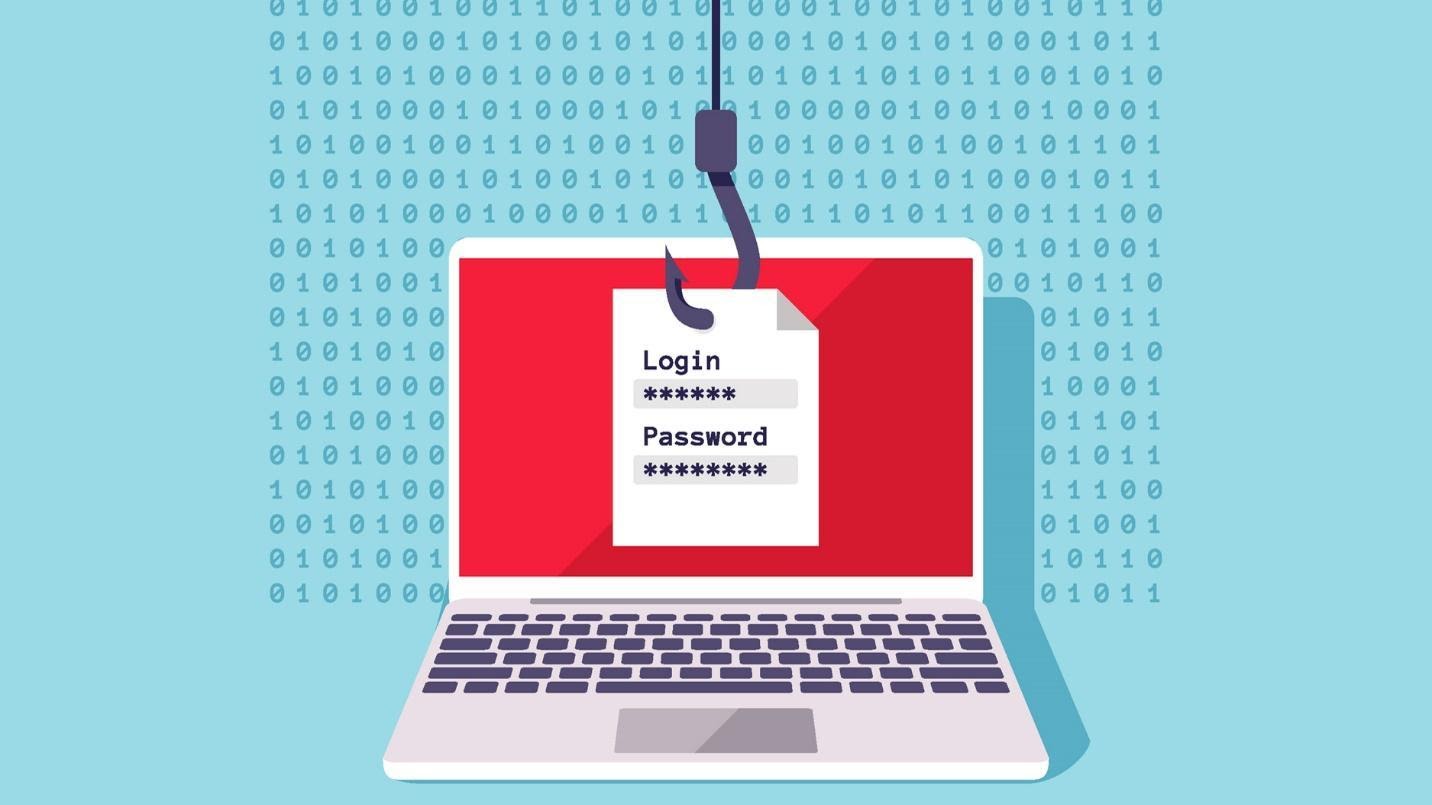
Phishing scams are the type of online scams that target people via malicious links. These links could be sent through emails and chats, spread on social media, and incorporated into any content online, as well as trick people into giving their personal information. That information is used later to blackmail you for money, data, or any personal agendas cyberbullies or hackers have.

These attacks are becoming very common every day. Scammers somehow masquerade as trusted identities to reach out to people, making them open an email, a text message, or a duplicated ad and making it look legitimate. 

As soon as you click the link, your personal data, including your credit card numbers, financial details, and login credentials, are all breached, or your device is infected with ransomware, viruses, and spyware.

READ ALSO: Rental Scams: Warning Signs Every Landlord Should Know

What Kind Of Phishing Scams Are Common These Days?

What Kind Of Phishing Scams Are Common

Scammers have become very smart and are introducing new ways to scam and cyberbully people. There are several kinds of phishing scams circulating these days. Some of the most common ones are:

Social Media Phishing

Every person having an internet connection uses at least of the social media platforms to connect to the world online.

Be it Facebook, Twitter, Instagram, or Tumblr, online presence is considered essential these days. Taking full advantage of this need, scammers introduce phishing scams in the form of posts, direct messages, and comments. 

They usually trick people in such a way that it gets difficult to identify if it’s coming from a friend, admirer, or a regular social media user.

Email Phishing

Email phishing is another common way to scam people. As the name suggests, it works by sending malicious links through email. It usually gets sent from suspicious senders and has several recipients.

These kinds of emails trick you into sharing your personal information by responding to the email they have sent or making you click the fake email they have incorporated into the email.

Text/Call phishing

We all love sales and discounts, and scammers, considering this craze regarding shopping at lower rates, often trick us by pretending to be sales representatives and asking us about our personal details via text or calls. They send links to direct us to some suspicious website or lead us to nothing. 

In reality, those links have hidden agendas, i.e., either infect our device with a virus or breach our data through clicks. Often, the scammers also pretend to be calling from a business organization or government department, telling us false stories about how we owe certain payments to the government and need to do it right away to avoid legal consequences.

They would ask for your social security number, bank details, and address, which is all part of a bigger scam.

READ ALSO: Exclusive Tips To Stop Cyberbullying [For Teens, Parents & Schools]

Tips To Avoid Phishing Scams

Tips To Avoid Phishing Scams

Here are a few helpful tips to save yourself from phishing attacks:

  1. Keep your devices protected with updated software. Use firewalls to protect your devices from malicious attacks, viruses, and scams.
  2. Update your apps regularly. Avoid clicking links coming from users you don’t trust or recognize.
  3. Protect all your accounts using multifactor authentication.
  4. Back up your data frequently with cloud-based software so you keep it protected.
  5. Use different passwords for all your online accounts and keep strong passwords.
  6. Learn ways to spot phishing emails so that you can differentiate when you receive one.
  7. Never share your credentials, payment information, and sensitive data with any email requesting it.
  8. Install an anti-phishing toolbar on all your devices.
  9. Before opening a website, verify its security and check if it’s a secure website to browse or not.
  10. Do not get intimidated by the pop-ups you see while scrolling through websites, and never click them.
  11. Do not overshare your private information publicly on any of the social accounts. You never know when a hacker is out on a hunt and uses it against you.

READ ALSO: Fake Competitions and Prize Scams to be Aware of

Wrapping It Up

We have provided you with all the information you need to know about phishing scams, so beware and keep yourself educated on all the cyber security terms.

Protect your data, and remember there is no single foolproof way to count or avoid phishing scams. One can only use different tips and tricks to keep their privacy. So stay woke and stay safe.


INTERESTING POSTS

The Cybersecurity Technologies Used In Online Casinos

0
The Cybersecurity Technologies Used In Online Casinos

Here, I will demonstrate the cybersecurity technologies employed in online casinos.

Anywhere that monetary transactions occur, online needs to have the highest level of security in place. It’s not just about the casino companies keeping their operations safe; the measures are also put in place to keep customers safe. 

There has been a dramatic increase in the number of cybercrimes in the last few years, so staying vigilant and choosing the right online casino, which has these measures in place, is a great starting point. 

But what do those security technologies look like? What do they do, and why are they beneficial? 

Education 

Almost all online casino websites that actively protect their customers will have a wealth of information about how to stay safe. While this isn’t a technology, it is built into their websites in the form of blog posts. 

Cybercriminals are more intelligent than ever, and they are not above exploiting knowledge gaps to steal information.

User mistakes are one of the weak spots when it comes to keeping accounts safe, so online casinos that hold detailed information (and, in some cases, copies of government ID) – can protect people. 

User education, in the form of content, is a powerful tool that we now have, which wasn’t available before. 

RNG

Random Number Generator technology

All legitimate online casinos will have Random Number Generator technology. The RNG means that everyone has an equal chance of winning. It keeps players safe from games that might otherwise be rigged.

Casinos can hand-pick game studios that ensure all their games run on this technology, and everyone has a fair chance to win. 

Many online casinos also employ third-party tests to audit the RNG and ensure that the system is accurate and fair. 

READ ALSO:

Advanced Encryption 

Worrying that their money may be stolen or if they can trust a website is something that many new players will go through.

In the last few years, we have seen the implementation of SSL certificates, which change an HTTP to HTTPS in the URL bar. 

The SSL is an additional certificate that provides encryption for the communications that occur on that website. The SSL verifies the provider (website), alerts the user if the website is secure or not, and provides them with the option to proceed or not (via a pop-up in most cases). 

With standard HTTP, the information that is transferred between the user and the website can be intercepted and stolen. This is more likely when using public Wi-Fi or an unsecured network. 

2FA

Two Factor Authentication

Two-factor authentication, also known as Multi-Factor Verification, means that a single username and password combination is insufficient to access the account.

When you enter the username and password, your devices will send a verification code via email or text. The code must be entered to access the account. 

Unfortunately, many people still don’t use or like the extra step, and as a result, many user accounts remain vulnerable. Especially considering most people use the same password for multiple online accounts (including banking). 

2FA typically has a timer on the code sent too, so there are typically about 60 seconds to input the code, or you need to start again. 

READ ALSO: Web Security Guide

Concealed Banking 

Using a website to access your bank and withdraw money or add money to your account is a standard part of casino play. Topping up your account should always be a secure process. 

The banking side and the website take extra measures to protect you against fraud and theft of your information. It is common for banks to initiate a check that requires users to go to a banking app to confirm the transaction. 

PayPal and other e-wallets send a text message to the user, and in some cases, banks will block the transaction as it may be fraudulent (you’ll need to call to unblock it). 

There is a semi-new kid on the block when it comes to banking and casino gaming now too. 

The technology behind cryptocurrencies like Ethereum and Bitcoin is called blockchain. Blockchain offers an extra layer of protection as it is decentralized, a strict ledger is kept, and it is untamable. Blockchain is considered to be unhackable and is one of the safest methods for online payments.

READ ALSO: Protect and Play: The Importance of Online Casino Security for Player Trust

Licensing 

Licensing 

Online casinos are subject to licensing, and to obtain these licenses, they must adhere to a strict set of regulations. Any regulating body will require proof of protection for players, safe gambling guidelines, the correct security, and education. All online operators must comply with the legislation, or they risk losing their license. 

All software, data storage, and other resources are subject to regular audits and checks. 

The technology used to keep online casino users safe is plentiful, and it comes from all sides—the user with the proper firewalls and staying informed through the education provided. 

The casino companies themselves need to work with all possible security technologies and implement them quickly.

Banking and finance bodies used by players to top up their accounts need protective measures and, finally, further technological requirements from the governing bodies.

READ ALSO: Top 5 Ways Online Casinos Secure Their Customer Information

Conclusion

The cybersecurity technologies used in online casinos are designed to protect both the casino companies and their customers from cybercrimes.

By using these and other security technologies, online casinos can help protect their customers from cybercrimes. This helps create a safe and secure environment for online gambling.


INTERESTING POSTS

Best Web Scraper APIs: Unlocking the Web’s Data

0
Best Web Scraper APIs

Want the best Web Scraper APIs? Read on to find out.

The web is a treasure trove of information—news articles, product listings, market trends, reviews, and much more. But tapping into that wealth of data isn’t as simple as opening a browser and clicking around.

With millions of web pages spread across countless domains, extracting useful, structured information at scale requires more than manual effort. This is where Web Scraper APIs come in.

In this guide, we’ll explore what a Web Scraper API is, why it’s essential for businesses, and how industry leaders like Oxylabs, Decodo (formerly Smartproxy, now rebranded), and Webshare are revolutionizing the space.

What is a Web Scraper API?

What is a Web Scraper API?

A Web Scraper API is a specialized tool that allows you to extract data from websites automatically. Instead of building and maintaining complex scrapers on your own, a Web Scraper API handles the heavy lifting—navigating web pages, parsing HTML, managing proxies, and bypassing anti-bot measures.

Think of it as a digital robot that visits websites, collects data like product prices or reviews, and delivers it neatly to your system in a structured format like JSON or CSV.

Key features of a Web Scraper API include:

  • Automated Data Extraction
  • Handling Dynamic Content (JavaScript-heavy sites)
  • Captcha Bypass and Anti-Bot Protection
  • Rotating Proxies for Anonymity
  • High Scalability
  • Error Handling and Retries

Businesses use Web Scraper APIs for:

  • Market Research
  • Price Monitoring
  • SEO Tracking
  • Brand Monitoring
  • Sentiment Analysis
  • Lead Generation

Challenges of Web Scraping: Why an API is Better

Scraping the web isn’t just about sending HTTP requests. Modern websites deploy complex defenses: CAPTCHAs, bot detection, IP bans, geo-restrictions, and ever-changing code structures.

Building a custom scraper is time-consuming and expensive. You’ll need to maintain:

  • Proxy pools
  • IP rotation
  • Headless browsers
  • Scraper updates when websites change
  • Anti-bot bypass strategies

A Web Scraper API abstracts all these complexities, saving developers and businesses time, resources, and headaches.

Best Proxies for Web Scraping APIs: Oxylabs, Decodo, and Webshare

Let’s show you the best proxy service providers for the Web Scraper API landscape.

Decodo (Formerly Smartproxy): Fresh Brand, Proven Performance

Decodo (Formerly Smartproxy) – Best All-in-One Proxy + Scraper Toolkit

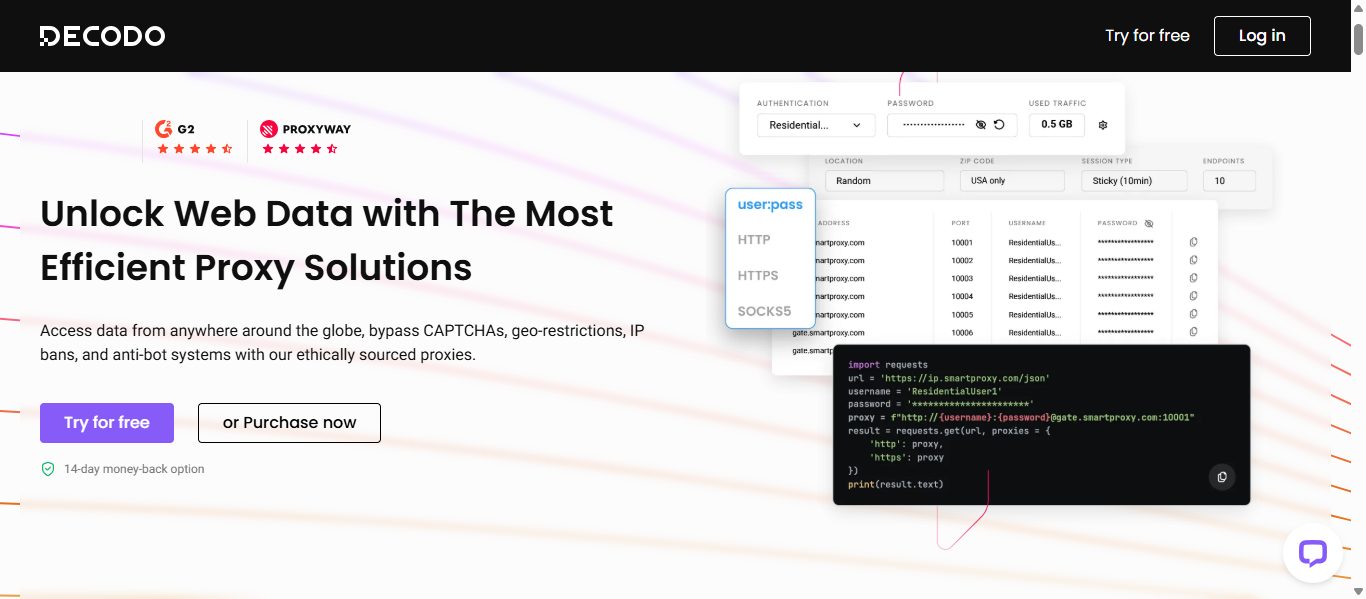
Decodo, formerly known as Smartproxy, has rebranded but retains its core strength providing a powerful, user-friendly Web Scraping API. Known for its affordable solutions and developer-friendly tools, Decodo is a go-to for startups, agencies, and SMEs.

Decodo’s Web Scraping API offers: 

  • Easy integration with code examples and API
  • JavaScript rendering for advanced targets 
  • Automated IP rotation with 125M+ IPs under the hood
  • Affordable pricing with cost-effective Core and Advanced subscription types
  • Advanced geo-targeting with a range of locations available

Decodo empowers businesses to extract web data at scale without the complexity.

Decodo logo
Decodo (formerly Smartproxy)
Decodo (formerly Smartproxy) is an AI-powered proxy service and web scraping solutions provider that enables seamless...Show More
Decodo (formerly Smartproxy) is an AI-powered proxy service and web scraping solutions provider that enables seamless, large-scale data extraction with smart, reliable, and cost-effective tools for businesses of any size. Show Less

Oxylabs: The Enterprise-Grade Scraping Powerhouse

Oxylabs

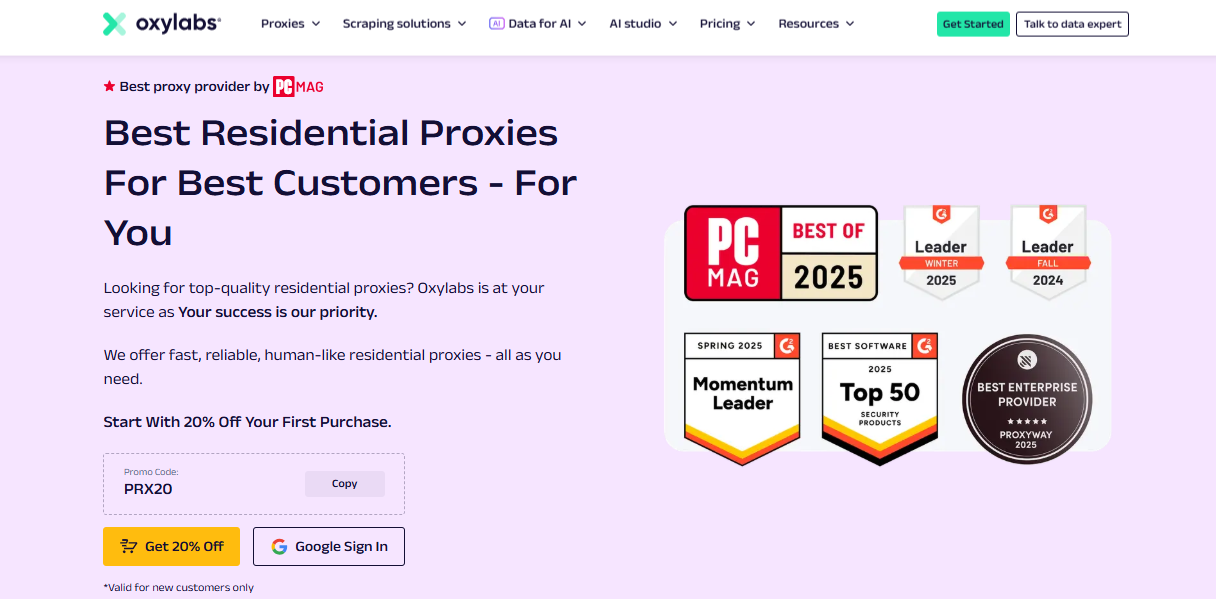
Oxylabs is a recognized leader in the proxy and scraping industry. Trusted by Fortune 500 companies and startups alike, Oxylabs offers a Web Scraper API that combines unmatched scale, precision, and reliability.

For video-focused data needs, Oxylabs also provides a dedicated YouTube Scraper API, built to extract video metadata, comments, channel uploads, and keyword trends at scale. This makes it a powerful tool for enterprises tracking brand presence, audience sentiment, or influencer marketing campaigns directly on YouTube.

Key features of the Oxylabs Web Scraper API:

  • High Success Rates (Over 99%) across millions of pages
  • Smart Bypass Mechanisms for anti-bot systems
  • Real Browser Rendering for JavaScript-heavy sites
  • Granular Control – customize headers, geo-targeting, and user agents
  • 24/7 Support and SLAs for enterprise clients
  • Scalable Infrastructure – perfect for large datasets
  • Pricing: Starts from $0.95/1K requests
  • Trial: Unlimited trial for scraping tools (up to 2K results)

With Oxylabs, you’re not just scraping data—you’re getting accurate, actionable insights at scale.

Oxylabs Proxies
Oxylabs Proxies
Oxylabs Proxies offer enterprise-grade, AI-powered proxy solutions with a massive 175M+ IP pool, ensuring unmatched...Show More
Oxylabs Proxies offer enterprise-grade, AI-powered proxy solutions with a massive 175M+ IP pool, ensuring unmatched reliability, speed, and anonymity for large-scale web scraping and data collection. Show Less

Webshare: The Budget-Friendly, Developer-Loved Option

Webshare – Best for Customizable Proxy Plans

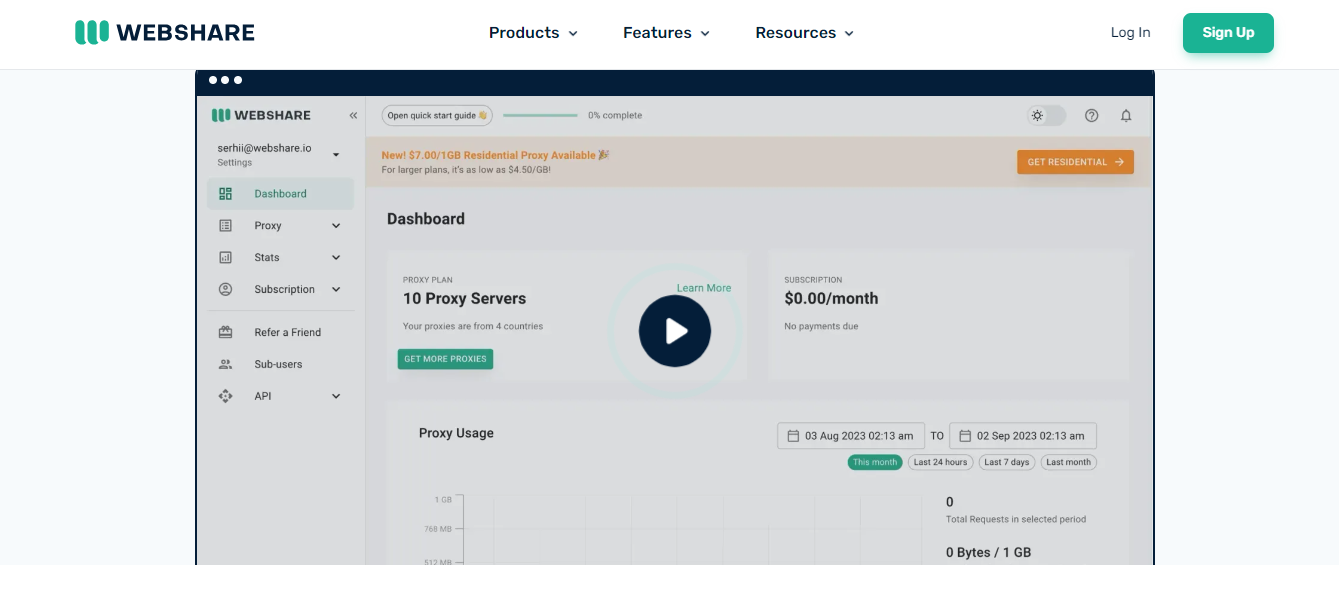
Webshare has carved a niche as the developer’s favorite. Known for its free proxy offerings, Webshare extends its capabilities by supporting Web Scraper API that are easy to set up and deploy.

Unlike Decodo and Oxylabs, Webshare does not have a dedicated Web Scraper API and offers affordable proxies.

Webshare’s perks include:

  • Generous Free Tiers to get started
  • Free Chrome proxy extension for seamless web scraping anywhere on the go
  • Reliable Proxy services
  • Customizable Parameters for advanced scraping needs
  • Affordable Plans for long-term scaling

While Webshare may not have the enterprise bells and whistles of Oxylabs, it’s a solid choice for developers and small teams who want cost-effective data extraction.

Webshare
Webshare Proxies
Webshare Proxies offers high-speed, customizable, and budget-friendly proxy solutions with flexible pricing, ensuring...Show More
Webshare Proxies offers high-speed, customizable, and budget-friendly proxy solutions with flexible pricing, ensuring seamless web scraping, automation, and online anonymity for businesses and individuals. Show Less

Comparing the Titans: Oxylabs vs. Decodo vs. Webshare

FeatureOxylabsDecodo (Smartproxy)Webshare
API Success Rate99%+95%+(No Web Scraper API)
JavaScript RenderingYesYesYes
Proxy ManagementFully Managed (Enterprise)Built-inBuilt-in
PricingPremium (Enterprise-Level)AffordableBudget-Friendly + Free Tier
Support24/7 Enterprise SupportResponsive HelpdeskCommunity-Based, Limited
Target AudienceLarge EnterprisesStartups, AgenciesDevelopers, Small Teams

Best Web Scraper API

1. ScraperAPI

ScraperAPI is renowned for its simplicity and efficiency in web scraping tasks. It handles IP rotation, CAPTCHAs, and retries, allowing users to scrape any web page with a single API call. 

Key Features:

  • Automatic IP rotation and CAPTCHA handling
  • Supports JavaScript rendering
  • Customizable headers and proxies
  • Real-time analytics and usage tracking 

Ideal For: Developers seeking a straightforward solution for large-scale data extraction without the hassle of managing proxies and handling CAPTCHAs manually. 

2. Apify

Apify offers a versatile web scraping and automation platform. It provides ready-made actors for common scraping tasks and the ability to create custom actors using JavaScript. 

Key Features:

  • Extensive library of pre-built actors
  • Custom actor creation with JavaScript
  • Scalable cloud infrastructure for large datasets
  • Integrations with various data storage and processing tools 

Ideal For: Users looking for a flexible platform that supports both simple and complex scraping tasks, with the added benefit of automation capabilities. 

3. ScrapingBee

ScrapingBee simplifies the scraping process by handling headless browsers and proxies. It also offers a powerful Google Search Results API, making it easy to extract structured SERP data without managing the infrastructure yourself. It’s particularly useful for scraping single-page applications built on frameworks like React.js or Angular.js. 

Key Features:

  • JavaScript rendering support
  • Automatic proxy rotation
  • Custom headers and cookies
  • CAPTCHA handling 

Ideal For: Developers needing to scrape dynamic websites that require JavaScript execution. 

4. ProxyCrawl

ProxyCrawl focuses on enabling web automation through its scraping API. It offers advanced browser emulation capabilities, making it possible to scrape dynamic sites dependent on JavaScript execution. 

Key Features:

  • Advanced browser emulation
  • Proxy rotation and header randomization
  • Real-time webhooks and task reports
  • Powerful filters for accurate data 

Ideal For: Users looking to automate web interactions and scrape data from complex, JavaScript-heavy websites. 

5. Diffbot

Diffbot utilizes machine learning to transform web pages into structured data. It offers various APIs that can extract data from articles, products, discussions, and more. 

Key Features:

  • Machine learning-powered data extraction
  • Structured data APIs for different content types
  • High accuracy in content recognition
  • Supports multiple languages and formats 

Ideal For: Businesses needing to extract structured data from a variety of web content types with high accuracy. 

6. ScrapeStorm

ScrapeStorm is designed to handle complex sites protected by robust anti-bot measures. It offers features like JavaScript rendering with Puppeteer and automatic CAPTCHA solving. 

Key Features:

  • JavaScript rendering with Puppeteer
  • High-quality residential proxies
  • Automatic CAPTCHA solving
  • HTML scraping and browser automation 

Ideal For: Users needing to scrape data from websites with advanced anti-bot protections. 

7. Diggernaut

Diggernaut boasts a vast proxy network integrated into its scraping cloud, allowing for advanced proxy rotation and targeting. 

Key Features:

  • 72M constantly changing proxies
  • Global and country-level targeting
  • Custom fingerprints per request
  • Proxy authorization support 

Ideal For: Users requiring extensive proxy networks and granular targeting for their scraping tasks. 

8. ScrapeOps

ScrapeOps offers specialized scraping infrastructure aimed at retail sites. It includes features like header and cookie rotation, fingerprint spoofing, and fast residential proxies. 

Key Features:

  • Header and cookie rotation
  • Fingerprint spoofing
  • Fast residential proxies
  • Handles tough retail sites 

Ideal For: Businesses focusing on scraping data from retail and e-commerce websites. 

9. ScrapingAnt

ScrapingAnt provides web scraping features like proxy rotation, custom cookies, and JavaScript snippet execution. It allows users to choose the response format in either HTML or JSON. 

Key Features:

  • Proxy rotation
  • Custom cookies
  • JavaScript snippet execution
  • Flexible response formats 

Ideal For: Developers needing customizable scraping solutions with flexible response formatting. 

10. ScrapingBee

ScrapingBee is a user-friendly web scraping API solution, equipped with features that make it a standout choice for developers and businesses. 

Key Features:

  • CAPTCHA handling
  • JavaScript rendering
  • IP rotation 

Ideal For: Developers and businesses seeking an easy-to-use scraping API with robust features. 

Choosing the Right Proxies For Web Scraper API: What Matters Most?

Here’s a quick guide to help you decide:

  • Go with Oxylabs if you need enterprise-grade reliability, scalability, and guaranteed success rates for high-stakes projects.
  • Choose Decodo if you want an affordable, user-friendly solution with robust features and no hassle setup.
  • Pick Webshare if you’re on a budget, prefer a developer-driven solution, and can handle a bit of DIY for the sake of savings.

Real-World Applications: What Can You Scrape with a Web Scraper API?

  • E-commerce Data – Track competitor pricing, monitor product availability, and analyze customer reviews.
  • SEO Insights – Analyze SERPs, keyword rankings, and meta data.
  • Market Research – Gather trend data from news sites, forums, and blogs.
  • Travel & Hospitality – Scrape hotel rates, flight prices, and reviews.
  • Financial Data – Track stock prices, exchange rates, and company profiles.

Best Web Scraper API: Frequently Asked Questions

Best Web Scraper API: Frequently Asked Questions

What is a Web Scraper API and how does it work?

A Web Scraper API is an interface that allows developers to programmatically extract data from websites without building their own scraping logic or managing proxies, browsers, or CAPTCHA-solving mechanisms. You simply send a request with a target URL, and the API returns the clean, structured data (HTML, JSON, etc.) as if you’d manually scraped the page.

Why should I use a Web Scraper API instead of building my own scraper?

Building and maintaining your own scraper requires constant updates to handle anti-bot measures like IP blocks, JavaScript rendering, CAPTCHAs, and rate limits. A Web Scraper API handles all of this behind the scenes—giving you scalability, speed, legal protection, and higher success rates with less development effort.

READ ALSO: Ethical Web Scraping Guidelines

What features should I look for in the best Web Scraper API?

Look for APIs that include rotating proxies, JavaScript rendering, CAPTCHA solving, custom headers support, geo-targeting, and structured data output (like JSON). Some also offer browser emulation and session persistence, which are vital for scraping modern, dynamic websites.

Are Web Scraper APIs legal to use?

Yes, Web Scraper APIs are generally legal when used to extract publicly available data for ethical purposes such as research, SEO analysis, market insights, or price monitoring. However, always review the Terms of Service of the websites you’re scraping and follow local data regulations like GDPR or CCPA.

Can I scrape JavaScript-heavy websites like YouTube, Amazon, or LinkedIn?

Yes, advanced Web Scraper APIs support JavaScript rendering via headless browsers, allowing them to scrape content from dynamic or client-side rendered pages like YouTube, Amazon, LinkedIn, and more. Be aware that some platforms have stronger bot protection and stricter policies—use responsibly.

What’s the difference between a proxy API and a Web Scraper API?

A proxy API only provides access to IP rotation and geolocation but still requires you to write scraping logic and handle rendering. A Web Scraper API, on the other hand, offers a full scraping solution—including proxy handling, rendering, retries, and clean data output—reducing your backend load and dev time.

How do I integrate a Web Scraper API into my application or script?

Most Web Scraper APIs offer RESTful endpoints you can call using Python, Node.js, PHP, or any language with HTTP support. You pass parameters like the target URL, headers, or rendering options. The API returns the result in your preferred format, ready to be parsed or stored in your database.

What are the best use cases for Web Scraper APIs?

Top use cases include:

  • Price monitoring and comparison
  • Search engine result page (SERP) tracking
  • Lead generation and contact scraping
  • News aggregation and sentiment analysis

  • App or ad intelligence
  • Real-time market data feeds

These APIs make it easy to scale such tasks across hundreds or thousands of web pages without infrastructure headaches.

Conclusion: The Future of Data is API-Driven

In a world where data fuels decisions, Web Scraper APIs are the engines powering smart insights. Whether you’re a startup hunting for market trends or an enterprise tracking billions of data points, a solid Web Scraper API is your key to unlocking the web’s potential.

With leaders like Oxylabs, Decodo (formerly Smartproxy), and Webshare, you’re spoiled for choice for the best Proxies for Web scraper APIs. Each brings unique strengths to the table—Oxylabs for enterprise power, Decodo for affordable scale, and Webshare for developer-friendly proxy service providers.

The question is no longer if you need a Web Scraper API—it’s which one will help you dominate your data strategy.


INTERESTING POSTS

Common Proxy Errors and How to Fix Them

0
Common Proxy Errors and How to Fix Them

In this post, I will discuss the common proxy errors and how to fix them.

Proxy servers play a critical role in improving privacy, enabling anonymous browsing, managing multiple connections, and supporting tasks like web scraping and data collection. Whether you’re using residential proxies for business intelligence or proxy servers for everyday privacy, occasional connection issues are inevitable.

Understanding the most common proxy errors can save you time and reduce frustration. Instead of assuming your proxy provider is at fault, knowing how to diagnose and fix these problems can quickly restore your connection.

In this guide, you’ll learn the most common proxy errors, what causes them, practical troubleshooting steps, and how to choose a reliable residential proxy provider that minimizes these issues.

What Are Proxy Errors?

A proxy error occurs when your device cannot successfully communicate with a proxy server or when the proxy server cannot complete your request.

The cause may be as simple as incorrect proxy settings or as complex as IP bans, authentication failures, network congestion, or temporary server outages.

Fortunately, most proxy errors are relatively easy to resolve once you understand what they mean.

Common Proxy Errors and How to Fix Them

1. Proxy Authentication Failed (407 Error)

A 407 Proxy Authentication Required error indicates that the proxy server rejected your credentials.

Common causes:

  • Incorrect username or password
  • Expired subscription
  • Invalid authentication method
  • Incorrect IP authentication

How to fix it:

  • Verify your login credentials.
  • Confirm your subscription is active.
  • Check whether your proxy provider uses username/password authentication or IP whitelisting.
  • Update your application with the latest authentication details.

2. Connection Timed Out

This error occurs when your device waits too long for the proxy server to respond.

Possible causes:

  • Slow internet connection
  • Overloaded proxy server
  • Network congestion
  • Firewall restrictions

Solutions:

  • Test your internet connection.
  • Switch to another proxy server.
  • Increase the timeout value in your software.
  • Disable restrictive firewall rules if appropriate.

3. Connection Refused

A connection refused error means the destination proxy server actively rejected the request.

Typical reasons include:

  • Wrong proxy address
  • Incorrect port number
  • Offline proxy server
  • Firewall blocking access

How to resolve it:

  • Double-check the proxy IP and port.
  • Test another server from the same provider.
  • Contact customer support if the server remains unavailable.

4. IP Address Blocked

Many websites actively detect and block suspicious traffic.

This is especially common during:

  • Web scraping
  • Automated testing
  • High-volume data collection

Possible fixes:

  • Enable IP rotation.
  • Reduce request frequency.
  • Use residential proxies instead of datacenter proxies.
  • Rotate user agents alongside proxy rotation.

A high-quality residential proxy network significantly reduces the likelihood of IP bans because requests originate from real residential IP addresses.

5. DNS Resolution Errors

Sometimes the proxy works correctly, but it cannot resolve the website’s domain name.

Solutions include:

  • Flush your DNS cache.
  • Change your DNS provider.
  • Restart your router.
  • Verify DNS settings inside your proxy software.

6. SSL or HTTPS Errors

Secure websites require proper SSL/TLS communication.

SSL errors may occur because of:

  • Invalid certificates
  • HTTPS inspection
  • Incorrect proxy configuration

Fixes:

  • Update your browser.
  • Verify SSL certificate settings.
  • Ensure HTTPS proxy support is enabled.
  • Disable SSL inspection only if appropriate for your environment.

7. Slow Proxy Performance

Performance issues are among the most common complaints from proxy users.

Potential causes include:

  • Server overload
  • Long geographic distance
  • Poor proxy infrastructure
  • Heavy network traffic

Ways to improve speed:

  • Choose servers closer to your target location.
  • Use premium residential proxies.
  • Switch to less congested endpoints.
  • Avoid running unnecessary simultaneous connections.

Quick Troubleshooting Checklist

Before contacting your proxy provider, work through this checklist:

ProblemQuick Fix
Authentication failedVerify username, password, or IP whitelist
Connection timeoutTry another proxy server
Connection refusedCheck IP address and port
Slow performanceSwitch locations or servers
Blocked IPEnable IP rotation
DNS errorsChange DNS settings
SSL errorsVerify HTTPS configuration

Editor’s Choice: Best Residential Proxy Providers

Reliable providers greatly reduce the frequency of common proxy errors by maintaining stable infrastructure, large IP pools, and responsive support.

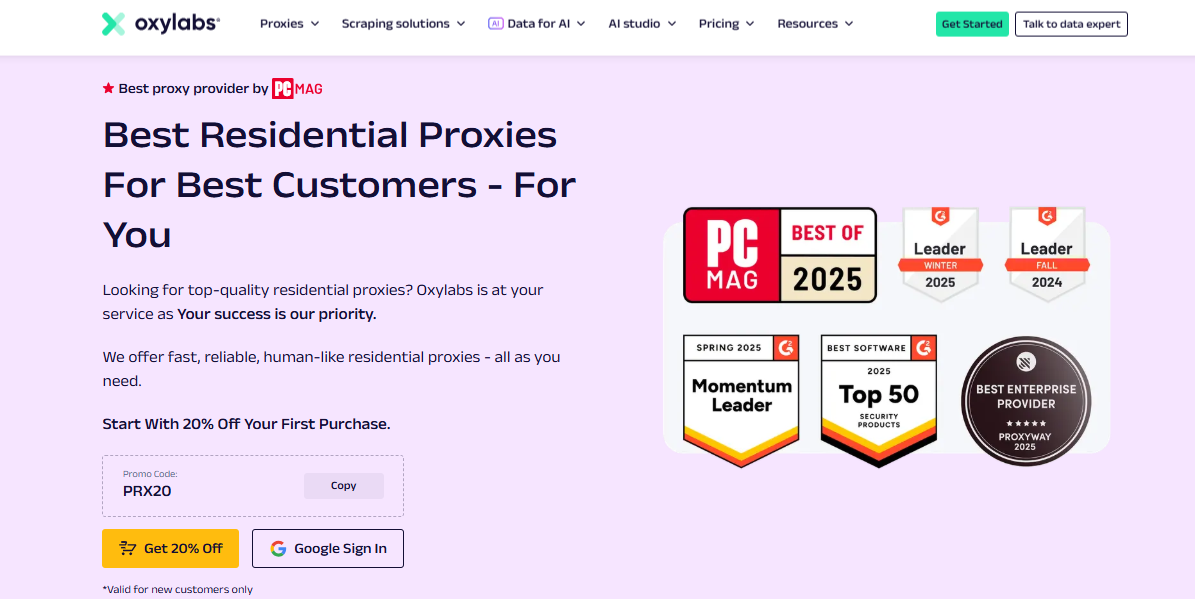
🥇 1. Oxylabs — Best for Enterprise & Large-Scale Data Collection

Oxylabs — Best for Enterprise & Large-Scale Data Collection

Oxylabs earns the Editor’s Choice position thanks to its extensive residential proxy network and enterprise-grade infrastructure.

Key strengths include:

  • Massive residential proxy network
  • Premium reliability
  • Advanced geographic targeting
  • High connection success rates
  • Excellent support for web scraping
  • Market intelligence projects
  • Large-scale data collection

Its combination of performance, stability, and enterprise-focused features makes it an excellent choice for organizations that require dependable proxy servers for demanding workloads. Individual users with advanced needs may also benefit from its robust platform.

Oxylabs Proxies
Oxylabs Proxies
Oxylabs Proxies offer enterprise-grade, AI-powered proxy solutions with a massive 175M+ IP pool, ensuring unmatched...Show More
Oxylabs Proxies offer enterprise-grade, AI-powered proxy solutions with a massive 175M+ IP pool, ensuring unmatched reliability, speed, and anonymity for large-scale web scraping and data collection. Show Less

🥈 2. Decodo — Best Overall Residential Proxy Provider

Decodo — Best Overall Residential Proxy Provider

Decodo offers an impressive balance between affordability, usability, and performance.

Highlights include:

  • Beginner-friendly dashboard
  • Reliable residential proxies
  • Rotating proxies
  • Fast setup
  • API support
  • Helpful documentation
  • Suitable for businesses and individuals

It’s an excellent option for users seeking reliable anonymous browsing, automation, and data collection without unnecessary complexity.

Decodo logo
Decodo (formerly Smartproxy)
Decodo (formerly Smartproxy) provides powerful, user-friendly proxy and web scraping solutions that make large-scale...Show More
Decodo (formerly Smartproxy) provides powerful, user-friendly proxy and web scraping solutions that make large-scale data access effortless, efficient, and cost-effective. Show Less

🥉 3. Webshare — Best Budget-Friendly Residential Proxy Provider

Webshare — Best Budget-Friendly Residential Proxy Provider

Webshare stands out as one of the best value-oriented proxy providers.

Advantages include:

  • Affordable pricing
  • Free plan availability for eligible users
  • Easy setup
  • Reliable residential proxies
  • Good performance
  • Great for developers
  • Suitable for freelancers
  • Helpful for students and small businesses

For users with limited budgets, Webshare offers an accessible entry point into residential proxies while maintaining dependable performance.

Webshare logo
Webshare
Webshare delivers fast, affordable, and customizable proxy solutions designed to give businesses and developers seamless...Show More
Webshare delivers fast, affordable, and customizable proxy solutions designed to give businesses and developers seamless access to reliable data at scale. Show Less

Provider Comparison

ProviderBest ForKey Strength
OxylabsOverallBalance of performance & value
DecodoEnterpriseLarge-scale proxy infrastructure
WebshareBudgetAffordable and easy to use

Other Residential Proxy Providers Worth Considering

Several other reputable providers also offer quality residential proxy services:

  • Mars Proxies – Good option for individuals and smaller automation projects.
  • IPRoyal – Flexible pricing and a growing residential proxy network.
  • Bright Data – Extensive feature set with advanced targeting capabilities.
  • SOAX – Known for granular location filtering and rotating residential IPs.
  • NetNut – Focuses on fast connections with direct ISP relationships.
  • ProxyEmpire – Offers rotating residential proxies with global coverage.
  • Rayobyte – Provides proxy solutions suitable for developers and businesses.
  • Infatica – Supports web scraping and business intelligence projects.
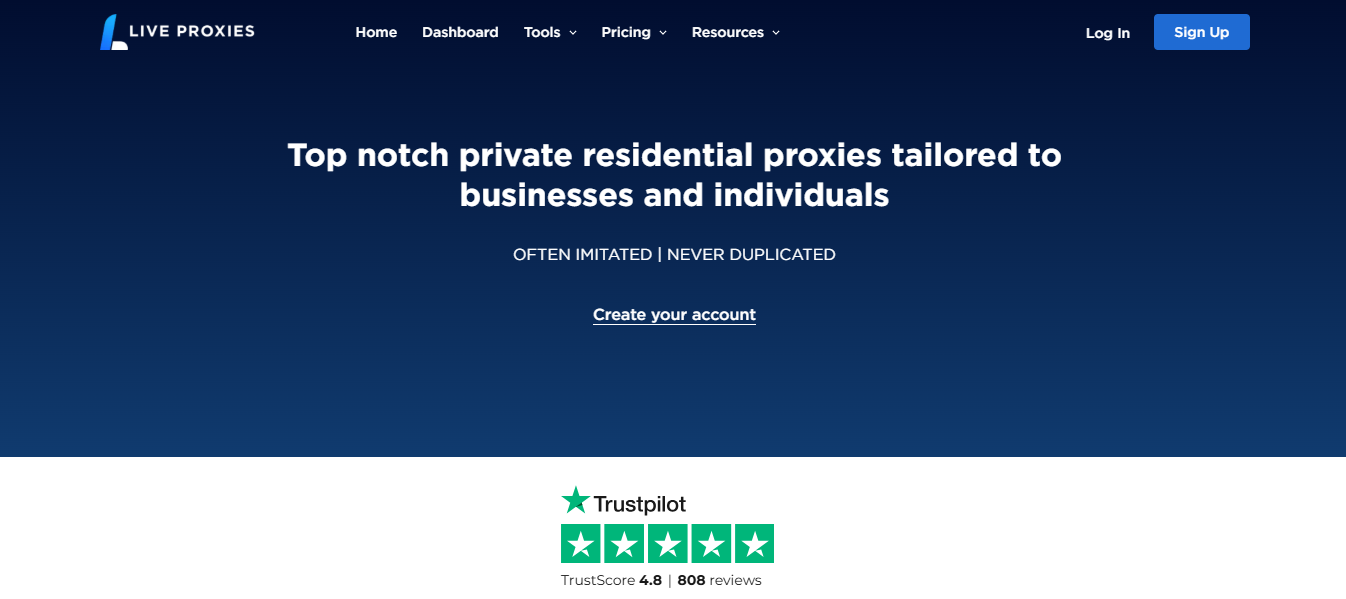
  • Live Proxies – Offers residential and mobile proxy solutions for various use cases.

Each provider has unique strengths, making them suitable for different budgets and technical requirements.

How to Choose the Right Residential Proxy Provider

Not every proxy provider is the right fit for every use case.

Consider the following factors before making a decision:

  • Pricing and subscription flexibility
  • Performance and uptime
  • Reliability of the infrastructure
  • Residential proxy network size
  • Geographic coverage
  • IP rotation options
  • Ease of dashboard management
  • API availability
  • Customer support quality
  • Security features
  • Scalability for future growth

The right provider should match both your technical needs and budget rather than simply offering the largest IP pool.

Frequently Asked Questions

Are residential proxies better than datacenter proxies?

Residential proxies use real residential IP addresses, making them more suitable for anonymous browsing, web scraping, and accessing websites with stricter anti-bot systems.

Why does my proxy keep disconnecting?

Frequent disconnections may result from unstable internet connections, overloaded servers, expired credentials, or incorrect proxy settings.

Does IP rotation improve reliability?

Yes. IP rotation helps distribute requests across multiple addresses, reducing the likelihood of IP bans and improving long-running automation tasks.

Can proxy errors affect web scraping?

Yes. Authentication failures, blocked IPs, connection timeouts, and DNS issues can interrupt scraping tasks and reduce data collection efficiency.

How do I know if my proxy server is working?

You can visit an IP-checking website or use your provider’s testing tools to verify that your public IP matches the assigned proxy.

Should businesses use residential proxies?

Many businesses use residential proxies for market research, SEO monitoring, ad verification, and competitive intelligence because they provide more authentic-looking traffic.

Conclusion

Proxy errors are a normal part of using proxy servers, but most can be resolved with proper troubleshooting. Authentication issues, timeouts, blocked IPs, DNS failures, and SSL errors often have straightforward solutions, especially when you’re using a reputable provider with reliable infrastructure.

For users seeking enterprise-grade performance and large-scale data collection, Oxylabs is an excellent choice. Decodo offers a strong balance of usability and performance for businesses and individuals, while Webshare provides an affordable option for developers, freelancers, students, and smaller teams.

As SecureBlitz continues expanding its privacy and security resources, consider linking this guide with related articles covering VPNs, cybersecurity best practices, password managers, antivirus software, privacy-focused browsers, web scraping techniques, and AI tools. These complementary resources can help readers build a more secure and efficient online workflow.

This article is intended as an educational guide to help readers understand common proxy issues and make informed decisions based on their specific requirements.


INTERESTING POSTS

YouTube Scraper: The Ultimate Guide To Extracting Video Data At Scale

0
YouTube Scraper The Ultimate Guide To Extracting Video Data At Scale

Want the best YouTube Scraper? Read on to find out.

In today’s data-driven world, YouTube has evolved from a video-sharing platform to a goldmine of valuable insights. With over 2.5 billion users and hundreds of millions of videos, the platform holds immense potential for businesses, developers, researchers, marketers, and content strategists.

However, accessing structured YouTube data at scale manually is nearly impossible. That’s where YouTube scraping comes in—a powerful solution for programmatically extracting publicly available data from the platform.

In this detailed guide, we’ll explore everything you need to know about YouTube scrapers, their uses, legal considerations, and how to choose the best scraper provider. We’ll also spotlight three of the leading brands—Oxylabs, Webshare, and Decodo—who offer cutting-edge solutions to empower your scraping operations.

What is a YouTube Scraper?

What is a YouTube Scraper?

A YouTube scraper is a tool, script, or API designed to extract publicly available data from YouTube’s front-end. This can include:

  • Video metadata (titles, views, likes, dislikes, upload date)
  • Channel information (subscribers, video count, etc.)
  • Comments and comment metadata
  • Tags and keywords
  • Search results
  • Trending videos
  • Suggested videos
  • Playlists
  • Video transcripts

Rather than scrolling through endless videos manually, scrapers allow for automated bulk data collection, which can be stored, analyzed, or visualized for business intelligence.

Why Scrape YouTube?

There are multiple use cases for YouTube scraping across various industries:

1. Market Research & Trend Analysis

Brands and creators want to know which content performs well. Scraping YouTube helps detect trends, viral formats, and audience preferences.

2. Sentiment Analysis

Scraping video comments and analyzing sentiment offers insight into public opinion on products, campaigns, or personalities.

3. SEO & Content Strategy

By scraping keywords, titles, and tags of high-ranking videos, creators can optimize their own content for better visibility.

4. Competitor Intelligence

Business can monitor what competitors are uploading, their engagement rates, and content strategies.

5. Academic Research

Researchers use YouTube scraping to analyze discourse, behavior, and trends across demographics.

YouTube Scraping Challenges

While scraping offers powerful advantages, it also comes with challenges:

  • IP blocking: YouTube may block your IP for too many requests.
  • Rate limits: Too many requests too quickly trigger defenses.
  • Data structure changes: YouTube constantly updates its UI and backend.
  • Captcha and bot detection: Automation triggers challenges.
  • Legal considerations: Always scrape only public data, respect terms of service, and comply with local laws.

To overcome these, a robust scraping infrastructure is required—and that’s where premium proxy + API providers like Oxylabs, Webshare, and Decodo come in.

Top 3 YouTube Scraper Solutions (2026)

🏆 1. Oxylabs – Enterprise-Grade YouTube Scraping Infrastructure

Oxylabs – Best for Enterprise-Grade YouTube Scraping Solutions

Oxylabs is one of the most respected data collection companies, offering advanced residential and datacenter proxies as well as dedicated YouTube Scraper APIs.

This makes it an excellent choice for enterprises that need reliable video metadata extraction, large-scale comment analysis, and keyword trend tracking directly from YouTube.

Why Choose Oxylabs for YouTube Scraping?

  • Dedicated Scraper API for YouTube
  • Built-in CAPTCHA solving and retries
  • Automatic parsing of structured YouTube data
  • Global residential and mobile proxies
  • 24/7 enterprise support
  • Seamless integration with Python, Node.js, and more
  • Trial: Unlimited trial for scraping tools (up to 2K results)

⚠️ Note: Oxylabs’ YouTube scraper does not offer any discounts.

Use Case: An eCommerce brand used Oxylabs to scrape thousands of product reviews and video unboxings from YouTube weekly, combining it with sentiment analysis to guide product strategy.

Oxylabs Proxies logo
Oxylabs
Oxylabs is a leading proxy and web scraping solutions provider that empowers businesses with reliable, high-speed, and...Show More
Oxylabs is a leading proxy and web scraping solutions provider that empowers businesses with reliable, high-speed, and scalable data-gathering tools to stay ahead of the competition. Show Less

🥈 2. Decodo – The Rebranded Power of Smartproxy

Decodo (formerly Smartproxy) – Best All-Around for YouTube API Bypass & Metadata Extraction

Decodo (formerly Smartproxy) emerged as an advanced scraping solution, delivering robust proxy support alongside AI-driven data collection tools optimized for large-scale scraping, LLM training, and real-time market intelligence.

Why Decodo is Great for YouTube Data Collection

  • 125M+ IPs across 195+ locations 
  • Advanced anti-bot bypassing and IP rotation
  • Real-time or on-demand data collection 
  • 100+ ready-made scraping templates 
  • Intuitive dashboard with built-in statistics

Use Case: A content strategy agency leveraged Decodo’s scraping infrastructure to track performance metrics and conduct keyword research across the top 100 YouTube tech channels.

Decodo logo
Decodo (formerly Smartproxy)
Decodo (formerly Smartproxy) YouTube proxies provide high-quality, secure, and geo-flexible access that ensures smooth...Show More
Decodo (formerly Smartproxy) YouTube proxies provide high-quality, secure, and geo-flexible access that ensures smooth streaming, scraping, and account management on YouTube without blocks or interruptions. Show Less

🥉 3. Webshare – Affordable & Developer-Friendly Proxy Network


Webshare – Best Budget-Friendly Proxies for Scraping Tools

Webshare is known for its developer-first approach, offering some of the most affordable rotating datacenter proxies, ideal for lightweight and medium-scale YouTube scraping.

Users are now also able to make a custom query for obtaining Webshare’s new YouTube proxies, specifically designed for bandwidth-intensive use cases like video scraping, and AI dataset generation.

Why Webshare Stands Out

  • Affordable proxy packages for startups and developers
  • Easy-to-navigate dashboard
  • Instant activation
  • High-speed datacenter proxies optimized for smaller-scale video YouTube scraping tasks
  • YouTube proxies tailored for larger, more intense YouTube scraping tasks
  • Compatible with browser automation tools (Puppeteer, Playwright)

Use Case: A small digital agency built a real-time dashboard tracking the most-commented YouTube videos on political topics, powered by Webshare’s proxies.

Webshare logo
Webshare
Webshare YouTube proxies deliver fast, reliable, and secure connections that let you bypass restrictions and stream...Show More
Webshare YouTube proxies deliver fast, reliable, and secure connections that let you bypass restrictions and stream, scrape, or manage multiple YouTube accounts seamlessly without interruptions. Show Less

🔍 Other Notable YouTube Scraper APIs Worth Exploring

4. IPRoyal – Budget-Friendly and Private Scraping Proxies

IPRoyal has steadily become a go-to provider for scraping projects that require reliability without breaking the bank. Their YouTube scraping solution isn’t a full API, but with their premium rotating proxies, developers can build or run custom scraping scripts efficiently.

Why IPRoyal Is a Solid Choice for YouTube Scraping:

  • Access to a Royal Residential Proxy pool with ethically-sourced IPs
  • Offers static (ISP) and rotating proxies optimized for scraping
  • User-friendly dashboard and robust API access
  • Suitable for scraping YouTube search results, channel analytics, and video metadata
  • Competitive rates and flexible bandwidth options
  • No CAPTCHAs when paired with headless browser setup

Use Case: A freelance growth marketer used IPRoyal to scrape thousands of trending video thumbnails and metadata for a YouTube trend-tracking app.

5. Bright Data – The Full-Fledged YouTube Scraper Platform

Formerly known as Luminati, Bright Data provides one of the most sophisticated scraping infrastructures in the industry. They offer a YouTube Scraper API with automatic parsing, rotating IPs, built-in CAPTCHA solving, and legal compliance systems.

Highlights:

  • AI-powered scraper for real-time YouTube results
  • Choose between residential, datacenter, and mobile proxies
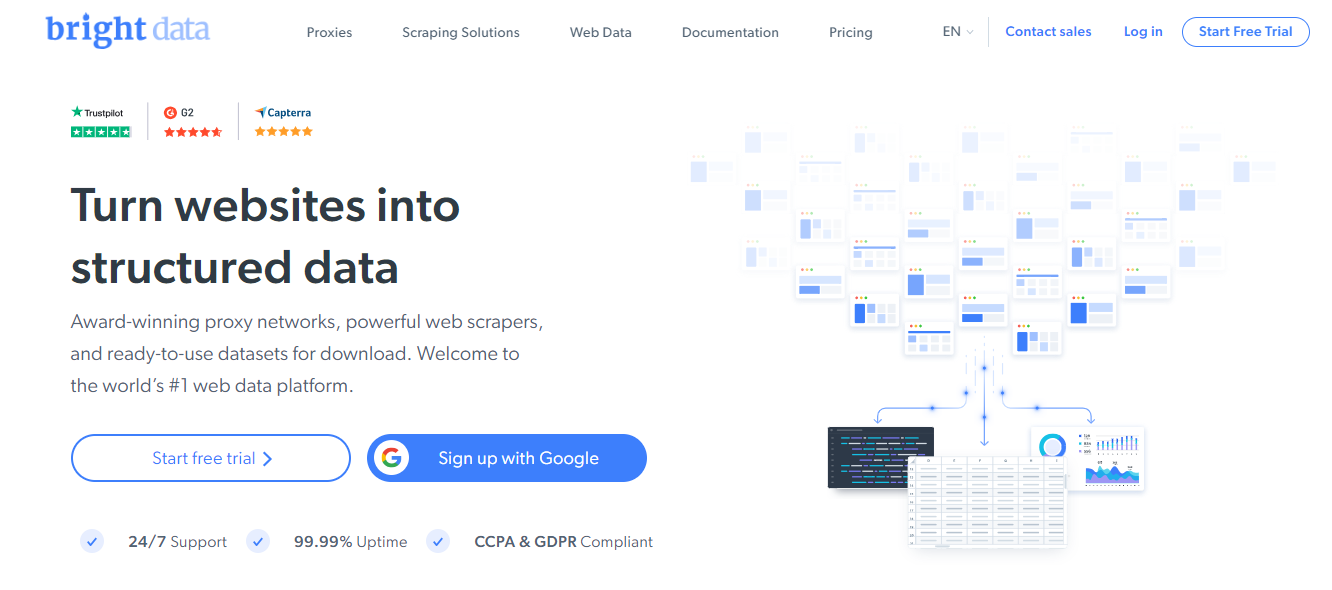
  • 99.99% uptime with real-time monitoring
  • GDPR & CCPA compliance included
  • Ideal for large-scale, legally-sensitive scraping operations

Use Case: A media analytics firm relied on Bright Data to monitor YouTube influencer engagement metrics across five countries daily.

6. ScraperAPI – Plug-and-Play YouTube Scraping

ScraperAPI doesn’t specialize in YouTube scraping per se, but it’s ideal for developers wanting an easy plug-and-play REST API to power their custom scripts.

Features:

  • Rotates IPs, handles CAPTCHAs, and retries failed requests automatically
  • Supports JavaScript-heavy YouTube pages via headless rendering
  • Generous free tier (5,000 requests/month)
  • Works with Python, cURL, PHP, and Node.js

Use Case: A SaaS tool scraped YouTube comments and video titles using ScraperAPI to detect trending sentiment keywords per niche.

7. SerpApi – YouTube Data via Google Search

SerpApi offers Google Search API that includes YouTube video results. It doesn’t scrape directly from YouTube but pulls video data as it appears on Google SERPs.

Pros:

  • No scraping infrastructure needed
  • JSON responses with parsed YouTube data
  • Easy filtering for location, language, and time
  • Built-in accuracy monitoring

Use Case: A local SEO agency used SerpApi to monitor which YouTube videos ranked highest in Google for location-based keywords.

How to Choose the Right YouTube Scraper API

How to Choose the Right YouTube Scraper API

🔸 Ask Yourself:

  • What’s your scraping volume?
  • Do you need residential or datacenter proxies?
  • Do you require an API with built-in parsing?
  • Do you need global IP diversity?
  • Do you prioritize cost or enterprise reliability?

Here’s a comparison table to help guide you:

FeatureOxylabsWebshareDecodo (Smartproxy)
Scraper API for YouTube✅ Yes❌ Not native✅ Yes
Residential Proxies✅ Yes❌ No✅ Yes
Datacenter Proxies✅ Yes✅ Yes✅ Yes
CAPTCHA Handling✅ Advanced⚠️ Manual✅ Built-in
IP Pool Size100M+30K+40M+
Free Trial✅ On request✅ Yes✅ Yes
Ideal Use CaseEnterpriseDevelopersAgencies, Freelancers
  1. Use Rotating Proxies – Switch IPs per request.
  2. Respect Rate Limits – Space out requests to mimic human behavior.
  3. Use Headless Browsers – Tools like Puppeteer and Playwright help bypass JavaScript-based loads.
  4. Handle Errors Gracefully – Expect CAPTCHAs, 429 errors, and implement retries.
  5. Scrape Only Public Data – Respect YouTube’s terms and avoid authentication-based data.
  6. Stay Up to Date – Monitor any front-end code changes or API restrictions.

Sample Use Case: Building a YouTube Competitor Tracker

Here’s how you can use a YouTube scraper to track a competitor:

  • Target: Competitor’s Channel
  • Tools: Oxylabs Scraper API + Decodo Proxies
  • Frequency: Daily snapshot
  • Data Points: New uploads, views, tags, engagement rate
  • Output: Weekly email report with analytics and insights

YouTube Scraper: Frequently Asked Questions (FAQs)

YouTube Scraper: Frequently Asked Questions (FAQs)

1. Is YouTube scraping legal?

Yes—if you’re scraping publicly accessible data (e.g., video titles, view counts, channel names). You must avoid accessing private data, impersonating users, or violating YouTube’s terms of service. To stay safe, ensure GDPR/CCPA compliance and avoid excessive requests.

2. Can I use YouTube’s API instead of scraping?

YouTube’s official API is helpful but comes with rate limits, restricted access to certain data, and strict quotas. It may also not support all use cases like scraping trending comment threads or multiple search queries in parallel. Scraping allows for more flexibility but requires more caution.

3. What programming languages can I use for YouTube scraping?

Most YouTube scraping tools support Python, Node.js, PHP, Ruby, and Java. Libraries like BeautifulSoup, Puppeteer, Playwright, and Selenium are commonly used in tandem with scraping proxies or APIs.

4. What are the best proxies for scraping YouTube?

The best proxies depend on your volume and goals:

  • Residential proxies (like Oxylabs, Decodo, IPRoyal) are ideal for high-trust scraping with fewer bans.
  • Datacenter proxies (like Webshare) are budget-friendly and faster for smaller tasks.
  • Rotating proxies ensure new IPs per request, reducing footprint and blocks.

5. What data can I scrape from YouTube?

With the right setup, you can scrape:

  • Video titles, views, likes/dislikes, duration, tags
  • Channel data: subscriber count, number of uploads
  • Trending video lists
  • Search results (titles + snippets)
  • Comments and replies
  • Playlist content
  • Related video suggestions
  • Upload frequency and engagement

Final Thoughts

Scraping YouTube gives you access to a universe of insights—from tracking audience behavior to identifying keyword trends and monitoring competitors. The key is using the right tools and partners.

If you’re just starting out or building at scale, don’t reinvent the wheel. Use robust providers like Oxylabs, Webshare, and Decodo to simplify your operations and ensure accuracy, reliability, and compliance.

Remember: the power of data lies in what you do with it.


INTERESTING POSTS

How to Create Standout Christmas Photos Without Professional Editing Skills

0
How to Create Standout Christmas Photos Without Professional Editing Skills

In this post, I will show you how to create standout Christmas photos without professional editing skills.

If your Christmas photos look “almost right” but not quite polished, you’re not alone. The good news: you don’t need a degree in photography or expensive software to make your images look significantly better. With a simple, repeatable process—plus a quick way to fix tricky green color problems—you can create standout holiday photos that look clean, natural, and sharp.

In this guide, you’ll learn practical steps you can do in minutes, including how a grinch filter can help fix holiday color noise and improve subject separation when your pictures have a strong green cast. 

What “standout” Christmas photos have in common

Before editing, it helps to know what you’re aiming for. Great holiday photos usually have:

  • Clean color (no unwanted green/blue/orange tint)
  • Clear subject edges (hair, clothing, ornaments look crisp)
  • Balanced lighting (skin tones look believable, not washed out)
  • Less visual clutter (decorations don’t “steal attention”)

Most amateur Christmas photos fall short in one of these areas—especially when green lighting, Christmas trees, or reflective decorations create color contamination.

Step 1: Pick the right photo (you can’t edit a bad capture)

Choose photos where the subject is in focus and properly exposed. If your image is too blurry, your edits won’t look natural.

Quick checklist:

  • Face is sharp (or at least eyes are sharp)
  • Subject isn’t blocked by bright lights
  • You have enough detail in shadows (not fully black areas)

Step 2: Fix white balance first (this is the “foundation”)

A lot of holiday color issues come from incorrect white balance, which affects overall color temperature and tint. Professional editors usually solve color problems by correcting white balance early—because fixing local details later can’t fully undo a wrong global color cast. 

Simple approach (beginner-friendly)

  1. Look at something that should be neutral: white ornaments, white snow, or a plain wall.
  2. Adjust the temperature/tint until those neutrals look neutral again (not green, blue, or yellow).

If your photos are lit by mixed indoor/outdoor light (common at Christmas gatherings), color casts are more likely—so it’s worth taking 30 seconds here. 

Step 3: Address the “holiday green” problem

Christmas photos often get a green cast because of trees, green costumes, garlands, colored lights, or reflective surfaces. This can make skin look odd and cause unwanted color spill around edges.

That’s where a grinch filter can be a big help.

What a grinch filter does (in plain terms)

A grinch filter is designed to isolate and correct green-tinted character details, costume elements, and holiday-style green color bias, especially in scenes where green tones overlap with the background.

It can help with:

  • Separating green costume tones from nearby backgrounds
  • Refining edge transitions around difficult details (like hair/fur) 
  • Reducing harsh green spill while keeping texture visible 

If your subject is wearing green (or your background contains lots of green), this is often exactly the problem you’re seeing.

When to use it

Use a grinch filter when you notice:

  • Green spill around hair or fuzzy fabric
  • Wreaths/trees blending into clothing edges
  • Skin or clothing looks tinted instead of natural

Step 4: Improve edges so your subject looks “real” (not cut out)

A common beginner mistake is doing edits that make the subject look pasted on. The goal is to preserve natural transitions around:

  • Hair
  • Fur-like textures
  • Sweater fibers and scarves
  • Ornament overlap 

A good workflow is:

  1. Fix overall color first (white balance)
  2. Then fix green spill and separation (using a grinch filter when needed)
  3. Finally, check edges at 100% zoom

Step 5: Make colors feel festive and believable

After correcting unwanted color, add subtle improvements:

  • Slightly increase vibrance (not saturation overload)
  • Reduce haze if the photo looks dull
  • Keep skin tones natural—skin is the “trust signal” of good edits

Remember: color contamination isn’t always solvable by a single slider. Lighting conditions and reflections can cause stubborn tinting that requires targeted correction.

Step 6: Don’t overdo sharpening and noise reduction

Christmas lights create tiny highlights and contrast. If you sharpen too aggressively, you can emphasize noise and halos around lights.

Beginner rule:
Sharpen only enough that eyes and key details look crisp, not crunchy.

A simple editing recipe (you can repeat every time)

Here’s a quick “no-professional-skills” workflow:

  1. Choose best photo (sharp subject, decent exposure)
  2. Set white balance (neutral whites look neutral) 
  3. Use a grinch filter if green spill is harming edges or skin/clothing tones 
  4. Check edges at full zoom (hair/fabric should blend naturally)
  5. Fine-tune color (vibrance, contrast, light haze)
  6. Export at high quality (don’t downsample too early)

Optional: Editing for specific Christmas moments

  • Family portraits: prioritize skin tone and clean separation from the background.
  • Kids in costumes: focus on avoiding green/colored-light spill around hair and fabric. 
  • Tree + ornaments in frame: use targeted corrections so decorations don’t “infect” clothing colors.

Conclusion: Standout photos are mostly consistency

You don’t need pro-level tools to get pro-looking results. The biggest wins come from (1) getting color balance right and (2) handling tricky green contamination that can ruin edges and realism. A grinch filter is specifically built for isolating green-tinted holiday details and improving separation—making it a practical option when your Christmas photos feel “off.” 

If you want a quick way to test this on your own photos, try a grinch filter directly and compare the result on one of your most frustrating images.


INTERESTING POSTS

Dynadot Domain Registration Service Review

0
Dynadot Domain Registration Service Review

Read on for the Dynadot domain registration service review.

Dynadot is a domain registrar that boasts thousands of users. But it’s not the only one. Hundreds of domain registrars exist with thousands of users.

If you want to build a website, the domain registrar you choose will majorly impact your experience.

Therefore, picking the best domain registrar is essential. To select the best, you must consider factors such as price, features, and customer service.

In that view, how does Dynadot rank among the best domain registrars? Is it a reliable domain registrar to use? This Dynadot Domain registration service review will answer all the questions. Read on.

What Is Dynadot?

What Is Dynadot

The name “Dynadot” may not be widely recognized in the domain registration industry, but it is not new.

Dynadot began operating as a domain registrar in 2002, more than twenty years ago. Since its launch, the company has aimed to provide state-of-the-art domain and hosting services.

Dynadot offers a fully automated domain registration service, allowing anyone to register domains without any restrictions. With this, the company has managed to maintain a client base in more than 108 countries.

Domain registration isn’t all Dynadot offers. You can also transfer your domain from a different registrar to Dynadot or leverage the website-building tool to build your website. Dynadot offers additional domain-related services, which we’ll discuss later.

Like many top domain registrars, Dynadot is a US-based company. The company has its headquarters in San Mateo, California, the same location where it was founded. Likewise, Todd Han, the founder of the company, is its current President.

Furthermore, Dynadot holds ICANN accreditation to register domain names and offer hosting services. Aside from its headquarters in the United States, Dynadot has branch offices in China and Canada. In particular, these branch offices are in Beijing, Zhengzhou, and Toronto.

Dynadot
Dynadot
Dynadot is a domain name registrar that provides domain registration, website hosting, and website builder services.
Dynadot is a domain name registrar that provides domain registration, website hosting, and website builder services. Show Less

Dynadot Domain Name Registration Process

Dynadot makes domain name registration relatively simple. Simple, because you can register a domain in just five steps if you have an account:

  1. Visit the Dynadot website and enter a keyword on the homepage to find your domain name.
  2. Review the available domain names obtained from your keyword. Click on the Cart icon beside any domain name you want to purchase. Please note that you can purchase multiple domain names simultaneously.
Dynadot Domain Registration Process
  1. Click on the Cart button at the top-right corner of the page and click on “View Cart.”
  2. On the cart page, confirm your login details. Note, you can enter a promo code if you have one for a reduced price. Additionally, you can add other Dynadot services, such as a hosting plan or a website builder. Click on “Checkout” if everything is correct.
Shopping Cart
  1. Pay for the domain name via a convenient payment method. Once payment is confirmed, you get an “Order Finished” message, and congratulations, you now have a registered domain.

When building a website, purchasing a domain is primary but preliminary. There are still things to do, so let’s look at other Dynadot services.

Dynadot
Dynadot
Dynadot is a domain name registrar that provides domain registration, website hosting, and website builder services.
Dynadot is a domain name registrar that provides domain registration, website hosting, and website builder services. Show Less

Dynadot Web Services

Below is a rundown of the different web services you get from Dynadot:

Domain Registration

Domain Registration

Domain registration is the primary service offered by Dynadot. You can register top-level and second-level domains, and the company offers some of the lowest prices in the industry.

All you have to do is enter a keyword to find your domain name. In seconds, Dynadot will list out the available domains – by domain extension – for your keyword. If you find the right domain, you can purchase it outright. Since TLD and SLD are supported, it’s easy to find a domain extension that suits your business.

READ ALSO: Is Dynadot Legit? Is It a Trustworthy Domain Registrar?

Web Hosting

Web Hosting Dynadot domain registration service review

Dynadot offers web hosting via its Website Builder service. As you pay for the domain, you can add a hosting plan with just one click.

With Dynadot, you can choose from two hosting plans: Free and Pro.

The Free plan is what its name suggests: free, but it only supports one-page websites and includes ads. The Pro plan is a shared hosting plan, which does not display ads.

Website Builder

Website Builder

After registering your domain and paying for hosting, you can continue to build your website with Dynadot. The company has it all. You will also find the website builder easy to use.

While it’s easy to use, you can skip using the builder and opt for a template instead. Dynadot features hundreds of professionally made website templates. You only have to import and customize them.

You can use the Dynadot website builder tool for free or subscribe to the Basic, Pro, or Business plan.

READ ALSO: Dynadot Rebrand: New Feel, New Look

Domain Suggestion

Domain Suggestion

Finding the right domain name can be challenging. To facilitate matters, Dynadot comes with a domain suggestion tool. In simple words, the tool will help you pick the perfect domain name.

First, you enter your primary keyword. Second, you enter a prefix and a suffix and choose a preferred extension. As you select, the Dynadot domain suggestion tool will auto-generate domain names in real time.

Domain Security

Domain Security Dynadot domain registration service review

By default, Dynadot ensures all registered domains and hosting plans are secure. But the company also offers additional security. This is a feature that business and agency websites can leverage.

In particular, Dynadot offers a unique domain security feature with Authentication I. It combines multiple security measures, including 2FA, account lock, SMS Authentication, and Google Authentication.

Please note that this additional security feature is complimentary as long as you have an active subscription. You’ll only need to set it up in your account settings.

Domain Marketplace

Domain Marketplace

Do you have old domains for sale? Or did you register a premium domain name you think someone else could buy? Dynadot provides a platform for you to reach hundreds and thousands of potential buyers. This platform is the Dynadot Domain Marketplace.

The Dynadot Domain Marketplace is free and straightforward to use. The only requirement is that you have a Dynadot account. You get paid without delay, and transferring the domain to the new owner won’t be a hassle.

Dynadot
Dynadot
Dynadot is a domain name registrar that provides domain registration, website hosting, and website builder services.
Dynadot is a domain name registrar that provides domain registration, website hosting, and website builder services. Show Less

Domain API

Domain API

Another top feature you get from Dynadot is the Domain API. Basically, it’s a tool you’ll want to use if you have a large number of domains or Dynadot accounts. It lets you manage bulk domains and accounts from a single interface.

The Dynadot API will also enable the registration of new domain names, organizing domain folders, and engaging with the marketplace. Dynadot provides an in-depth request list with all actions you need to use the API. And the API is free for all active users.

SSL Certificates

SSL Certificates

What you get from Dynadot is not the regular SSL certificates. The domain registrar offers Alpha SSLs with 2048-bit certificates and a $10,000 warranty. Alpha SSLs differ in that they come with chained root certificates, providing enhanced security.

Furthermore, Alpha SSLs will also secure subdomains, and they don’t take long to validate. Aside from Alpha SSLs, Dynadot also offers Wildcard SSLs.

Whois Lookup

Whois Lookup Dynadot domain registration service review

Suppose you have a domain name in mind and want to check if it’s available. In that case, Dynadot Whois Lookup is a tool you can use. The tool will uncover all publicly available Whois data on a domain, notably, including details of its owner.

The Dynadot Whois Lookup tool has an extra feature you don’t get with many Whois Lookup tools. It allows you to add domains to a watch list and monitor them for any changes in status.

Email

Dynadot domain registration service review

Dynadot gives you a custom email address for every domain you register. The email is free, but you can only register one address. For more features, you can upgrade to the Pro email plan for $20 per year.

With the Pro email plan, you can register unlimited emails. Additionally, the plan includes spam filtering and data backup features.

Dynadot Customer Service

Dynadot Customer Service

Customer service is a critical factor to consider when choosing a domain registrar. Dynadot is aware of this, and that’s why the company offers multiple customer contact channels.

On the Dynadot website, there’s a Live Chat button, which allows you to talk to a support staff member in real time. In fact, you get a reply within a minute after sending your message.

You can also contact the support via email, but you’ll get a response within eight to nine hours. The other option you have is Fax.

Notably, if you live in the US, you can visit Dynadot’s offices in California for in-person support.

Dynadot Domain Registration Pricing

Dynadot Domain Registration Cost Dynadot domain registration service review

Dynadot domain registration service cannot serve you if you cannot pay for it. The good news is that the domain registration service is affordable compared to other popular services.

Here are the prices for Dynadot domain registrations for different domain extensions:

  • .COM:        $8.75 per year (renews at $10.99)
  • .ORG:        $8.99 per year (renews at $10.99)
  • .NET:        $11.99 per year
  • .CO:        $10.99 (renews at $24.99)

The above prices demonstrate the affordability of Dynadot for first-time customers. The prices decrease if you purchase in bulk and are the lowest when you buy in super bulk. In addition to the affordable cost, you also receive a free website builder.

Note that .COM, .ORG, .NET, and .CO are not the only domain extensions available on Dynadot. There are more; there are hundreds more.

Dynadot
Dynadot
Dynadot is a domain name registrar that provides domain registration, website hosting, and website builder services.
Dynadot is a domain name registrar that provides domain registration, website hosting, and website builder services. Show Less

Dynadot Domain Registration Service Review: Frequently Asked Questions

Before rounding off this Dynanot domain registration service review, let’s treat some frequently asked questions about the service.

Can you sell domains on Dynadot?

Yes, you can sell domains on Dynadot. The website has a domain marketplace where you can list domains for sale. This marketplace already houses thousands of domains. To add yours, you only need to be a registered Dynadot user.

Similar to registering a domain or website, selling domains on the Dynadot domain marketplace is straightforward.

When you list domains on the Dynadot domain marketplace, you can set whatever price you want. However, it’s ideal to be practical with your pricing if you want to make purchases.

Generally, the ideal listing price will depend on the domain category, characters, length, and, most importantly, age.

Does Dynadot provide free SSL?

Yes, Dynadot provides free SSL as part of its domain registration service. You get the SSL along with your domain when you pay for your subscription. Dynadot SSLs are Alpha SSLs, which are more secure and will secure both domains and subdomains.

The SSLs come with a 2048-bit CA certificate, which has 99% browser recognition. As a result, they follow the National Institute of Standards & Technology standards.

Dynadot SSLs are also fast to validate. In particular, your SSL certificate should be active on your website within twenty-four hours of purchasing.

Is Dynadot secure?

Dynadot is secure, and security is one of the company’s chief features. All Dynadot domains and accounts come with Account Lock, 2FA, SMS Authenticator, and Google Authenticator.

Account Lock will ensure no one takes over your account or highjack your domains. It typically requires entering a security detail – like your birthday – which you’ll set.

Two-factor authentication (2FA) is common and still effective in maintaining security. You can employ it in your Dynadot account via SMS or Google Authenticator. With this, you can secure your accounts and domains whether you have a smartphone – with Google Authenticator – or not – with SMS Authenticator.

How do I get a refund from Dynadot?

Dynadot does not issue refunds for domain purchases. But that doesn’t mean you cannot get your money back. In some situations, you can. You may have made a mistake by purchasing the wrong domain name.

In particular, you can get your money back from Dynadot if your domain is less than five days old. What you need to do is request a deletion of the grace period.

Once Dynadot admins approve it, they will credit your Dynadot account. Now, you cannot withdraw this money to your bank account. But you can use it to purchase other services from Dynadot.

Please note that not all domains support the deletion refund grace period. You can’t request it if you bought a .CO, .UK, .EU, .BE, or .PL domain.

A Final Word On The Dynadot Domain Registration Service Review

Dynadot ticks all the boxes for a reliable domain registrar when considering price, features, and customer service.

The company offers low-cost domain names; you can purchase domains, hosting, and a website builder; and there are multiple options to get help.

So, if you opt to purchase a domain name from Dynadot, you are making a good decision.

Feel free to drop your comment below regarding this Dynadot domain registration service review.

Dynadot
Dynadot
Dynadot is a domain name registrar that provides domain registration, website hosting, and website builder services.
Dynadot is a domain name registrar that provides domain registration, website hosting, and website builder services. Show Less

INTERESTING POSTS

Why Small Businesses Should Invest In Managed IT

0
Why Small Businesses Should Invest In Managed IT

Learn why small businesses should invest in managed IT.

Running a small business is challenging enough without wrestling with tech issues. You’re juggling countless tasks, from managing team members to keeping your customers happy. Amid all this, you can easily overlook your technological needs. But here’s the thing: neglecting your Information Technology (IT) can cost you time, money, and even your hard-earned reputation.

Investing in managed IT services gives you a team of experts on standby, ready to tackle any issue that comes your way. From safeguarding your data to ensuring your systems run smoothly, managed IT services can transform how you do business.

In this article, you’ll learn the many reasons why investing in managed IT is a smart move for small businesses. Buckle up and explore how managed IT can take your business to the next level!

Cost Savings And Predictable Budgeting   

Most small business owners think that robust managed IT solutions are too pricey for their company. However, managed services can actually lead to cost savings over time.

Instead of unpredictable tech expenses, you’ll pay a set monthly fee. This makes budgeting a breeze and helps you avoid surprises.

No more panicking when your server crashes or hackers strike. Your outsourced team has your back, tackling issues before they snowball. This saves cash and keeps your business operational.

But before you can enjoy these benefits, you need to find a reliable managed IT support service first. Start by researching providers in your area. Look for companies with experience serving businesses like yours. Check online reviews and ask for references from current clients.

Next, schedule consultations with your top picks. During these meetings, ask about their response times, security measures, and backup solutions.

With managed IT, digital nightmares become distant worries. You’ll sleep easier knowing experts are watching your business 24/7.

Access To Expertise And Advanced Technology

Access To Expertise And Advanced Technology

Hiring a full-time internal IT staff can be beyond your budget as a small business. But managed IT services offer a practical alternative. By partnering with these providers, you tap into a pool of experts who are up-to-date with the latest technologies and best practices.

Imagine leveraging advanced cybersecurity and cutting-edge cloud services without the steep costs of ownership. Managed IT services equip your business with these tools at a fraction of the cost, giving you a competitive edge.

You’ll benefit from their extensive knowledge and access to advanced technologies. You can stay current without continual investments in training and new tools. This saves you money and keeps your business agile and robust in a fast-evolving market.

READ ALSO: 6 Best Managed DDoS Testing Services to Stress-Test Without Risking an Outage

Focus On Core Business Activities   

Tech troubles stealing time from your internal IT team? Picture spending your day innovating instead of troubleshooting. You get to focus on your core business activity, bringing more products to life. By outsourcing IT management, you reclaim your focus and drive your business forward.

But this shift isn’t just about computers –it’s about unlocking growth. Maybe you’ll finally launch that new product line or revamp your marketing strategy. The possibilities are endless when tech issues no longer hold you down.

Think of it as clearing the clutter from your business brain. With the day-to-day tech worries off your plate, you can zoom in on what truly matters. You’ll be amazed at how much more you can achieve when technology supports your vision instead of hindering it.

READ ALSO: Why Growing SMEs Need to Choose Private Managed Cloud Hosting

Enhanced Security And Compliance   

Cyber threats don’t just target big corporations. They’re also after small businesses. Why? Because smaller operations often have weaker defenses. But don’t panic! The best IT service provider can be your secret weapon.

These tech experts act as your digital bodyguards. They build solid security walls to keep hackers out. Viruses, ransomware, phishing emails? They’ve got solutions for all of these.

But security is just the start. Remember those confusing data protection rules? Your IT team stays on top of them. They ensure you follow all the necessary guidelines, protecting you from fines and reputation damage.

Basically, managed support services fight your network security threat war for you. They protect your business and keep you compliant.

Access To Unlimited Support   

Access To Unlimited Support   

Problems can strike at any time, and having help available 24/7 is essential. Late-night emergencies happen from time to time. For instance, your e-commerce site might crash during a holiday sale. Or your email server could go down before an important pitch. With round-the-clock technical support, you get immediate assistance, regardless of the issue and time.

This constant coverage is even more crucial for companies operating across time zones. Your New York office can get help even when your IT team in London is fast asleep.

Always-on support does more than fix problems. It gives you peace of mind, knowing that your business is safe. You can make bold moves with technical backup just a call away if things go sideways.

Proactive Maintenance And Reduced Downtime   

IT support keeps evolving, making proactive management essential. Imagine a guardian watching over your digital world, spotting issues before they snowball. This keeps your business humming along smoothly.

Remember the last time your computer crashed right before a big deadline? Frustrating, right? Now, picture a world where those hiccups are rare. That’s the power of round-the-clock monitoring. It’s like having a safety net for your digital operations.

Smart businesses don’t just react—they prevent. Regular maintenance keeps your systems fit. It also ensures business continuity, and in this world, being ahead means staying online. So, embrace proactive IT, and watch your business thrive.

READ ALSO: A Business Guide to a Perfect IT Setup

Scalability And Flexibility   

Business evolution demands adaptable technology. As your company expands, your IT needs also shift. Flexible support accommodates these changes, ensuring your systems align with your goals.

Are you adding new team members? Your IT partners quickly set up their workstations. Launching a product line? They’ll scale your infrastructure to handle increased demand. Even during slowdowns, you can easily adjust resources to optimize costs.

This approach eliminates disruptive overhauls and costly upgrades. Your systems evolve alongside your business, ensuring a smooth operation through every phase of growth. It’s like having a tailor-made solution that adjusts to fit your changing needs.

Improved Business Continuity And Disaster Recovery

Disaster strikes without warning, threatening your business continuity. A robust recovery plan acts as your company’s shield against the unexpected. When crises hit, you’ll be ready to bounce back quickly, keeping your operations running and data secure.

Innovative preparation pays off. Your disaster recovery strategy protects vital information and maintains smooth operations even in turbulent times. It acts as an insurance policy that keeps your business afloat.

Reliability in challenging times impresses customers. They’ll appreciate your service when others can’t. In fact, your resilience can strengthen their trust and loyalty.

With the right approach, potential catastrophes become manageable hurdles. Your business survives and thrives, turning setbacks into opportunities for growth and innovation.

Conclusion   

Investing in managed IT services can transform your small business. By handing over your IT needs to experts, you gain access to top-notch technology and knowledge without the high costs.

Managed IT services provide round-the-clock support, proactive maintenance, and advanced security measures. This means less downtime, fewer tech headaches, and more time for you to focus on growing your business.

Whether it’s scaling up with your business needs or preparing for unexpected disasters, managed IT keeps you ahead of the curve.


INTERESTING POSTS