Someone asked me the question, Is Daily VPN safe? I haven’t heard about that VPN service before. So, I researched it to answer this Daily VPN review question.
When it comes to protecting your online privacy, using a VPN service is the right thing to do.
However, most VPNs fail, leak your DNS requests or IP address, and expose your data to third parties. Some even infect your device with malware, steal your private information, and install hidden tracking libraries.
READ ALSO: Best VPN For 2023: Top Picks Reviewed by Our VPN Experts
Table of Contents
Is Daily VPN Safe?
Daily VPN is not a reliable VPN service that should be used with caution. It claims to be fast and secure and regularly optimizes its network to provide users with unlimited bandwidth and speed. Even more, its network is SSL-secured with 256-bit encryption. However, it is free and encourages many ads on its app.
Daily VPN uses your data to send personalized ads and redirects your browser to third-party and e-commerce websites, leaving you at risk of malware. Because it is based in Hong Kong, many assume it has a no-logs policy; however, this isn’t stated on its website.
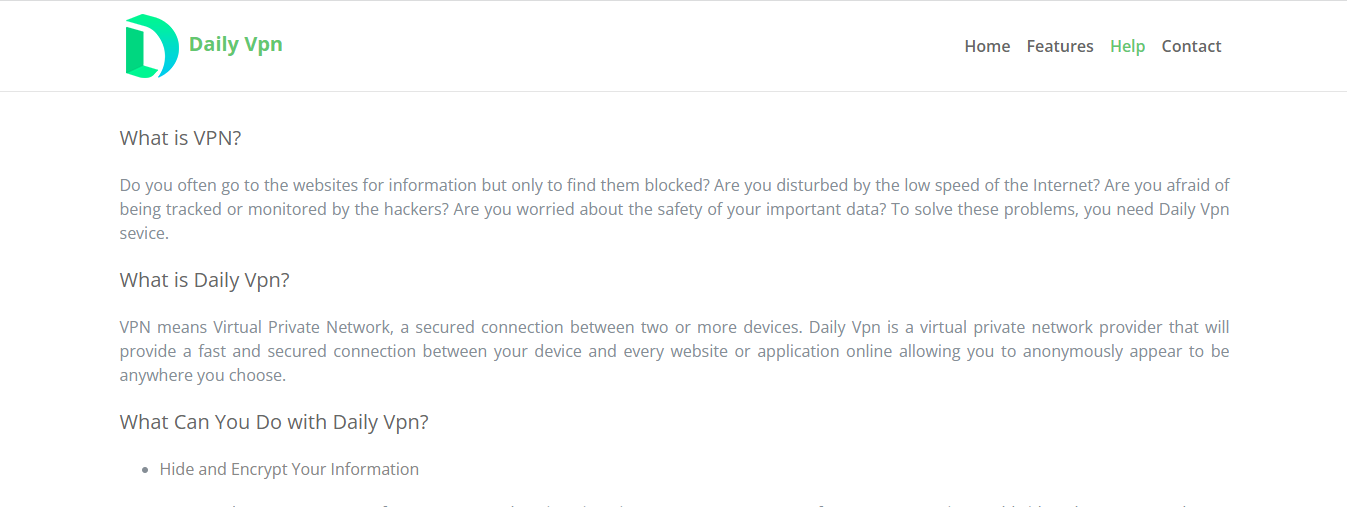
What Is Daily VPN?
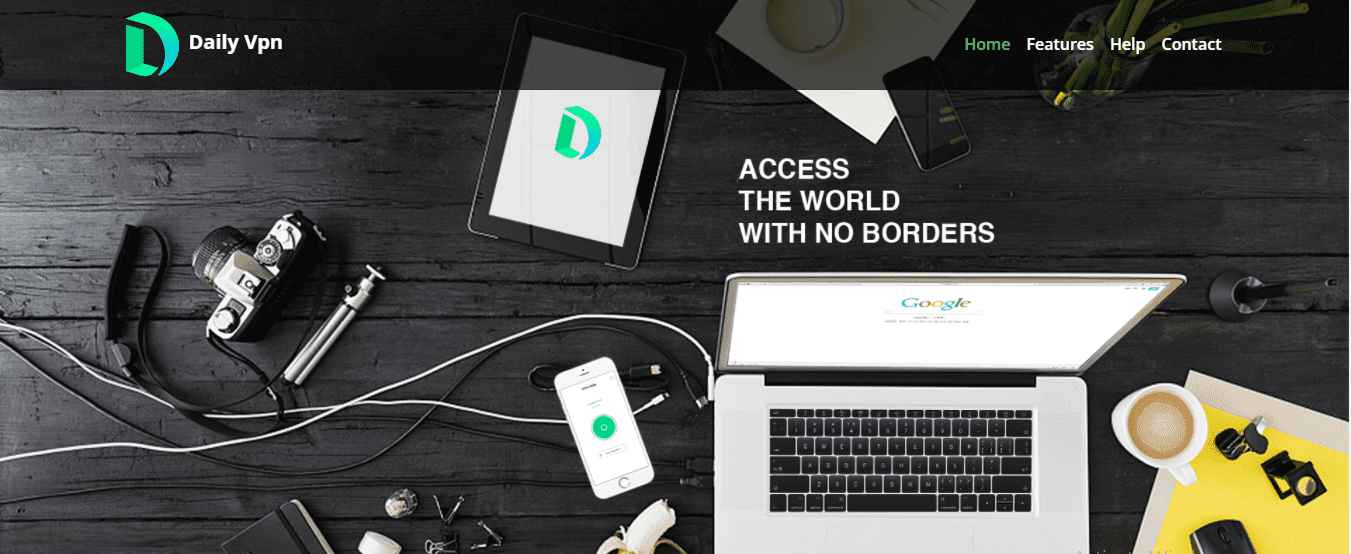
Daily VPN is a VPN service published in 2018 by UPUP Technology Limited. It is not a popular or sophisticated VPN service provider, and its website has limited information about VPNs. However, it has over 10 million downloads on the Play Store.
How Much Does Daily VPN Cost?
Daily VPN is free and does not require a subscription plan. Although the app offers free-to-use servers, they are time-limited and require watching ads to unlock them. This free service provides access to over 1,000 servers and more than 100 cities across 30 countries.
Best Daily VPN Alternatives
1. CyberGhost VPN
CyberGhost VPN is among the best Daily VPN alternatives due to its rich features. It has over 9,000 servers in more than 91 countries, and its features include DNS leak protection, a no-logs policy, a kill switch, multiple logins, and split tunnelling. It costs $12.99 monthly.
>> Get CyberGhost VPN
2. IPVanish VPN
It has over 2,000 servers in over 75 countries, and its features include a no-logs policy, automatic startup, kill switch, split tunnelling, unlimited logins, and a SOCKS5 proxy. It costs $10.95 monthly.
>> Get IPVanish VPN
3. PureVPN
It has over 6500 servers in more than 78 countries, and its features include a no-logs policy, kill switch, split tunneling, ten multiple logins, and port forwarding. It costs $10.95 monthly.
>> Get PureVPN
Daily VPN Features
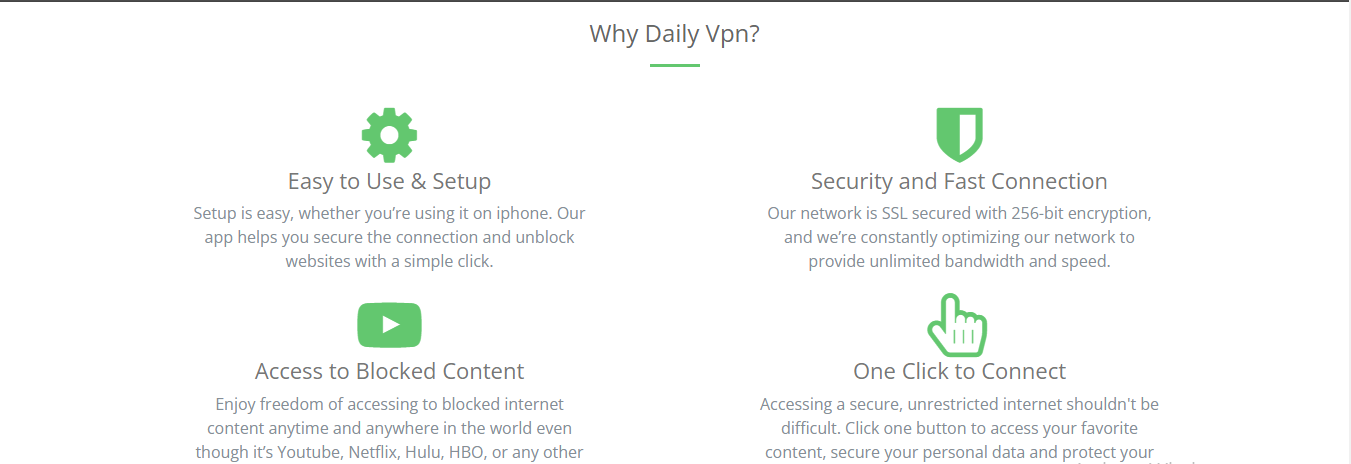
Easy to Set Up and Use
Setting up and navigating on the Daily VPN app is relatively easy. With a few clicks, you can install the app and use it to secure your connection and unblock websites.
Security and Fast Connection
The Daily VPN network is SSL-secured with 256-bit encryption, ensuring users’ security. It is regularly being optimized to provide unlimited bandwidth and speed.
Access to Blocked Content
Using the app, users can unblock restricted internet content like Netflix, Hulu, YouTube, HBO, and so on at any time and from anywhere.
One-Click to Connect
Daily VPN makes accessing the internet easy and unblocks restricted and unrestricted content with just a click. This allows you to protect your privacy and secure your data.
Over 100 VPN Locations
You can choose from over 100 cities in more than 30 countries using Daily VPN.
24/7 Live Customer Support
Daily VPN provides 24/7 support to its users via Facebook live chat and email. We got a response via their Facebook live chat within 4 hours for this Daily VPN review.
READ ALSO: GoGoPDF: Complete PDF Online Tools Free For Use
Daily VPN Pros
- Easy to use and set up.
- One click to connect.
- 256-bit encryption technology.
- Unblocks restricted content.
Daily VPN Cons
- It is a free VPN that encourages ads.
- There is limited information about the VPN on its website. It certainly doesn’t say it has a no-logs policy.
- It doesn’t have sophisticated security features.
- Servers can’t be connected without users viewing ads.
- Available on limited devices.
- Protects just one device.’
How To Get Started With Daily VPN
- Search for ‘Daily VPN’ on the Apple App Store or the Play Store of your IOS or Android device, respectively.
- Click on the app in the search result and download or install it to get the app on your device.
- On your device, locate and open the app after it has been installed. Click on Open and start using it.
How To Delete a Daily VPN Account
To delete your Daily VPN account, contact the customer support team via email or Facebook live chat and request account deletion. Or delete the app on your device by uninstalling it.
Is Daily VPN Worth It?
Yes, Daily VPN isn’t worth it, but at your own risk. If you don’t mind being interrupted by ads or need the VPN for surface internet protection, then you can opt for Daily VPN.
Wrapping Up The Daily VPN Review
When it comes to protecting your online identity, a VPN is always a good choice, but a paid VPN is even better due to its enhanced protection, increased speed, and unique features.
We recommend opting for the best Daily VPN alternatives, such as CyberGhost VPN, IPVanish VPN, and PureVPN.
INTERESTING POSTS
- 5 Common Online Scam Tactics
- 9 Twitter Stats: Use These for Boosting Your Business
- Full ProtonVPN Review [Based On Multiple Tests]
- Is KingoRoot Safe? KingoRoot Review [+Best Alternatives]
- uVPN Review – Is uVPN Safe To Use?
- Lightsail VPN Review: Is Lightsail VPN Safe? [+Best Alternatives]
- Turbo VPN Review: Is Turbo VPN Safe? [+Best Alternatives]
- KiwiVPN Review: Is KiwiVPN Safe? [+Best Alternatives]
- VPN Tomato Review: Is VPN Tomato Safe? [+Best Alternatives]
- The Ultimate IPVanish VPN Backup Review For Cloud Storage Users
- The Ultimate IPVanish VPN Antivirus Review For 2022
About the Author:

Marie Beaujolie is a computer network engineer and content writer from Paris. She is passionate about technology and exploring new ways to make people’s lives easier. Marie has been working in the IT industry for many years and has a wealth of knowledge about computer security and best practices. She is a regular contributor for SecureBlitz.com, where she writes about the latest trends and news in the cyber security industry. Marie is committed to helping people stay safe online and encouraging them to take the necessary steps to protect their data.