I will show you how to keep your cloud storage safe and secure.
Cloud storage has become the norm, and we often overlook additional cybersecurity precautions. The cloud is a virtual platform where individuals and small companies can store data.
Numerous security threats can compromise your data, even when it is stored in the cloud, and it is essential to be aware of them and know how to mitigate them.
READ ALSO: Cloud Storage Guide For Businesses and Individuals
Table of Contents
Best Cloud Storage Deals



Security Threats Facing Cloud Service Users
Malware Infections
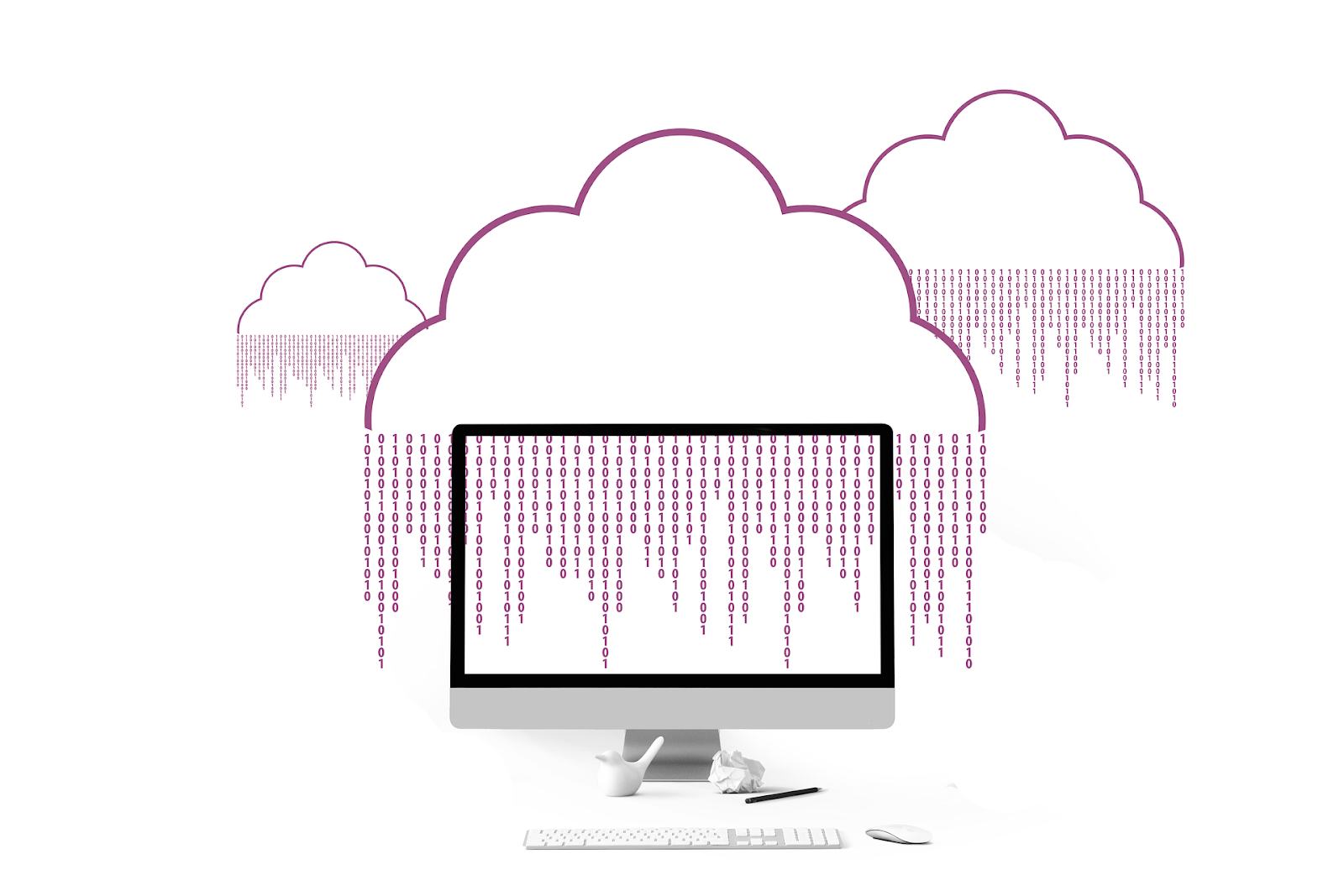
The massive data volumes on the cloud require an internet connection, which means anyone using cloud storage is at risk of cyberattacks. One of the most common cyber threats is DDoS (Distributed Denial of Service), where hackers flood a web-based application with excessive traffic, causing its servers to crash.
Data Breaches
Cloud computing involves the customer ceding control of their data to the cloud service provider. On the one hand, this may allow the customer to focus their time and resources on their core business.
On the other hand, the risk that customers’ sensitive data falls into someone else’s hands is always a concern. For example, if the cloud provider’s security faced a breach, the hacker could get their hands on IP (intellectual property) or other confidential files.
Unauthorized access
There is an increasing amount of data protection legislation, and compliance becomes more challenging. Organizations need rules governing who gets access to data and what they can do with it.
Since cloud computing allows easy access to data, monitoring who accesses this data becomes a challenge. This is especially true if you work in an industry that requires strict data security, such as banking, government, or healthcare.
Risk of Availability
No service can guarantee 100% uptime. Relying on cloud services for critical business tasks means placing your business viability in the hands of your ISP and the cloud provider.
If you lose access to the Internet, your cloud service suffers as well, and you cannot access your data stored in the cloud. This means you must wait until the Internet is back for your business to continue, especially if you rely on the Internet to process client payments.
READ ALSO: 11 Password Management Mistakes You Should Avoid
How Users Can Secure Their Devices
Use a VPN
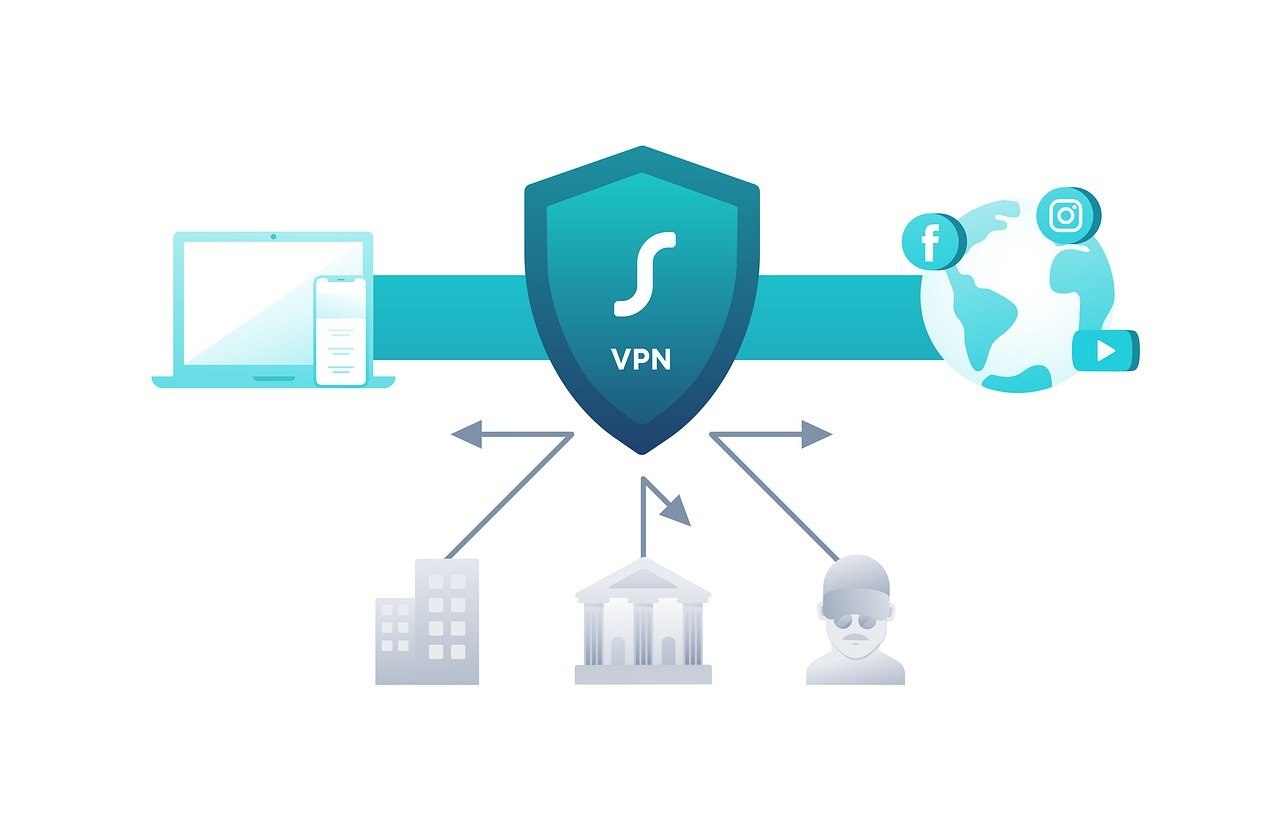
A VPN (Virtual Private Network) secures your access to the cloud by encrypting your files on your devices and in the cloud. VPNs use military-grade encryption standards, ensuring your service provider or third parties cannot access your private files.
A simple VPN download will quickly secure your data against cyberattacks, such as DDoS.
You can also utilize a cloud service that offers encryption and decryption as part of its storage and backup package. The service caters to encrypting your files on your devices and storing them securely on the cloud.
Multi-factor Authentication
Multi-factor or two-factor authentication allows you to use an additional form of identification, in addition to the regular password. When using multi-factor authentication, you key in your regular password, and an OTP (one-time password) is sent to a trusted device, which you then enter.
In addition, some cloud storage services will also allow you to use biometric authentication, such as fingerprint scans, retina scans, facial recognition, or voice recognition.
Employee Training
The human element is one of the weakest links between data security and cyberattacks. When malware enters your system, it typically occurs when someone clicks on a malicious link or downloads an infected attachment.
Therefore, employees in an organization need to be trained to spot suspicious emails, attachments, and links that could be potentially malware-infected.
READ ALSO: Identity Theft: How To Safeguard Your Personal Information
How To Keep Your Cloud Storage Safe And Secure: FAQs
What are some essential security measures for cloud storage?
- Strong Passwords: Use unique and complex passwords for your cloud storage accounts. Consider using a password manager to generate and store strong passwords.
- Two-Factor Authentication (2FA): Enable 2FA for an extra layer of security. This usually involves a code sent to your phone or generated by an app in addition to your password.
- Encryption: Many cloud storage services offer encryption options to scramble your data before storing it, making it unreadable to unauthorized users. Consider encrypting sensitive files before uploading them.
How can I control who has access to my cloud storage files?
- Access Controls: Most cloud storage services allow you to set access permissions for your files. You can control who can view, edit, or share your files.
- Sharing Limits: Be cautious when sharing files. Restrict access to only those who genuinely need it. Avoid blanket sharing permissions.
- Public vs. Private Storage: Some cloud storage services offer public and private storage options. Use private storage for sensitive data and limit public storage to files you intend to share openly.
READ ALSO: 3 Things You Need To Know About Cloud Backup
What should I avoid storing in the cloud?
- Highly Sensitive Information: For sensitive data, such as financial documents, passports, or social security numbers, consider alternative secure storage options, like encrypted local drives.
- Copyright-Protected Material: Refrain from storing copyrighted material like movies, music, or software without proper permissions.
- Unnecessary Personal Data: Avoid uploading personal data, such as medical records or tax documents, unless required for a specific service.
What do you do if you suspect a cloud storage security breach?
- Immediate Action: If you suspect a breach (such as unauthorized access or password leaks), immediately change your cloud storage password and enable two-factor authentication (2FA).
- Report the Incident: Inform the cloud storage provider about the suspected breach. They may offer tools or guidance to further secure your account.
- Review Stored Data: Assess the potential damage of the breach. If sensitive information is compromised, you may need to take additional steps, like notifying relevant authorities or financial institutions.
READ ALSO: How to Safely Store Seasonal Products and Celebration Supplies
How can I stay informed about the latest best practices for cloud storage security?
- Security Resources: Reputable cloud storage providers often offer security resources and guides on their websites.
- Industry News: Follow reputable cybersecurity news sources to stay informed about cloud security trends and potential threats.
- Regular Reviews: Conduct periodic reviews of your cloud storage security practices to ensure ongoing effectiveness. Consider regularly updating passwords and access controls.
Conclusion – Keep Your Cloud Storage Safe And Secure
By implementing these security measures and staying informed, you can significantly enhance the protection of your valuable data stored in the cloud.
The cloud is a fantastic feat that has revolutionized how individuals and businesses store their data. However, having data on the cloud does not mean it is 100% foolproof, and you must take precautions to mitigate cyberattacks.
I hope you know how to keep your cloud storage safe and secure.
INTERESTING READS
- Best Cloud Storage Services According To Reddit
- Cloud Security: Why Should Companies Not Fear FearMovinge On The Cloud?
- 3 Things You Need To Know About Cloud Backup In 2020
- 4 Best Cloud Backup Services For Personal Use
- Coronavirus: Online Security Tips for Remote Workers
- The Crucial Role Of Cloud Computing In The Business World
- What Are The Security Features On The QuickBooks Desktop?
- Reasons To Use Data Tape Media For Your Business
- The Biggest Challenges And Opportunities Facing Tech Businesses Right Now
About the Author:

Meet Angela Daniel, an esteemed cybersecurity expert and the Associate Editor at SecureBlitz. With a profound understanding of the digital security landscape, Angela is dedicated to sharing her wealth of knowledge with readers. Her insightful articles delve into the intricacies of cybersecurity, offering a beacon of understanding in the ever-evolving realm of online safety.
Angela's expertise is grounded in a passion for staying at the forefront of emerging threats and protective measures. Her commitment to empowering individuals and organizations with the tools and insights to safeguard their digital presence is unwavering.