![Is KingoRoot Safe? KingoRoot Review [+Best Alternatives]](https://secureblitz.com/wp-content/uploads/2022/03/Is-KiwiVPN-Safe-2.png "Is KingoRoot Safe? KingoRoot Review [+Best Alternatives]")
Is KingoRoot Safe? That is a common question, and I will endeavour to answer it in this KingoRoot review. Also, I will show you the best KingoRoot alternatives.
After reviewing KingoRoot, you will be able to determine whether it is safe or worth it. I will also review its cost, features, pros, and cons based on my personal research.
Table of Contents
Is KingoRoot Safe?
Yes, KingoRoot is safe but it is necessary that you consider its cons before opting for it. With the KingoRoot app, users get to root their Android device, and they can perform operations that are not normally accessible to Android users, like replacing or altering system applications and settings. Also, they can run specialized apps with administrative-level permissions.
The original version of KingoRoot doesn’t contain any malware so beware of clones and only download the software from the official KingoRoot website.
What Is KingoRoot All About?
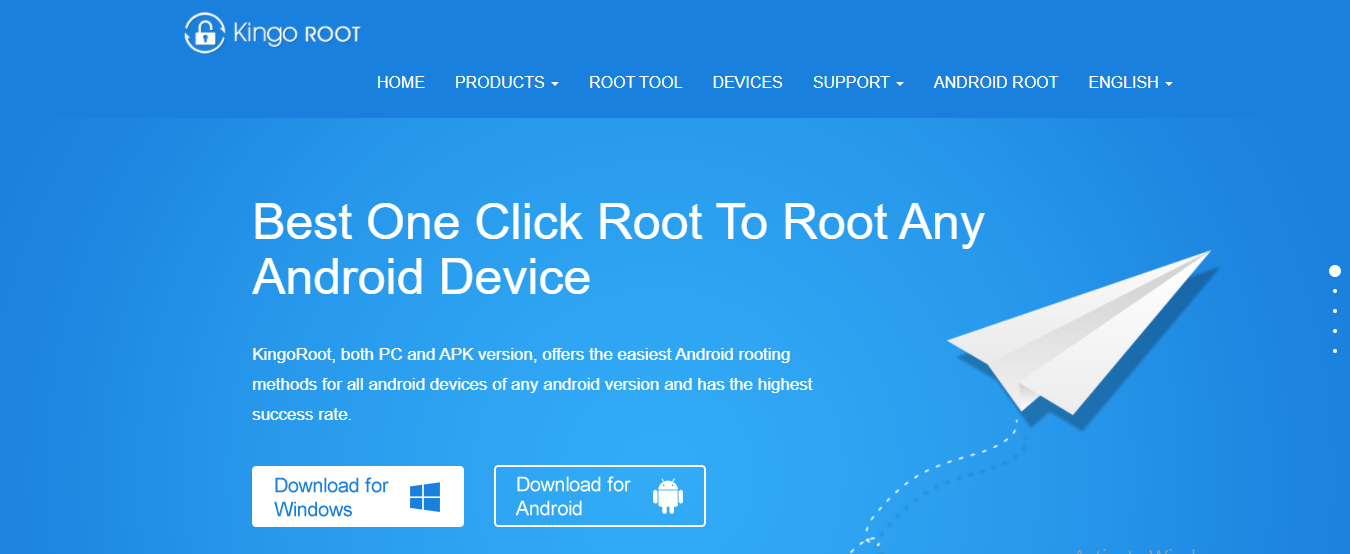
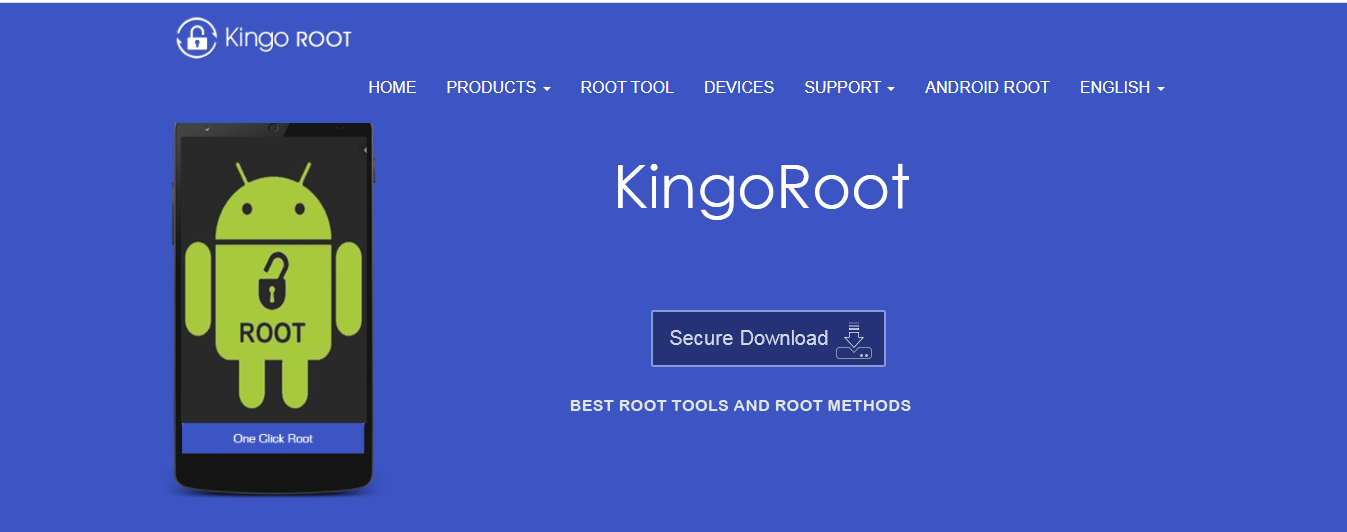
KingoRoot is free, open-source software that provides root access for smartphones, tablets, and other devices running any version of Android. It is described as the “Best One Click Root” for rooting any Android device.
In Android, rooting is the process by which users gain root access, or in other words, privileged control over various Android subsystems.
It gives users access to administrative permissions and helps to overcome limitations that hardware manufacturers and carriers have placed on devices.
How Much Does KingoRoot Cost?
KingoRoot costs nothing at all. It is an entirely free-to-download and use software that helps users to root their Android devices.
Best KingoRoot Alternatives
In this KingoRoot review, I believe it is essential to list other KingoRoot alternatives worth mentioning.
1. KingoRoot vs KingRoot
Here is the top entry on the list of the best KingoRoot alternatives.
KingRoot has a simple user interface and supports Android rooting with just one click like KingoRoot. These two software applications are similar and are most times mistaken for each other.
However, KingRoot existed before KingoRoot. It is also free but proprietary. Furthermore, its benefits are similar to KingoRoot; it removes bloatware, blocks ads, allows full customization, and can root Android with or without a Windows PC.
2. KingoRoot vs Magisk
Just like KingoRoot, Magisk is free and open source. It prides itself as the most secured rooting solution on the market and works in a systemless interface. It doesn’t interfere with system files or partitions and your device gets to acquire ready-to-use OTA updates and security patches.
It also has a SuperSU for managing roots called MagiskSU, it regularly accepts and denies root permission and users get to custom ROMs. The app is installed directly on the Android device; no PC required.
3. KingoRoot vs SuperUser
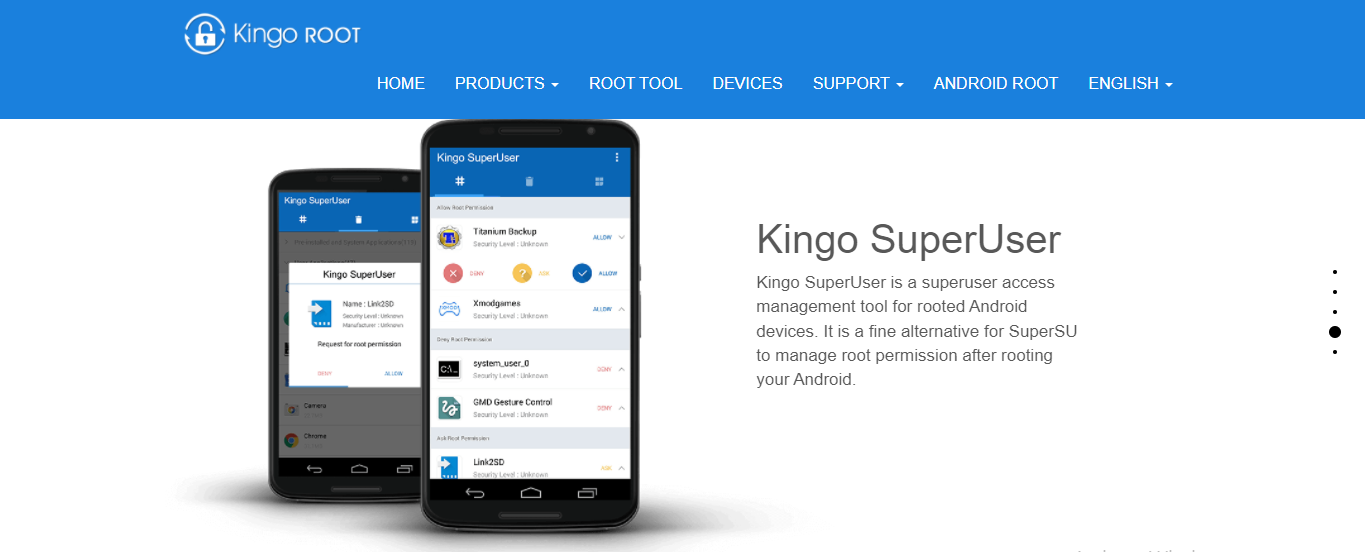
SuperUser is a software by ChainsDD, and it is a free and open-source KingoRoot alternative. It has elevated permissions and can modify and manage Android devices at the same time. It doesn’t require you to connect to a PC before you can root your device.
It can root multiple and major Android devices. Its features include complete unroot, temporary unroot, ghost mode, and wake-up prompt.
READ ALSO: What You Need To Know About Android Application Security
KingoRoot Features
One-Click Root
Rooting your Android device with KingoRoot requires only one click on the Root icon. Other functions in the app are also performed with just one click.
Blocks Ads
KingoRoot blocks and removes ads from rooted apps. This helps prevent being redirected to shady or malicious websites.
Customization
With KingoRoot, there are a lot of customization and options available to users. They get to install any custom-built ROMs.
Available for Major Android Devices
This software can be used on Android devices like Samsung, ASUS, Acer, Moto, Sony, Google, LG, Lenovo, HTC, and HUAWEI.
 READ ALSO: Is Surfshark One Worth It? [Honest ANSWER]
KingoRoot Pros and Cons
Pros
- It has a user-friendly interface.
- Can be used to root Android devices with and without a PC.
- Roots almost all Android versions.
- It has an unroot option.
- It doesn’t leak or spy on users’ privacy.
- Works for major Android devices like Samsung, Moto, Sony, Google, LG, Lenovo, HTC, and HUAWEI.
Cons
- It doesn’t work for all Android devices.
- It uninstalls apps on your Android device during installation.
- Rooting devices takes a long time.
- Slows down Android devices’ performance.
- Deleted roots usually have leftovers.
How to Get Started With KingoRoot
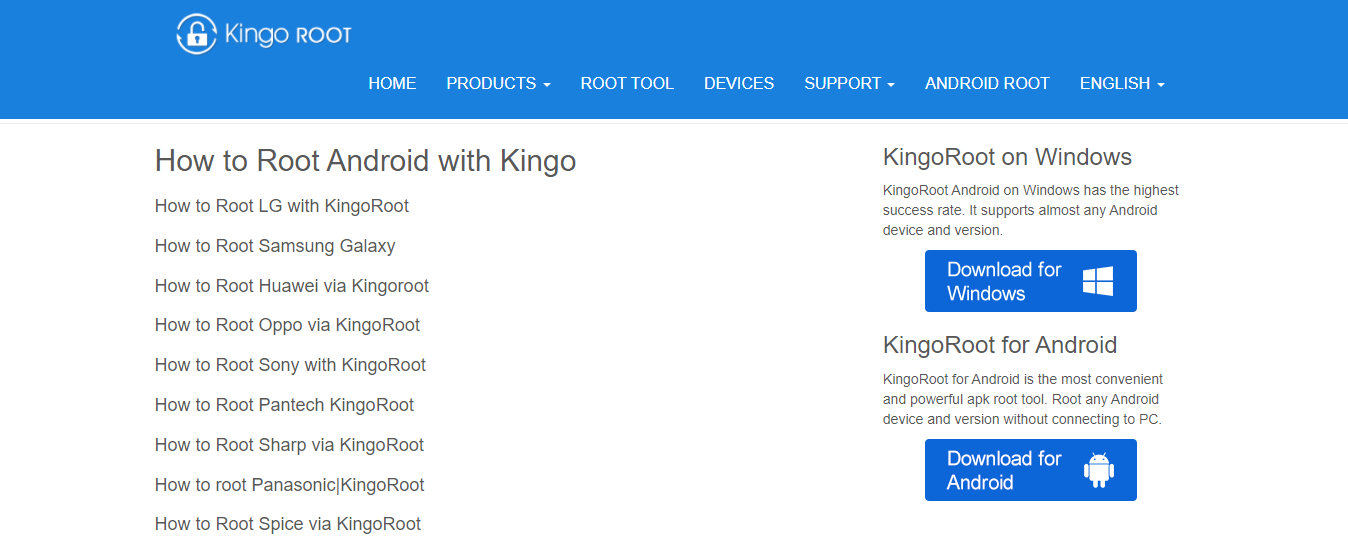
- Visit the official KingoRoot website and double-click on either the Download for Windows or Download for Android icon to download the KingoRoot Android PC version or the APK version.
- If you are downloading it to your Windows desktop, install it, then launch it. Using a USB cable, plug your Android device into your pc and enable USB Debugging mode on the Android device.
- To install the APK version on your Android device, allow installation of apps from unknown sources on the Security page under Settings.
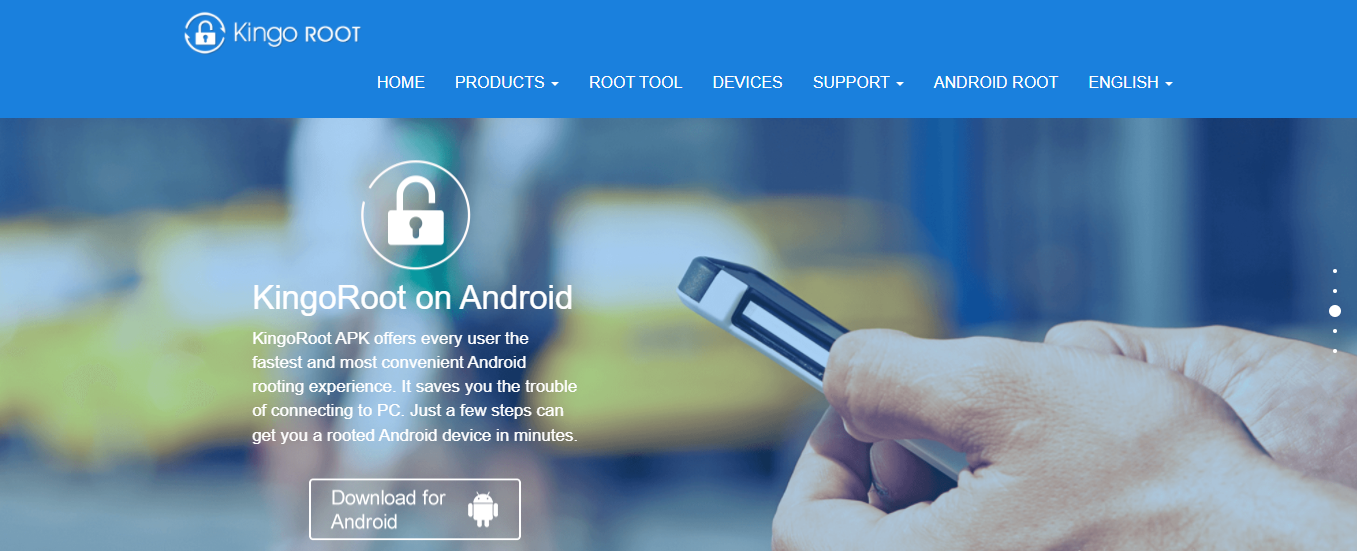
- After downloading KingoRoot on your Android device, on the main interface, click on One Click Root and wait for a few seconds for the results to appear.
- For whichever version you are downloading, read the notifications carefully and click ROOT to enable rooting your device.
How To Delete KingoRoot
KingoRoot works as a root manager in place of SuperSU and deleting it or uninstalling the app after rooting is difficult as it installs a SuperUser app after rooting. This gives it permission to apps and allows root access.
To delete KingoRoot, you have to unroot your device.
- Open the KingoRoot app on your device.
- Click on the navigation dots (three dots) on the top right of the app.
- Click on Settings and then scroll down and select Remove Root.
- Select Continue, and your device should reboot.
Is KingoRoot Worth It?
Yes, KingoRoot is worth it but has its disadvantages as mentioned earlier in this KingoRoot review. It doesn’t work on all devices and can be slow, slowing down users’ devices. However, it is free and allows you to root your device giving you access to do anything with your Android device.
Wrapping Up The KingoRoot Review
If you want to root your Android device so you can alter system applications and do other things that seem impossible, opting for KingoRoot may not be a bad idea.
However, you need to know what you are getting into, and we hope this KingoRoot review goes a long way toward helping you make the right decision. In fact, you can use any of the best KingoRoot alternatives that we mentioned in this post if you are not convinced.
INTERESTING POSTS
- Is It Worth Paying For A VPN?
- Is Online Cyber Security Training Worth It?
- Best Google Products Alternatives
- Cryptocurrency Payment: Pros And Cons
- uVPN Review – Is uVPN Safe To Use?
- Daily VPN Review: Is Daily VPN Safe? [+Best Alternatives]
- Lightsail VPN Review: Is Lightsail VPN Safe? [+Best Alternatives]
- Turbo VPN Review: Is Turbo VPN Safe? [+Best Alternatives]
- KiwiVPN Review: Is KiwiVPN Safe? [+Best Alternatives]
- VPN Tomato Review: Is VPN Tomato Safe? [+Best Alternatives]
- The Ultimate IPVanish VPN Backup Review For Cloud Storage Users
- The Ultimate IPVanish VPN Antivirus Review For 2022
About the Author:

Meet Angela Daniel, an esteemed cybersecurity expert and the Associate Editor at SecureBlitz. With a profound understanding of the digital security landscape, Angela is dedicated to sharing her wealth of knowledge with readers. Her insightful articles delve into the intricacies of cybersecurity, offering a beacon of understanding in the ever-evolving realm of online safety.
Angela's expertise is grounded in a passion for staying at the forefront of emerging threats and protective measures. Her commitment to empowering individuals and organizations with the tools and insights to safeguard their digital presence is unwavering.