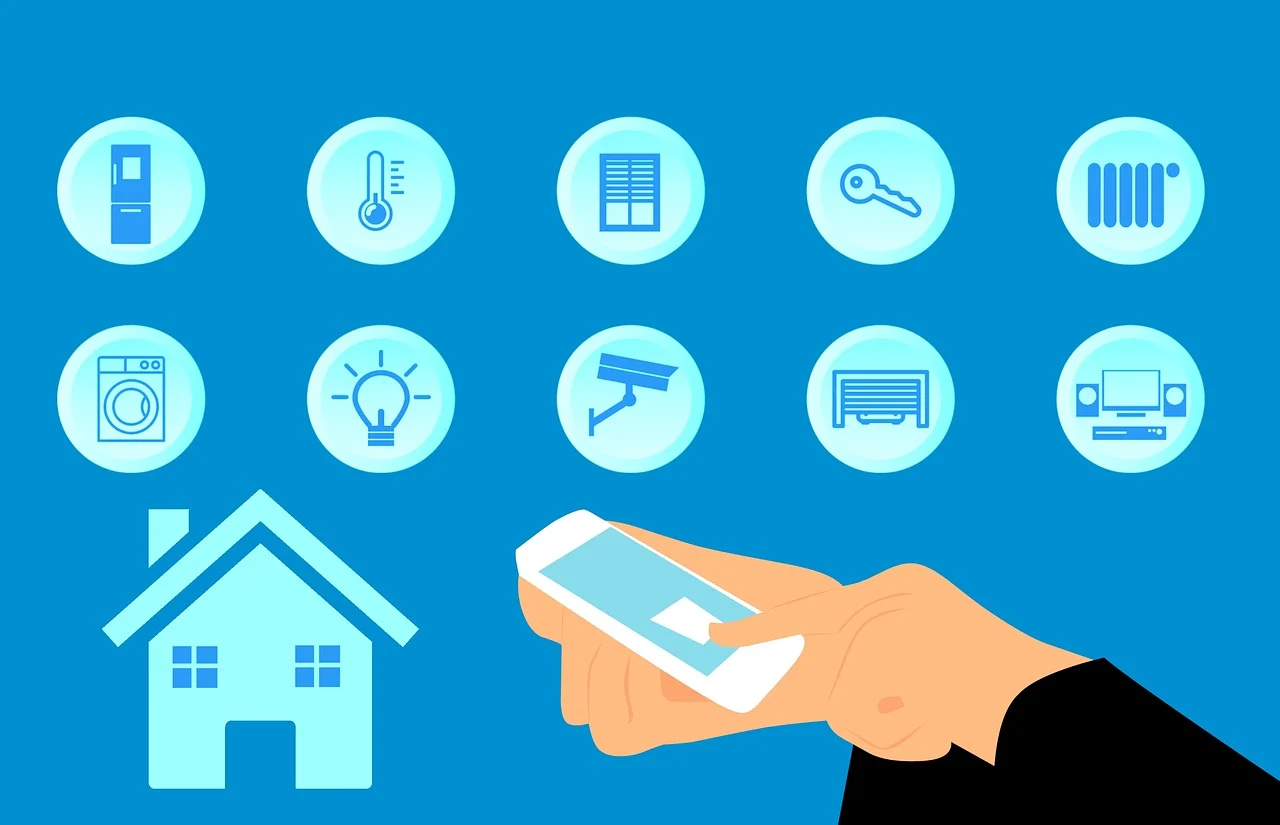
In this post, I will talk about overcoming smart device integration challenges.
Smart homes rarely fail because people buy the wrong gadget. More often, they struggle because the home ends up acting like a collection of tiny digital islands. One app controls the lights. Another runs the thermostat. A third handles cameras. Then a voice assistant gets added, a video doorbell joins the mix, and suddenly the whole setup feels less like convenience and more like IT support with throw pillows.
That is why smart device integration is not really a gadget problem. It is a systems problem. And the best way to solve it is to think like a network planner first, not a shopper first. Whether someone is building a setup alone or working with a home security company, the goal should be the same: create a home where devices can communicate clearly, securely, and consistently.
A lot of people start their smart home journey by asking what device they should buy next. A better question is this: what kind of digital environment am I building? Once you look at your home as an ecosystem instead of a pile of products, the common integration headaches start to make a lot more sense.
Table of Contents
Why Smart Homes Become Fragmented So Fast
Most integration issues begin with good intentions. A family picks a smart speaker because it is easy to use. Later, they add a smart lock from a different brand because it has the features they want. Then they buy sensors, cameras, and plugs whenever they find a sale. Each device may work well on its own, but together they can create friction.
The root problem is that smart devices do not all speak the same language. Some rely on Wi Fi, some use Zigbee, some use Z Wave, and newer products may support Matter, which was designed to improve interoperability across platforms and reduce compatibility guesswork. Matter’s official overview and FAQs explain how the standard uses familiar technologies like Wi Fi, Thread, Ethernet, and Bluetooth Low Energy for setup to help devices work across major ecosystems. When your home contains several communication methods and separate apps, things can break down in subtle ways. Automations fail. Notifications arrive late. Devices disconnect after updates. Voice commands work one day and stop the next.
This is why the challenge is not simply adding more smart products. It is reducing the number of translation points between them.
Start With Security, Not Convenience
People often treat security as a final step, something to think about after the fun setup is done. In reality, security should shape the architecture from day one. If your devices are loosely connected across different platforms, each added login, cloud account, and wireless protocol creates another possible weak point.
A security first approach makes integration simpler because it forces better decisions early. Instead of chasing every feature, you look for devices that can fit into a controlled environment. You favor strong account protection, software update support, and reputable ecosystems. You also avoid overcomplicating the network with products that require odd workarounds just to function.
This matters because connected devices are not just conveniences. They can affect locks, cameras, alarms, sensors, and even routines that determine when the house appears occupied. Guidance from the National Institute of Standards and Technology emphasizes that IoT devices should have baseline cybersecurity capabilities and that secure onboarding and lifecycle management play an important role in protecting connected devices and networks. NIST’s IoT security guidance and onboarding resources reinforce the idea that secure setup is part of the system, not an optional add on.
When security leads the plan, compatibility decisions become more disciplined. You stop asking, “Can I make this work somehow?” and start asking, “Does this belong in the ecosystem I am building?”
The Real Value of a Unified Automation Platform
One of the smartest ways to reduce integration stress is to choose a central automation platform and let it become the home’s command layer. This does not mean every device must be from one brand. It means there should be one main environment responsible for routines, rules, and device relationships.
Without that central layer, your home becomes dependent on overlapping automations. For example, the porch light might be controlled by one brand’s app, the motion sensor by another, and the camera alert by a third. If one service changes a permission setting or cloud connection, the automation chain can fall apart.
A unified platform helps by centralizing logic. Instead of every device trying to coordinate directly with every other device, they report into a system that manages how actions should happen. That structure reduces technical silos and makes troubleshooting easier. If an automation fails, you have one place to inspect triggers, permissions, and device status.
This approach also makes expansion easier. When you add new hardware later, you are plugging it into a strategy, not just into your Wi Fi.
Cloud Based Ecosystems Can Reduce Friction, If Used Carefully
Some homeowners hear “cloud based” and assume it automatically means less reliable or less private. The reality is more nuanced. A well designed cloud ecosystem can solve major integration headaches because it centralizes account management, remote access, rule syncing, and software updates. It can also help devices from different manufacturers communicate through shared services rather than through messy direct pairings.
That said, cloud convenience should support the system, not dominate it. The best setups usually balance local reliability with cloud flexibility. Critical functions such as security alerts, entry sensors, and lock behavior should be dependable even if internet conditions are imperfect. Meanwhile, cloud services can make it easier to coordinate notifications, user permissions, and multi device routines across households.
Used wisely, the cloud is not just a place where your app connects. It becomes the layer that smooths over fragmented protocols and keeps the user experience from feeling scattered.
Think in Zones, Not Devices
Here is a practical mindset shift that makes integration much easier: organize the smart home by zones and outcomes instead of by product categories. In other words, do not think “camera, lock, bulb, speaker.” Think “front entry,” “upstairs at night,” “away mode,” or “package delivery.”
Why does this help? Because integration works best when every device in a zone serves a shared purpose. At the front entry, for example, a camera, door sensor, light, chime, and lock should all support one clear result: visibility and control when someone approaches the door. Once the purpose is defined, it becomes easier to spot weak links. If one device cannot join the routine smoothly, it may not be the right fit.
This zone based thinking also prevents overbuying. People often add products because they are individually impressive, not because they improve a complete experience. A smart home feels seamless when the parts support moments, not when the parts merely exist.
Compatibility Is Also a Maintenance Issue
Another overlooked truth is that integration is never finished. Even a well built smart home changes over time. Apps are updated. Standards evolve. Devices age out. Internet routers get replaced. A platform that worked perfectly two years ago may need adjustments after a firmware change or a new voice assistant feature.
That is why successful integration depends on maintenance habits as much as initial setup. Keep an inventory of devices, apps, and logins. Review automations every few months. Remove products you no longer use. Check whether your core platform still supports the hardware you depend on.
This ongoing attention may not sound exciting, but it is what separates a resilient smart home from one that slowly becomes unpredictable.
Build the Home Around Trust
The smartest homes are not the ones with the most devices. They are the ones where people trust the system to behave as expected. That trust comes from clear architecture, strong security practices, fewer compatibility gaps, and a central platform that keeps communication organized.
If your smart home feels chaotic, the answer is usually not another app or another gadget. It is stepping back and designing the environment as one connected system. Focus on secure foundations. Choose a unified automation layer. Let cloud tools reduce friction without giving up control. Build around zones and outcomes. Maintain the setup like the living system it is.
Do that, and smart device integration stops feeling like a technical battle. It starts feeling like what it should have been all along: a home that works together.
INTERESTING POSTS
About the Author:

Chandra Palan is an Indian-born content writer, currently based in Australia with her husband and two kids. She is a passionate writer and has been writing for the past decade, covering topics ranging from technology, cybersecurity, data privacy and more. She currently works as a content writer for SecureBlitz.com, covering the latest cyber threats and trends. With her in-depth knowledge of the industry, she strives to deliver accurate and helpful advice to her readers.