Here, we will show you the Trend Micro Maximum Security review.
Mobile devices (smartphones inclusive) need maximum protection, much like PC devices, since most users spend more time on mobile devices than PCs.
Trend Micro Maximum Security is one such security suite that offers maximum protection for PC and Mobile devices. With its pricing plan, users can enjoy full protection covering five devices.
This is a detailed review that covers the key features that make Trend Micro stand out from other antivirus programs, as well as its performance and pricing plans.
So, let’s get started with the Trend Micro Maximum Security review.
Table of Contents
What Is Trend Micro Maximum Security?
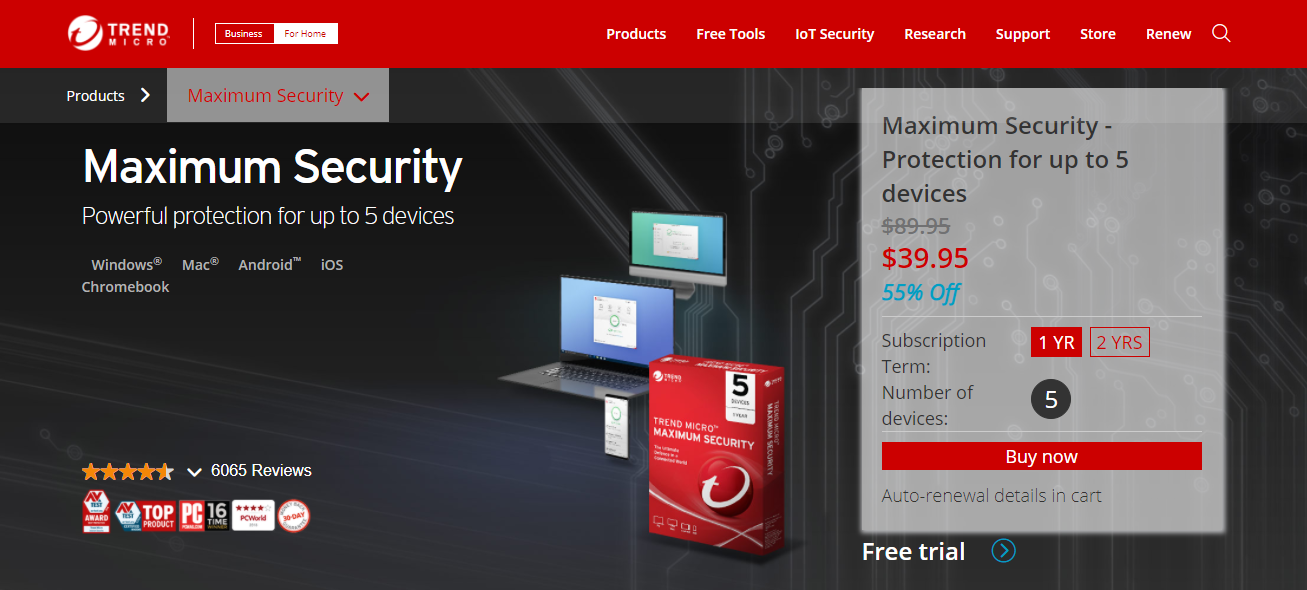
Trend Micro Maximum Security is a complete privacy and security suite designed to offer total protection for Windows, Android, iOS, Mac, and Chromebook devices.
Trend Micro is not just a run-of-the-mill security suite, but an award-winning security suite that protects devices from malware (including viruses, spyware, ransomware, Trojans, worms, etc.), identity theft, scams, and phishing attempts.
Trend Micro Maximum Security Features
User Interface
Trend Micro has a User Interface designed with non-tech-savvy users in mind. At the center of its well-laid-out dashboard is a big, circular scan icon with a drop-down menu arrow at the right side of the circle, with which users can select between quick, full, or custom scan. A click on the ‘SCAN’ icon automatically performs a quick scan of users’ devices by default.
At the top of the large, circular SCAN icon are the ‘Device,’ ‘Privacy,’ ‘Data,’ and ‘Family’ icons; users can explore and adjust the settings according to their needs.
AV Engine Performance
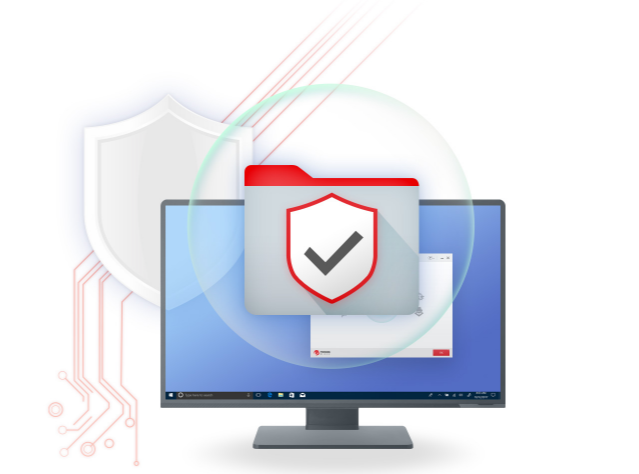
Trend Micro enjoys a robust rating, with most AV-test labs rating its performance between 98 to 100%. Trend Micro blocked all 300 malware threats in an antivirus test, achieving 100% antivirus protection, but with ten false positives, compared with Norton, with 99.9% protection and zero false positives.
The 100% performance can be attributed to Trend Micro’s AI technology, which scans and identifies a device’s normal state, thus identifying abnormal program behavior as a threat. This makes its antivirus engine powerful enough to protect users’ devices from known and unknown threats.
- Read Also: Surfshark Antivirus Review
Overall, Trend Micro has a robust AV Engine that can protect users’ devices from malware, phishing, spamming, etc., with false alarms kept to a minimum. It is highly effective against ransomware. Tests showed that Trend Micro blocked ransomware and decrypted all files hitherto encrypted by the ransomware.
URL Filtering
URL filtering is a feature that checks out all URLs for safety before users have access to such sites. This robust feature puts Trend Micro way ahead of the pack by blocking 98% of all phishing sites, while Bitdefender, Kaspersky, and Avira achieved scores between 95% and 93%.
Spam Filter
Trend Micro has a Spam Filter tool, although it is not displayed on its dashboard, users can enable this spam filter tool in Trend Micro’s ‘Settings’ tab. The Spam filter tool works well for filtering out spam messages, hence flagging junk messages as spam.
Users can also add selected message addresses to the Senders Whitelist to prevent the Spam Filter from classifying the message as spam. Additionally, users can adjust the Spam Filter settings to prevent the tool from flagging legitimate messages as spam. This tool works well with Outlook, SMTP, Exchange, and POP3 messages.
Folder Shield
Trend Micro’s Folder Shield is a secondary layer ransomware protection feature that protects users documents, pictures, Cloud drive, USB drives, etc. users can add as much folder as they want to the Folder Shield protection list.
The Folder Shield serves as an anti-ransomware layer, protecting folders from unauthorized encryption due to ransomware activity.
Pay Guard
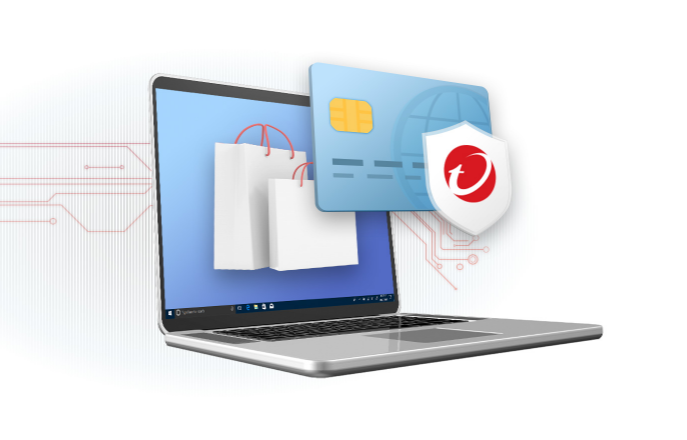
Trend Micro’s Pay Guard is a feature that enables secure online financial transactions, preventing users’ financial details from being stolen. The Pay Guard can monitor financial transactions, whether users are shopping online or performing online banking.
It also prevents remote keylogging from recording and sending users’ details. When users enable this feature, it opens a secure, private browser tab and closes all extensions; thus, no financial details are left on the browser after completing a transaction.
Other features of Trend Micro include:
- Secure file shredder
- Encrypted Vault Storage
- Password Manager
- Device protection
- Protection for Android and iOS devices, etc.
Technical Details
- Supported devices and OS: Windows, Mac, Android, iPhone, Chrome OS, Web-based
- Pricing model: 1-year subscription, 2-year subscription
- Customer types: Individuals, businesses, and corporate organizations
- Mobile applications: Android, iOS
Trend Micro Maximum Security Pricing
Trend Micro is tailored for the needs of individuals and small to large business enterprises across all sectors.
New users enjoy a 30-day trial period to experience Trend Micro’s extraordinary security and privacy protection features.
Users will be required to subscribe to any of the available plans suitable to their needs, which include:
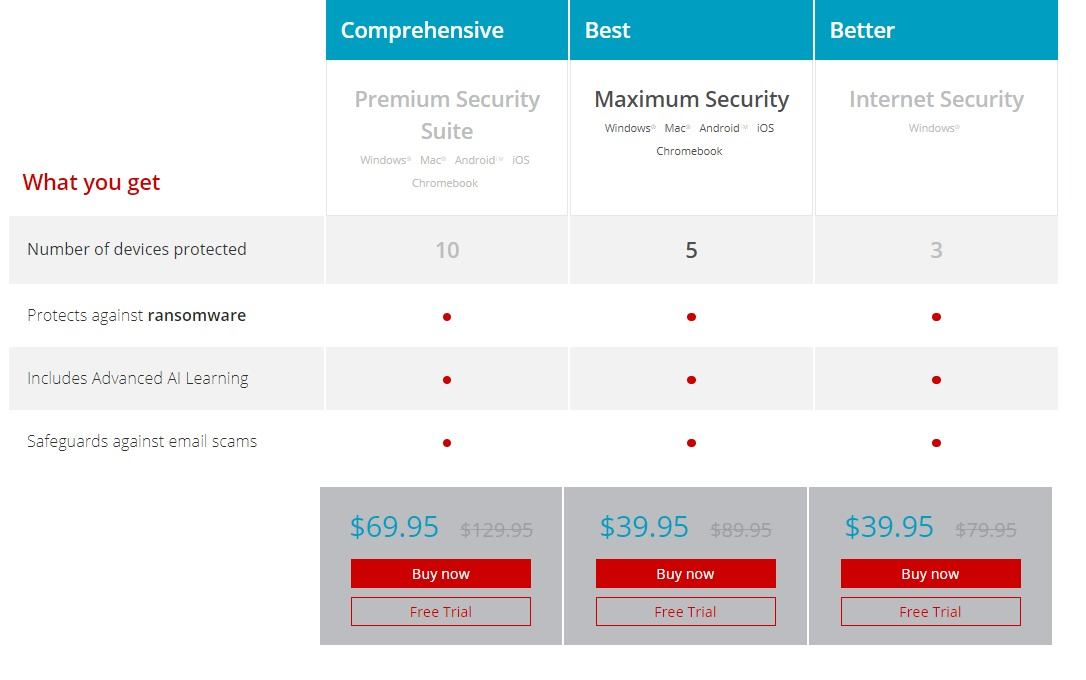
Maximum Security
- Price: $39.95 per year; $69.90 for 2 years.
- 5 Licenses, one-year subscription
Features include:
- Protection against ransomware
- Advanced AI
- Protection against email scams
- Pay Guard
- Children safety
- Social media privacy
- System optimization
Premium Security Suite
- Price: $69.95 per year
- 10 Licenses
Features include:
- All Features of maximum security
- Password manager
- Mobile device protection
- Dark web monitoring
- VPN
- 24/7 tech support
- Fast remote diagnosis and repair
Get Trend Micro Maximum Security

Is Trend Micro Safe for Use?
Trend Micro is safe to use. It protects the user against malware, including viruses, trojans, spyware, ransomware, cryptojacking, and other known and unknown threats, with a high degree of efficacy.
Users enjoy unique additional features such as Pay Guard, spam filter, URL filter, privacy protection, etc. Thus, users enjoy protection from malicious websites, spam messages, identity theft, hacking attempts, and other threats.
Conclusion
To conclude this Trend Micro Maximum Security review. You should note that Trend Micro’s diverse and functional features make it well-suited for top-notch protection against increasing threats and privacy violations. It also offers total protection for handheld devices from a single plan.
Therefore, a single subscription of five licenses ensures that you have coverage for your PCs, smartphones, and other devices. Trend Micro is a recommended top choice antivirus suite for both home and business use.
RELATED POSTS
- 5 Secure Online Payment Services to Consider
- Ultimate Guide To Hide Files On Windows Computer (Like James Bond)
- 12 Best Free Antivirus Software for your Windows PC [Not Free Trial]
- Review of G DATA Total Security
- What is Ransomware? Signs and How to remove it?
- How To Make Your Small Business A Success
- Best Antivirus For 2022
About the Author:

Gina Lynch is a VPN expert and online privacy advocate who stands for the right to online freedom. She is highly knowledgeable in the field of cybersecurity, with years of experience in researching and writing about the topic. Gina is a strong advocate of digital privacy and strives to educate the public on the importance of keeping their data secure and private. She has become a trusted expert in the field and continues to share her knowledge and advice to help others protect their online identities.