




Here is the mSpy review. Read on!
The need to know what your partner, kid(s), or even employees’ online life looks like and their conversations and activities can be overwhelming.
Your kids can be hooked on unholy friends and activities, your partner can have other partners unknown to you, and your employees can spend more than a quarter of their work hours on social media or watching their favorite shows.
You can use several phone spy apps to monitor people’s mobile devices and give you control over their activities online, but can you trust these spy apps?
Among all the spy apps tested, mSpy is the most reliable and trustworthy spy app for mobile phones. Hence, there is a need to publish this mSpy review to provide you with an in-depth understanding of mSpy and its capabilities.
Table of Contents
What Is mSpy?
 mSpy is a spy app launched by MTechnology Ltd in 2010. The app enables you to remotely monitor the movement and activities of other people through their devices, preventing them from engaging in inappropriate activities.
mSpy allows you to monitor phone calls, social media handles, browser activities, and location by working secretly in the background of the target’s phone without raising any issues or interfering with the user’s activities.
After installing mSpy on a user’s phone, mSpy records users’ call logs, SMS, browser activities, location, etc., and uploads them to your mSpy account. This information is accessible by logging into your mSpy dashboard on your phone or PC.
If you’re a parent concerned about your child’s online safety, then you may have heard about the mSpy Parental Control App.
This app is designed to help parents monitor their children’s online activities and keep them safe from any online threats.

Benefits Of mSpy Parental Control App
1. Monitoring and Tracking Features: One of the biggest benefits of mSpy is that it offers a range of monitoring and tracking features. This app can monitor your child’s text messages, phone calls, social media activity, location, and more. This can help you monitor your child’s online behavior and intervene if necessary.
2. Remote Access: Another great feature of mSpy is that it allows remote access. This means you can monitor your child’s activity from anywhere in the world, provided you have an internet connection. You can use this feature to check in on your child’s activity while you’re at work or traveling.
3. Customizable Alerts: mSpy also offers customizable alerts. This means you can set up alerts for certain keywords or phrases that may concern you. For example, if you’re concerned about your child interacting with strangers online, you can set up an alert for any messages that contain the word “stranger.” This can help you stay on top of any potential risks.
4. Easy-to-Use Interface: Another benefit of mSpy is its easy-to-use interface. The app is designed to be user-friendly, so even if you’re not tech-savvy, you should be able to navigate it easily.
5. Compatibility: mSpy is compatible with Android and iOS devices, so no matter what kind of phone or tablet your child uses, you should be able to use this app to monitor their activity.
READ ALSO: Best Parental Control Software for 2025
How To Get Started With mSpy
- Go to the official mSpy website to select a discounted mSpy subscription plan
- Choose any payment platform, follow the payment process, and get a username and password.
- Download and install mSpy on the target’s device; log in with your account details.
- Log on to your dashboard from your PC or mobile device and start monitoring the target device effortlessly.
mSpyKey Features
GPS Tracking and Geo-Fencing
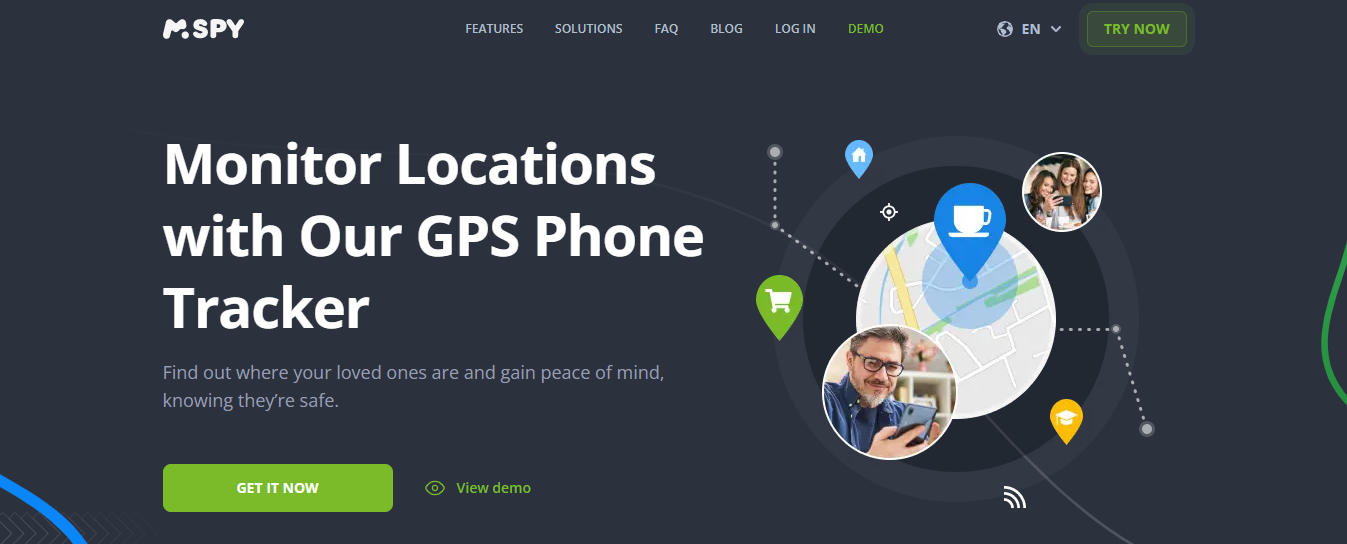
This feature allows you to monitor the location of your child, employee, or partner from anywhere. Additionally, you can set up geofencing by establishing a perimeter for a designated safe zone.
For instance, you can set up a perimeter around your child’s school as a safe zone and receive instant notifications in real-time once your child crosses the perimeter of the safe zone.
Call log
mSpy’s call monitoring feature allows you to monitor call logs on targeted devices by recording incoming and outgoing call details, including caller identity, call duration, and other relevant information. This lets you know who your kid or partner communicates with.
Call Blocking
mSpy provides you with total access to contacts on the target device and enables you to block incoming or outgoing calls remotely.
Logging onto your dashboard, you can view all call details and contacts and set up a block list to bar any incoming or outgoing call, whether existing on the contact list or not.
Text message
This feature allows you to monitor and access all incoming and outgoing SMS messages and emails on the target’s device. It also gives you access to deleted messages; thus, nothing is hidden. The app also records info such as date, time, sender, or recipient.
Media file monitoring
You can view all images, videos, and other multimedia files from your dashboard on the target’s device, irrespective of their origin. You can view images taken or videos recorded using social media apps like Snapchat, WhatsApp, and Instagram, among others.
App monitoring
The ‘Installed apps’ tab on your mSpy dashboard gives you access to all installed apps on the target device and allows you to block or restrict usage of any app you deem as unfit, dangerous, or threatening to the user.
Hence, you can uninstall apps like Tinder, Snapchat, MySpace, or other apps you consider unsafe for your kid(s), as I did while crafting this mSpy review.
Browser monitoring
With mSpy, you can monitor and view browser history and information, such as sites visited, duration, and more.
You can create a blacklist of websites you consider unsafe for your kid(s) and also create timed restrictions to restrict the use of social media apps or other apps during specific hours, which can be timed to school or work hours.
For instance, you can set up restrictions for Facebook, Instagram, Twitter, and WhatsApp within the hours of 8:00 a.m. to 2:00 p.m. while your kid is in school.
Keylogger
MSpy’s keylogger logs information such as usernames, passwords, URLs, SMS messages, emails, and encrypted text by recording and remotely transmitting every keystroke typed on the target’s device.
This gives you access to the target’s accounts, usernames, passwords, and text communications from your dashboard.
WiFi Networks
With mSpy, you can monitor all WiFi connections the device connects to and remotely block all WiFi networks you consider unsafe, thereby preventing information leakage that can pose a serious threat to the target user.
Remote lock and wipe
If the target device is lost or stolen, this feature allows you to remotely lock or wipe all data on the device, thereby preventing vital information from falling into the wrong hands.
READ ALSO: Securing Your Apple: The Best Protection Tools for Mac in 2025
mSpy Apps
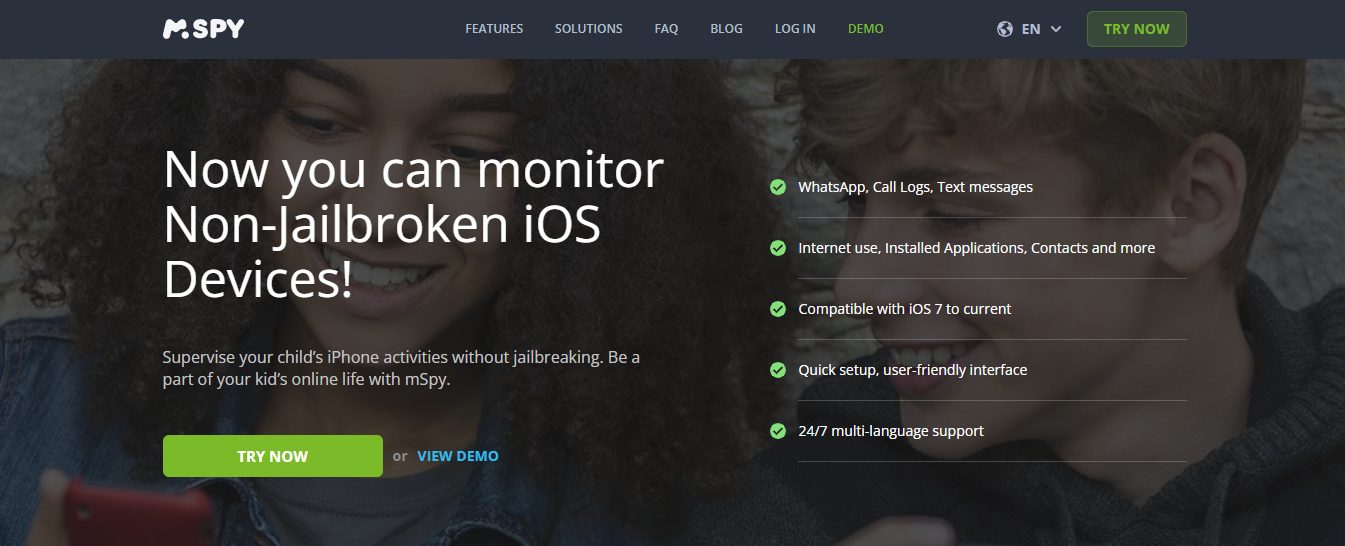
mSpy is compatible with both rooted and unrooted Android devices, as well as jailbroken and unjailbroken iOS devices. For this mSpy review, I tested it on both rooted and unrooted Android smartphones.
However, you can only use mSpy on iPhone 4 and above for iOS devices and Android 4.0 and above for Android devices.
Features And Testing Results
Independent testing for this mSpy review has subjected mSpy to various tests.
Here’s a summary of common findings:
- Installation: The installation process can be moderately complex, especially for iOS devices, which typically require physical access to the device.
- Usability: The user interface is generally user-friendly, with clear menus and easy navigation.
- Reliability: Testing results show varying degrees of reliability. Call and text monitoring are generally reliable, whereas social media monitoring and web browsing tracking may be limited, depending on the target device and operating system.
mSpy Customer Service
During this mSpy review, I discovered that mSpy offers phone, email, and live chat support in several languages, including French, German, Portuguese, Russian, Italian, Chinese, and Spanish.
Depending on your subscription package, you can access 1 of the three support tiers available.
First-tier provides support for basic and premium subscribers via:
- Self-service/FAQ
- Email Support: support@mspy.com
- LiveChat
The second tier offers personalized support via phone and step-by-step guidance for $12.99.
Third-tier support provides advanced assistance for rooting or jailbreaking a device and installation on Android devices via TeamViewer for $53.99.
mSpy Pricing
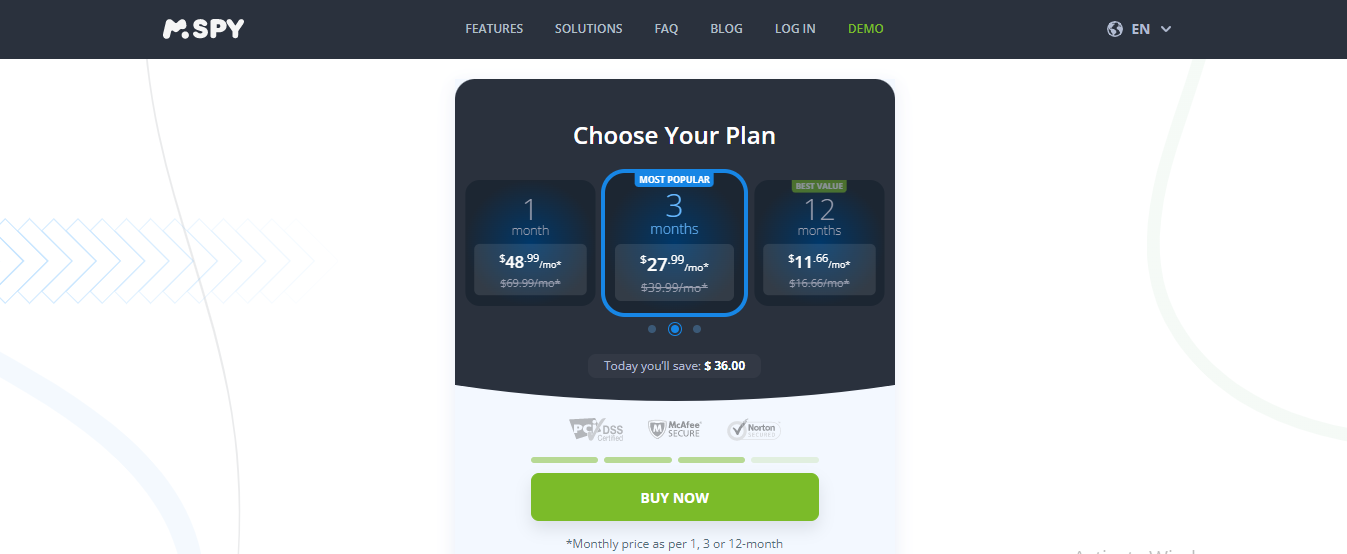
mSpy has two subscription plans
- mSpy Premium is available for $199.99 per year, $119.99 per quarter (3-month plan), and $69 per month.
- mSpy Family Kit is available @ $479.97 per year and $359.97 for half a year(6-months plan).
All plans come with a 10-day money-back guarantee, after which users are no longer eligible to request a refund.
The mSpy Family plan provides access to the full range of features available, including third-tier support and additional benefits.
mSpy Pros
- The mSpy parental control app provides a comprehensive range of monitoring features, enabling parents to closely monitor their children’s online activities and protect them from potential dangers.
- The app is easy to install and use, with a user-friendly interface that even non-technical parents can navigate.
- The app updates the child’s location and lets parents set geofencing alerts.
- mSpy provides excellent customer support, featuring a dedicated team of professionals available 24/7 to offer assistance and resolve any issues.
mSpy Cons
- The app can be quite expensive, with subscription plans ranging from $29.99 to $199.99 per year, depending on the features required.
- Some users may find the app intrusive, as it allows parents to monitor their children’s online activities in real-time, including their social media interactions.
- The app requires access to the child’s device, which may not be possible in some situations and can also be a breach of privacy if not used responsibly.
Best Parental Control Apps





mSpy Review: Frequently Asked Questions
Is mSpy Safe?
mSpy is a 100 percent safe parental control app. You can deactivate and uninstall mSpy from the target’s device at any time without encountering any difficulty.
Additionally, mSpy employs a military-grade encryption protocol to encrypt all data stored on its servers, thereby protecting your privacy and security.
Although mSpy may be on the high side at $199.99 per year, compared to other parental control apps, you can be sure of getting every bang for your buck.
INTERESTING POSTS
About the Author:

Amaya Paucek is a professional with an MBA and practical experience in SEO and digital marketing. She is based in Philippines and specializes in helping businesses achieve their goals using her digital marketing skills. She is a keen observer of the ever-evolving digital landscape and looks forward to making a mark in the digital space.

Gina Lynch is a VPN expert and online privacy advocate who stands for the right to online freedom. She is highly knowledgeable in the field of cybersecurity, with years of experience in researching and writing about the topic. Gina is a strong advocate of digital privacy and strives to educate the public on the importance of keeping their data secure and private. She has become a trusted expert in the field and continues to share her knowledge and advice to help others protect their online identities.



, or even employees' online life looks like and the conversations)