



Learn how to remove Wave Browser and address issues some users have reported in this guide.
Some users have reported unexpected behavior after installing Wave Browser, such as changes to browser settings or increased ads. While Wave Browser is a legitimate application, it has been classified by some users and security tools as a potentially unwanted program (PUP).
If you’re experiencing issues, this guide walks you through safely reviewing, removing, and securing your device.
Table of Contents
What Is Wave Browser?
Wave Browser is a web browser application developed by Wavesor Software.
Important:
- It is not officially classified as a virus
- However, some users report behavior commonly associated with unwanted software
These reports may include:
- Changes to browser settings
- Increased advertisements
- Installation alongside other bundled software
Common User-Reported Issues
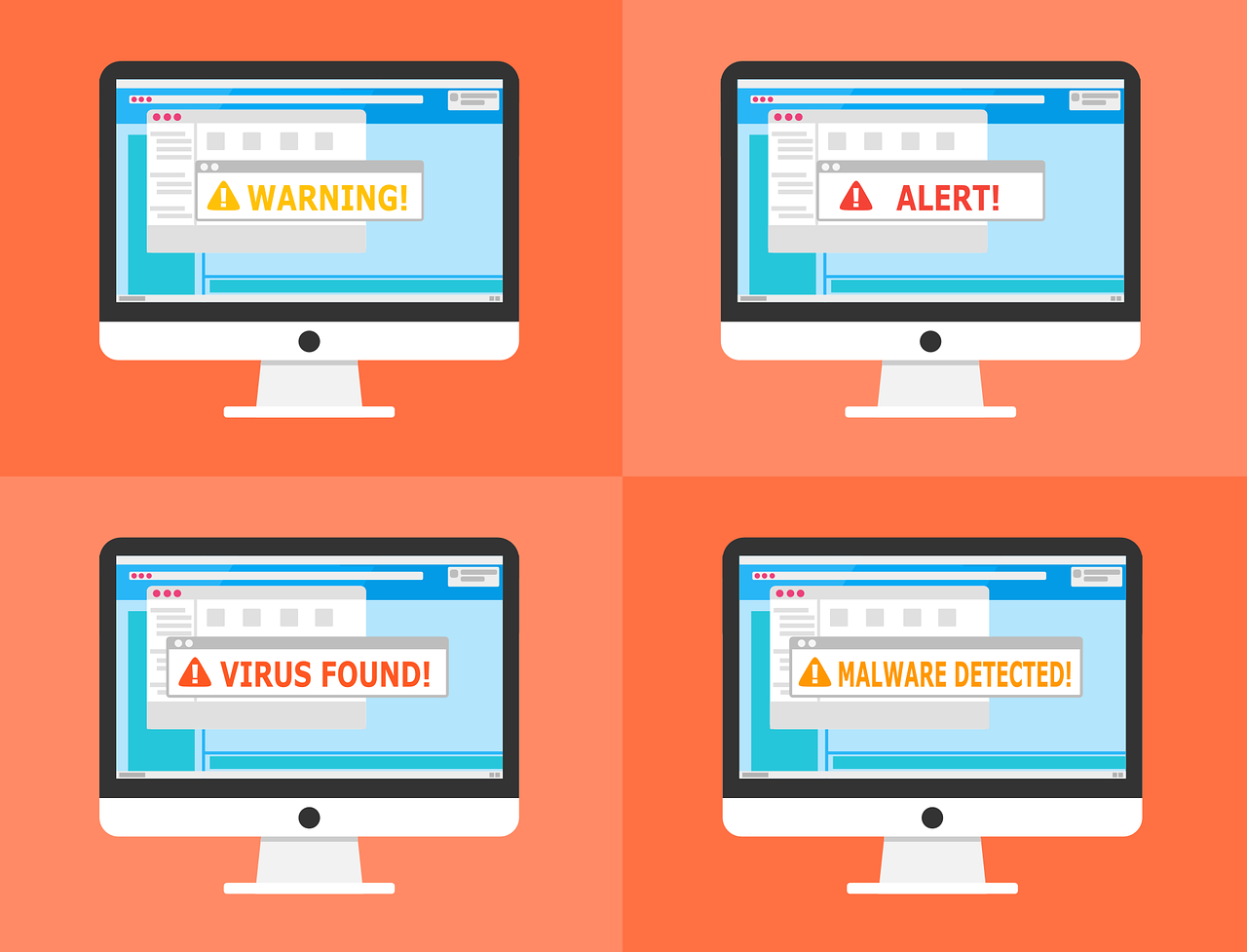
Some users have reported the following after installing Wave Browser:
- Unexpected pop-ups or ads
- Changes to homepage or default search engine
- Slower system performance
- Browser redirects to unfamiliar websites
- New extensions or programs appearing
👉 Note:
These issues are not unique to Wave Browser and can also result from other installed software or browser extensions.
READ ALSO: 17+ Best Free Online Virus Scanners And Removers For 2025
Editor’s Note: This article is based on user reports and publicly available information. Classification may vary depending on system configuration and security tools.
How To Check If You Should Remove It?
Before removing Wave Browser, check:
- Did you install it intentionally?
- Did your browser settings change without your approval?
- Are you experiencing unusual ads or redirects?
If yes, you may choose to remove it as a precaution.
How To Remove The Wave Browser
Step 1: Backup Your Data
Before starting the removal process for the Wave Browser, it’s crucial to back up your data to prevent potential loss.
This step ensures that your essential files, documents, and personal data remain secure in case of unforeseen issues during removal. Backing up data provides a safety net, allowing you to restore your files if needed.
Here are some recommendations:
- Cloud Services: Utilize cloud storage platforms like Google Drive, Dropbox, or OneDrive to upload and store your files securely online. This will ensure accessibility from various devices.
- External Storage Devices: Copy important files to external devices such as USB drives, hard drives, or memory cards. This provides a physical backup that can be easily accessed when needed.
- Built-in Backup Tools: Explore built-in backup tools on your operating system. Windows and macOS offer backup features that allow you to create system images or copy essential files to a designated backup location.
Step 2: Disconnect from the Internet
Disabling internet access will help contain the Wave Browser and prevent its potential spread during removal. That’s because malware often relies on internet connectivity to communicate with servers or download additional harmful components.
If the device is connected via Wi-Fi, navigate to your system settings and turn off the connection. This action severs the device’s link to the internet. However, if your device is connected via an Ethernet cable, physically disconnect the cable.
Step 3: Uninstall Wave Browser
You’ll need to remove the Wave Browser app to eliminate the virus. For that, follow the steps below:
- Go to Control Panel → Programs
- Locate Wave Browser
- Click Uninstall
- Restart your system
Step 4: Run Antivirus Scan
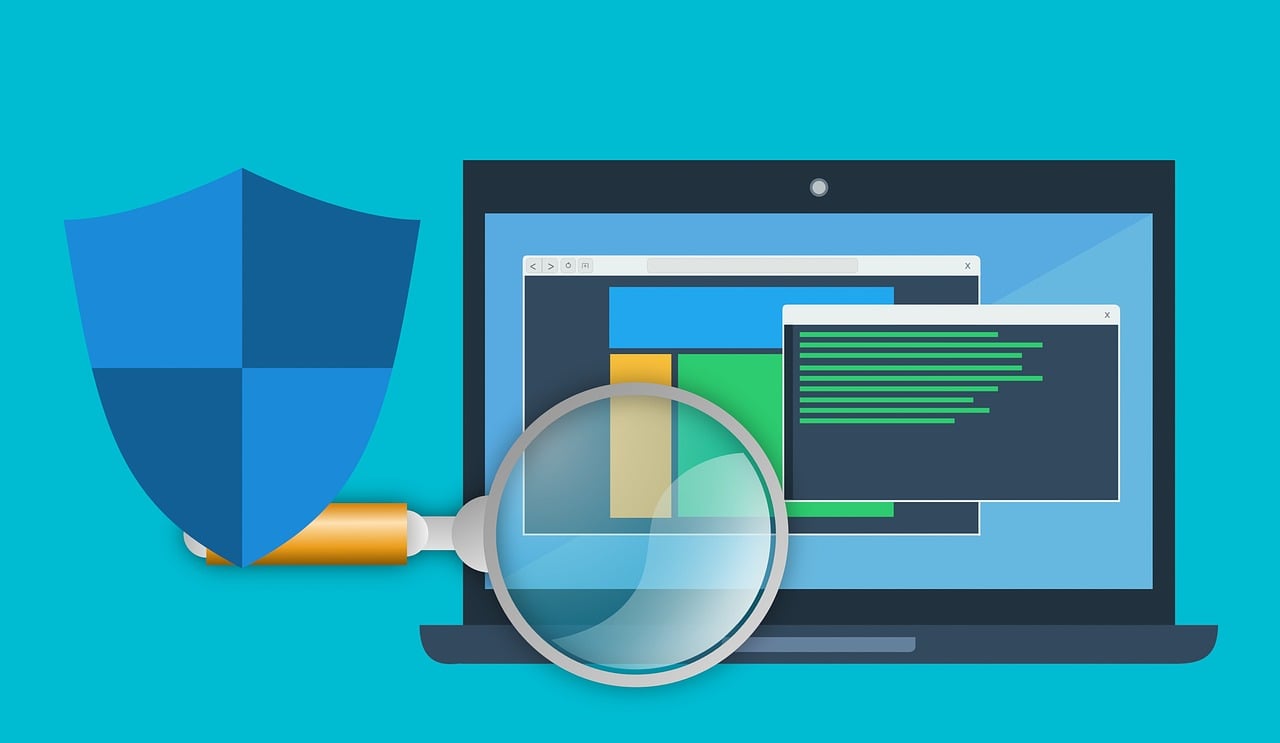
An anti-malware scan is necessary to remove the Wave Browser from your system. First, ensure that your software is up to date. Then, opt for a “Full System Scan” to thoroughly search for and eradicate any traces of the Wave Browser.
Follow any on-screen instructions provided by the antivirus software to finalize the process.
Allow the scan to complete, and afterwards, review the results. Most antivirus programs categorize threats and present options for action, such as quarantining or removing them.
Use a trusted antivirus or anti-malware tool to scan your system.
👉 This helps detect:
- Leftover files
- Bundled programs
- Other potential threats
Step 5: Reinstall Wave Browser (Optional)
If you still want to use Wave Browser:
- Download only from the official website
Or consider alternatives like:
- Chrome
- Firefox
- Edge
- Brave
READ ALSO: What Is The Difference Between Hack And Virus?
Is Wave Browser Safe?
Wave Browser is a legitimate web browser developed by Wavesor Software. It is not officially classified as a virus.
However, some users and security tools have raised concerns about its behavior in certain situations. These may include:
- Installation alongside bundled software
- Changes to browser settings after installation
- Increased advertisements or pop-ups
Because of this, some security tools may classify it as a potentially unwanted program (PUP) rather than malicious software.
What This Means
- If you installed Wave Browser intentionally and it works as expected → it may be safe for your use
- If you notice unexpected changes or did not install it knowingly → you may choose to remove it as a precaution
Balanced Perspective
Software experiences can vary depending on:
- Installation source
- System configuration
- Other installed programs
For best results:
- Always download software from official sources
- Review installation options carefully
- Use trusted security tools to monitor your system
Final Note
Wave Browser is not universally considered harmful, but like many lesser-known or bundled applications, user experiences can differ. Staying informed and cautious is the best approach.
Conclusion
Wave Browser is not officially classified as a virus, but like many bundled or lesser-known applications, some users prefer to remove it if they notice unexpected behavior.
The best approach is to:
- Install software carefully
- Monitor system changes
- Use trusted security tools
INTERESTING POSTS
- The Best Antivirus Software
- How To Uninstall Programs On Various Windows OS [Windows 10, 8, 7, Vista, & XP]
- How To Remove Avast Password Manager [ALL DEVICES]
- How To Uninstall A Program On Mac OS (Like A Pro!)
- How To Remove Apps On Android And iOS Devices
- Is Carbonite Safe To Use? [Unbiased ANSWER]
- How To Safeguard Your Business From Cyberattacks
- How to Safely Remove Viruses from Your Computer: A Comprehensive Guide
- StatesCard Review: Is This Card Worth Your Wallet?
- VeePN Review: The Ultimate VPN Solution for Security and Privacy
- Surfshark CleanWeb Review 2024: Ultimate Ad Blocker
- Exploring Security Considerations for Fax APIs
About the Author:

John Raymond is a cybersecurity content writer, with over 5 years of experience in the technology industry. He is passionate about staying up-to-date with the latest trends and developments in the field of cybersecurity, and is an avid researcher and writer. He has written numerous articles on topics of cybersecurity, privacy, and digital security, and is committed to providing valuable and helpful information to the public.



