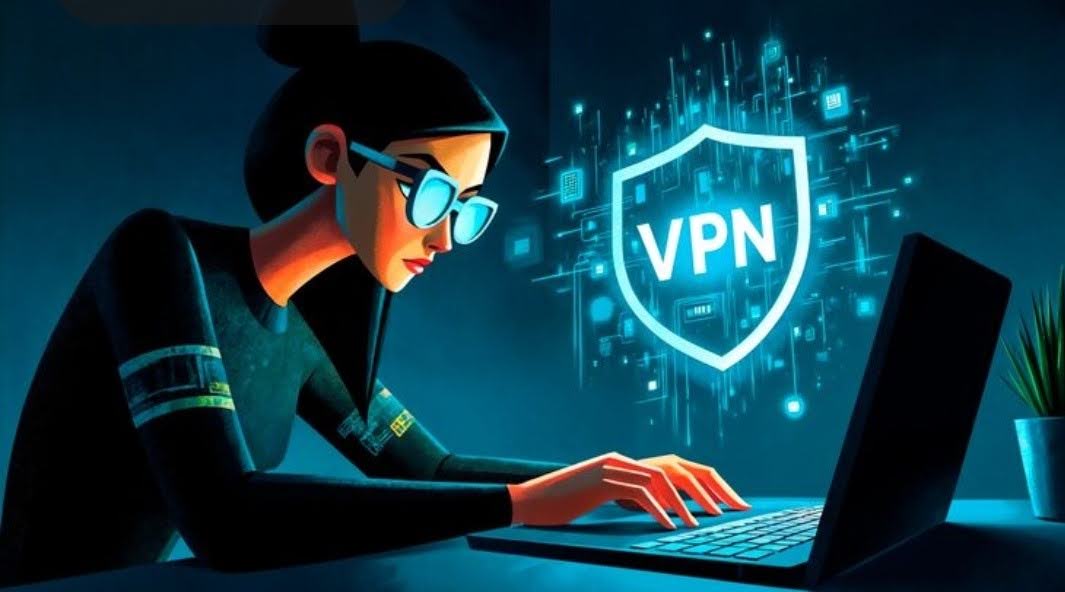
In this post, I will show you how to tell whether a free VPN is safe.
A free VPN can be a reasonable choice for occasional browsing, but the word free tells you very little about the company handling your connection. A familiar logo, a high app-store rating and a long list of security features answer different questions. None of them, on its own, establishes how the service treats your information.
The useful question is whether you can identify the operator, understand its business model and check what its privacy promises actually cover. That gives you a much stronger basis for choosing an app than comparing the size of the connect button.
Table of Contents
Find out who runs the service
Start with the company behind the download. Its website should make the operator, contact details and privacy policy easy to find. Follow the download link from that website to the relevant app store, then compare the publisher name. Similar names and copied graphics can make unrelated apps look connected.
Check whether the company explains how it pays for the free service. A provider may use a limited free plan to introduce people to a paid subscription. Another may rely on advertising. Those arrangements deserve different questions, particularly about which information advertising partners receive.
A visible paid product is useful context, but it is not proof of good privacy practices. Read the policy for the free service you will actually use.
Separate usage limits from privacy limits
A monthly data cap can be frustrating without making a service unsafe. Equally, unlimited data does not establish that an app is trustworthy. These are separate parts of the decision.
Proton, for example, advertises its free VPN without a data cap or ads. That tells you something specific about the offer. It does not mean every feature in the paid subscription is included, or that a VPN can prevent every form of online tracking.
Write down the limits that would affect your routine. A small allowance may cover a few short sessions but be awkward for daily use. Limited location choices matter if you need a particular country. Evaluate those constraints after you have checked the operator.
Read the details behind a no logs claim
Privacy policies should distinguish browsing history from account and service information. A provider might say it does not record the sites you visit while keeping an email address, payment records or information needed to enforce an allowance. The phrase no logs does not explain all of those categories.
Windscribe’s published policy illustrates the distinction: it describes keeping bandwidth totals and the time of the last activity while stating that it does not store browsing history or source IP addresses. The point is to understand the categories, retention and purpose, rather than treating every policy as a yes-or-no label.
For an independent audit, look for the report’s date and scope. Did the review examine an app, servers, a particular privacy claim or only one component? A result about one system should not be stretched into a promise about everything the company operates.
Use community recommendations as starting points
A Reddit discussion about the best free vpn can introduce options and questions you had not considered. It is most useful when someone explains their device, purpose and the restriction they encountered. A short recommendation with no context gives you much less to work with.
Check the dates and verify factual claims against the provider’s current documentation. Plans change, and an old comment can remain highly visible long after an allowance or feature has changed. A recommendation is a lead to investigate, not a security assessment.
If a free service does not meet your requirements, this discussion about finding a cheap vpn can help you identify lower-cost paid alternatives. Compare the current introductory price, renewal price and plan terms before choosing one.
Check the app in ordinary use
Install from the official source and spend some time with the settings before relying on the connection. Look for a clear connection status, understandable explanations and a way to contact support. Review any extra permissions instead of accepting them without a reason.
Try the app on the networks you normally use. Check whether it reconnects after sleep and whether the services you need still work. If it offers a kill switch, read how that feature behaves on your operating system, including after a restart or manual disconnection. These checks help you assess usability; they do not establish what happens on the provider’s servers.
Also keep the job of a VPN in perspective. It can change which network operator sees aspects of your browsing connection, but signing into an account still identifies you to that service. A VPN does not remove the need for software updates, strong account security or care with downloads.
Choose an app whose ownership, policies and restrictions you can explain in plain language. If you cannot work out who runs it or why it needs the information it requests, there is little reason to put it in charge of your connection.
INTERESTING POSTS
- Easy Steps To Port Your Mobile Number To A Different Operator
- How Do You Tell If A Clock Is A Camera?
- Cybersecurity Services for Businesses That “Don’t Have Anything Worth Stealing”
- A Comprehensive Guide on the Safety Precautions to Take When Using Bitcoin ATM in Turkey
- How to Use a VPN to Protect Your Online Privacy
- Basic Tips To Ensure Online Safety
About the Author:

Gina Lynch is a VPN expert and online privacy advocate who stands for the right to online freedom. She is highly knowledgeable in the field of cybersecurity, with years of experience in researching and writing about the topic. Gina is a strong advocate of digital privacy and strives to educate the public on the importance of keeping their data secure and private. She has become a trusted expert in the field and continues to share her knowledge and advice to help others protect their online identities.
![How To Report Online Scams In UK [MUST READ]](https://secureblitz.com/wp-content/uploads/2020/07/dfdf.jpeg "How To Report Online Scams In The UK: Protecting Yourself and Stopping Fraudsters")