
Learn how to create professional videos in minutes with zero editing experience. Discover the tools, tips, and shortcuts that make video production fast and beginner-friendly.
You wouldn’t build a house with a hammer if someone offered you a nail gun. Yet millions of people still wrestle with complicated editing software just to make a simple marketing video. The result? Hours lost, frustration gained, and a final product that still looks amateur.
Here’s the good news. You don’t need to learn timelines, keyframes, or color grading anymore. A new generation of tools lets you go from idea to finished video in minutes. And platforms like Conversion Gems are making it easier than ever to find the right one for your needs.
Table of Contents
Why Traditional Video Editing Feels So Painful
Most editing software was designed for professionals. Think Final Cut Pro, Adobe Premiere, DaVinci Resolve. These are powerful tools, sure. But they come with learning curves steep enough to make your head spin.
For a small business owner who just wants a 60-second Instagram reel, that’s overkill. You don’t need 47 export settings. You need something that works in the time it takes to drink your coffee. The gap between what professionals use and what everyday creators actually need has never been wider. That gap is exactly where smarter solutions step in.
READ ALSO: The Future of AI Video Creation
What Makes Modern Video Tools Different
The biggest shift? Automation. Today’s best platforms handle the tedious stuff for you. You type a script or paste a blog post, and the tool generates scenes, picks stock footage, adds transitions, and syncs music. Some even clone your voice.
Here’s a quick breakdown of how traditional editing compares to the newer approach:
| Feature | Traditional Editing Software | Modern AI-Powered Tools |
| Learning curve | Weeks to months | Minutes to hours |
| Average time per video | 4 to 8 hours | 10 to 30 minutes |
| Stock media access | Separate purchase required | Built in |
| Template availability | Limited or DIY | Hundreds of ready-made options |
| Cost | $20 to $55 per month | Free tiers available, paid plans from $10 |
| Best for | Professional editors, filmmakers | Marketers, small businesses, creators |
The tradeoff is flexibility. You won’t get frame-by-frame control with these newer tools. But honestly? Most people don’t need it.
Finding the Right Tool Without the Guesswork
This is where most beginners get stuck. There are dozens of options, and every one claims to be the best. How do you actually compare them? Conversion Gems simplifies this process by aggregating and reviewing AI video creation tools side by side, so you can match features to your specific goals. Instead of testing five platforms yourself, you get honest comparisons in one place. That saves time you’d rather spend actually making videos.
Look for tools that offer three things at a minimum. First, a template library that fits your industry. Second, text-to-video capability. Third, brand kit support so your colors and logos stay consistent. If a tool checks those three boxes, it’s worth a closer look.
The 10-Minute Video Workflow Anyone Can Follow
Let’s get practical. Here’s a workflow that works whether you’re making a product demo or a social media ad.
- Start with your script or talking points. Even three bullet points work.
- Choose a template that matches your format (vertical for Reels, horizontal for YouTube).
- Drop in your text. Let the tool auto-generate visuals.
- Swap out any stock clips that don’t fit. Most libraries have thousands of options.
- Add your logo, adjust colors, and preview.
- Export and post.
That’s it. No rendering overnight. No watching tutorials on YouTube for two hours first. The whole thing takes less time than your morning commute.
Mistakes That Slow Beginners Down
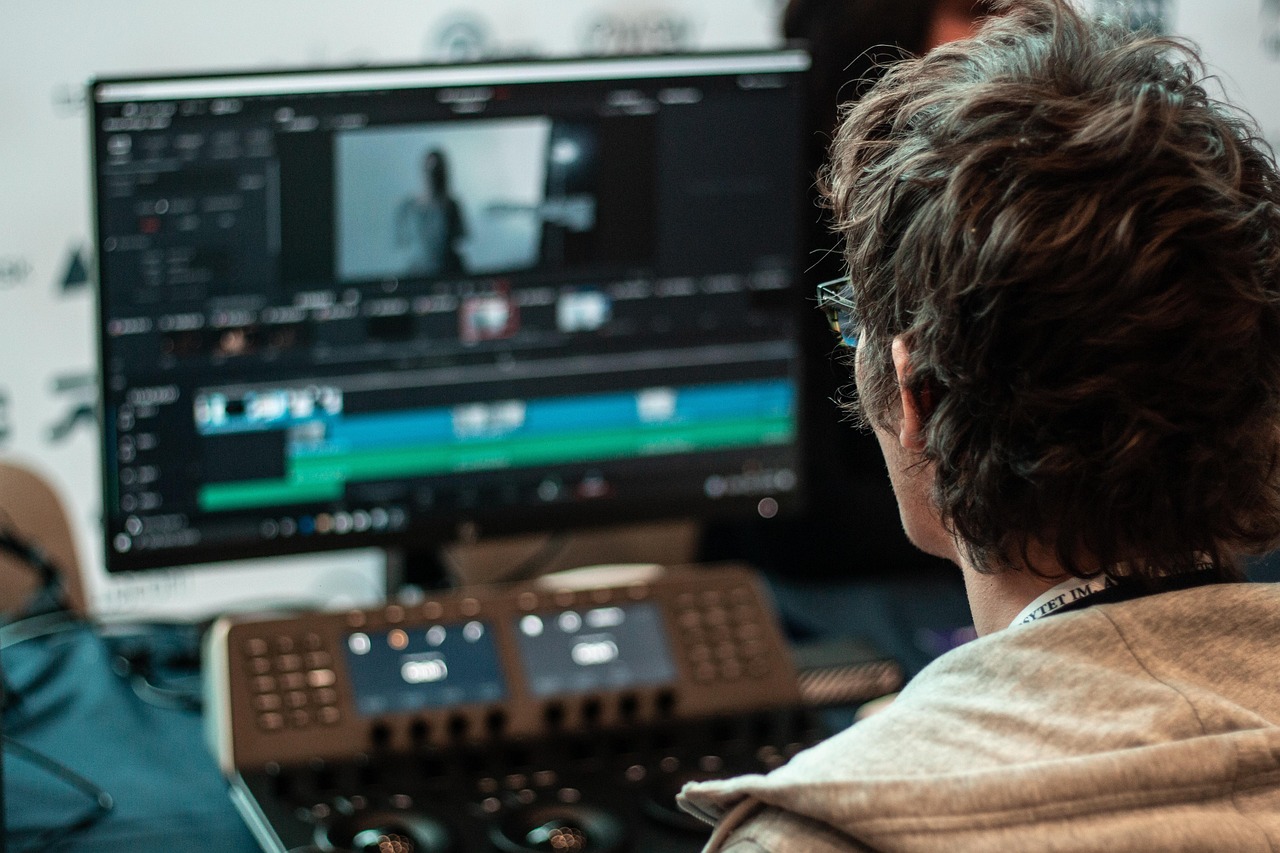
Speed matters, but so does quality. Here are the traps I see new creators fall into over and over.
They try to make the video perfect on the first pass. Don’t. Get a rough version out, watch it, then tweak. Perfectionism kills momentum faster than anything else.
They ignore aspect ratios. A horizontal video cropped for Instagram Stories looks terrible. Always pick the right format before you start building.
They skip captions. Over 80% of social media videos are watched on mute. If your video doesn’t have captions, you’re losing most of your audience before they hear a word.
Why Speed Matters More Than Polish
Here’s what nobody tells you about video marketing. Consistency beats quality almost every time. Posting one polished video per month loses to posting a decent video every week.
The brands winning on social media right now aren’t the ones with the biggest production budgets. They’re the ones showing up regularly with content that’s good enough. And “good enough” is exactly what these modern tools are built to deliver, fast.
Frequently Asked Questions
Do I need any technical skills to use AI video tools?
No. Most platforms are designed for complete beginners. If you can type an email and drag a mouse, you can make a video. The tools handle transitions, timing, and formatting automatically.
How much do AI video creation tools typically cost?
Pricing varies, but many offer free tiers with basic features. Paid plans usually start around $10 to $30 per month. That’s a fraction of what traditional software or hiring an editor would cost.
Can I use these videos for professional marketing?
Absolutely. Many businesses use AI-generated videos for ads, social media, product demos, and email campaigns. The quality is more than sufficient for most digital marketing channels. Just make sure you’re using your own branding and not relying entirely on generic templates.
What types of videos can I create without editing skills?
You can create social media reels, explainer videos, product showcases, training videos, slideshow-style presentations, and even animated ads. The range keeps expanding as these tools get smarter.
How long does it take to make a video from scratch?
Most users can go from zero to a finished video in 10 to 30 minutes. That includes picking a template, adding your content, and exporting. Compare that to the 4 to 8 hours typical with traditional software.
INTERESTING POSTS
About the Author:

Meet Angela Daniel, an esteemed cybersecurity expert and the Associate Editor at SecureBlitz. With a profound understanding of the digital security landscape, Angela is dedicated to sharing her wealth of knowledge with readers. Her insightful articles delve into the intricacies of cybersecurity, offering a beacon of understanding in the ever-evolving realm of online safety.
Angela's expertise is grounded in a passion for staying at the forefront of emerging threats and protective measures. Her commitment to empowering individuals and organizations with the tools and insights to safeguard their digital presence is unwavering.