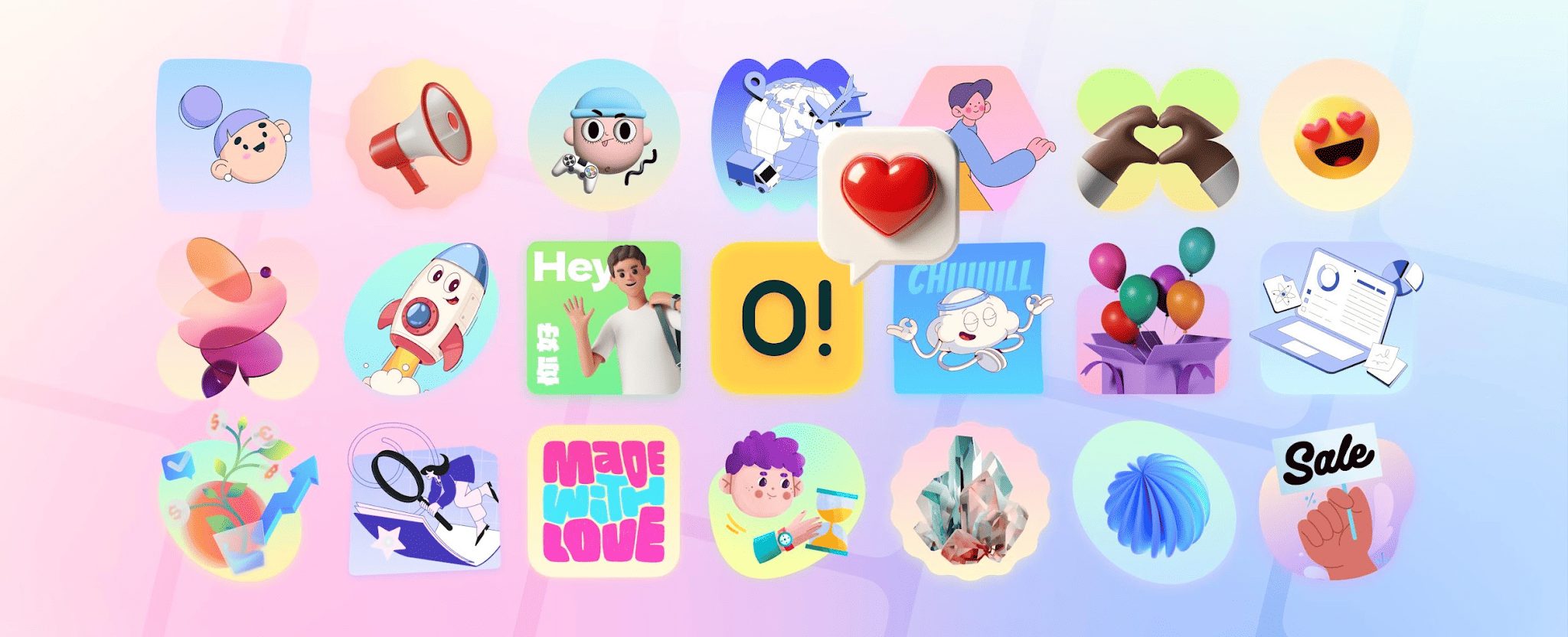
In this post, I will talk about assembling coherent brand identities without custom illustration budgets.
Freelance web designers face a glaring gap between client expectations and client wallets every day. Local accounting firms often point to enterprise SaaS landing pages as design inspiration. Everyone wants that bespoke, highly polished aesthetic. Clients crave visual narratives guiding users through their services.
One glaring problem remains.
Custom illustrators charge more for a single set of spot graphics than the entire website budget. We usually face a strict binary choice. Build text-heavy, uninspired layouts, or rely on cheap stock assets. Ouch by Icons8 bridges that exact gap with premium vectors. Having relied on it across dozens of tight-turnaround builds, I learned a crucial lesson. Building a coherent brand system from pre-made assets works beautifully. But success depends entirely on your curation process.
Table of Contents
Building an Onboarding Flow for a Local Clinic
Let’s look at a recent project for a regional physical therapy clinic. My client needed a patient portal design featuring a friendly, non-clinical onboarding flow. Hiring an artist was completely out of the question financially.
Filtering the Ouch library revealed a cohesive style among 101 available options. Finding something in the healthcare category that avoided sterile, generic medical tropes felt essential. Sketchy, minimalist monochrome graphics caught my eye immediately. Deep user experience coverage within specific aesthetic families makes brand cohesion possible here. Instead of just grabbing a hero image, I located narrative illustrations for every step. Welcome screens, document uploads, booking confirmations, and 404 errors all had matching assets. Broken links suddenly felt like guided support rather than dead ends.
PNGs wouldn’t cut it for matching the clinic’s specific slate blue brand color. Upgrading to a paid tier unlocked raw SVG files. Inside Figma, I opened these vectors and selected accent shapes across all four illustrations. Swapping default colors to match brand guidelines took minutes. Clean layer structures meant I could ungroup elements quickly. Deleting extraneous background objects removed clutter from the mobile view. Our final result looked like a commissioned set tailored specifically for them.
Pushing Past the Wireframe Phase
Picture a rainy Tuesday evening at a shared coworking space. Staring down a Wednesday morning client presentation brings plenty of anxiety. Designing an online ordering interface for a neighborhood bakery was nearly complete. Core layouts were finished, but empty state screens looked incredibly bleak. Empty shopping carts, failed payment notifications, and missing search results needed help.
Bare text on a white background makes any interface feel unfinished.
Opening the Pichon desktop app beats searching through disparate websites. Search queries for an “empty cart” filtered by 3D styles yielded fast results. A beautifully rendered 3D box and a magnifying glass appeared in FBX format. Dragging assets directly into my Figma canvas instantly transformed those screens. Applying a soft pink background shape tied everything into the bakery’s visual identity. Morning rolled around, and my client reviewed the staging link. She specifically complimented the bespoke feel of those empty states. Nobody knew they were sourced from a library in fifteen minutes.
Assessing the Competitive Landscape
Building small business websites usually means encountering alternatives to Ouch. Each competitor comes with distinct trade-offs.
UnDraw stands out as the most famous free repository. Ubiquity becomes a massive liability here. Flat, purple-tinted tech characters are instantly recognizable everywhere. Using them signals budget constraints to savvy users immediately. True brand identity requires far more variety than what’s available there.
Freepik provides a massive volume of vector art. Consistency becomes a fatal flaw very quickly. Finding a beautiful hero illustration happens often. Tracking down three more graphics in that exact same style proves nearly impossible. Frankenstein websites emerge when line weights, shading, and character proportions clash wildly.
Blush delivers excellent customization options alongside a great plugin ecosystem. Swapping heads, arms, and objects within illustrations feels incredibly fluid. Hitting limitations with sheer breadth of topics is inevitable, though. General character scenes work well. Ouch far exceeds those capabilities for hyper-specific industry categories. Accessing 28,000 business or 23,000 technology assets makes a huge difference.
Bringing Movement to a Boutique Gym
Static graphics fall short on many modern landing pages. A recent project for an independent fitness coach required a dynamic, high-energy hero section. Standard vector art felt entirely too flat. Brands built around movement and stamina need motion.
Navigating the Ouch library helped me explore their animated illustrations. Seeking fitness-related assets led to a perfect find. One looped animation of a running character matched perfectly. Our bold, colorful style choice for the rest of the site aligned flawlessly.
Settling for heavy, low-quality GIFs isn’t an option. Downloading a Lottie JSON file keeps things lightweight. These vector formats scale perfectly without pixelation. Embedding JSON directly into Webflow took seconds. Scroll triggers brought the animation to life instantly. Native After Effects project files are also available for these animations. Handing files to motion designers works for precise timing adjustments. My stock Lottie loop played flawlessly right out of the box. Loading times stayed perfectly under a second.
Where Pre-Packaged Vectors Miss the Mark
Off-the-shelf libraries don’t solve every single problem.
Primary limitations become obvious when clients operate in highly technical industries. Designing a site for a manufacturing company requires specific visual care. Generic business illustrations will only frustrate clients selling complex industrial machinery. Accurate representation of their actual product matters most. Broad metaphors dominate most stock libraries. Rockets symbolize launches, and magnifying glasses represent search bars. Literal representation requires hiring a custom illustrator. High-quality photography works as another great fallback.
Choosing trendy styles featured prominently on the platform carries risk. Your client’s site might look identical to hundreds of others built that same month. Foundational aesthetic categories ensure much greater longevity for brand designs.
Tactical Rules for Freelancers
Integrating massive libraries into your daily workflow requires a systematic approach.
Endless scrolling wastes precious billable hours.
- Audit style depth first: Never commit to an aesthetic blindly. Verify chosen styles have at least twenty variations available. Matching spot illustrations for contact pages or footers will become necessary later.
- Combine assets creatively: Don’t settle for scenes exactly as they download. Free online tools like Mega Creator help merge objects from different files. Pulling a desk from one illustration and a character from another works perfectly. Base styles just need to match. Scaling elements and adjusting layers happens right in the browser.
- Manage billing cycles: Paid tiers with SVG access roll unused downloads over. Plan client downloads in batches. Maximizing subscription value during slower freelance months helps protect your bottom line.
- Prioritize raw speed: Desktop apps like Pichon eliminate workflow friction. Skipping manual downloads and unzipping processes saves serious time. Dragging vector formats straight from the native app into your design canvas prevents file duplication.
Building a coherent brand without a custom budget takes strict discipline. Act as an art director first. Enforce rigid rules about color, line weight, and perspective. Raw materials exist to execute premium visual identities for small clients. Success just requires digging past the first page of search results. Customize raw vectors to fit the exact narrative your client needs.
INTERESTING POSTS
- AIVector: A Practical Guide to AI Vector Creation
- Protect Your Clinic from Data Leaks
- Forecasting with Precision: How Financial Planning and Procurement Data Create Accurate Budgets
- How To Calculate Your Short-Term Vacation Rental Cash Flow
- A Guide to Tech-Driven Growth for Health Clinics
- 7 Logo Design Tips for Startups
About the Author:

Chandra Palan is an Indian-born content writer, currently based in Australia with her husband and two kids. She is a passionate writer and has been writing for the past decade, covering topics ranging from technology, cybersecurity, data privacy and more. She currently works as a content writer for SecureBlitz.com, covering the latest cyber threats and trends. With her in-depth knowledge of the industry, she strives to deliver accurate and helpful advice to her readers.