


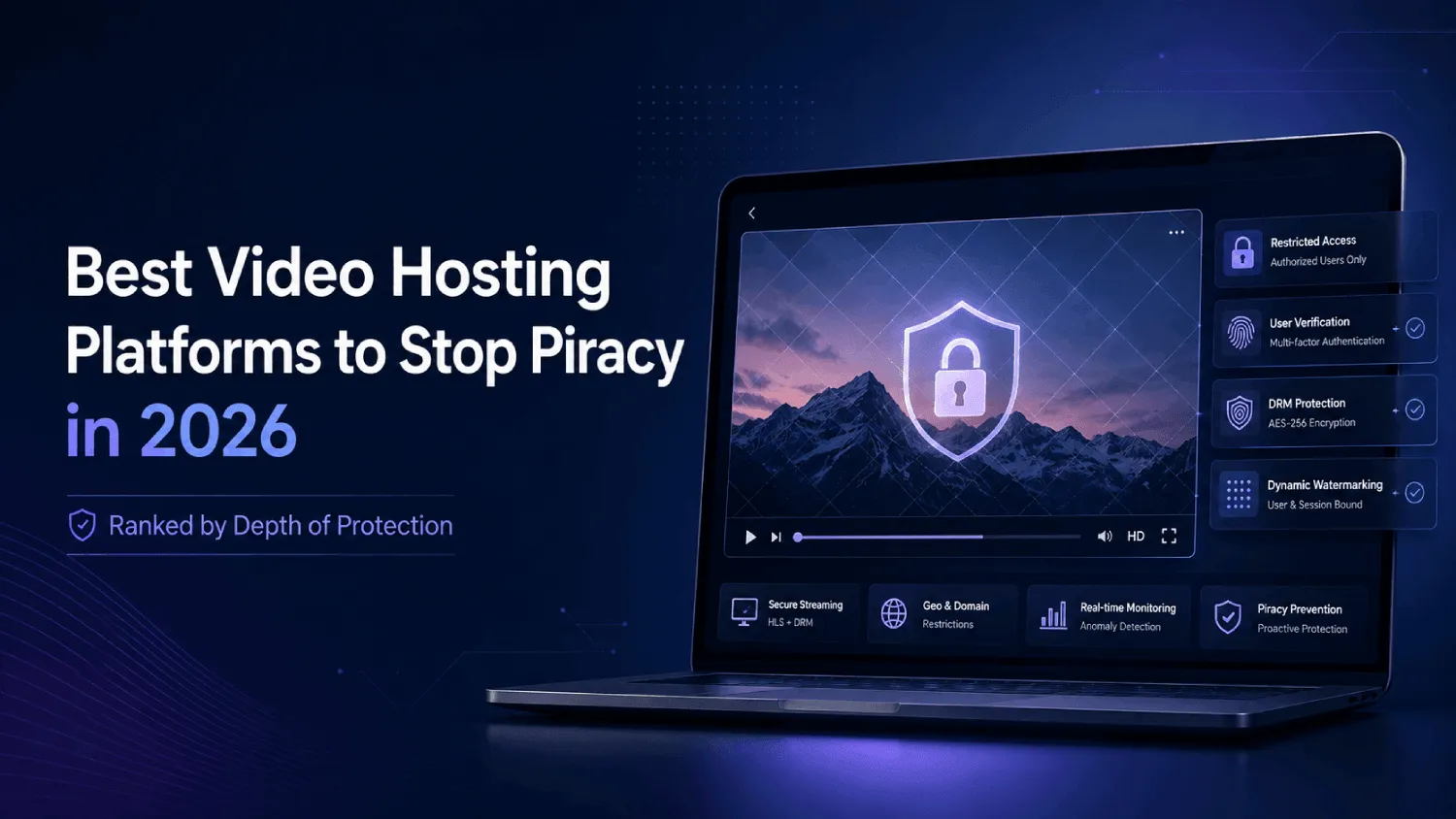

In this post, I will talk about the 7 best video hosting platforms to stop piracy in 2026.
Multi-DRM is treated as the finish line in almost every video hosting comparison published in 2026. It isn’t.
Widevine and FairPlay, the two DRM standards behind most paid video platforms, block downloads and stream interception effectively, but on most consumer browsers, decryption happens in a software-based security level rather than a hardware-isolated one.
No DRM provider, including Google, Microsoft, or Apple, can fully prevent screen capture across every browser and OS combination.
That gap rarely makes it into a buying decision, because the platforms selling DRM have little reason to explain its limits, and the comparison articles ranking them mostly repeat the same “has DRM: yes or no” checklist without asking what happens next.
DRM blocks the easy paths: browser extensions, direct downloads, casual link sharing. However, it does not reliably stop someone from pointing a phone camera at their screen, and it does not stop a screen recording built specifically to defeat DRM detection.
That’s a documented limitation of how DRM works on the open web, not a knock on any specific vendor, and it’s the reason a platform’s DRM checkbox tells you less than most ranking articles in this category imply.
This article ranks seven platforms on two dimensions instead of one: how well they prevent the easy leaks, and how well they let you trace a leak once DRM’s ceiling gets reached. That distinction is missing from most “best DRM video hosting” lists ranking for this search today.
Table of Contents
Key Takeaways
- Multi-DRM (Widevine, FairPlay) blocks casual downloads and stream interception, but it does not stop screen recording on most browsers, because decryption on the web typically happens in a software layer, not hardware.
- The seven platforms below are ranked on two separate axes: prevention (DRM, domain locking, geo-fencing, signed URLs) and traceability (dynamic watermarking, session logs). A platform can score high on one and low on the other.
- A vendor with DRM but no dynamic watermarking looks secure on a feature checklist and still leaves zero path to identifying who leaked a recording.
- Genuine multi-DRM support runs from around $25 a month on lean, security-first platforms to $8,000 or more a month on enterprise contracts, and the gap is driven mostly by setup model, not just feature count.
- A SaaS product demo and a paid course face different piracy risks. One leaks to a competitor’s slide deck. The other leaks to a resale channel. The right layer of the stack changes depending on which one you’re protecting.
What Actually Stops Video Piracy (And What Only Slows It Down)
Video security splits into two jobs that most comparison articles treat as one:
- Prevention stops the casual, high-volume leak paths: a download button, a forwarded link, a browser extension that rips a stream.
- Traceability is what’s left when prevention fails and someone still gets a copy out.
DRM, domain locking, geo-fencing, and signed URLs sit in the prevention bucket. Dynamic watermarking, session logging, and anomaly detection sit in the traceability bucket.
A platform can max out prevention and still leave you with nothing when a leak happens anyway, because prevention tools weren’t built to answer “who did this.”
A platform with full DRM and zero watermarking can stop most casual piracy attempts and still leave you with no way to find the person responsible for the one that gets through.
Why Does DRM Not Fully Block Screen Recording?
DRM does not fully block screen recording because most consumer devices run decryption at a software-based security level, commonly called Widevine L3, rather than a hardware-isolated level like L1.
L1 devices decrypt inside a protected chip and are harder to intercept, but a large share of desktop browsers and older phones fall back to L3, where the decrypted frame is theoretically reachable by screen-capture software.
DRM is genuinely effective against automated, scalable piracy: a browser extension that scrapes unencrypted stream segments simply fails against Widevine or FairPlay. A person pointing a second device at their screen, or running screen-recording software built to defeat DRM detection, is a different problem, and no encryption standard changes that.
If a vendor’s sales page claims their DRM “prevents all unauthorized recording,” push back on that in the demo call. If their answer to “what happens when a leak gets through anyway” is “it can’t happen,” you’re talking to a sales rep, not an engineer.
What Does Dynamic Watermarking Actually Trace?
Dynamic watermarking embeds viewer-specific information, usually an email, user ID, or IP address, directly into the video frame, moving it on a shifting path so it can’t be cropped or blurred out in one edit. It doesn’t stop a screen recording from happening. It makes the resulting file traceable to exactly one viewer, turning “someone leaked this” into “this specific person leaked this.”
If your shortlist platform can show DRM and dynamic watermarking working together in a live demo, not just as two separate line items on a pricing page, it clears the first real bar. If it can only show you one of the two, you’re buying half a security stack at full price.
In practice, this pairing usually shows up as a real-time overlay tied to session data, a viewer’s email or account ID rendered directly into the frame, repositioned every few seconds so it survives a crop or a blur pass. Platforms like Gumlet apply this at the point of playback rather than as a post-processing step, which is why the watermark holds up even in a screen-recorded copy: it was part of the frame the camera captured, not something added afterward.
How These 7 Platforms Were Scored
Every platform below is rated on six criteria, applied the same way across the board:
- DRM depth: true multi-DRM (Widevine, FairPlay) versus AES-128 encryption alone, a meaningfully weaker baseline.
- Watermarking type: dynamic, viewer-specific, moving watermarks versus static or none.
- Domain and geo controls: whether embeds restrict to approved domains and block by region.
- Signed URLs: whether access links expire and tie to a specific viewer or session.
- Setup model: self-serve dashboard toggle versus a support ticket or services engagement.
- Starting price: as published at time of writing, since bandwidth pricing can shift real cost at scale.
Top Video Hosting Platforms to Stop Piracy in 2026
1. Gumlet: Best for SaaS Teams Needing Self-Serve DRM Without an Enterprise Contract
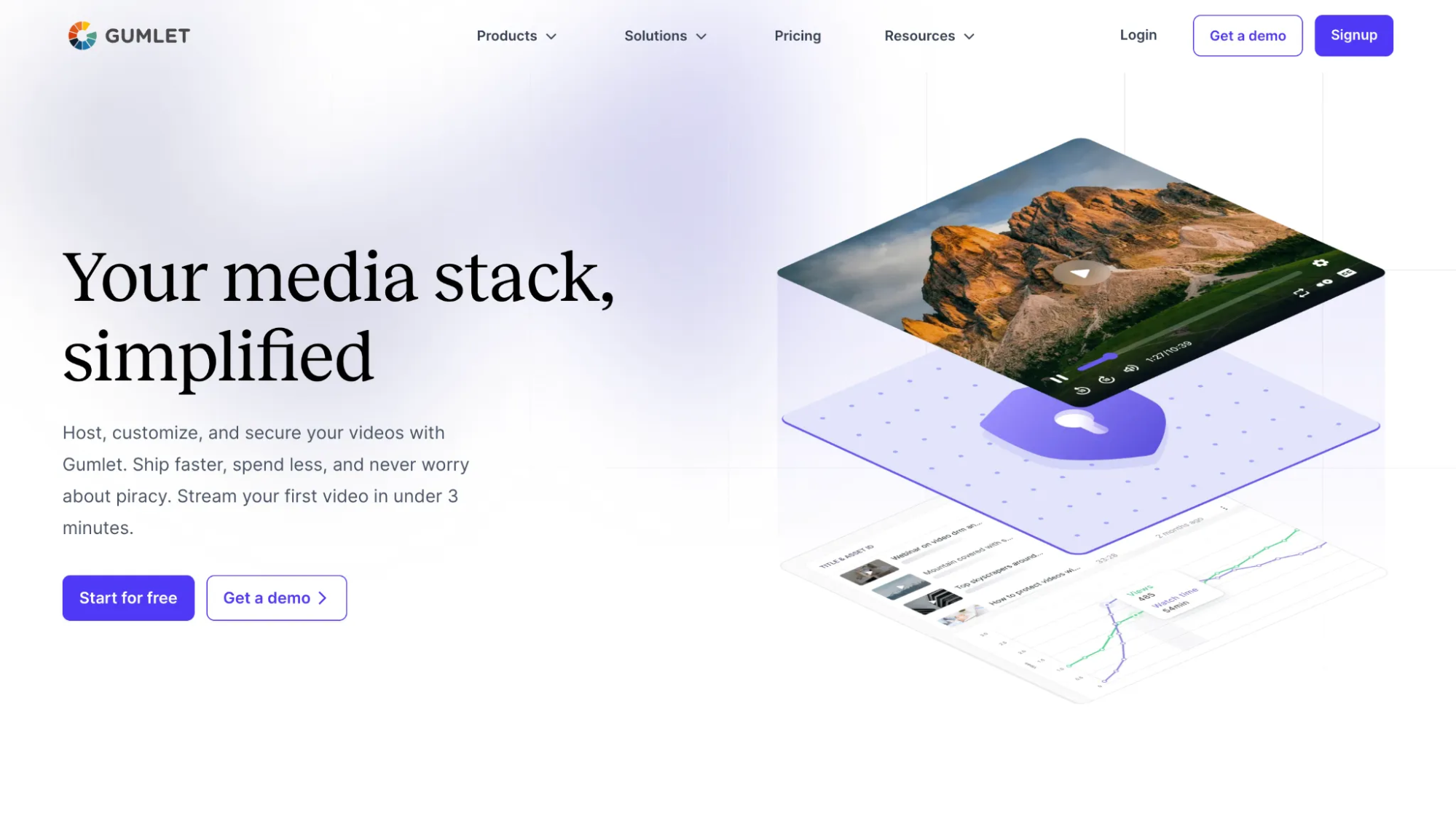
Gumlet’s video protection treats prevention and traceability as one connected system rather than two separate add-ons.
Multi-DRM (Widevine, FairPlay) activates from the dashboard directly, alongside dynamic watermarking and domain or geo-level restrictions, without a support ticket to turn any of it on.
Prevention: Full multi-DRM, domain locking, country-level geo-fencing, and time-expiring signed URLs.
Traceability: Dynamic watermarking that embeds viewer email, IP, or a custom user ID, with shifting positioning so it can’t be cropped out in a single edit.
On the DRM side specifically, Gumlet applies Widevine L1 where the device supports it, meaning decryption happens inside a hardware-isolated chip rather than falling back to the software-based L3 tier discussed earlier. That distinction matters because L1 coverage is the difference between DRM that’s genuinely device-bound and DRM that’s only nominally so on older hardware.
That combination matters most for SaaS and mid-market teams, where the person configuring video security is often a marketer, not a dedicated video engineer.
Where it falls short: The free tier won’t sustain a large content library, and dedicated enterprise account management is thinner here than at Brightcove or Kaltura.
Starting price: Free plan available; paid plans from $6/month billed annually. $99/month DRM add-on, can be added to any plan.
The Widevine and FairPlay video DRMs that Gumlet documents run through the same encryption, license request, and playback steps outlined earlier in this article, applied at the dashboard-toggle level rather than requiring a separate integration.
2. VdoCipher: Best for Mobile-Heavy Audiences in High-Piracy Markets
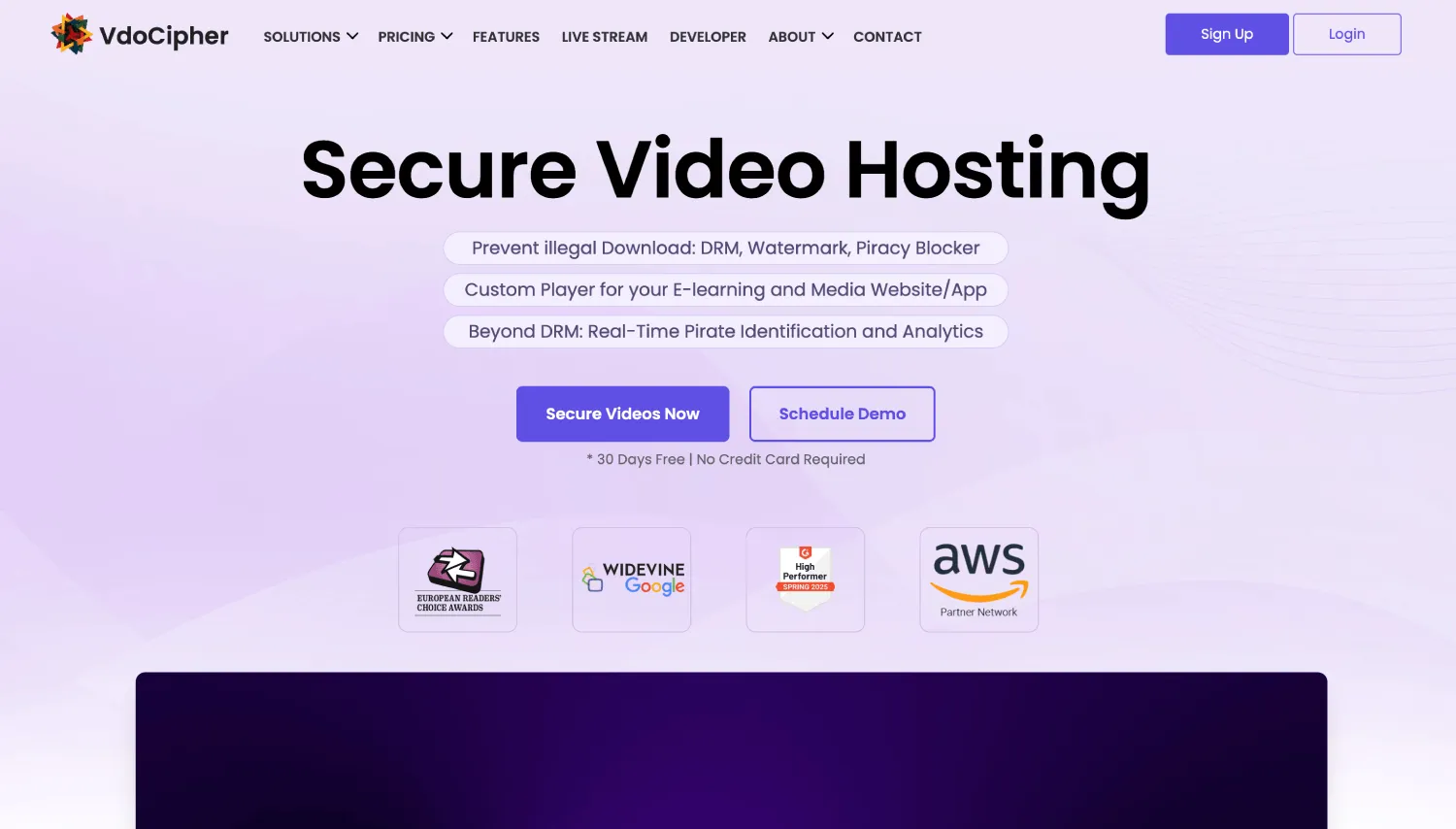
VdoCipher positions itself narrowly as an anti-piracy specialist rather than a general video host, and the feature set backs that up. It is one of the few platforms on this list that blocks screen capture on native mobile apps, not just on desktop browsers, which is where most competitors quietly stop trying.
Prevention: Full multi-DRM through Widevine and FairPlay, active screen-capture blocking on Android and iOS apps specifically, and OTP-based signed access.
Traceability: Dynamic, user-specific text watermarking with configurable position and opacity.
VdoCipher’s mobile screen-capture blocking is a genuine differentiator most competitors skip.
Where it falls short: The video management interface is functional but dated, and pricing scales with bandwidth, which climbs fast at real volume.
Starting price: Plans start at $149/year for the Starter Plan; DRM available on all plans.
3. Brightcove: Best for Broadcast and Enterprise Media with Dedicated Video Engineering
Brightcove has been in this market for close to two decades, and it shows in the depth of its stack rather than any single standout feature.
Prevention: Full multi-DRM, enterprise-grade domain and embed restrictions, and geo-fencing down to country, region, and in some cases postal code.
Traceability: Forensic watermarking for broadcast-grade protection, plus policy-based access management with IP restrictions.
The analytics suite is built for large-scale operations, with a professional services team that custom-builds workflows under contract.
Where it falls short: Average contracts run in the thousands per month, and the platform assumes dedicated technical resources for setup. Not the right fit for an early-stage SaaS team or solo creator, regardless of how strong the stack looks on paper.
Starting price: Custom pricing.
4. Kaltura: Best for Higher Education and LMS-Integrated Institutions
Kaltura is what most large universities default to, largely for how deeply it integrates with existing learning management systems.
Prevention: Full Widevine, FairPlay, and PlayReady support through Kaltura’s own DRM module, enterprise domain restrictions, and region-level geo-blocking.
Traceability: Watermarking available in enterprise configurations, plus session-token-based access control.
The open-source core and wide API surface make this customizable for large IT teams running Canvas, Blackboard, Moodle, or D2L at once.
Where it falls short: Setup complexity is real. This isn’t a platform configured in an afternoon.
Starting price: Custom; enterprise contracts typically start in the thousands per month.
5. Muvi: Best for Teams Building a Full Branded Streaming App, Not Just Hosting Video
Muvi solves a different problem than the rest of this list. It’s not primarily a video hosting platform with security bolted on. It’s a full OTT platform builder, and the security stack comes as part of that package.
Prevention: Full multi-DRM, web-level domain restrictions, and country-level geo-blocking with licensing compliance features built in.
Traceability: Dynamic watermarking available across the platform.
If the goal is a branded, Netflix-style streaming service with native apps across major devices, Muvi’s white-label builder gets that done in weeks rather than months.
Where it falls short: If you just need to host and protect a video library, Muvi is overkill on both counts.
Starting price: from $339 a month, with OTT-specific plans scaling higher.
6. Dacast: Best for SMB Live Streaming Paired with an On-Demand Library
Dacast’s real strength is live streaming infrastructure, with on-demand security that’s solid without being category-leading.
Prevention: AES-128 encryption at the Starter tier, plus domain locking, geo-fencing, and dynamic token authentication. Full multi-DRM (Widevine, FairPlay, PlayReady via CMAF) becomes available starting on the Scale plan, so the DRM gap only applies if you’re comparing entry-level tiers.
Traceability: Not listed as a standard feature on Dacast’s public plan pages. Confirm directly with Dacast before ruling it out.
AES-128 blocks casual download tools, but it’s a meaningfully lower bar than Widevine or FairPlay against anyone with real motivation. For a business running live events alongside an on-demand library, the low-latency streaming and built-in paywall are the real reason to choose Dacast, not the security stack.
Where it falls short: Limited encoder support versus enterprise platforms, and inconsistent support response times at higher usage.
Starting price: From $39/month for the Starter plan, billed annually.
7. Wistia: Best for Top-of-Funnel Marketing Video Where Distribution Matters More Than Security

Wistia does one thing extremely well, and it isn’t piracy prevention. It’s built for marketers who want a polished player, detailed viewer analytics, and tight CRM integrations.
Prevention: No DRM. Domain locking is available but limited. No native geo-fencing.
Traceability: No dynamic watermarking.
Its Turnstile feature, gating a video behind an email form, is genuinely useful for demand-generation teams, and integrations with HubSpot, Marketo, and Salesforce make it strong for one job: public marketing content meant to be shared, not locked down.
Where it falls short: None of this makes Wistia a fit for paid course content or confidential training. It was never built for that job.
Starting price: From $79/month for the Business plan; DRM not available on any tier.
Prevention vs. Traceability: Full Comparison
| Platform | Multi-DRM | Dynamic Watermarking | Domain/Geo Lock | Signed URLs | Setup Model | Starting Price |
| Gumlet | Yes (Widevine, FairPlay) | Yes | Yes | Yes | Self-serve | $6/month billed annually; $99 DRM add-on |
| VdoCipher | Yes (Widevine, FairPlay) | Yes | Yes | Yes (OTP-based) | Self-serve | $149/year (Starter plan); DRM available on all plans |
| Brightcove | Yes (Widevine, FairPlay, PlayReady) | Yes (forensic) | Yes | Yes | Support-assisted | Custom pricing |
| Kaltura | Yes (Widevine, FairPlay, PlayReady) | Yes (enterprise tier) | Yes | Yes | Support-assisted | Custom pricing |
| Muvi | Yes (Widevine, FairPlay, PlayReady) | Yes | Yes | Yes | Support-assisted | $339/month billed annually |
| Dacast | AES-128 (Starter); Multi-DRM on Scale+ | Not listed | Yes | Yes (token-based) | Self-serve | $39/month for Starter plan; DRM available on Scale plan and above |
| Wistia | No | No | Partial | No | Self-serve | $79/month for Starter plan; No DRM available on any plan |
A couple of terms in that table are worth being precise about. Signed URLs typically work through a JWT (JSON Web Token) generated server-side, embedding an expiry timestamp and often a domain or IP constraint, so a copied link stops resolving once the window closes regardless of how many times it’s been shared.
Domain and geo locking operate at the CDN edge in the platforms that implement them well, meaning a blocked request never reaches origin infrastructure at all, which is faster and harder to route around than an application-level check. Gumlet’s implementation of both, alongside VdoCipher’s and Brightcove’s, is what puts them ahead of platforms that only offer one control without the other in this table.
If a platform in your evaluation is missing a row here entirely, treat that as a disqualifier, not a follow-up question for the sales call.
A vendor that can’t state its DRM standard or watermarking approach in plain terms usually has a thinner feature than its marketing page suggests.
SaaS Demo Videos Face a Different Piracy Risk Than Course Content
A course creator’s nightmare is a paid course showing up whole on a resale channel. A SaaS company’s nightmare looks different: a competitor scraping a demo to reverse-engineer pricing, or a pre-launch feature ending up in a rival’s sales deck.
That changes which layer matters most. Watermarking traces a leak to a specific viewer, useful for wide paid distribution. For a SaaS demo, the more urgent problem sits upstream: an unlisted link or raw file on shared storage that anyone can forward indefinitely, with no expiration and no domain restriction.
According to MUSO’s 2024 Video Piracy report, digital video piracy’s cost to media industries is in the tens of billions annually, with well over 216.3 billion visits to piracy sites tracked in 2023.
For SaaS teams, the less-discussed cost is a demo video treated as disposable marketing content when it actually holds competitive intelligence: pricing logic, unreleased features, internal workflows.
Before deciding a video platform is secure enough for a product demo, check whether the embed still plays after copying the link into a private tab on a different domain. If it does, domain locking isn’t actually active, regardless of what the pricing page claims.
I test these security claims directly rather than reading spec sheets, which is how the domain-locking gap above surfaced. Platforms that photograph well on a comparison chart don’t always survive a five-minute hands-on check.
The 4-Minute Test That Beats Any Feature Page
Every claim in the table above is checkable in under five minutes, on a trial account, before anyone talks to sales. Run these four in order.
- Test the domain lock: Copy the embed link, open a private tab, load it on a domain that is not yours. If it plays, domain locking is not active regardless of what the pricing page says.
- Test the download block: Point a common browser download extension at the player. On a genuinely DRM-protected stream it returns nothing. On AES-128 alone it often returns segments.
- Test the watermark: Screen record 20 seconds of your own protected video, then watch it back. Your email or user ID should be sitting in the frame, and it should have moved at least once. If it never moves, one crop removes it.
- Test the link expiry: Generate a signed URL, wait past its window, load it again. If it still resolves, the expiry is decorative.
A platform that passes all four is doing what its marketing says. In my experience, most shortlists lose at least one candidate at step one.
Which Platform Fits Your Situation
If you’re a SaaS team or course creator who needs DRM and watermarking without an enterprise contract, Gumlet or VdoCipher cover that ground at a self-serve price point.
If mobile piracy is your primary threat, VdoCipher’s native app coverage is the more specific fit.
If you’re running broadcast-scale or university-scale content with dedicated technical staff, Brightcove and Kaltura are built for that complexity and priced accordingly.
If the goal is a full branded streaming app rather than just hosting, Muvi is the right category, not a video host with security bolted on.
If live events are the core of the business, Dacast’s live infrastructure is the reason to choose it, with on-demand security as a secondary factor.
And if security was never the point, because the content is top-of-funnel and meant to be shared, Wistia’s distribution and CRM strengths matter more than its lack of DRM
Frequently Asked Questions
1. Does DRM actually stop screen recording?
No, not completely, and this is the most misunderstood point in video security marketing. DRM blocks casual downloads and stream interception effectively, but on most consumer browsers, decryption happens in a software layer rather than a hardware-isolated one, so a determined screen recording can still capture the output. If a platform’s security page doesn’t mention watermarking at all, its DRM claim is only solving half the problem.
2. What is the difference between DRM and dynamic watermarking?
DRM encrypts the video file so it can’t be downloaded or intercepted without a license key: prevention. Dynamic watermarking embeds viewer-specific information, like an email or user ID, into the frame and moves it so it can’t be cropped out: traceability after a leak has already happened. A platform using DRM plus dynamic watermarking can block casual downloads and identify which viewer’s copy leaked.
3. How much does multi-DRM video hosting cost in 2026?
Pricing runs from roughly $99 a month as an add-on feature on self-serve platforms to $8,000 or more on enterprise contracts like Brightcove, and the gap comes mainly from setup model, not the DRM feature itself.
One pricing pattern worth knowing: some self-serve platforms decouple DRM from the base hosting plan entirely, so a team pays for hosting and delivery on one line and adds Widevine and FairPlay support as a separate line only if the content actually needs it, rather than absorbing that cost into every tier by default. Platforms like Gumlet offer DRM protection as an add-on feature for $99 a month, applicable for all of its paid plans.
Get a quote based on actual monthly bandwidth and viewer volume, not the advertised starting price, since bandwidth billing can push a $99 plan past $400 at real scale
4. Is Vimeo secure enough for paid or confidential video content?
Vimeo’s security features, including enterprise DRM, technically exist, but the platform saw a significant reduction to its video engineering team after its 2026 acquisition by Bending Spoons, raising a real question about long-term maintenance.
Verify directly with Vimeo what ongoing security development looks like before committing, rather than assuming a well-known brand equals an actively maintained stack.
5. What happens if my course or demo video gets pirated anyway?
If dynamic watermarking is active, the leaked copy should still contain the original viewer’s embedded identifier, letting you trace the leak to a specific account. Without watermarking, a leaked video is functionally anonymous, with no reliable way to determine the source, which is why traceability matters even on platforms with strong DRM.
Document the leak, check the watermark trace, and revoke that viewer’s access token immediately rather than waiting to build a full case first.
6. Do I need geo-fencing if my content isn’t licensed by region?
Even without formal regional licensing, geo-fencing limits exposure in markets with structurally higher piracy rates and helps meet data protection rules like GDPR. If a platform doesn’t offer geo-fencing at all, treat that as a reasonable disqualifier for any content monetized outside a single home market, since you lose the ability to respond if a region becomes a piracy hotspot.
The Bottom Line
The actual question isn’t whether a platform has DRM. Every serious platform here has some version of it by now, and treating that as the finish line is why teams get blindsided when a protected video leaks anyway.
The better question is what happens the day after someone screen records it despite the encryption: whether there’s a viewer-specific watermark to trace it, whether the access token can be revoked immediately, and whether the platform can walk you through that process instead of pointing at a feature list.
Prevention and traceability are two different jobs, and a platform strong on one and silent on the other is only giving you half a security stack.
If you’re evaluating your current setup against that standard, the better question is whether your current provider can walk through prevention and traceability together as one connected system rather than two separate line items, the same distinction Gumlet’s free demo addresses when asked how DRM, signed URLs, and watermarking work together, a useful reference point regardless of which platform you land on.
INTERESTING POSTS
- 5 Best Anti-Piracy Video Hosting Platforms to Protect Premium Content
- Controlling Data Breach And The Use Of DRM For Document Security
- AI-Powered Software Licensing: How Artificial Intelligence is Revolutionising Digital Rights Management
- The Betting Scams That Have Nothing To Do With The Casino Itself
- How To Convert M4P To MP3 [EXPERT GUIDE]
About the Author:

Meet Angela Daniel, an esteemed cybersecurity expert and the Associate Editor at SecureBlitz. With a profound understanding of the digital security landscape, Angela is dedicated to sharing her wealth of knowledge with readers. Her insightful articles delve into the intricacies of cybersecurity, offering a beacon of understanding in the ever-evolving realm of online safety.
Angela's expertise is grounded in a passion for staying at the forefront of emerging threats and protective measures. Her commitment to empowering individuals and organizations with the tools and insights to safeguard their digital presence is unwavering.



