


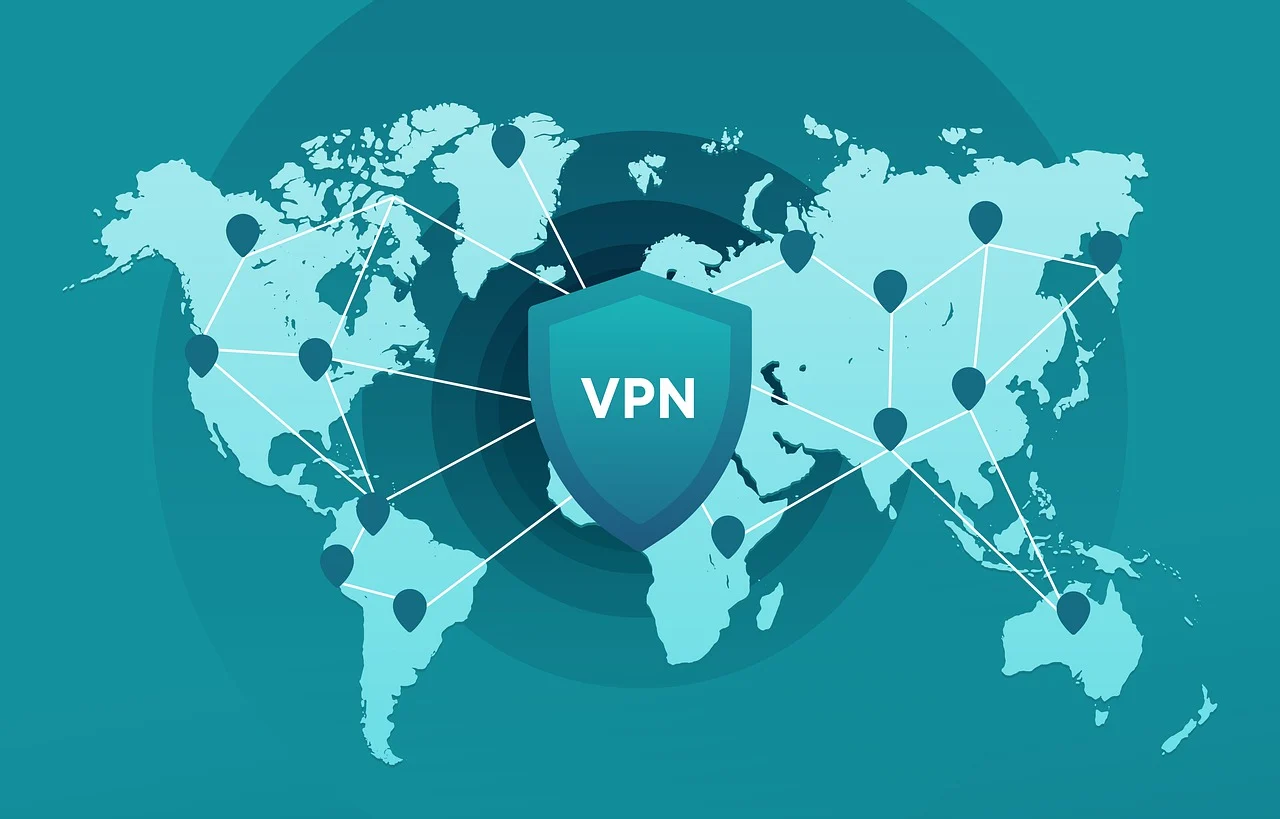

In this post, I will talk about VPN for PC. Read on as I guide you through security, privacy, and performance.
These days, our PCs are almost always connected to the internet. We use them for work, online shopping, streaming movies, video calls, and even managing our finances. While this constant connectivity makes life easier, it also opens the door to cyber threats like hacking, data theft, online tracking, and unwanted surveillance.
This is where a VPN (Virtual Private Network) comes in. A VPN helps protect your PC, keeps your online activity private, and gives you more freedom on the internet. In this guide, we’ll break down what a VPN is, how it works on a PC, its benefits and limitations, and how to choose the right VPN for your needs—without getting overly technical.
Table of Contents
What Is a VPN?
A VPN, or Virtual Private Network, is a tool that creates a secure connection between your PC and the internet. Instead of connecting directly to a website, your data passes through a VPN server first. This server hides your real IP address and encrypts your information, making it much harder for anyone to see what you’re doing online.
Think of a VPN for PC as a private tunnel for your internet traffic. It keeps your personal data safe and your online identity hidden while you browse, stream, or work on your PC.
How Does a VPN Work on a PC?
Once you install a VPN app on your PC and turn it on, everything happens quietly in the background:
- Encryption: Your internet data is scrambled into unreadable code so outsiders can’t understand it.
- Secure Tunneling: This encrypted data travels through a secure tunnel to a VPN server.
- IP Masking: The VPN server replaces your real IP address with a new one, hiding your actual location.
- Safe Browsing: The data then reaches the website you’re visiting, keeping your identity protected.
All of this happens in real time. With a good VPN, you may not even notice any difference in speed.
Benefits of Using a VPN on a PC
1. Stronger Online Security
Public Wi-Fi networks in cafés, airports, and hotels are convenient—but they’re also risky. Hackers often target these networks to steal personal data. A VPN encrypts your connection, helping keep your passwords, files, and personal information safe.
2. Better Privacy and Anonymity
Without a VPN, your internet service provider (ISP) can see your browsing activity. A VPN hides your IP address and browsing behavior, giving you more privacy and control over your online life.
3. Access to Geo-Restricted Content
Some websites and streaming platforms limit content based on location. With a VPN, you can connect to servers in other countries and access content that may not normally be available where you live.
4. Safer Remote Work
Remote work has become the norm for many people. VPNs allow employees to securely access company networks and sensitive files without exposing data to cyber risks.
5. Reduced Bandwidth Throttling
Some ISPs slow down your internet when they detect heavy streaming or downloads. A VPN hides your activity, which can help prevent these slowdowns and keep your connection running smoothly.
Common VPN Protocols for PC
VPNs use different protocols to create secure connections. Some of the most common ones include:
- OpenVPN: Reliable, secure, and widely used on PCs.
- WireGuard: A newer protocol that focuses on speed and efficiency.
- IKEv2/IPSec: Known for stability, especially when switching networks.
- L2TP/IPSec: Secure but generally slower than modern options.
The protocol you choose can affect both speed and security, so it’s worth paying attention to this feature.
Free vs. Paid VPNs for PC
Free VPNs
Free VPNs can be tempting, but they usually come with drawbacks like limited data, slow speeds, fewer servers, and weaker security. Some free services may even track or sell user data, which defeats the purpose of using a VPN.
Paid VPNs
Paid VPNs offer better performance, stronger encryption, unlimited bandwidth, and reliable customer support. If privacy and security are important to you, a reputable paid VPN is usually worth the investment.
Potential Drawbacks of Using a VPN
VPNs are useful, but they’re not perfect. Some common downsides include:
- Slight Speed Reduction: Encryption and server distance can slow your connection a bit.
- Blocked Access: Some websites and services block VPN traffic.
- Subscription Cost: Quality VPNs require a monthly or yearly fee.
- Limited Protection: A VPN doesn’t protect against malware or phishing attacks by itself.
Knowing these limitations helps set realistic expectations.
How to Choose the Best VPN for PC
When picking a VPN for your PC, keep these factors in mind:
- Strong Security: Look for AES-256 encryption, a kill switch, and DNS leak protection.
- No-Logs Policy: Make sure the provider doesn’t track or store your activity.
- Good Speed: Fast servers are essential for streaming, gaming, and work.
- Server Locations: More locations mean more flexibility.
- Ease of Use: The app should be simple to install and navigate.
- Customer Support: Helpful support makes troubleshooting easier.
Installing and Using a VPN on PC
Getting started with a VPN is simple:
- Choose a trusted VPN provider.
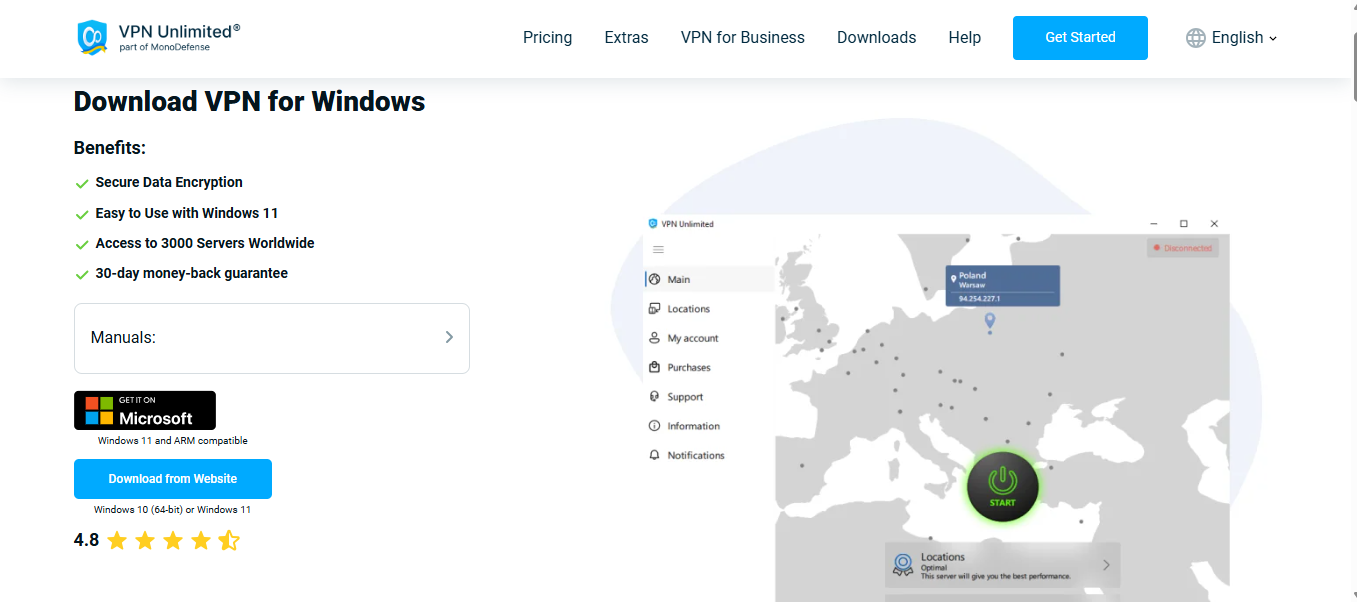
- Download the PC app from the official website.
- Install and open the application.
- Log in and select a server location.
- Click Connect.
Once connected, your PC is protected, and you can browse the internet with more confidence.
Conclusion
Using a VPN on your PC is one of the easiest ways to improve online security, protect your privacy, and enjoy a more open internet. Whether you’re working remotely, streaming your favorite shows, gaming, or just browsing, a VPN adds an extra layer of protection against cyber threats and tracking.
While free VPNs may work for basic needs, a reliable paid VPN offers better speed, stronger security, and peace of mind. In a world where online risks continue to grow, a VPN for PC is no longer optional—it’s essential.
INTERESTING POSTS
About the Author:

Meet Angela Daniel, an esteemed cybersecurity expert and the Associate Editor at SecureBlitz. With a profound understanding of the digital security landscape, Angela is dedicated to sharing her wealth of knowledge with readers. Her insightful articles delve into the intricacies of cybersecurity, offering a beacon of understanding in the ever-evolving realm of online safety.
Angela's expertise is grounded in a passion for staying at the forefront of emerging threats and protective measures. Her commitment to empowering individuals and organizations with the tools and insights to safeguard their digital presence is unwavering.


