In this post, I will show you how to keep your AI videos useful when the message changes.
A short video introducing a digital service looks finished on Monday. By Thursday, the offer has changed, a button has moved, and the support team has revised the wording. The animation still looks good. The information wrapped around it no longer matches what viewers will find.
That is a useful distinction for anyone creating videos about software, online services, or digital products. Some parts of a clip can remain relevant for months. Others become outdated with a single edit to a web page. Treating them as one inseparable piece makes a small correction unnecessarily awkward.
AI video is easier to maintain when the creator decides which elements may change before assembling the final edit. The aim is not to preserve every generated second. It is to keep a wording change from forcing an unrelated visual restart.
Table of Contents
Give each part of the video its own shelf life
Imagine a fictional introduction to an online workspace. Its opening shows coloured cards moving into a tidy arrangement. A title names the service, a screen recording demonstrates one action, and a closing card gives the next step.
The abstract cards may remain useful after a redesign. The screen recording may not. An offer date could expire sooner than either. Listing these differences gives the editor a practical replacement plan instead of a vague instruction to “keep the video current.”
The opening and the demonstration also have different jobs. Coloured cards can suggest organisation without showing a particular application. The screen recording, by contrast, must show what the real service actually does. Keeping those jobs separate gives the editor a reason to retain one part and replace the other.
For this example, a simple maintenance note might look like this:
- Abstract opening: reconsider if the creative direction or message changes.
- Service name and headline: replace when approved wording changes.
- Interface demonstration: re-record when the relevant action or layout changes.
- Closing instruction: check when its destination, availability, or deadline changes.
These are editorial triggers, not automatic alerts supplied by the video generator. Assign someone to notice the changes; a neat list will not maintain itself.
Generate the scene, then assemble the message
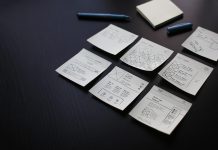
The coloured-card opening does not need a screenshot of the service. It needs a description of the visual event: several paper cards settle into rows against a neutral background, leaving a quiet area above them. That is enough to begin exploring the scene without including an offer, a product name, or customer information in the request.
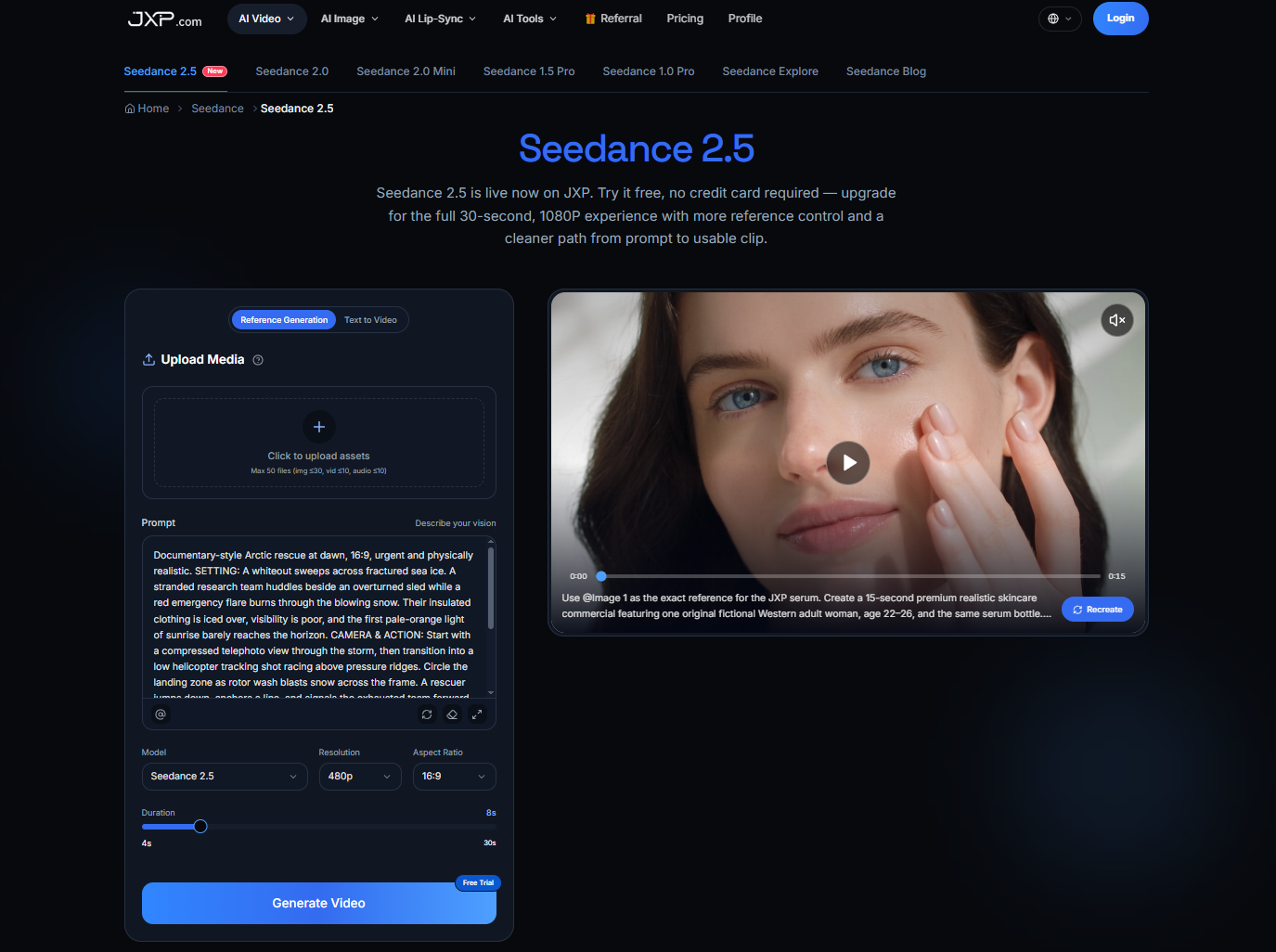
For this part of the project, the Seedance 2.5 text-to-video tool lets the creator start with that written description. On JXP, the duration and aspect-ratio settings can be selected to suit the opening’s place in the edit. Ask for no lettering and inspect the result for stray marks that resemble text; the aim is a clean supporting visual, not a generated imitation of the service interface.
Only after choosing the clip does the editor add the headline, narration, and real demonstration. Keep the headline as a text layer in the editing project and retain the narration script and audio separately. A later wording change then has a specific place to go. This flexibility comes from how the final video is assembled—not from an assumption that the generator’s downloaded clip contains editable objects or live text layers.
This separation also makes space for accessibility. Captions can be corrected when narration changes, and their timing can be checked against the new edit. Simply changing the spoken line while leaving the old captions would create another outdated version inside the same file.
Keep a clean clip, not just the finished export
The captioned export is useful for publishing. The uncaptioned visual is useful for revision. Save both, along with the editing project and the approved copy that explains what the final video is supposed to say.
A modest local folder is enough: the generated visual, the current screen recording, the narration and caption files, and the assembled export. Name versions so a colleague can distinguish them without opening every file. Avoid putting confidential customer or project information in filenames intended for sharing.
Keep the generation prompt and selected settings with the source clip if another attempt may be needed. That record helps explain the creative request; it is not a promise that repeating it will produce an identical video. When the existing clip works, retain the actual file instead of assuming it can be recreated later.
Rights need the same attention. A visual cleared for one campaign is not automatically cleared for every later use. Check the intended reuse and the service’s applicable terms before carrying material into another project.
Decide whether the correction changes the scene
A headline changing from “Start today” to “Explore the features” may leave the opening untouched. But suppose the message changes from bringing work together to offering several independent choices. Cards gathering into a single group now suggest the wrong idea. Replacing the headline alone would leave a mismatch between what viewers read and what they see.
For this revision, sketch a new arrangement in which the cards remain in distinct groups. If their colours and paper texture still suit the project, include those features in an original reference image. With Seedance 2.5 reference generation, that image can provide visual context while the prompt describes the revised action. Use material cleared for this processing and permitted by the platform; the finished promotional export is not automatically the right file to upload.
Judge the new result against the revised message rather than asking it to reproduce the old clip exactly. The groups should remain distinguishable, and the composition should still leave space for the editor’s headline. References can guide appearance, but they do not guarantee identical colours, shapes, or timing. If the message instead requires a factual walkthrough, replace the relevant demonstration with a new recording of the actual service rather than asking a generated scene to simulate its behaviour.
The old copy may still be somewhere people can find it
Exporting a corrected file does not update every place the earlier one appeared. Keep a short distribution list for the versions you control: the article embed, the social post, a presentation, or a downloadable file. Check what each destination allows you to replace and where a correction needs to accompany the original.
If the old version contains materially wrong instructions, stop using it and make the correction clear. A silent replacement may not reach someone who downloaded or shared it. You cannot guarantee that every copy disappears, but you can make the current version and its correction easy to identify.
The result is a more practical use of generated video: an appealing visual that stays separate from the details most likely to change. Save the clean scene, keep the message editable, and let the next revision be as small—or as substantial—as the actual change requires.
INTERESTING POSTS
- Understanding the Risks of Face Swap Videos: A Practical Safety Guide
- AI Face Swap: The Fun New Way to See Yourself in Iconic Movie Scenes
- Track Smart Money, Copy Top Traders, Execute in Seconds: Inside Banana Predict
- Why Trading Cards Are Winning Over Fans Again
- Hardware Trust Starts Long Before Software Security
- Free VPN Safety: What Users Should Check Before Trusting a VPN App
About the Author:

Chandra Palan is an Indian-born content writer, currently based in Australia with her husband and two kids. She is a passionate writer and has been writing for the past decade, covering topics ranging from technology, cybersecurity, data privacy and more. She currently works as a content writer for SecureBlitz.com, covering the latest cyber threats and trends. With her in-depth knowledge of the industry, she strives to deliver accurate and helpful advice to her readers.