




In this post, I will discuss how traveling affects what you can watch on a Windows laptop.
Traveling can be thrilling, but for anyone who relies on their Windows laptop for entertainment or work, it often comes with a frustrating reality: not everything you could access at home is available abroad.
Websites, streaming services, and even certain apps frequently change what they allow based on your geographic location. This isn’t arbitrary. Geo-restrictions exist because of licensing agreements, regional regulations, and content distribution rights.
If you subscribe to streaming platforms like Hulu or need access to region-specific websites, traveling without a strategy can leave you staring at error messages or blocked pages. Understanding how these restrictions work and the tools available to bypass them can make your trips far more enjoyable and productive.
Table of Contents
How Geo-Restrictions Work
Geo-restrictions are digital boundaries that determine what content is available in each country. Streaming services and websites detect your location through your IP address, which is unique to each country.
The reason for these restrictions is straightforward: different content is licensed for different regions. For example, a TV show available on Netflix in the United States might be completely unavailable in Europe, while certain movies might only appear on regional streaming platforms.
When you travel with a Windows laptop, you may suddenly notice your favorite websites or streaming services displaying messages like “This content is not available in your region” or simply refusing to load. These restrictions apply not just to entertainment platforms but also to banking websites, online tools, and news services. Anything that relies on regional access can be affected.
How Traveling Can Restrict Streaming on Your Windows Laptop
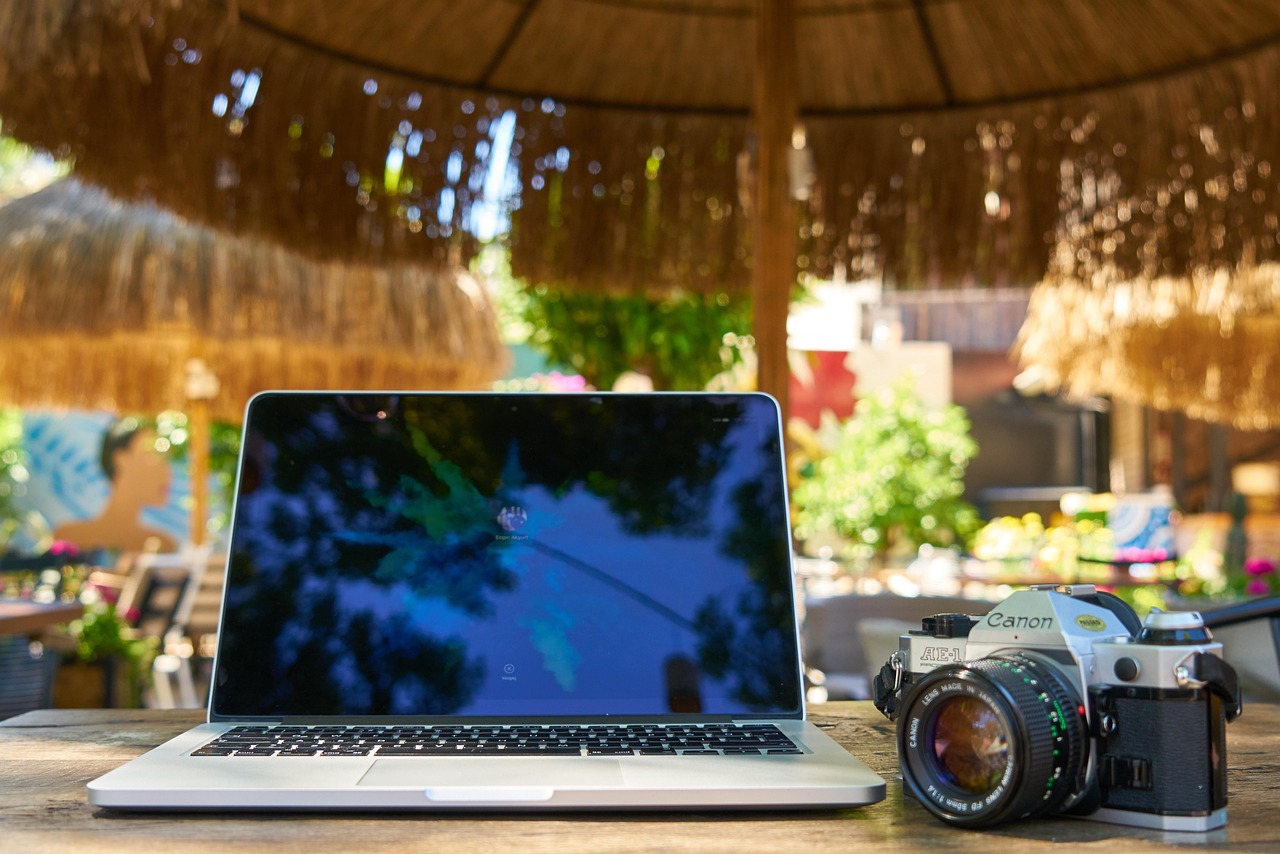
When you travel internationally, the content you can access on your Windows laptop often changes, sometimes dramatically. Streaming platforms and websites determine what you can see based on your location, and being in a different country can block access to services you rely on at home.
For example, Hulu in Canada is completely inaccessible to travelers trying to use the service outside the United States. Even though your Windows laptop can open the platform, it will detect that your IP address is not in the US and block playback, often displaying a message that the content is unavailable in your region.
This is more than a minor inconvenience, it can disrupt your daily routines, entertainment habits, and even work if you rely on region-specific tools or subscriptions. Unlike other platforms that offer a localized version with limited content, some services offer nothing at all outside their home country.
Using a VPN for PC to Bypass Restrictions
A Virtual Private Network, or VPN, is the most effective tool for overcoming geo-restrictions. A VPN allows your Windows laptop to connect to a server in a different country, masking your actual location and encrypting your internet traffic. By doing this, you can make it appear as if you are browsing from another country, such as the United States.
Using a VPN for PC allows you to access Hulu anywhere by connecting to a US-based server. Your laptop will appear to Hulu as though it is in the United States, unlocking the full library of shows and movies.
This same approach also works for other region-restricted platforms, including Netflix, Disney+, and Amazon Prime Video, as well as region-locked websites and online services for work purposes.
A VPN also provides an important security benefit while traveling. Public Wi-Fi networks, such as those in airports, hotels, and cafes, are common targets for hackers and cybercriminals. A VPN encrypts your data, protecting sensitive information like passwords, banking details, and personal communications from potential interception.
Setting Up a VPN on Your Windows Laptop
Setting up a VPN on a Windows laptop is straightforward, but there are a few important considerations. The first step is to choose a reputable VPN provider that supports streaming and has servers in the countries you want to access.
Once installed, the VPN application allows you to select a server location, such as a US server to watch Hulu from anywhere in the world. After connecting, you should verify that your IP address reflects the server location to ensure that geo-restrictions are bypassed.
Once connected, you can open Hulu or other region-restricted services and stream content as if you were in your home country. Using a VPN consistently while traveling ensures uninterrupted access to your subscriptions and region-specific websites. However, it is important to select a reliable VPN. Free services are often blocked by platforms like Hulu and may also compromise your online security.
Legal and Security Considerations
Using a VPN to bypass geo-restrictions falls into a gray area in terms of legality. While VPNs themselves are legal in most countries, streaming platforms like Hulu prohibit their use in their terms of service. This means there is a small risk of account restrictions if the platform detects VPN usage.
From a security standpoint, using a VPN is highly recommended when accessing public networks during travel. Without encryption, sensitive data is exposed to potential hackers and malicious actors. A good VPN ensures both access to blocked content and the security of your personal information while on the move.
Maximizing Your Streaming and Online Experience While Traveling

Planning ahead can save a lot of frustration while traveling. Downloading content for offline use before your trip ensures you have access to entertainment even when a VPN is unavailable.
Maintaining a VPN subscription with fast, reliable servers allows you to stream without interruptions or buffering, and keeping your Windows laptop updated ensures compatibility with VPN software and other security features. By combining these strategies, you can maintain access to your favorite shows and essential websites no matter where you are in the world.
Conclusion
Traveling can change everything about how you use your Windows laptop, from the websites you can visit to the streaming platforms you can access. Services like Hulu remain blocked without a workaround, making VPNs essential tools for travelers.
By using a VPN for PC, you can bypass geo-restrictions, secure your online activity, and continue enjoying your favorite content without interruption. For anyone who depends on streaming services and online platforms while abroad, a VPN is not just a convenience—it is a necessity.
INTERESTING POSTS
About the Author:

Christian Schmitz is a professional journalist and editor at SecureBlitz.com. He has a keen eye for the ever-changing cybersecurity industry and is passionate about spreading awareness of the industry's latest trends. Before joining SecureBlitz, Christian worked as a journalist for a local community newspaper in Nuremberg. Through his years of experience, Christian has developed a sharp eye for detail, an acute understanding of the cybersecurity industry, and an unwavering commitment to delivering accurate and up-to-date information.


