



Want the best privacy-focused web browsers that don’t track you? Read on to find out.
Your browser probably knows more about your daily habits than you realize. It sees the websites you visit, the searches you make, the products you compare, and sometimes even the articles you abandon halfway through reading.
Now imagine how much information that adds up to over several months.
Most people worry about websites collecting their personal information, but there’s another part of the problem that deserves attention: the browser itself.
Some browsers actively block advertising trackers, restrict third-party cookies, and make it harder for companies to build profiles of their users. Others go further by disguising identifying information, isolating browsing sessions, or routing traffic through anonymity networks.
But here’s something worth understanding before you switch: a privacy-focused browser doesn’t automatically make you anonymous online.
Your internet service provider may still see which websites you connect to. Websites can still recognize you when you sign into your accounts. And browser fingerprinting can sometimes identify your device even when cookies are disabled.
That’s why choosing the right browser involves more than finding one with a built-in ad blocker.
I’ve put together this guide to help you understand which privacy-focused browsers are genuinely worth considering, what makes each one different, and which compromises you should expect.
Some are excellent everyday replacements for Chrome. Others make more sense when you need stronger anonymity or tighter control over your browsing environment.
Table of Contents
10 Best Privacy-Focused Web Browsers Compared
There isn’t one perfect private browser for everyone. Your choice should depend on whether you care most about tracker blocking, anonymity, customization, or everyday convenience.
| Browser | Best For | Standout Privacy Feature |
|---|---|---|
| Brave | Everyday privacy and ad blocking | Built-in Shields protection |
| Mozilla Firefox | Customizable privacy | Enhanced Tracking Protection |
| Tor Browser | Strong anonymity | Tor network routing |
| Mullvad Browser | Anti-fingerprinting | Standardized browser fingerprint |
| LibreWolf | Privacy-focused Firefox alternative | Hardened default settings |
| DuckDuckGo Browser | Simple privacy controls | Tracker blocking and Fire Button |
| Vivaldi | Privacy with customization | Built-in tracker and ad blocking |
| Safari | Apple users | Intelligent Tracking Prevention |
| Waterfox | Firefox-style browsing with fewer extras | Privacy-oriented Firefox configuration |
| Epic Privacy Browser | Simplified tracker protection | Built-in privacy protections and encrypted proxy option |
These browsers don’t all provide the same kind of protection. Tor Browser, for instance, is designed around anonymity, while Brave emphasizes practical privacy without unnecessarily complicating ordinary browsing.
That distinction matters more than the number of privacy features advertised on a browser’s homepage.
1. Brave Browser — Best for Everyday Privacy and Ad Blocking
Available on: Windows, macOS, Linux, Android, and iOS.
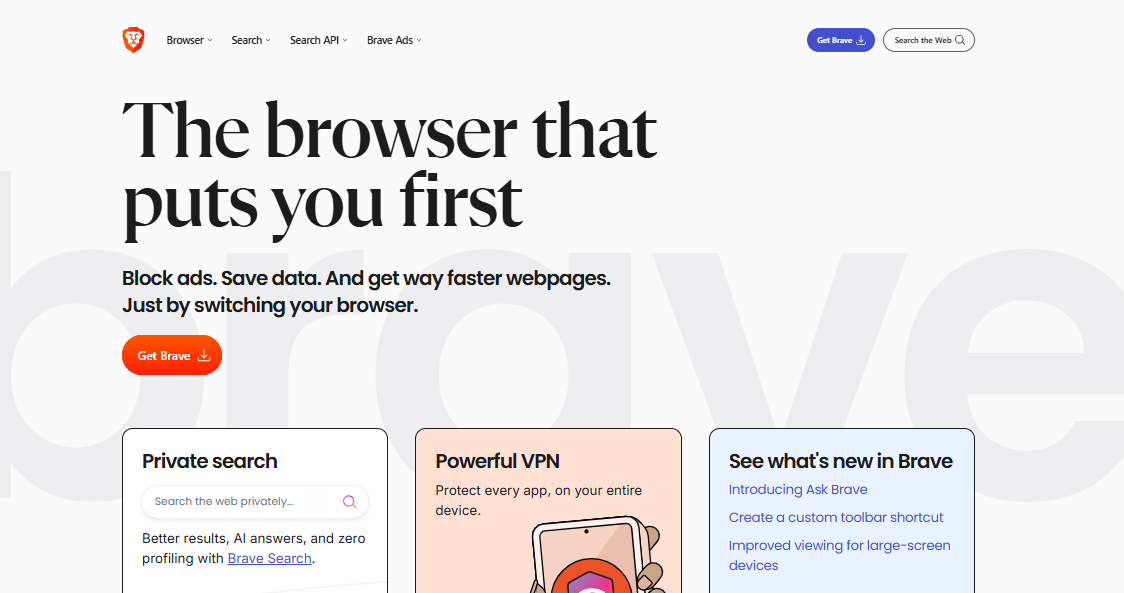
Brave is one of the easiest browsers to recommend to someone who wants stronger privacy without spending an afternoon adjusting settings.
Its biggest advantage is straightforward: many of the protections people install extensions for are already built in.
Brave Shields blocks numerous advertising trackers, cross-site cookies, and intrusive advertisements. It also includes protections against fingerprinting, the technique websites use to identify browsers by combining device and software characteristics.
The result is a browser that can make ordinary websites feel noticeably less cluttered.
You visit a news website, for example, and instead of encountering multiple advertising scripts and tracking requests, Brave prevents many of those connections from happening in the first place.
That can reduce unnecessary data transfers and improve page-loading performance, although the results vary by website.
What Makes Brave Different?
Brave is built on Chromium, the open-source browser project that also powers Google Chrome. That gives it an important practical advantage: compatibility.
Most websites designed for Chrome should work in Brave, and users can install many extensions from the Chrome Web Store.
You don’t have to abandon familiar browsing habits simply because you’ve decided to take privacy more seriously.
Brave also offers a private browsing option with Tor connectivity on supported desktop versions. However, this feature should not be confused with Tor Browser itself. Brave’s Tor windows do not provide the same comprehensive fingerprinting and anonymity protections.
Where Brave Falls Short
Brave includes optional services such as its Rewards ecosystem, cryptocurrency-related features, and other products that not everyone wants.
These features don’t mean the browser is secretly tracking your browsing activity, but they can make the interface feel busier than necessary.
I would disable anything I didn’t intend to use and keep the browser focused on its primary job.
My verdict: Brave is arguably the best browser for privacy and ad blocking for someone who wants strong protection with minimal configuration.
Official website: https://brave.com/
2. Mozilla Firefox — Best for Privacy Customization and Browser Independence
Available on: Windows, macOS, Linux, Android, and iOS.
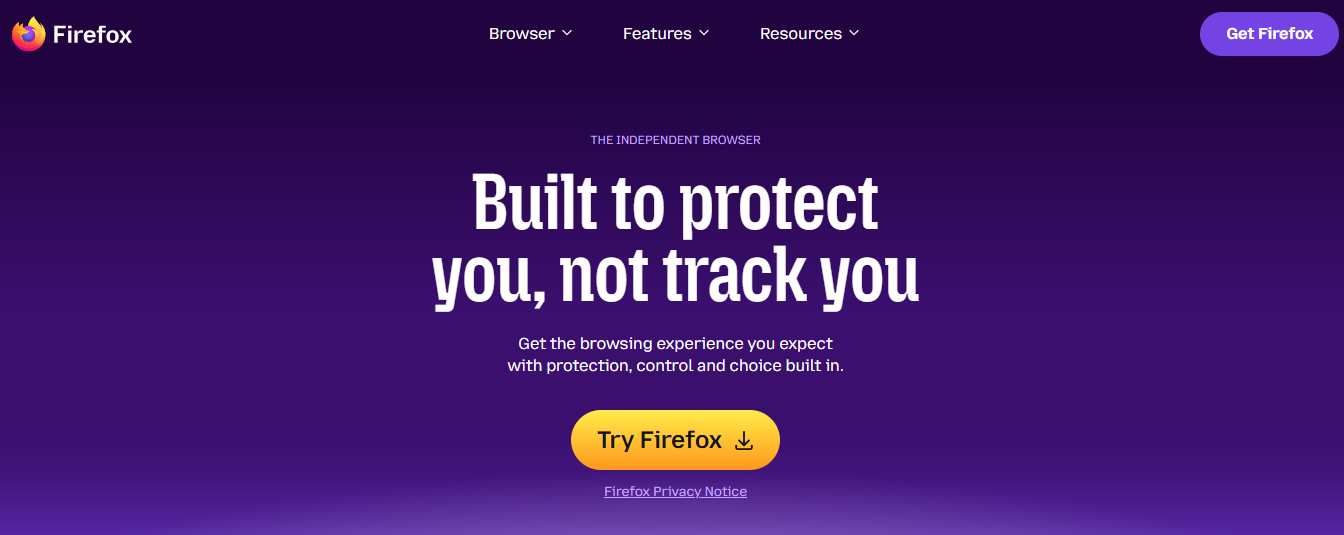
There’s a reason Mozilla Firefox continues to appear in serious discussions about online privacy.
Firefox gives users meaningful control over their browsing environment without forcing them into the Chromium ecosystem.
That independence is worth considering.
When most browsers rely on the same underlying engine, decisions affecting that engine can influence a substantial portion of the web. Firefox uses Mozilla’s Gecko engine on desktop platforms, helping preserve an alternative browser technology.
Privacy isn’t just about blocking trackers today. It’s also about maintaining meaningful choices in the future.
Firefox’s Strongest Privacy Features
Firefox includes Enhanced Tracking Protection, which blocks several categories of known trackers and other unwanted tracking mechanisms.
Its Total Cookie Protection feature helps isolate cookies by website, making it harder for companies to follow you across unrelated sites using shared cookies.
Firefox also supports privacy-oriented extensions, including uBlock Origin, which offers powerful content filtering.
For someone willing to make a few adjustments, Firefox can become an excellent privacy-focused browsing environment.
I’d start with Enhanced Tracking Protection, review the browser’s data collection preferences, and install only extensions I actually need.
That last point is important. Installing ten privacy extensions doesn’t necessarily make your browser ten times more private. Some extensions introduce new security risks, and unusual combinations of extensions can contribute to a distinctive browser fingerprint.
The Compromise
Firefox isn’t completely free from privacy controversies.
Mozilla has faced criticism over certain telemetry practices, product integrations, and changes to its privacy-related policies. Some data collection can be controlled through settings, but users should review the current options rather than assume every privacy-related feature is disabled by default.
My verdict: Firefox is an excellent choice for readers who want a customizable browser, strong extension support, and an alternative to Chromium.
Official website: https://www.mozilla.org/firefox/
3. Tor Browser — Best for Online Anonymity
Available on: Windows, macOS, Linux, and Android. There is no official Tor Browser for iOS.
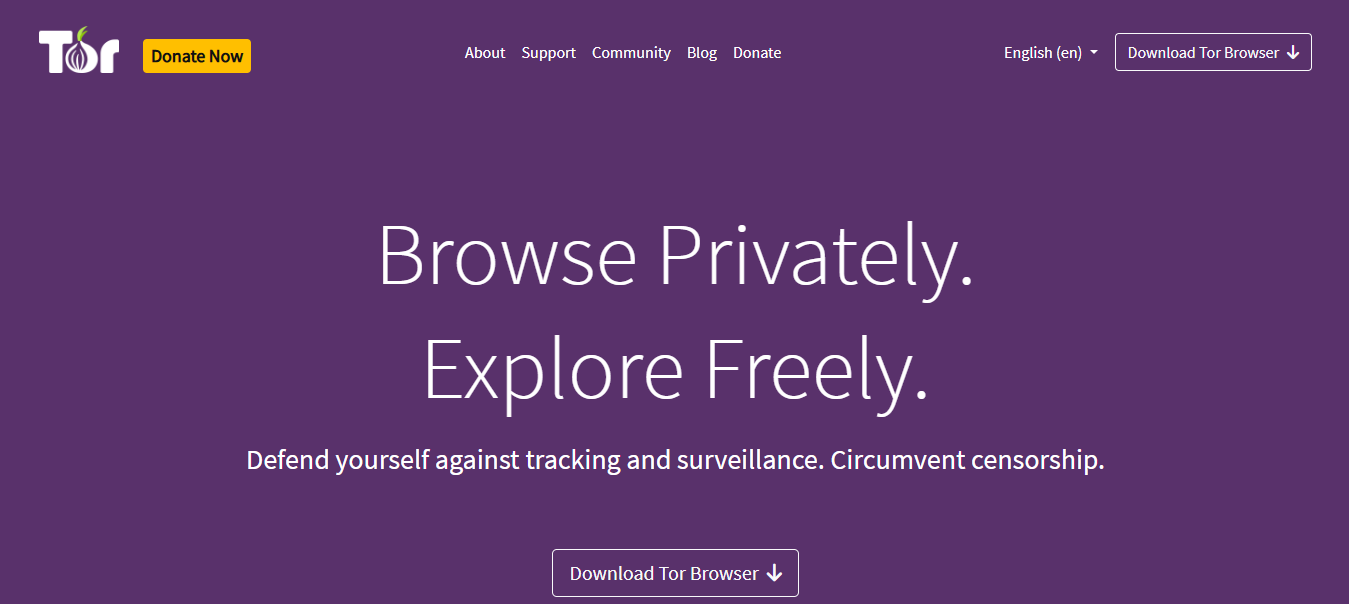
Tor Browser approaches online privacy differently from conventional browsers.
Instead of concentrating primarily on blocking advertising trackers, it attempts to reduce the amount of identifying information websites can obtain about you.
It does this partly through the Tor network.
When you browse through Tor, your traffic passes through multiple relays before reaching its destination. This makes it harder for the destination website to identify your original IP address.
Your internet service provider can generally recognize that you’re connecting to Tor, unless you use additional measures such as bridges, but it ordinarily cannot see your final browsing destinations through the Tor connection.
That separation is one of Tor’s defining strengths.
Why Tor Browser Is Unusual
Tor Browser is designed to make users look more alike.
Many conventional browsers allow extensive customization. Tor takes a more cautious approach because unusual browser configurations can make individual users easier to distinguish.
Its protections include fingerprinting resistance, site isolation mechanisms, and security settings that can restrict potentially risky web features.
This makes Tor particularly relevant to journalists, researchers, human rights advocates, and individuals with legitimate reasons to conceal their location or identity.
What You Should Know Before Using Tor
Tor is not the browser I’d recommend for someone whose main complaint is annoying advertisements.
Connections may be slower because traffic passes through several relays. Some websites challenge Tor users with CAPTCHAs or block Tor exit nodes altogether.
Signing into personal accounts can also undermine anonymity by revealing your identity to those services.
And while Tor helps protect network anonymity, it doesn’t magically prevent malware infections, phishing attacks, or mistakes involving personal information.
My verdict: Choose Tor Browser when anonymity is the priority and you’re prepared to adjust your browsing habits accordingly.
Official website: https://www.torproject.org/
4. Mullvad Browser — Best for Reducing Browser Fingerprinting
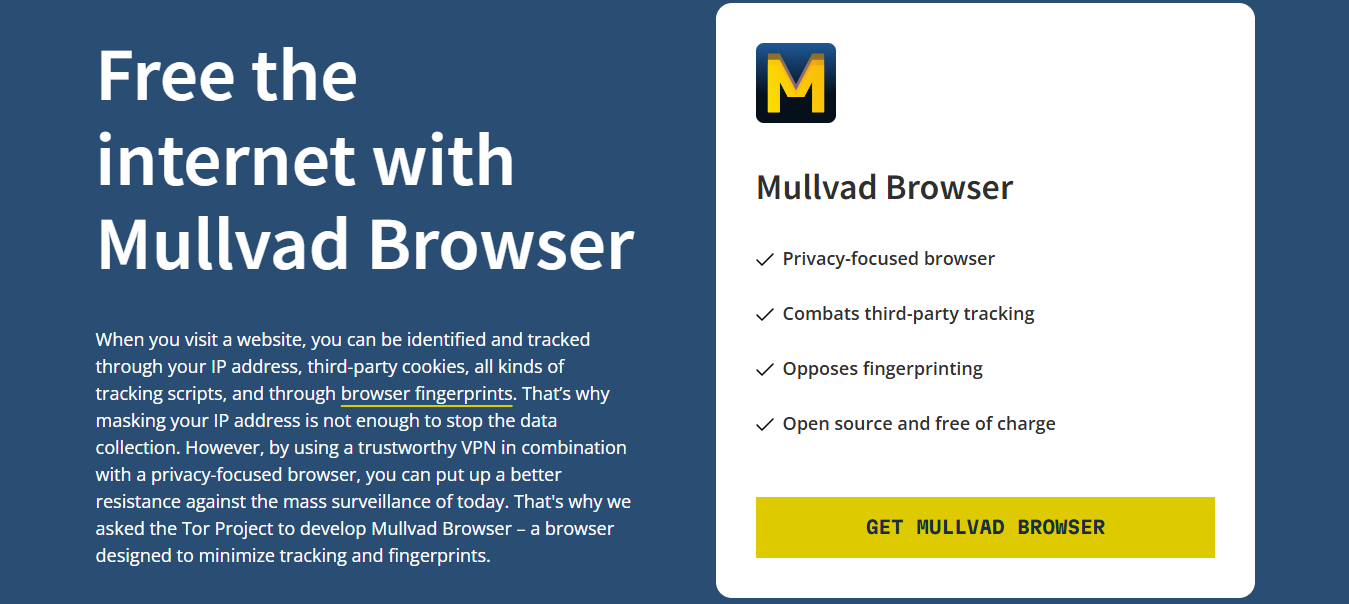
Available on: Windows, macOS, and Linux.
Mullvad Browser deserves more attention than it usually receives in mainstream browser comparisons.
Developed through a collaboration between Mullvad and the Tor Project, it brings many of Tor Browser’s anti-fingerprinting principles to ordinary internet connections.
Here’s the interesting difference.
Tor Browser routes traffic through the Tor network. Mullvad Browser does not do that by default.
Instead, it focuses on reducing the identifying information your browser exposes, while allowing you to choose how your network traffic is routed.
Why Fingerprinting Matters
Imagine two people visiting the same website.
Both have disabled cookies. Both use private browsing. Neither signs into an account.
You might assume they’re equally difficult to recognize.
Not necessarily.
A website may observe characteristics such as screen dimensions, browser capabilities, language preferences, and graphics-related behavior. Combined, these signals can sometimes distinguish one browser from another.
Mullvad Browser attempts to reduce that distinctiveness by encouraging a more standardized browsing environment.
It’s a thoughtful approach because privacy protection isn’t always about adding more features. Sometimes it’s about exposing less information.
The Limitation
Mullvad Browser doesn’t hide your IP address on its own.
You would need an appropriate VPN, Tor connection, or another network privacy solution if hiding your public IP address is part of your goal.
It’s also less suitable for users who depend heavily on browser customization. Adding extensions or changing certain settings can weaken the fingerprinting protections that make it attractive.
My verdict: Mullvad Browser is a strong option for privacy-conscious users who understand browser fingerprinting and want protection beyond conventional tracker blocking.
Official website: https://mullvad.net/en/browser
5. LibreWolf — Best for Privacy-Focused Firefox Users
Available on: Windows, macOS, and Linux.
If you like Firefox but would prefer a browser with stricter privacy settings already applied, LibreWolf is worth examining.
LibreWolf is an independent Firefox-based project designed to reduce unwanted data collection and strengthen privacy protections.
It removes or disables several Mozilla-related integrations and emphasizes a more restrictive default configuration.
For some users, that saves considerable time.
Instead of researching dozens of Firefox settings and changing them individually, you begin with a browser that’s already configured around a privacy-first philosophy.
What LibreWolf Gets Right
LibreWolf includes uBlock Origin and applies various privacy and security adjustments.
It also aims to limit telemetry and unnecessary background connections.
Its Firefox foundation means the interface remains familiar to anyone who has used Mozilla’s browser.
But the real appeal isn’t visual familiarity.
It’s the project’s willingness to prioritize privacy even when that means sacrificing some convenience.
Where It Becomes Less Convenient
Stricter browser settings can occasionally interfere with websites.
A feature that works smoothly in regular Firefox may behave differently in LibreWolf because certain capabilities have been restricted.
Some users may also miss built-in conveniences such as Mozilla account synchronization.
There’s another practical consideration: LibreWolf is maintained independently from Mozilla. Security updates depend on the project delivering new builds promptly after the relevant Firefox fixes are released.
That makes timely updating particularly important.
My verdict: LibreWolf is a compelling choice for desktop users who want Firefox with stronger privacy defaults and don’t mind occasional compatibility adjustments.
Official website: https://librewolf.net/
6. DuckDuckGo Browser — Best for Simple Privacy Without Complicated Settings
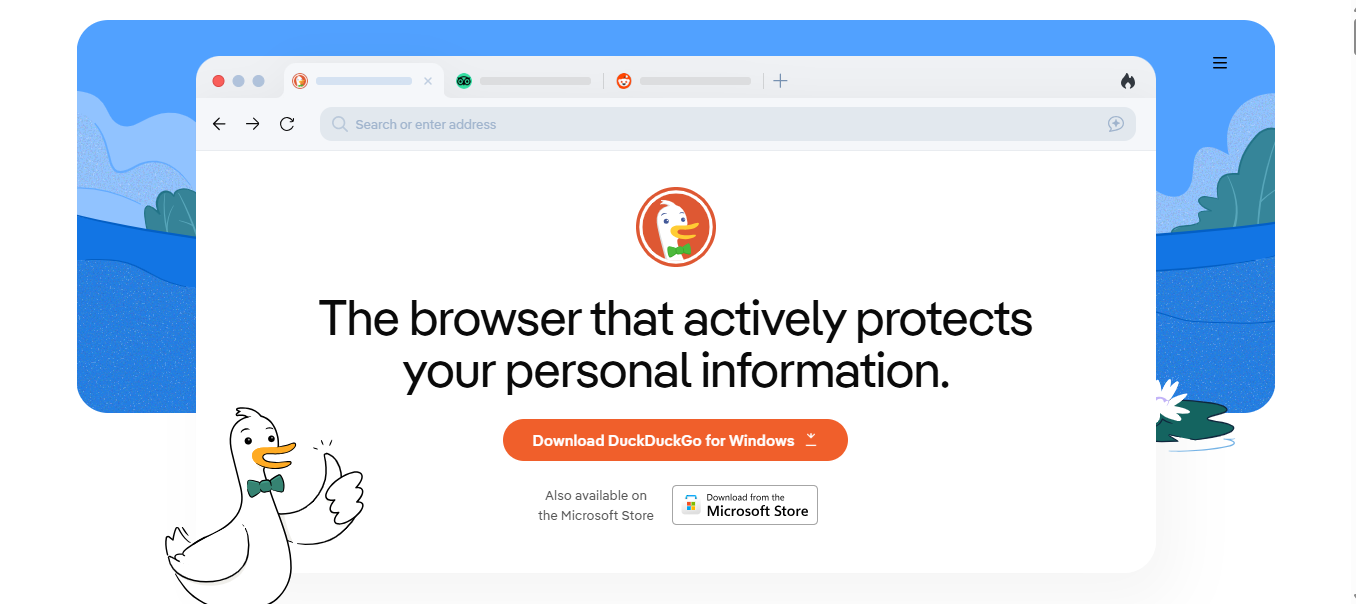
Available on: Windows, macOS, Android, and iOS.
Not everyone wants to study browser fingerprinting, cookie partitioning, or telemetry settings.
Some people simply want to open a browser and have reasonable privacy protections working immediately.
That’s the audience DuckDuckGo Browser serves particularly well.
The browser includes tracker-blocking technology, privacy-oriented search integration, and controls designed to make everyday privacy management easier.
Its Fire Button is especially recognizable.
Depending on your settings and platform, it lets you clear browsing data quickly without navigating through several menus.
The Appeal of Keeping Things Simple
Consider someone who shares a family computer or regularly browses on a mobile device.
They might want to reduce the use of advertising trackers, clear browsing data, and avoid unnecessary configuration.
DuckDuckGo provides an approachable experience for those needs.
Its privacy protections also include efforts to limit certain forms of tracking that occur before or during page loading.
However, the effectiveness of those protections depends on the platform, browser version, and tracking technique involved.
What I Wouldn’t Assume
DuckDuckGo Browser isn’t an anonymity network.
It doesn’t automatically conceal your IP address from websites, and it shouldn’t be treated as a substitute for Tor Browser.
It also offers a different extension and customization experience from established desktop browsers such as Firefox and Brave.
If your workflow depends on specialized extensions, check compatibility before switching.
My verdict: DuckDuckGo Browser is a sensible option for users who want accessible privacy features without having to manage a complicated collection of settings.
Official website: https://duckduckgo.com/app
7. Vivaldi — Best for Privacy and Advanced Customization
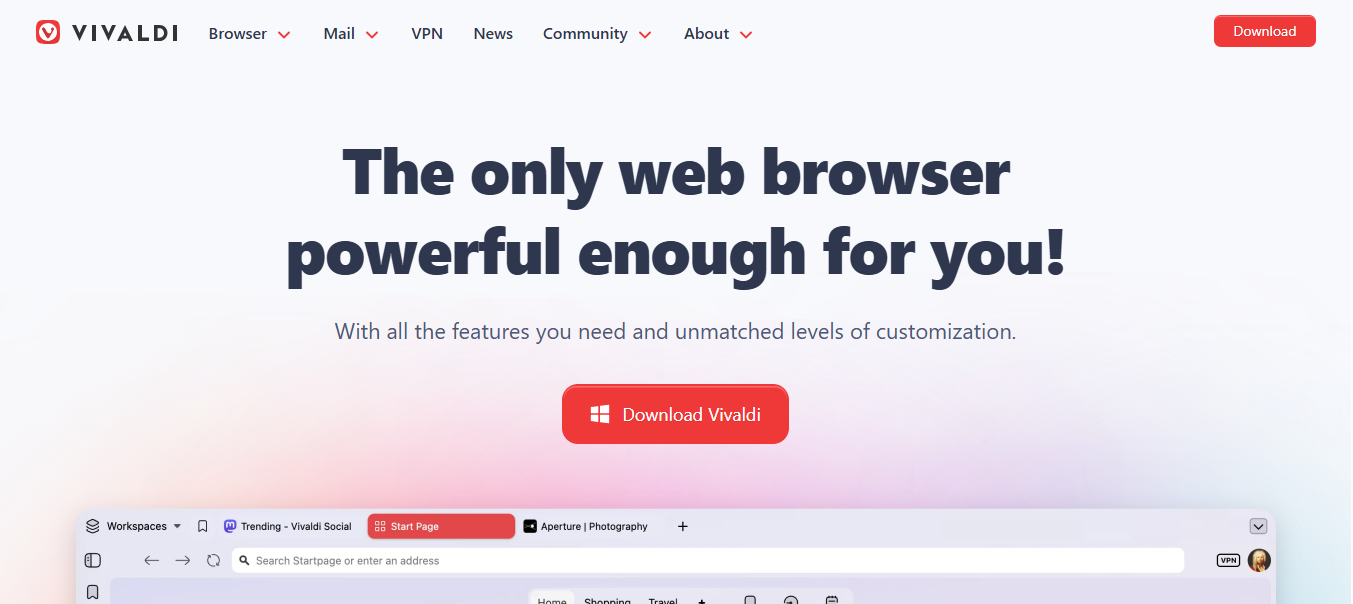
Available on: Windows, macOS, Linux, Android, and iOS.
Vivaldi is an interesting inclusion because privacy isn’t its only defining characteristic.
It’s also built for people who want unusually detailed control over how their browser looks and behaves.
You can organize tabs in different ways, customize interface elements, use workspaces, and take advantage of several integrated productivity tools.
For someone who spends much of the working day inside a browser, those features can be genuinely useful.
How Vivaldi Handles Privacy
Vivaldi includes built-in tracker and ad blocking.
You can configure blocking levels and adjust protections for individual websites.
This gives you a reasonable starting point without requiring a separate extension for every task.
Vivaldi also distinguishes itself through its approach to user customization and its stated policies concerning advertising-based tracking.
The Trade-Off
Vivaldi isn’t fully open source in the same way as Firefox or Chromium. Although substantial portions of its code are available, its complete interface code is not distributed under a conventional open-source license.
That matters to users who place a high value on independent code inspection and software transparency.
Its many customization features can also be overwhelming if you simply want a minimalist browser.
My verdict: Vivaldi makes sense for productivity-focused users who want integrated privacy protections alongside extensive browser customization.
Official website: https://vivaldi.com/
8. Safari — Best Privacy-Focused Browser for Apple Users
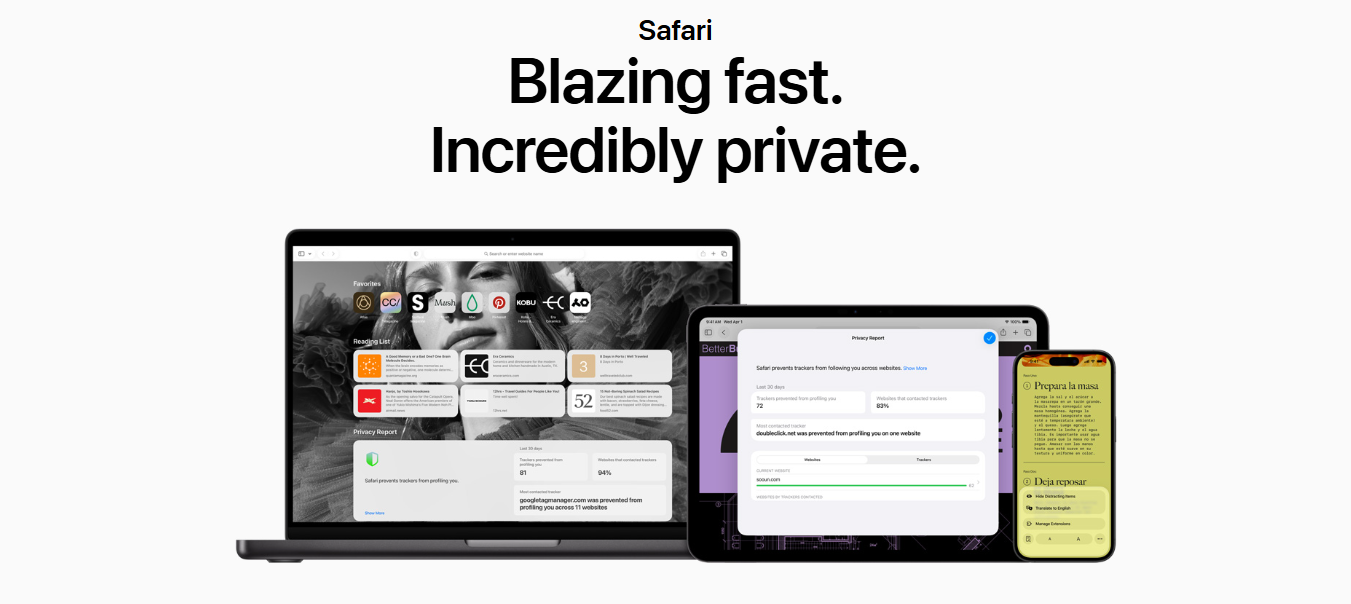
Available on: macOS, iOS, and iPadOS.
If you already use a Mac, iPhone, or iPad, you may not need to install another browser to improve your everyday privacy.
Safari includes several protections that deserve recognition.
Its Intelligent Tracking Prevention technology is designed to limit cross-site tracking, including techniques that rely on cookies and other browser storage.
Safari also provides privacy reporting features that help users understand some of the trackers encountered while browsing.
Apple’s Ecosystem Advantage
Safari benefits from close integration with Apple’s operating systems.
That can translate into efficient performance, familiar security controls, and relatively seamless synchronization between supported devices.
For someone using an iPhone and Mac together, convenience becomes a legitimate part of the decision.
A privacy tool that fits naturally into your routine may be more valuable than a theoretically stronger option you find frustrating to use.
Safari also supports features such as Private Browsing protections and, for eligible iCloud+ subscribers, iCloud Private Relay.
Private Relay can help protect certain browsing traffic and IP address information, but it isn’t equivalent to a full-device VPN.
Where Safari Is Less Attractive
Safari offers less flexibility than Firefox for users who want extensive browser modifications.
Its extension ecosystem and content-blocking capabilities differ from those available in desktop Firefox or Chromium.
And while Apple emphasizes privacy, users still need to examine individual Apple services and account settings rather than assume every ecosystem feature operates without data collection.
My verdict: Safari is a practical, privacy-conscious choice for Apple users, particularly those who value operating system integration and straightforward security controls.
Official website: https://www.apple.com/safari/
9. Waterfox — Best for a Familiar Firefox Alternative
Available on: Windows, macOS, and Linux.
Waterfox occupies an interesting middle ground.
It’s based on Firefox, but its development emphasizes a somewhat different combination of user control, privacy preferences, and browser functionality.
That makes it worth considering if you appreciate Firefox’s general design but want to explore an independently maintained alternative.
What Makes Waterfox Appealing?
Waterfox aims to reduce unnecessary data collection while preserving a familiar browsing experience.
Users can access many of the capabilities associated with Firefox-based browsers, including extension support and configurable privacy settings.
The attraction here is less about a dramatic new technology and more about having another choice.
You may prefer its defaults, interface decisions, or approach to certain browser features.
Those are reasonable considerations, provided you evaluate the actual protections rather than relying on branding.
What Deserves Closer Attention
Waterfox shouldn’t automatically be considered more private than Firefox simply because it promotes privacy.
The two browsers can differ in update schedules, default settings, supported features, and maintenance arrangements.
Independent browser projects must also keep pace with security fixes in their upstream codebases.
Before making Waterfox your primary browser, review its current release history, privacy settings, and extension compatibility.
My verdict: Waterfox is worth exploring for Firefox enthusiasts seeking an alternative configuration, but I wouldn’t rank it above Firefox or LibreWolf without first examining the specific protections you need.
Official website: https://www.waterfox.net/
10. Epic Privacy Browser — Best for Users Who Want a Simplified Privacy-Oriented Chromium Browser
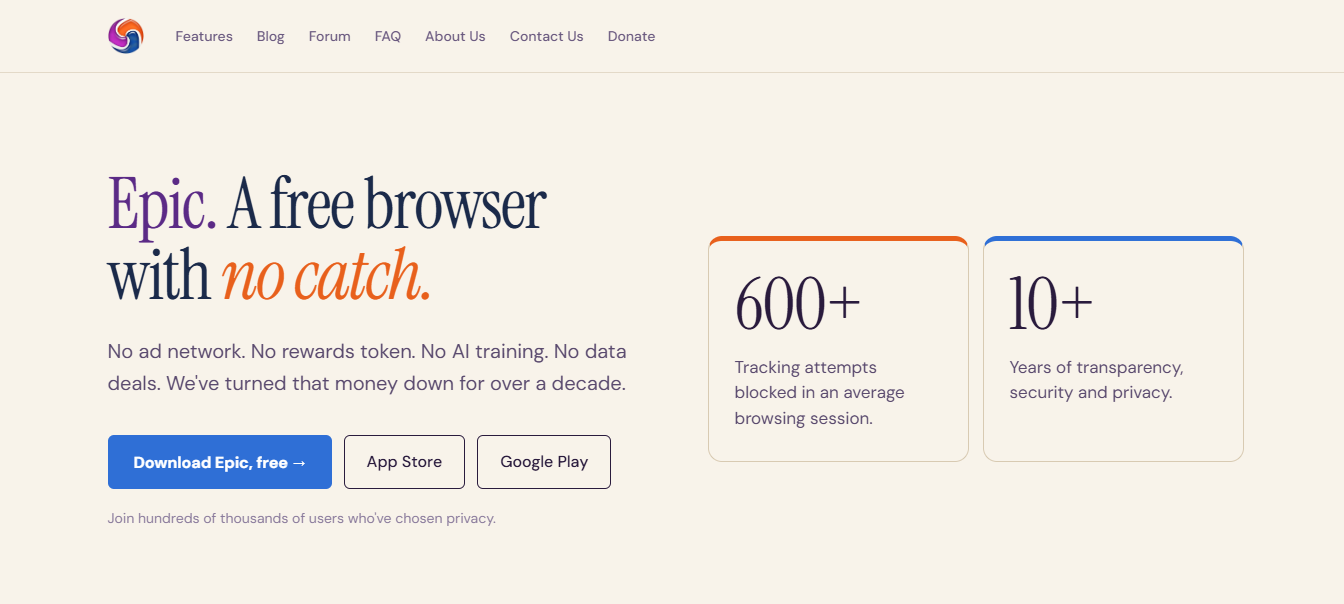
Available on: Windows, macOS, and Android.
Epic Privacy Browser takes a relatively direct approach to privacy.
Built around Chromium technology, it emphasizes blocking common tracking mechanisms and limiting the browsing information retained between sessions.
It also offers an encrypted proxy feature that, when enabled, helps protect supported browser traffic and obscure your IP address from destination websites.
That last detail needs careful interpretation.
A Proxy Isn’t Automatically a VPN
An encrypted browser proxy may protect traffic routed through that proxy, but it doesn’t necessarily cover every application or network connection on your device.
A system-wide VPN typically operates at a different level.
You should also consider who operates the proxy, what information that provider can access, and what independent evidence supports its privacy claims.
The same questions apply to commercial VPN services.
Why Epic Isn’t My First Recommendation
Epic offers useful privacy-oriented features, but its smaller ecosystem and more limited independent scrutiny make me cautious about recommending it over established alternatives.
For most users, Brave provides a more familiar Chromium experience with extensive privacy controls and a larger community examining its behavior.
Epic may still appeal to someone who specifically prefers its interface and integrated approach.
My verdict: Epic is an alternative worth evaluating, but its privacy claims and current security maintenance deserve careful verification before you rely on it for sensitive browsing.
Official website: https://www.epicbrowser.com/
Which Browser Offers the Best Privacy and Security?
Here’s where I think many browser comparisons become misleading.
They treat privacy and security as though they’re interchangeable.
They’re related, but they solve different problems.
Privacy concerns how much information others can collect about your activity and identity.
Security concerns how effectively your browser protects you against malicious websites, software vulnerabilities, and other threats.
A browser might block advertising trackers extremely well but still expose users to unnecessary risks if it falls behind on security updates.
Likewise, a browser can have strong exploit protections while allowing substantial advertising-related data collection.
For most people, the best browser for privacy and security is one that combines reliable security maintenance, effective tracking protections, and settings they can realistically manage.
My Recommendations by Priority
- Best overall: Brave — Strong default privacy and everyday compatibility.
- Best for customization: Firefox — Flexible controls and extensions.
- Best for anonymity: Tor Browser — Network anonymity and fingerprinting resistance.
- Best for anti-fingerprinting: Mullvad Browser — A standardized browsing environment.
- Best for simplicity: DuckDuckGo Browser — Straightforward privacy controls.
- Best for Apple users: Safari — Integrated privacy and security features.
One more consideration: platform differences matter.
A browser’s desktop privacy features may not be identical to its mobile features. On iOS, browser engine restrictions and platform requirements can also affect how competing browsers operate.
Check the protections available on your specific device rather than assuming the desktop feature list applies everywhere.
Can Private Browsers Really Stop Websites From Tracking You?
They can stop many tracking techniques, but not all of them.
Consider what happens when you visit an online store.
The website may attempt to load advertising scripts, place cookies, inspect browser characteristics, and record your interactions.
A privacy-focused browser can interfere with several of those activities.
But it cannot necessarily prevent the store from recognizing you when you sign in to your account.
Nor can it prevent the store from recording information you voluntarily provide during checkout.
This is why I prefer to think of privacy browsers as tools for reducing unnecessary exposure, rather than as tools that make you invisible.
What Private Browsers Can Help Prevent
- Third-party advertising trackers following you across websites.
- Certain cookies being used to associate unrelated browsing sessions.
- Some fingerprinting techniques identifying your browser.
- Unwanted advertising scripts loading and collecting information.
- Excessive retention of local browsing data, depending on settings.
What They Cannot Guarantee
A private browser cannot guarantee anonymity when you’re logged into identifying accounts, prevent every form of tracking, or protect you from voluntarily disclosing personal information.
It also cannot automatically hide your IP address unless it includes and uses an appropriate network-routing feature.
And no browser can make phishing links safe simply because tracker blocking is enabled.
Understanding these limitations helps you choose the right combination of protections.
How to Make Your Browser More Private in 7 Practical Steps
Switching browsers is useful, but the settings and habits you adopt afterward matter just as much.
1. Enable Strong Tracking Protection
Review your browser’s tracking prevention settings.
Use stricter protection where practical, but be prepared to adjust individual sites when legitimate functions break.
2. Use a Reputable Content Blocker
uBlock Origin is a strong choice on compatible browsers.
On Firefox, its filtering capabilities are particularly useful.
Avoid installing several overlapping blockers without a clear reason.
3. Keep Your Browser Updated
Security patches matter.
A privacy-oriented browser running outdated software can be a worse choice than a mainstream browser receiving timely security updates.
4. Review Website Permissions
Restrict access to your location, microphone, camera, and notifications.
Grant permissions only when a website genuinely needs them.
5. Consider Encrypted DNS
DNS-over-HTTPS can protect DNS queries from some forms of network observation.
However, your chosen DNS provider may still see those queries, and encrypted DNS alone doesn’t make browsing anonymous.
6. Separate Browsing Activities
Consider different browser profiles or containers for work, shopping, and personal activities.
This can reduce unwanted mixing of cookies and account sessions, although it doesn’t provide complete identity separation.
7. Treat Suspicious Websites Cautiously
Privacy settings cannot compensate for entering passwords into fraudulent websites or downloading malicious files.
Use a password manager, enable multifactor authentication, and verify unfamiliar links.
Frequently Asked Questions
What Is the Best Privacy-Focused Web Browser Overall?
Brave is my overall recommendation for most everyday users because it combines built-in tracker blocking, advertising protection, and strong website compatibility. Firefox is an excellent alternative for users who prefer greater customization and an independent browser engine.
Is Brave More Private Than Google Chrome?
Brave generally provides stronger tracking and advertising protections by default than standard Chrome configurations. However, your privacy still depends on browser settings, installed extensions, account activity, and browsing behavior.
Which Browser Is Best for Privacy and Ad Blocking?
Brave is a strong all-around choice because its Shields feature blocks many advertisements and trackers without requiring additional extensions. Firefox with uBlock Origin is another excellent combination, particularly for users who want detailed filtering controls.
Does Incognito Mode Stop Tracking?
No. Incognito or private browsing primarily limits certain information saved locally after a session. It doesn’t automatically hide your IP address, prevent websites from identifying your account, or stop your internet service provider from observing network connections.
Is Tor Browser Better Than Brave?
For anonymity, Tor Browser offers protections that Brave’s normal browsing mode doesn’t provide, including routing traffic through the Tor network. For everyday speed, compatibility, and convenience, Brave is usually the more practical choice. Neither is universally better; they serve different needs.
Do I Still Need a VPN With a Private Browser?
Not necessarily. A VPN can help hide your public IP address from destination websites and protect your traffic from certain forms of local network monitoring. But it introduces another provider that may be able to observe connection information. A VPN doesn’t replace browser-tracking protection, and Tor users shouldn’t assume that adding a VPN automatically improves anonymity.
Can a Privacy Browser Prevent Google or Facebook From Tracking Me?
It can block many third-party tracking requests associated with major advertising platforms. However, when you’re signed into Google, Facebook, or another service, that service can still associate activity within its own platform with your account. Browser protections cannot eliminate all first-party tracking.
Final Thoughts: Choose the Browser That Matches Your Privacy Needs
I wouldn’t recommend switching browsers simply because one company advertises more privacy features than another.
Start by identifying what you actually want to prevent.
If you’re tired of intrusive advertisements and invisible trackers, Brave is an excellent place to begin.
If you want control over your browser’s configuration and extensions, Firefox deserves serious consideration.
For greater anonymity, Tor Browser addresses a different, more demanding problem. Mullvad Browser, meanwhile, offers an interesting approach to reducing fingerprinting without requiring Tor network routing.
And if you’re already comfortable with Safari on Apple devices, you may find that reviewing its privacy settings provides much of what you need.
The important thing is to avoid confusing privacy marketing with complete protection.
No browser can promise that nobody will ever track you. What a well-designed privacy browser can do is make unnecessary tracking more difficult, reduce the information exposed during ordinary browsing, and give you greater control over your digital activities.
That’s a meaningful improvement—and one worth making.
INTERESTING POSTS
- 5 Concealed Best Tor Browser Alternatives You Didn’t Know
- 5 of the Best Secure Web Browsers
- Swapping Privacy for Practicality: What to Know Before You Convert Crypto
- Tor Over VPN Guide: How To Combine Tor Browser With VPN [+5 Best VPNs]
- The new Firefox password manager now alert users with leaked passwords
About the Author:

Meet Angela Daniel, an esteemed cybersecurity expert and the Associate Editor at SecureBlitz. With a profound understanding of the digital security landscape, Angela is dedicated to sharing her wealth of knowledge with readers. Her insightful articles delve into the intricacies of cybersecurity, offering a beacon of understanding in the ever-evolving realm of online safety.
Angela's expertise is grounded in a passion for staying at the forefront of emerging threats and protective measures. Her commitment to empowering individuals and organizations with the tools and insights to safeguard their digital presence is unwavering.



