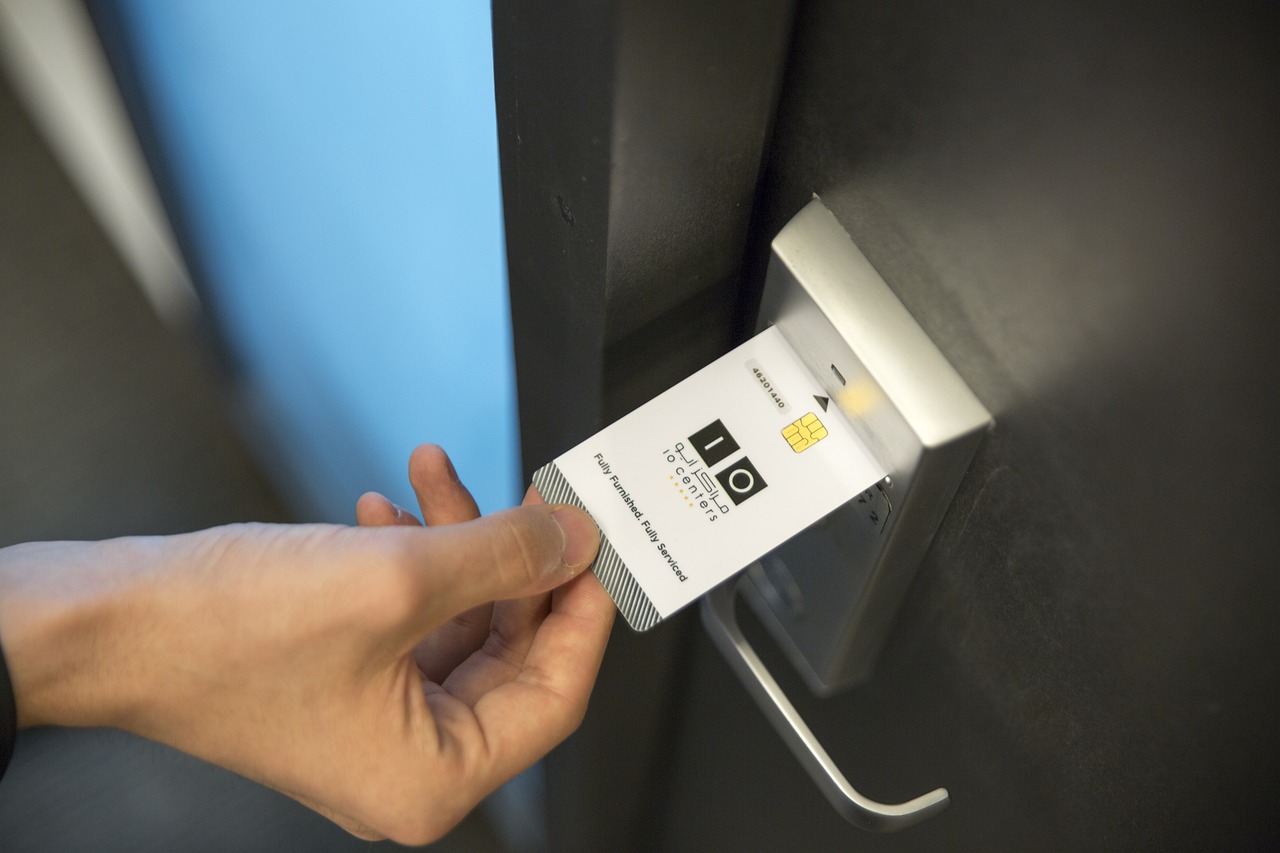
In this post, I will talk about best practices for access control systems installation in commercial spaces.
Installing an access control system in commercial spaces is key to protecting your business and managing who enters your facility. Done right, it improves security, controls traffic flow, and can reduce costs. But proper installation is essential to get all these benefits without disruptions.
As commercial security becomes more connected, access control systems are often part of a wider setup that includes monitoring, alerts, and data tracking. This shift reflects how the role of AI in cybersecurity is gradually influencing how organisations identify unusual access activity and respond more efficiently.
This guide will walk you through the best practices for installing access control systems from start to finish. It explains what to consider, how to choose the right system, and how to keep it running smoothly, in simple, clear language.
Table of Contents
Why Installation Quality Matters More Than System Choice
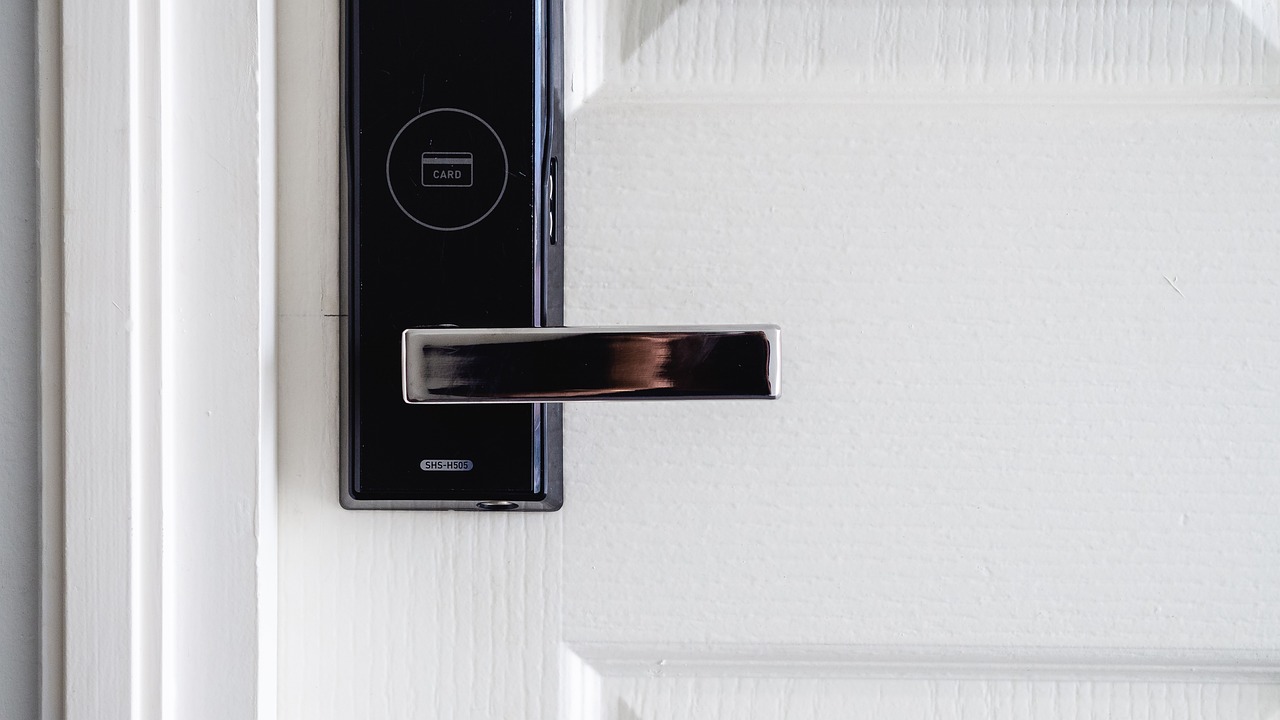
Many businesses focus heavily on selecting the right access control technology but overlook the importance of installation. In reality, even a high-quality system can underperform if it is not installed correctly.
Issues like poorly aligned door hardware, unstable network connections, or incorrect reader placement can lead to frequent access errors. These problems are not always obvious at the start but usually begin to appear during daily use.
Installation also affects system responsiveness, data accuracy, and user experience. For example, delays in authentication or doors not unlocking consistently can affect workflow and reduce trust in the system.
Taking time to plan installation properly assures that the system works as expected from day one and avoids the need for costly adjustments later.
Assess Your Building’s Unique Security Needs
The first step is understanding your building’s security requirements. Every commercial space operates differently, so the access control setup should reflect how the building is used.
Start by identifying:
- Entry and exit points that need control
- Areas that require restricted or monitored access
- Different user groups such as employees, contractors, and visitors
- Peak access times and traffic flow patterns
It is also useful to divide the building into zones. For example, public areas may require basic access control, while server rooms or storage areas may need stricter authentication.
According to Research Nester, commercial spaces are expected to make up a significant share of the global access control market by 2035, showing how demand is increasing for tailored and scalable systems.
A clear assessment helps avoid overspending on unnecessary features while ensuring critical areas are properly secured.
Choose the Right Access Control System

Not all access control systems are suited to every commercial environment. The right choice depends on your security level, building size, and operational needs.
Common options include:
- Key card or fob systems for general office access
- Biometric systems for high-security areas
- Mobile-based access for flexible or multi-site operations
Biometric technologies such as fingerprint and facial recognition are growing steadily, especially in environments where identity verification is critical. At the same time, cloud-based systems are becoming popular for their flexibility and remote management capabilities.
If your business is likely to expand, choose a system that can scale easily. Integration with other systems, such as CCTV or alarm monitoring, should also be considered early.
Selecting the right system is not just about features. It is about how well the system fits your day-to-day operations.
Ensure Compatibility with Existing Infrastructure
Installing a new system is simpler and cheaper when it fits your current setup:
- Check door types and locks to ensure they support electronic control.
- Confirm the building’s network can handle the system’s data.
- Consider power supply needs and backup options.
- Evaluate any existing security software for integration possibilities.
For example, some doors may require additional hardware to support electronic locks. Similarly, network limitations can affect system speed and performance.
It is also important to consider fail-safe and fail-secure configurations depending on safety requirements. Backup power solutions such as UPS systems ensure the system remains operational during outages.
Working with an experienced installer helps identify these requirements early and avoids unexpected complications during installation.
Implement Layered Security for Robust Protection
Access control works best as part of a multi-layered security plan. Combining it with other systems helps detect threats early and respond quickly.
Examples of layered security include:
- Video surveillance that records who enters and leaves.
- Alarm systems that alert to forced entries.
- Visitor management platforms that pre-authorise guests.
- AI-powered analytics to spot unusual access patterns.
In real commercial environments, this approach is already being applied. At Prime Towers in Dubai, multiple access control technologies were carefully installed from Sensor Access Technologies Ltd as part of a connected security setup. Access control was integrated with CCTV systems and linked to the building’s existing HR database, allowing user data and access permissions to remain aligned. Additional features such as badge production and alarm control were managed within a single interface, while smart readers were deployed across entry points and extended to car park access through long-range solutions.
This type of setup shows how layered security is not just about adding systems but about ensuring they operate together in a structured and practical way. IoT (Internet of Things) integration is becoming more common, allowing devices like cameras and sensors to communicate in real time. This improves visibility and helps reduce false alerts.
A well-planned layered approach supports better control, clearer monitoring, and consistent security across the building.
Navigate Physical Installation Challenges
Every commercial building has unique physical traits that affect access control installation. Factors like thick concrete walls or metal doors can interfere with wireless signals and make wiring more complex. Older buildings may lack space behind doors for mounting readers, while new construction sites often face timing conflicts due to ongoing work.
Supply delays can also affect installation timelines. Mordor Intelligence reports that shortages of key electronic components have extended delivery times for access control readers, in some cases reaching several weeks. This can impact project scheduling and require adjustments during the installation phase.
Conducting a detailed site survey helps identify physical and technical constraints early, allowing installers to plan cable routes, reader placement, and equipment positioning more effectively.
Coordination with property managers and architects also plays an important role. Without it, installation work can clash with daily operations or construction schedules. Industry data shows that installation-related challenges contribute to a significant share of project delays, in some cases up to 20–25%, which highlights the need for structured planning from the outset.
Proper preparation reduces the risk of rework, avoids unnecessary delays, and ensures the system operates as expected once installed.
Make Accessibility a Priority
Accessibility should be considered during the design and installation process. Systems need to be usable by everyone, including individuals with mobility or physical limitations.
This includes:
- Placing readers at appropriate heights
- Using clear visual and audible indicators
- Ensuring easy interaction with devices
In the UK, systems should align with accessibility standards and general equality considerations. Beyond compliance, accessible systems improve user experience and reduce operational friction.
Touchless solutions, such as mobile access or automatic doors, can further enhance accessibility while maintaining security.
Train Staff and Provide Ongoing Support
Even the best access control system requires users who understand how to operate it correctly. Provide clear training sessions and easy-to-follow guides for employees. Ongoing support through refresher courses or help desks ensures users don’t struggle.
Well-trained staff reduce lockouts, security breaches, and frustration.
Schedule Regular Maintenance and Upgrades
Access control systems require ongoing maintenance to remain effective. Regular checks help identify issues before they affect performance.
Maintenance should include:
- Inspecting hardware components
- Testing system response and access points
- Updating software and firmware
- Reviewing access logs for unusual activity
Hardware still represents a large portion of the access control market, which highlights the importance of physical component maintenance.
Software updates are equally important, as they address security vulnerabilities and improve system functionality.
A planned maintenance schedule reduces downtime and extends the lifespan of the system.
Conclusion
Installing an access control system is a smart step for protecting your commercial space and managing who enters your building. When it is planned properly and installed with care, it helps control access, reduce risks, and support everyday operations without any disturbances. Each stage, from early assessment to setup and regular checks, plays a clear role in how the system performs over time.
A well-installed system strengthens security and keeps things running smoothly as your business grows. With the right approach, access control can remain practical and easy to manage in the long term.
INTERESTING POSTS
- How to Choose the Best Security Companies in Fort Worth for Your Business
- Layered security apparel: why custom zip up hoodies work for on-the-go professionals
- 5 Cybersecurity Tips To Protect Your Digital Assets As A Business
- Optimizing Your Network Setup with Residential Proxies for Maximum Efficiency
- How To Set Up A New Computer Like James Bond
About the Author:

Meet Angela Daniel, an esteemed cybersecurity expert and the Associate Editor at SecureBlitz. With a profound understanding of the digital security landscape, Angela is dedicated to sharing her wealth of knowledge with readers. Her insightful articles delve into the intricacies of cybersecurity, offering a beacon of understanding in the ever-evolving realm of online safety.
Angela's expertise is grounded in a passion for staying at the forefront of emerging threats and protective measures. Her commitment to empowering individuals and organizations with the tools and insights to safeguard their digital presence is unwavering.