


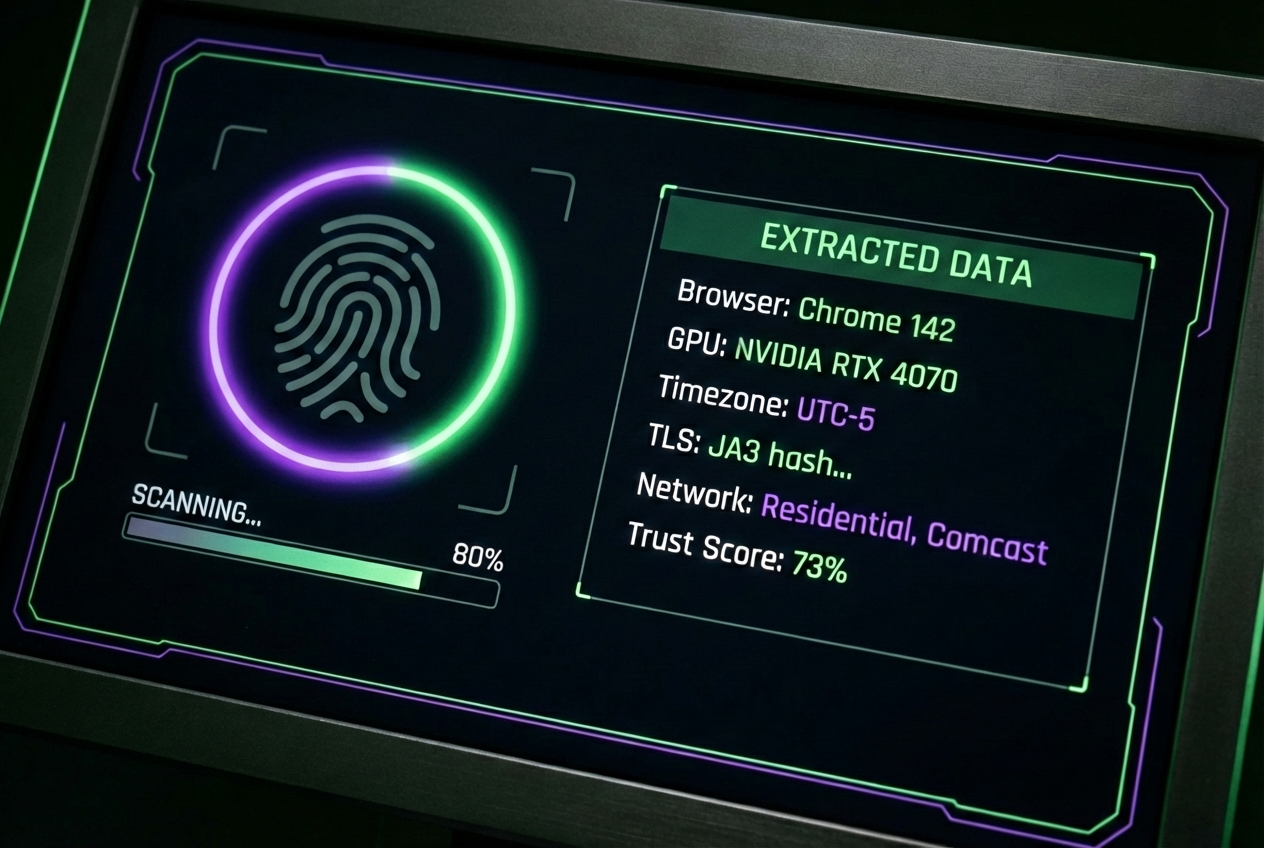

Platforms don’t need cookies to track you. Learn how digital fingerprinting works across four layers and practical steps to reduce your exposure.
You cleared your cookies. You’re using incognito mode. Maybe you even have a VPN running.
None of that matters as much as you think.
Modern platforms don’t need cookies to identify you. They’ve moved to something far more persistent: digital fingerprinting. It works silently, it’s nearly impossible to detect, and most users have no idea it’s happening.
Table of Contents
What Digital Fingerprinting Actually Is

Every time you visit a website, your browser hands over dozens of technical details about your device. Screen resolution. Installed fonts. Graphics card model. Timezone. Language settings. Operating system version. How your device renders invisible test images.
Individually, none of these are unique. Millions of people run Chrome on Windows with a 1920×1080 screen. But combine 30 or 40 of these signals, and the combination becomes surprisingly specific. Research from the Electronic Frontier Foundation found that most browsers carry a fingerprint unique enough to identify them among hundreds of thousands of users.
Digital fingerprinting identifies users through the combination of technical signals their devices naturally leak. No cookies or login required.
The Four Layers of Modern Fingerprinting
Platforms don’t rely on a single technique. They stack multiple detection layers that cross-reference each other, making each one harder to fool on its own.
Layer 1: Browser Fingerprinting
This is the most widely discussed layer, and the one most privacy tools try to address.
Your browser reveals its canvas rendering signature (how it draws invisible graphics), WebGL capabilities (your GPU model and driver), AudioContext processing (how your sound hardware handles test signals), and dozens of JavaScript-accessible properties.
Canvas fingerprinting creates a unique hash by asking your browser to draw hidden images. Tiny differences in how hardware and software combinations render these images produce identifiers that persist across sessions, private browsing, and cookie resets.
Layer 2: TLS Fingerprinting
Before your browser even loads a page, it performs a TLS handshake to establish an encrypted connection. That handshake leaks information.
The cipher suites your browser supports, the order it lists them, supported extensions, elliptic curve preferences: these create what’s known as a JA3 or JA4 fingerprint. Different browsers, versions, and operating systems produce different TLS signatures.
This happens at the network level. Browser extensions can’t modify it. Incognito mode doesn’t affect it. Most VPNs pass it through unchanged.
Layer 3: IP Classification
Your IP address reveals far more than your location. Platforms query ASN (Autonomous System Number) databases to determine what kind of network you’re on.
Within milliseconds, a platform knows whether your connection comes from a datacenter (likely automated), a residential ISP (probably a real person), or a mobile carrier (almost certainly a real user). Each classification carries a different trust level.
Mobile connections carry the most trust because carriers use CGNAT (Carrier-Grade NAT), where thousands of real users share each IP simultaneously. Platforms can’t aggressively filter these without blocking legitimate customers, which is why providers like VoidMob route traffic through real 4G/5G carrier infrastructure.
On top of classification, IP reputation databases track historical behavior tied to each address. An IP previously linked to spam or known proxy traffic starts with a trust deficit before your session even begins.
Layer 4: Behavioral Analysis
How you interact with a page tells platforms whether you’re human, and potentially which human.
Mouse movement patterns, scroll speed, typing cadence, pause duration between actions, whether you actually read content before clicking. These behavioral signals create a profile that’s remarkably consistent for individual users and difficult to fake.
Some platforms now use interaction biometrics as a continuous authentication signal, tracking whether behavior stays consistent throughout a session.
READ ALSO: Antidetect Browser Technology: The Future of Secure Online Management
Why These Layers Are More Powerful Together
These layers multiply rather than add up.
A platform might not uniquely identify you from browser fingerprint alone. But combine a specific canvas hash with a particular TLS signature, from a residential IP in a certain city, with typing patterns that match a known profile, and the probability of a unique match becomes extremely high.
The layers also validate each other. If your browser claims to be Chrome on an iPhone but the TLS fingerprint matches desktop Firefox, that’s a mismatch. If your IP geolocates to London but your timezone says Pacific Time, that’s a red flag.
This is why changing one variable rarely helps. Switching your VPN server changes your IP but leaves every other layer untouched. Incognito mode resets cookies but doesn’t alter your canvas fingerprint, TLS signature, or behavioral patterns.
What This Means for Your Privacy
Cross-site tracking without cookies. Fingerprinting lets data brokers follow you across websites without stored identifiers. Cookie consent banners become irrelevant when identification doesn’t require cookies.
Persistent identification. Unlike cookies, you can’t clear your fingerprint. The same device produces the same fingerprint whether you’re in private browsing mode or not.
Hard to detect. Fingerprinting uses standard browser APIs. There’s no file on your device, no popup, no setting to toggle. Most users have zero visibility into whether a site is fingerprinting them.
Regulatory gray area. GDPR technically covers fingerprinting, but enforcement focuses on cookies. Fingerprinting is harder to audit and prove, and many platforms treat it as a compliance blind spot.
How to Reduce Your Fingerprint Surface

Complete fingerprint immunity isn’t realistic. But you can meaningfully reduce how trackable you are.
Switch your browser
Firefox offers Enhanced Tracking Protection that blocks known fingerprinting scripts. Brave randomizes certain fingerprintable values each session. Tor Browser provides the strongest protection by making all users look identical, at the cost of speed and usability.
Standard Chrome offers the least fingerprinting protection among major browsers. If privacy matters to you, switching is the single highest-impact change.
Understand the limits of VPNs
VPNs change your IP address (Layer 3) but don’t touch Layers 1, 2, or 4. They also introduce their own risk: VPN server IPs are cataloged in reputation databases, and some platforms treat VPN traffic with the same suspicion as datacenter connections.
A VPN is one tool, not a complete solution.
Use mobile connections where possible
Not all connections carry equal trust. Datacenter IPs get flagged almost universally. Residential IPs are better but can carry contaminated reputations from shared proxy pools. Mobile connections routed through carrier networks like T-Mobile, Verizon, or Vodafone carry the highest inherent trust.
This comes down to how carrier networks are built. Mobile carriers use CGNAT, where thousands of legitimate users share the same IP address simultaneously. Platforms can’t aggressively filter these IPs without blocking real customers, making mobile connections the most reliable option for IP-layer privacy.
Minimize your browser surface
Disable WebRTC (it can leak your real IP behind a VPN). Use extensions like uBlock Origin that block known fingerprinting scripts. But be cautious with extensions in general: your installed extension list is itself a fingerprintable signal.
Practice session compartmentalization
Use separate browser profiles for different activities. Your banking sessions don’t need to share a fingerprint with social media browsing. Clear local storage and IndexedDB regularly, as these can store persistent identifiers that survive cookie deletion.
For users who want stronger IP-layer protection across these compartmentalized sessions, mobile proxy infrastructure provides consistent carrier-level trust without the reputation issues that plague VPN and residential IP services.
The Bigger Picture
Digital fingerprinting isn’t going away. As browsers restrict cookie-based tracking, the industry is developing replacements like the Topics API and Attribution Reporting that still enable tracking at scale.
The best defense isn’t any single tool. It’s awareness of what’s being collected, reduction of unnecessary signal leakage, and deliberate choices about which connections and browsers you use for different activities.
You don’t need to become invisible. You just need to stop making it easy.
Frequently Asked Questions
Does incognito mode prevent fingerprinting?
No. Incognito prevents local storage of cookies and history but doesn’t change your browser’s fingerprintable characteristics. Your canvas hash, TLS signature, and hardware-derived identifiers remain identical.
Can websites fingerprint me without JavaScript?
Partially. TLS fingerprinting and IP classification happen without JavaScript. CSS-based techniques can detect screen size and installed fonts. But the most detailed fingerprinting (canvas, WebGL, AudioContext) requires JavaScript.
Is fingerprinting legal?
It depends on jurisdiction. Under GDPR, fingerprinting for tracking requires consent. In practice, enforcement has been limited. In the US, there’s no federal law specifically addressing browser fingerprinting.
How do I check my fingerprint exposure?
Tools like Cover Your Tracks (from EFF), CreepJS, BrowserLeaks, and VoidMob’s free fingerprint test show what fingerprintable data your browser exposes. They can’t tell you if a specific site is actively fingerprinting you, but they reveal how unique your browser appears.
INTERESTING POSTS
About the Author:

Meet Angela Daniel, an esteemed cybersecurity expert and the Associate Editor at SecureBlitz. With a profound understanding of the digital security landscape, Angela is dedicated to sharing her wealth of knowledge with readers. Her insightful articles delve into the intricacies of cybersecurity, offering a beacon of understanding in the ever-evolving realm of online safety.
Angela's expertise is grounded in a passion for staying at the forefront of emerging threats and protective measures. Her commitment to empowering individuals and organizations with the tools and insights to safeguard their digital presence is unwavering.



