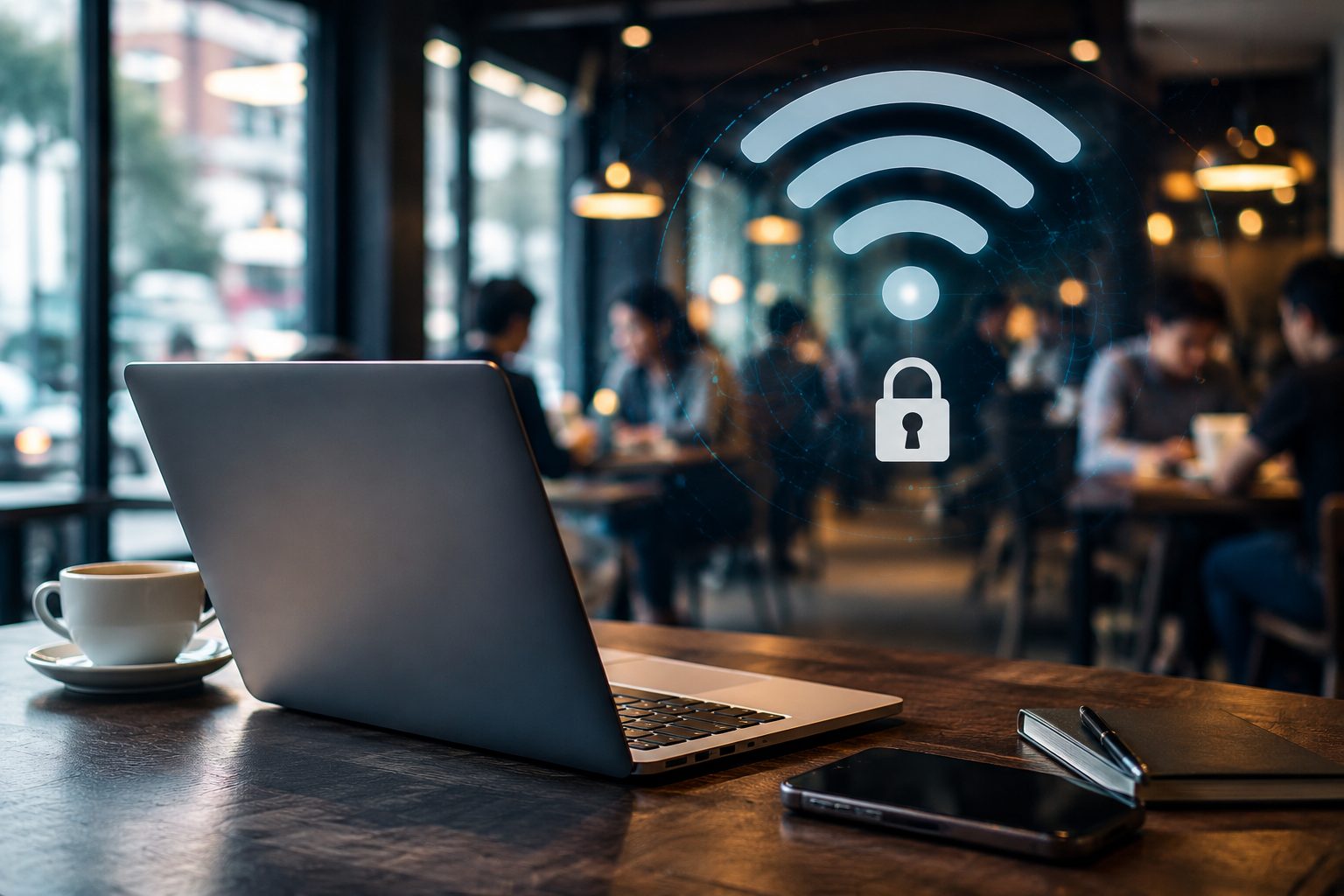
Public Wi-Fi is easy to trust because it feels so ordinary.
You walk into a café, open your laptop, choose a network, and get online within seconds. At a hotel, the password is printed on a card at the front desk. At an airport, the login page appears automatically. Nothing about the process feels unusual.
That convenience is exactly why people stop paying attention.
The real issue with public Wi-Fi is not that every network is dangerous. It is that most users do not know who set it up, how it is configured, or who else is connected at the same time. When the network is not yours, small habits can make a meaningful difference.
Table of Contents
Check the Network Before You Connect
The first step is not opening a browser. It is making sure the network is actually the one you intended to use.
In cafés, hotels, airports, and coworking spaces, Wi-Fi names can look very similar. A café named Blue Corner may have a network called “Blue Corner Free WiFi,” but a nearby device could create a name that looks almost the same. Most people will not notice the difference when they are in a hurry.
This does not mean every public network should be treated as suspicious. It simply means the name alone should not be the only reason to trust it.
Before logging into email, work files, or any important account, it is worth checking the official network name with staff, a posted sign, a room card, or the venue’s own instructions. That small step takes only a few seconds, but it helps avoid one of the easiest mistakes: joining the wrong network because it looked familiar.
Do Not Let Your Device Decide for You
Auto-join is useful at home. In public places, it can remove one important moment of judgment.
Many phones and laptops remember networks they have used before. That can be convenient, but it also means a device may connect before the user has really looked at the environment. In airports, malls, hotels, libraries, and apartment buildings, the network situation changes constantly.
A safer habit is to remove public networks you no longer use and turn off auto-join for temporary connections. Keep it for trusted home or office networks, but do not let a device make every connection decision in a public setting.
The goal is not to make internet access difficult. It is to make sure joining a network remains a deliberate action.
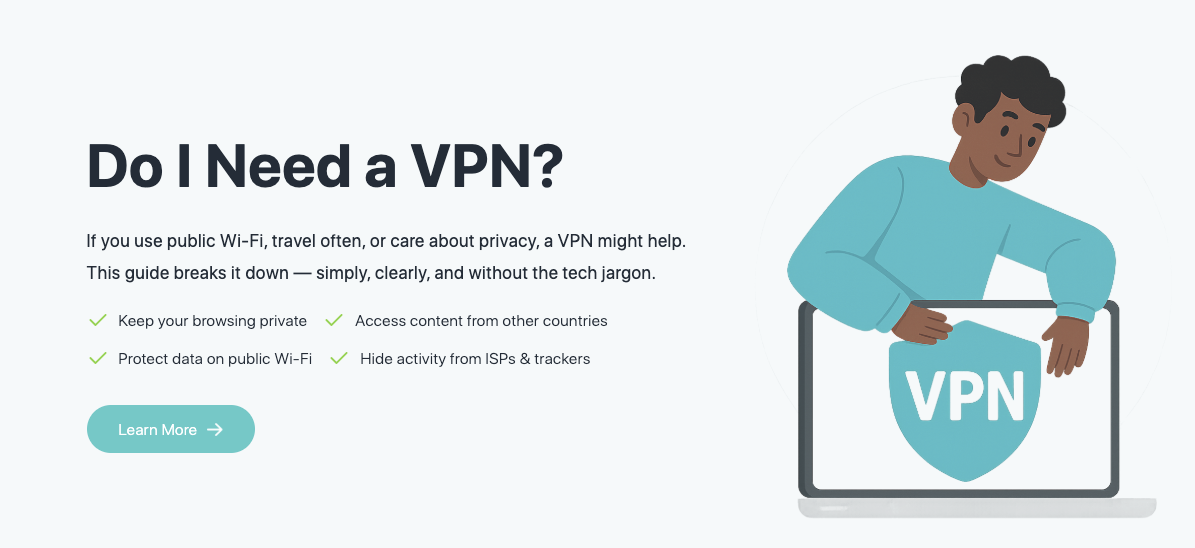
For those who are not even sure if VPN is needed, you can learn more bout “Do I need a VPN” here.
Separate Casual Browsing From Sensitive Tasks
After connecting, the next question is not whether the Wi-Fi works. It is what you plan to do on it.
Looking up directions, reading the news, checking a restaurant menu, or browsing a public website is one category of activity. Logging into a bank account, changing payment details, accessing a company dashboard, downloading client files, or resetting a password belongs in another category.
Those tasks should not be treated the same.
If a mistake would create real trouble, it is better to use a more trusted connection. That may mean switching to mobile data, using a personal hotspot, or waiting until you are back on a network you control.
Many public Wi-Fi problems begin when important tasks are handled like ordinary browsing. The risk often comes less from one dramatic attack and more from doing sensitive work in a setting that was never meant to be fully trusted.
Do Not Ignore Browser Warnings
Another common mistake is dismissing browser warnings too quickly.
Sometimes a site certificate looks wrong. Sometimes a page redirects in an unusual way. Sometimes a login page does not quite look right. On an unfamiliar network, these signals deserve more attention than they might get at home.
If a site asks you to log in again, if the address bar looks unusual, or if the browser warns that the connection is not secure, it is better to pause. Try the same page on mobile data, wait for a more trusted connection, or avoid entering important credentials until the situation is clearer.
Good security habits are not about understanding every technical detail. Often, they are about knowing when not to continue.
Prepare Protection Before You Need It
People who often work from cafés, airports, hotels, or shared offices should not wait until something feels wrong to think about protection.
Basic preparation matters. Keep your operating system and browser updated before you travel or work remotely. Make sure important accounts have multi-factor authentication enabled. Avoid carrying unnecessary sensitive files on devices used in public places.
For users who regularly connect through unfamiliar networks, setting up a VPN for public Wi-Fi in advance can add another layer of protection. A VPN can help encrypt the connection between a device and the wider internet, reducing exposure when the local network is not fully trusted.
It is not a complete solution. It does not fix weak passwords, phishing emails, outdated software, or careless account habits. It works best as one layer in a broader routine, not as a replacement for judgment.
Tools Help, But They Should Not Replace Awareness
Privacy tools, password managers, multi-factor authentication, and software updates all help. Still, none of them remove the need to pay attention.
Users still need to confirm the network they are joining. They still need to avoid suspicious pages. They still need to recognize that banking, work systems, and private files should not be treated the same as casual browsing.
X-VPN is one example of a privacy tool often discussed in the context of encrypted browsing, public Wi-Fi safety, and no-log privacy practices. For people who frequently use networks they do not control, tools like this are most useful when they support an existing set of good habits.
The basic logic is simple: confirm the network, control how your device connects, separate sensitive tasks from casual use, and add protection before it is needed.
Convenience Should Not Make Every Decision
Public Wi-Fi does not need to be avoided completely. It is useful, widely available, and often necessary.
The problem begins when convenience turns into automatic trust.
The next time you connect in a public place, take a moment to check the network name. Keep auto-join under control. Avoid handling sensitive accounts on connections you do not fully trust. Pay attention when a browser warning appears. Prepare privacy and account protection tools before travel or remote work makes them necessary.
None of these steps require technical expertise. They simply help users keep a little more control in one of the easiest places to stop thinking carefully: a network that works quickly enough to feel safe.
INTERESTING POSTS
- Helpful Tips for Navigating Legal Business Challenges
- What Happens in a Data Breach When Your Password Gets Stolen
- Mobile App Powering Modern Businesses With Modern Features
- 50 SUREFIRE Tips To Protect Your Privacy Online
- How to Style the Sp5der Hoodie for Any Occasion
- Dos And Don’ts Of Using A Public Wi-Fi [Ultimate Guide]
- Ultimate Digital Privacy Guide: Protect Your Data Today
- 20 Online Security Tips For Remote Workers
About the Author:

Meet Angela Daniel, an esteemed cybersecurity expert and the Associate Editor at SecureBlitz. With a profound understanding of the digital security landscape, Angela is dedicated to sharing her wealth of knowledge with readers. Her insightful articles delve into the intricacies of cybersecurity, offering a beacon of understanding in the ever-evolving realm of online safety.
Angela's expertise is grounded in a passion for staying at the forefront of emerging threats and protective measures. Her commitment to empowering individuals and organizations with the tools and insights to safeguard their digital presence is unwavering.