


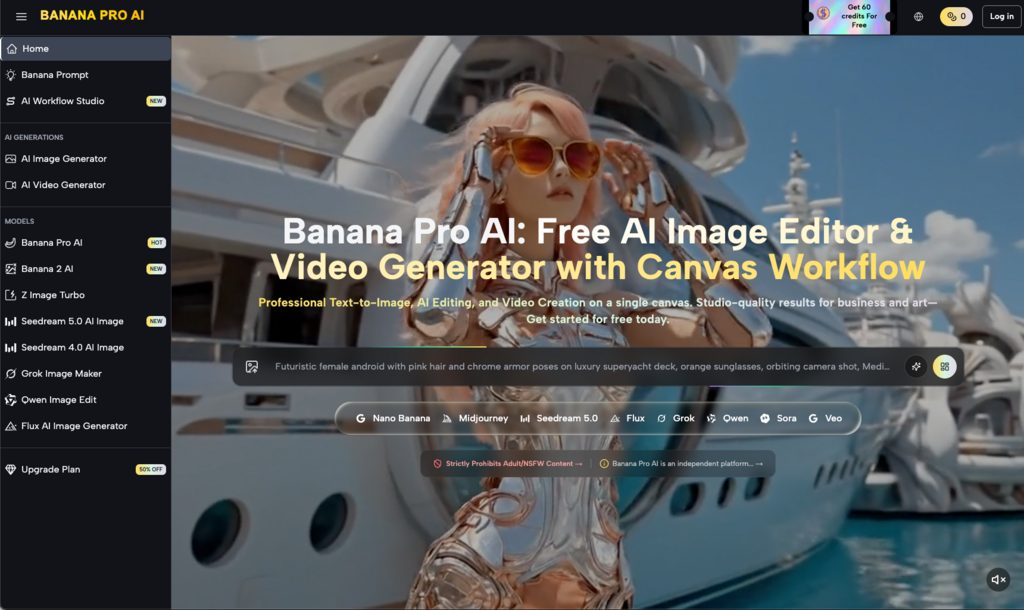

In this post, I will talk about managing brand drift and discuss the framework for Multi-Channel batch asset production.
The primary challenge for creative teams today is no longer just generating a high-quality image; it is generating a hundred high-quality images that all feel like they belong to the same campaign. When an asset moves from a high-intent Instagram ad to a conversion-focused landing page, any slight shift in color grading, lighting, or character consistency creates “brand drift.” This visual friction can subconsciously signal a lack of professionalism to the user, potentially lowering conversion rates.
Operationalizing an AI-driven creative pipeline requires moving away from the “one-shot prompt” mentality and toward a structured architecture. This architecture relies on specific models like Nano Banana Pro and a centralized workflow that prioritizes consistency over sheer volume.
Table of Contents
The Problem of Stochastic Variance in Batch Production
Standard generative AI workflows are inherently stochastic. Even with identical prompts, the underlying weights of a model can produce different interpretations of “modern minimalism” or “high-contrast lighting” across multiple generations. For a marketer trying to scale ads across diverse platforms, this variance is a significant bottleneck.
The risk of brand drift increases as the complexity of the campaign grows. If you are using Nano Banana for a product launch, you might find that the first batch of assets looks pristine, but the subsequent batch for email headers feels slightly more saturated or employs a different depth of field. This is where the choice of the underlying platform becomes critical. Using Banana Pro allows teams to anchor their aesthetic choices within a canvas-based environment, reducing the chaos typically associated with disparate AI outputs.
It is important to acknowledge a fundamental limitation here: no AI model, including Nano Banana Pro, can currently guarantee 100% pixel-perfect consistency across 500 unique assets without some level of human intervention. Expecting the machine to perfectly replicate a specific brand’s proprietary hex codes or distinct kerning in a single pass is unrealistic. There will always be a margin of error that requires a trained eye to catch.
Establishing the Creative Foundation with Nano Banana Pro
To prevent drift, the production process must begin with a “Master Asset” or a “Style Guide Anchor.” Instead of starting with text prompts for every new channel, teams should use the Nano Banana Pro model to establish the core visual language of the campaign. This model is particularly adept at handling specific stylistic constraints that broader, more general-purpose models often overlook.
By generating a small set of high-fidelity “North Star” images, you create a visual reference point. These images define the texture, lighting, and palette. In a production environment, these assets serve as the source for image-to-image workflows. Rather than asking the AI to “create a new image of a laptop in an office,” you are asking the Banana AI to “create an image of this specific laptop in this specific office lighting,” using the Master Asset as a structural and tonal guide.
This method significantly narrows the range of possible outputs, ensuring that the visual DNA remains intact whether the final output is a 9:16 vertical video or a 16:9 hero banner.
Using the AI Image Editor for Component-Level Consistency
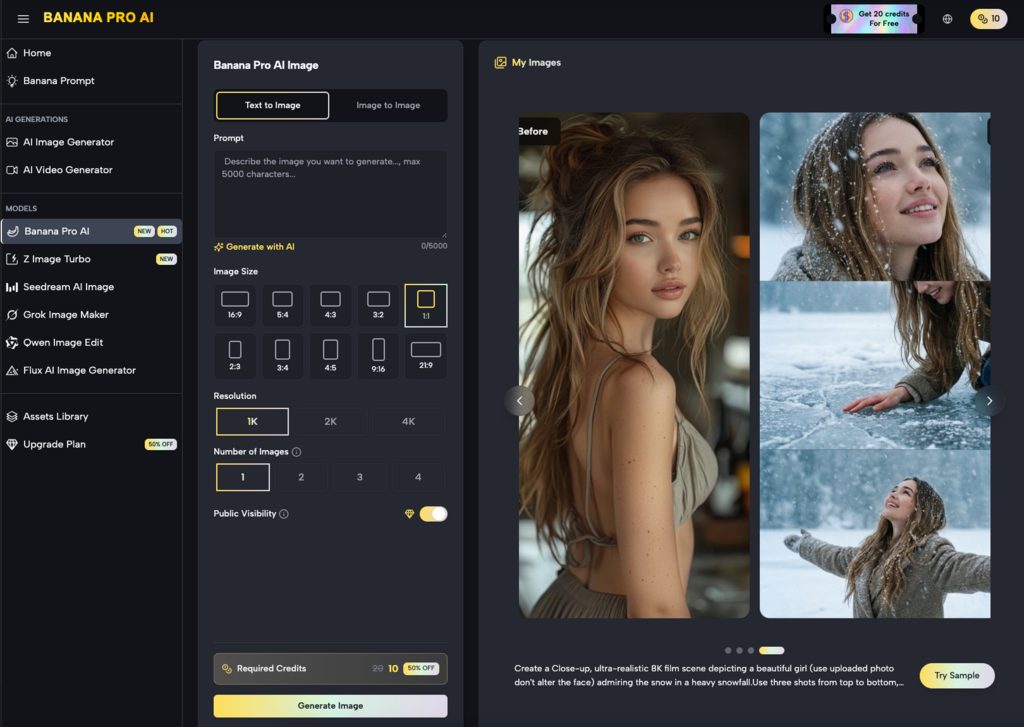
Scaling visuals often involves swapping components within a scene. A landing page might require a product shot with a white background, while a social post needs the same product in a lifestyle setting. This is where a specialized AI Image Editor becomes indispensable.
Instead of re-generating the entire scene—which introduces the risk of the product itself changing slightly—teams should utilize inpainting and selective editing. By masking the product and varying only the background, you maintain the “truth” of the core asset. This modular approach is far more efficient than the “generate and pray” method.
However, there is an uncertainty factor involved in complex inpainting. When blending a high-resolution product shot into a generated environment, the shadow logic can sometimes fail, leading to objects that look “pasted on.” This is a moment where the tool’s output must be scrutinized. If the AI Image Editor produces a shadow that defies the light source of the original background, the creator must manually adjust the prompt or the mask to force a recalculation. AI is a powerful assistant, but it lacks a physical understanding of the world; it only understands pixel relationships.
Workflow Integration: From Canvas to Channel
A major friction point in creative operations is the “app-switching” tax. Moving from a generator to a separate editor and then to a video suite breaks the creative flow and often leads to versioning errors. A unified canvas workflow solves this by allowing creators to keep all assets for a single campaign within one visual space.
In this environment, a team can generate a core visual using Nano Banana, immediately move it into the editing phase to fix artifacts, and then push that corrected image into a video generation pipeline. This linear progression ensures that the metadata and the “visual memory” of the project stay consistent.
For instance, when scaling for social media, the primary concern is often the “hook.” You might need five different versions of a 5-second video clip. By using the same refined image from the AI Image Editor as the starting frame for each video, the beginning of every ad variant will look identical, reinforcing the brand identity every time it appears in a user’s feed.
Managing the Batch Process at Scale
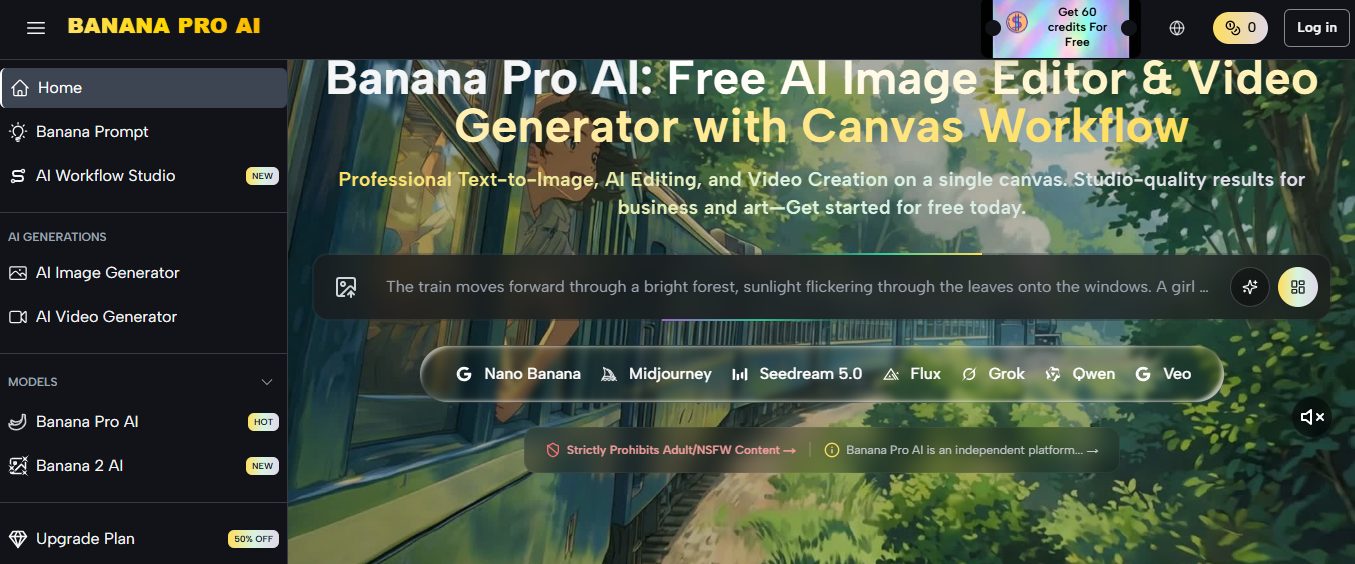
When the goal is to produce hundreds of assets for performance marketing, manual oversight of every pixel becomes impossible. The framework must shift toward “Batch and Filter.”
- Generation: Run large batches (20–50 images at a time) using high-consistency models like Nano Banana Pro.
- Culling: Rapidly discard assets that deviate from the Master Asset’s color profile.
- Refinement: Use the AI Image Editor to fix minor flaws in the “top 10%” of the batch.
- Transformation: Convert those top assets into the various aspect ratios and formats required by the media plan.
This tiered approach respects the reality of AI production: volume is easy, but quality control is the actual work. By focusing human energy on the refinement of a few “perfect” assets rather than the generation of many mediocre ones, the overall quality of the campaign remains high.
The Role of Human Judgment in Visual Logic
One of the most significant resets in expectation for teams adopting these tools is the realization that “AI-driven” does not mean “hands-off.” The most successful campaigns using Nano Banana are those where a creative lead sets the constraints and then uses the AI to explore the variations within those bounds.
There is a subtle limitation in how AI interprets “brand personality.” A model might be able to replicate a “sleek” look, but it doesn’t understand the emotional nuance of a brand’s specific “sleekness.” Is it cold and clinical? Or warm and approachable? These are distinctions that still require human direction. If the batch starts leaning too far into a clinical aesthetic when the brand is supposed to be approachable, the creator must pivot the prompt engineering or the reference images to correct the course.
Furthermore, we must be cautious about the “AI look.” Over-optimized images—those that are too smooth, too perfectly lit, or too symmetrical—can actually trigger a negative response in some audiences who have become fatigued by generative content. Maintaining brand consistency means also maintaining a level of “visual grit” or realism that aligns with the brand’s actual identity, rather than just accepting the most “beautiful” output the model provides.
Practical Implementation: A Step-by-Step Approach
To implement this framework, teams should follow a structured deployment:
Step 1: The Style Reference. Generate 3–5 core images that define the campaign. These should be the highest possible quality and should be vetted by all stakeholders.
Step 2: The Variation Phase. Use these reference images in an image-to-image workflow. This keeps the composition and color palette within a strict range. Use the Nano Banana Pro model here for its high-performance output during repetitive tasks.
Step 3: Post-Production. Bring the best variations into the editor. Fix any anatomical errors, text hallucinations, or lighting inconsistencies. This is where the AI Image Editor is most valuable, as it allows for surgical changes without destroying the entire image.
Step 4: Extension. Once the static images are finalized, extend them into video or dynamic formats. By starting from a finalized, edited image, the downstream video content inherits the same level of consistency and quality.
Closing the Loop on Creative Operations
The ultimate goal of using tools like Nano Banana is to reduce the time from concept to deployment without sacrificing the integrity of the brand. Batch production shouldn’t be a race to the bottom in terms of quality. Instead, it should be an opportunity to flood the market with high-quality, consistent variations that speak to different audience segments.
By treating the generative process as a structured pipeline—moving from a foundation of Nano Banana assets through a rigorous refinement phase—teams can manage brand drift effectively. The technology is a multiplier for creative intent, but the intent must be clearly defined and the output must be continuously measured against the brand’s “North Star.”
As the landscape of generative media continues to mature, the competitive advantage will shift away from those who can simply generate images and toward those who can manage a consistent visual identity across thousands of touchpoints. This requires a disciplined approach to the tools at hand and a realistic understanding of where the machine ends and the creator begins.
INTERESTING POSTS
- Exploring Model Monitoring Tools and Platforms for Effective Deployment
- Shield Your Privacy With AI-Powered Image Search
- iMyFone Video Editor Review
- Trading Crypto Just Got Easier: Banana Pro Launches New Multichain Experience for Everyone
- Banana Gun Hits One Million Users: Inside the Crypto Trading Platform That Grew by Putting Execution and Safety First
- Bridging the Gap: Tips to Enhance Customer Communication
About the Author:

Christian Schmitz is a professional journalist and editor at SecureBlitz.com. He has a keen eye for the ever-changing cybersecurity industry and is passionate about spreading awareness of the industry's latest trends. Before joining SecureBlitz, Christian worked as a journalist for a local community newspaper in Nuremberg. Through his years of experience, Christian has developed a sharp eye for detail, an acute understanding of the cybersecurity industry, and an unwavering commitment to delivering accurate and up-to-date information.


