




In this post, I will discuss the common proxy errors and how to fix them.
Proxy servers play a critical role in improving privacy, enabling anonymous browsing, managing multiple connections, and supporting tasks like web scraping and data collection. Whether you’re using residential proxies for business intelligence or proxy servers for everyday privacy, occasional connection issues are inevitable.
Understanding the most common proxy errors can save you time and reduce frustration. Instead of assuming your proxy provider is at fault, knowing how to diagnose and fix these problems can quickly restore your connection.
In this guide, you’ll learn the most common proxy errors, what causes them, practical troubleshooting steps, and how to choose a reliable residential proxy provider that minimizes these issues.
Table of Contents
What Are Proxy Errors?
A proxy error occurs when your device cannot successfully communicate with a proxy server or when the proxy server cannot complete your request.
The cause may be as simple as incorrect proxy settings or as complex as IP bans, authentication failures, network congestion, or temporary server outages.
Fortunately, most proxy errors are relatively easy to resolve once you understand what they mean.
Common Proxy Errors and How to Fix Them
1. Proxy Authentication Failed (407 Error)
A 407 Proxy Authentication Required error indicates that the proxy server rejected your credentials.
Common causes:
- Incorrect username or password
- Expired subscription
- Invalid authentication method
- Incorrect IP authentication
How to fix it:
- Verify your login credentials.
- Confirm your subscription is active.
- Check whether your proxy provider uses username/password authentication or IP whitelisting.
- Update your application with the latest authentication details.
2. Connection Timed Out
This error occurs when your device waits too long for the proxy server to respond.
Possible causes:
- Slow internet connection
- Overloaded proxy server
- Network congestion
- Firewall restrictions
Solutions:
- Test your internet connection.
- Switch to another proxy server.
- Increase the timeout value in your software.
- Disable restrictive firewall rules if appropriate.
3. Connection Refused
A connection refused error means the destination proxy server actively rejected the request.
Typical reasons include:
- Wrong proxy address
- Incorrect port number
- Offline proxy server
- Firewall blocking access
How to resolve it:
- Double-check the proxy IP and port.
- Test another server from the same provider.
- Contact customer support if the server remains unavailable.
4. IP Address Blocked
Many websites actively detect and block suspicious traffic.
This is especially common during:
- Web scraping
- Automated testing
- High-volume data collection
Possible fixes:
- Enable IP rotation.
- Reduce request frequency.
- Use residential proxies instead of datacenter proxies.
- Rotate user agents alongside proxy rotation.
A high-quality residential proxy network significantly reduces the likelihood of IP bans because requests originate from real residential IP addresses.
5. DNS Resolution Errors
Sometimes the proxy works correctly, but it cannot resolve the website’s domain name.
Solutions include:
- Flush your DNS cache.
- Change your DNS provider.
- Restart your router.
- Verify DNS settings inside your proxy software.
6. SSL or HTTPS Errors
Secure websites require proper SSL/TLS communication.
SSL errors may occur because of:
- Invalid certificates
- HTTPS inspection
- Incorrect proxy configuration
Fixes:
- Update your browser.
- Verify SSL certificate settings.
- Ensure HTTPS proxy support is enabled.
- Disable SSL inspection only if appropriate for your environment.
7. Slow Proxy Performance
Performance issues are among the most common complaints from proxy users.
Potential causes include:
- Server overload
- Long geographic distance
- Poor proxy infrastructure
- Heavy network traffic
Ways to improve speed:
- Choose servers closer to your target location.
- Use premium residential proxies.
- Switch to less congested endpoints.
- Avoid running unnecessary simultaneous connections.
Quick Troubleshooting Checklist
Before contacting your proxy provider, work through this checklist:
| Problem | Quick Fix |
| Authentication failed | Verify username, password, or IP whitelist |
| Connection timeout | Try another proxy server |
| Connection refused | Check IP address and port |
| Slow performance | Switch locations or servers |
| Blocked IP | Enable IP rotation |
| DNS errors | Change DNS settings |
| SSL errors | Verify HTTPS configuration |
Editor’s Choice: Best Residential Proxy Providers
Reliable providers greatly reduce the frequency of common proxy errors by maintaining stable infrastructure, large IP pools, and responsive support.
🥇 1. Oxylabs — Best for Enterprise & Large-Scale Data Collection
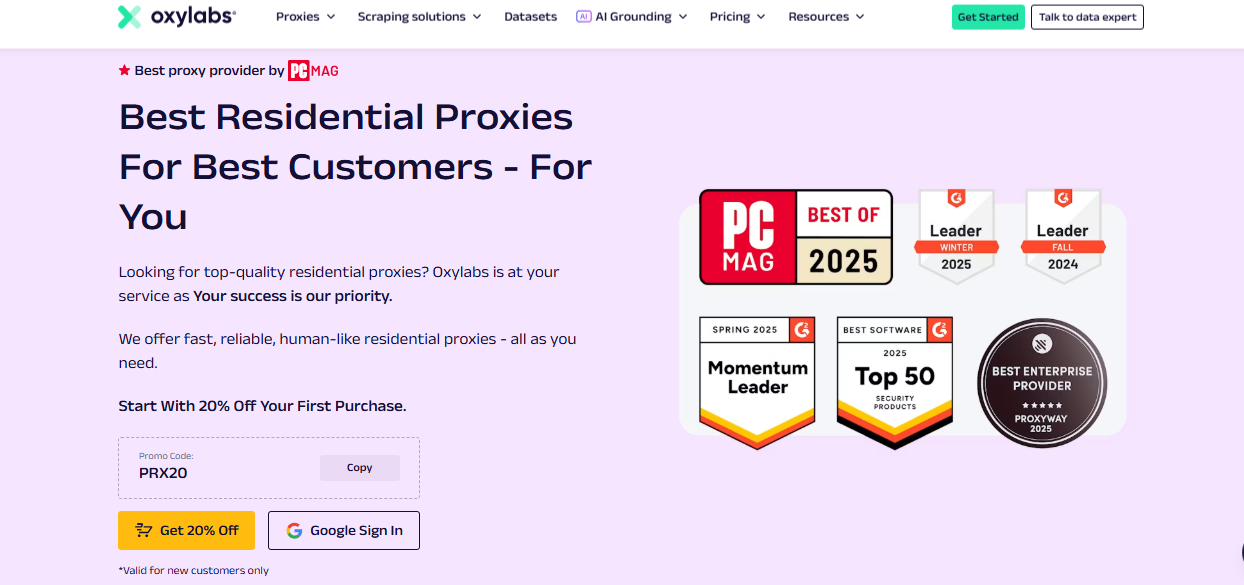
Oxylabs earns the Editor’s Choice position thanks to its extensive residential proxy network and enterprise-grade infrastructure.
Key strengths include:
- Massive residential proxy network
- Premium reliability
- Advanced geographic targeting
- High connection success rates
- Excellent support for web scraping
- Market intelligence projects
- Large-scale data collection
Its combination of performance, stability, and enterprise-focused features makes it an excellent choice for organizations that require dependable proxy servers for demanding workloads. Individual users with advanced needs may also benefit from its robust platform.

🥈 2. Decodo — Best Overall Residential Proxy Provider
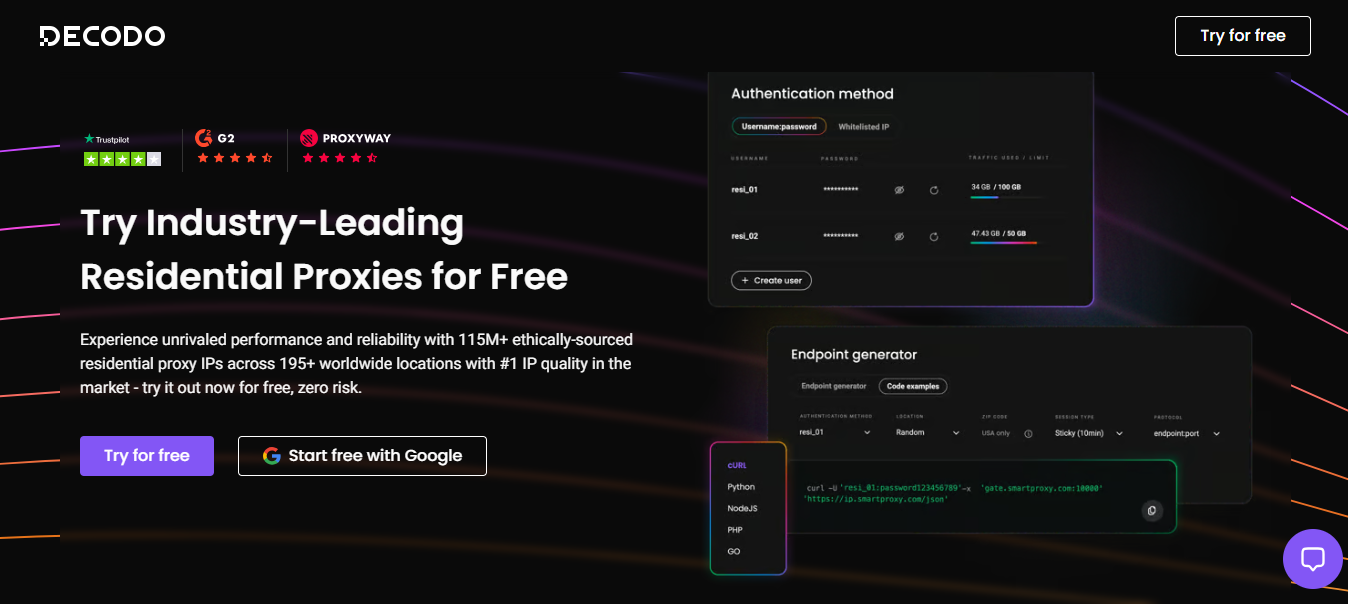
Decodo offers an impressive balance between affordability, usability, and performance.
Highlights include:
- Beginner-friendly dashboard
- Reliable residential proxies
- Rotating proxies
- Fast setup
- API support
- Helpful documentation
- Suitable for businesses and individuals
It’s an excellent option for users seeking reliable anonymous browsing, automation, and data collection without unnecessary complexity.

🥉 3. Webshare — Best Budget-Friendly Residential Proxy Provider
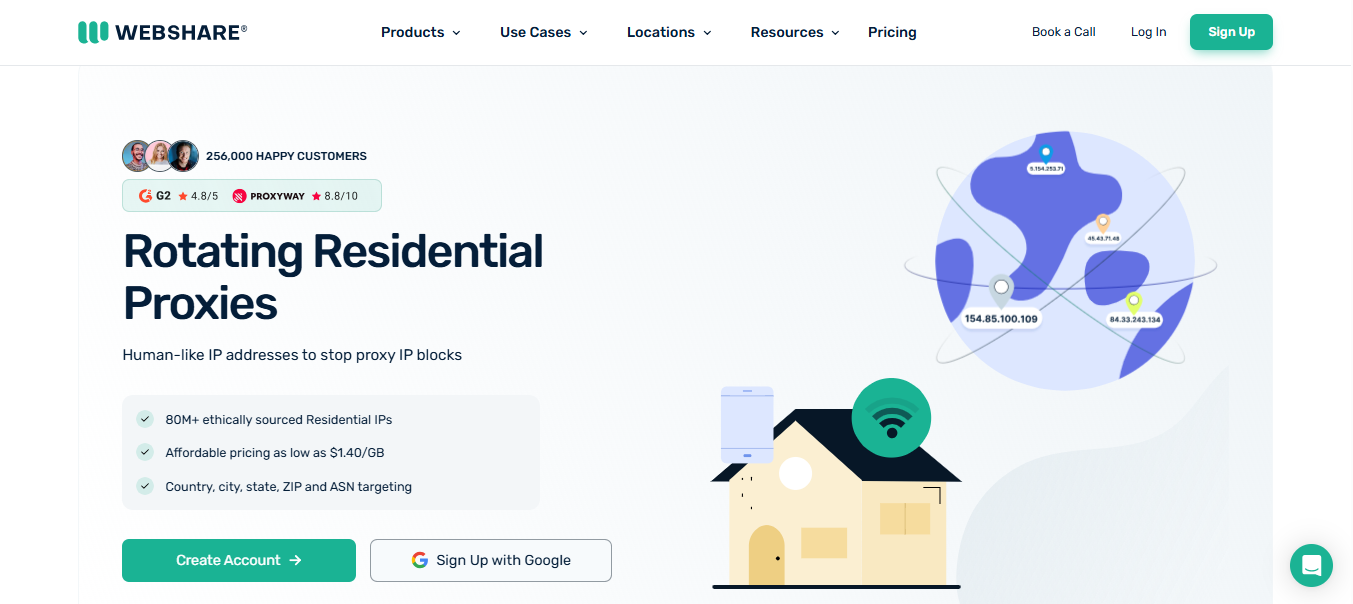
Webshare stands out as one of the best value-oriented proxy providers.
Advantages include:
- Affordable pricing
- Free plan availability for eligible users
- Easy setup
- Reliable residential proxies
- Good performance
- Great for developers
- Suitable for freelancers
- Helpful for students and small businesses
For users with limited budgets, Webshare offers an accessible entry point into residential proxies while maintaining dependable performance.

Provider Comparison
| Provider | Best For | Key Strength |
| Oxylabs | Overall | Balance of performance & value |
| Decodo | Enterprise | Large-scale proxy infrastructure |
| Webshare | Budget | Affordable and easy to use |
Other Residential Proxy Providers Worth Considering
Several other reputable providers also offer quality residential proxy services:
- Mars Proxies – Good option for individuals and smaller automation projects.
- IPRoyal – Flexible pricing and a growing residential proxy network.
- Bright Data – Extensive feature set with advanced targeting capabilities.
- SOAX – Known for granular location filtering and rotating residential IPs.
- NetNut – Focuses on fast connections with direct ISP relationships.
- ProxyEmpire – Offers rotating residential proxies with global coverage.
- Rayobyte – Provides proxy solutions suitable for developers and businesses.
- Infatica – Supports web scraping and business intelligence projects.
- Live Proxies – Offers residential and mobile proxy solutions for various use cases.
Each provider has unique strengths, making them suitable for different budgets and technical requirements.
How to Choose the Right Residential Proxy Provider
Not every proxy provider is the right fit for every use case.
Consider the following factors before making a decision:
- Pricing and subscription flexibility
- Performance and uptime
- Reliability of the infrastructure
- Residential proxy network size
- Geographic coverage
- IP rotation options
- Ease of dashboard management
- API availability
- Customer support quality
- Security features
- Scalability for future growth
The right provider should match both your technical needs and budget rather than simply offering the largest IP pool.
Frequently Asked Questions
Are residential proxies better than datacenter proxies?
Residential proxies use real residential IP addresses, making them more suitable for anonymous browsing, web scraping, and accessing websites with stricter anti-bot systems.
Why does my proxy keep disconnecting?
Frequent disconnections may result from unstable internet connections, overloaded servers, expired credentials, or incorrect proxy settings.
Does IP rotation improve reliability?
Yes. IP rotation helps distribute requests across multiple addresses, reducing the likelihood of IP bans and improving long-running automation tasks.
Can proxy errors affect web scraping?
Yes. Authentication failures, blocked IPs, connection timeouts, and DNS issues can interrupt scraping tasks and reduce data collection efficiency.
How do I know if my proxy server is working?
You can visit an IP-checking website or use your provider’s testing tools to verify that your public IP matches the assigned proxy.
Should businesses use residential proxies?
Many businesses use residential proxies for market research, SEO monitoring, ad verification, and competitive intelligence because they provide more authentic-looking traffic.
Conclusion
Proxy errors are a normal part of using proxy servers, but most can be resolved with proper troubleshooting. Authentication issues, timeouts, blocked IPs, DNS failures, and SSL errors often have straightforward solutions, especially when you’re using a reputable provider with reliable infrastructure.
For users seeking enterprise-grade performance and large-scale data collection, Oxylabs is an excellent choice. Decodo offers a strong balance of usability and performance for businesses and individuals, while Webshare provides an affordable option for developers, freelancers, students, and smaller teams.
As SecureBlitz continues expanding its privacy and security resources, consider linking this guide with related articles covering VPNs, cybersecurity best practices, password managers, antivirus software, privacy-focused browsers, web scraping techniques, and AI tools. These complementary resources can help readers build a more secure and efficient online workflow.
This article is intended as an educational guide to help readers understand common proxy issues and make informed decisions based on their specific requirements.
INTERESTING POSTS
- Payment Challenges: How E-Commerce Businesses Can Deal With Payment Errors
- Best Residential Proxies In 2026: A Comprehensive Guide
- Buy Proxy: The Ultimate Guide To Choosing The Best Proxy Service
- What Is a Proxy Server and Why It Matters Today
- Top Proxy Service Providers in 2026: Unlocking Internet Freedom
About the Author:

Daniel Segun is the Founder and CEO of SecureBlitz Cybersecurity Media, with a background in Computer Science and Digital Marketing. When not writing, he's probably busy designing graphics or developing websites.



