

In this post, I will show you the top 5 Softr alternatives for secure internal apps in 2026.
A Softr app that started as a simple portal, often outside IT’s view, can end up holding payroll lines, vendor contracts, or customer records. In a September 2026 Pave by Quickbase survey of 527 US leaders, 53% said their organization had found an employee-built app in the past year that IT or leadership did not know about.
IT then wants to know who can see which record, how people sign in, and where the company’s data lives. Softr alternatives come up at that point, and the answer depends less on features than on plans and deployment. Several tools below put Security Assertion Markup Language (SAML) or OpenID single sign-on (SSO) on their top tier, and they differ in where your app runs.
Softr alternatives for secure internal apps split into three paths. Pave by Quickbase fits business teams that want a managed app with roles and permissions built into every app. Microsoft Power Apps suits Microsoft-first companies. Retool, Appsmith, and Superblocks fit IT teams that need self-hosting or a private cloud. Softr, the baseline for this comparison, lists SSO and audit logs on its Enterprise plan.
Table of Contents
What Softr Covers, and Why Teams Look Elsewhere
Softr describes itself as a hybrid AI app builder with a no-code editor for client-facing apps and internal tools, and its permissions apply to the records themselves, not just the pages. Softr apps can draw data from Softr Databases or from connected sources such as Airtable and Google Sheets. Softr’s documentation describes global data restrictions that hide records by user group across the whole app. “View” restrictions are available on every plan. Restrictions on creating, editing, and deleting records start on the Business plan.
Softr’s sign-in and logging controls sit on its top tier. The documentation states that SSO through SAML or OpenID is available on the Enterprise plan. Softr’s plan guide lists SSO, System for Cross-domain Identity Management (SCIM) provisioning, audit logs, and SOC 2 report access on Enterprise, which has custom pricing. SCIM provisioning creates and removes user accounts automatically from your identity provider.
Seat limits are the other pressure point. As of November 2026, Softr’s self-serve plans run from Basic at $19 a month to Business at $329 a month, billed annually. Pro allows up to 50 team users and Business up to 100, with extra users billed on top. A department-wide app with sensitive data can reach both limits at once: it needs Enterprise for SSO, and it needs more seats than the self-serve plans allow.
Softr still works for many teams. A portal or internal tool with a small audience, view-level restrictions, and no identity-provider requirement can stay on Softr. Switch when the app needs enterprise sign-in, write-level restrictions, or a different place to run.
Which Softr Alternative Is Best for Your Security Requirements?
Two questions pick the tool: who will build the app and where it must run. Business teams that cannot staff developers need a managed builder with permissions included. IT teams that must keep apps inside their own network need self-hosting or a private cloud. Microsoft-first companies should start with Power Apps.
Those two answers produce three paths:
- Managed builder for business teams: The vendor hosts the app and the data, and a non-developer builds it.
- Microsoft-first: The app runs inside the company’s Microsoft cloud tenant and uses its existing identity setup.
- Self-hosted or private cloud for IT: Engineers build the app, and IT decides which network it runs in.
Five criteria shaped the list:
- Role-based access control (permissions granted by role rather than person by person)
- Data-level permissions
- SSO and the plan that includes it
- Where the app runs
- The vendor’s published AI training policy
Entries run from the least to the most engineering effort for the builder. Feature, plan, and pricing details below come from each vendor’s own pricing, documentation, and security pages, checked in November 2026. Budibase, Noloco, Jet Admin, and Caspio also come up as Softr alternatives and are worth checking against the same five criteria.
Choose Pave by Quickbase when a business team must build and run the app without developers, because roles and permissions ship with each app and hosting is included. Choose Retool, Appsmith, or Superblocks when IT must control where the app runs, because each documents self-hosted or private-cloud deployment.
Companies whose apps and data already live in Microsoft 365 fall outside both paths, so Microsoft Power Apps is the closer match. A team whose app fits inside Softr’s plan limits may not need to switch at all.
Softr Alternatives Compared on Access Control, SSO, and Hosting
The table lines up the five alternatives against Softr on the controls an IT reviewer checks first. The columns cover who can see which records, how people sign in and on which plan, where the app runs, and how each vendor prices it. Softr sits in the first row as the baseline and is not counted in the five, so each row shows what switching from Softr would change.
| Tool | Why switch from Softr | Access control | SSO and plan | Where the app runs | Pricing model (November 2026) |
| Softr (baseline) | Reference row | View restrictions on all plans; create, edit, and delete restrictions from Business | SAML or OpenID on Enterprise | Softr cloud | Free plan; paid plans from $19 a month, billed annually |
| Pave by Quickbase | A business team wants a managed app it can build without code | Roles set table, record, and field access in each app; custom roles on paid plans | Enterprise plan | Hosted, with data, deployment, and permissions on one bill | 14-day free trial; paid plans through sales |
| Microsoft Power Apps | Company identity already runs on Microsoft Entra ID | Dataverse security roles, business units, and column-level security | Microsoft Entra ID sign-in | Microsoft cloud tenant | $20 per user a month, paid yearly |
| Retool | Engineers need data-level permissions and self-hosting | Data-level and role-based permissions on Business | SAML or OpenID on Enterprise | Retool Cloud; self-hosted or air-gapped on Enterprise | Free up to five users; Team from $10 per builder and $5 per internal user a month, billed annually |
| Appsmith | IT wants per-user pricing and self-hosting | Three standard roles on Free; custom roles from Business | SAML or OpenID Connect (OIDC) on Enterprise | Cloud or self-hosted; air-gapped edition as an Enterprise add-on | Free up to five cloud users; Business $15 per user a month |
| Superblocks | IT governs AI-built apps in its own AWS cloud | Custom groups and permissions | Okta or Microsoft Entra; plan not published | Customer’s AWS virtual private cloud | No public pricing page |
Three columns map directly to the selection criteria: access control, SSO and its plan, and where the app runs. The hosting column also places each tool on one of the three paths. The entries that follow keep the table’s order, from the least to the most engineering effort. Each one expands its row with what the tool is, how it meets the criteria, its pricing, and its limitation.
1. Pave by Quickbase: Best for Business Teams Building Secure Internal Apps
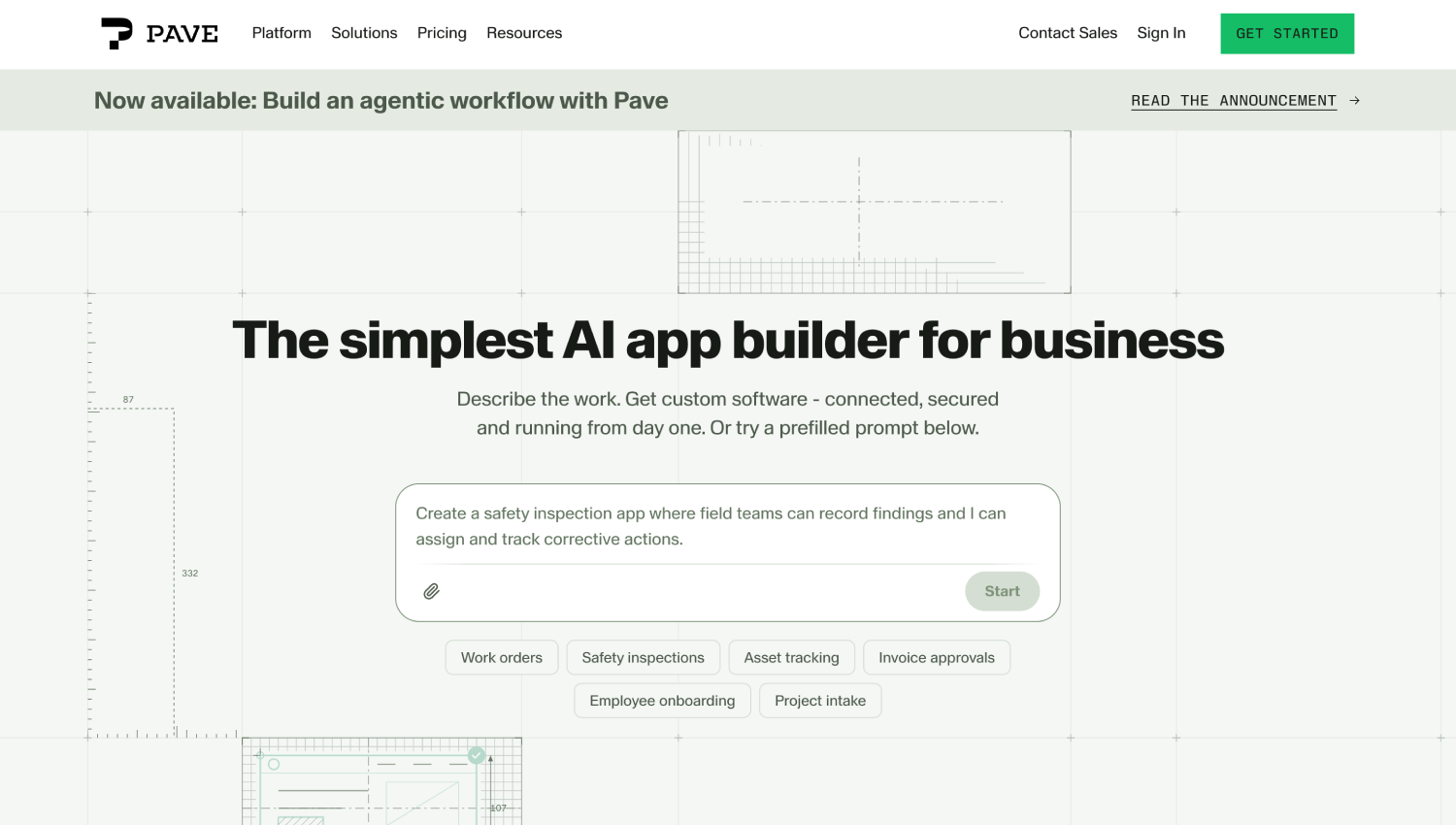
Pave by Quickbase fits business teams that want a managed internal app where roles and permissions ship with each app.
Best for: Business teams that need a managed internal app with roles and permissions built in, without developers.
What it is: Pave is an AI app builder that helps people turn business needs into working software without having to code. A builder describes the work in plain language, and the product builds custom software with data, roles, permissions, workflows, connectors, and hosting. Workflows come with assignments and reminders. Quickbase lists 350+ native connectors and notes that running automations uses credits and that connector availability can change.
How it meets the criteria: Permissions ship with each app. Pave’s help documentation states that roles control which tables, records, and fields each user can view, add, edit, or delete, and that custom roles are available on paid plans. Single sign-on and multi-factor authentication (MFA) are available on the Enterprise plan. Quickbase states that encryption and access control apply to every Pave app.
Pave takes care of the setup: hosting, data, deployment, and permissions come on one bill, with no server to pick, plus built-in version history and rollback. The infrastructure underneath belongs to the Quickbase platform, which Pave is built on.
Pricing (November 2026): Pave offers a 14-day free trial with a business email, and Quickbase’s sales team sells paid plans separately from Quickbase Core pricing.
Limitation: Pave is built for business users rather than developers, so teams that want to write and maintain their own code will get more control from Retool or Appsmith. Teams that need single sign-on should plan for the Enterprise plan.
Choose Pave when the access-control column matters more than where the app runs, and the builder is a business user.
2. Microsoft Power Apps: Best for Microsoft-First Companies
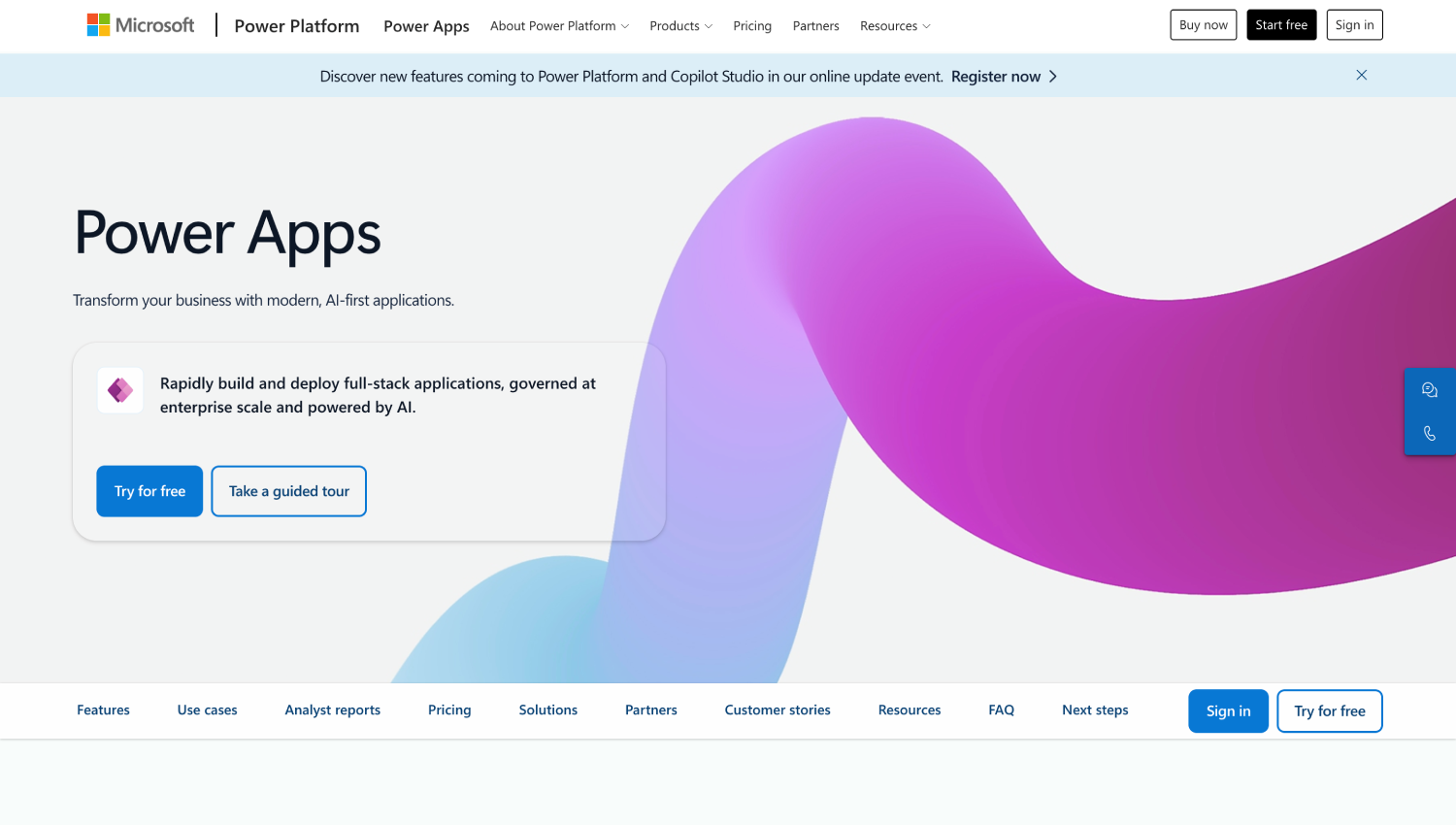
Microsoft Power Apps suits a company whose people, files, and identity already live in Microsoft’s cloud.
Best for: Companies standardized on Microsoft 365 that want internal apps inside the same tenant.
What it is: Power Apps is Microsoft’s low-code app builder. Microsoft’s pricing page states that apps store data in Dataverse, Microsoft’s business database, with role-based access control, and that apps can also use prebuilt, custom, and on-premises connectors. Microsoft’s documentation says users sign in to their home tenant, the Microsoft Entra tenant where their credentials are provisioned.
How it meets the criteria: Dataverse grants access through security roles and business units, which define security boundaries for users and records. Column-level security limits which fields a user can read or update.
Microsoft documents mapping business units to Microsoft Entra security groups. Dataverse auditing records creates, updates, and deletes, changes to sharing, changes to security roles, and user access. Microsoft’s documentation states that auditing does not cover retrieve or export operations, which are logged separately through activity logging in Microsoft Purview.
Pricing (November 2026): Power Apps Premium costs $20 per user a month, paid yearly, and a free Developer Plan covers building and testing outside production. Microsoft has announced that Premium rises to $22 per user a month for new purchases and renewals starting January 1, 2027.
Limitation: Microsoft offers free building, but it states that every user of a production app needs a paid license. Dataverse audit logs cannot be exported from the admin interface; Microsoft points to its API instead.
For a company already signing in through Microsoft Entra ID, Power Apps keeps the app, its data, and its sign-in inside one tenant.
3. Retool: Best for Developer-Led Internal Tools With Self-Hosting
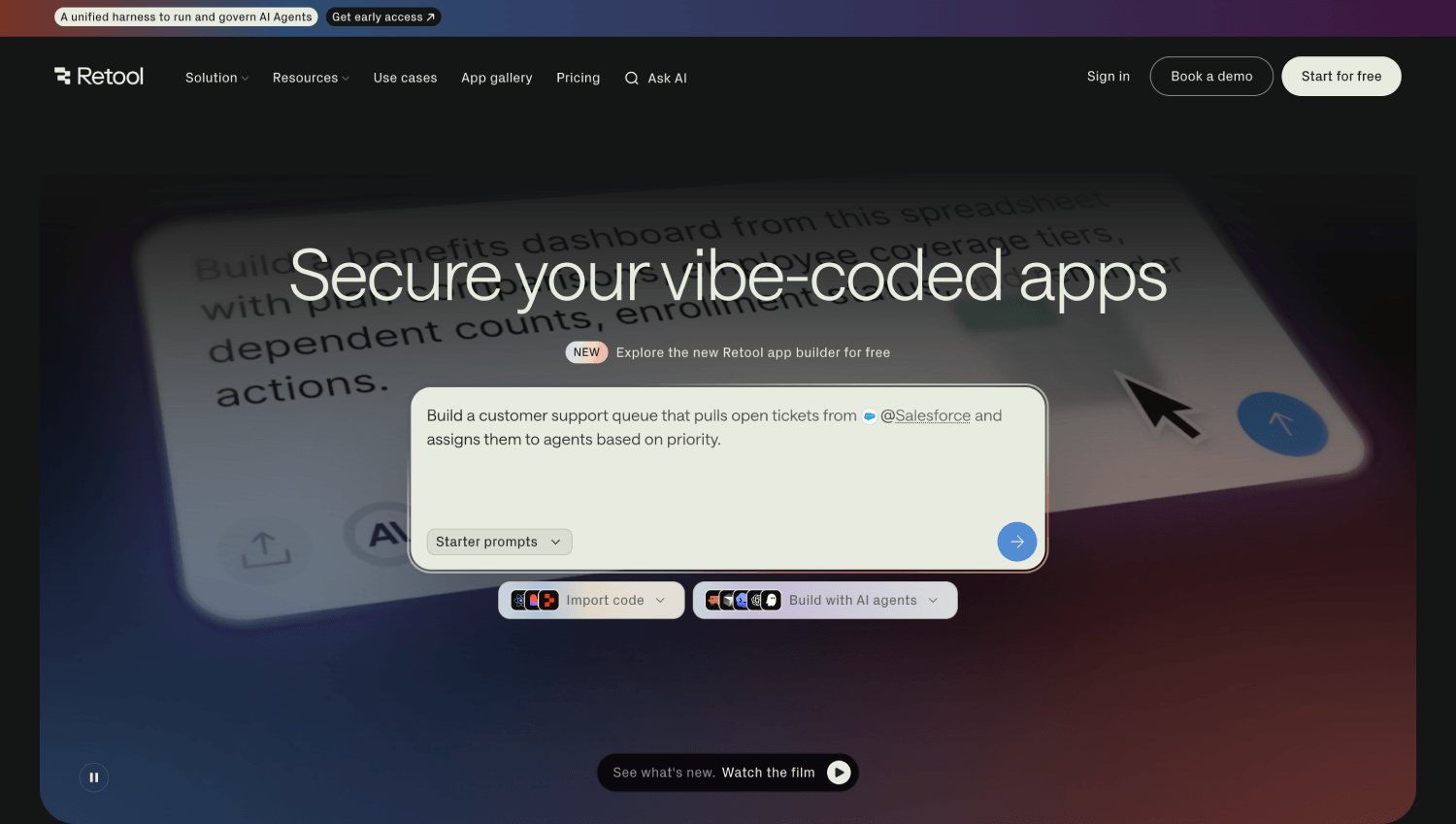
Retool gives engineering teams deep control over data permissions and deployment.
Best for: Engineering teams that will build and own internal tools on their own databases and APIs.
What it is: Retool is an internal tool builder for apps, workflows, and agents. Retool’s pricing page describes builders as developers, business engineers, analysts, and ops teams, with developers adding custom logic and integrations. Retool states that queries run against your own data sources and that it does not store your data.
How it meets the criteria: The Business plan adds rich permission controls, data-level and role-based. It also adds audit logs that track every query run against your databases and APIs and user actions taken in Retool. The Enterprise plan adds custom SSO with any SAML or OpenID provider, SCIM, two-factor authentication, granular roles, and deployment on Retool Cloud, self-hosted, or air-gapped.
Pricing (November 2026): Retool lists a free plan for up to five users. Team costs $10 per builder and $5 per internal user a month, and Business costs $50 per builder and $15 per internal user a month, both billed annually. Enterprise pricing is custom.
Limitation: SSO and self-hosting are Enterprise features. Retool’s terms make self-hosted customers responsible for installing current releases, and deprecated releases no longer receive security patches.
Choose Retool when the SSO and hosting columns must both point to your own identity provider and network, and engineers will own the app.
4. Appsmith: Best for Open-Source Self-Hosting
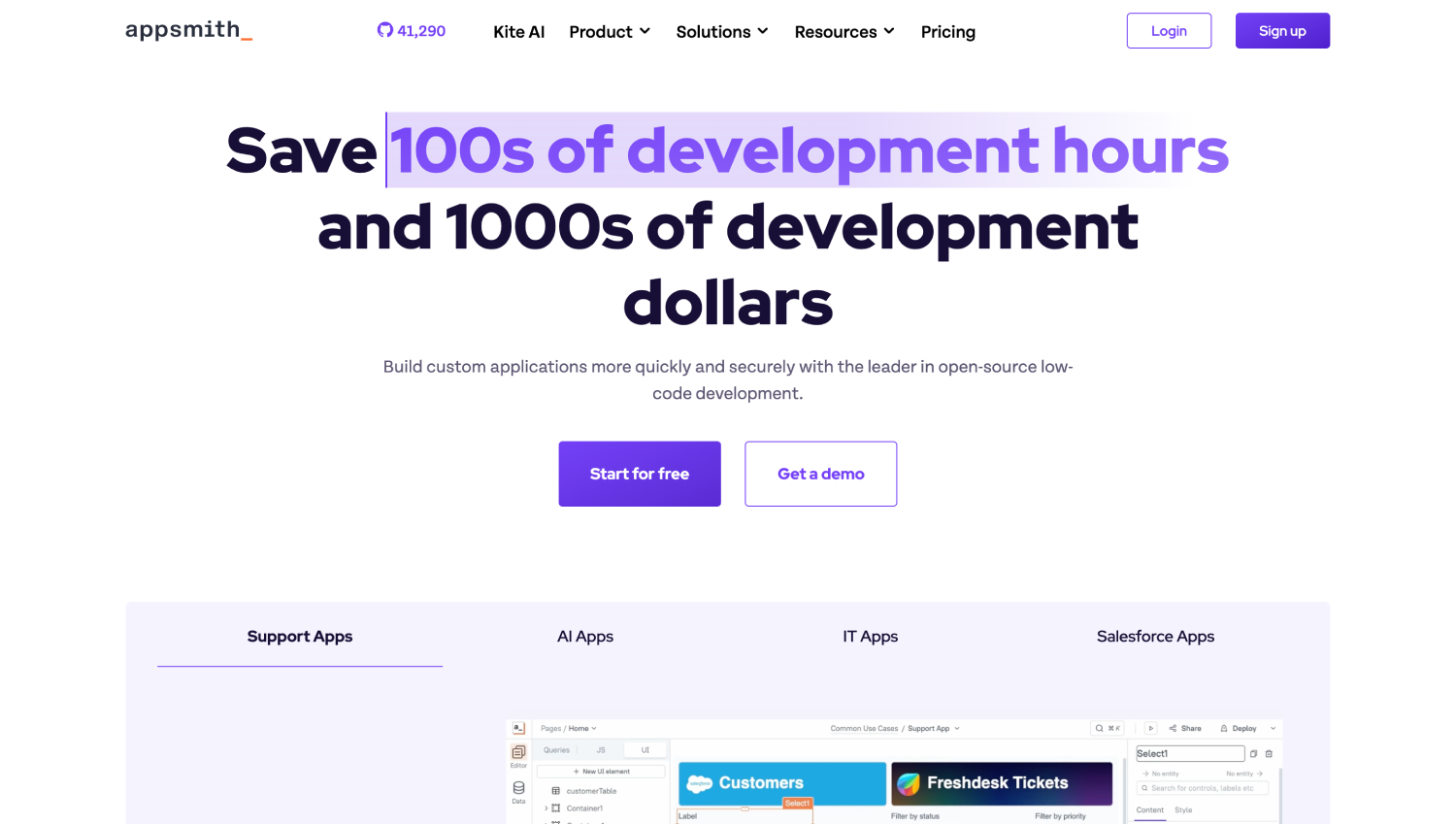
Appsmith suits IT teams that want to run the builder on their own servers and pay a flat rate per user.
Best for: Teams with developers that want self-hosting and per-user pricing.
What it is: Appsmith is a low-code builder for internal apps. Its pricing page lists self-hosting alongside cloud hosting, and self-hosted accounts receive a license key to set up the instance. Appsmith counts any member added to a workspace as a user and states that it does not charge extra for developer seats.
How it meets the criteria: The Free plan includes Google SSO and three standard roles. Business adds custom roles and access controls plus audit logs. Appsmith’s documentation describes the audit log as a record of what activity was performed, who performed it, and when. Logged events cover datasource configuration, query configuration and execution, and user sign-up and login, with event details in JSON format.
Appsmith’s Enterprise plan adds SAML or OIDC SSO with providers such as Okta, Auth0, and Active Directory, SCIM user provisioning and group sync, and an air-gapped edition as an add-on.
Pricing (November 2026): Appsmith’s Free plan covers up to five users on cloud. Business costs $15 per user a month for up to 99 users, and Enterprise costs $2,500 a month for 100 users.
Limitation: SSO through SAML or OIDC requires Enterprise, so a team that needs it pays the 100-user Enterprise rate. A self-hosted team runs its own instance.
5. Superblocks: Best for IT-Governed Apps in a Private AWS Cloud
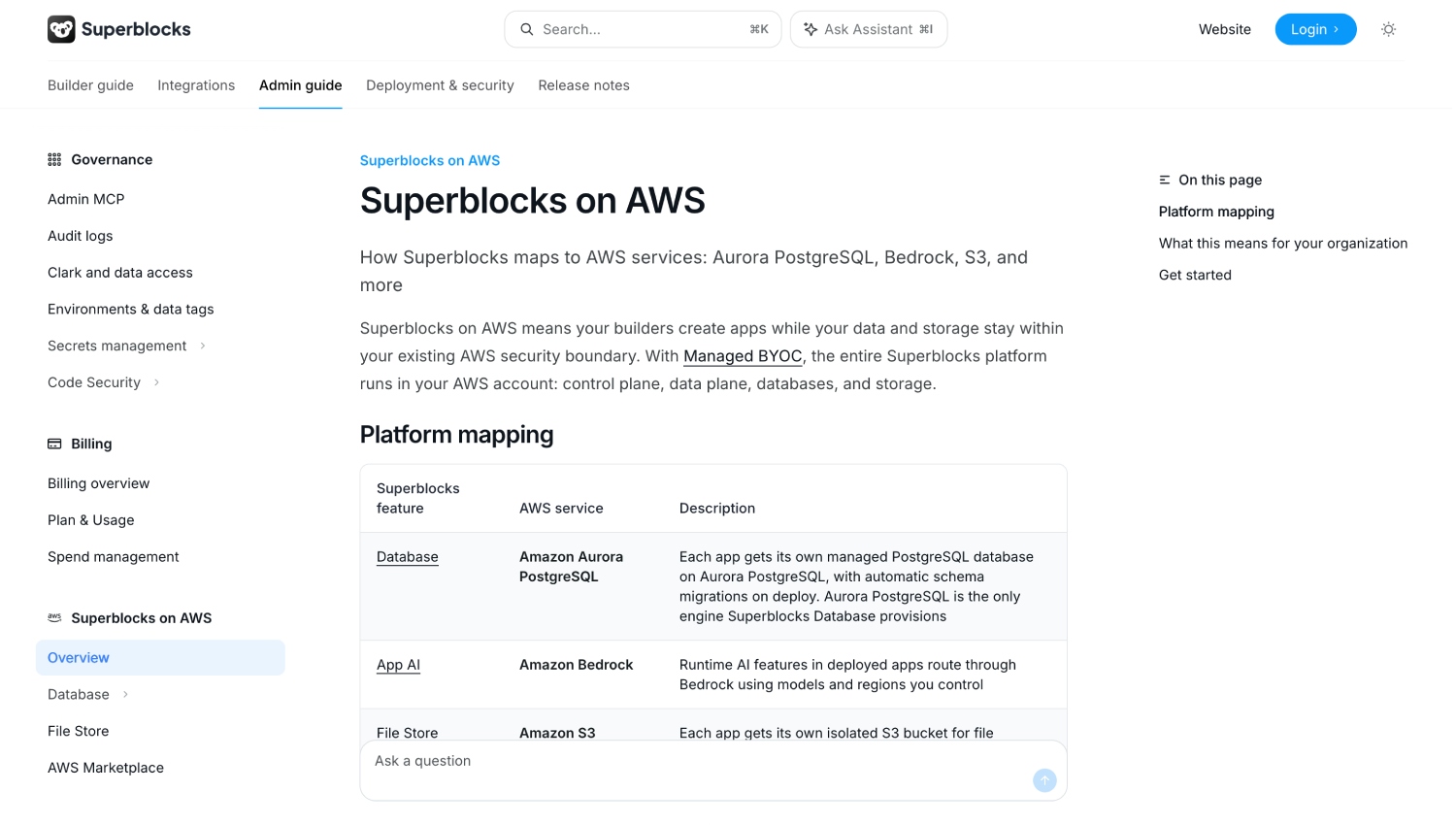
Superblocks is built for IT and security teams that want every AI-built app and agent to run under central control inside their own cloud.
Best for: Companies on AWS whose IT team governs many AI-built apps and agents.
What it is: Superblocks describes itself as a governed path to production for apps and agents that employees build with coding agents such as Claude Code, Codex, and Cursor. The company states that Superblocks can run isolated in the customer’s AWS virtual private cloud.
How it meets the criteria: Superblocks’ identity and access gateway enforces enterprise SSO through tools such as Okta and Microsoft Entra, with custom groups and permissions managed centrally. SCIM keeps users and groups in sync with the identity provider as employees join, move, or leave. Its integration gateway applies access policies and audit trails to connections with business systems.
Pricing (November 2026): Superblocks has no public pricing page; its pricing link leads to the homepage, and the company sells through demos.
Limitation: The product centers on coding agents and AWS private cloud, so it serves IT and engineering teams more than business builders. Pricing requires a sales conversation.
It fits best where IT already runs on AWS and employees already build with coding agents.
What Happens to Company Data in Each AI App Builder?
Company data in an AI app builder depends on three facts: where the app runs, who manages that environment, and what the vendor publishes about AI training. Managed builders keep the app and its data in the vendor’s cloud.
Self-hosted and private-cloud options keep it in your own network. Ask every vendor for its written AI training policy. Builders that only generate code leave hosting, permissions, and patching to the team that ships it, which is why every tool in this list runs apps on a governed platform.
An IT reviewer turns those three facts into three questions: whether the app can run in a network the company controls, who patches that environment, and whether the app copies company data or queries it where it sits. The table answers each question for every tool.
| Tool | Where the app runs | Who manages that environment | How it reaches company data |
| Pave by Quickbase | Quickbase’s hosting | Quickbase, with no server to pick | Data included with the app on one bill |
| Microsoft Power Apps | Microsoft cloud tenant | Microsoft and the tenant’s admins | Dataverse, plus prebuilt, custom, and on-premises connectors |
| Retool | Retool Cloud, or self-hosted on Enterprise | Retool, or your team when self-hosted | Queries run against your own data sources |
| Appsmith | Cloud, or self-hosted | Appsmith, or your team when self-hosted | Datasources the builder configures |
| Superblocks | Your AWS virtual private cloud | Your team, inside your AWS account | Integration gateway with access policies |
AI training policies vary in scope, so read each one for what it covers. Quickbase states, “Your data never trains the AI.” Retool’s documentation states that Retool does not use chat history to train or fine-tune internal models and does not permit external large language model (LLM) providers to do so.
Microsoft’s AI Builder documentation states that prompts, responses, and data accessed are not used to train foundation models. Neither Appsmith nor Superblocks states an AI training policy on the pages reviewed here, so request one in writing.
How to Test Role-Based Access Control and Record-Level Permissions Before You Switch
A hidden page or a button changes what a user sees, but it does not stop a user from requesting the record behind it. The platform enforces a permission rule (often called row-level or record-level security), so a user who opens a direct link or calls the app’s API still gets nothing. One afternoon of testing on a trial or free account shows which kind of rule a tool applies. Write down the states a request moves through first, such as Submitted, Approved, and Returned, so every tool is tested against the same rules. Pave by Quickbase offers a 14-day free trial, and Retool and Appsmith each publish a free plan, so a team can run this test before talking to sales.
- Create two dummy purchase requests, one from Requester A and one from Requester B.
- Add an approver role that can approve requests but cannot change their contents.
- Sign in as each role in turn and record what you can view, edit, and approve.
- As Requester A, open Requester B’s request through a direct link to the record.
| Role | Can view | Can edit | Can approve |
| Requester A | Own request only | Own request only | No |
| Requester B | Own request only | Own request only | No |
| Approver | Both requests | Neither request | Both requests |
Expected results for a correctly configured app.
A tool that shows Requester B’s record in step 4 filters only the screen. The test confirms how an app is configured; it does not replace the vendor’s security documentation or your own review.
Frequently Asked Questions
Does Softr Support SSO and Audit Logs?
Softr supports SSO, SCIM provisioning, and audit logs on its Enterprise plan, which has custom pricing. Softr’s documentation states that SSO works through either SAML or OpenID with any identity provider. For teams on other plans, Softr’s documentation says to contact its sales team to discuss turning on SSO.
Is Hiding a Page or Button Enough to Protect Data in a No-Code App?
Hiding a page or button does not protect data on its own, because a user can still request a record by direct link or API call unless the platform enforces permissions on the data. Softr’s global data restrictions, Retool’s data-level permissions, and Dataverse security roles all apply rules to records. Test the rule with a direct link before trusting it.
What is the Most Secure AI App Builder For Company Data?
No AI app builder is the most secure for every company, because security depends on where the app runs, how permissions are enforced, and what the vendor publishes about AI training. A company that must keep data on its own network needs a self-hosted or private-cloud option. For a business team without engineers, Pave by Quickbase fits: roles control table, record, and field access in each app, and Quickbase states that customer data is never used to train the AI.
Can a Softr Alternative Be Self-Hosted?
Retool and Appsmith both offer self-hosted deployment, and Retool lists self-hosted and air-gapped options on its Enterprise plan. Appsmith lists self-hosting alongside cloud hosting and offers an air-gapped edition as an Enterprise add-on. Superblocks runs inside the customer’s AWS virtual private cloud. A self-hosted team takes on patching, so check each vendor’s upgrade requirements before choosing.
What Happens to App Access When an Employee Leaves?
Access ends automatically only when sign-in runs through the company identity provider, and Softr, Retool, Appsmith, and Superblocks each document SCIM provisioning for that job. SCIM removes or disables the account when IT offboards the person. On Softr, Retool, and Appsmith, SCIM sits on the Enterprise plan, so confirm the plan before relying on it. Pave by Quickbase’s help documentation states that a user removed from an app loses access immediately, and Quickbase lists single sign-on on its Enterprise plan.
Which Softr Alternative Works for Teams Without Developers?
Pave by Quickbase needs no coding and is built for business users rather than developers, which makes it the closest match in this list for a team without engineering support. Microsoft Power Apps is a low-code option for companies already on Microsoft 365.
How to Make the Final Call
Start with the path in the decision rule that matches who will build the app and where it must run. Shortlist two tools from that path, and open a trial or free account on each. Run the purchase-request test on both, including the direct-link check in step 4.
Before signing, price the plan that actually includes SSO. On Softr, Retool, and Appsmith, SSO through SAML or OpenID sits on the Enterprise plan. Confirm in writing how each vendor handles AI training on your data. Keep the test results with the security review, so the approver sees the same evidence the buyer saw.
INTERESTING POSTS
- Enterprise Security Guide: Your Roadmap To A Secure Business
- Breachers Gonna Breach: Protect Your Organization From Internal Threats
- Dedicated Development Teams for Startups: Benefits and Costs
- Why Microsoft 365 Security Alerts Are Essential for Modern Businesses
- How to Secure Your Mobile Devices: A Comprehensive Guide
About the Author:

Meet Angela Daniel, an esteemed cybersecurity expert and the Associate Editor at SecureBlitz. With a profound understanding of the digital security landscape, Angela is dedicated to sharing her wealth of knowledge with readers. Her insightful articles delve into the intricacies of cybersecurity, offering a beacon of understanding in the ever-evolving realm of online safety.
Angela's expertise is grounded in a passion for staying at the forefront of emerging threats and protective measures. Her commitment to empowering individuals and organizations with the tools and insights to safeguard their digital presence is unwavering.